Reservation Rights Download Without Account
Description

Get your form ready online
Our built-in tools help you complete, sign, share, and store your documents in one place.
Make edits, fill in missing information, and update formatting in US Legal Forms—just like you would in MS Word.
Download a copy, print it, send it by email, or mail it via USPS—whatever works best for your next step.
Sign and collect signatures with our SignNow integration. Send to multiple recipients, set reminders, and more. Go Premium to unlock E-Sign.
If this form requires notarization, complete it online through a secure video call—no need to meet a notary in person or wait for an appointment.
We protect your documents and personal data by following strict security and privacy standards.

Make edits, fill in missing information, and update formatting in US Legal Forms—just like you would in MS Word.

Download a copy, print it, send it by email, or mail it via USPS—whatever works best for your next step.

Sign and collect signatures with our SignNow integration. Send to multiple recipients, set reminders, and more. Go Premium to unlock E-Sign.

If this form requires notarization, complete it online through a secure video call—no need to meet a notary in person or wait for an appointment.

We protect your documents and personal data by following strict security and privacy standards.
Looking for another form?

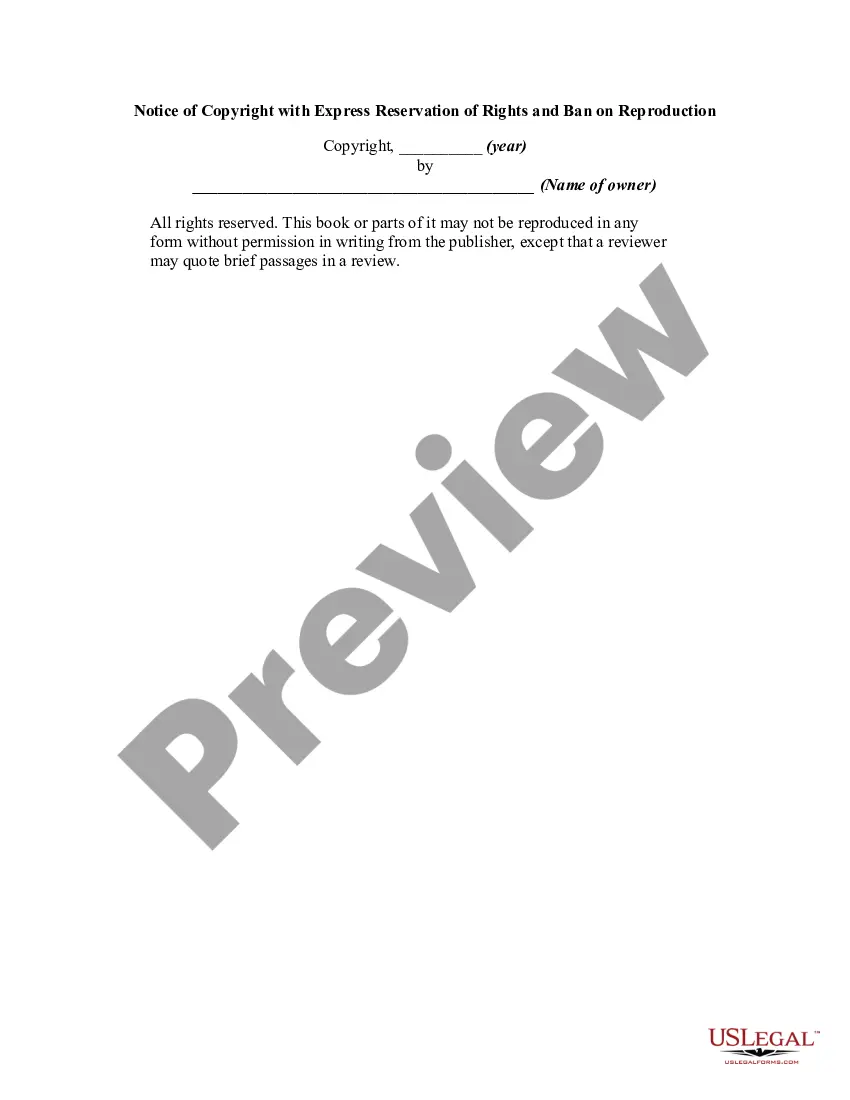
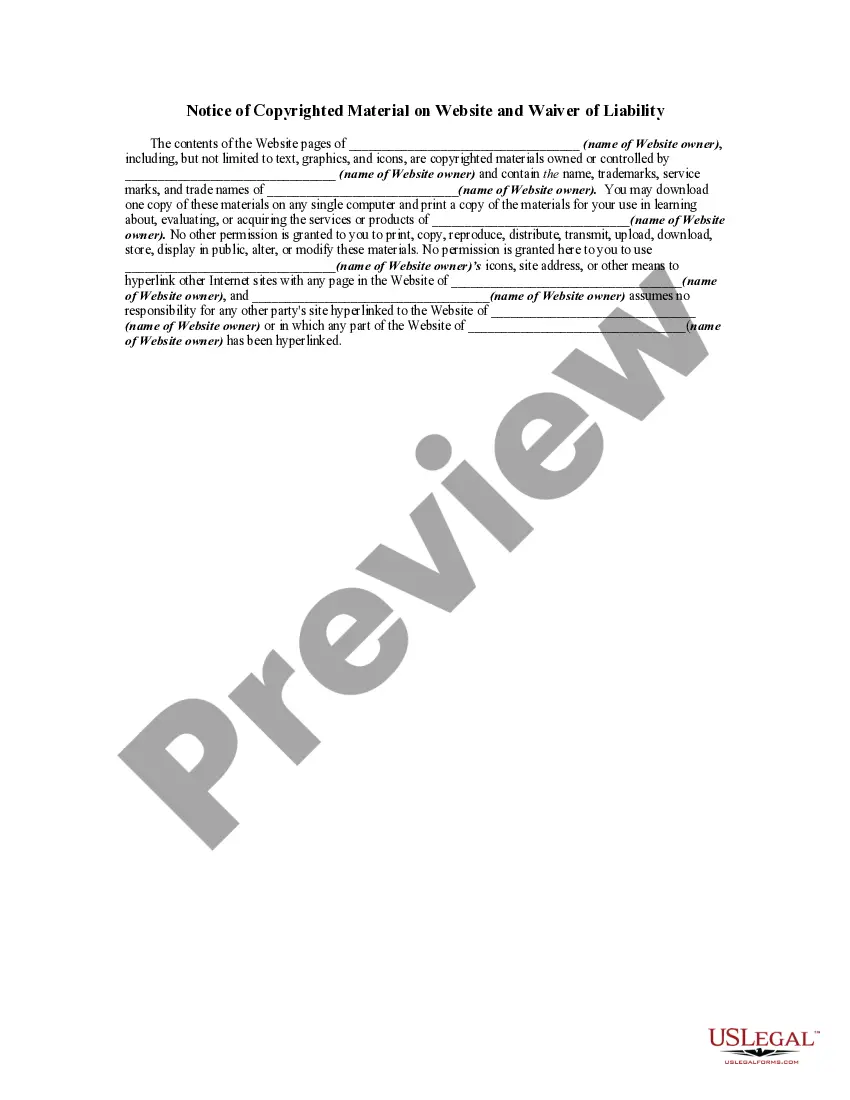
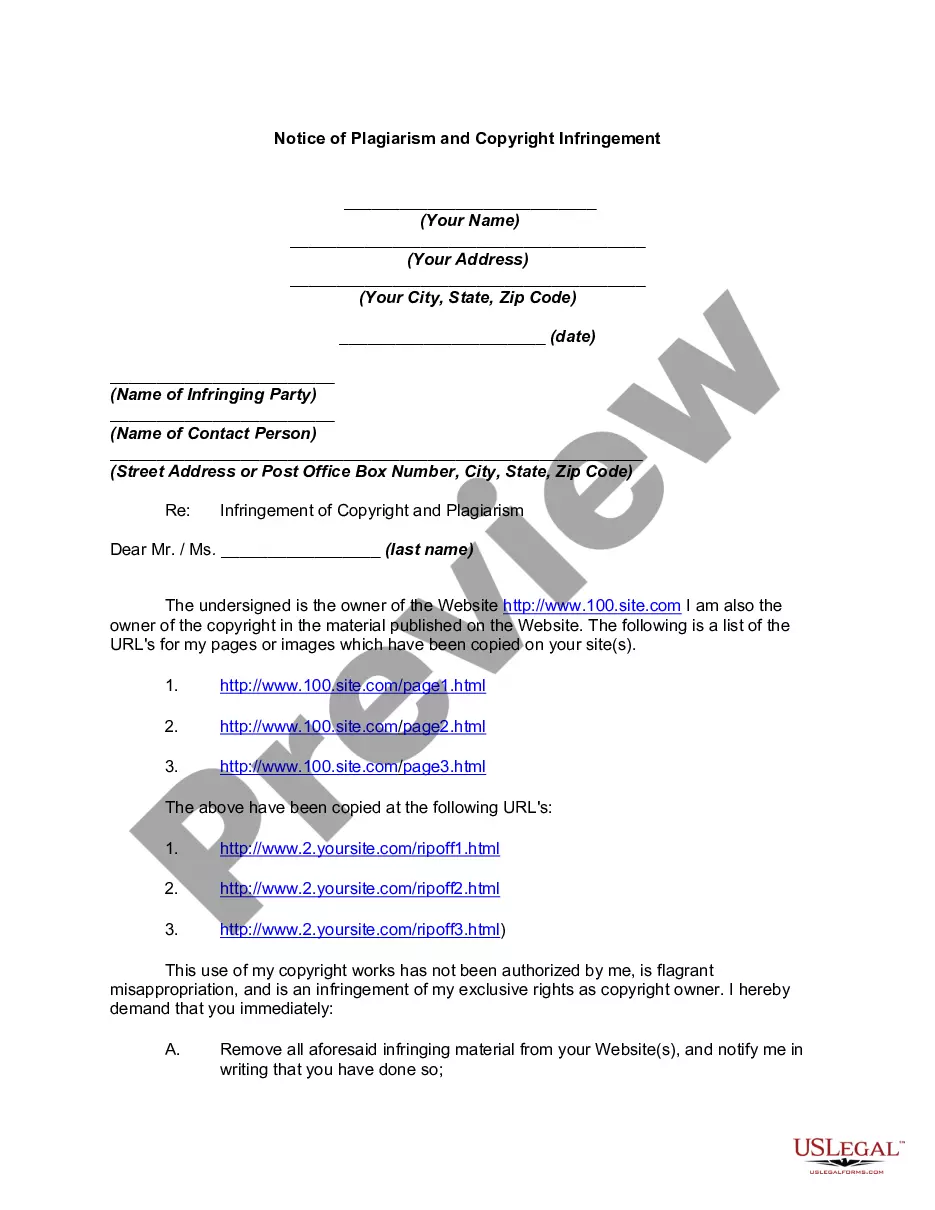
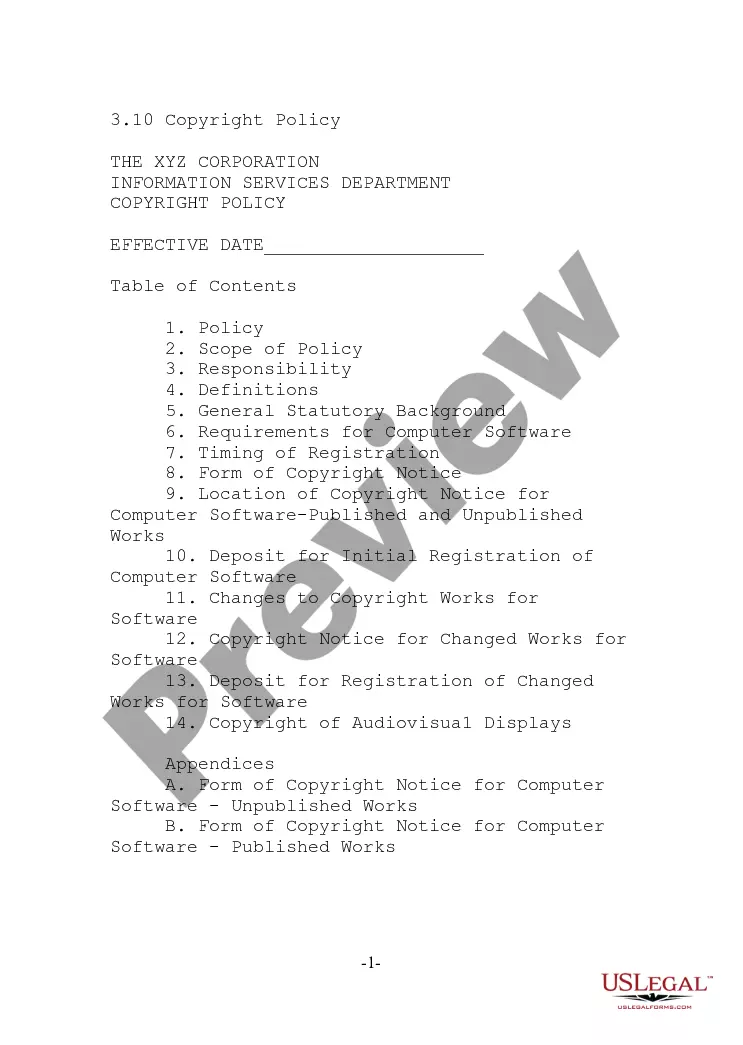
How to fill out Notice Of Copyright With Express Reservation Of Rights And Ban On Reproduction?
It’s well-known that you cannot become a legal authority instantly, nor can you quickly learn to draft Reservation Rights Download Without Account without possessing a specific set of expertise.
Assembling legal paperwork is a lengthy process that necessitates particular education and abilities. Therefore, why not entrust the creation of the Reservation Rights Download Without Account to the professionals.
With US Legal Forms, one of the most extensive legal document collections, you can find anything from court papers to templates for internal business communications. We understand how vital following federal and local laws and regulations is.
Establish a free account and select a subscription plan to purchase the template.
Click Buy now. Once your payment is completed, you can access the Reservation Rights Download Without Account, complete it, print it, and send or mail it to the required individuals or organizations.
- That’s why all templates on our website are location-specific and current.
- To get started with our platform and obtain the form you need within minutes.
- search for the form you need using the search bar at the top of the page.
- Preview it (if this option is available) and read the accompanying description to see if Reservation Rights Download Without Account fits your needs.
- If you need a different form, start your search again.
Form popularity
FAQ
View reservations with Azure RBAC access If you purchased the reservation or you're added to a reservation, use the following steps to view and manage reservations in the Azure portal. Sign in to the Azure portal. Select All Services > Reservations to list reservations that you have access to.
Single subscription scope - Applies the reservation discount to the matching resources in the selected subscription. Shared scope - Applies the reservation discount to matching resources in eligible subscriptions that are in the billing context.
The Reservation of Rights Letter is a letter by which the insurer, through his mandatary, the claims adjuster, notifies the insured (or a third party) that a more in-depth investigation into the circumstances of the loss is required, and that the insurer reserves the right to claim restrictions to, or exclusions from, ...
2. Types of Azure Services 2.1 Sponsored or Trial Subscription. ... 2.2 Pay-as-you-go Azure Subscription. ... 2.3 Enterprise Agreement (EA) Azure Subscriptions. ... 2.4 Azure Windows Virtual Machines Desktop Reserved Instances.
Read the reservation of rights letter and the policy to which it applies carefully. Respond to your insurer, saying that you disagree. The experts with the John Liner Review recommend asking the insurer to commit to coverage before it begins its investigation. Arrange for your own counsel.