Incident Report Sample For Damaged Item
Description
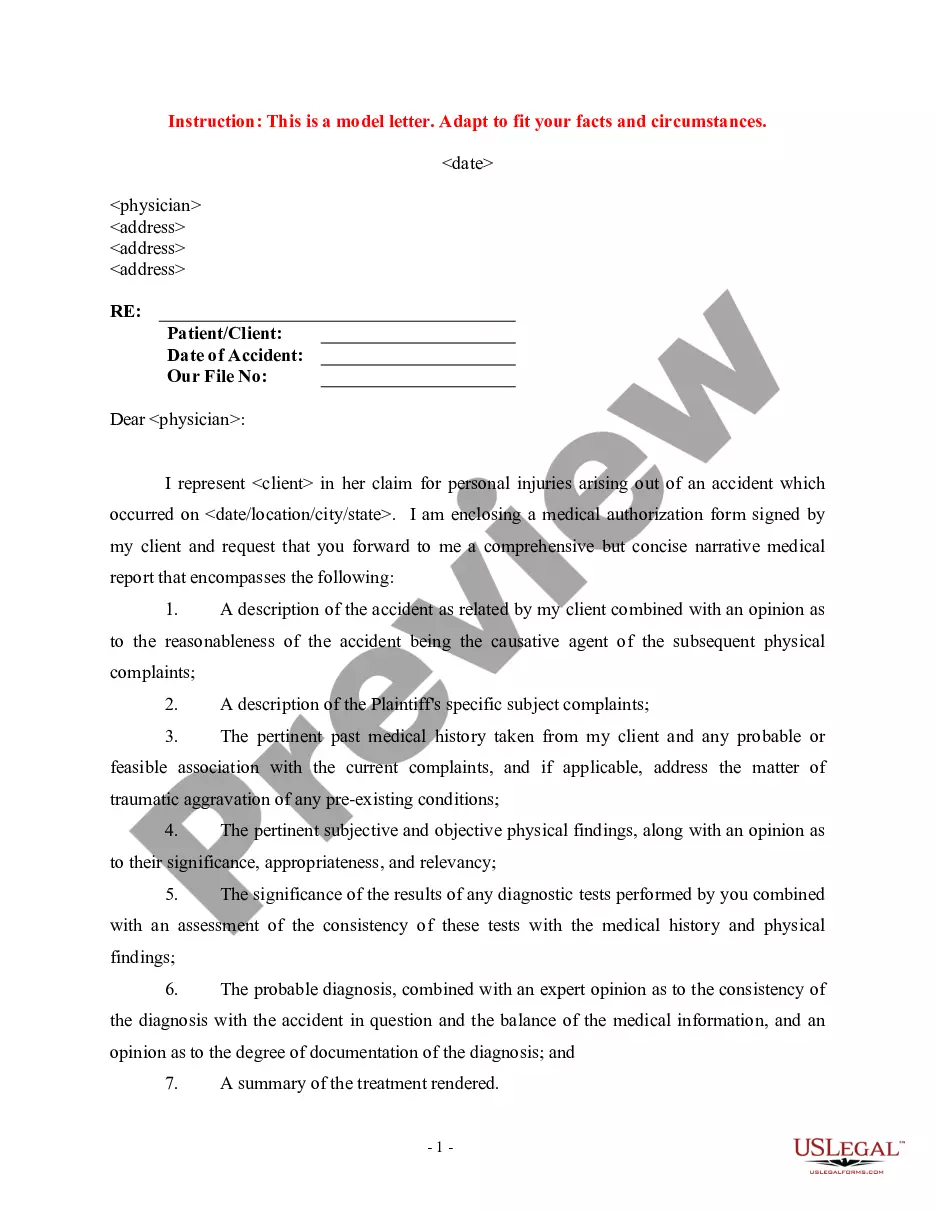
Get your form ready online
Our built-in tools help you complete, sign, share, and store your documents in one place.
Make edits, fill in missing information, and update formatting in US Legal Forms—just like you would in MS Word.
Download a copy, print it, send it by email, or mail it via USPS—whatever works best for your next step.
Sign and collect signatures with our SignNow integration. Send to multiple recipients, set reminders, and more. Go Premium to unlock E-Sign.
If this form requires notarization, complete it online through a secure video call—no need to meet a notary in person or wait for an appointment.
We protect your documents and personal data by following strict security and privacy standards.

Make edits, fill in missing information, and update formatting in US Legal Forms—just like you would in MS Word.

Download a copy, print it, send it by email, or mail it via USPS—whatever works best for your next step.

Sign and collect signatures with our SignNow integration. Send to multiple recipients, set reminders, and more. Go Premium to unlock E-Sign.

If this form requires notarization, complete it online through a secure video call—no need to meet a notary in person or wait for an appointment.

We protect your documents and personal data by following strict security and privacy standards.
Looking for another form?
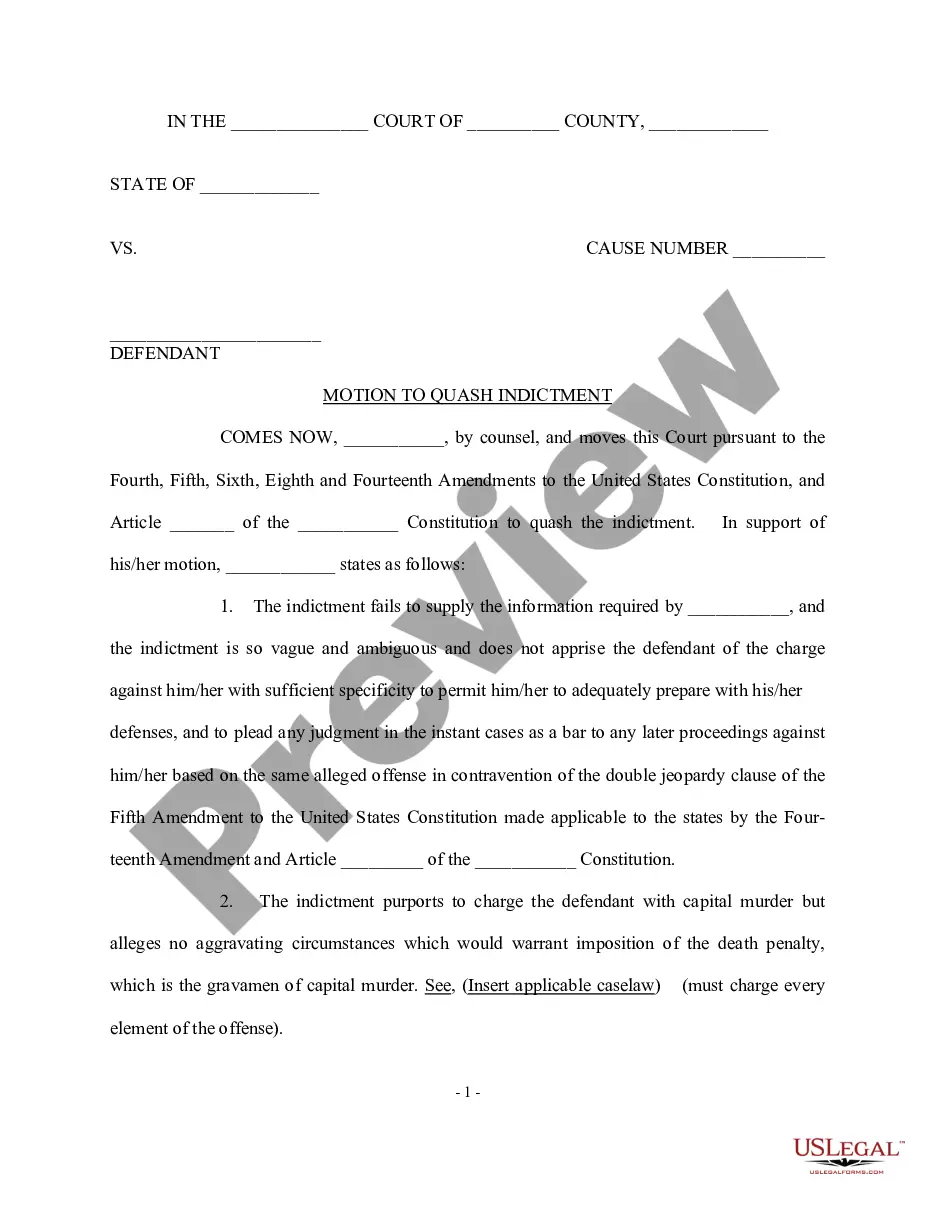


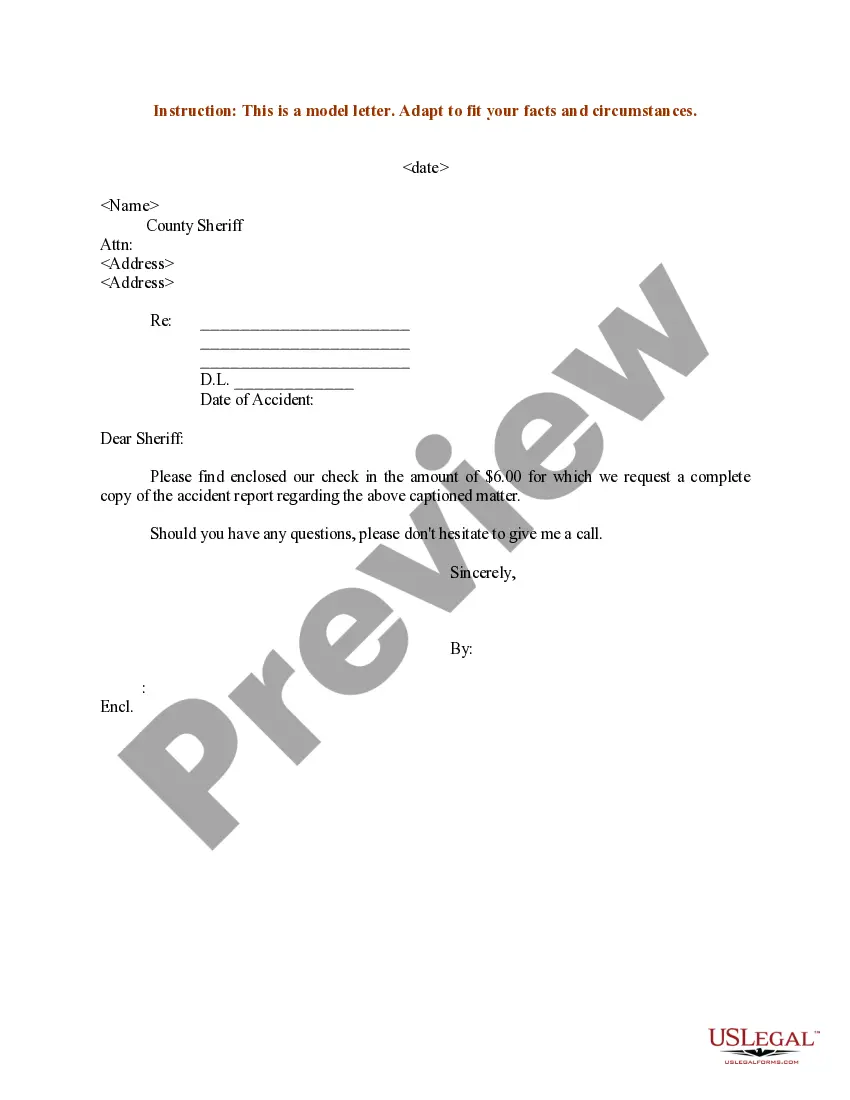
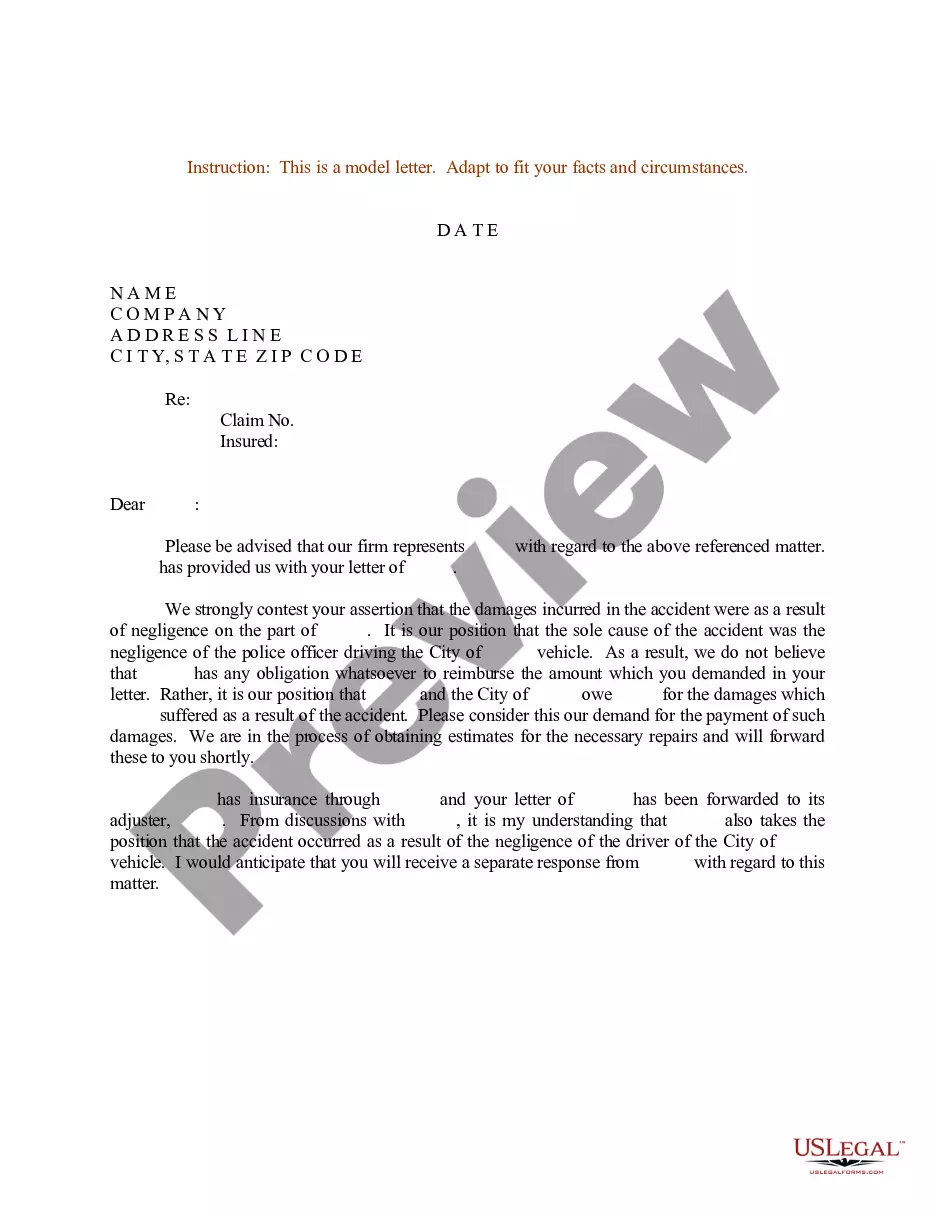
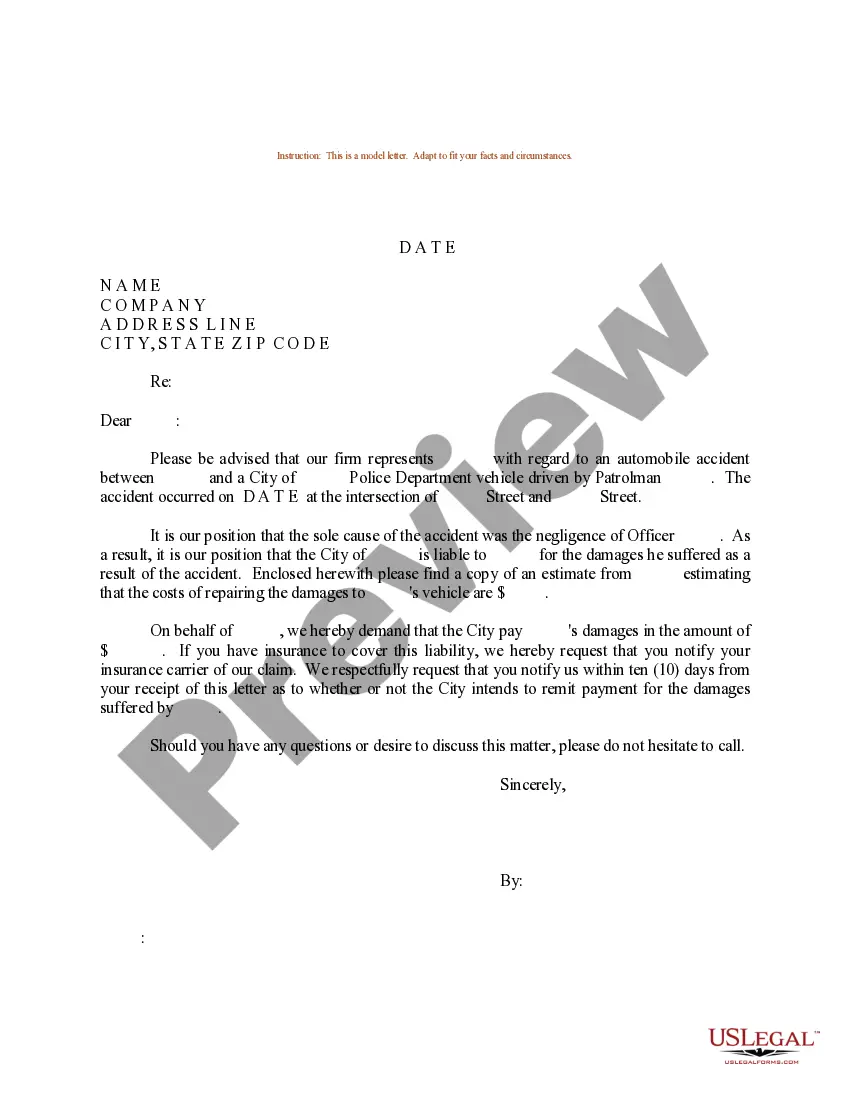
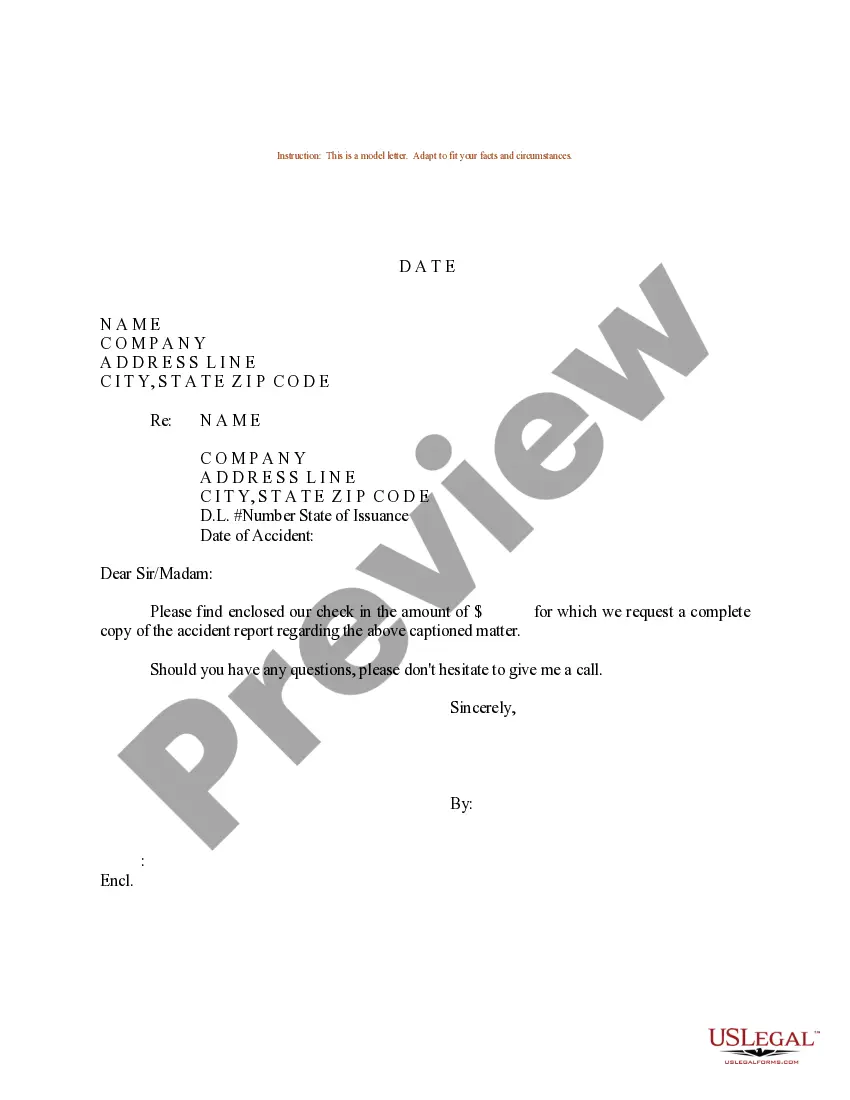
How to fill out Sample Letter Requesting Copy Of Accident Report?
Whether for commercial reasons or personal issues, everyone must confront legal circumstances at some point in their life.
Completing legal documents demands meticulous attention, starting from selecting the suitable form template.
With a vast US Legal Forms catalog available, you do not need to waste time searching for the correct sample across the internet. Utilize the library’s user-friendly navigation to find the right template for any circumstance.
- For instance, if you select an incorrect version of the Incident Report Sample For Damaged Item, it will be rejected once submitted.
- Thus, it is vital to have a reliable source for legal documents like US Legal Forms.
- If you need to obtain an Incident Report Sample For Damaged Item template, adhere to these straightforward steps.
- Locate the sample you require by using the search field or catalog navigation.
- Review the form’s details to confirm it aligns with your situation, state, and area.
- Click on the form’s preview to inspect it.
- If it is the wrong form, revert to the search function to find the Incident Report Sample For Damaged Item template you need.
- Download the file when it fits your requirements.
- If you possess a US Legal Forms account, simply click Log in to access previously saved documents in My documents.
- If you do not have an account yet, you can obtain the form by clicking Buy now.
- Select the appropriate pricing option.
- Fill out the account registration form.
- Choose your payment method: you can utilize a credit card or PayPal account.
- Select the file format you desire and download the Incident Report Sample For Damaged Item.
- Once it is saved, you can complete the form using editing software or print it out and finish it manually.
Form popularity
FAQ
Provide date and time of the incident and when it was first reported, details of witnesses, and a succinct statement describing the events leading to the incident, the details of the incident, the type of work being undertaken, any hazards involved in the work and any personal protective equipment being used.
Incident reports include all of the facts related to the incident, such as the contact information of the people involved; a description of the incident itself; and any follow-up actions that were taken, like medical treatment.
Every incident report you file should contain a minimum of the following: Type of incident (injury, near miss, property damage, or theft) Address. Date of incident. Time of incident. Name of affected individual. A narrative description of the incident, including the sequence of events and results of the incident.
Incident Report Sample Walkthrough: A Step-by-Step Guide Step 1: Provide Fundamental Information. ... Step 2: Take Note of Any Damages and Injuries. ... Step 3: Identify Affected Individual(s) ... Step 4: Identify Witnesses and Take Their Statements. ... Step 5: Take Action. ... Step 6: Close Your Report.
What Should be Included in a Property Damage Report? Date and Time of the Damage. Reporter's Contact Information. Property and Property Owner Information. Description of Damage. Cause of Damage. Injury/Accident Report. Visual Documentation/Evidence. Witness Information.