Verbal Agreements With
Description
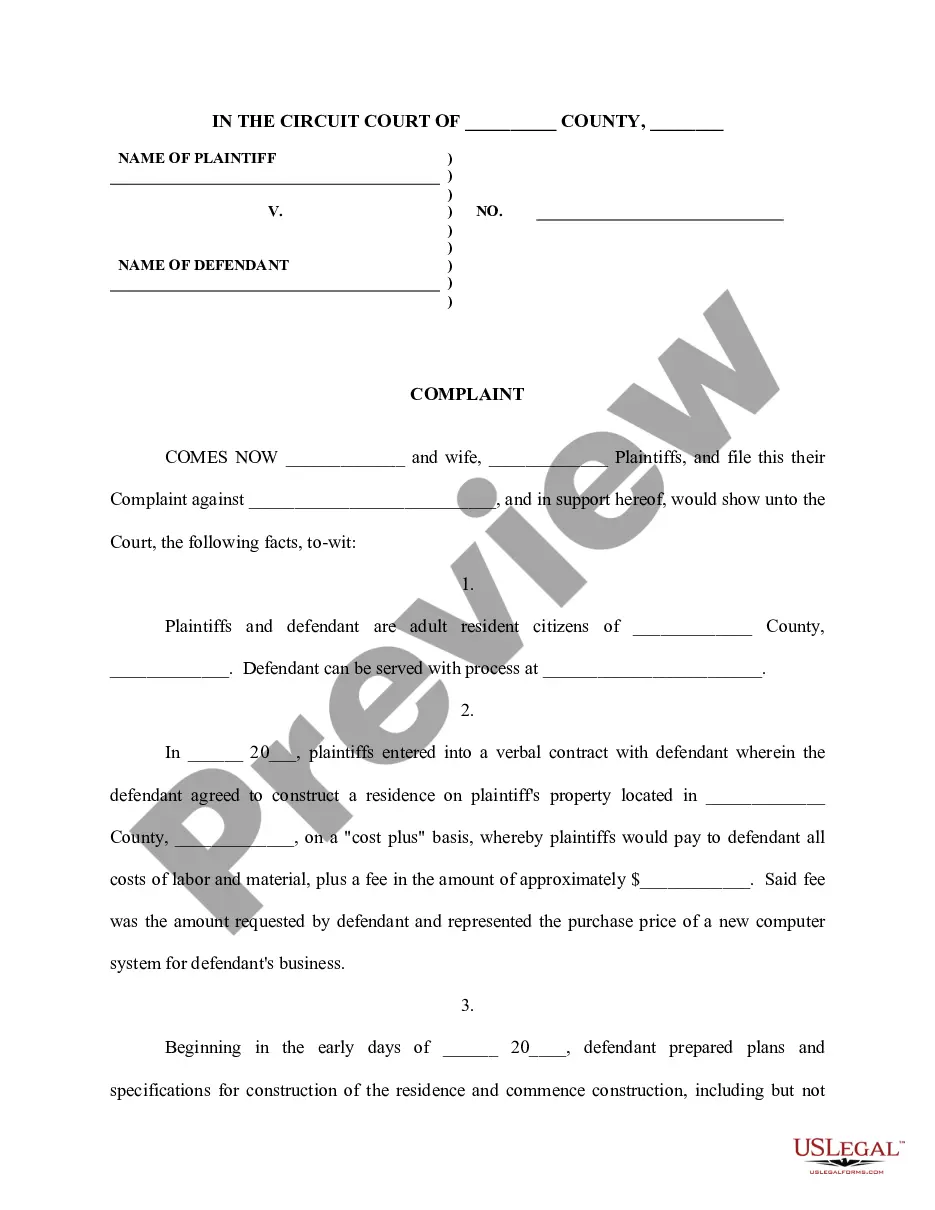
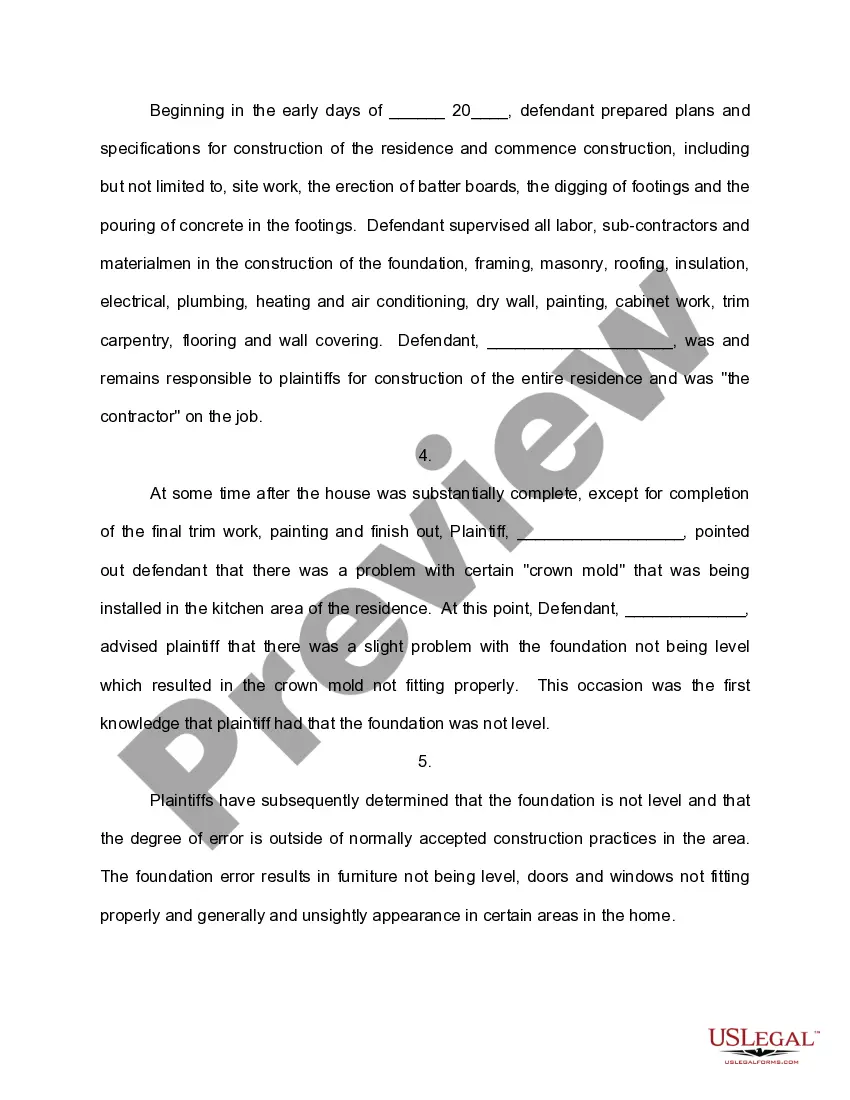
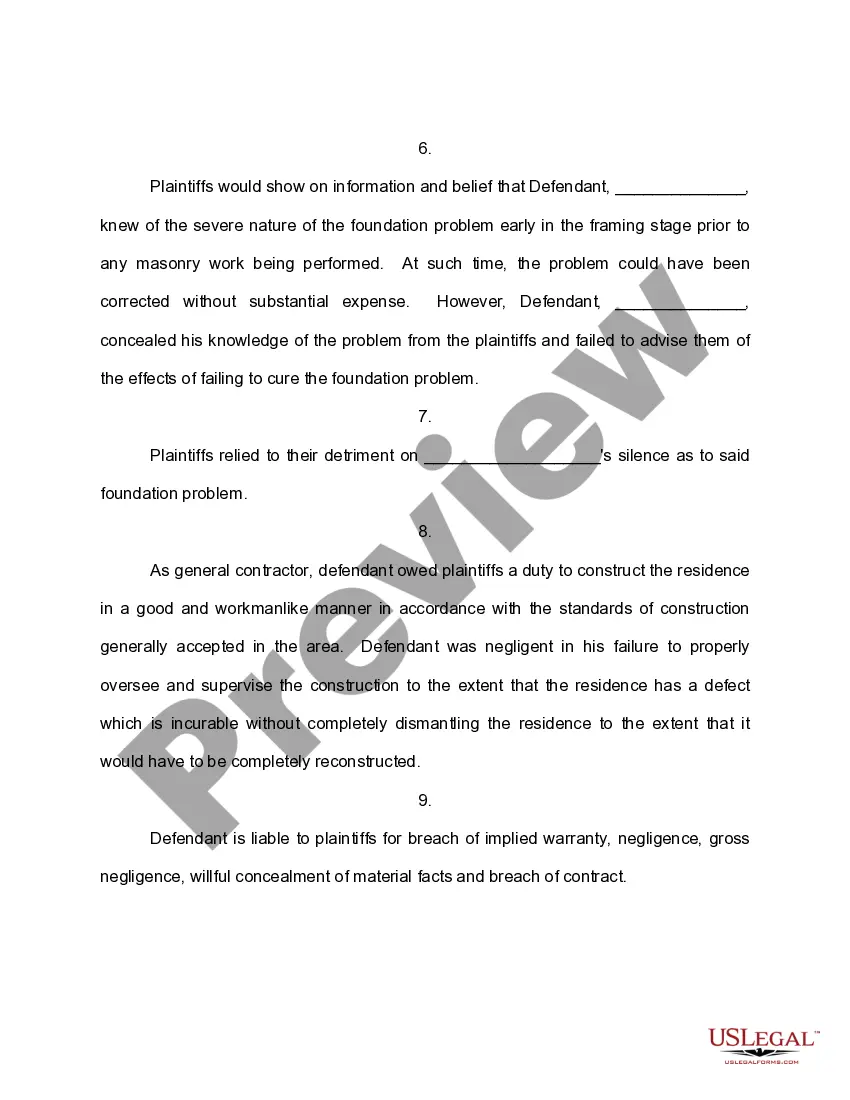
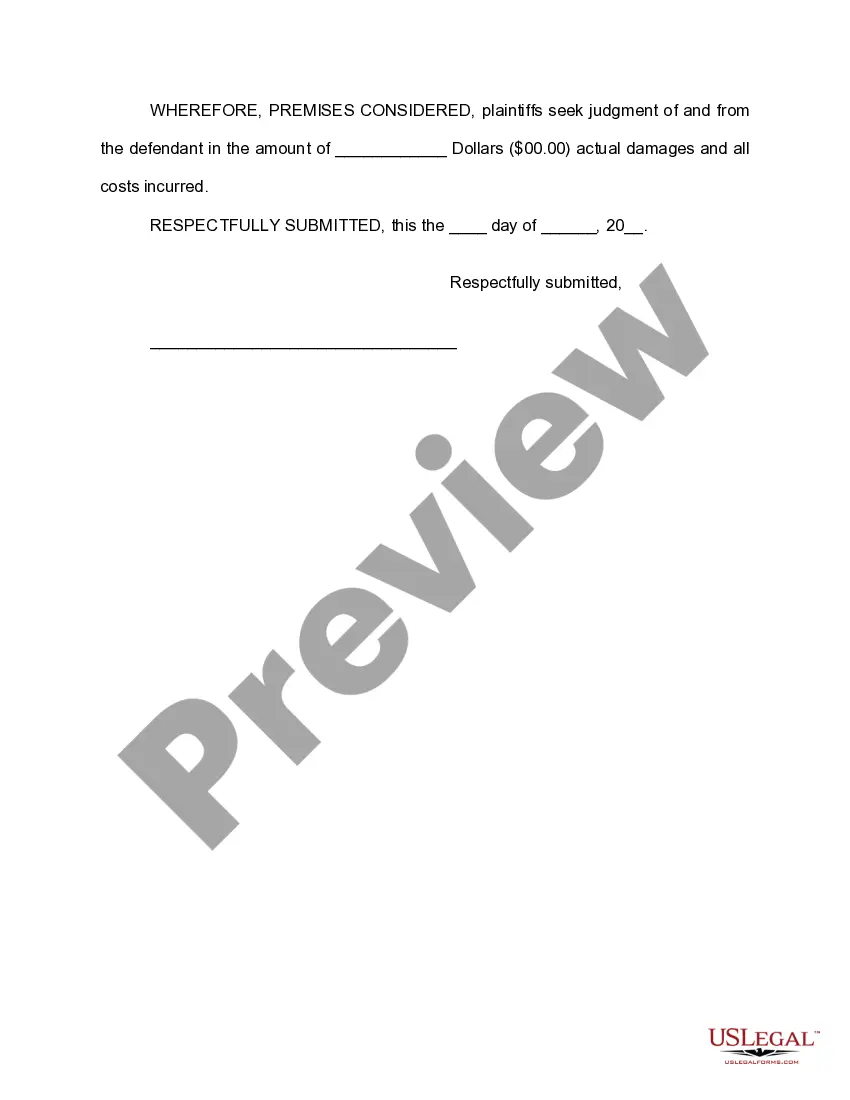
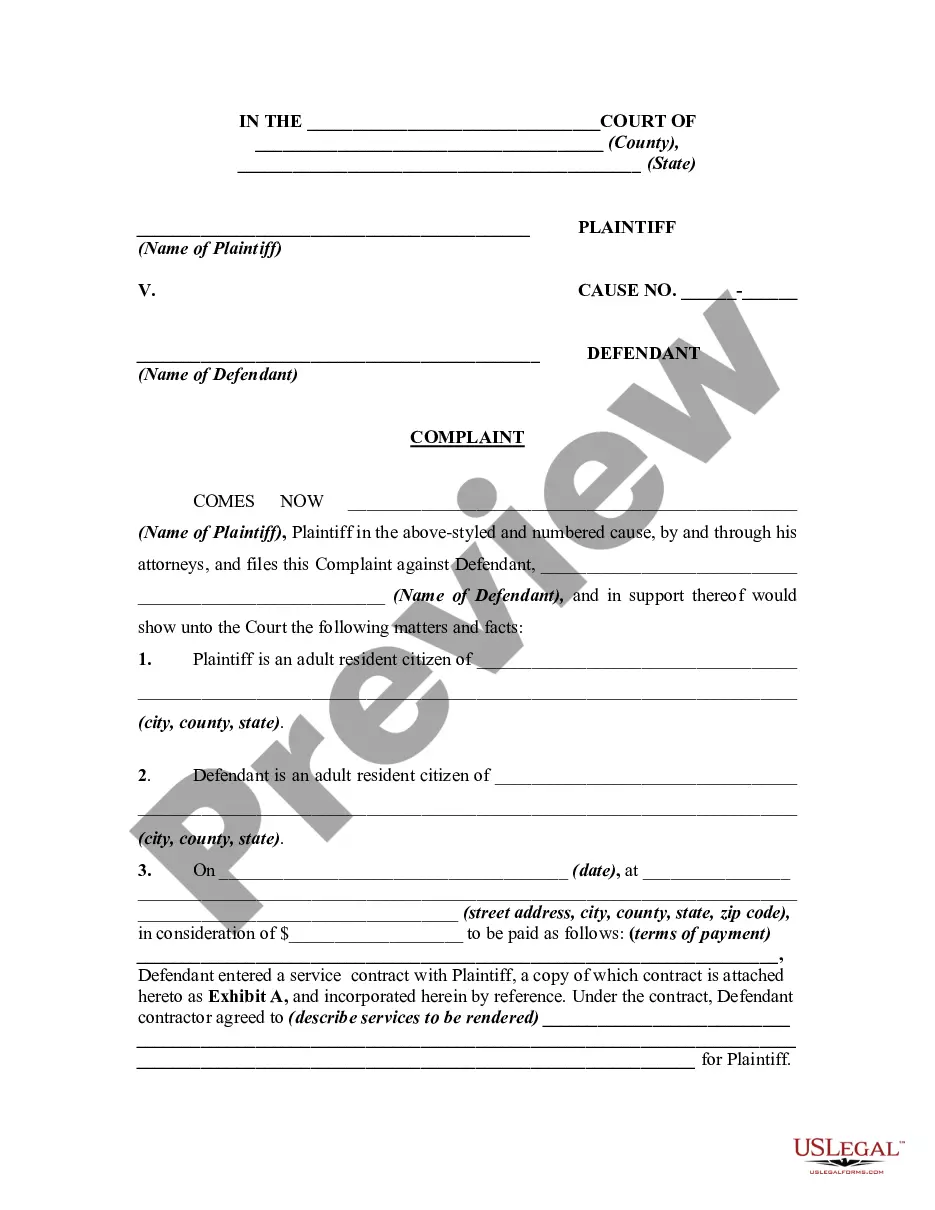
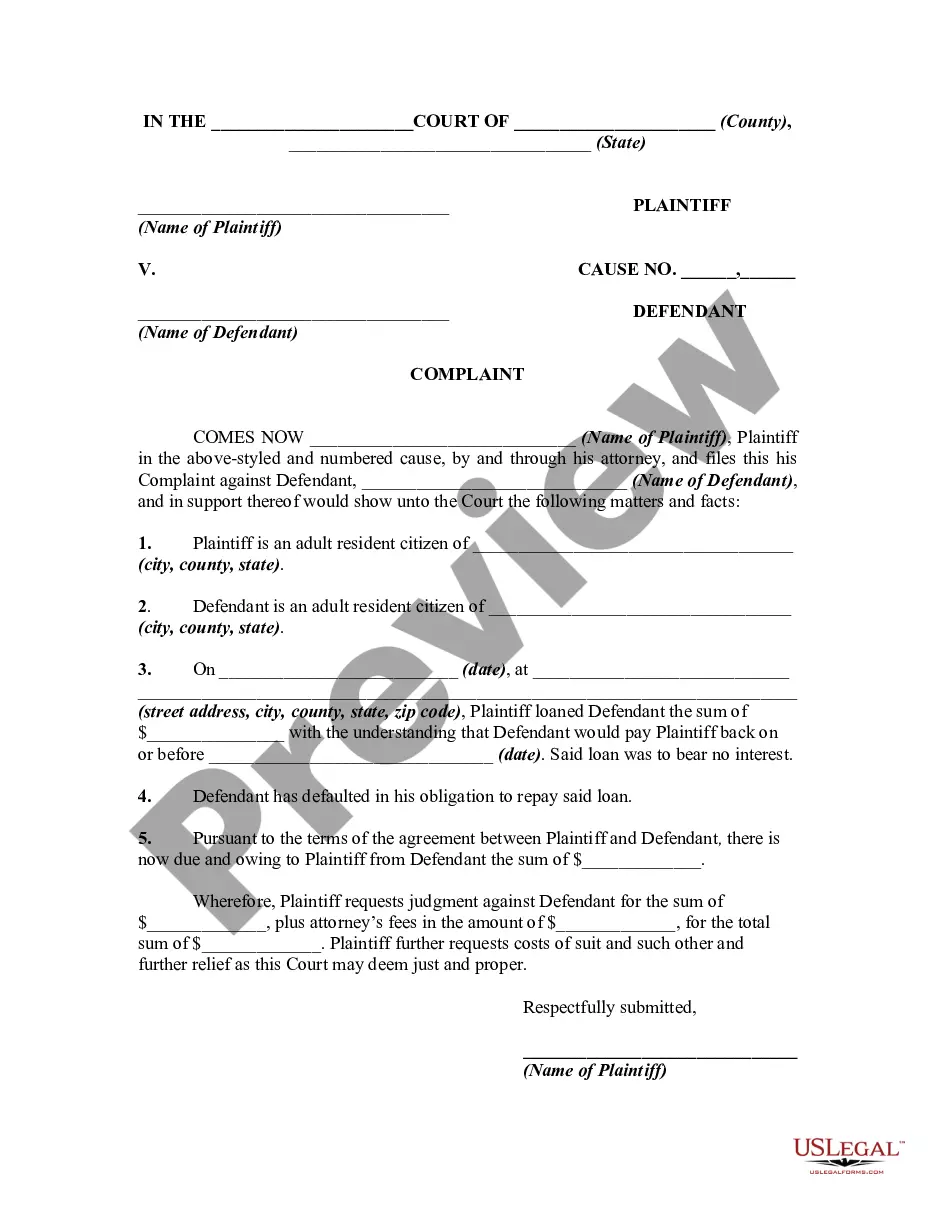
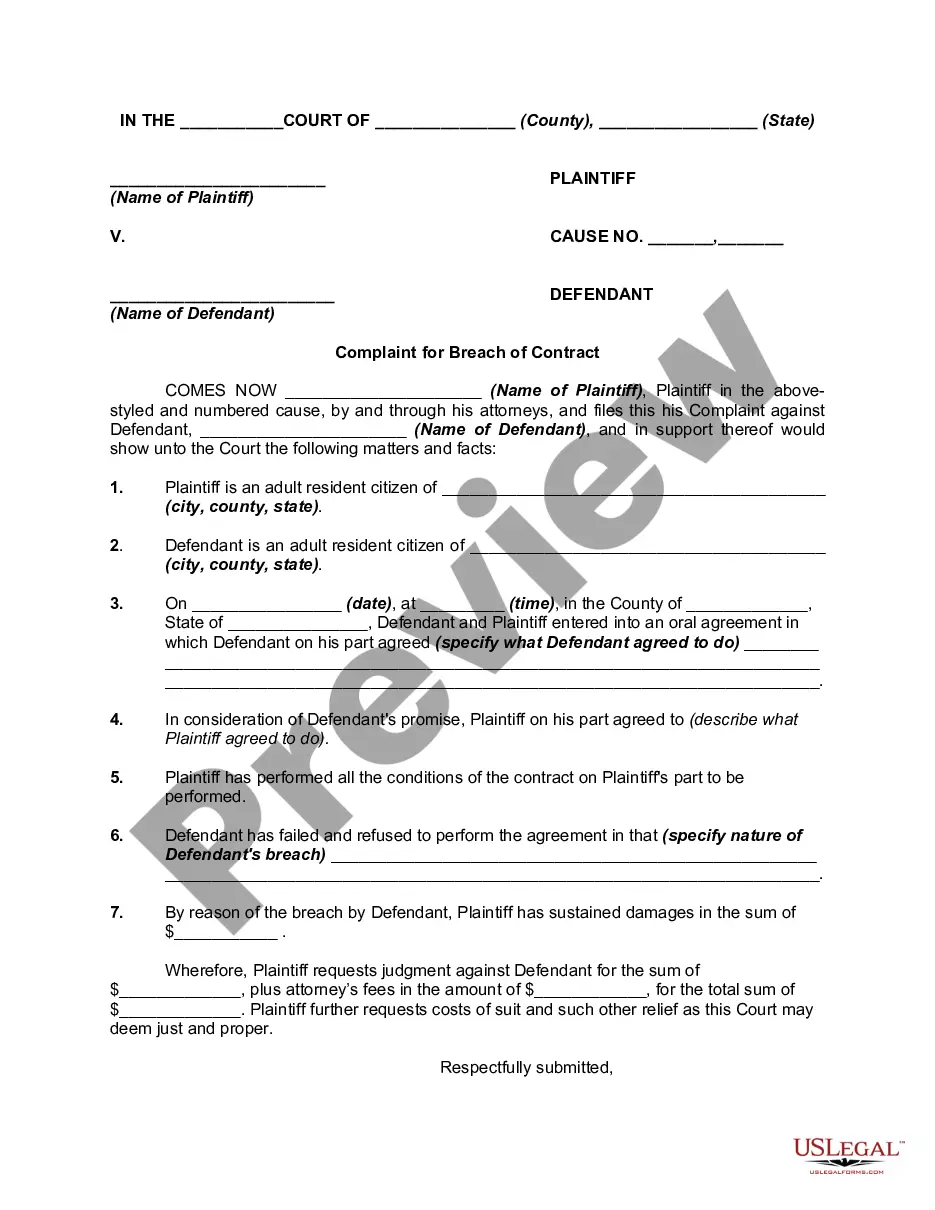
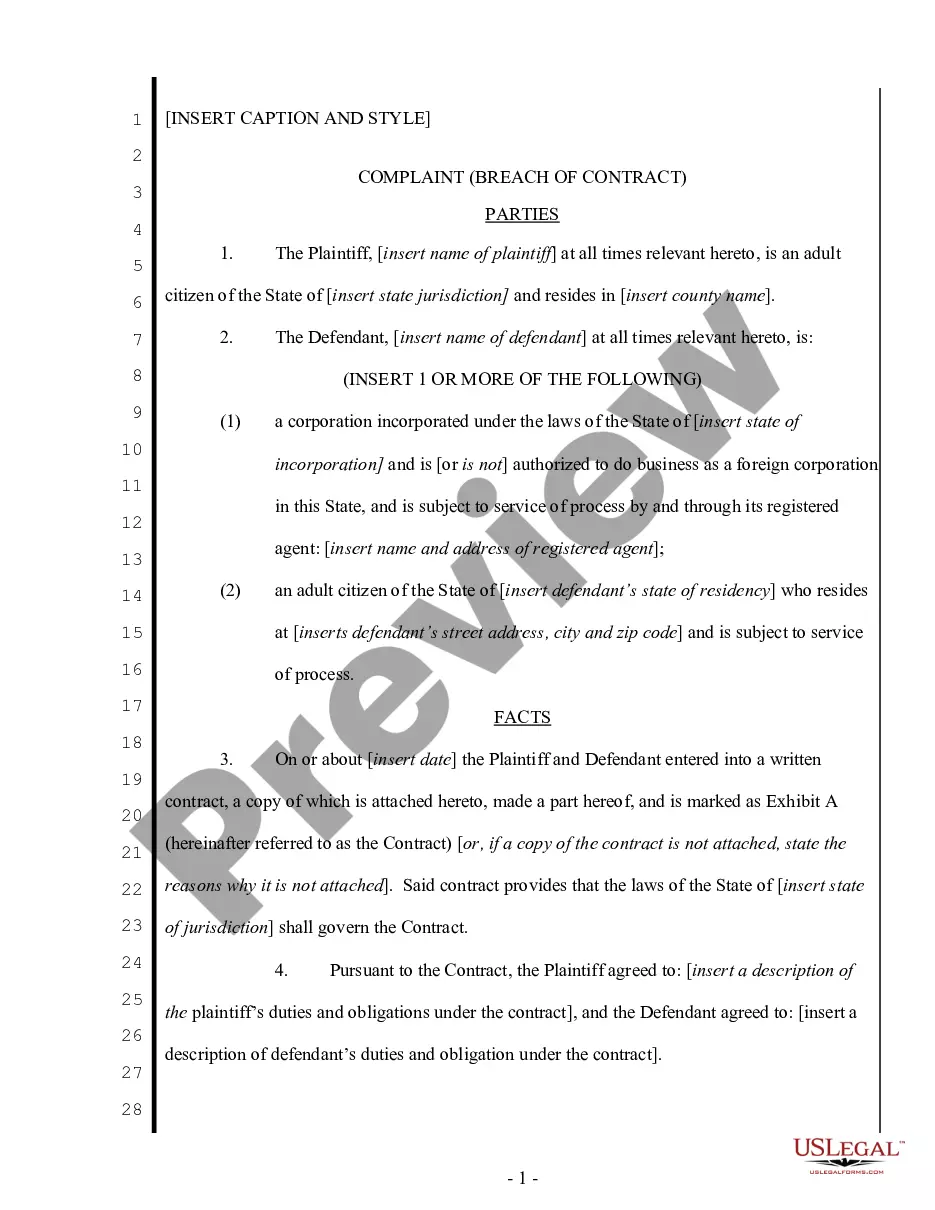
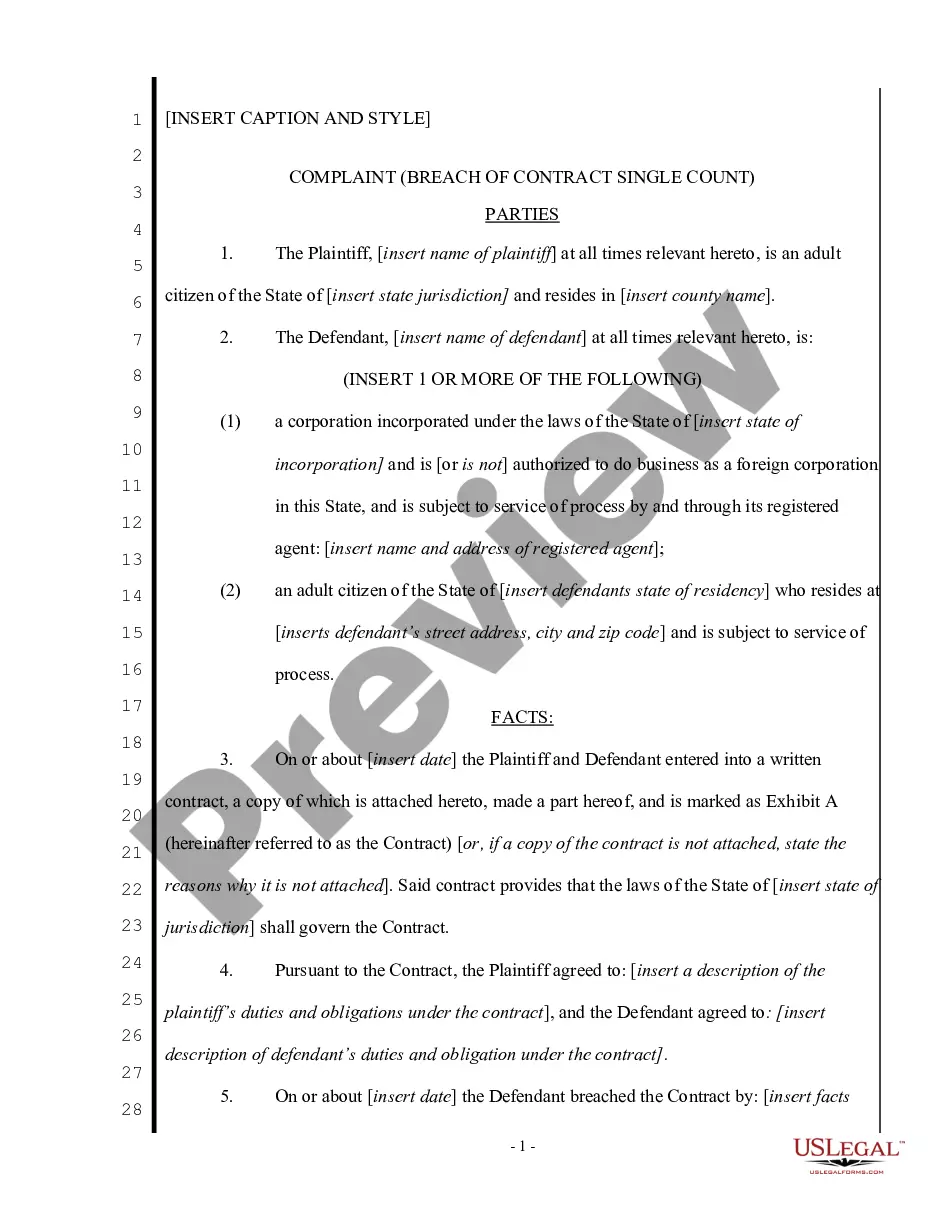
Get your form ready online
Our built-in tools help you complete, sign, share, and store your documents in one place.
Make edits, fill in missing information, and update formatting in US Legal Forms—just like you would in MS Word.
Download a copy, print it, send it by email, or mail it via USPS—whatever works best for your next step.
Sign and collect signatures with our SignNow integration. Send to multiple recipients, set reminders, and more. Go Premium to unlock E-Sign.
If this form requires notarization, complete it online through a secure video call—no need to meet a notary in person or wait for an appointment.
We protect your documents and personal data by following strict security and privacy standards.

Make edits, fill in missing information, and update formatting in US Legal Forms—just like you would in MS Word.

Download a copy, print it, send it by email, or mail it via USPS—whatever works best for your next step.

Sign and collect signatures with our SignNow integration. Send to multiple recipients, set reminders, and more. Go Premium to unlock E-Sign.

If this form requires notarization, complete it online through a secure video call—no need to meet a notary in person or wait for an appointment.

We protect your documents and personal data by following strict security and privacy standards.
Looking for another form?

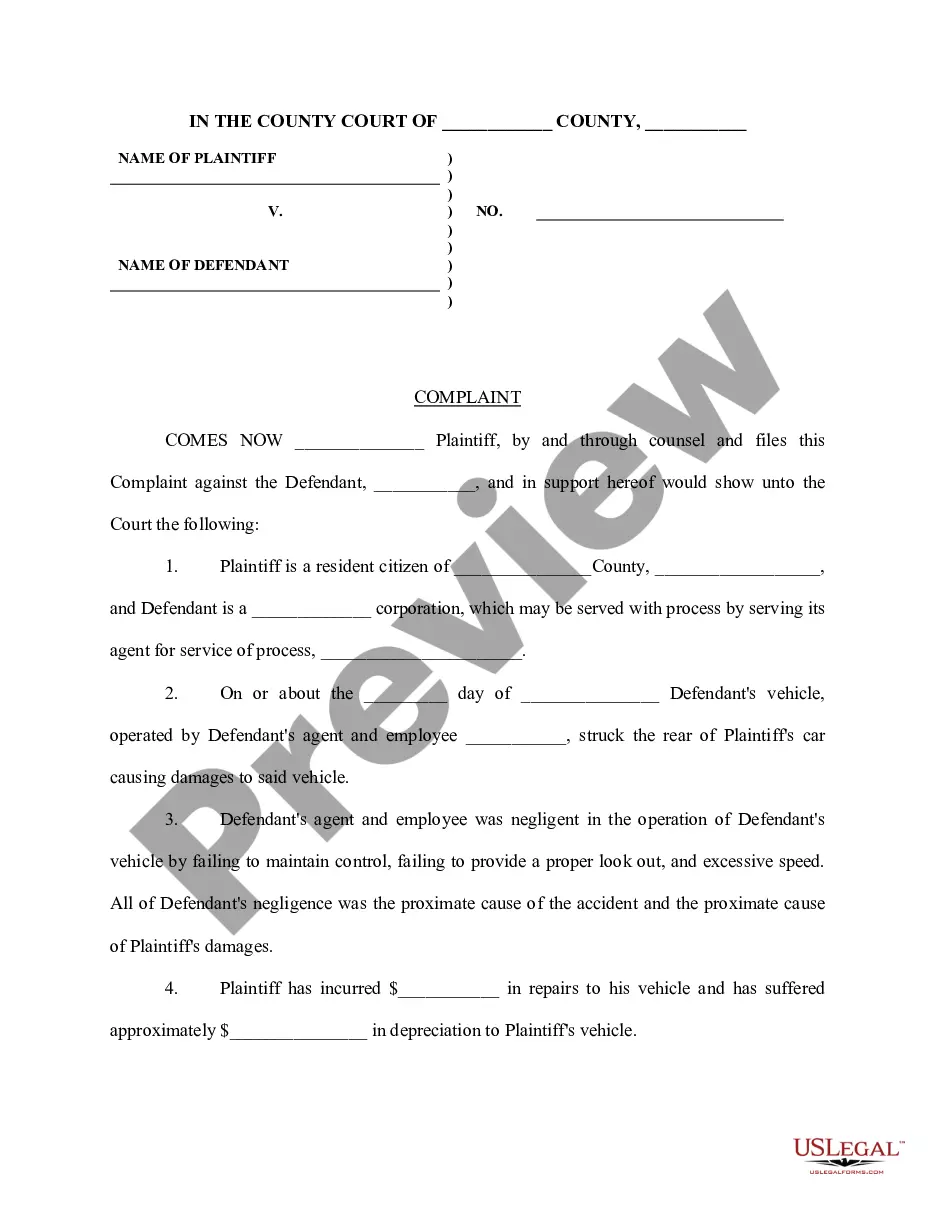
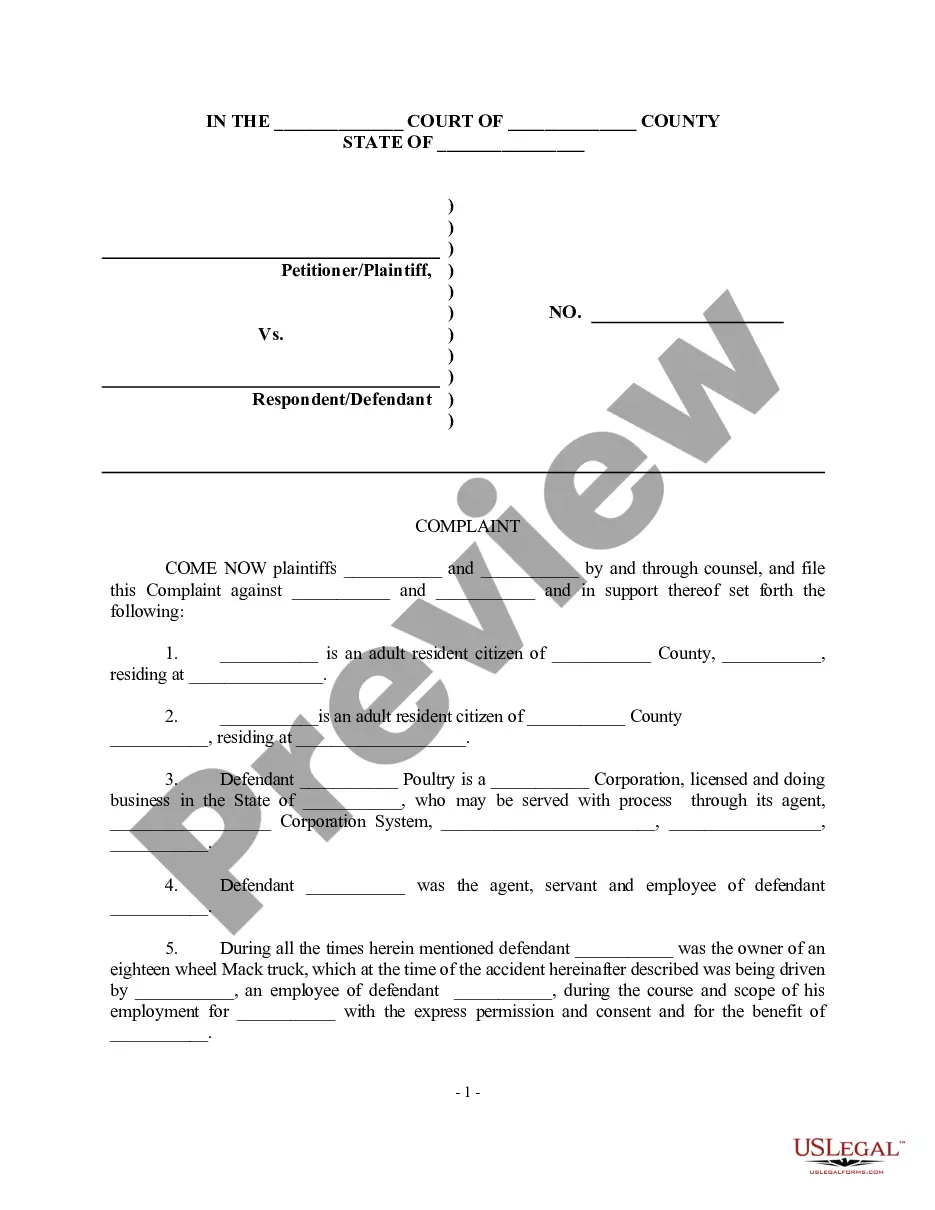



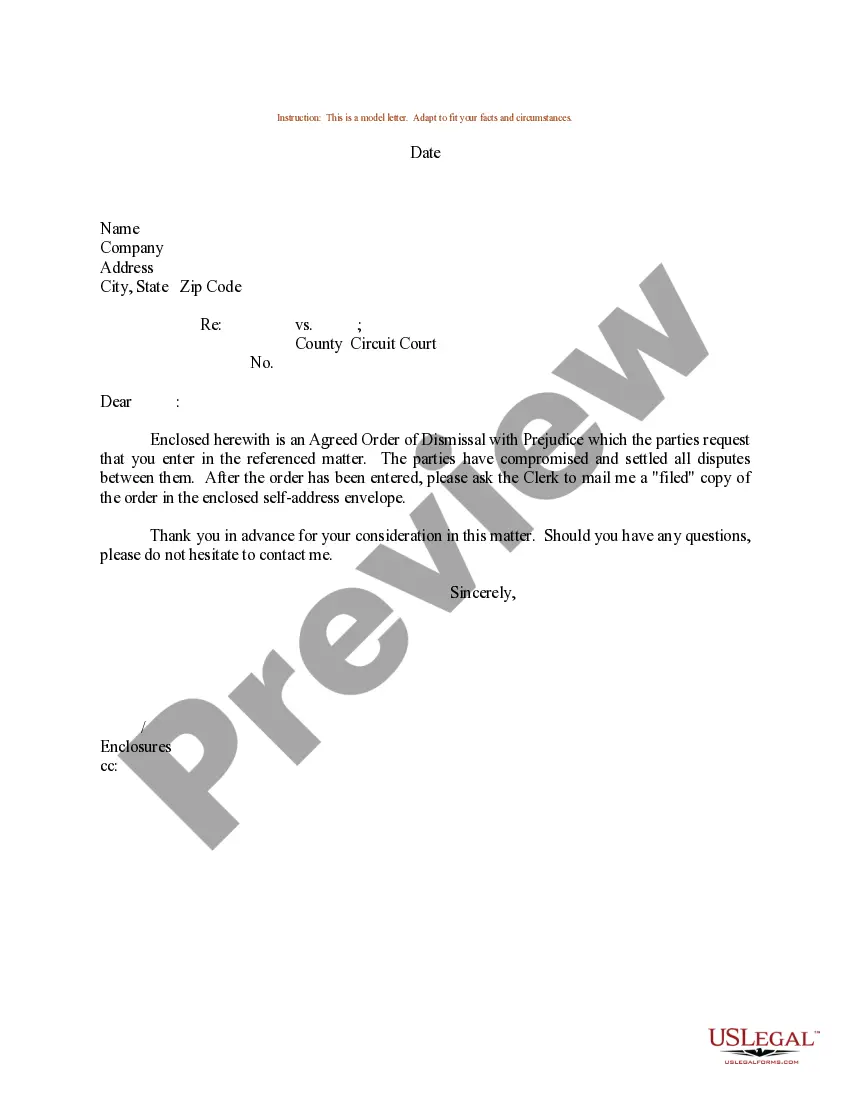

How to fill out Complaint For Breach Of Verbal Or Oral Contract?
Legal administration can be perplexing, even for the most experienced experts.
When you seek a Verbal Agreements With and lack the time to dedicate to finding the right and current version, the procedures can be stressful.
US Legal Forms accommodates any requirements you may have, whether personal or enterprise-related, all in one platform.
Take advantage of innovative tools to complete and manage your Verbal Agreements With.
Here are the steps to follow after acquiring the form you need.
- Access a comprehensive database of articles, guides, and manuals that are pertinent to your circumstances and requirements.
- Conserve time and energy searching for the documents you need, and leverage US Legal Forms’ advanced search and Review tool to obtain Verbal Agreements With.
- If you possess a subscription, Log In to your US Legal Forms account, search for the form, and acquire it.
- Check your My documents tab to review the documents you have previously saved and manage your folders as desired.
- If this is your first encounter with US Legal Forms, create a complimentary account to gain unlimited access to the platform’s benefits.
- Utilize a robust online form directory that can revolutionize how you navigate these scenarios.
- US Legal Forms stands out as a leader in online legal documentation, boasting over 85,000 state-specific legal forms accessible to you at any time.
- With US Legal Forms, you can access an array of state- or county-specific legal and business papers.
Form popularity
FAQ
West Virginia Tax Extension Form: To request a West Virginia extension, file Schedule L (Form IT-140) by the original due date of your return. However, Schedule L should not be filed if you have a Federal extension and you owe zero West Virginia income tax.
Many states have straightforward amendment procedures where a taxpayer can re-prepare their return, then simply check a box at the top of the form to indicate that it is an amended return. Other states require an amendment form to be filled in, similar to the federal tax amendment form.
You'll need to send an amended return by mail. You can access the Form 1040X on the IRS website. Check the Form 1040X Instructions to find your state's IRS Service Center address. Or, of course, H&R Block tax professionals can help you file an amended return.
Option 1: Sign into your eFile.com account, modify your Return and download/print WV Form IT-140 under My Account. Check the "Amended return" box to report that it's an amended tax return. Option 2: If you don't have an eFile.com account follow the step by step instruction on how to prepare a tax return/amendment.
All inquiries about tax returns should be directed to one of the Regional Office Locations listed below or by calling 304-558-3333 or 800-982-8297 during regular business hours.
How do I file an amended West Virginia return? Use the version of Form IT-140 that corresponds to the tax year to be amended and check the ?Amended Return? box. These forms and corresponding instructions are available on our website at Tax.WV.Gov on the Individuals page.
Use the IT-140 form if you are: A full-year resident of West Virginia. A full-year non-resident of West Virginia and have source income. Considered a part-year resident because you moved into or out of West Virginia.