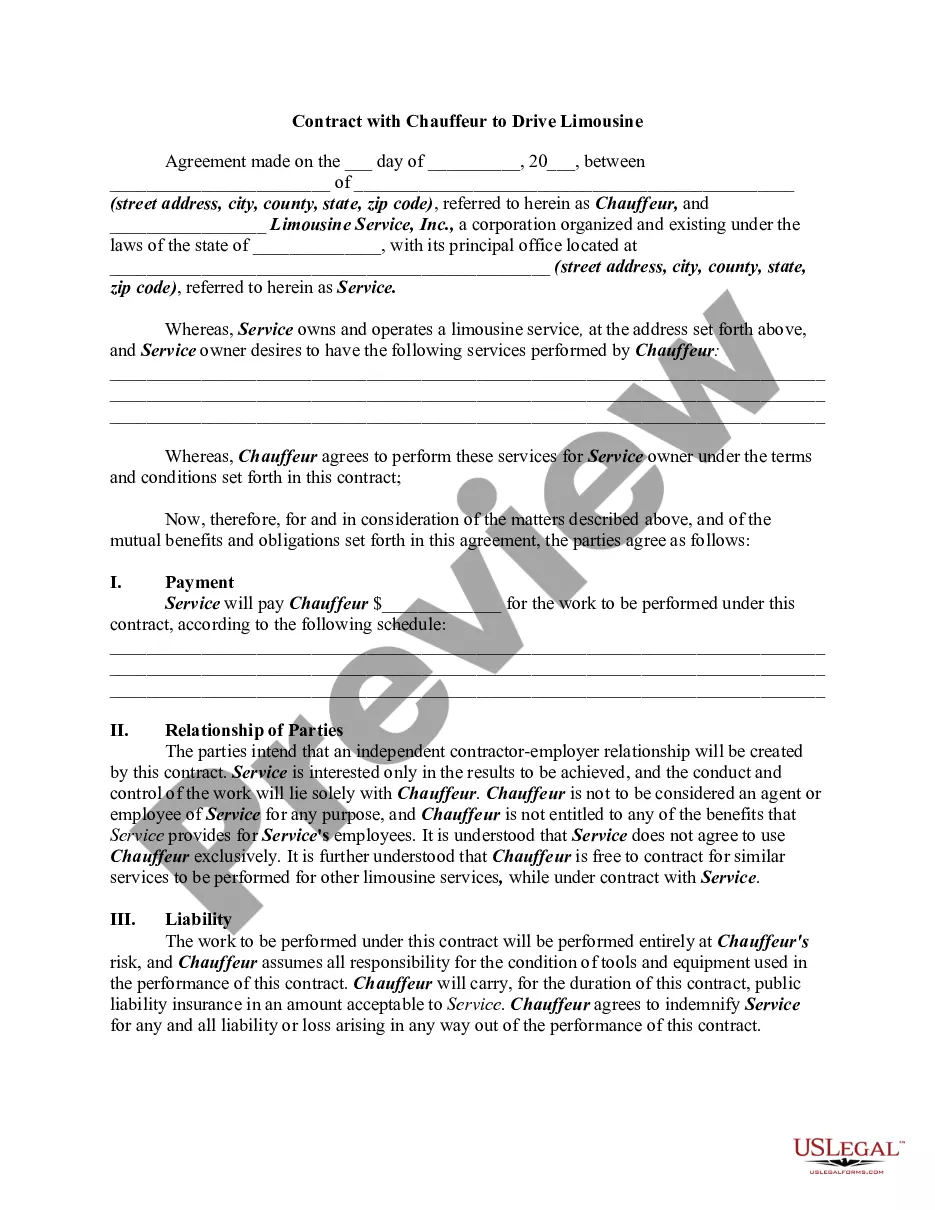
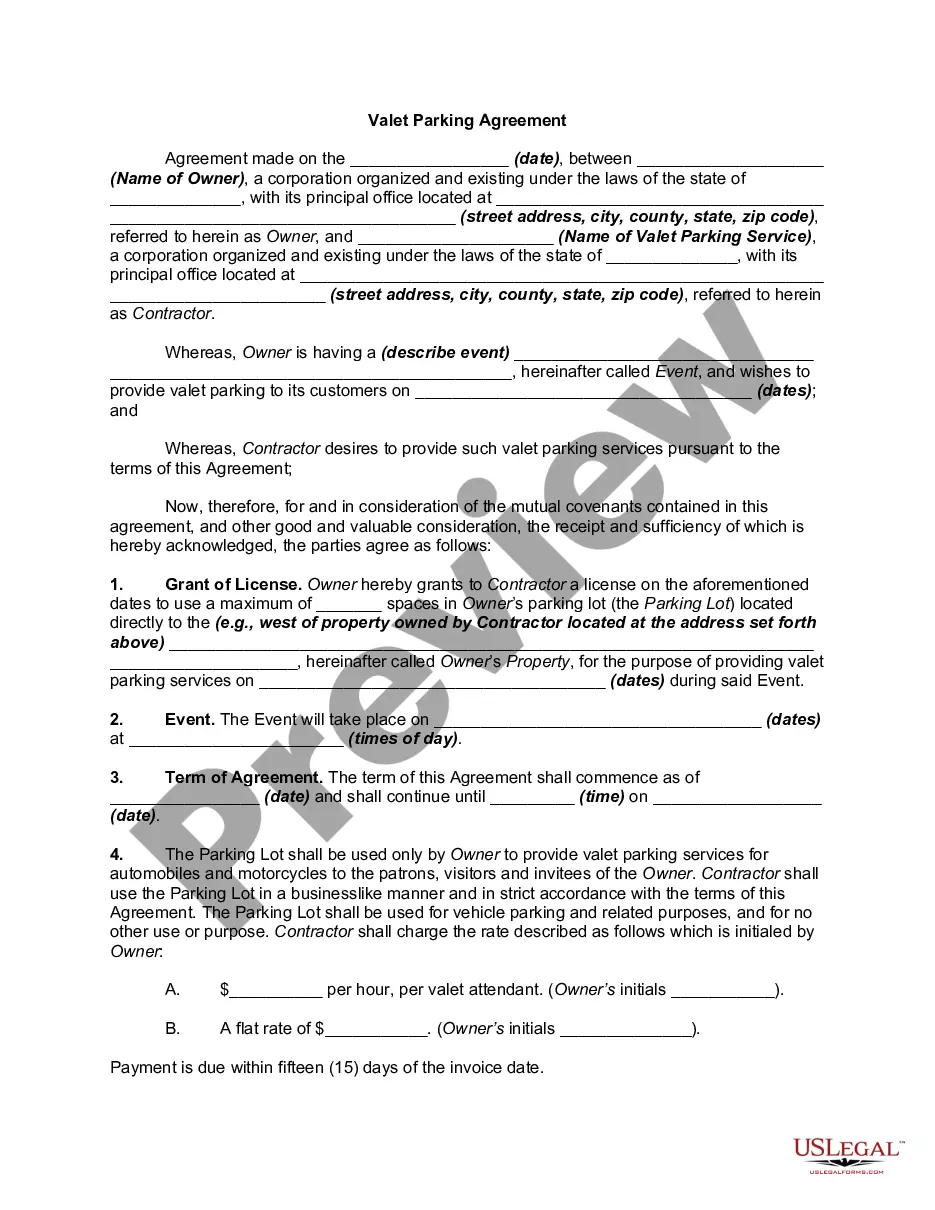
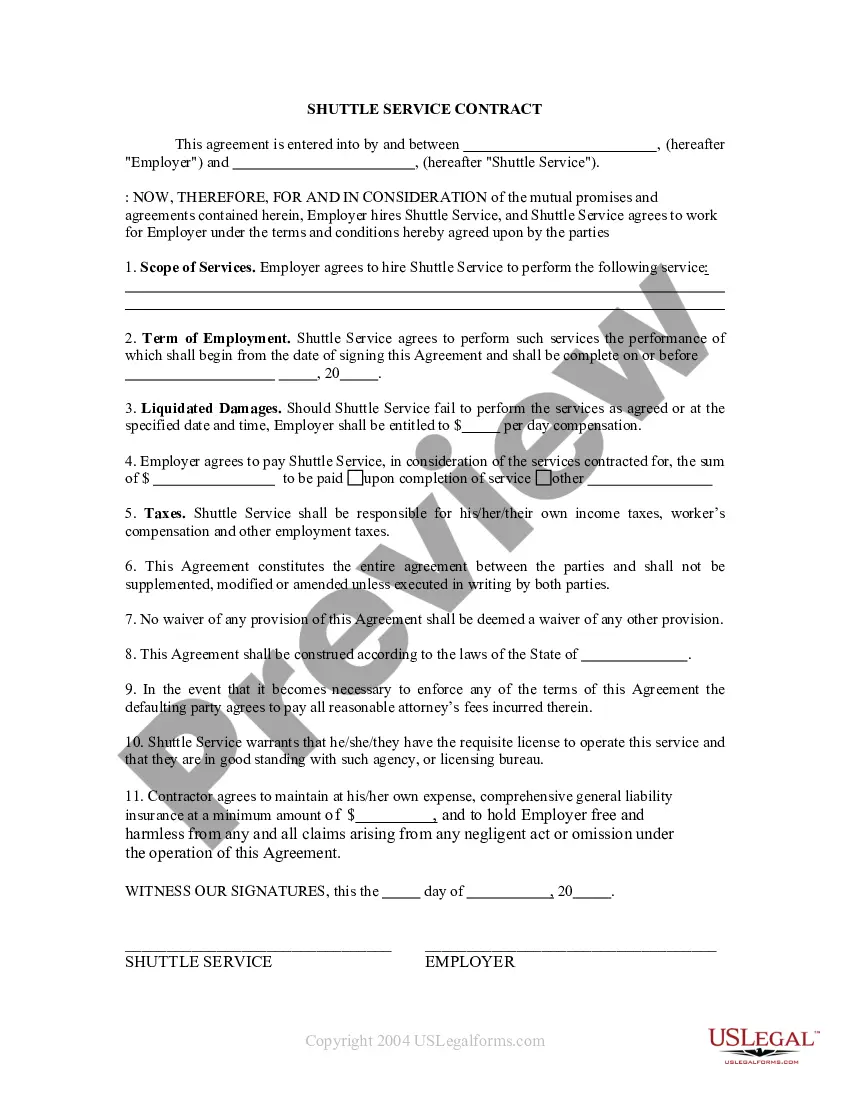
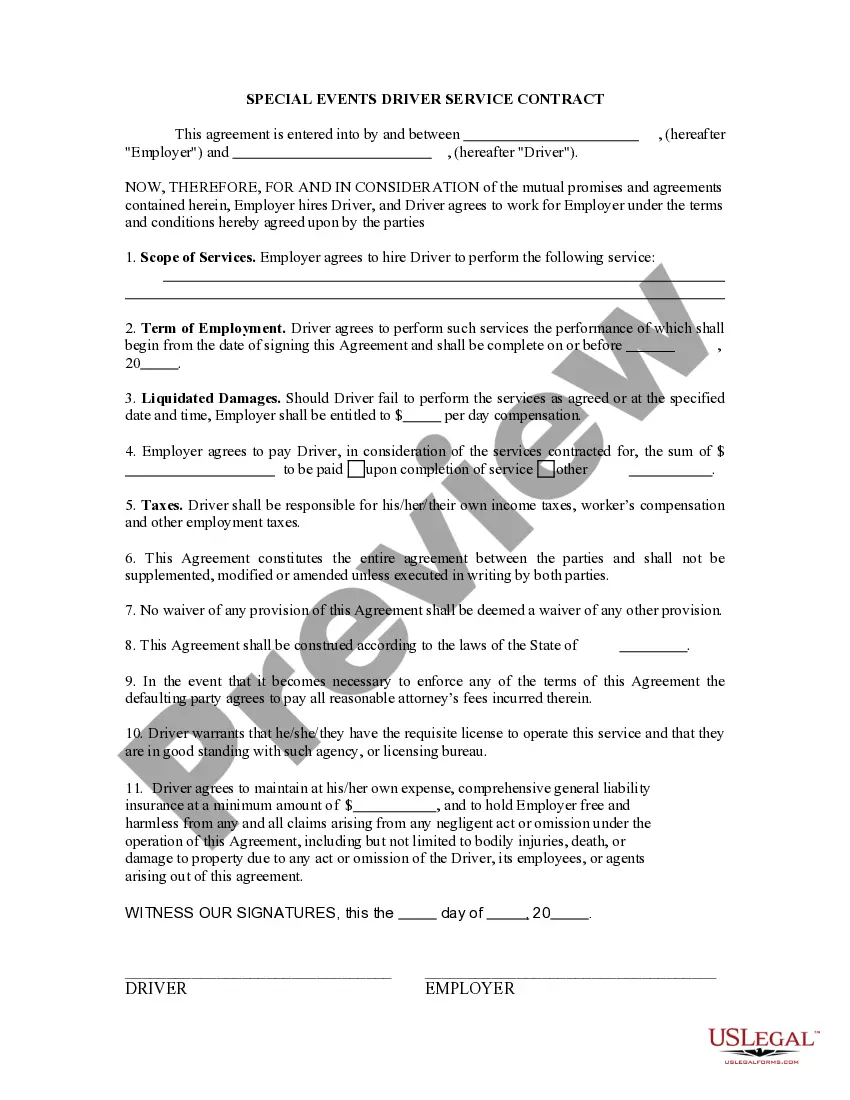
Contract Limousine Form Agreement With Owner
Description
Get your form ready online
Our built-in tools help you complete, sign, share, and store your documents in one place.
Make edits, fill in missing information, and update formatting in US Legal Forms—just like you would in MS Word.
Download a copy, print it, send it by email, or mail it via USPS—whatever works best for your next step.
Sign and collect signatures with our SignNow integration. Send to multiple recipients, set reminders, and more. Go Premium to unlock E-Sign.
If this form requires notarization, complete it online through a secure video call—no need to meet a notary in person or wait for an appointment.
We protect your documents and personal data by following strict security and privacy standards.

Make edits, fill in missing information, and update formatting in US Legal Forms—just like you would in MS Word.

Download a copy, print it, send it by email, or mail it via USPS—whatever works best for your next step.

Sign and collect signatures with our SignNow integration. Send to multiple recipients, set reminders, and more. Go Premium to unlock E-Sign.

If this form requires notarization, complete it online through a secure video call—no need to meet a notary in person or wait for an appointment.

We protect your documents and personal data by following strict security and privacy standards.
Looking for another form?



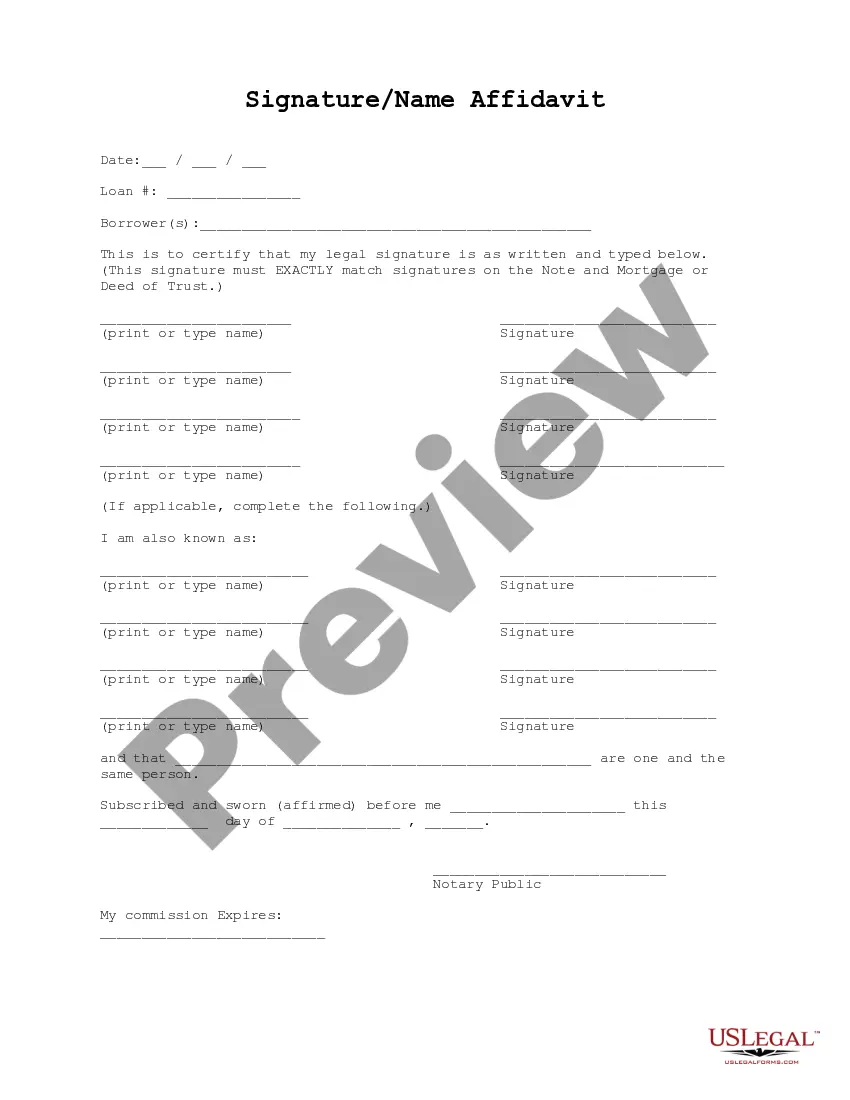



How to fill out Contract With Chauffeur To Drive Limousine?
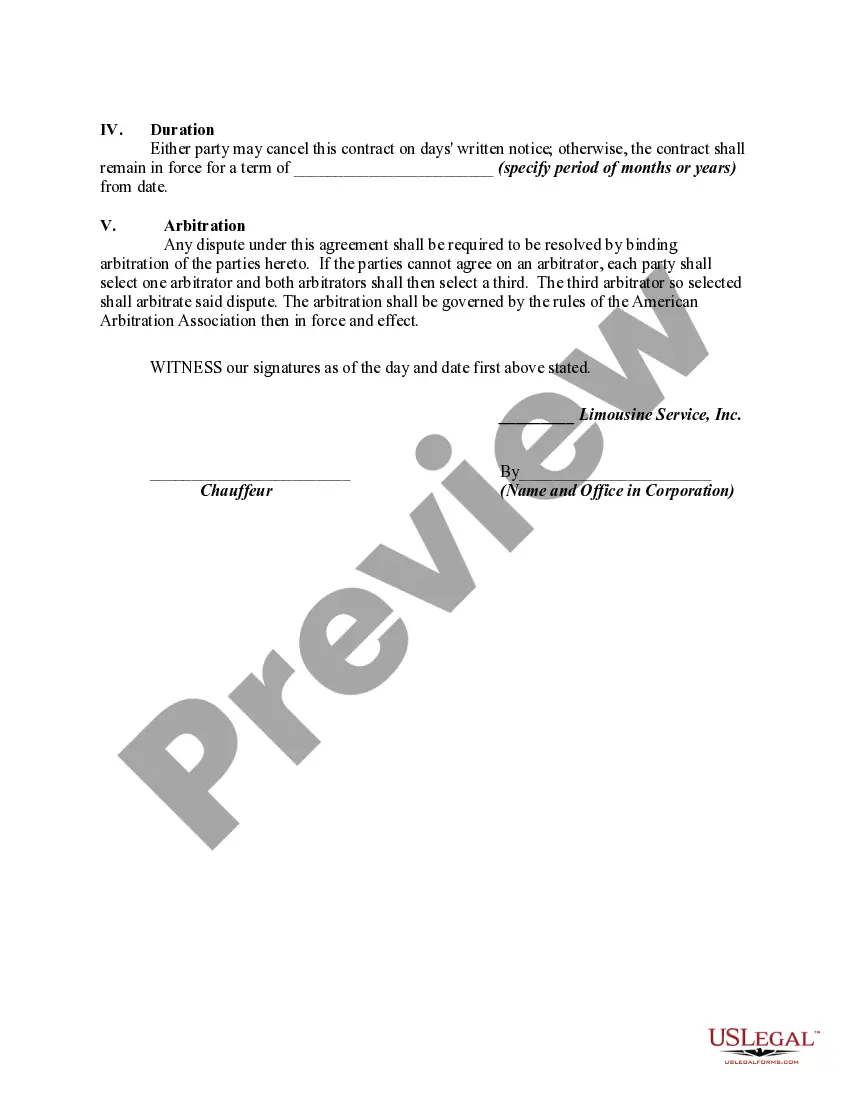
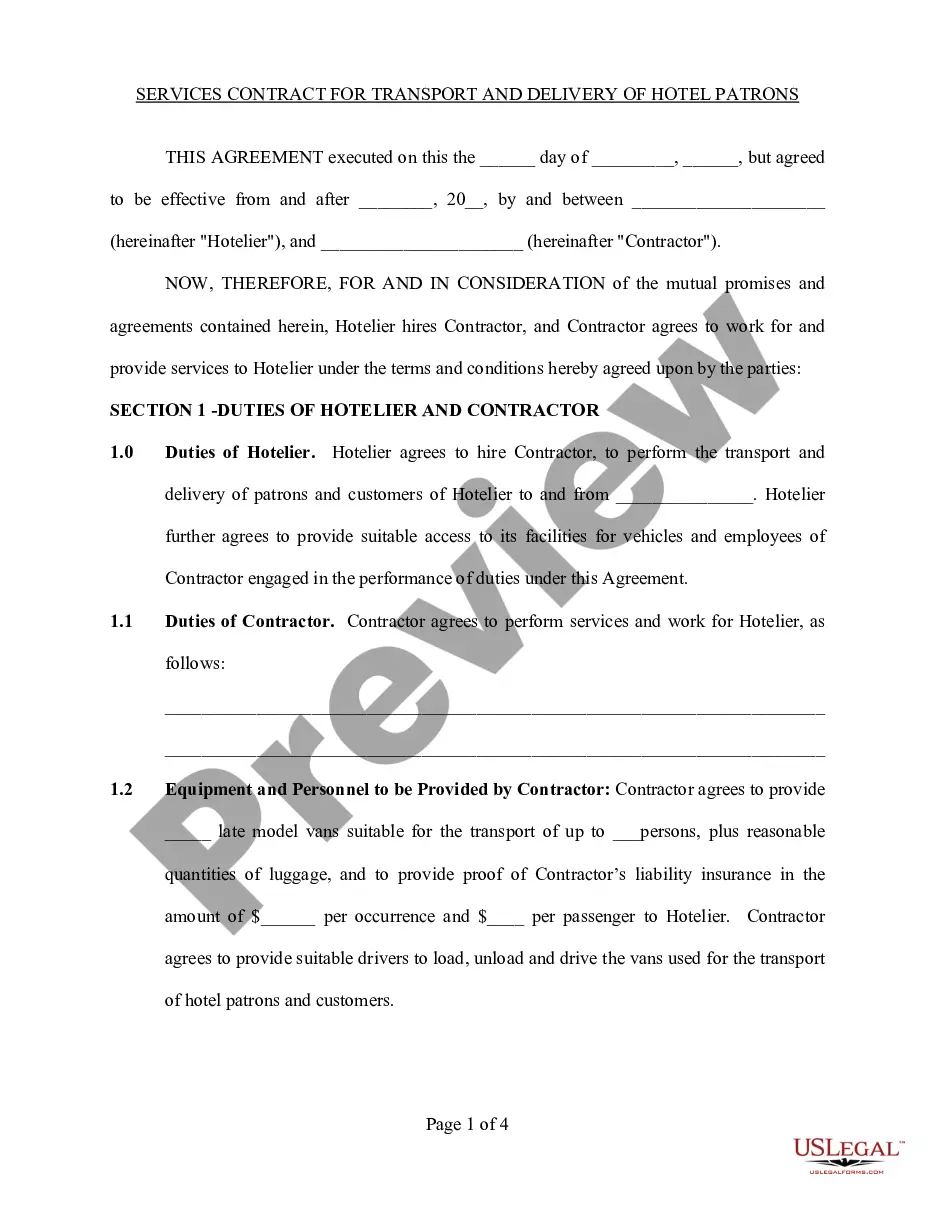
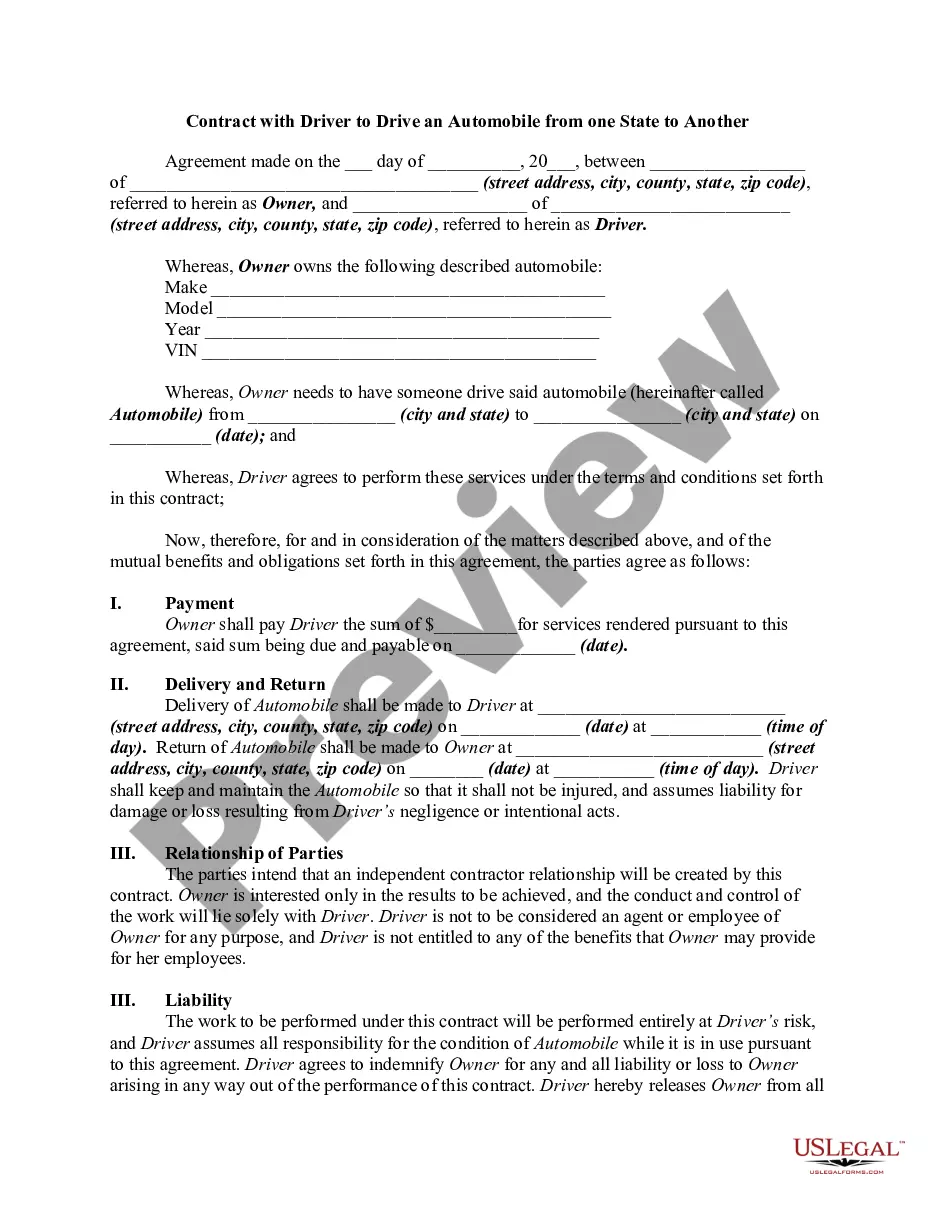
The Limousine Contract Agreement Form With Owner displayed on this page is a reusable official template crafted by expert attorneys in compliance with national and local laws and regulations.
For over 25 years, US Legal Forms has offered individuals, businesses, and legal practitioners more than 85,000 authenticated, state-specific documents for any commercial and personal situation. It’s the quickest, simplest, and most reliable method to obtain the forms you require, as the service ensures the utmost level of data protection and anti-virus security.
Subscribe to US Legal Forms to access verified legal templates for every situation in life.
- Search for the document you need and examine it.
- Select the price plan that fits you and set up an account.
- Choose the format you prefer for your Limousine Contract Agreement Form With Owner (PDF, DOCX, RTF) and download it to your device.
- Print the template to fill it out manually or utilize an online multi-purpose PDF editor to quickly and accurately complete and sign your form with an electronic signature.
- Use the same document again whenever required.
Form popularity
FAQ
Here are the steps to write a letter of agreement: Title the document. Add the title at the top of the document. ... List your personal information. ... Include the date. ... Add the recipient's personal information. ... Address the recipient. ... Write an introduction paragraph. ... Write your body. ... Conclude the letter.
Create contract templates with Acrobat. 1 Open Acrobat for the web. Go to the home page and select E-sign ? Create e-sign template. ... 2 Upload your file. ... 3 Choose your permissions. 4 Click the Preview or Add Fields button. 5 Drag and drop your form fields. 6 Click the Save button. Tip: Always consult the experts.
What to include in your contract. Description of services. Lay out exactly what professional services you and your company will receive. ... Payment terms. Describe when and how the contractor will be compensated. ... Ownership rights. ... Confidentiality clause. ... Indemnification clause. ... Amendment. ... Termination. ... Dispute resolution.
Write the contract in six steps Start with a contract template. ... Open with the basic information. ... Describe in detail what you have agreed to. ... Include a description of how the contract will be ended. ... Write into the contract which laws apply and how disputes will be resolved. ... Include space for signatures.
How can I use Google Docs contracts? It's simple. Download a contract template by adding it to your Google Drive folder, open it and start typing. Once you're done, re-check it all and save it.