Contract Form Relationship Format
Description
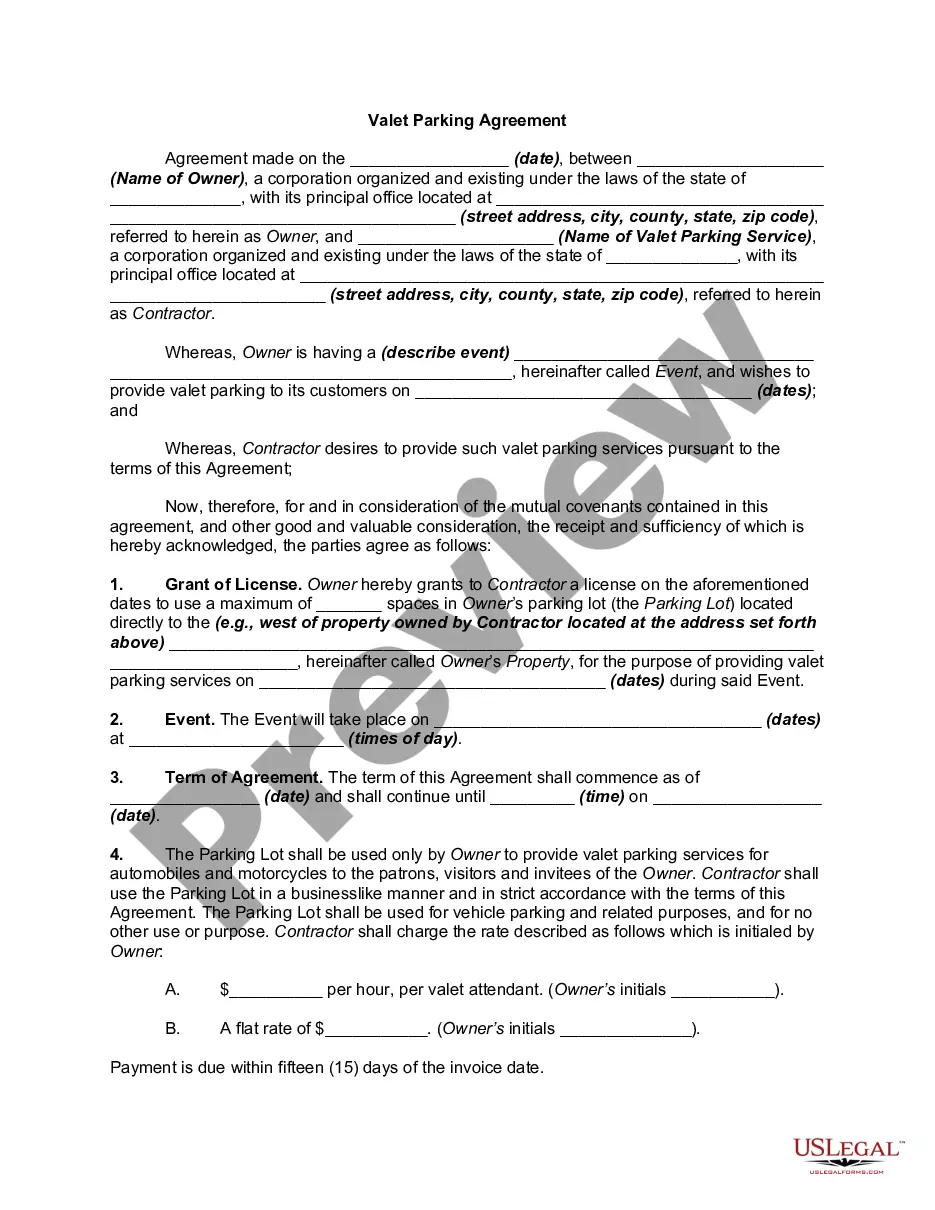
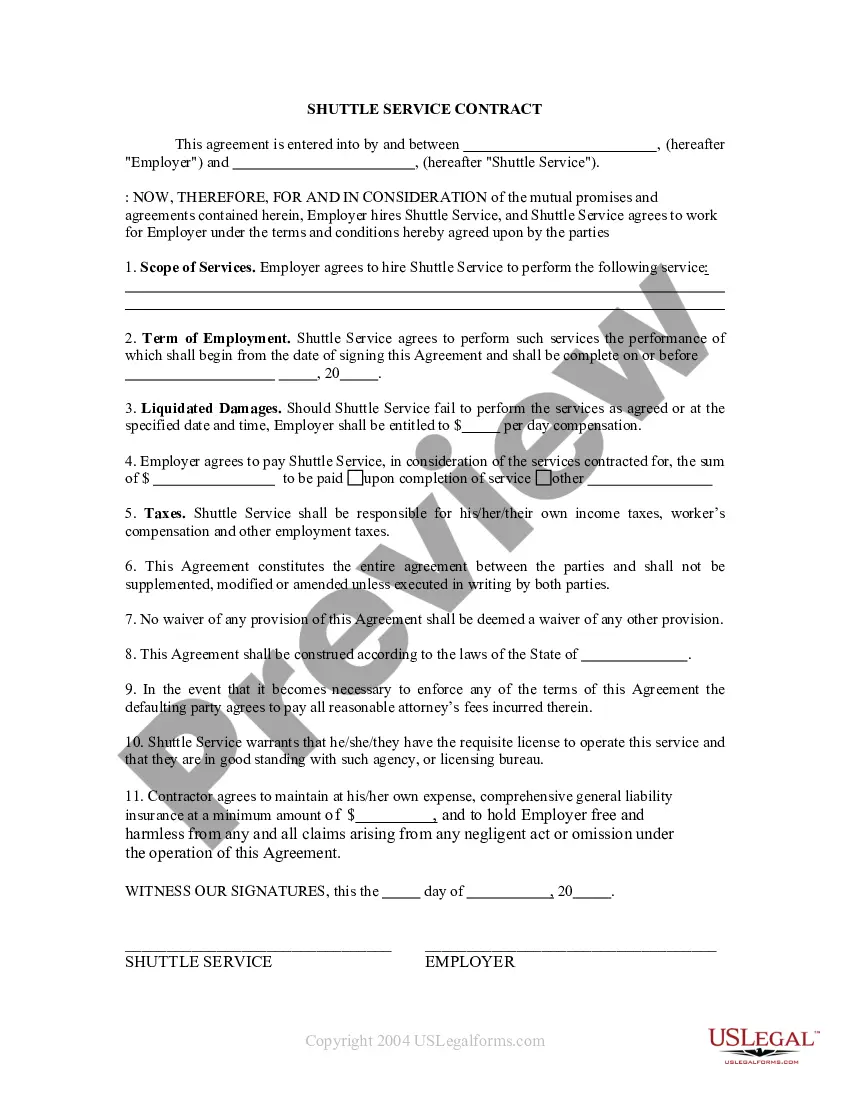
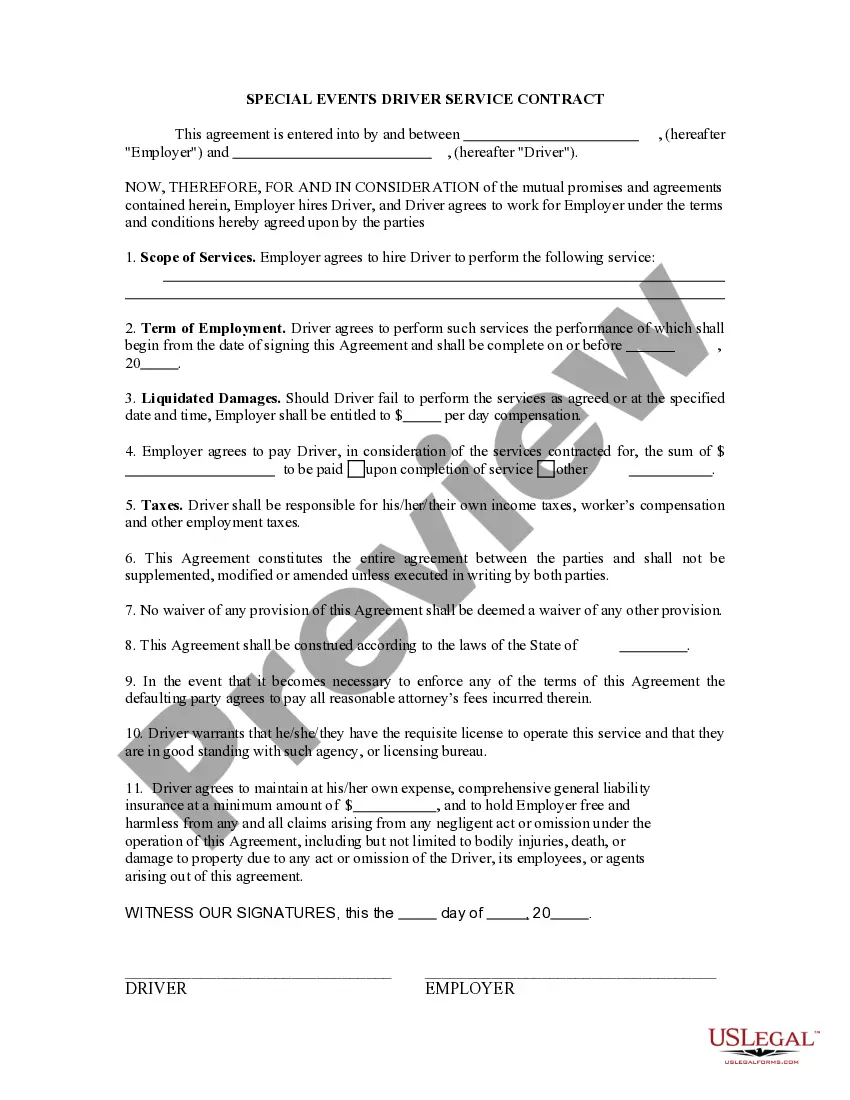
Get your form ready online
Our built-in tools help you complete, sign, share, and store your documents in one place.
Make edits, fill in missing information, and update formatting in US Legal Forms—just like you would in MS Word.
Download a copy, print it, send it by email, or mail it via USPS—whatever works best for your next step.
Sign and collect signatures with our SignNow integration. Send to multiple recipients, set reminders, and more. Go Premium to unlock E-Sign.
If this form requires notarization, complete it online through a secure video call—no need to meet a notary in person or wait for an appointment.
We protect your documents and personal data by following strict security and privacy standards.

Make edits, fill in missing information, and update formatting in US Legal Forms—just like you would in MS Word.

Download a copy, print it, send it by email, or mail it via USPS—whatever works best for your next step.

Sign and collect signatures with our SignNow integration. Send to multiple recipients, set reminders, and more. Go Premium to unlock E-Sign.

If this form requires notarization, complete it online through a secure video call—no need to meet a notary in person or wait for an appointment.

We protect your documents and personal data by following strict security and privacy standards.
Looking for another form?
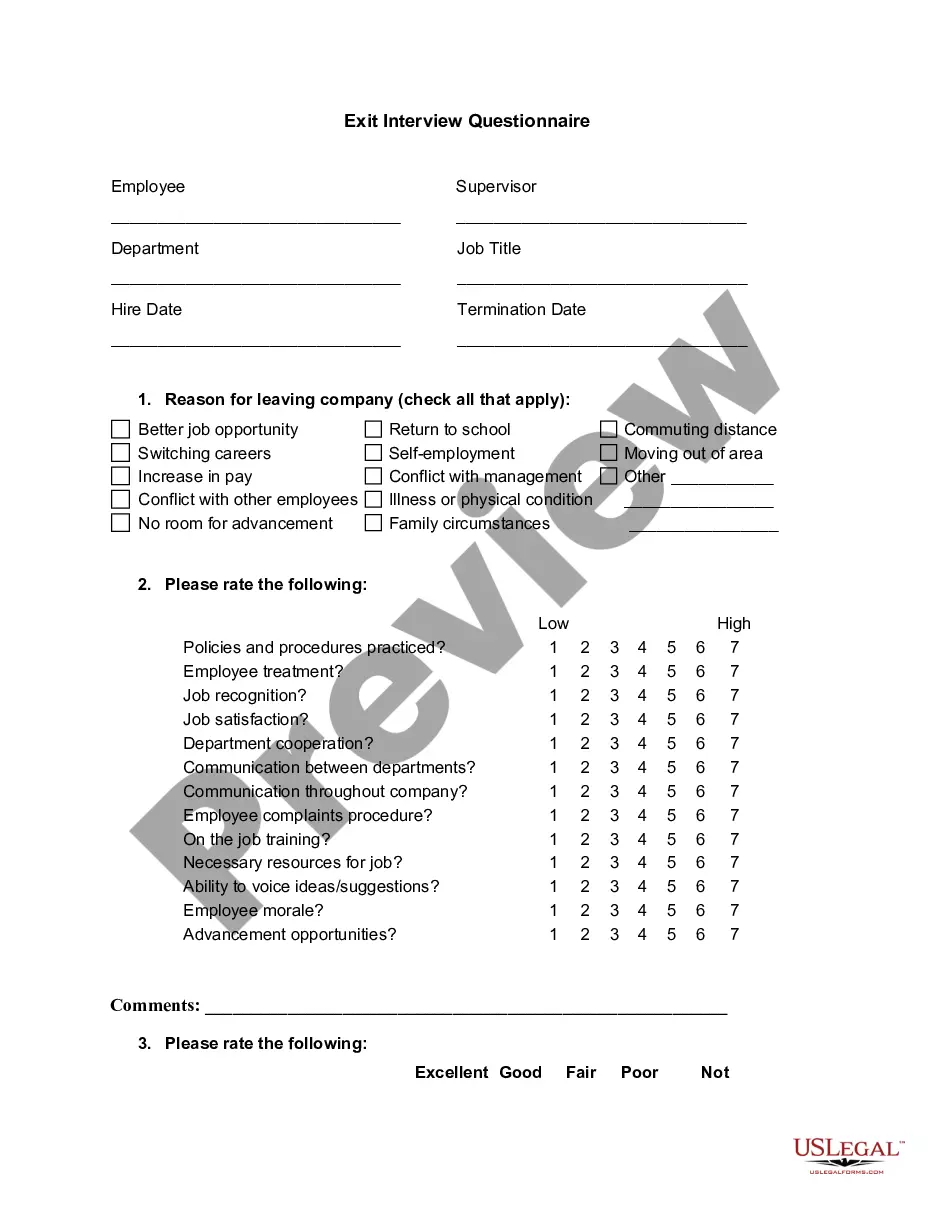

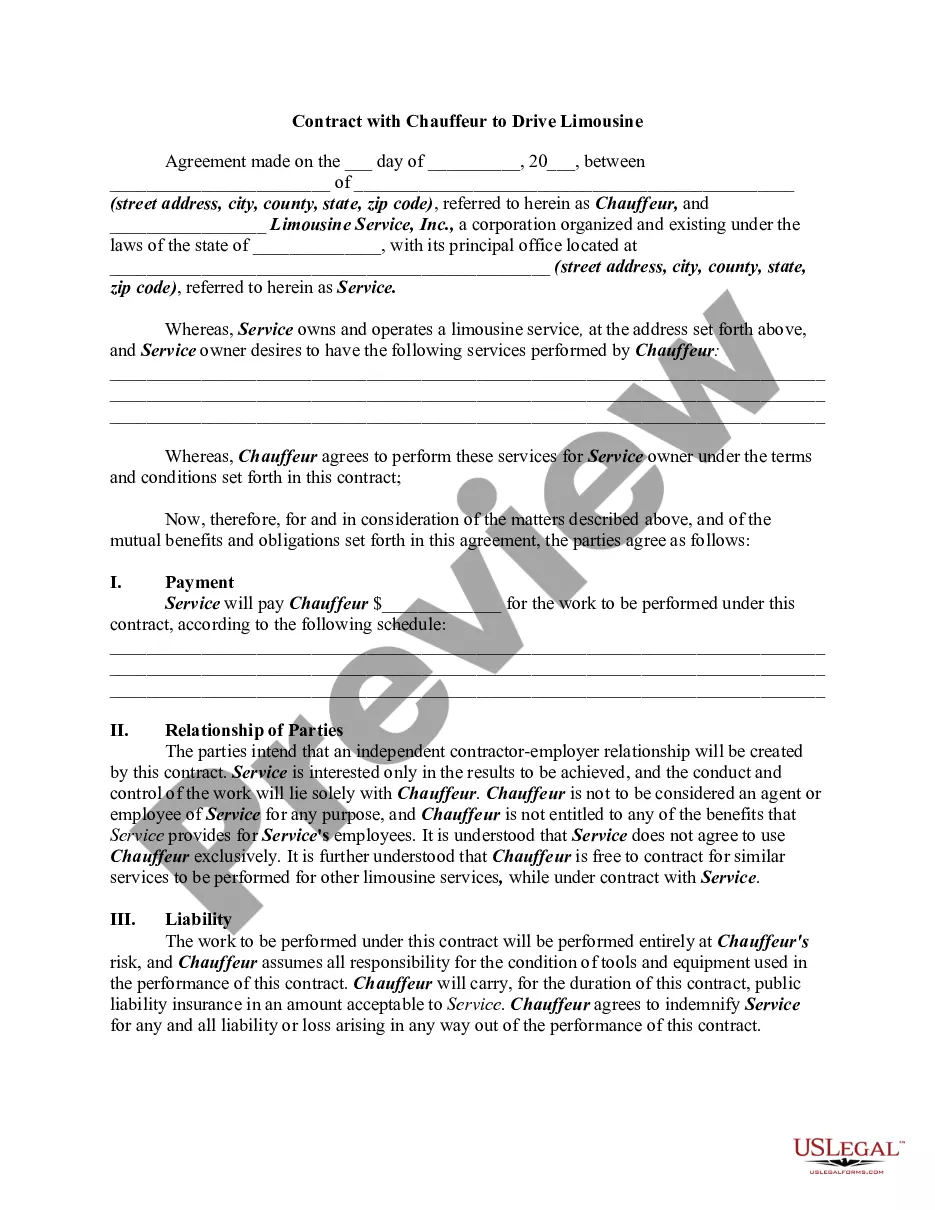
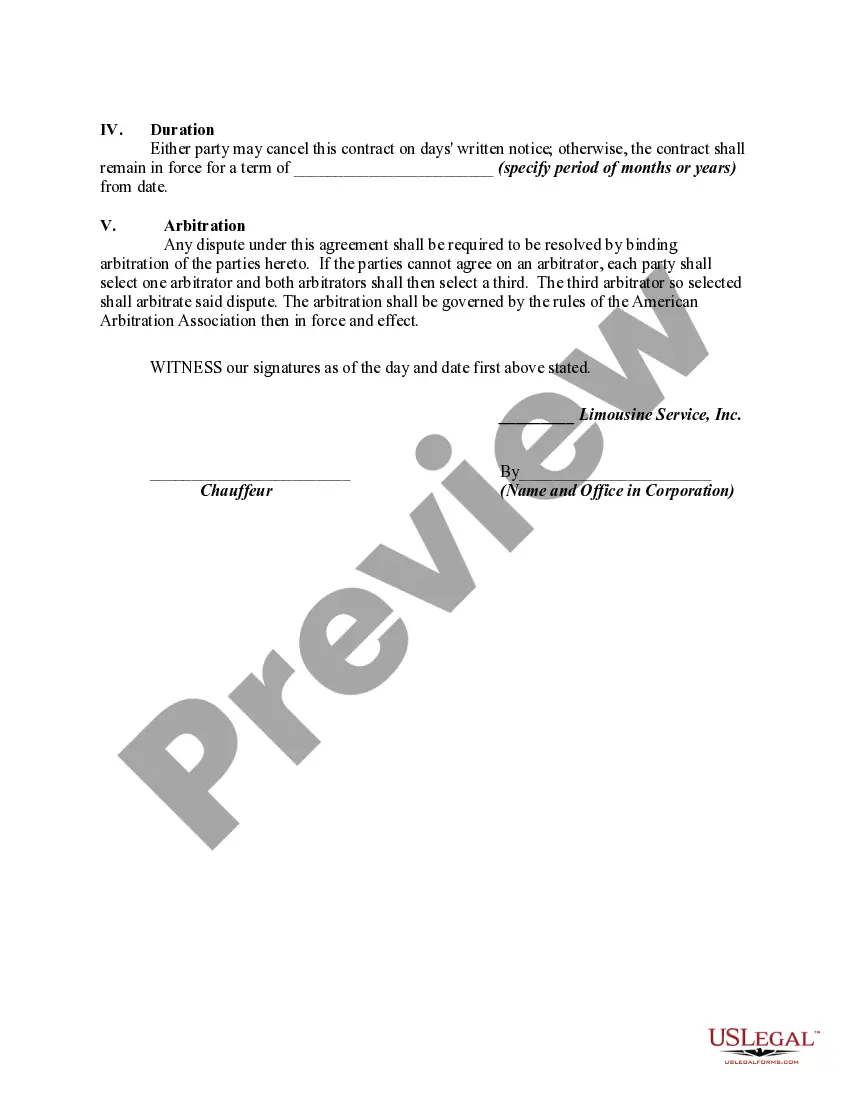
How to fill out Contract With Chauffeur To Drive Limousine?
Whether for commercial reasons or personal affairs, everyone must deal with legal matters at some point in their life.
Filling out legal documents requires meticulous attention, starting with choosing the appropriate form example.
With an extensive US Legal Forms catalog available, you won't need to waste time searching for the right template online. Utilize the library’s simple navigation to find the appropriate template for any scenario.
- Obtain the template you need by using the search bar or browsing through the catalog.
- Review the form’s description to make sure it matches your situation, state, and area.
- Click on the form’s preview to view it.
- If it is the incorrect form, return to the search function to find the Contract Form Relationship Format example you need.
- Download the file once it satisfies your needs.
- If you possess a US Legal Forms account, simply click Log in to access previously saved documents in My documents.
- If you do not have an account yet, you can acquire the form by clicking Buy now.
- Select the suitable pricing option.
- Complete the profile registration form.
- Choose your payment method: a credit card or PayPal account.
- Select the file format you need and download the Contract Form Relationship Format.
- After it is saved, you can fill out the form using editing software or print it and complete it manually.
Form popularity
FAQ
A relationship contract, at times, also includes living arrangements of and for the couple, the personal needs of either of the parties to the contract, the termination (breakups, end dates, etc.), and how and where such a contract shall be executed.
Steps to Writing a Contract. Cover page - Use this to outline the basic information like the names of the parties, the offer, and the exchange. Introduction of the parties involved - Mention each party's legal name. Beginning and end dates - State how long the contract lasts and if it is renewable.
Write the contract in six steps Start with a contract template. ... Open with the basic information. ... Describe in detail what you have agreed to. ... Include a description of how the contract will be ended. ... Write into the contract which laws apply and how disputes will be resolved. ... Include space for signatures.
A relationship contract, or cohabitation agreement, is between a couple to establish rules for a relationship. This contract is sometimes required to establish a domestic partnership. A relationship contract will commonly include how to respect one another and how incomes and expenses are paid.
A contractual relationship might only require minimal interaction and last for a short time. For example, a hairdresser and a client have a brief contractual agreement. The hairdresser agrees to provide a service, or a haircut, to the client, while the client agrees to pay an agreed upon price for that service.