Corporate Dividend Policy With Taxes
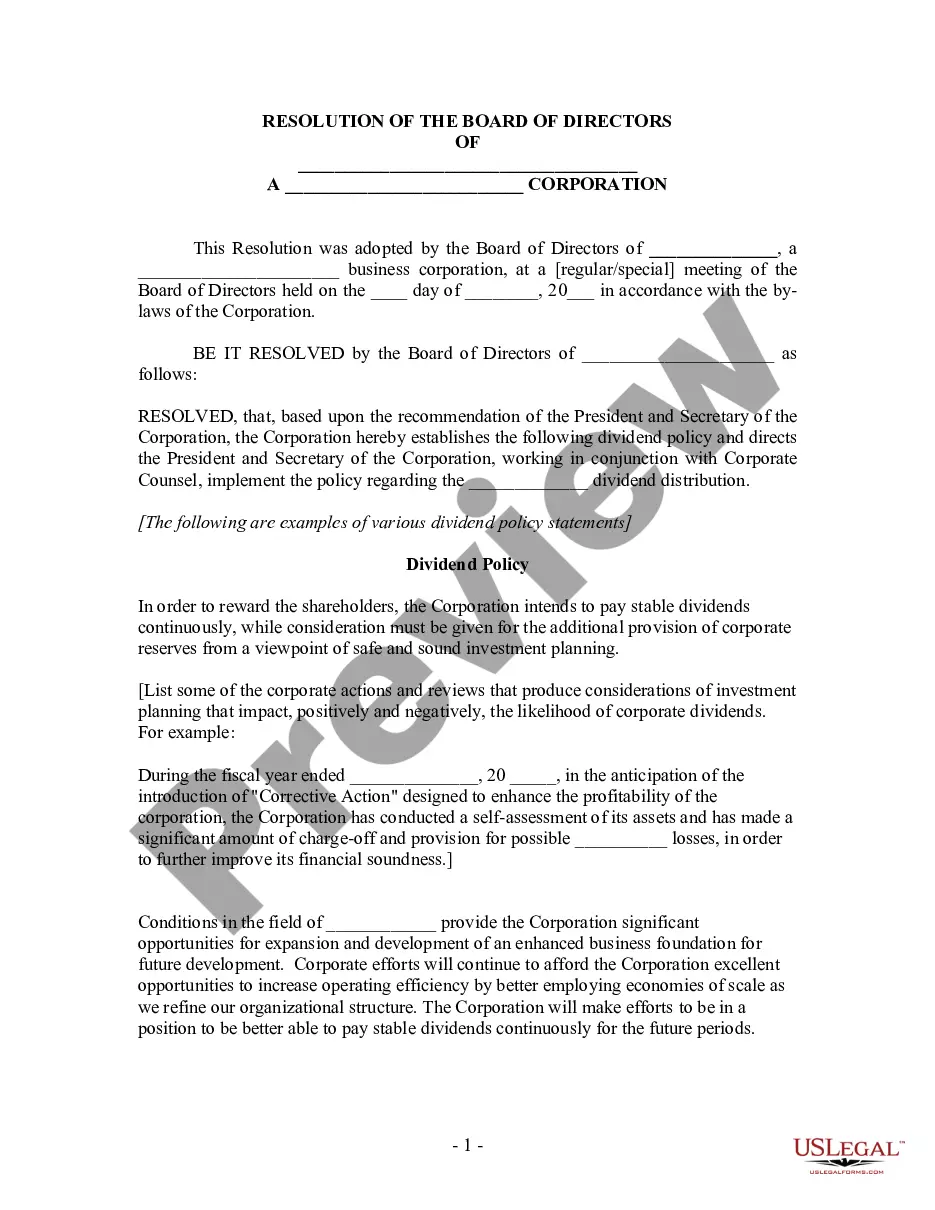
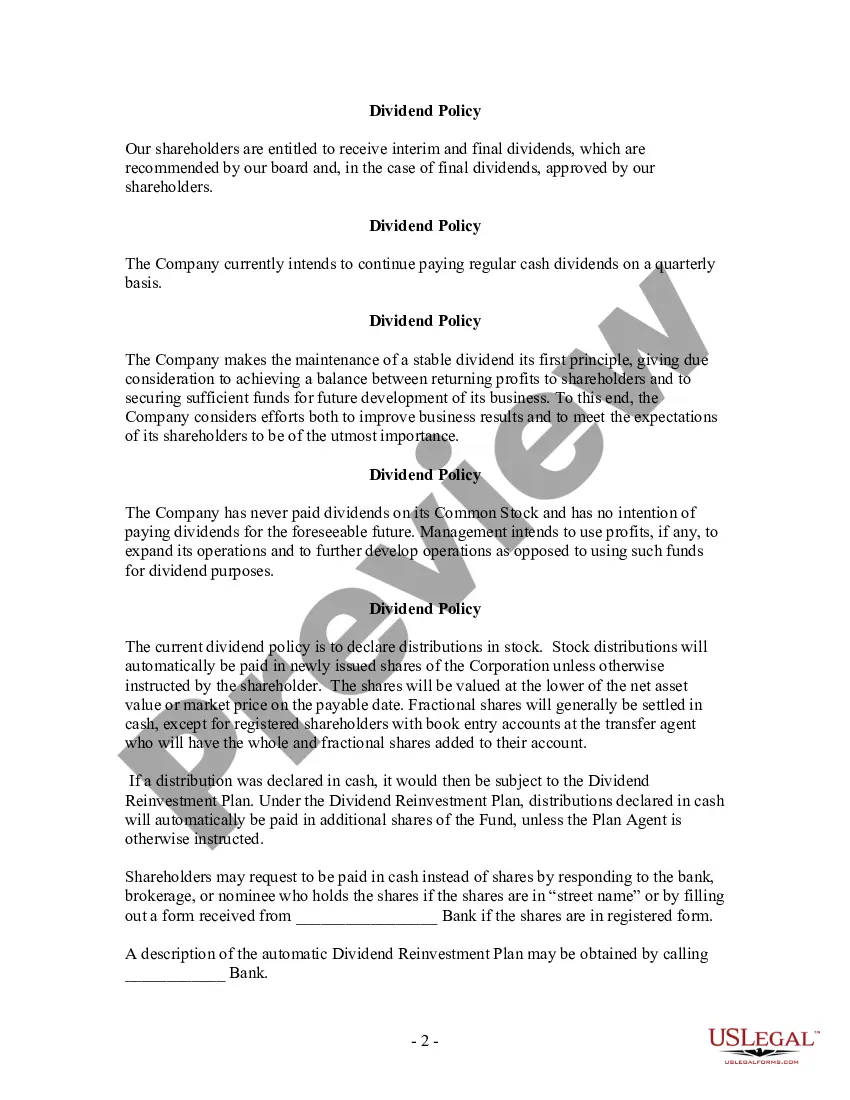
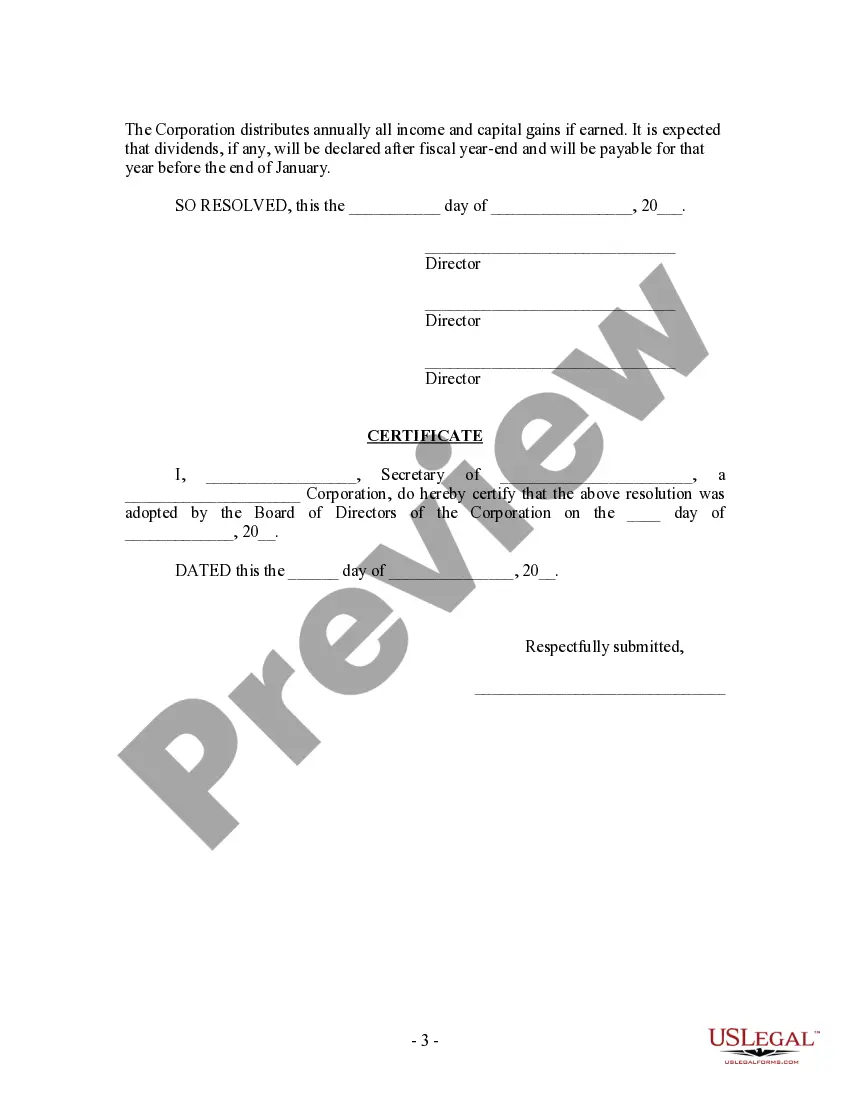
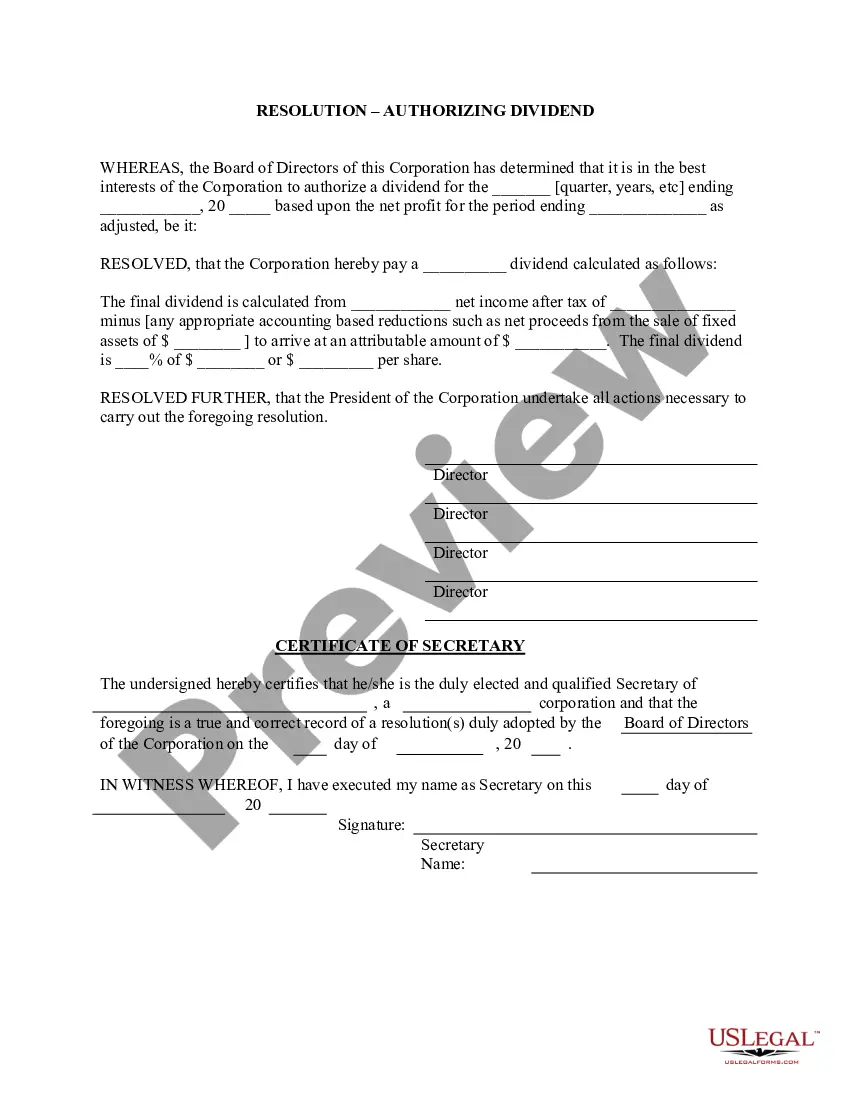
Description
Get your form ready online
Our built-in tools help you complete, sign, share, and store your documents in one place.
Make edits, fill in missing information, and update formatting in US Legal Forms—just like you would in MS Word.
Download a copy, print it, send it by email, or mail it via USPS—whatever works best for your next step.
Sign and collect signatures with our SignNow integration. Send to multiple recipients, set reminders, and more. Go Premium to unlock E-Sign.
If this form requires notarization, complete it online through a secure video call—no need to meet a notary in person or wait for an appointment.
We protect your documents and personal data by following strict security and privacy standards.

Make edits, fill in missing information, and update formatting in US Legal Forms—just like you would in MS Word.

Download a copy, print it, send it by email, or mail it via USPS—whatever works best for your next step.

Sign and collect signatures with our SignNow integration. Send to multiple recipients, set reminders, and more. Go Premium to unlock E-Sign.

If this form requires notarization, complete it online through a secure video call—no need to meet a notary in person or wait for an appointment.

We protect your documents and personal data by following strict security and privacy standards.
Looking for another form?




How to fill out Dividend Policy - Resolution Form - Corporate Resolutions?
Getting a go-to place to take the most current and appropriate legal samples is half the struggle of handling bureaucracy. Discovering the right legal files requirements precision and attention to detail, which is the reason it is very important to take samples of Corporate Dividend Policy With Taxes only from reliable sources, like US Legal Forms. An improper template will waste your time and delay the situation you are in. With US Legal Forms, you have little to be concerned about. You can access and check all the information about the document’s use and relevance for the circumstances and in your state or county.
Take the following steps to finish your Corporate Dividend Policy With Taxes:
- Make use of the library navigation or search field to locate your sample.
- Open the form’s information to see if it suits the requirements of your state and region.
- Open the form preview, if available, to make sure the template is definitely the one you are looking for.
- Resume the search and find the right document if the Corporate Dividend Policy With Taxes does not match your needs.
- If you are positive regarding the form’s relevance, download it.
- If you are an authorized user, click Log in to authenticate and access your picked templates in My Forms.
- If you do not have an account yet, click Buy now to obtain the template.
- Select the pricing plan that suits your preferences.
- Go on to the registration to complete your purchase.
- Complete your purchase by choosing a transaction method (bank card or PayPal).
- Select the document format for downloading Corporate Dividend Policy With Taxes.
- Once you have the form on your gadget, you can alter it using the editor or print it and finish it manually.
Get rid of the inconvenience that accompanies your legal documentation. Explore the extensive US Legal Forms collection where you can find legal samples, examine their relevance to your circumstances, and download them immediately.
Form popularity
FAQ
Taxpayers report dividend income on Form 1040 of their tax return. Ordinary dividend income goes on Line 3b of the Form 1040. Qualified dividends get entered on Line 3a of the same form.
Where do I enter dividends received by or paid by the corporation on an 1120 return? Enter dividends received by the corporation, and special deductions, on screen C, Schedule C Dividends Received. The Dividends Received Deduction Worksheet (Wks DRD) is generated from data entered in fields 3-1, 3-2, 3-3, and 3-4.
The portion of the ordinary dividends that qualify for a ?preferential? tax rate (a lower tax rate than the ?ordinary? tax rate, explained below) are called ?qualified dividends?. Qualified dividends are reported on in Box 1b of Form 1099-DIV and entered on line 3a of Form 1040.
Completing your tax return Add up all the unfranked dividend amounts from your statements, including any TFN amounts withheld. ... Add up all the franked dividend amounts from your statements and any other franked dividends paid or credited to you. ... Add up the 'franking credit amounts' shown on your statements.
Key Takeaways. Dividends are taxable to a corporation as they represent a company's profits. Shareholders are also taxed when the receive dividends. Although that tax rate is often more favorable than ordinary income, some see this as a double-taxation.