Trust Documentation Sample For Software
Description

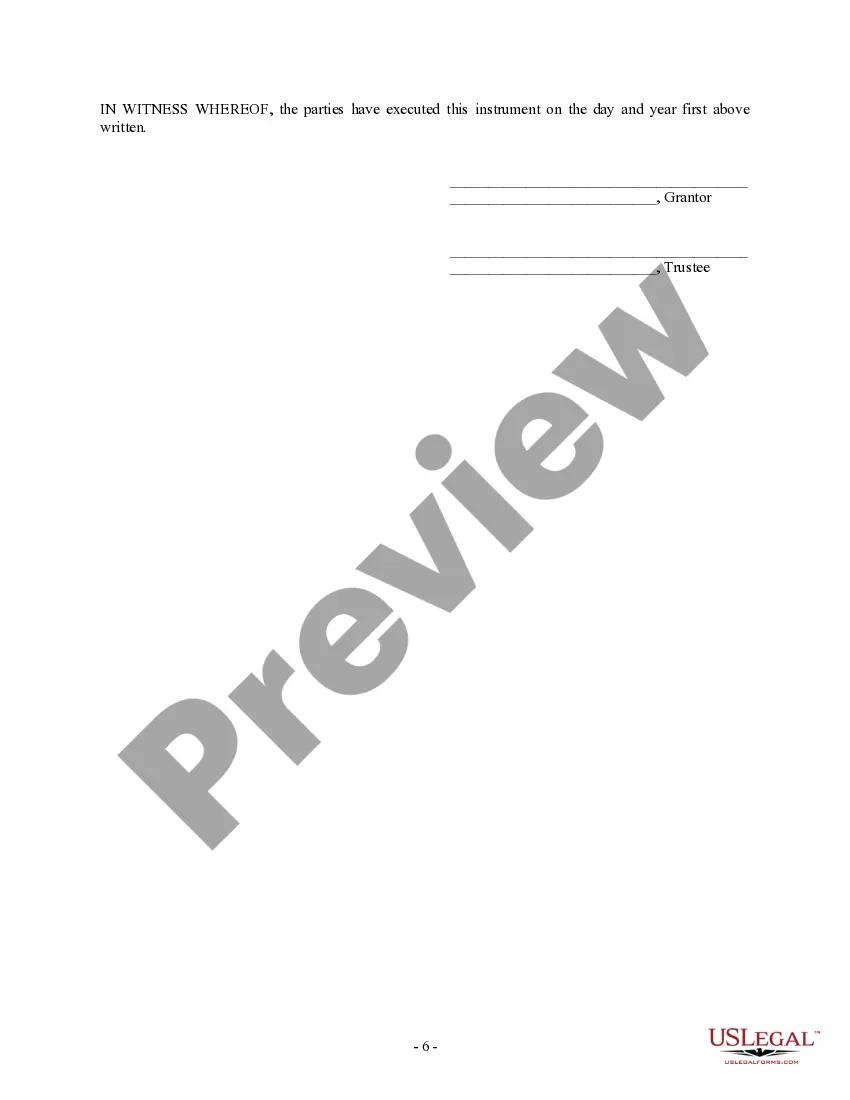
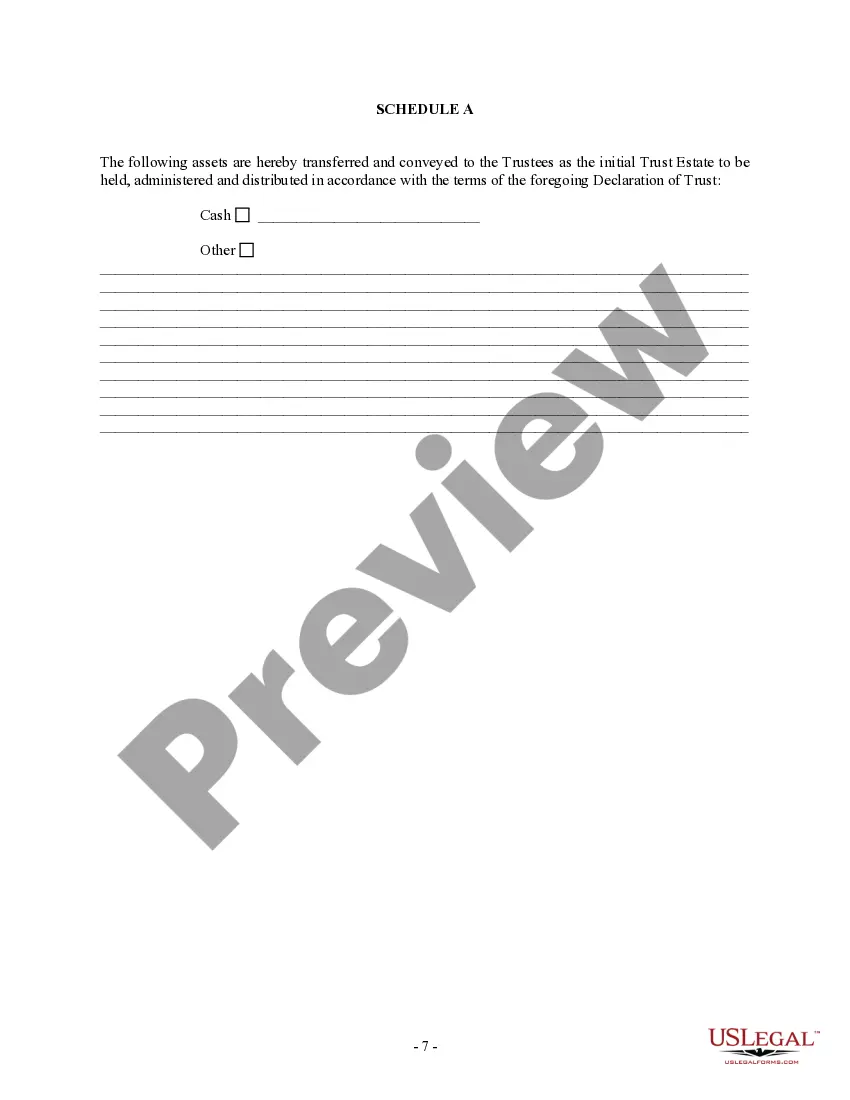
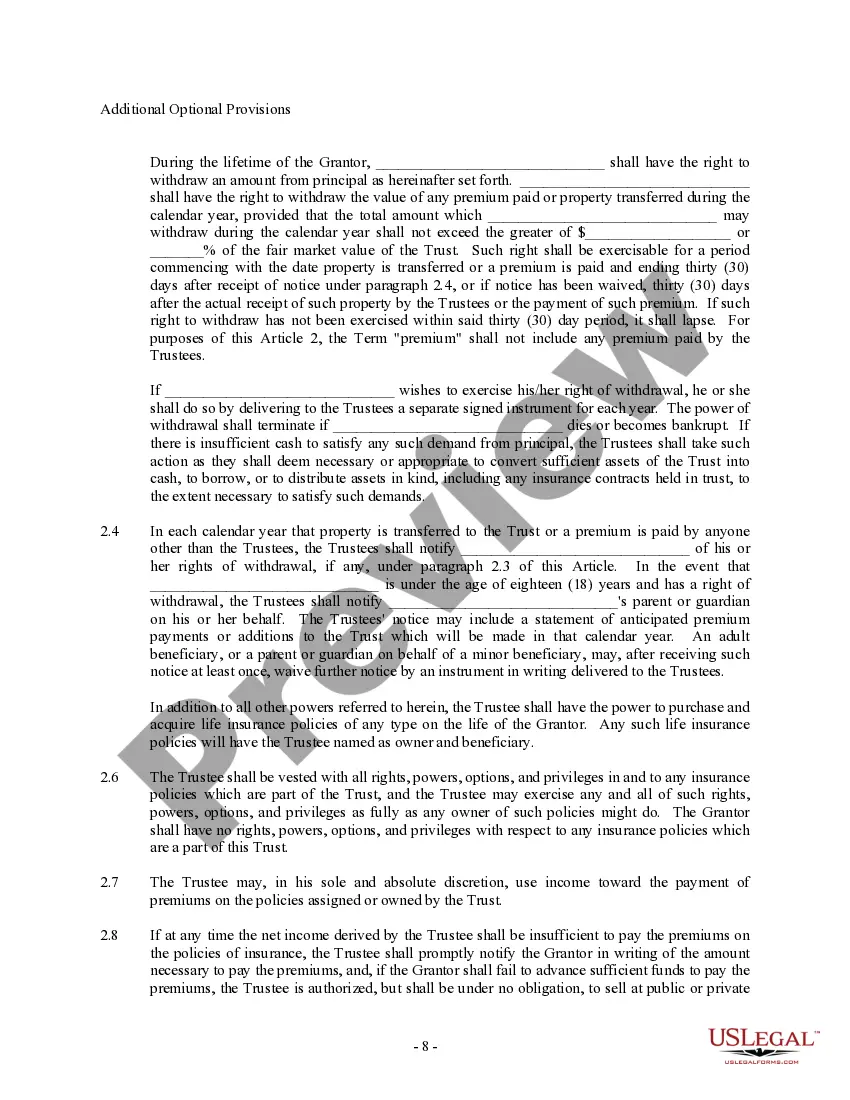
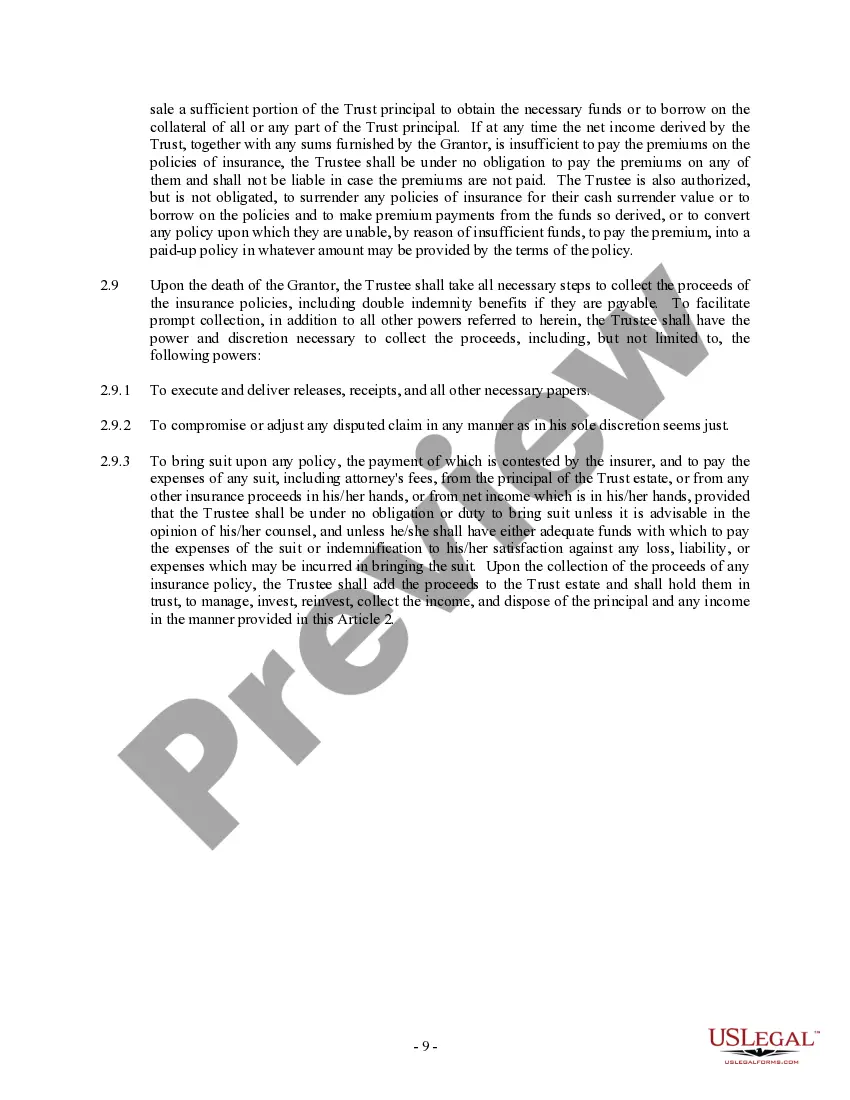
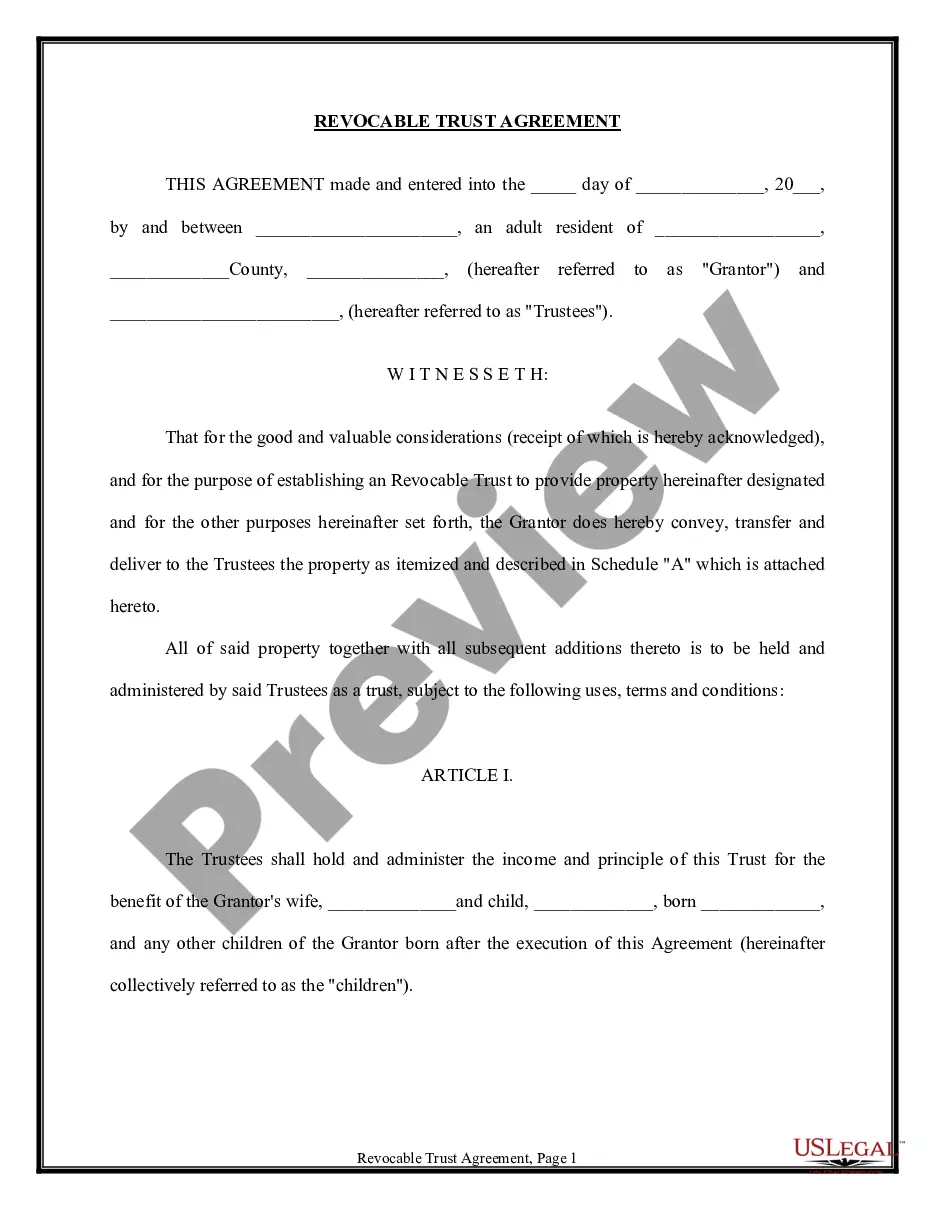


Get your form ready online
Our built-in tools help you complete, sign, share, and store your documents in one place.
Make edits, fill in missing information, and update formatting in US Legal Forms—just like you would in MS Word.
Download a copy, print it, send it by email, or mail it via USPS—whatever works best for your next step.
Sign and collect signatures with our SignNow integration. Send to multiple recipients, set reminders, and more. Go Premium to unlock E-Sign.
If this form requires notarization, complete it online through a secure video call—no need to meet a notary in person or wait for an appointment.
We protect your documents and personal data by following strict security and privacy standards.

Make edits, fill in missing information, and update formatting in US Legal Forms—just like you would in MS Word.

Download a copy, print it, send it by email, or mail it via USPS—whatever works best for your next step.

Sign and collect signatures with our SignNow integration. Send to multiple recipients, set reminders, and more. Go Premium to unlock E-Sign.

If this form requires notarization, complete it online through a secure video call—no need to meet a notary in person or wait for an appointment.

We protect your documents and personal data by following strict security and privacy standards.
Looking for another form?
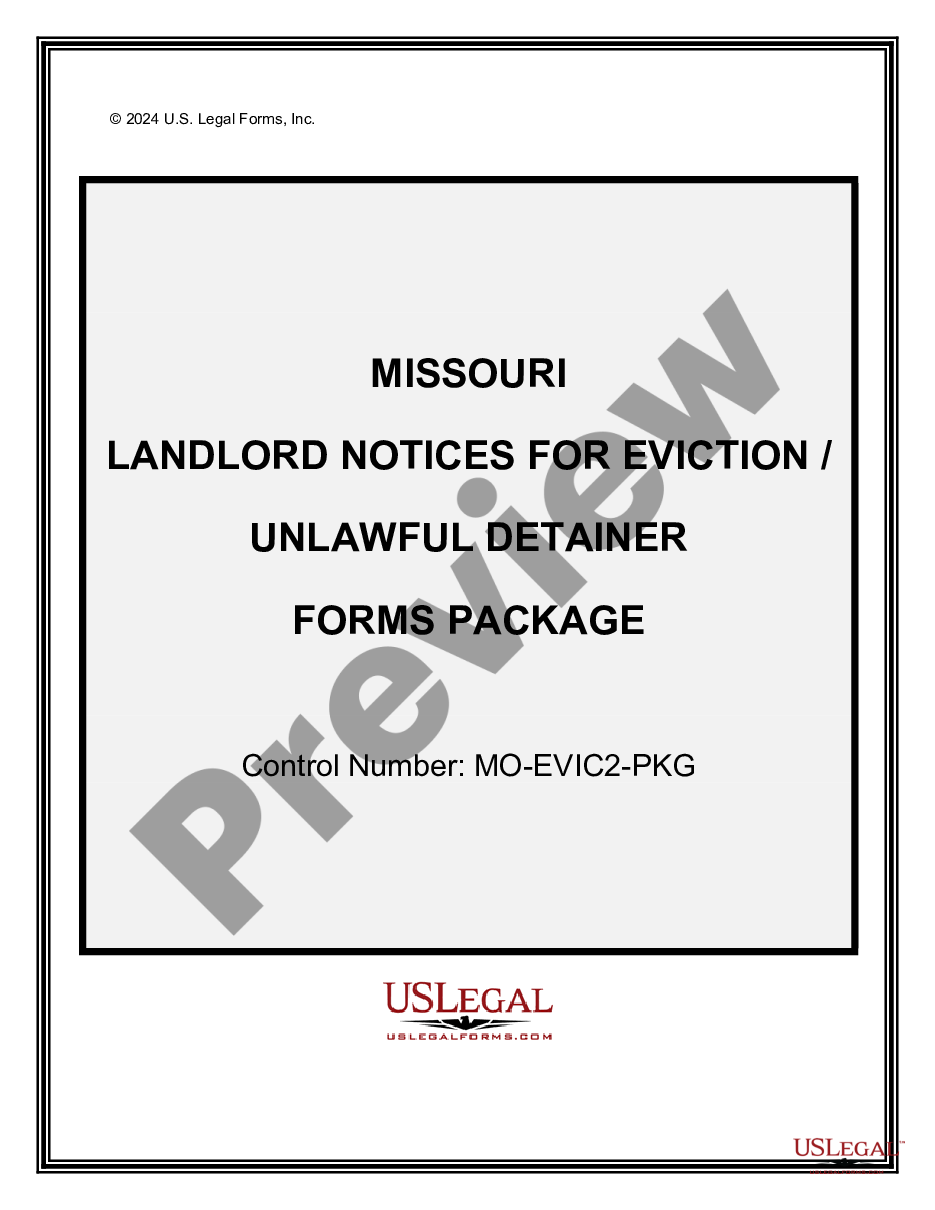


How to fill out Trust Agreement - Family Special Needs?
Utilizing legal document examples that comply with federal and state regulations is vital, and the web provides a multitude of choices to select from.
However, what is the benefit of squandering time searching for the appropriate Trust Documentation Sample For Software online when the US Legal Forms digital library already has such documents gathered in one location.
US Legal Forms is the largest virtual legal archive featuring over 85,000 editable templates crafted by lawyers for any business and personal matter. They are simple to navigate, with all documents organized by state and intended use. Our specialists stay updated with legal changes, ensuring that your form is always current and in accordance when you acquire a Trust Documentation Sample For Software from our site.
Click Buy Now once you have identified the correct form and select a subscription plan. Create an account or Log In, and complete the payment via PayPal or credit card. Choose your preferred format for your Trust Documentation Sample For Software and download it. All templates you find through US Legal Forms are reusable. To re-download and fill out forms already obtained, access the My documents tab in your account. Make the most of the largest and easiest legal documentation service!
- Getting a Trust Documentation Sample For Software is fast and straightforward for both existing and new clients.
- If you already possess an account with an active subscription, Log In and download the document sample you require in your desired format.
- If you are new to our site, follow the steps below.
- Review the template using the Preview feature or the text outline to confirm it meets your requirements.
- Search for an alternative sample using the search capability at the top of the page if necessary.
Form popularity
FAQ
How to Write Software Documentation in 7 Simple Steps Understand the Purpose and Audience of the Document. Jot Down Important Questions. Outline Technical Documentation. Gather the Required Information. Write Documentation Drafts. Leverage Good Documentation Visuals. Perform Final Editing.
Common examples of software documentation are: User manuals. How-to guides. Quick-start guides. Tutorials. Troubleshooting guides. User personas. Internal knowledge base articles. UX design documentation.
How to Write ( Fill Out ) a Living Trust Form Step 1: Fill out the grantor information. ... Step 2: Indicate the purpose of the trust. ... Step 3: Include trustee information. ... Step 4: List beneficiaries and make specific gifts. ... Step 5: Sign and notarize the completed document.
Following are steps for writing good software technical documentation: Understand the document's goals and target audience. ... Write down vital questions. ... Create an outline. ... Compile the required data. ... Compose a draft. ... Utilise effective documentation visuals. ... Finalise your editing.
The most common example of when a declaration of trust is used is the situation where an adult son or daughter borrows money for a deposit on a first house from his or her parents. The parents may have a mortgage already, and the terms of that mortgage prevent them from borrowing under another.