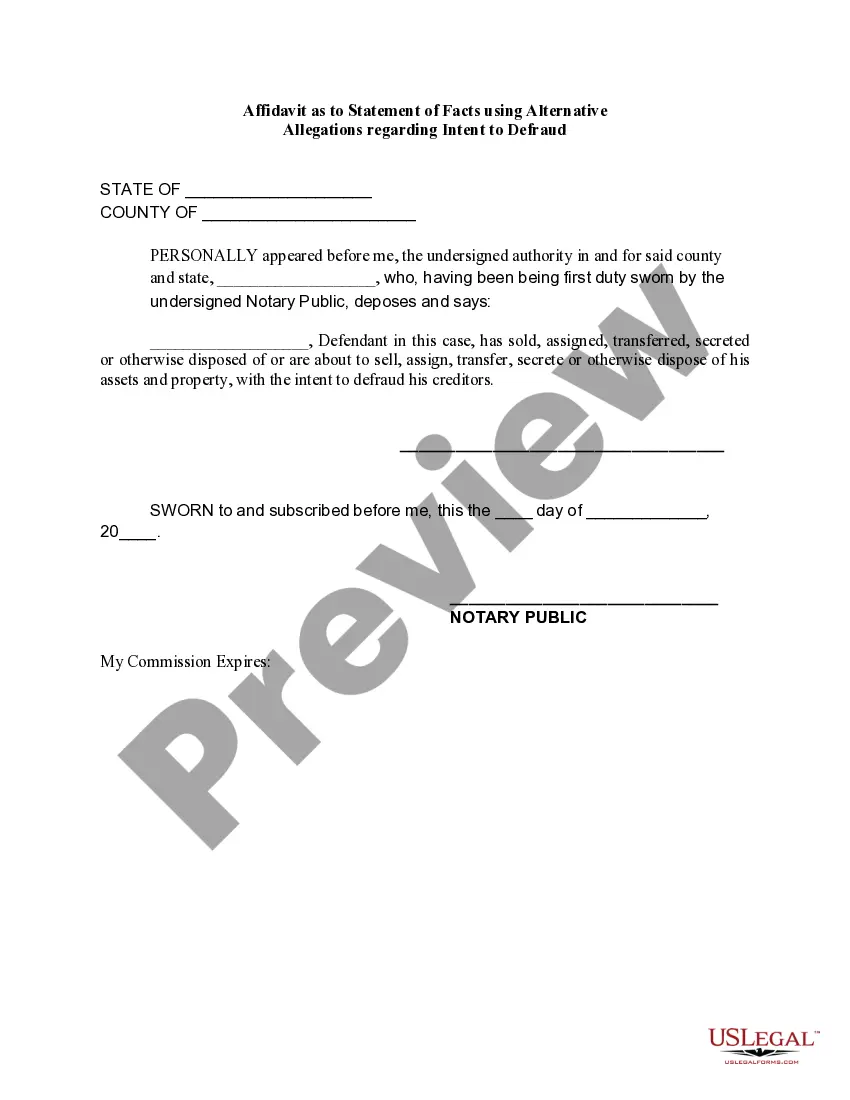
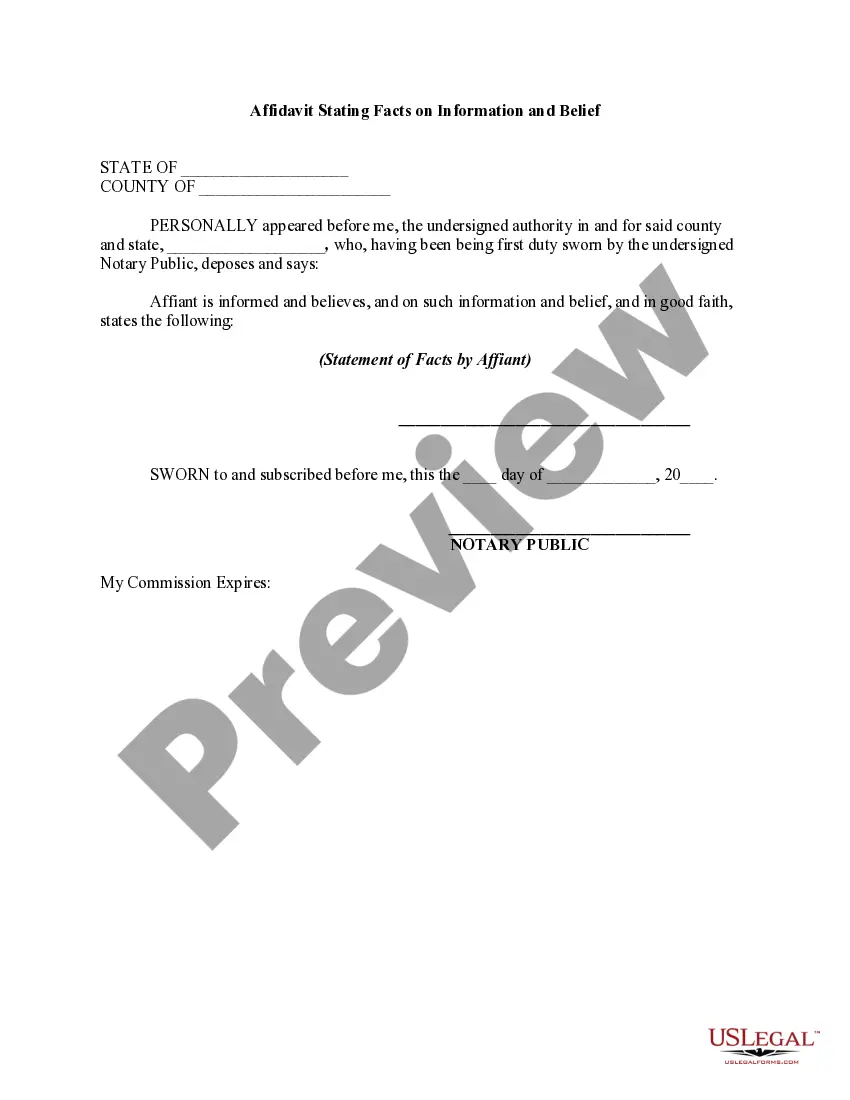
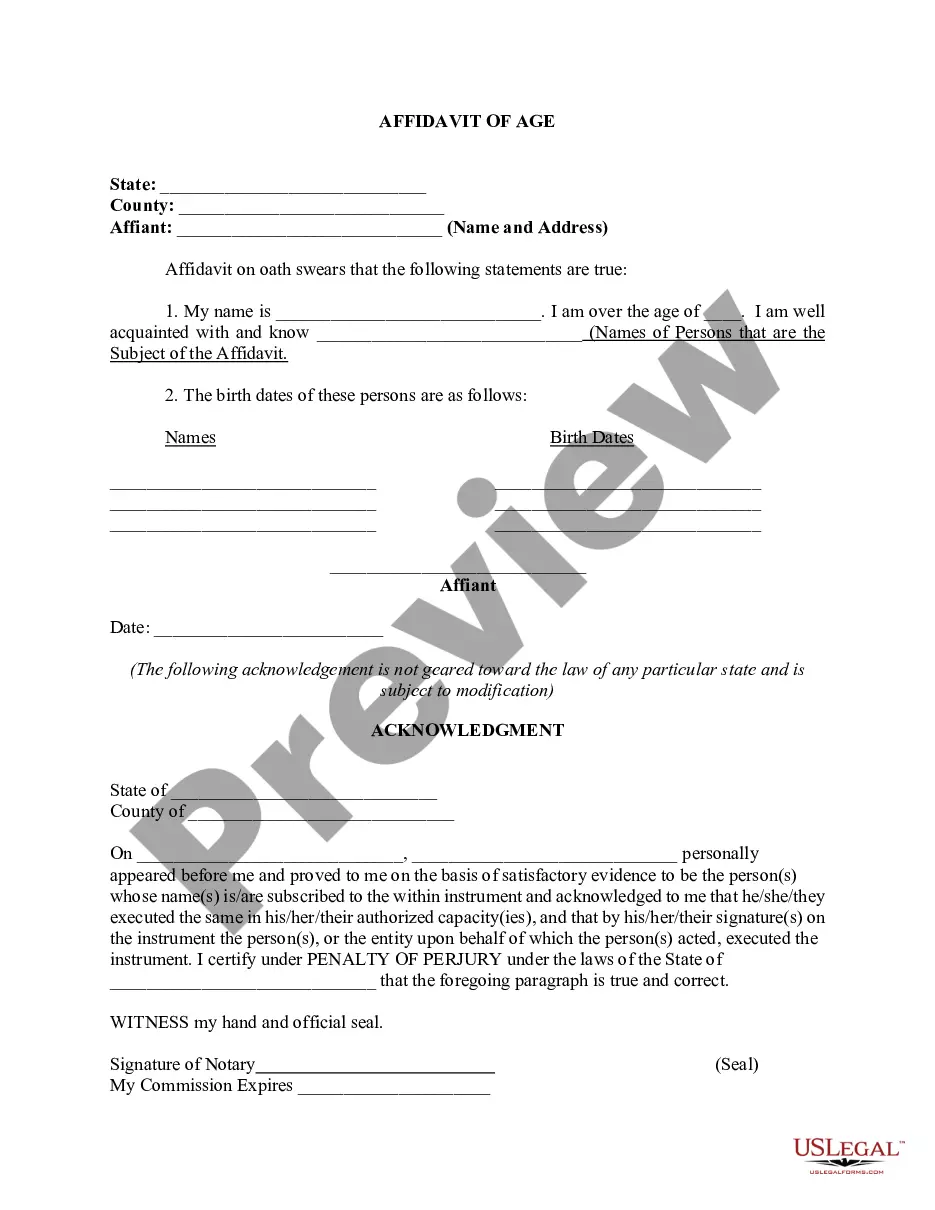
Statement Form Format
Description
Get your form ready online
Our built-in tools help you complete, sign, share, and store your documents in one place.
Make edits, fill in missing information, and update formatting in US Legal Forms—just like you would in MS Word.
Download a copy, print it, send it by email, or mail it via USPS—whatever works best for your next step.
Sign and collect signatures with our SignNow integration. Send to multiple recipients, set reminders, and more. Go Premium to unlock E-Sign.
If this form requires notarization, complete it online through a secure video call—no need to meet a notary in person or wait for an appointment.
We protect your documents and personal data by following strict security and privacy standards.

Make edits, fill in missing information, and update formatting in US Legal Forms—just like you would in MS Word.

Download a copy, print it, send it by email, or mail it via USPS—whatever works best for your next step.

Sign and collect signatures with our SignNow integration. Send to multiple recipients, set reminders, and more. Go Premium to unlock E-Sign.

If this form requires notarization, complete it online through a secure video call—no need to meet a notary in person or wait for an appointment.

We protect your documents and personal data by following strict security and privacy standards.
Looking for another form?
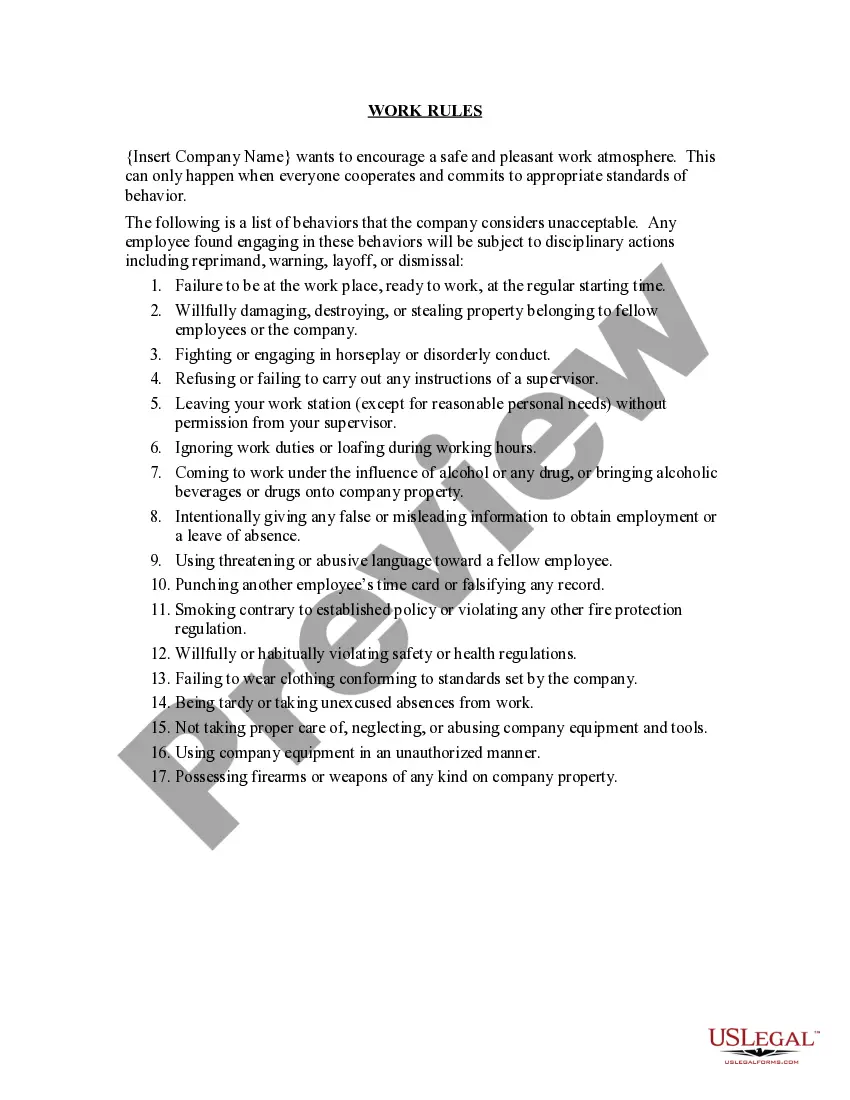
How to fill out Affidavit As To Statement Of Facts Using Alternative?
Creating legal documents from the ground up can frequently be intimidating.
Certain situations may require extensive research and significant amounts of money.
If you're looking for a more straightforward and cost-efficient method of generating Statement Form Format or any other documents without unnecessary complications, US Legal Forms is always readily accessible.
Our online collection of over 85,000 current legal forms covers nearly every facet of your financial, legal, and personal matters.
However, before you proceed to download Statement Form Format, adhere to these suggestions: Review the form preview and descriptions to ensure it aligns with the document you are seeking. Confirm that the form you select complies with your state and county's regulations and laws. Choose the appropriate subscription option to purchase the Statement Form Format. Download the form, then fill it out, sign it, and print it. US Legal Forms proudly maintains an unblemished reputation and boasts over 25 years of experience. Join us today and simplify form execution into a seamless, efficient process!
- With just a few clicks, you can swiftly access state- and county-specific templates meticulously crafted for you by our legal experts.
- Utilize our platform whenever you require trustworthy and dependable services to swiftly locate and download the Statement Form Format.
- If you are already familiar with our services and have registered an account with us before, simply Log In to your account, select the form, and download it, or re-download it at any time later from the My documents section.
- Not registered yet? No worries. Registering takes little to no time, allowing you to explore the library.
Form popularity
FAQ
The format of a definition statement is: Statement name. General introduction. The general introduction explains overall options, assumptions, and the purpose of the statement.
Here are the basic steps you need to take to write a statement: Identify your ultimate objective. First, identify what you want to accomplish with your statement. ... Write an introduction. ... Write the body. ... Create a strong conclusion. ... Proofread your statement.
A statement is true if what it asserts is the case, and it is false if what it asserts is not the case. For instance, the statement ?The trains are always late? is only true if what it describes is the case, i.e., if it is actually the case that the trains are always late.
A general rule of thumb you might follow is to submit a 2-3 page statement, double-spaced, with 1-inch margins, in 12-pt. Times New Roman font. While there are no set rules about length or format, this is typically considered appropriate and sufficient.
Step 1: Brainstorm topics for your personal statement. Step 2: Follow the freewriting rules and spend 10 ? 15 minutes on 3 of your topics. Step 3: Review what you have written and decide whether to use one of those topics or select another from your brainstorm list. Step 4: Draft an outline of the personal statement.