Difference Between Affidavit And Sworn Statement
Description

Get your form ready online
Our built-in tools help you complete, sign, share, and store your documents in one place.
Make edits, fill in missing information, and update formatting in US Legal Forms—just like you would in MS Word.
Download a copy, print it, send it by email, or mail it via USPS—whatever works best for your next step.
Sign and collect signatures with our SignNow integration. Send to multiple recipients, set reminders, and more. Go Premium to unlock E-Sign.
If this form requires notarization, complete it online through a secure video call—no need to meet a notary in person or wait for an appointment.
We protect your documents and personal data by following strict security and privacy standards.

Make edits, fill in missing information, and update formatting in US Legal Forms—just like you would in MS Word.

Download a copy, print it, send it by email, or mail it via USPS—whatever works best for your next step.

Sign and collect signatures with our SignNow integration. Send to multiple recipients, set reminders, and more. Go Premium to unlock E-Sign.

If this form requires notarization, complete it online through a secure video call—no need to meet a notary in person or wait for an appointment.

We protect your documents and personal data by following strict security and privacy standards.
Looking for another form?

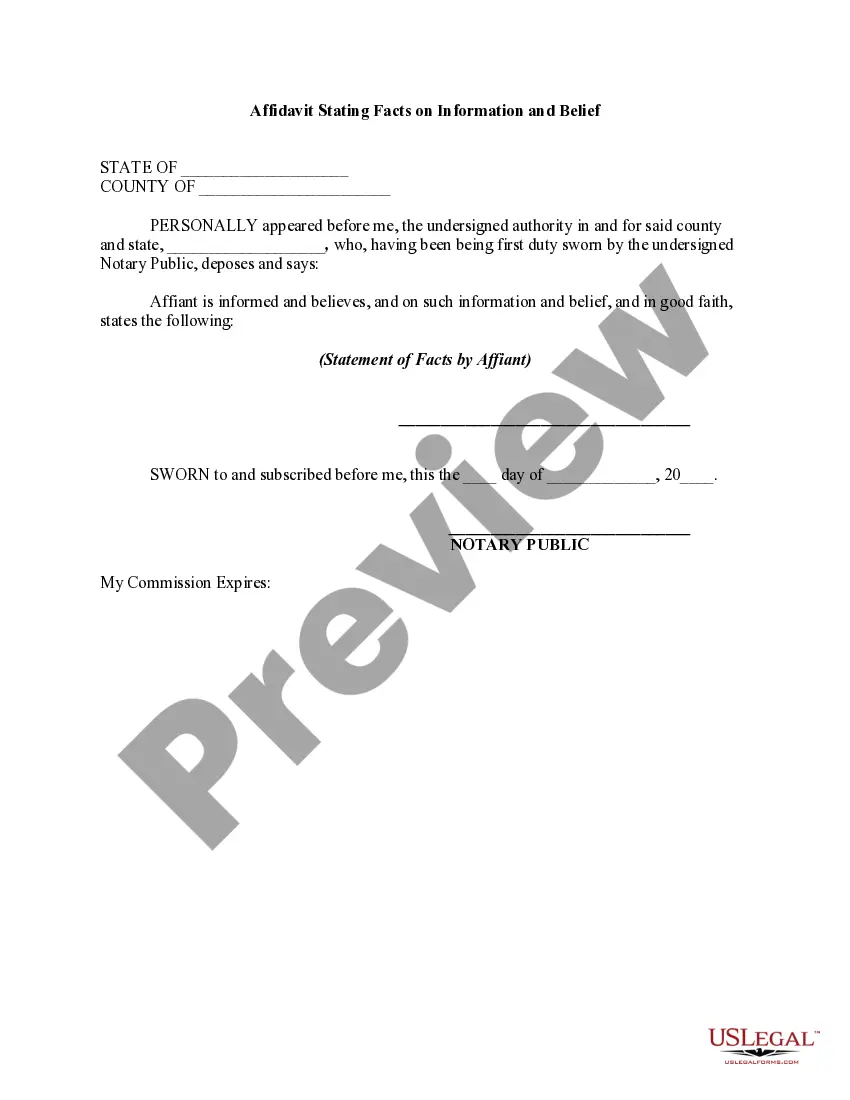
How to fill out Affidavit Stating Facts On Information And Belief?
Legal administration can be perplexing, even for the most seasoned professionals.
When seeking a Distinction Between Affidavit And Sworn Statement and lacking the opportunity to invest in finding the accurate and current version, the processes can be challenging.
Tap into a valuable resource library of articles, guides, and materials pertinent to your circumstances and needs.
Conserve time and effort searching for the documents you require, and use US Legal Forms’ sophisticated search and Review feature to find Distinction Between Affidavit And Sworn Statement and download it.
Confirm that the template is accepted in your state or local jurisdiction. Choose Buy Now when you’re ready. Opt for a subscription plan. Select the format you desire, and Download, complete, sign, print, and submit your document. Take advantage of the US Legal Forms online library, supported by 25 years of experience and reliability. Streamline your everyday document management into a simple and user-friendly process today.
- If you have a monthly subscription, Log In to your US Legal Forms account, look for the form, and download it.
- Review your My documents tab to see the documents you have previously saved and to organize your folders as you choose.
- If this is your initial experience with US Legal Forms, establish a complimentary account and gain unlimited access to all platform benefits.
- Below are the steps to follow after obtaining the form you need.
- Ensure this is the correct form by previewing it and examining its description.
- Access state- or county-specific legal and organizational documents.
- US Legal Forms addresses any needs you may have, from personal to commercial paperwork, all in one location.
- Leverage advanced tools to complete and manage your Distinction Between Affidavit And Sworn Statement.
Form popularity
FAQ
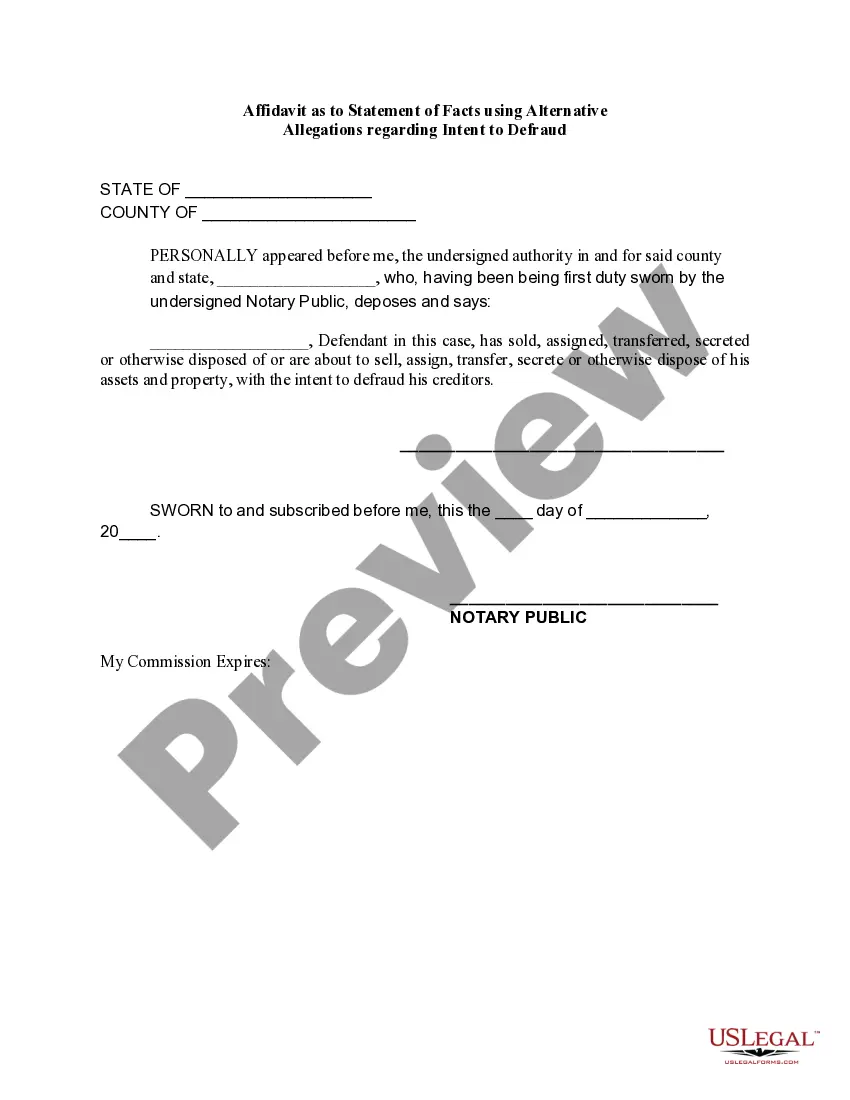
How to write a general affidavit? Title your affidavit. Don't forget to list any relevant contact or identification information that you may need to include in the heading. Write your statement. ... Verify that your information is true. ... Finalize and notarize.
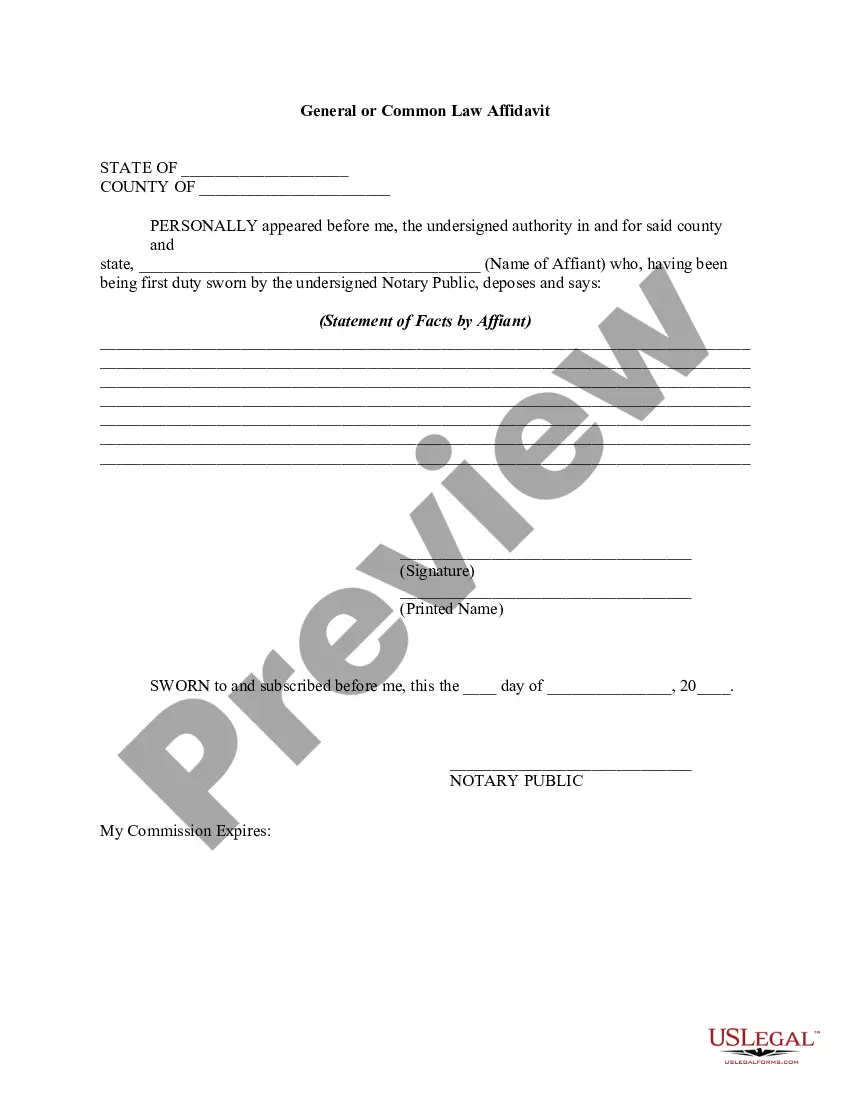
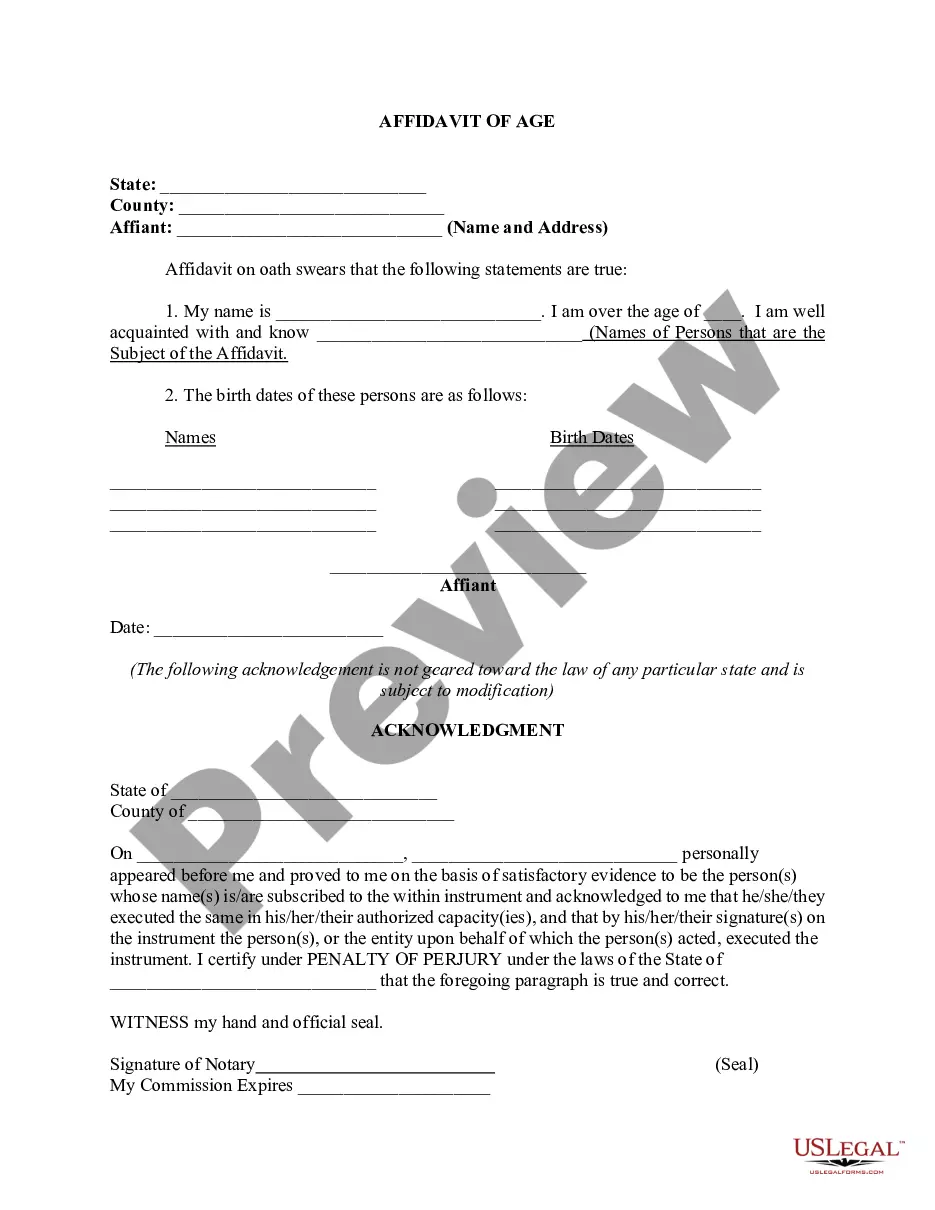
An affidavit is a sworn statement put in writing. When you use an affidavit, you're claiming that the information within the document is true and correct to the best of your knowledge. Like taking an oath in court, an affidavit is only valid when you make it voluntarily and without any coercion.
A sworn declaration (also called a sworn statement or a statement under penalty of perjury) is a document that recites facts pertinent to a legal proceeding. It is very similar to an affidavit but is not witnessed and sealed by an official such as a notary public.
An affidavit is a sworn statement that's documented in writing. Affidavits are often used in court proceedings and in negotiations, commonly in family law, financial, and bankruptcy cases; however, they can be used in civil and criminal cases as well.
Step 1: Decide what the title of your affidavit will be. Step 2: Put the name and personal background information of the person giving the information in the first paragraph. Step 3: Write an opening sentence in the first person tense. Step 4: Make an outline of the information given or state the facts of the case.