Confidentiality Agreements Employment Employee Format
Description

Get your form ready online
Our built-in tools help you complete, sign, share, and store your documents in one place.
Make edits, fill in missing information, and update formatting in US Legal Forms—just like you would in MS Word.
Download a copy, print it, send it by email, or mail it via USPS—whatever works best for your next step.
Sign and collect signatures with our SignNow integration. Send to multiple recipients, set reminders, and more. Go Premium to unlock E-Sign.
If this form requires notarization, complete it online through a secure video call—no need to meet a notary in person or wait for an appointment.
We protect your documents and personal data by following strict security and privacy standards.

Make edits, fill in missing information, and update formatting in US Legal Forms—just like you would in MS Word.

Download a copy, print it, send it by email, or mail it via USPS—whatever works best for your next step.

Sign and collect signatures with our SignNow integration. Send to multiple recipients, set reminders, and more. Go Premium to unlock E-Sign.

If this form requires notarization, complete it online through a secure video call—no need to meet a notary in person or wait for an appointment.

We protect your documents and personal data by following strict security and privacy standards.
Looking for another form?
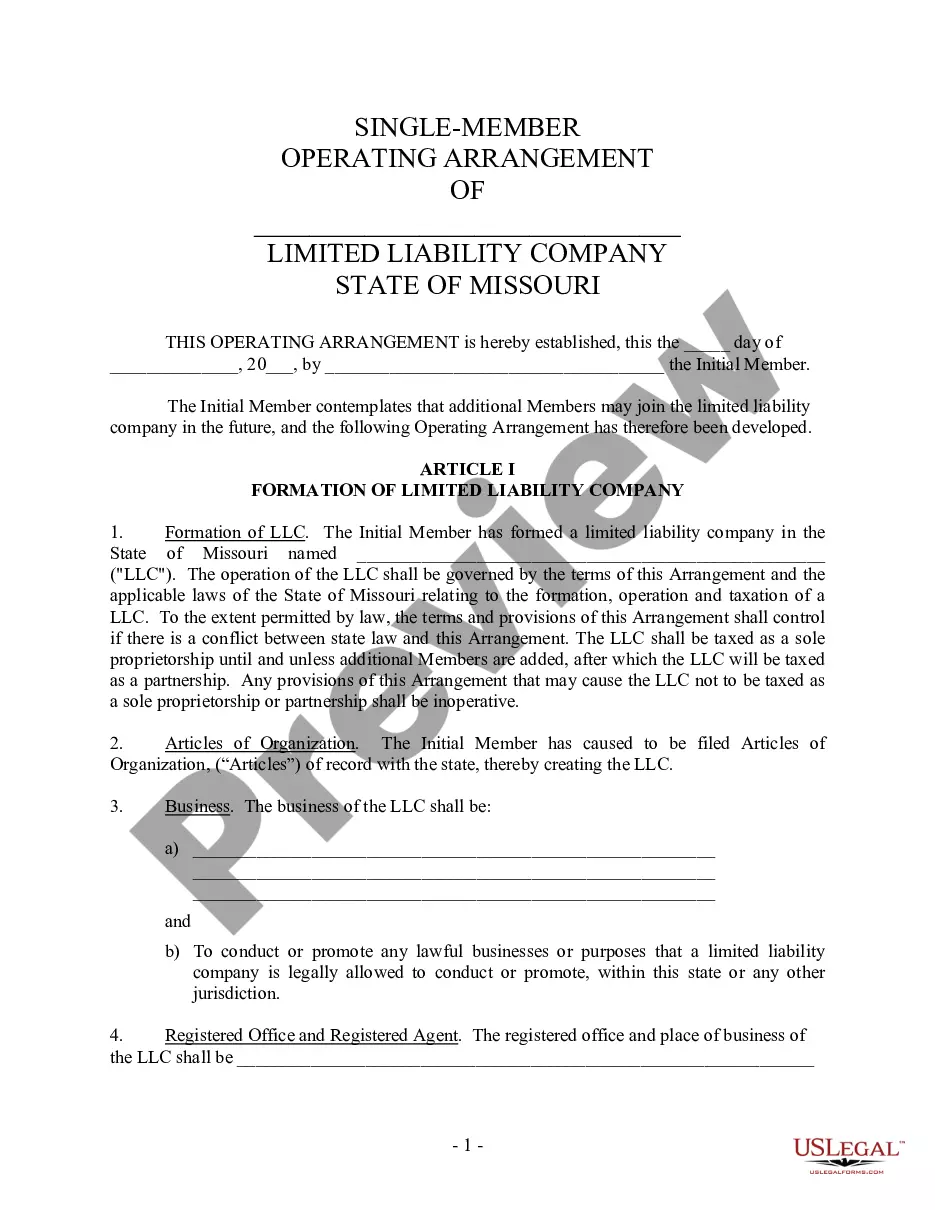


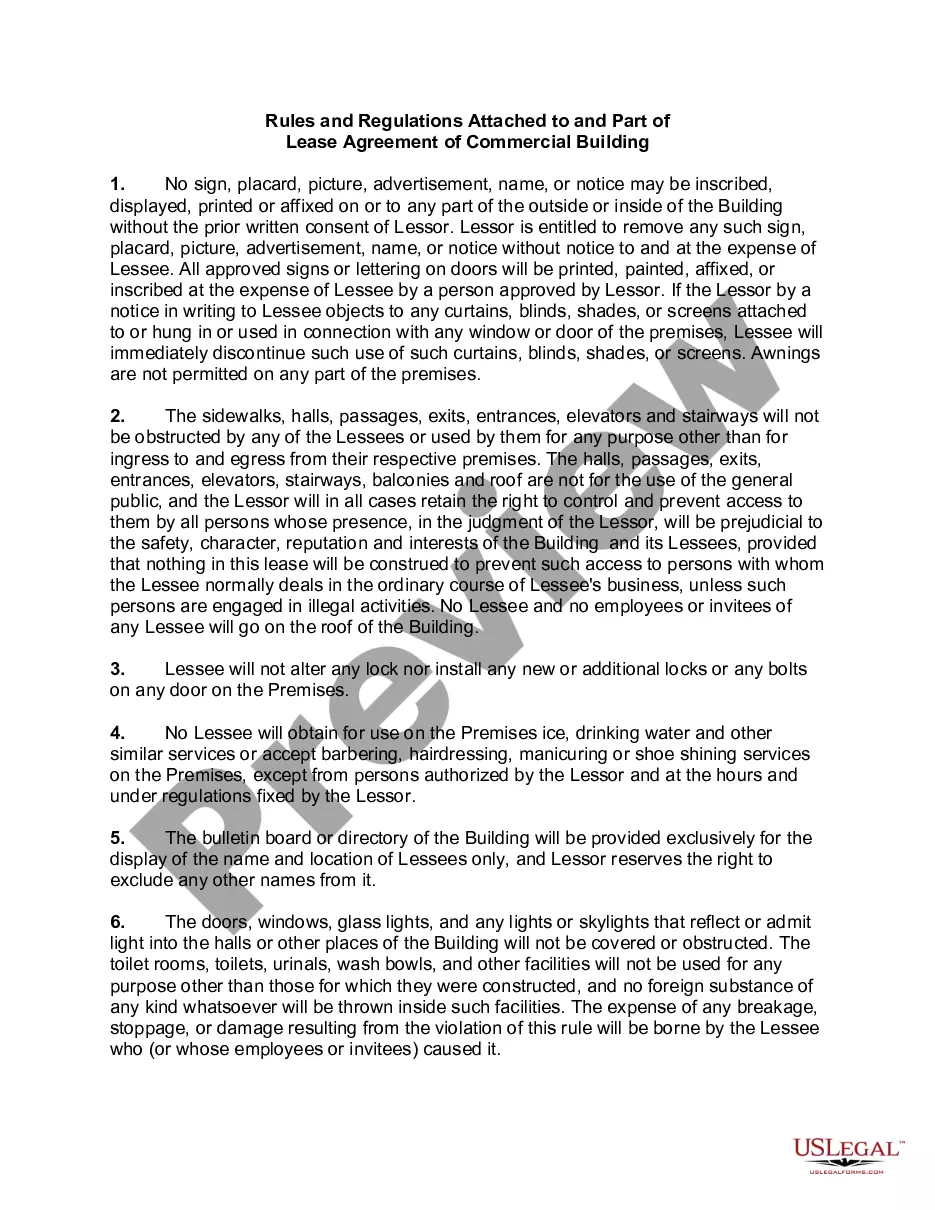

How to fill out Confidentiality Agreements - Noncompetition In Employment?
Dealing with legal documentation and processes can be a lengthy addition to your daily routine.
Confidentiality Agreements Employment Employee Format and similar forms typically necessitate that you search for them and understand how to fill them out correctly.
Consequently, if you are managing financial, legal, or personal issues, utilizing a comprehensive and seamless online library of forms at your disposal will assist significantly.
US Legal Forms is the leading online resource for legal templates, providing over 85,000 state-specific forms and a range of tools to facilitate your paperwork with ease.
Is this your initial experience with US Legal Forms? Register and create an account in just a few minutes to gain access to the form library and Confidentiality Agreements Employment Employee Format. Then, follow the steps below to finalize your form: Ensure you have selected the right form by utilizing the Review feature and examining the form description. Click Buy Now when ready, and select the subscription plan that suits you best. Choose Download, then fill out, eSign, and print the form. US Legal Forms boasts twenty-five years of experience assisting users in managing their legal documentation. Locate the form you require today and streamline any process effortlessly.
- Explore the collection of relevant documents available to you with just a single click.
- US Legal Forms equips you with forms specific to state and county, ready for download at any time.
- Safeguard your document handling processes with excellent support that enables you to create any form in minutes without extra or hidden fees.
- Simply Log In to your account, locate Confidentiality Agreements Employment Employee Format, and obtain it immediately from the My documents tab.
- You are also able to retrieve previously saved forms.
Form popularity
FAQ
A confidential disclosure agreement, also called a confidentiality agreement or CDA, is a legal agreement which prohibits employees from disclosing certain information about a company. It is a permanent agreement, which means a signed confidentiality agreement remains valid after employment has ended.
1. You will keep the confidential information confidential and use it only to determine whether you wish to enter into the transaction or to effect the transaction. You will not use the confidential information for any other purposes or provide it to anyone else (except as provided in paragraph 2 below).
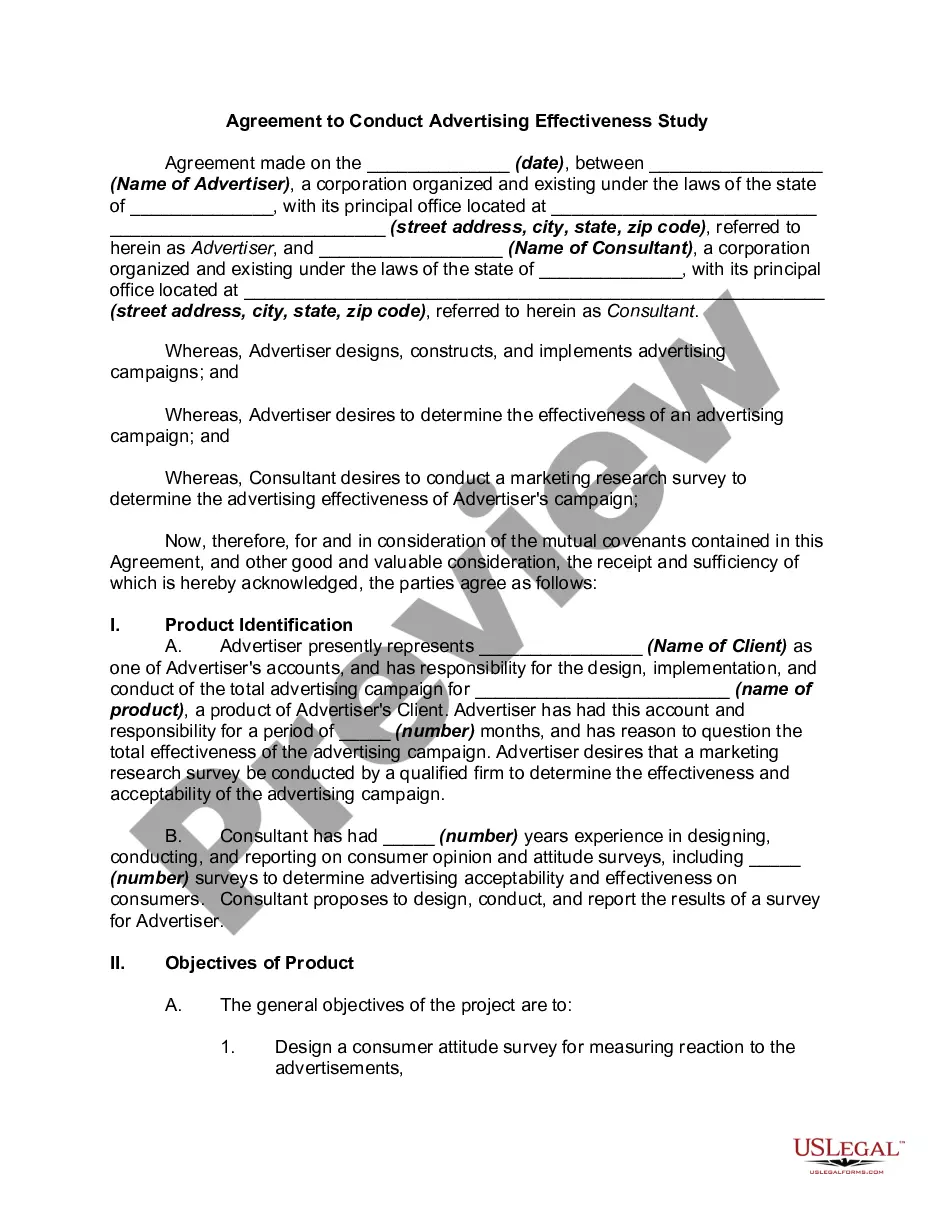
A confidentiality agreement should include a clear definition of the confidential information, scope of the agreement, obligations of the receiving party, the duration of the contract, any exceptions to confidentiality, and the consequences of a breach of the contract.
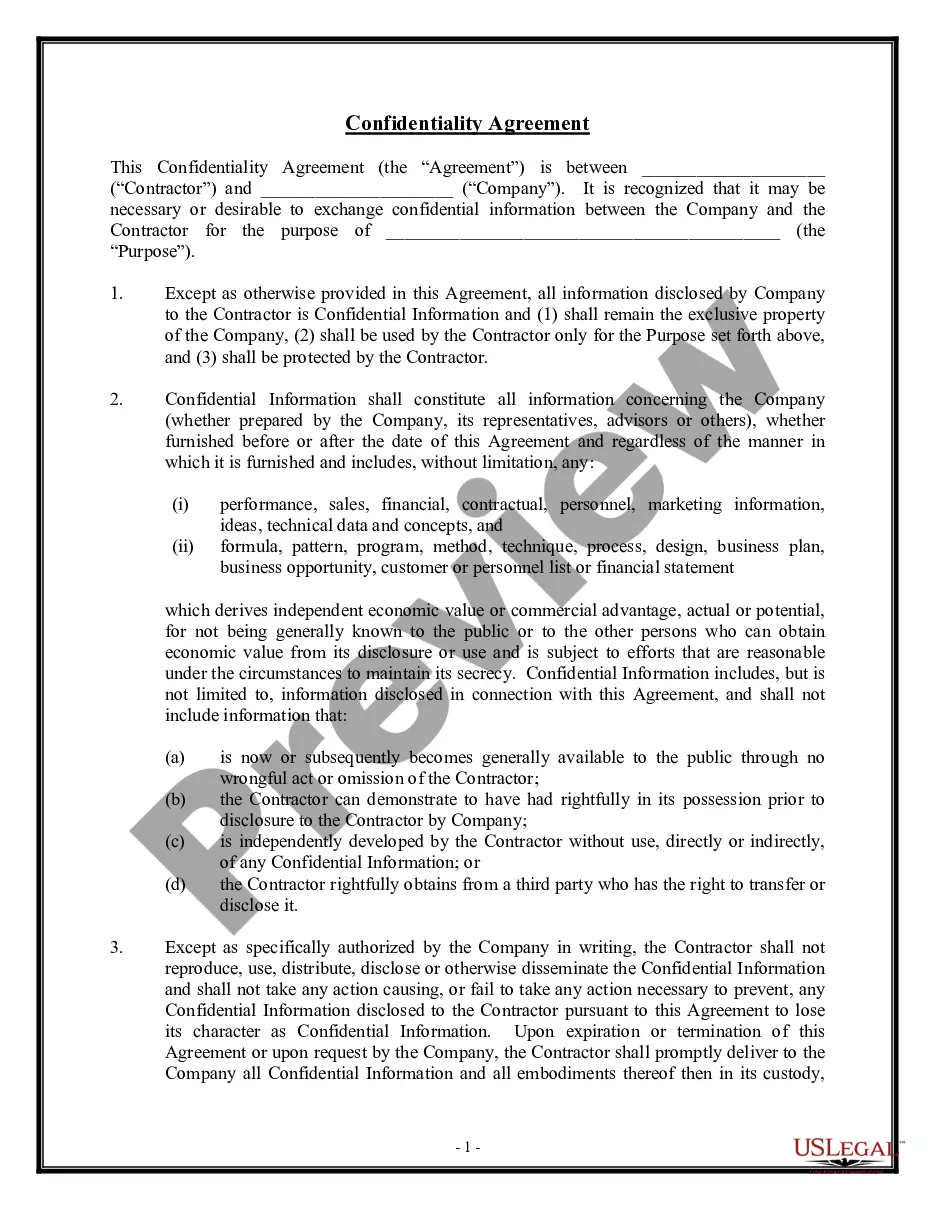
Ingly, to protect the Confidential Information that will be disclosed during employment, the Employee agrees as follows: Employee will hold the Confidential Information received from [Company Name] in strict confidence and will exercise a reasonable degree of care to prevent disclosure to others.
[Employee name?]hereby agrees that he/she shall hold in confidence and hereby agrees that he/she shall not use, commercialize or disclose except under terms of employment of [?Company Name?],any confidential information or intellectual property to any person or entity, or else under provision governed by this ...