Printable Medical Form Template For Grandparents
Description
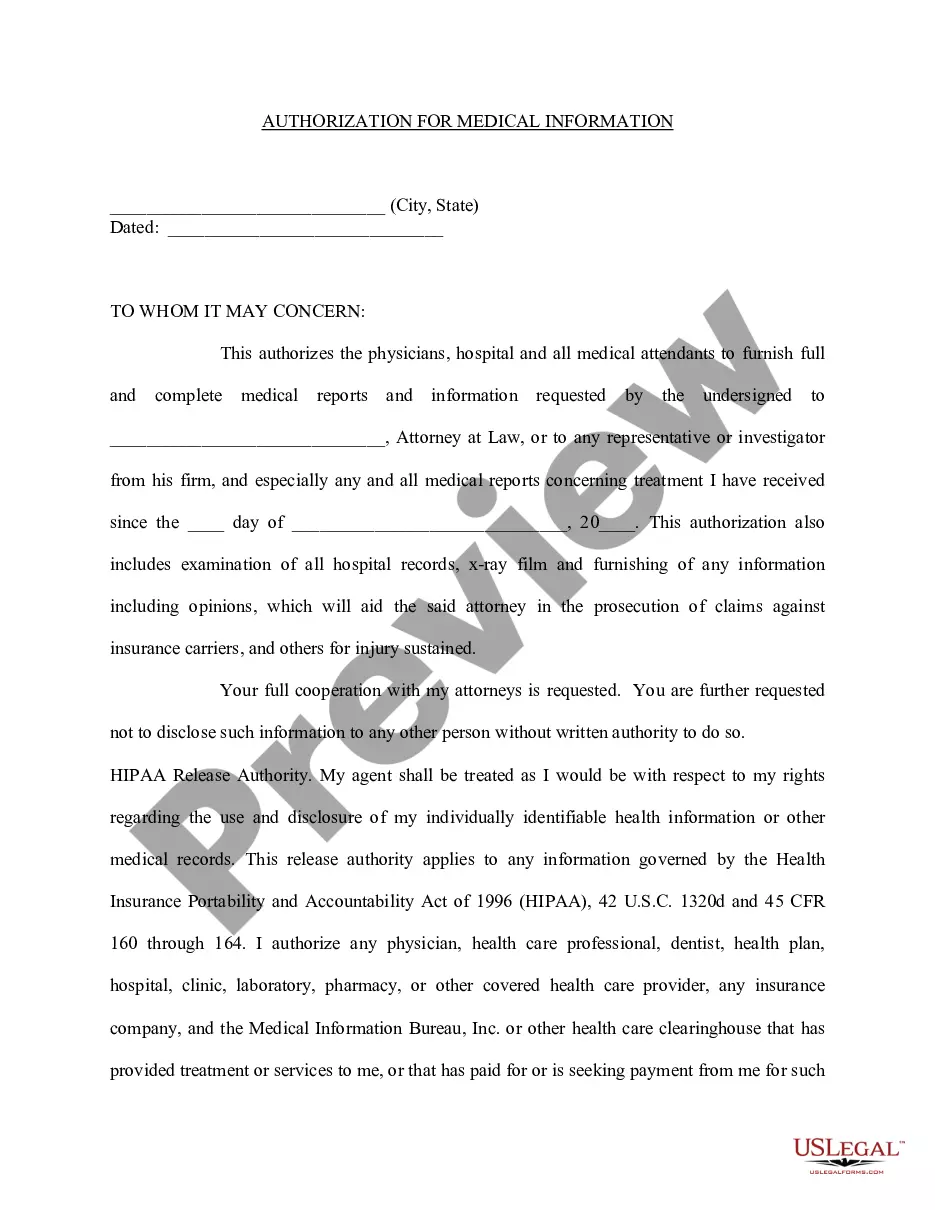
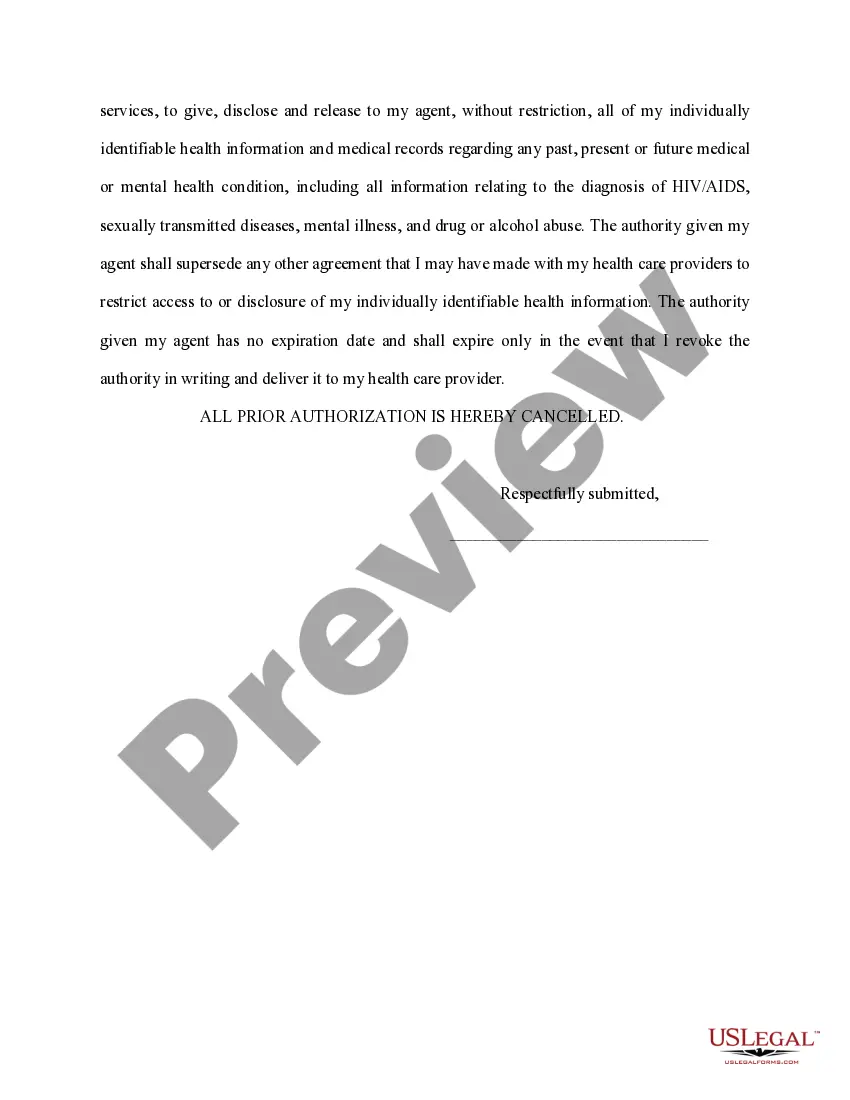
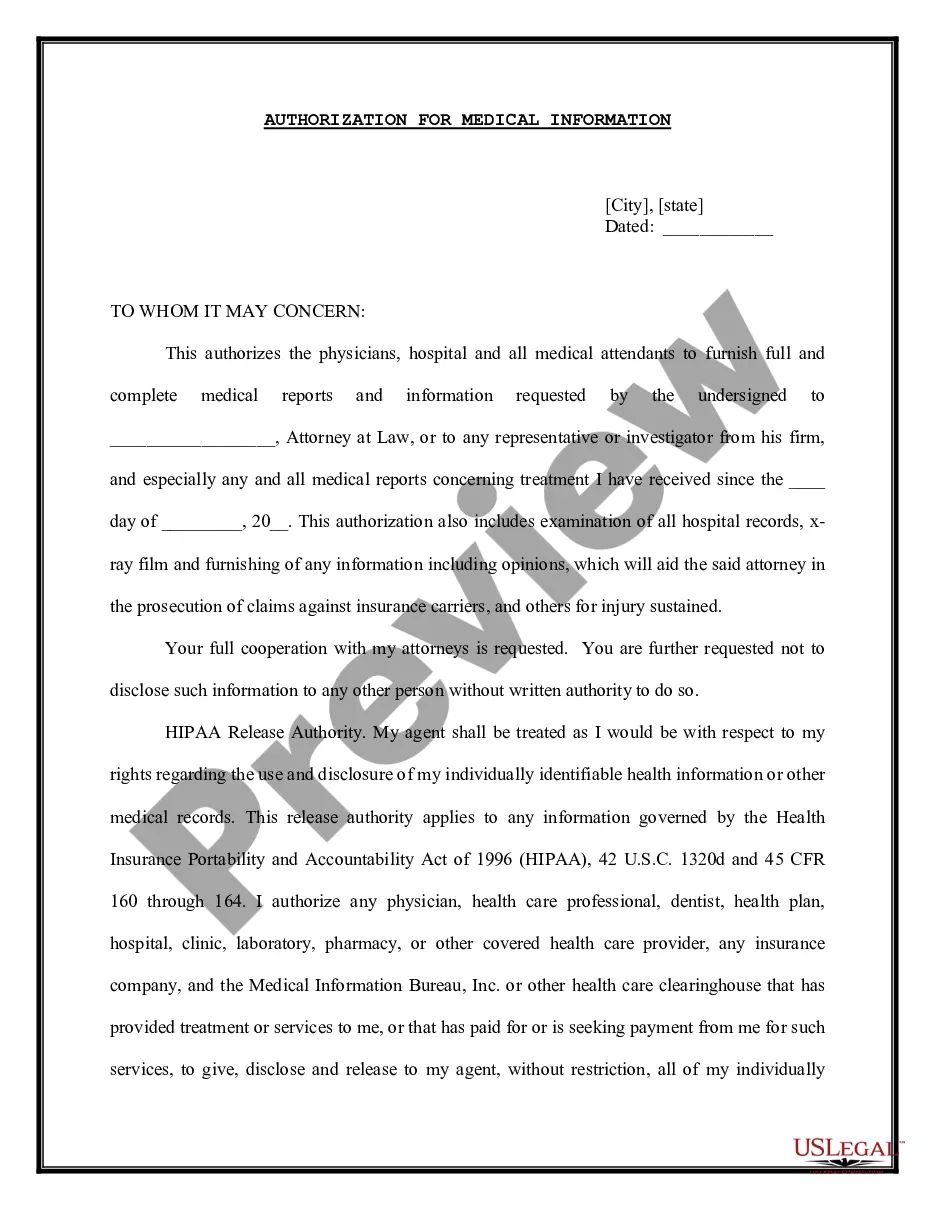
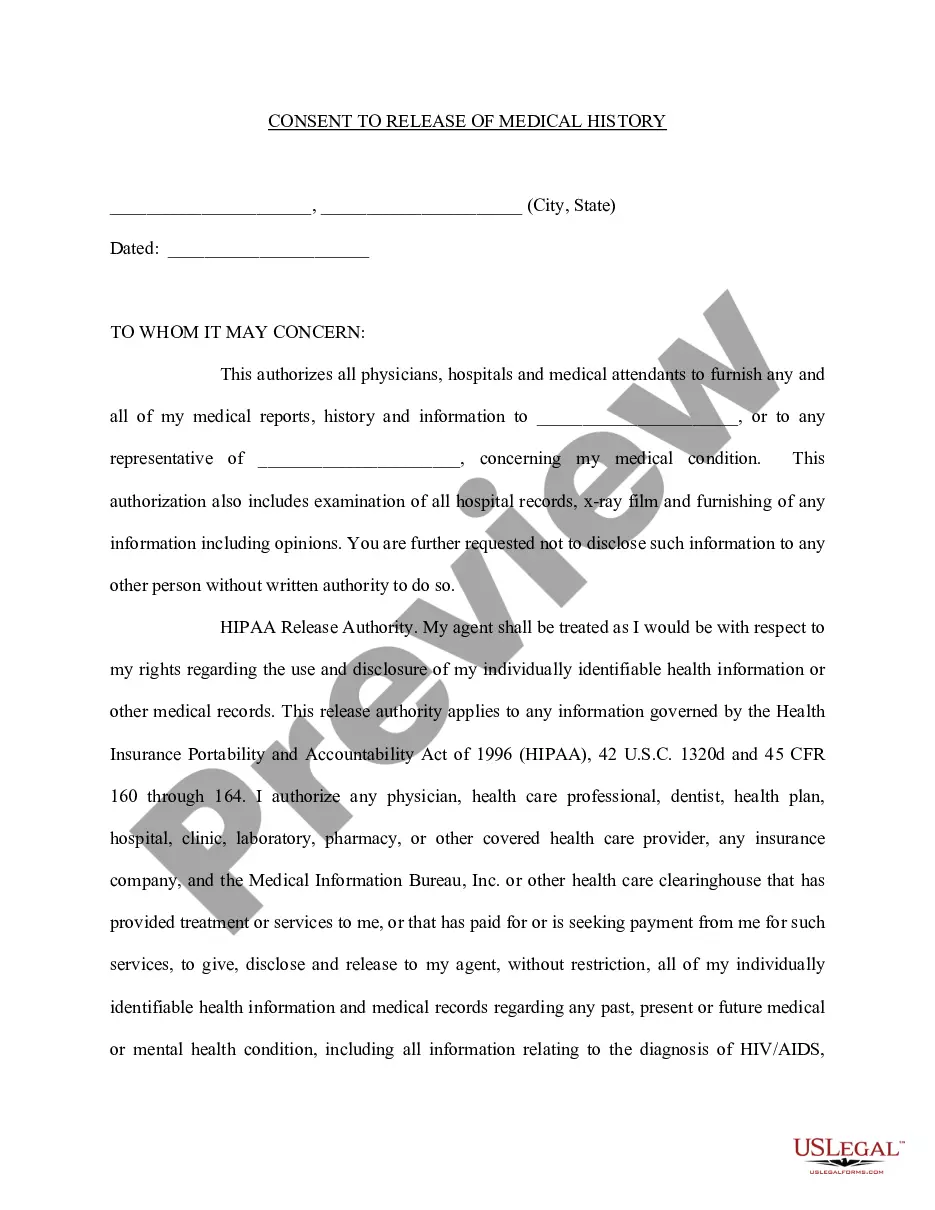
Get your form ready online
Our built-in tools help you complete, sign, share, and store your documents in one place.
Make edits, fill in missing information, and update formatting in US Legal Forms—just like you would in MS Word.
Download a copy, print it, send it by email, or mail it via USPS—whatever works best for your next step.
Sign and collect signatures with our SignNow integration. Send to multiple recipients, set reminders, and more. Go Premium to unlock E-Sign.
If this form requires notarization, complete it online through a secure video call—no need to meet a notary in person or wait for an appointment.
We protect your documents and personal data by following strict security and privacy standards.

Make edits, fill in missing information, and update formatting in US Legal Forms—just like you would in MS Word.

Download a copy, print it, send it by email, or mail it via USPS—whatever works best for your next step.

Sign and collect signatures with our SignNow integration. Send to multiple recipients, set reminders, and more. Go Premium to unlock E-Sign.

If this form requires notarization, complete it online through a secure video call—no need to meet a notary in person or wait for an appointment.

We protect your documents and personal data by following strict security and privacy standards.
Looking for another form?
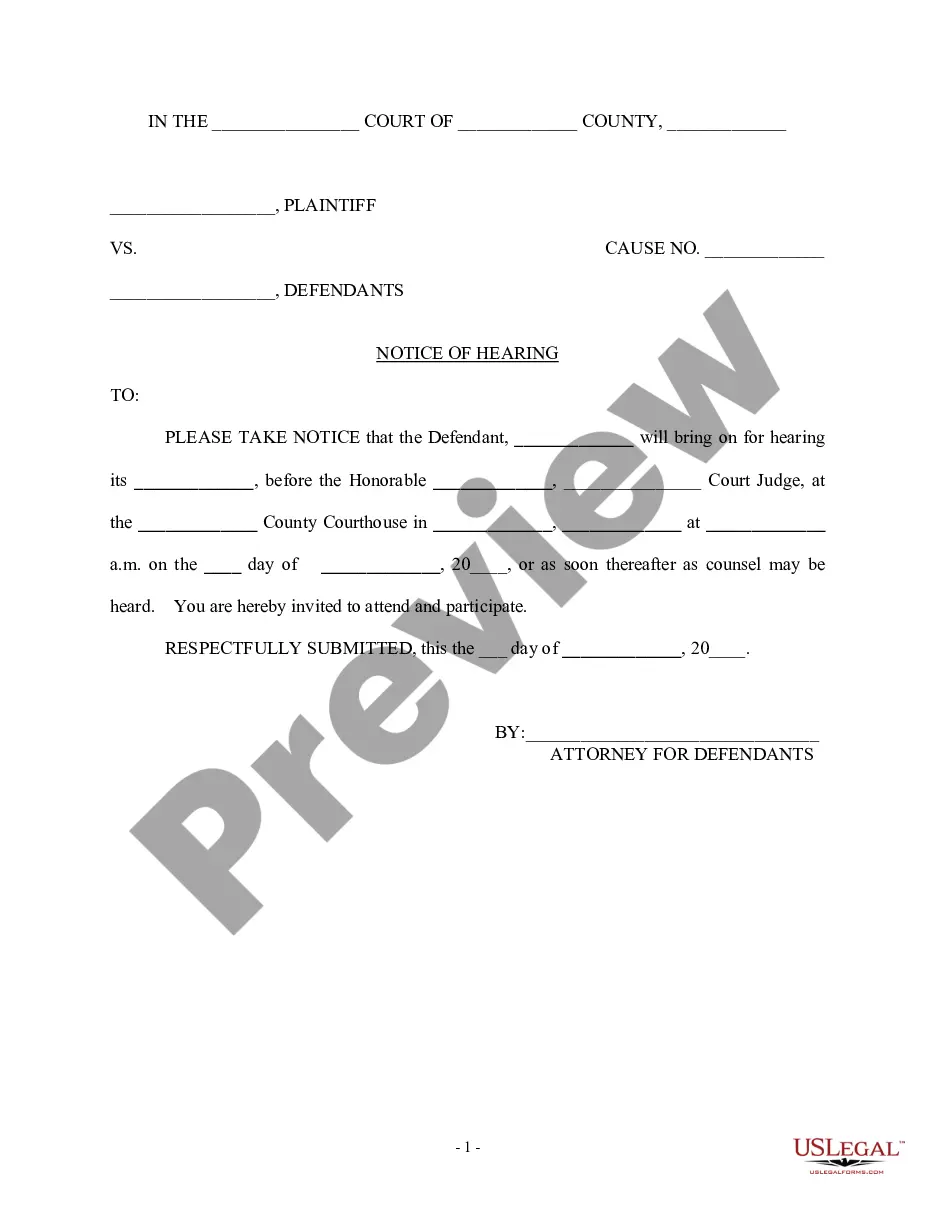
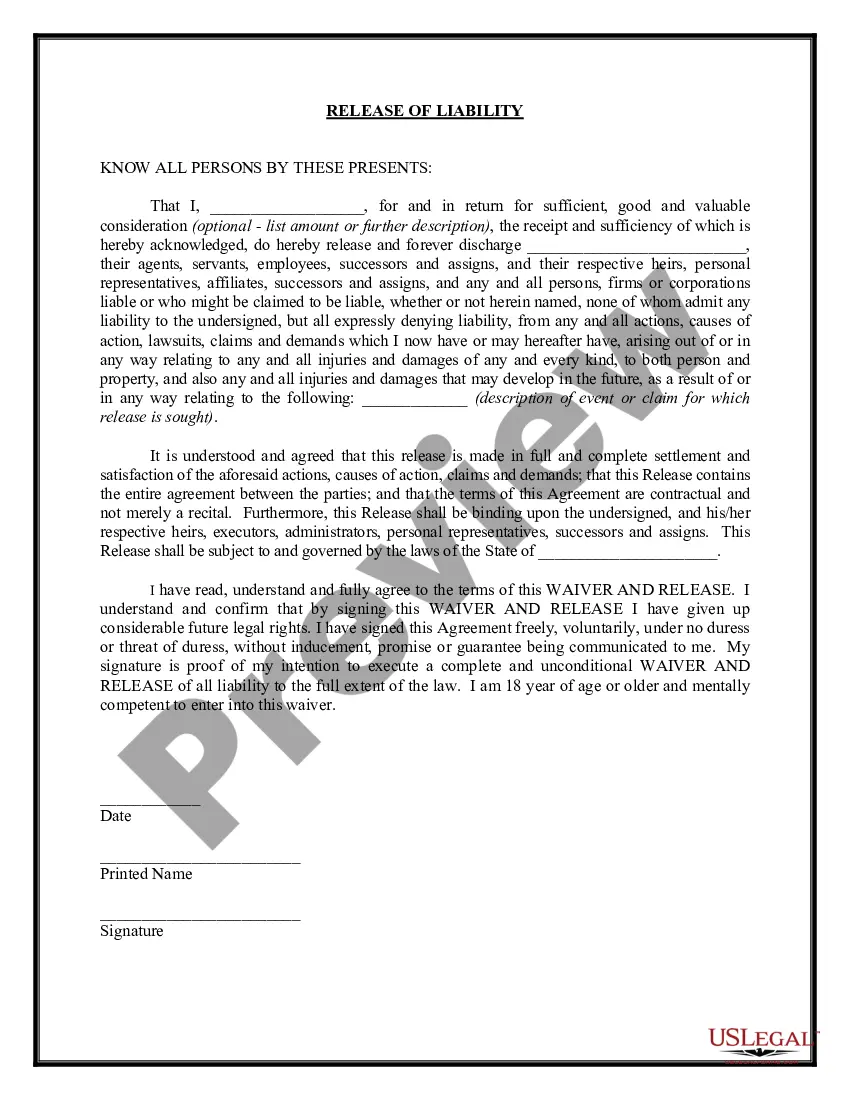
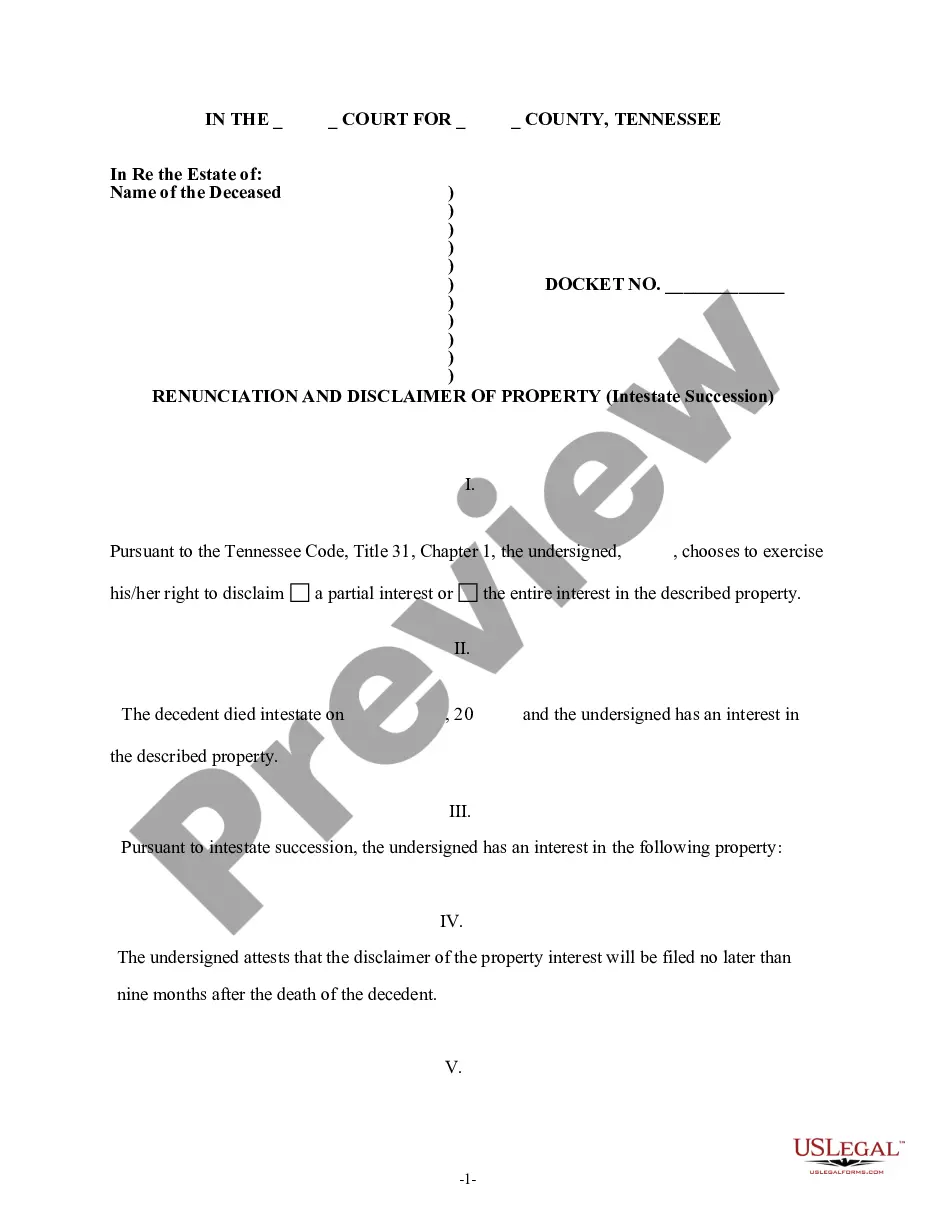
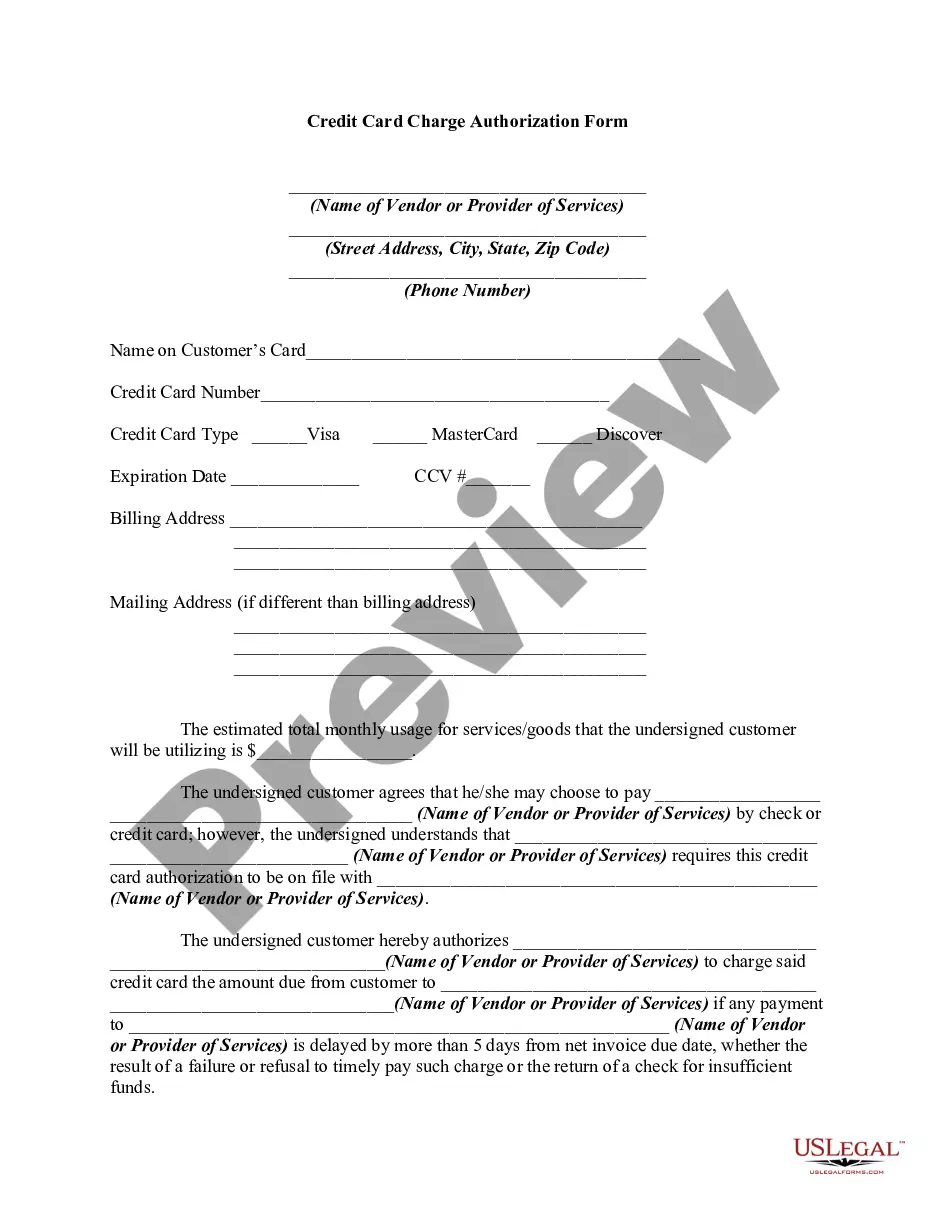
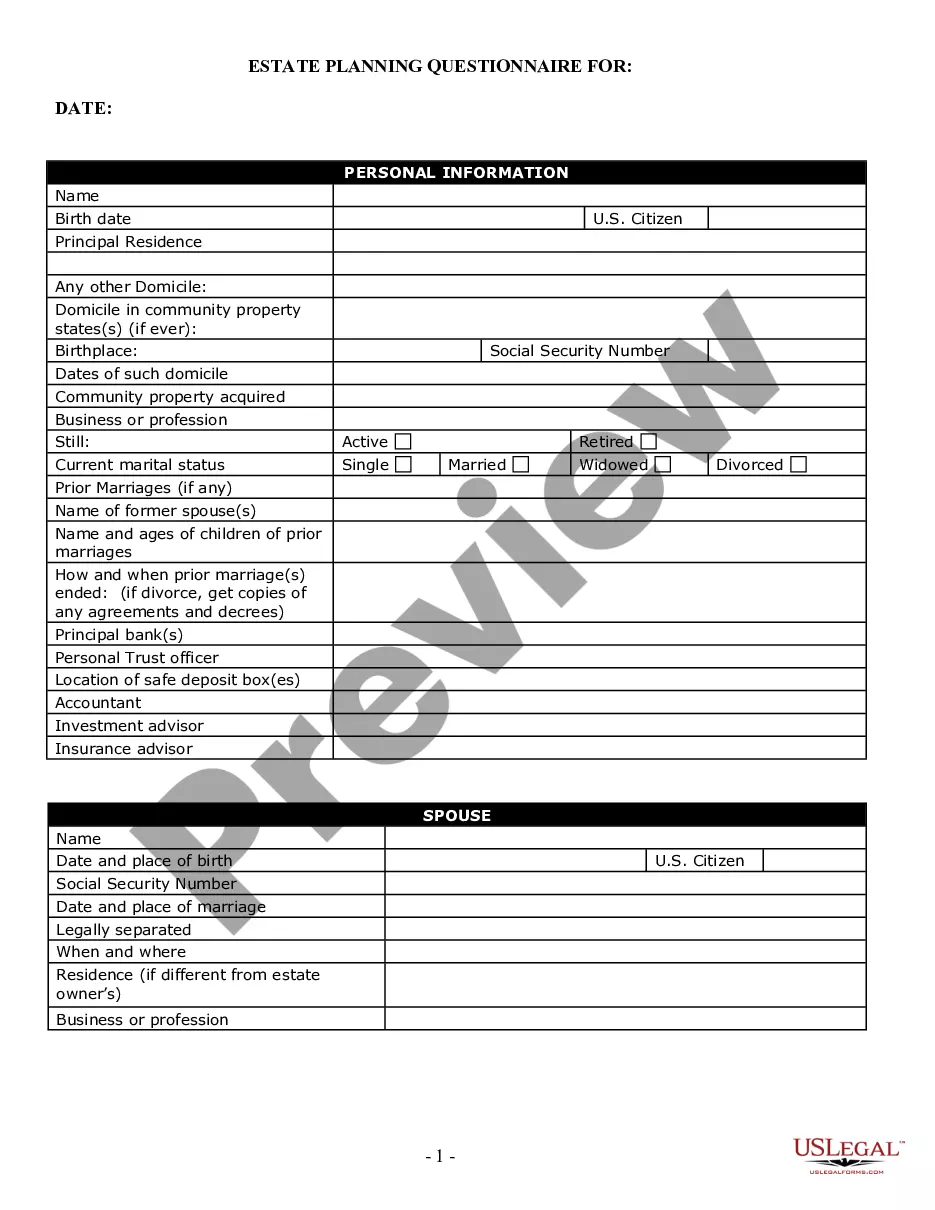
How to fill out Medical Release?
Managing legal documents can be overwhelming, even for seasoned experts.
If you are looking for a Printable Medical Form Template For Grandparents and lack the time to search for the correct and current edition, the process can be stressful.
US Legal Forms accommodates a variety of requirements, ranging from personal to business documents, all in one location.
Utilize advanced tools to complete and manage your Printable Medical Form Template For Grandparents.
Here are the steps to follow after acquiring the form you need: Verify that it is the correct form by previewing it and reviewing its information.
- Access a wealth of resources, including articles, tutorials, and guides relevant to your particular situation and needs.
- Save effort and time searching for the documents you require by taking advantage of US Legal Forms’ enhanced search and Preview feature for obtaining Printable Medical Form Template For Grandparents.
- If you are a member, Log In to your US Legal Forms account, search for the form, and download it.
- Check the My documents tab to view the documents you have previously downloaded and manage your folders accordingly.
- If this is your first experience with US Legal Forms, create an account to gain unlimited access to all the benefits of the library.
- An efficient web form library can significantly improve the management of these situations.
- US Legal Forms stands as a leading provider in online legal documentation, offering over 85,000 state-specific legal forms at your convenience.
- With US Legal Forms, you are granted access to specific legal and organizational forms tailored to your state or county.
Form popularity
FAQ
Most of the time, however, judges have absolute immunity, which protects them from personal lawsuits. The principle of absolute immunity shields government officials from being sued while they serve in an official capacity, and it extends to judicial officers including court judges.
STEP 1: Fill out the Complaint (Form A) ... STEP 2: Fill out the Civil Case Information Statement (CIS) ... STEP 3: Make a check or money order payable to Treasurer, State of New Jersey in the. STEP 4: Check your completed forms and make copies. ... STEP 5: Mail or deliver the forms to the court.
Filing a Lawsuit (Plaintiffs) When filing a lawsuit, you need to complete the packet ?How to File a Complaint in the Superior Court of New Jersey Law Division ? Civil Part?. The packet includes instructions for filing and the complaint form. The complaint needs to name the party or parties you are filing against.
If you believe the way that a judge has handled a hearing or a judge's decision was unfair, you might be able to appeal to a higher court. The JCIO is unable to intervene in court cases. We would suggest seeking advice about your options from a solicitor, law centre or the Citizens Advice.
Complaints may be filed in one of two ways: Use this complaint form and include the name of the judge, the conduct about which you are complaining, and any documents you believe support your complaint. Write a letter of complaint to the committee.
Filing Fees & Waivers To file a lawsuit complaint$250To file an answer to a complaint$175To file a motion in a civil suit$50
In New Jersey, the statute of limitations for bringing a professional negligence action which does not involve personal injuries is six years. Under most circumstances, a court will dismiss an action filed after the expiration of the statute of limitations.
A complaint where the plaintiff (or, in limited cases, the plaintiff's counsel) swears to the allegations, demonstrating to a court that the plaintiff has investigated the charges against the defendant and found them to be of substance.