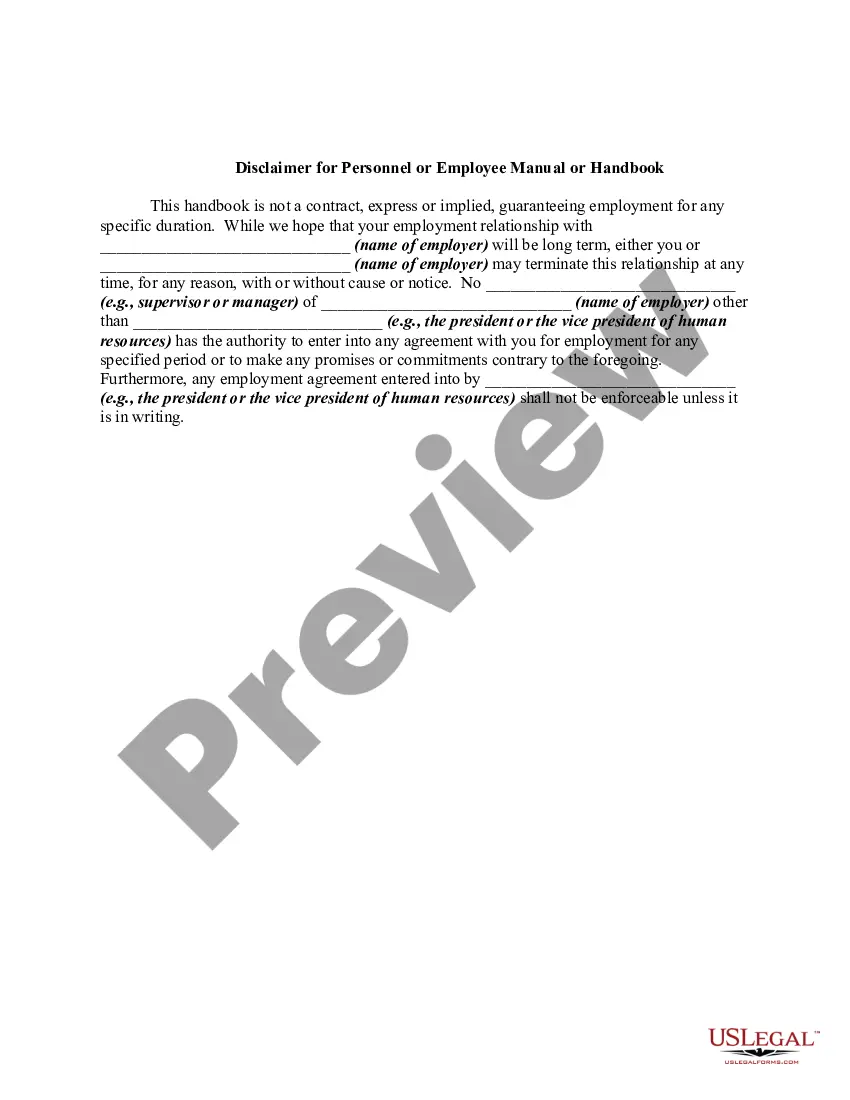
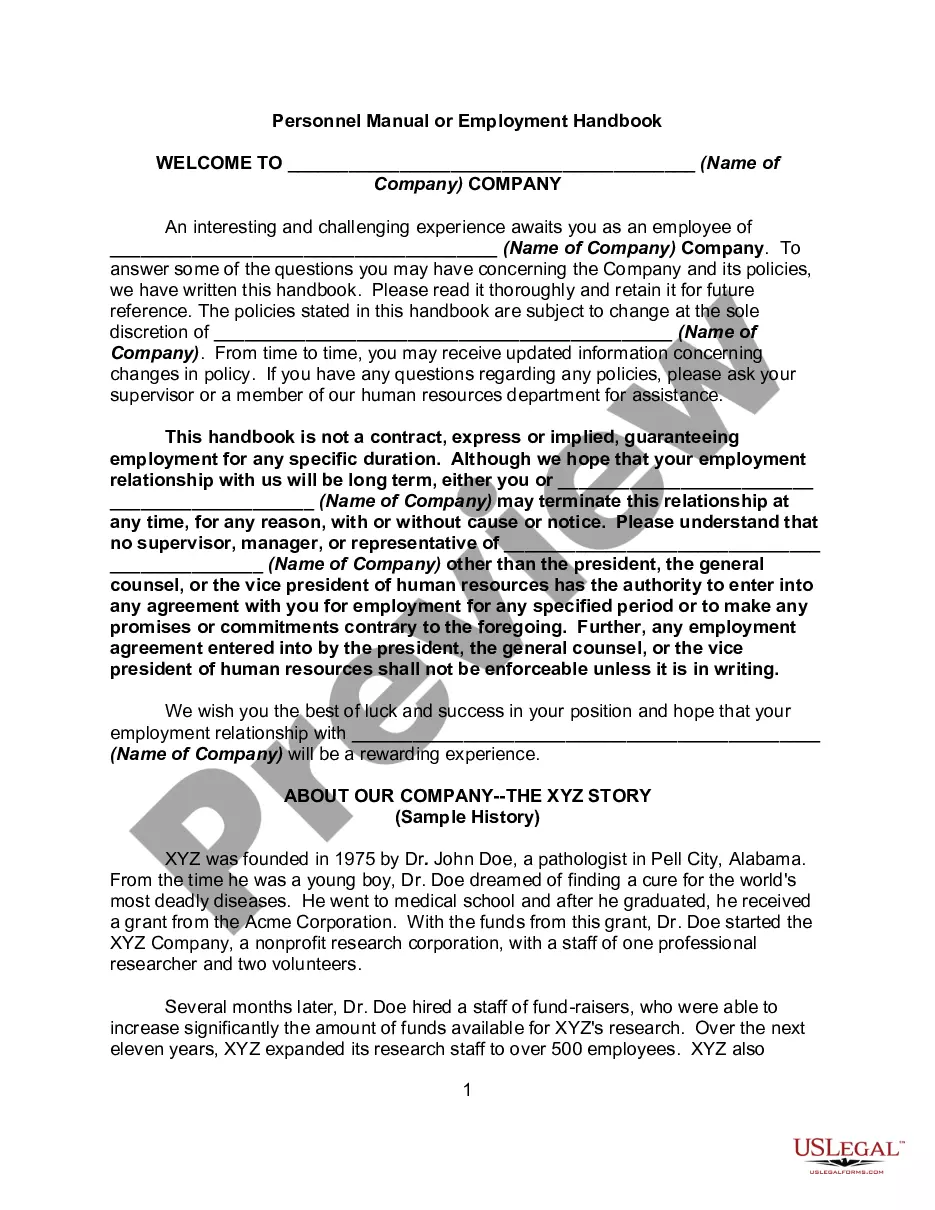
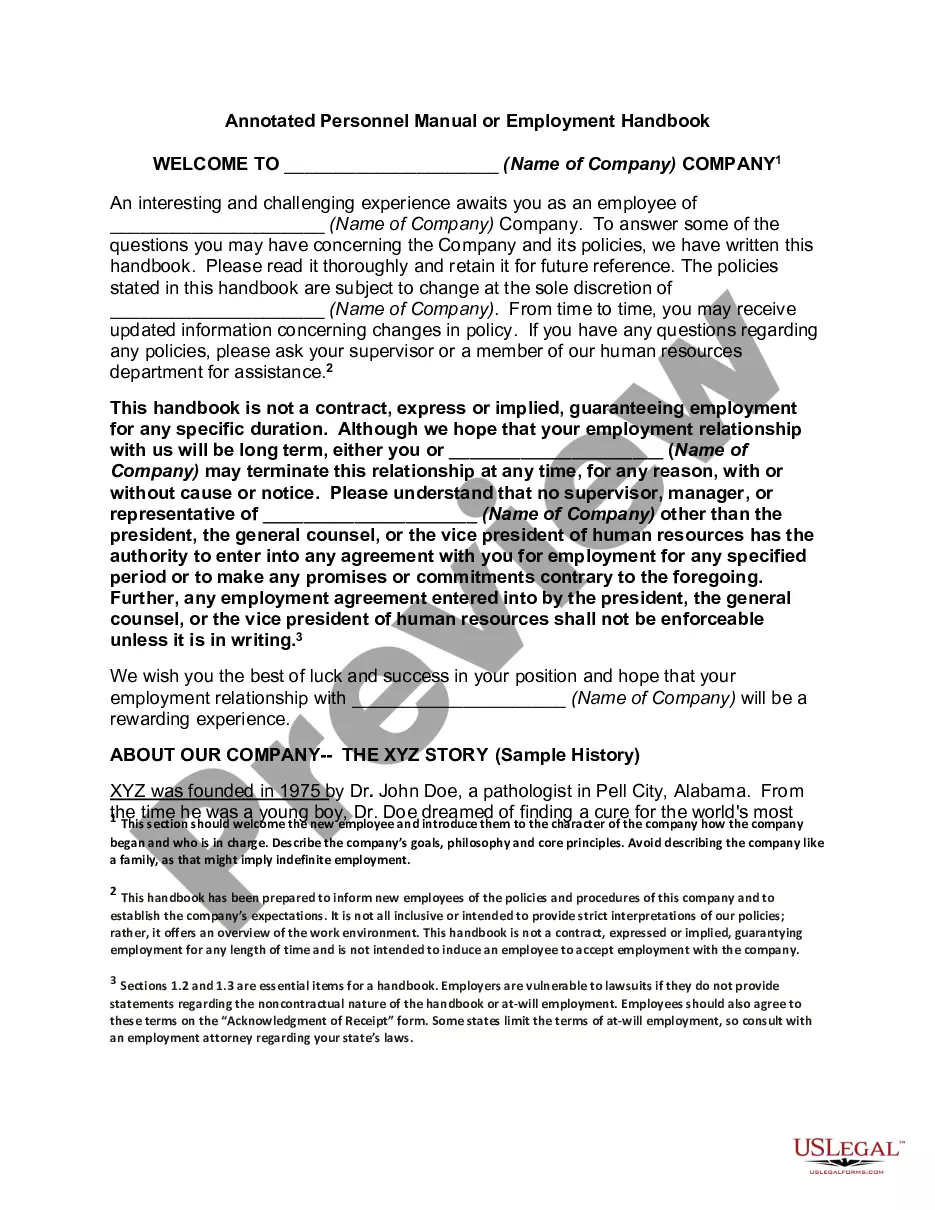
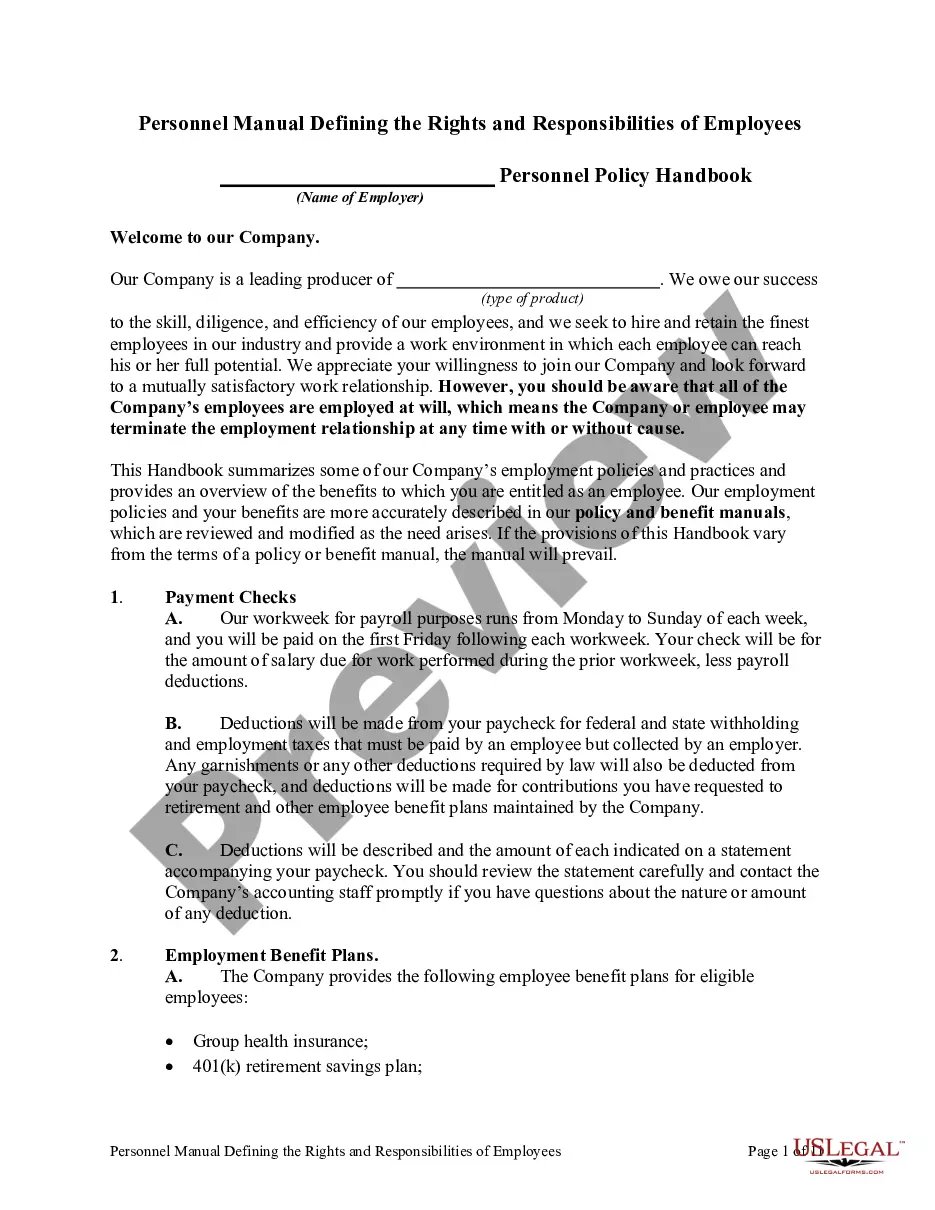
Employee Handbook For It Company
Description
Get your form ready online
Our built-in tools help you complete, sign, share, and store your documents in one place.
Make edits, fill in missing information, and update formatting in US Legal Forms—just like you would in MS Word.
Download a copy, print it, send it by email, or mail it via USPS—whatever works best for your next step.
Sign and collect signatures with our SignNow integration. Send to multiple recipients, set reminders, and more. Go Premium to unlock E-Sign.
If this form requires notarization, complete it online through a secure video call—no need to meet a notary in person or wait for an appointment.
We protect your documents and personal data by following strict security and privacy standards.

Make edits, fill in missing information, and update formatting in US Legal Forms—just like you would in MS Word.

Download a copy, print it, send it by email, or mail it via USPS—whatever works best for your next step.

Sign and collect signatures with our SignNow integration. Send to multiple recipients, set reminders, and more. Go Premium to unlock E-Sign.

If this form requires notarization, complete it online through a secure video call—no need to meet a notary in person or wait for an appointment.

We protect your documents and personal data by following strict security and privacy standards.
Looking for another form?




How to fill out Disclaimer For Personnel Or Employee Manual Or Handbook?
Whether for corporate objectives or personal issues, everyone encounters legal circumstances at some point in their lives. Completing legal forms demands meticulous attention, starting with choosing the correct template.
For example, if you select an incorrect version of an Employee Manual for an IT Firm, it will be declined upon submission. Thus, it is vital to have a reliable resource for legal documents such as US Legal Forms.
Once it is downloaded, you can complete the form with the aid of editing software or print it out to finish it by hand. With a vast US Legal Forms catalog available, you don’t have to waste time searching for the right template online. Utilize the library’s straightforward navigation to find the appropriate form for any situation.
- Locate the sample you need by using the search box or catalog browsing.
- Review the form’s description to ensure it suits your case, state, and locality.
- Click on the form’s preview to inspect it.
- If it is the incorrect form, return to the search feature to find the Employee Manual for an IT Firm sample you need.
- Acquire the template when it aligns with your specifications.
- If you already possess a US Legal Forms account, click Log in to access previously saved documents in My documents.
- If you do not yet have an account, you can obtain the form by clicking Buy now.
- Select the correct payment option.
- Complete the profile registration form.
- Choose your method of payment: you may use a credit card or PayPal account.
- Select the file format you prefer and download the Employee Manual for an IT Firm.
Form popularity
FAQ
A legal separation can last up to one year. After one year you should be ready to decide if you want to get a divorce or get back together with your spouse.
The filing fees for legal separation are under $200, but you may have other legal fees associated.
How long do you have to be separated before a divorce in Indiana? Indiana divorce law requires a separation period of 60 days before a divorce can be finalized. The couple does not need to be separated prior to filing for divorce, but the court does require this waiting period before the divorce can be finalized.
A Petition for Dissolution of Marriage must be typewritten on 8.5-by-11-inch white paper. An original and one copy are required to be filed in the Clerk's Office in the Community Justice Campus. The original petition must be verified. Verified petitions establish/confirm the history of the marriage.
Under Indiana Public Records Law, divorce records are available to the public for viewing unless they are sealed. However, they may be more difficult to access without court approval, because they contain a lot of personal information.
You can request a waiver by filing a Verified Motion for Fee Waiver (make sure you're using the correct fee waiver form for family law cases). If the court grants your request to waive fees, you will not have to pay any court costs?such as filing fees or fees for issuance of service of process?during your divorce.
The process starts when one party files a petition with the court. Your request must contain specific information, like each spouse's full name, the names of any children (age 21 and under) from your marriage, the date of your wedding and separation, and your address.
The filing fees for legal separation are under $200, but you may have other legal fees associated.