Release Picture Photographs With Ai
Description
Get your form ready online
Our built-in tools help you complete, sign, share, and store your documents in one place.
Make edits, fill in missing information, and update formatting in US Legal Forms—just like you would in MS Word.
Download a copy, print it, send it by email, or mail it via USPS—whatever works best for your next step.
Sign and collect signatures with our SignNow integration. Send to multiple recipients, set reminders, and more. Go Premium to unlock E-Sign.
If this form requires notarization, complete it online through a secure video call—no need to meet a notary in person or wait for an appointment.
We protect your documents and personal data by following strict security and privacy standards.

Make edits, fill in missing information, and update formatting in US Legal Forms—just like you would in MS Word.

Download a copy, print it, send it by email, or mail it via USPS—whatever works best for your next step.

Sign and collect signatures with our SignNow integration. Send to multiple recipients, set reminders, and more. Go Premium to unlock E-Sign.

If this form requires notarization, complete it online through a secure video call—no need to meet a notary in person or wait for an appointment.

We protect your documents and personal data by following strict security and privacy standards.
Looking for another form?
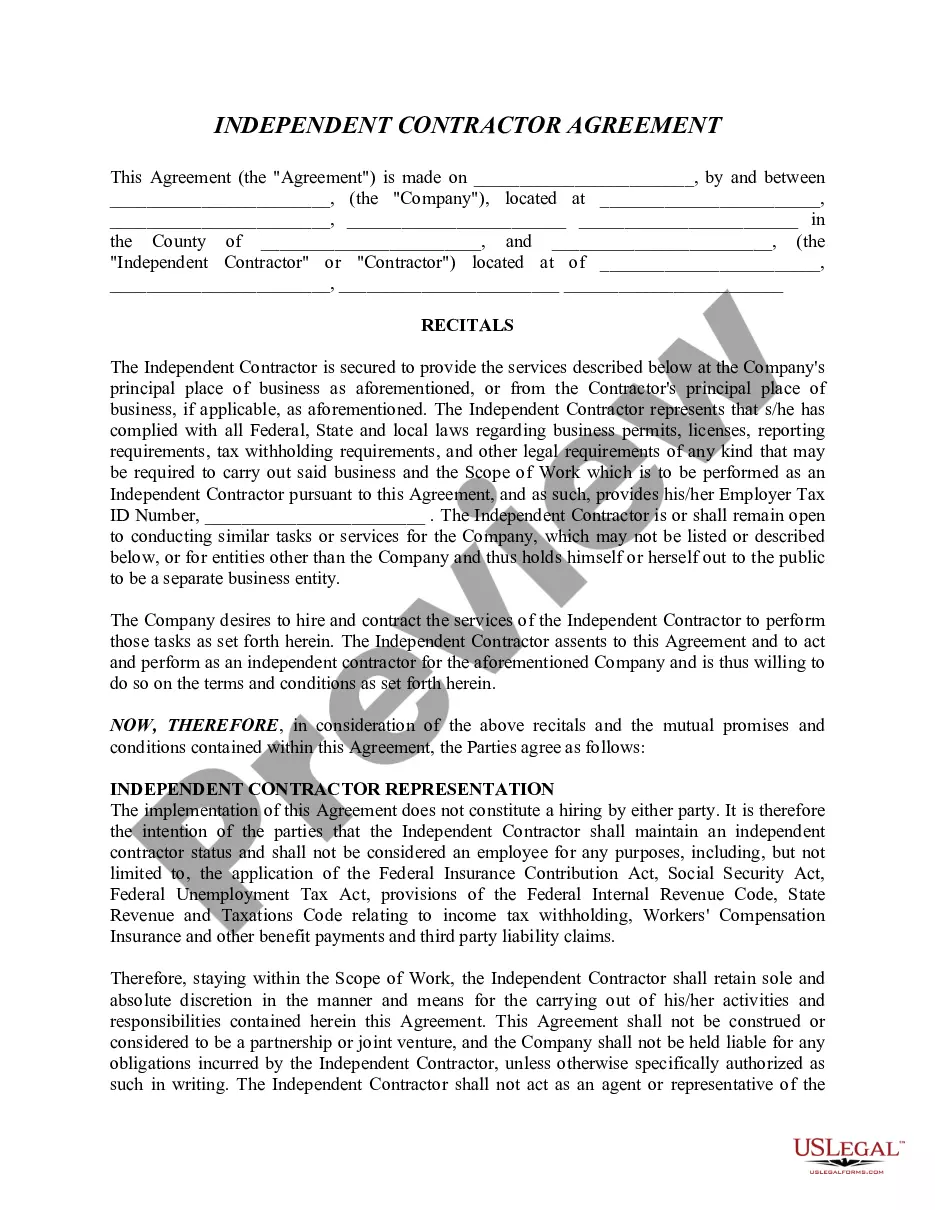
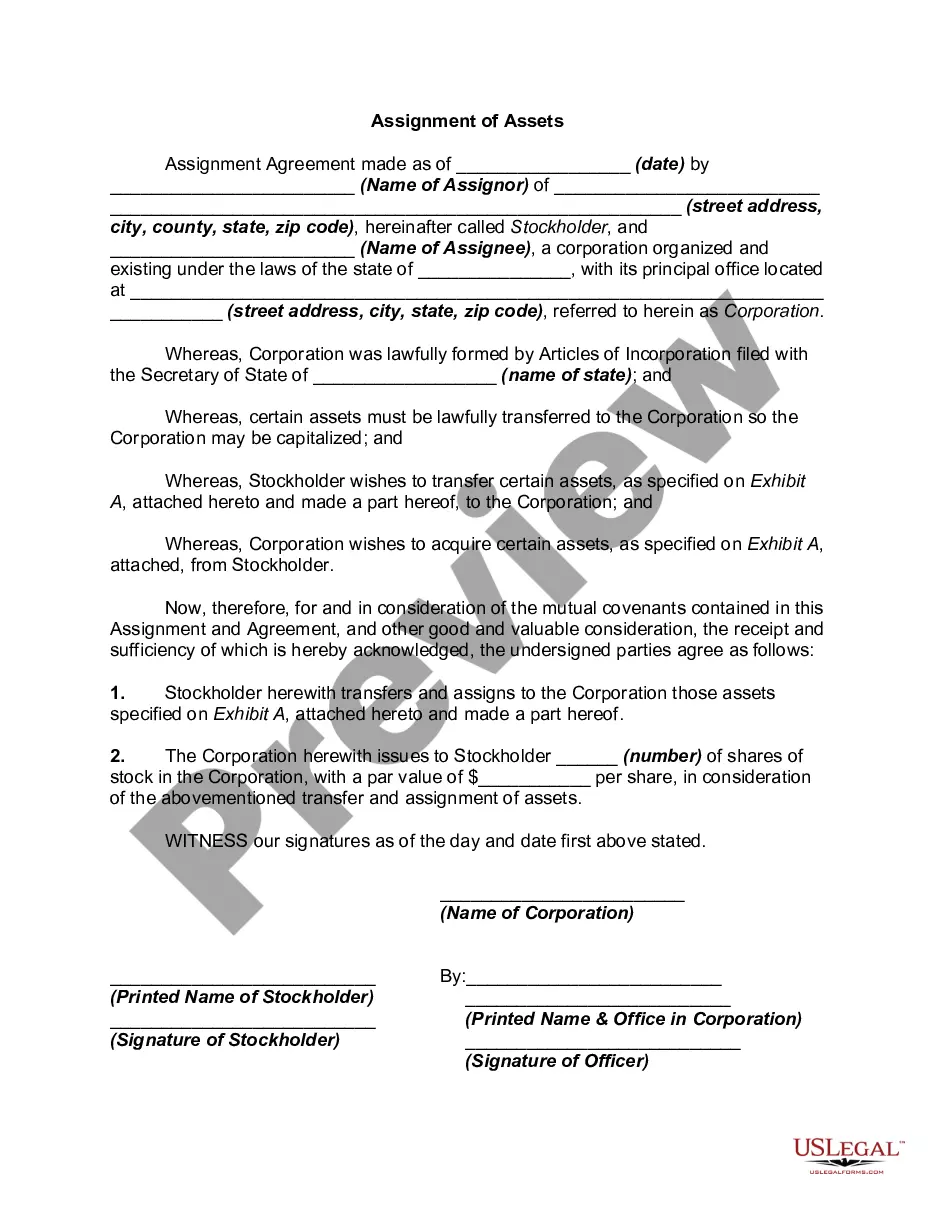
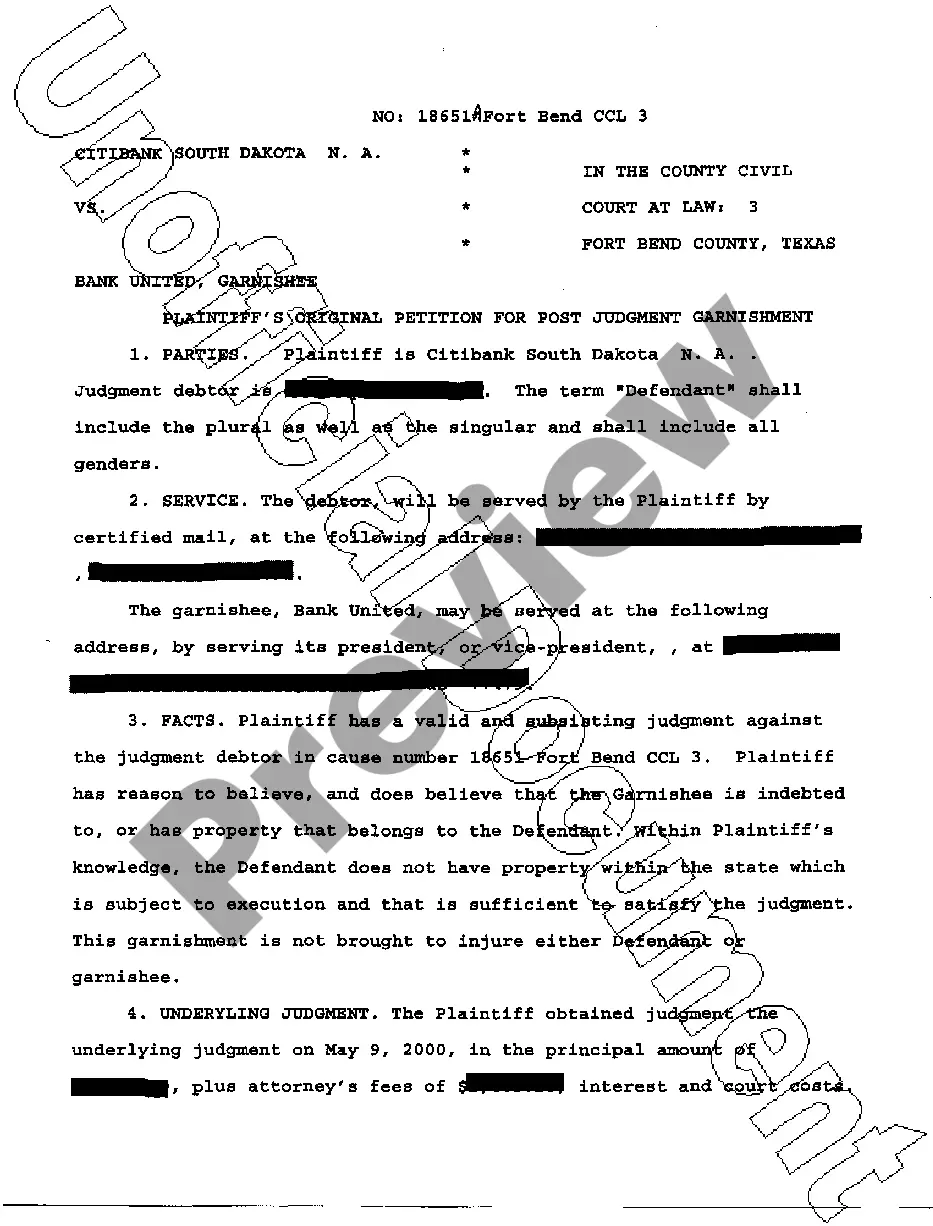
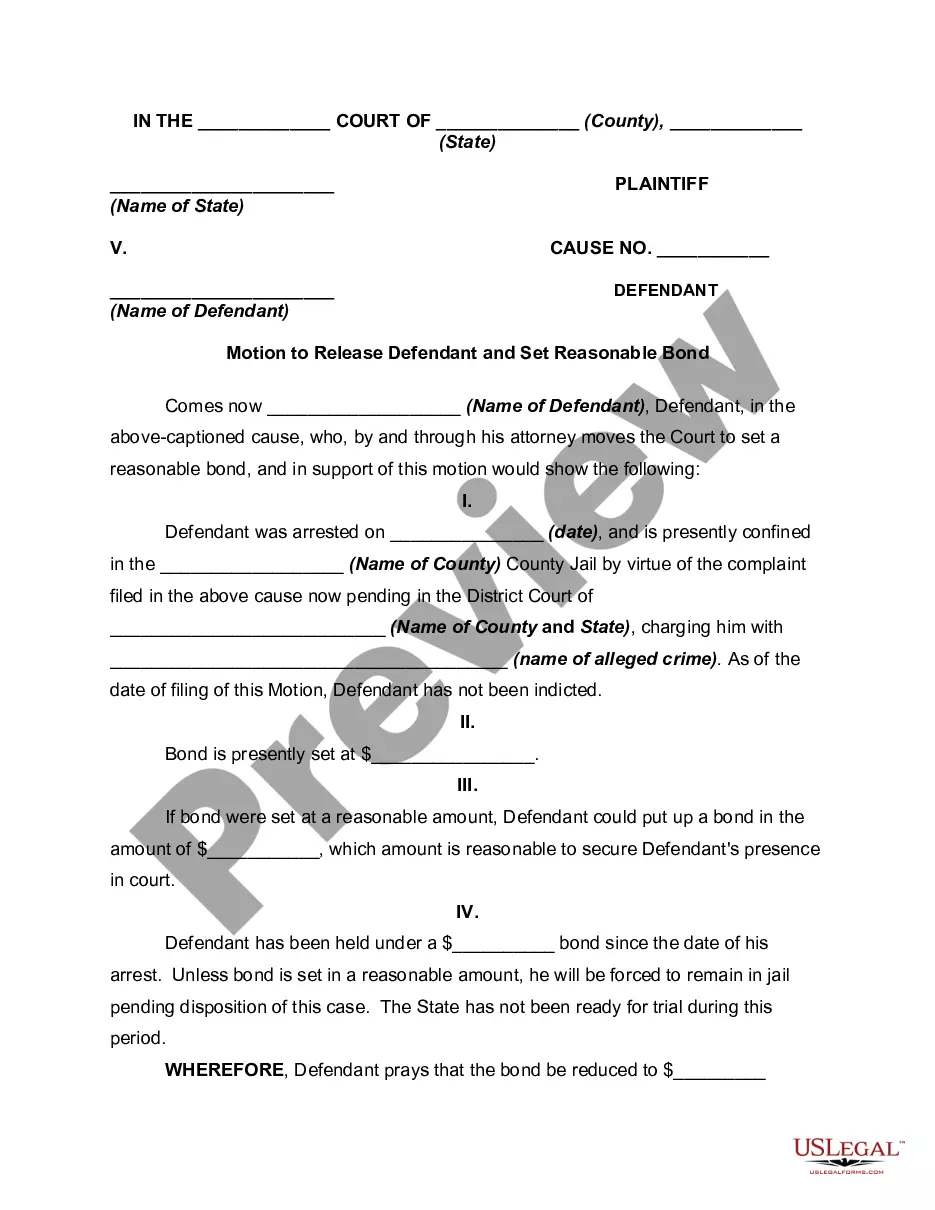

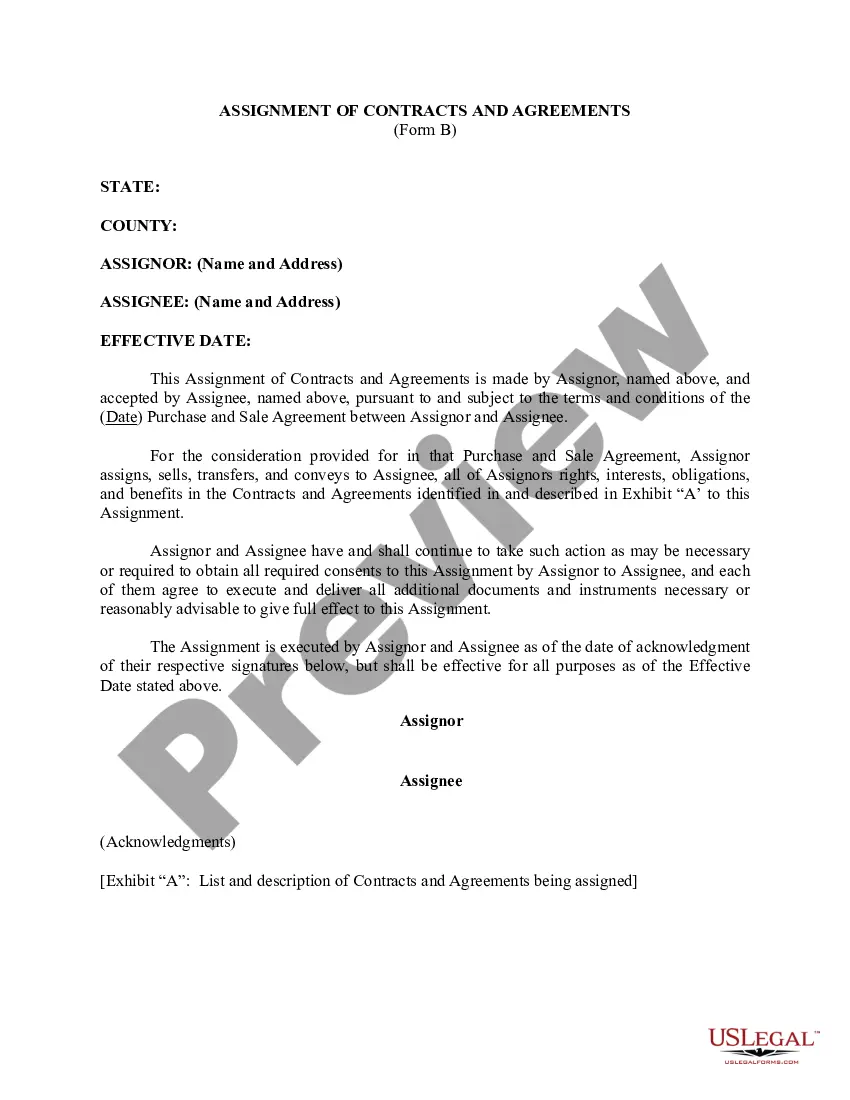
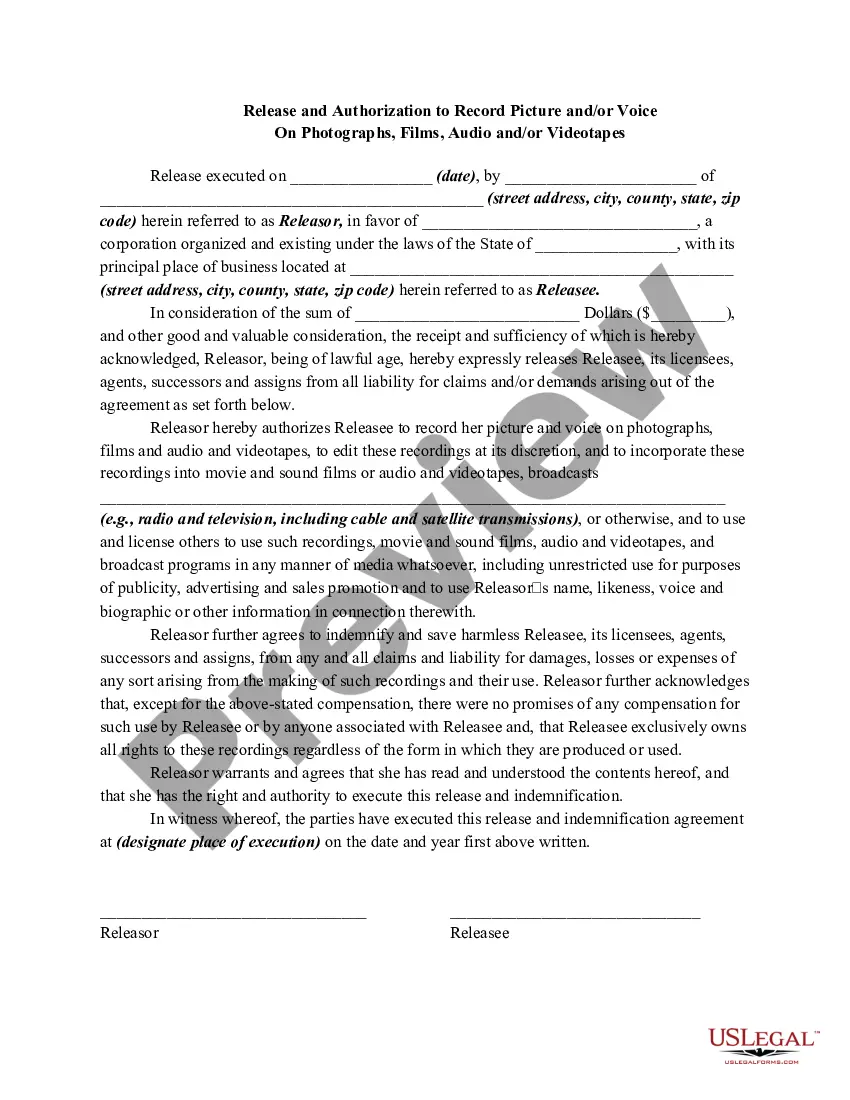
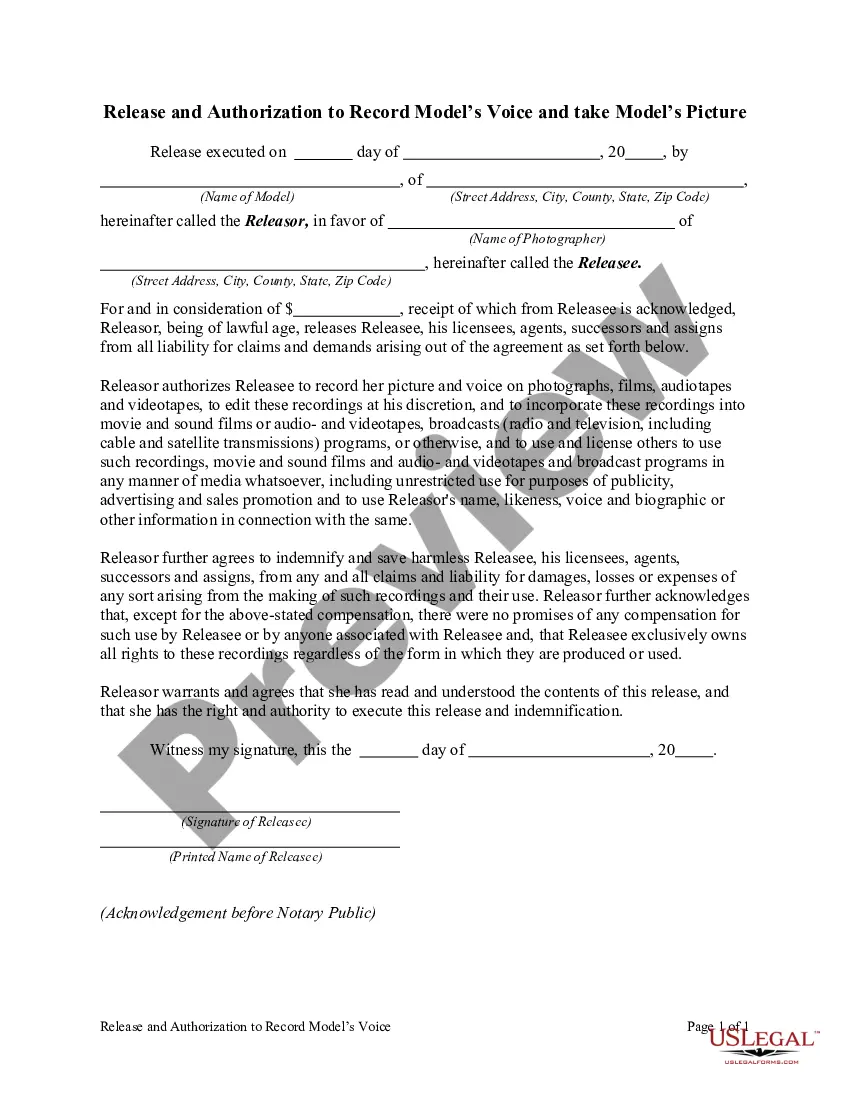
How to fill out Release And Authorization To Record Picture And / Or Voice On Photographs, Films, Audio And / Or Videotapes?
Obtaining legal templates that comply with federal and state regulations is essential, and the web provides numerous alternatives to select from.
However, what is the benefit of spending time searching for the accurately prepared Release Picture Photographs With Ai example online if the US Legal Forms digital library has already gathered such templates in a single location.
US Legal Forms is the most extensive online legal repository with more than 85,000 fillable templates created by attorneys for any professional and personal circumstance.
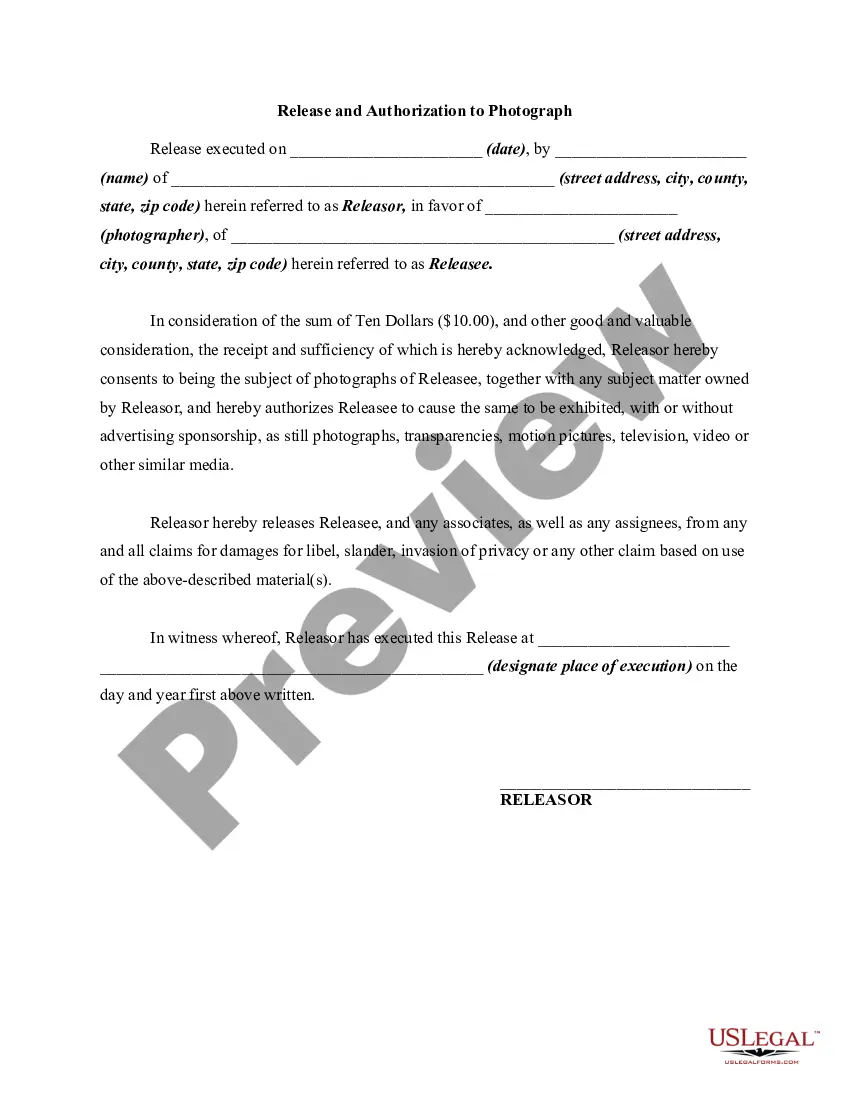
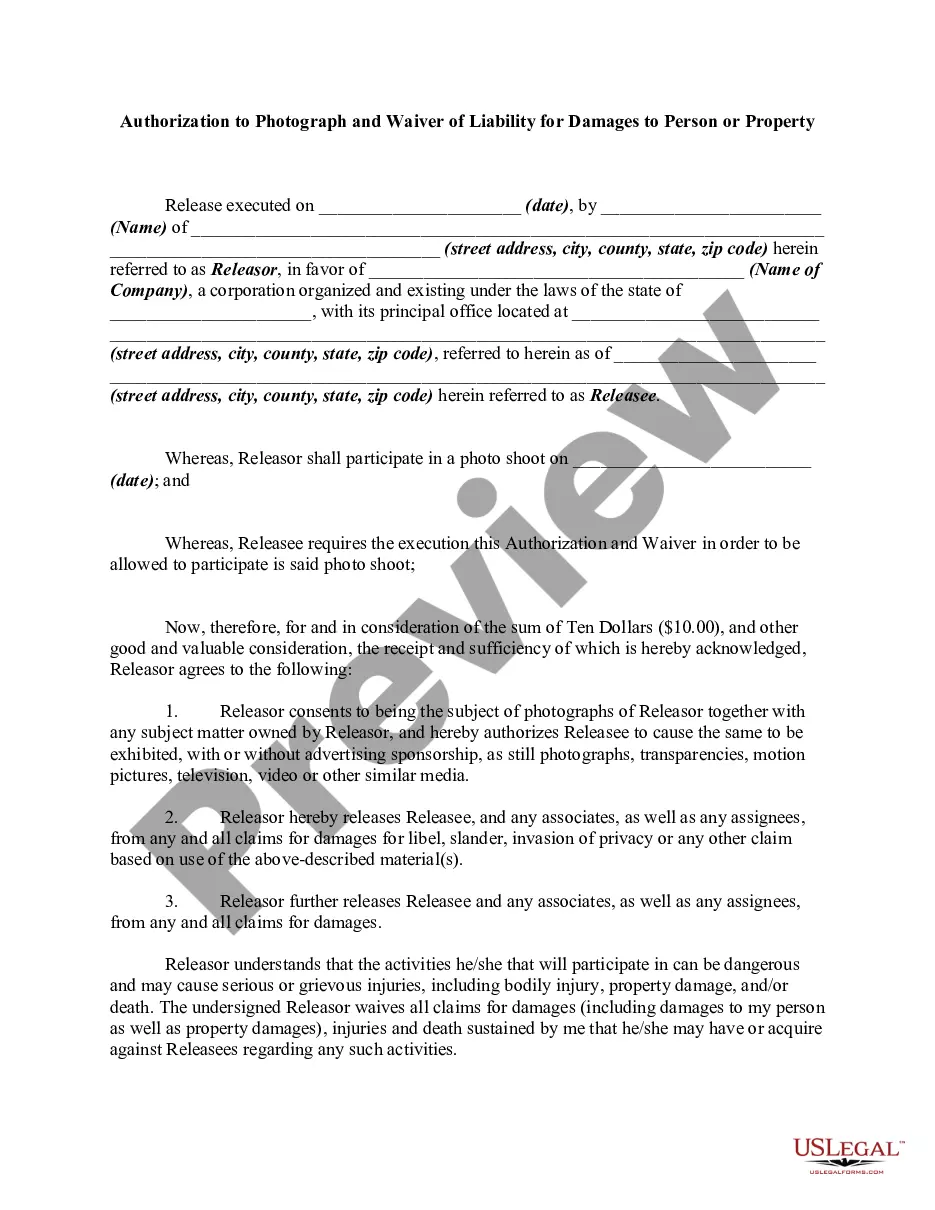
Review the template using the Preview feature or the text description to ensure it meets your requirements.
- They are easy to navigate with all documents organized by state and intended use.
- Our specialists stay updated with legislative changes, ensuring your form is current and compliant when obtaining a Release Picture Photographs With Ai from our site.
- Acquiring a Release Picture Photographs With Ai is fast and straightforward for both existing and new users.
- If you have an account with an active subscription, Log In and download the document template you need in the appropriate format.
- If you are new to our website, follow the steps below.
Form popularity
FAQ
Generating an image using AI in Photoshop begins with selecting the area of your photo where you want to create new content. After making your selection, go to 'Edit' and select 'Generative Fill'. The AI will generate new imagery based on your inputs, enabling you to release picture photographs with AI that stand out and capture attention.
To make an AI fill in a photo, select the area you would like to enhance. Navigate to 'Edit' and choose 'Generative Fill'. The AI feature will analyze the context of your selection and provide appropriate fills, helping you to release picture photographs with AI that enhance your visual storytelling.
Creating AI images from existing photos requires you to open the image in Photoshop and make a selection. Afterward, use the 'Generative Fill' option under the 'Edit' menu. The AI will then generate new elements based on your selection, enabling you to release picture photographs with AI that are unique and inspiring.
To continue a picture with AI, you start by selecting the area you want to extend. Use the lasso tool for precise selection, then go to 'Edit' and select 'Generative Fill'. The AI will then generate content that blends with your existing image, allowing you to release picture photographs with AI that feel complete and visually appealing.
Combining photos using AI involves selecting the images you want to merge. Open these images in Photoshop, and use the AI features available for content-aware blending. This technology enables you to seamlessly integrate elements from each photo, allowing you to release picture photographs with AI that appear cohesive and professionally done.
Using the AI Photoshop tool to generate photo fills is straightforward. First, select the area you wish to enhance or fill. Then, click on 'Edit', followed by 'Generative Fill'. The AI will analyze your selection and suggest fills based on surrounding content, allowing you to release picture photographs with AI efficiently.
To make an image a fill in Photoshop, start by selecting the area you want to transform. After making your selection, go to the 'Edit' menu and select 'Fill'. Choose 'Content-Aware' from the dropdown options, which leverages AI to intelligently fill the area you selected. This feature effectively helps you release picture photographs with AI, giving your images a fresh look.
To perform a Photoshop AI generative fill, first open your desired image in Photoshop. Select the area you want to fill using the lasso tool or any selection tool. Then, navigate to the 'Edit' menu, choose 'Generative Fill', and follow the prompts to generate new content seamlessly. This technique allows you to release picture photographs with AI, enhancing your creative projects.