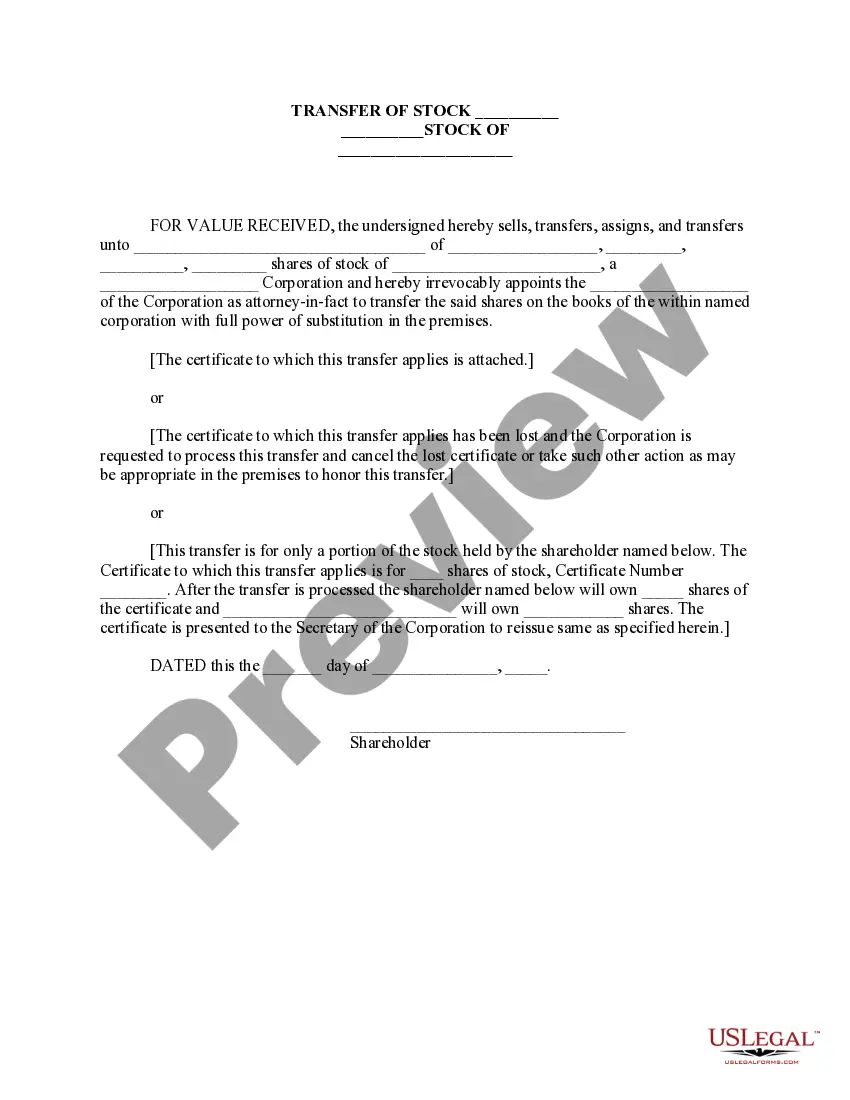
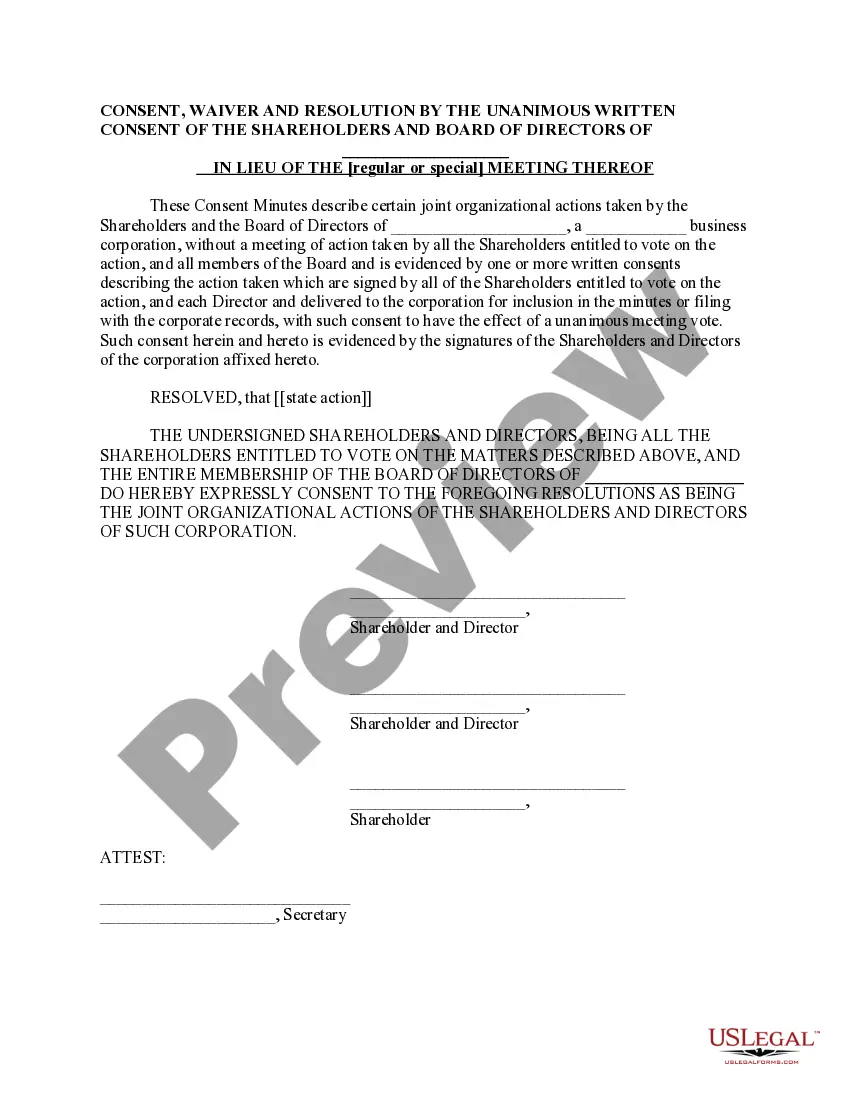
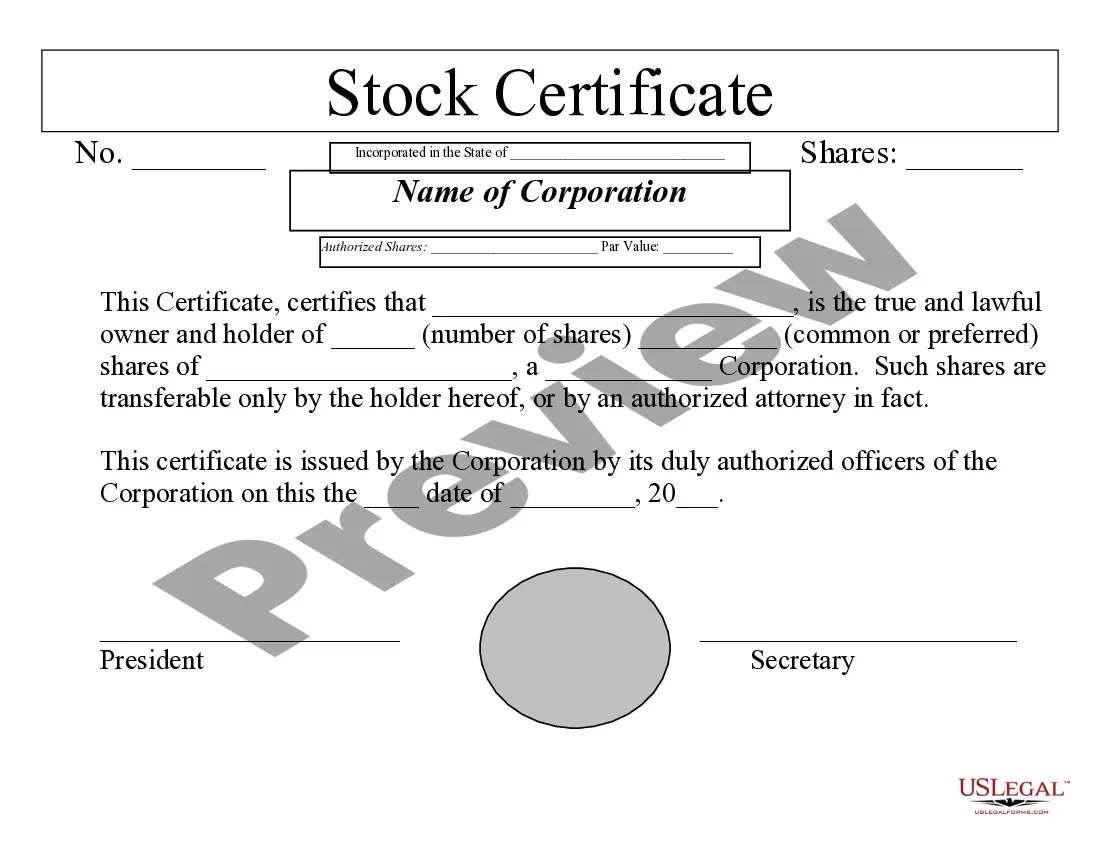
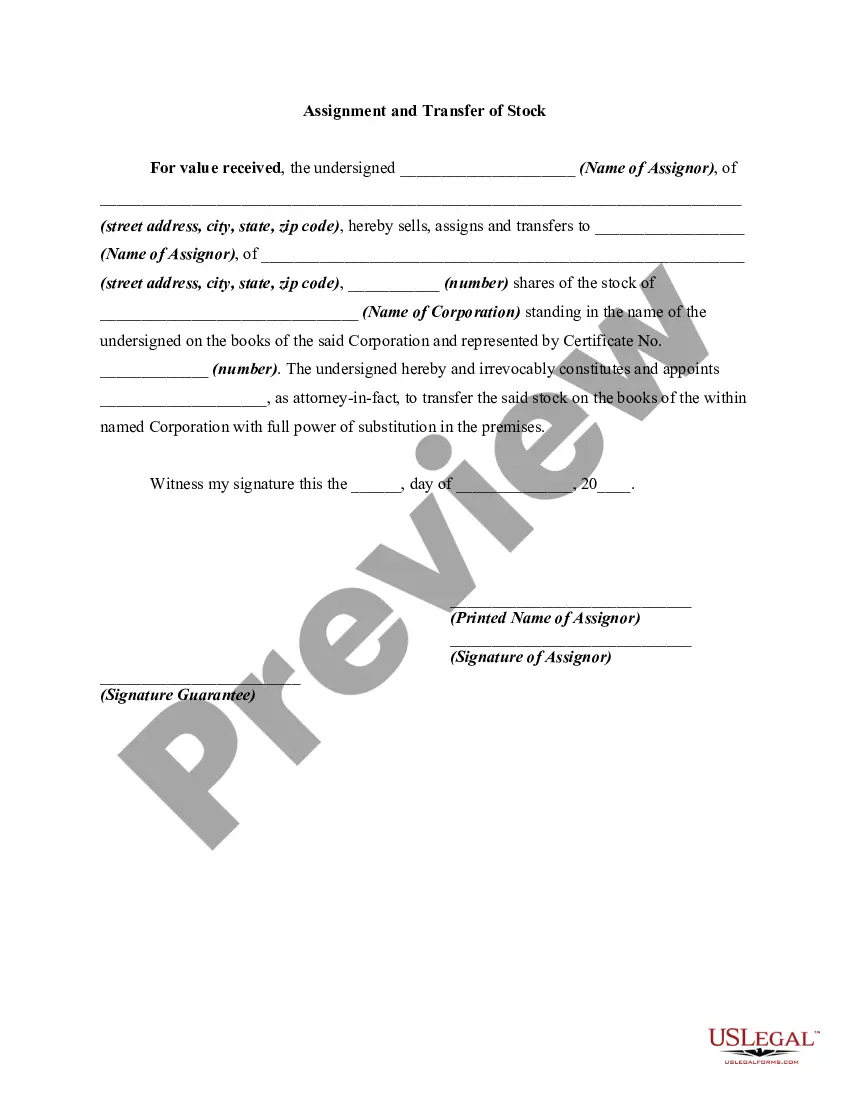
Computershare Stock Transfer Form With Non-market Transactions
Description
Get your form ready online
Our built-in tools help you complete, sign, share, and store your documents in one place.
Make edits, fill in missing information, and update formatting in US Legal Forms—just like you would in MS Word.
Download a copy, print it, send it by email, or mail it via USPS—whatever works best for your next step.
Sign and collect signatures with our SignNow integration. Send to multiple recipients, set reminders, and more. Go Premium to unlock E-Sign.
If this form requires notarization, complete it online through a secure video call—no need to meet a notary in person or wait for an appointment.
We protect your documents and personal data by following strict security and privacy standards.

Make edits, fill in missing information, and update formatting in US Legal Forms—just like you would in MS Word.

Download a copy, print it, send it by email, or mail it via USPS—whatever works best for your next step.

Sign and collect signatures with our SignNow integration. Send to multiple recipients, set reminders, and more. Go Premium to unlock E-Sign.

If this form requires notarization, complete it online through a secure video call—no need to meet a notary in person or wait for an appointment.

We protect your documents and personal data by following strict security and privacy standards.
Looking for another form?


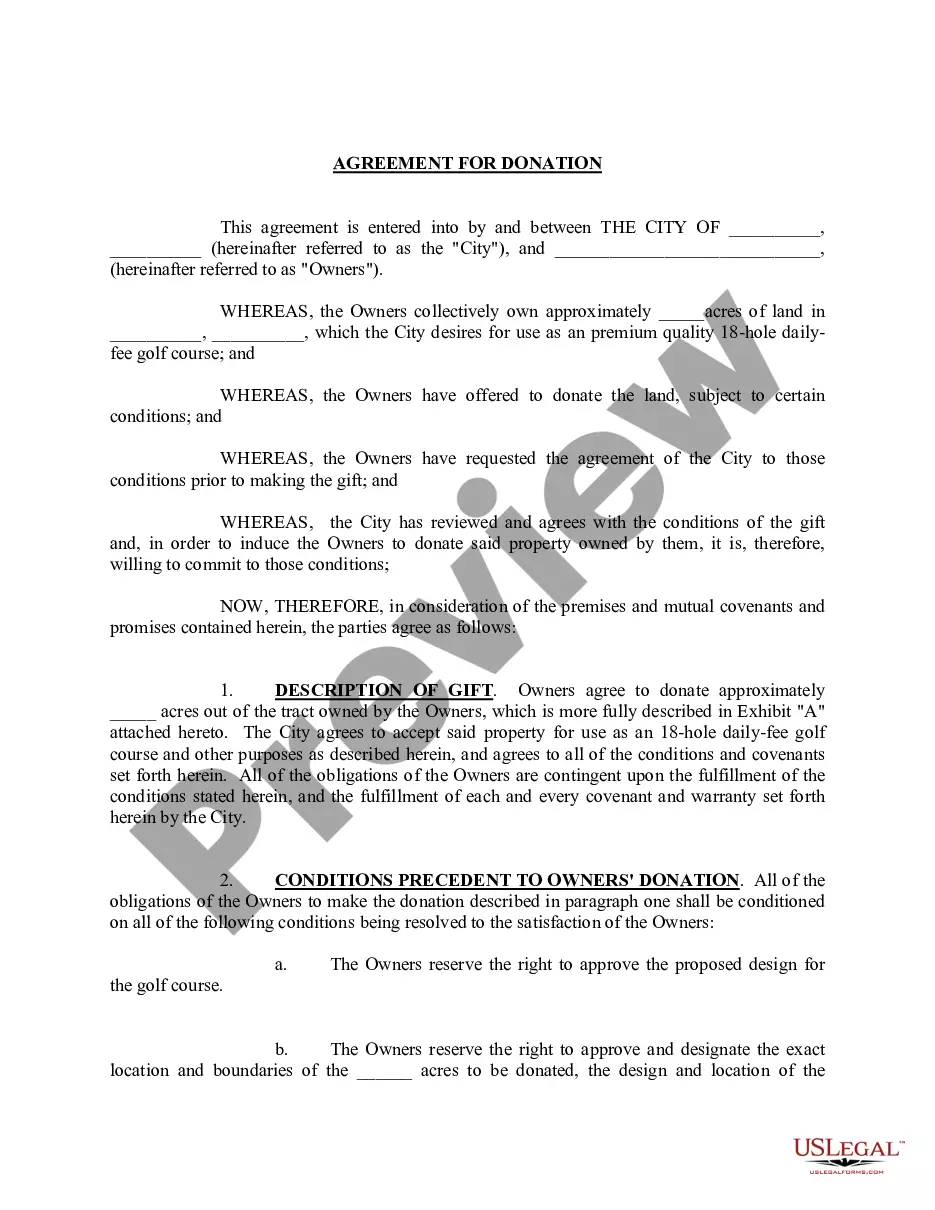

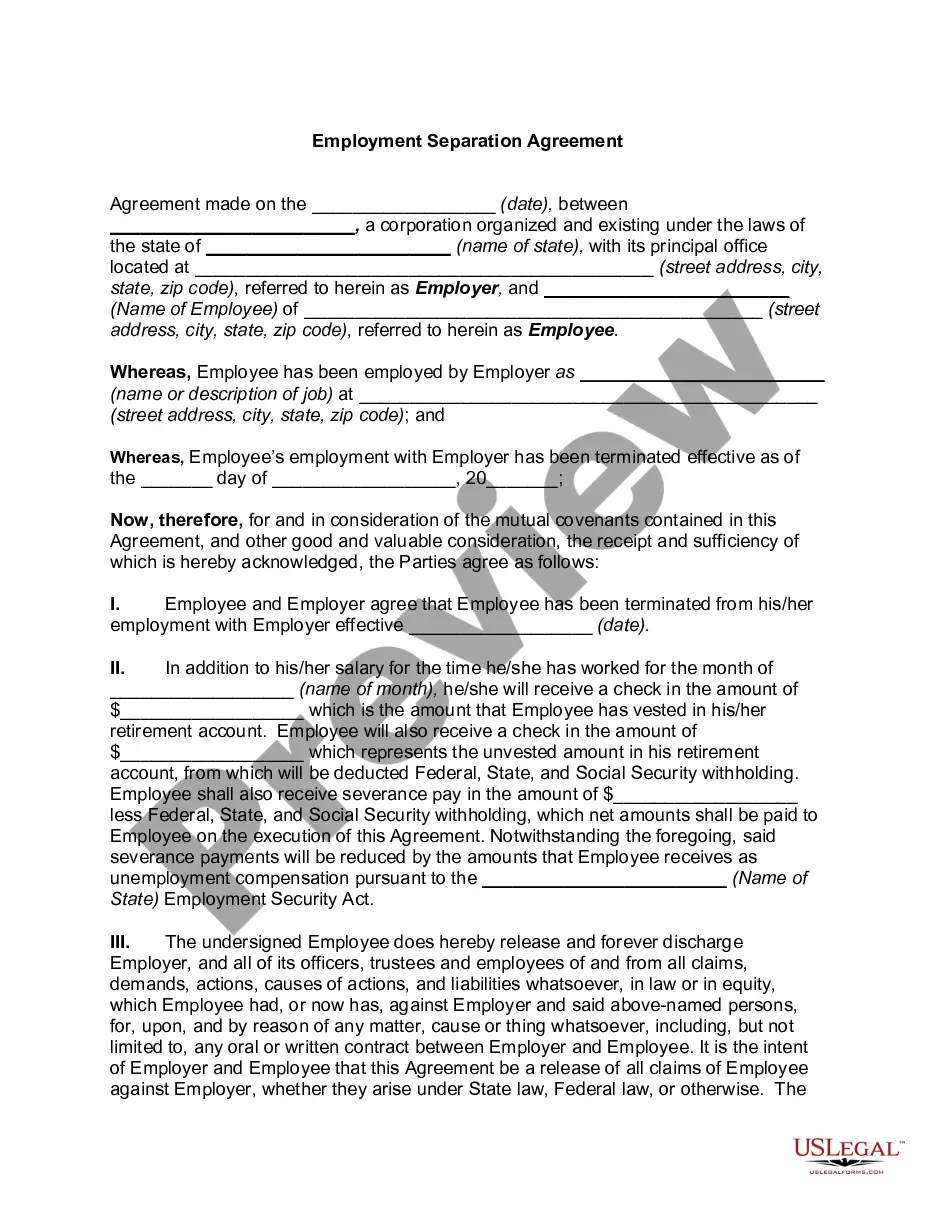


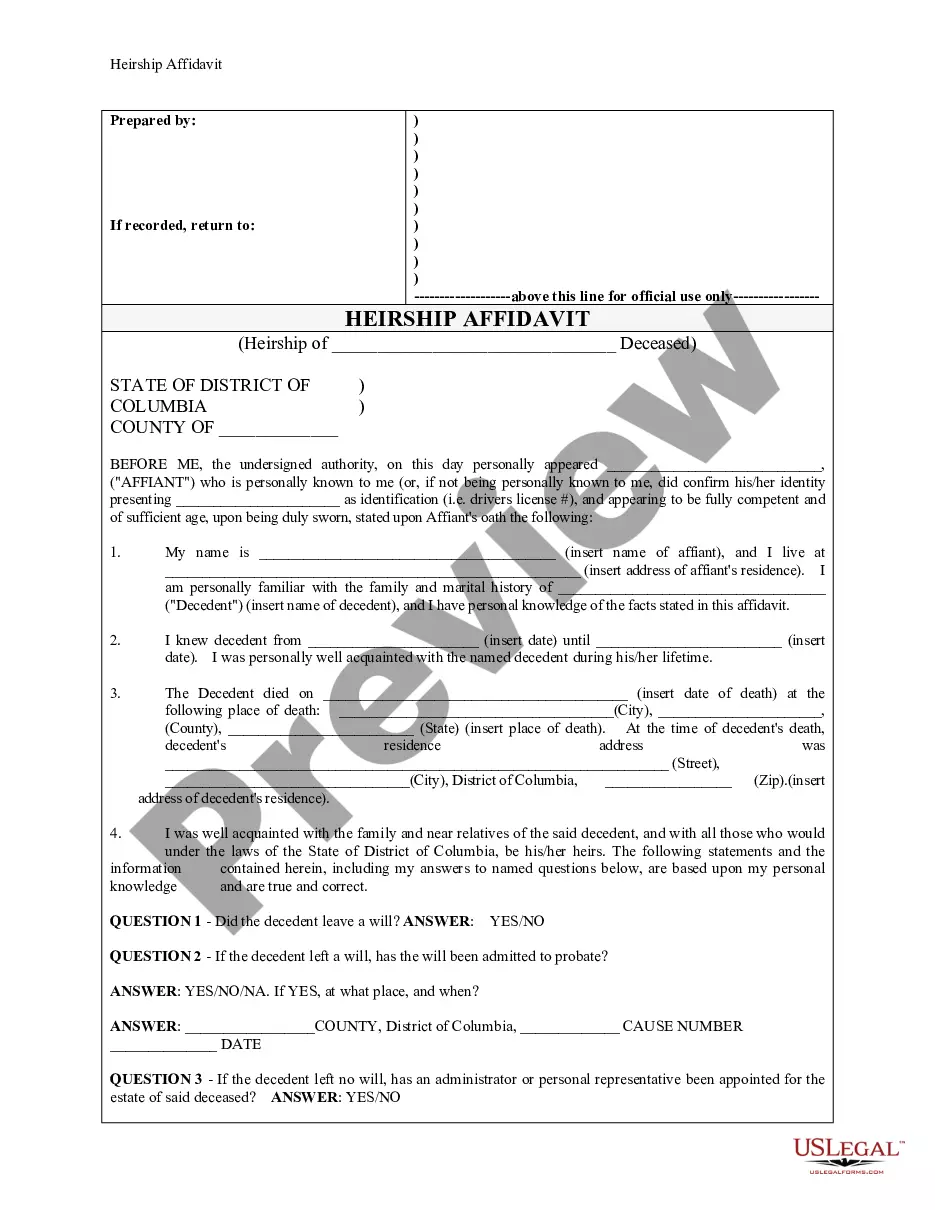


How to fill out Corporation - Transfer Of Stock?
Creating legal documents from the beginning can occasionally be overwhelming.
Certain situations may require extensive research and significant financial resources.
If you’re seeking a more straightforward and economical method of generating Computershare Stock Transfer Form With Non-market Transactions or any other forms without dealing with unnecessary obstacles, US Legal Forms is always available to assist you.
Our online inventory of over 85,000 current legal templates covers nearly every aspect of your financial, legal, and personal matters. With only a few clicks, you can swiftly access state- and county-specific forms meticulously prepared for you by our legal experts.
Ensure the form you select meets the standards of your state and county. Choose the most appropriate subscription plan to acquire the Computershare Stock Transfer Form With Non-market Transactions. Download the document, then fill it out, sign it, and print it. US Legal Forms has a flawless track record and over 25 years of expertise. Join us today and simplify form processing!
- Utilize our platform whenever you require a dependable service through which you can easily find and download the Computershare Stock Transfer Form With Non-market Transactions.
- If you’re familiar with our site and have already registered an account, simply Log In to your account, choose the template, and download it right away or access it again later in the My documents section.
- Not signed up yet? No worries. It takes only a few minutes to create an account and browse the library.
- Before jumping straight into downloading the Computershare Stock Transfer Form With Non-market Transactions, consider these recommendations.
- Examine the form preview and descriptions to confirm that you have located the form you need.
Form popularity
FAQ
? Each market order sale will entail a transaction fee of $20 plus $0.10 per share* sold. ? Fees are deducted from the proceeds derived from the sale. *All per share fees include any brokerage commissions Computershare is required to pay.
Stock Transfer forms are available to download via Downloadable Forms. Alternatively, Use the 'Contact us by email' button below to complete our online form and we will send you a Stock Transfer Form for completion. For assistance completing the form please refer to the Guidance Notes on the Stock Transfer form .
A fee of $69 (incl GST) is required in respect of security validation checks that are carried out in relation to off-market transfers.
This form is used to transfer securities into different name(s). A separate Off Market Transfer form must be submitted for each company and class of securityholding.
Don't use correction fluid or stick labels on the form. 1 Consideration money. ... 2 Full name of Undertaking. ... 3 Full description of Security. ... 4 Number or amount of Shares, Stock or other security. ... 5 Name(s) and address of registered holder(s) ... 6 Signature(s) ... 7 Name(s) and address of person(s) receiving the shares.