Consignment Agreement In Oracle Fusion In Fairfax
Description

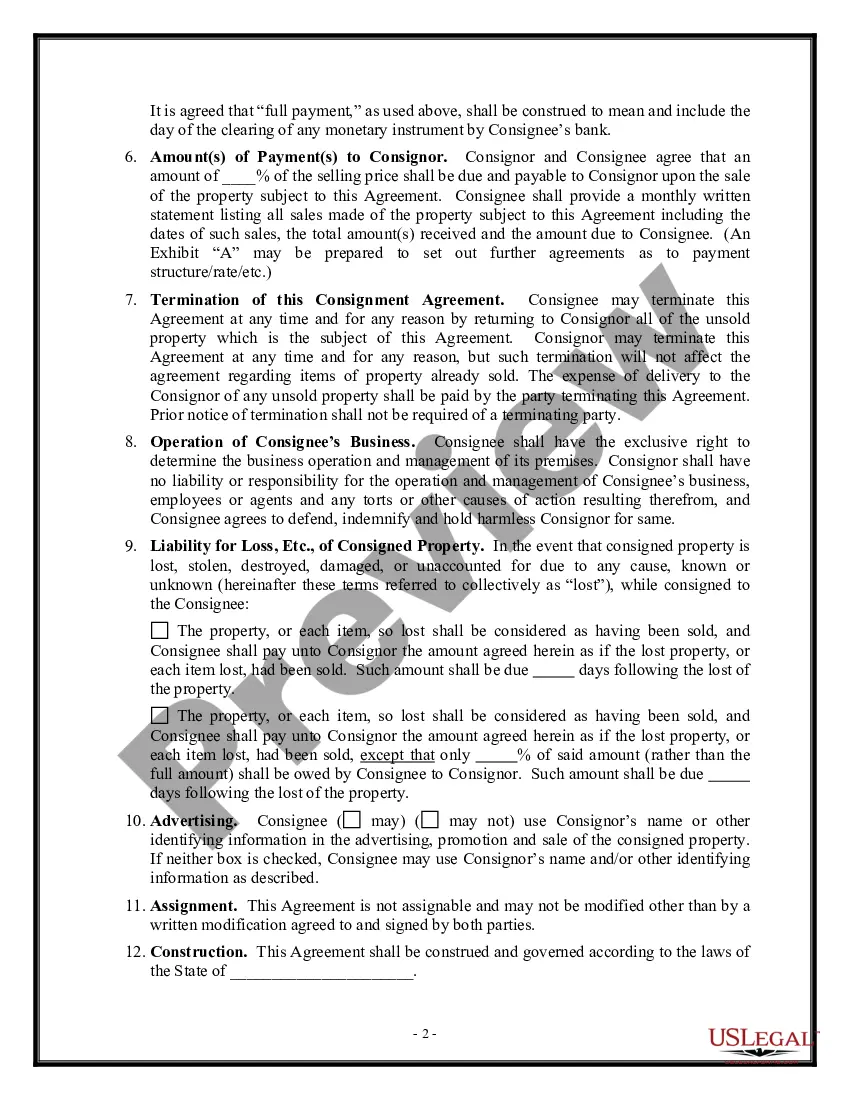
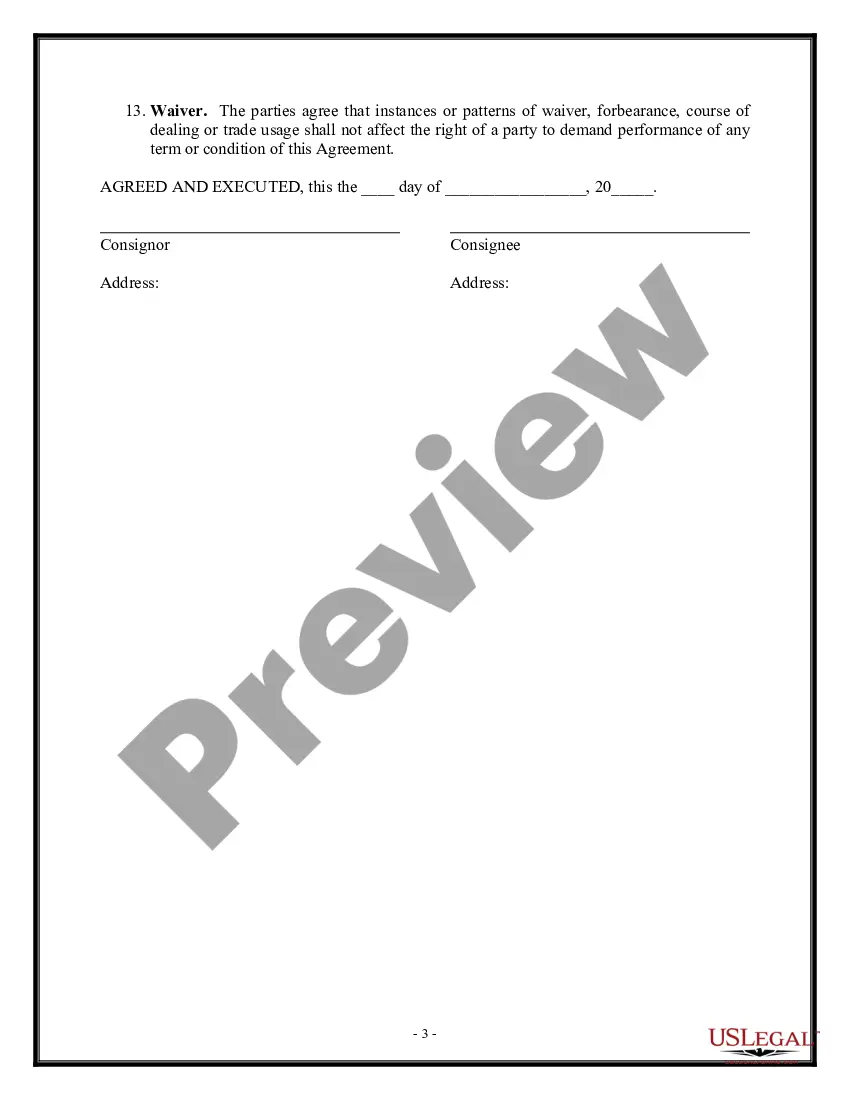
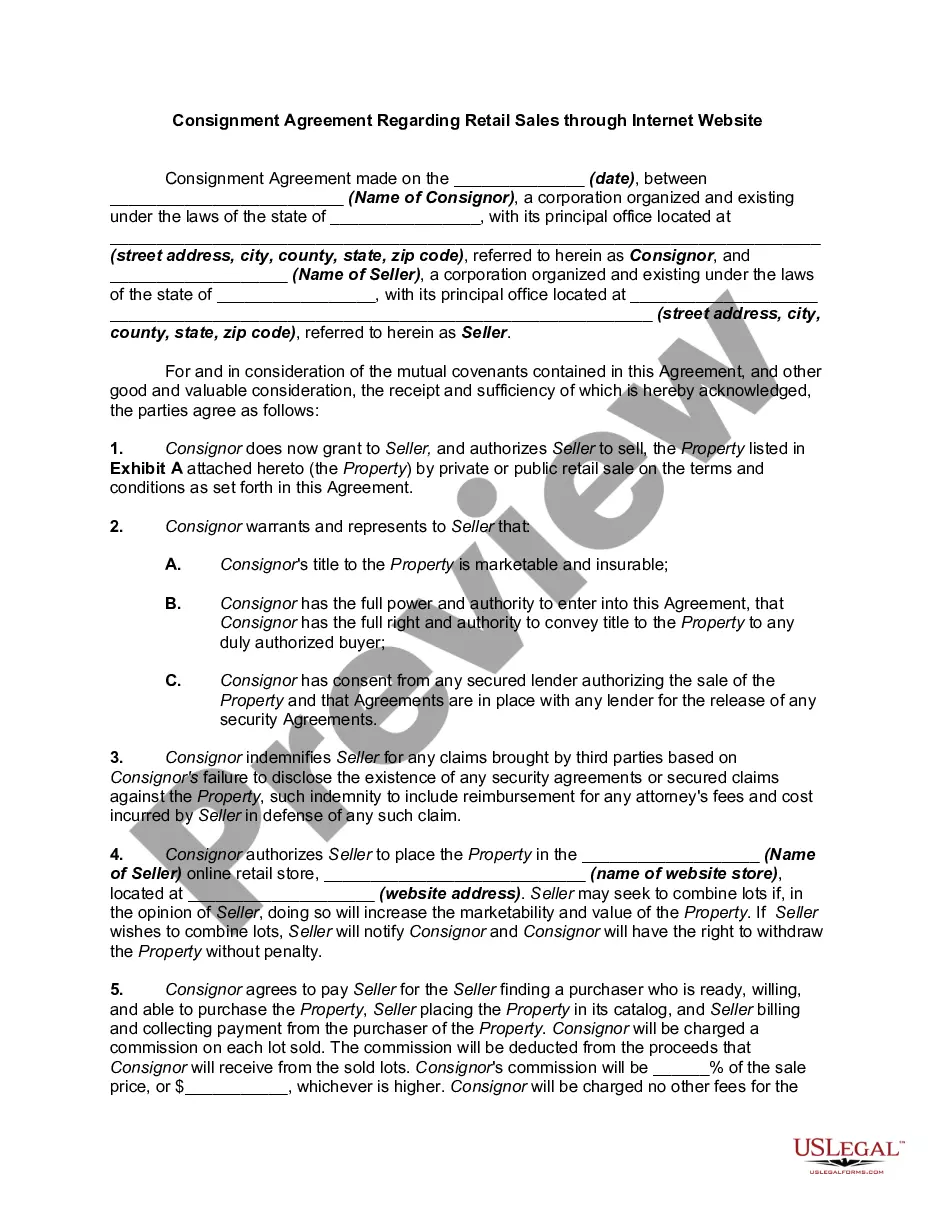
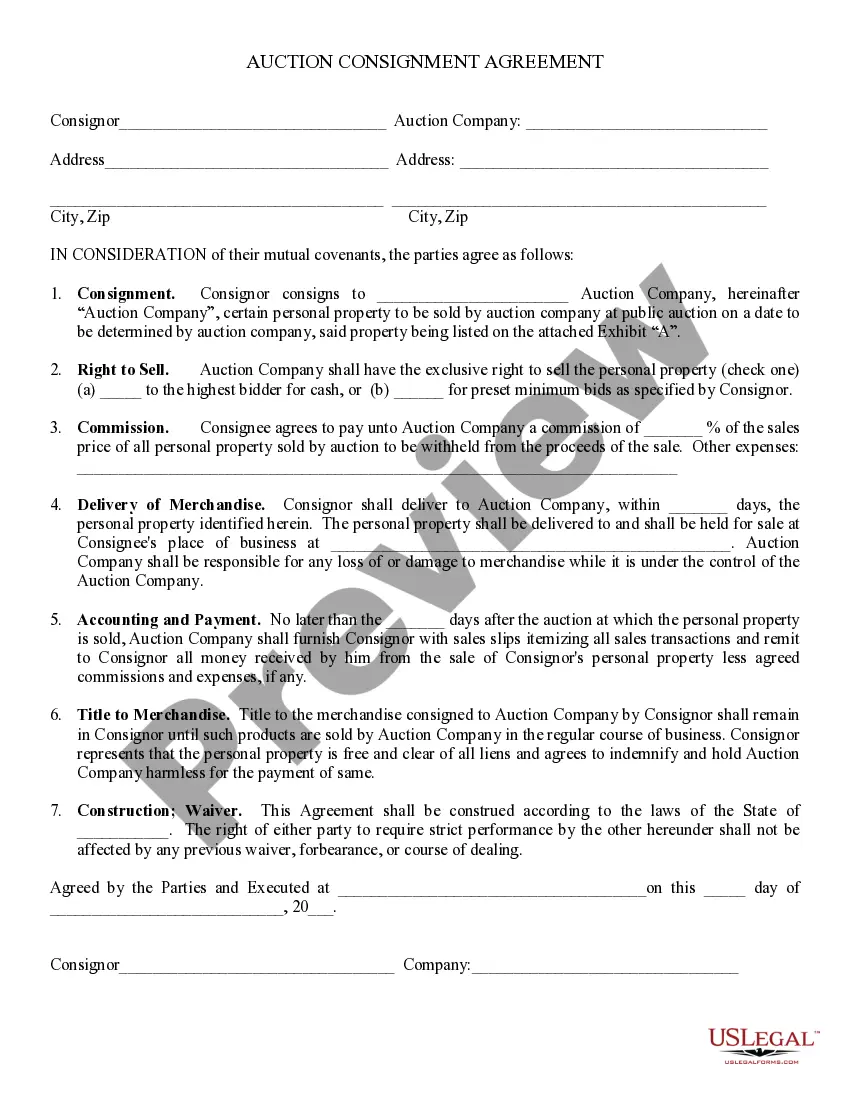
Get your form ready online
Our built-in tools help you complete, sign, share, and store your documents in one place.
Make edits, fill in missing information, and update formatting in US Legal Forms—just like you would in MS Word.
Download a copy, print it, send it by email, or mail it via USPS—whatever works best for your next step.
Sign and collect signatures with our SignNow integration. Send to multiple recipients, set reminders, and more. Go Premium to unlock E-Sign.
If this form requires notarization, complete it online through a secure video call—no need to meet a notary in person or wait for an appointment.
We protect your documents and personal data by following strict security and privacy standards.

Make edits, fill in missing information, and update formatting in US Legal Forms—just like you would in MS Word.

Download a copy, print it, send it by email, or mail it via USPS—whatever works best for your next step.

Sign and collect signatures with our SignNow integration. Send to multiple recipients, set reminders, and more. Go Premium to unlock E-Sign.

If this form requires notarization, complete it online through a secure video call—no need to meet a notary in person or wait for an appointment.

We protect your documents and personal data by following strict security and privacy standards.
Looking for another form?


Form popularity
FAQ
Consignment inventory best practices Establish clear agreements. Clearly define terms, responsibilities, and expectations with your consignment partners. Implement robust tracking systems. Maintain effective communication. Optimize replenishment processes. Analyze and adjust strategies.
In a VMI solution, vendors actively manage the supply of inventory to target levels based on the buyer's forecast and actual consumption, while consignment inventory relates to inventory owned by the vendor but held at the buyer's warehouse with the buyer determining the inventory replenishment strategy.
Consigned inventory refers to items that are in the possession of one party, but remain the property of another party by mutual agreement. The process of consigned inventory follows steps between the buyer and seller.
The VMI process is a supply chain management strategy where a supplier manages the inventory at the customer's location. The inventory is owned either by the customer (VMI without consignment) or the supplier (VMI with consignment), but maintained by the supplier.
In Oracle Fusion Cloud, click Navigator > Tools > Reports and Analytics. Click Browse Catalog, and In the Catalog page click Shared Folders > Procurement > Embedded Content > Export supplier data for import template. Search for the required supplier and export the data for FBDI.
You can view an item's revision number and the corresponding change order from the Revision list on any item page. The current effective revision is marked with an asterisk () character. Attachments - text or graphic files, or URLs, with more information about the item; classify attachments into a category.
On the Manage Suppliers page or the Quick Search page, enter full or partial search values values into the Keywords field. The application searches for a match between the value you enter and either the supplier name, alternate name, parent supplier name, supplier number, or D-U-N-S number.
Click Servicing > Servicing > Vendors > Vendors > Vendor Details > Vendor Groups.
View Supplier Details In the Suppliers work area, click the Manage SAM Trading Partners task. On Manage SAM Trading Partners, select the UEI record for which you want to view the supplier details. From the More Actions menu, click View Supplier.
