Direct Deposit Form Example In Harris
Description

Get your form ready online
Our built-in tools help you complete, sign, share, and store your documents in one place.
Make edits, fill in missing information, and update formatting in US Legal Forms—just like you would in MS Word.
Download a copy, print it, send it by email, or mail it via USPS—whatever works best for your next step.
Sign and collect signatures with our SignNow integration. Send to multiple recipients, set reminders, and more. Go Premium to unlock E-Sign.
If this form requires notarization, complete it online through a secure video call—no need to meet a notary in person or wait for an appointment.
We protect your documents and personal data by following strict security and privacy standards.

Make edits, fill in missing information, and update formatting in US Legal Forms—just like you would in MS Word.

Download a copy, print it, send it by email, or mail it via USPS—whatever works best for your next step.

Sign and collect signatures with our SignNow integration. Send to multiple recipients, set reminders, and more. Go Premium to unlock E-Sign.

If this form requires notarization, complete it online through a secure video call—no need to meet a notary in person or wait for an appointment.

We protect your documents and personal data by following strict security and privacy standards.
Looking for another form?


Form popularity
FAQ
The first thing to know about checks is what all the numbers mean – the check number, routing number and account number. These numbers are often used for recurring deposits like a paycheck, or automatic withdrawals for paying bills. If you're setting up direct deposit with your employer, you'll need these numbers.
Follow these steps to set up direct deposit from your employer: Fill out your employer's direct deposit form to enroll. Tell your human resources or payroll department that you want to set up direct deposit. Use your bank's direct deposit form. Provide a voided check. Check the direct deposit schedule.
Common examples of direct deposits are having your paycheck or pension deposited into your bank account automatically.
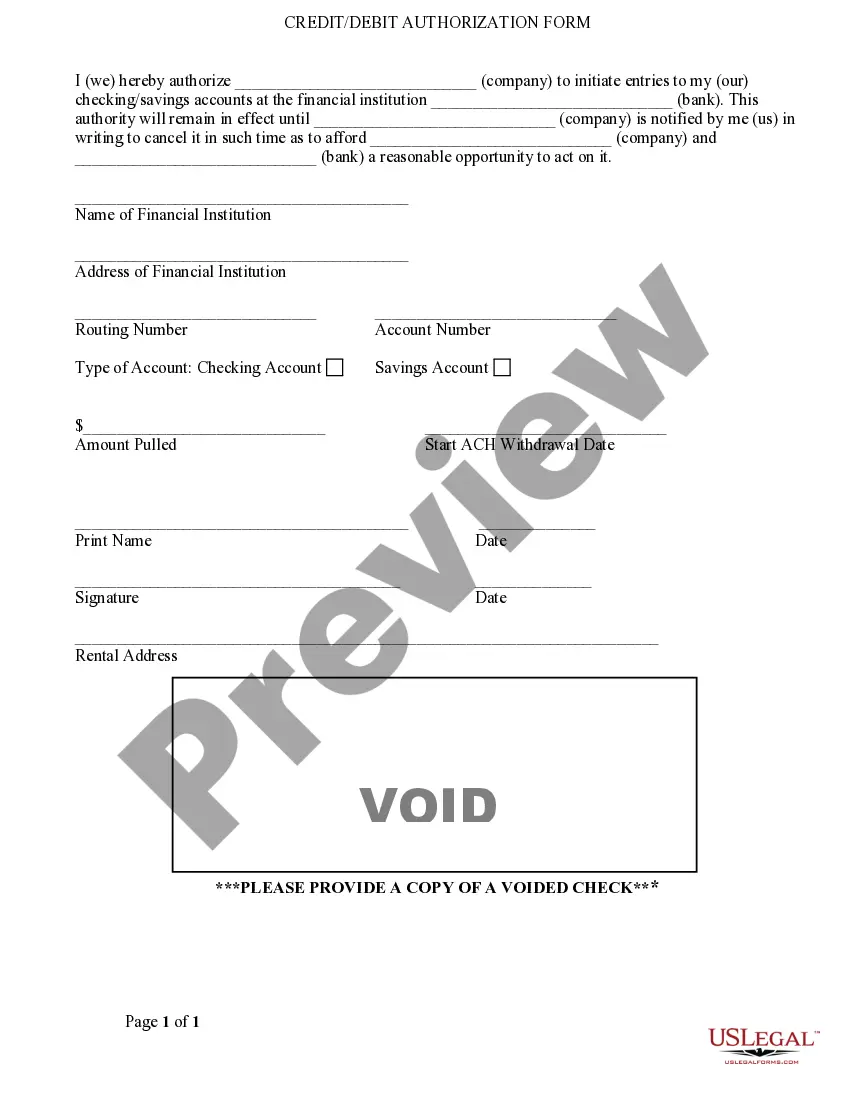
You will need to provide an organization with your bank details to receive direct deposits from them. This information includes your bank account number, routing number, bank name and address, as well as the names of all listed account holders and the type of account (checking or savings).
Usually you can write ``For deposit only to Whatever Bank account number 12345'' on the lines under your signature. I believe this works for most banks.
Get a deposit slip from the bank or download it from their website. Write today's date and your account number on the slip. List the check(s) you're depositing with the amount, check number, and your endorsement on the back. Add up the check amounts and write the total deposit.
These are in order; cheque number, transit / branch number, financial institution number, designation number and account number. The financial institution number, transit, and account number are all that's needed for a direct deposit. The cheque number is also on top.
1 Log in to the BMO Mobile App. 2 Select the account you want to use for Direct Deposit. 3 Select Account Details. 4 Scroll down to Void cheque and select Download.
Get a direct deposit form from your employer. Ask for a written or online direct deposit form. If that isn't available, ask your bank or credit union for one.
Get a direct deposit form from your employer. Ask for a written or online direct deposit form. If that isn't available, ask your bank or credit union for one. We've included a list of forms from top banks and credit unions, including the and direct deposit forms.

