Lease Apartment For Airbnb In Chicago
Description

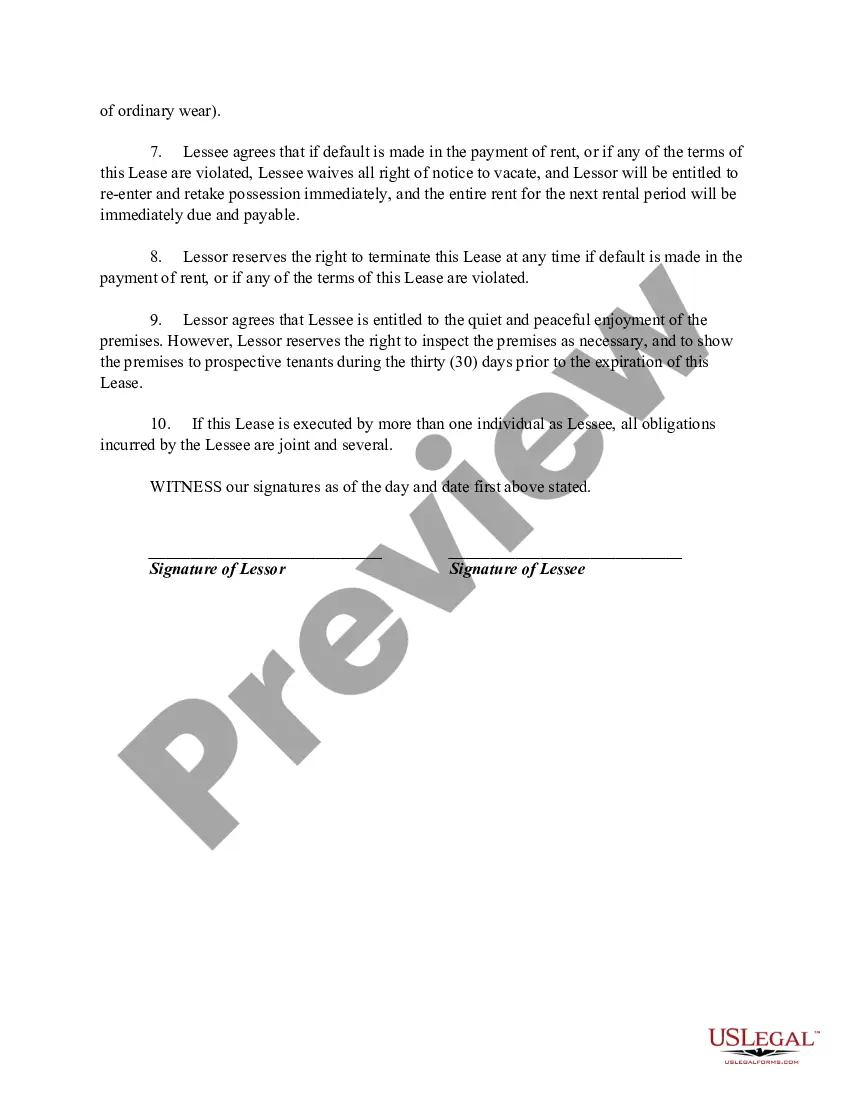
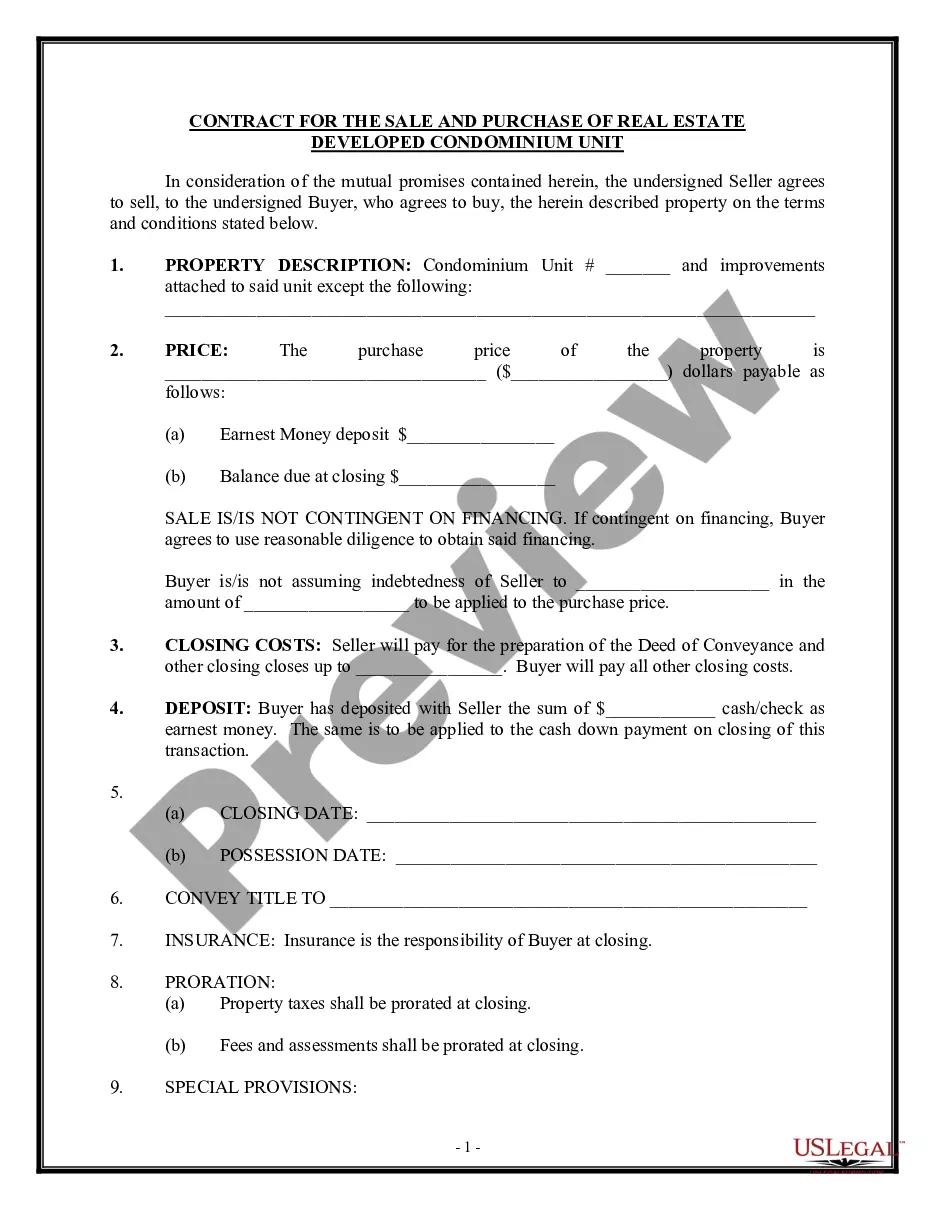
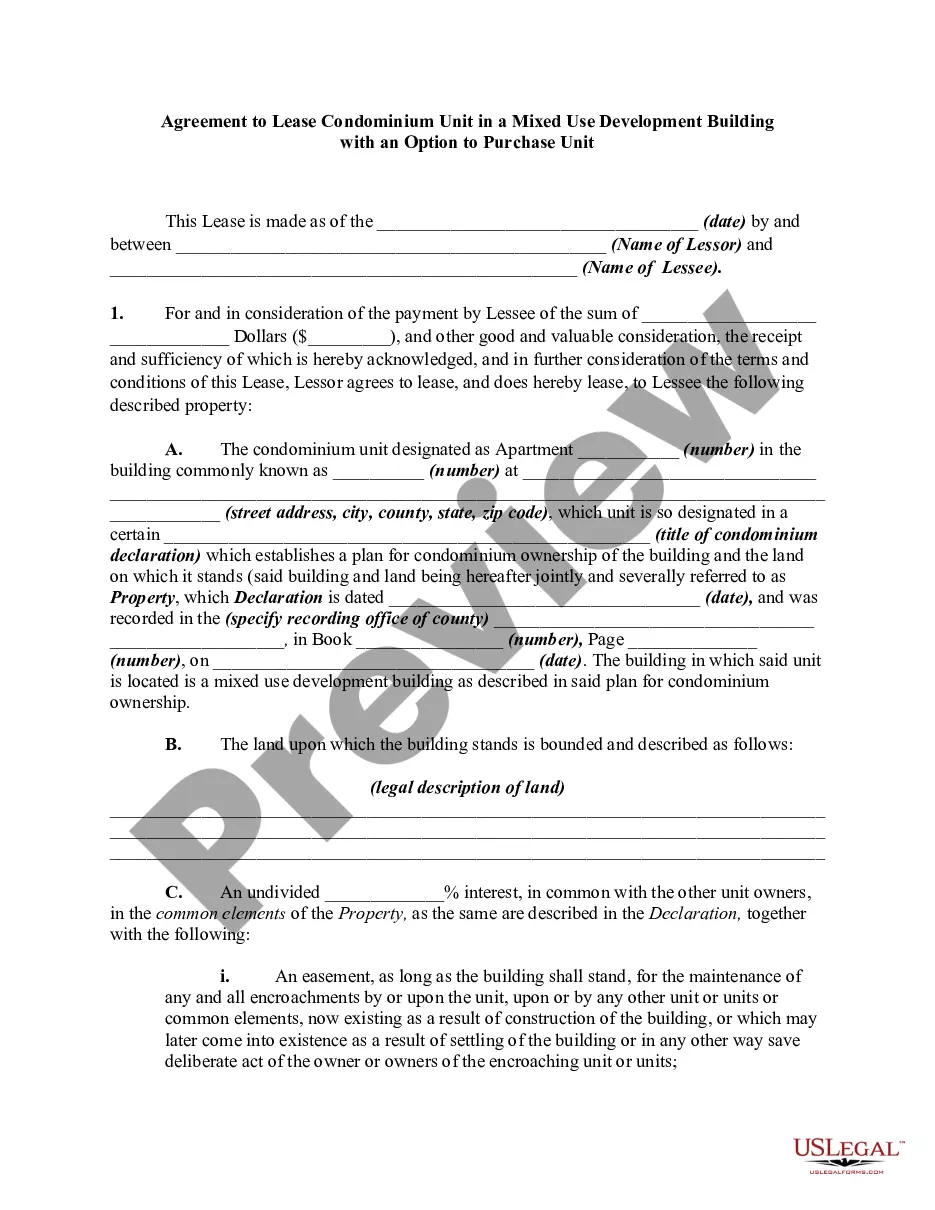
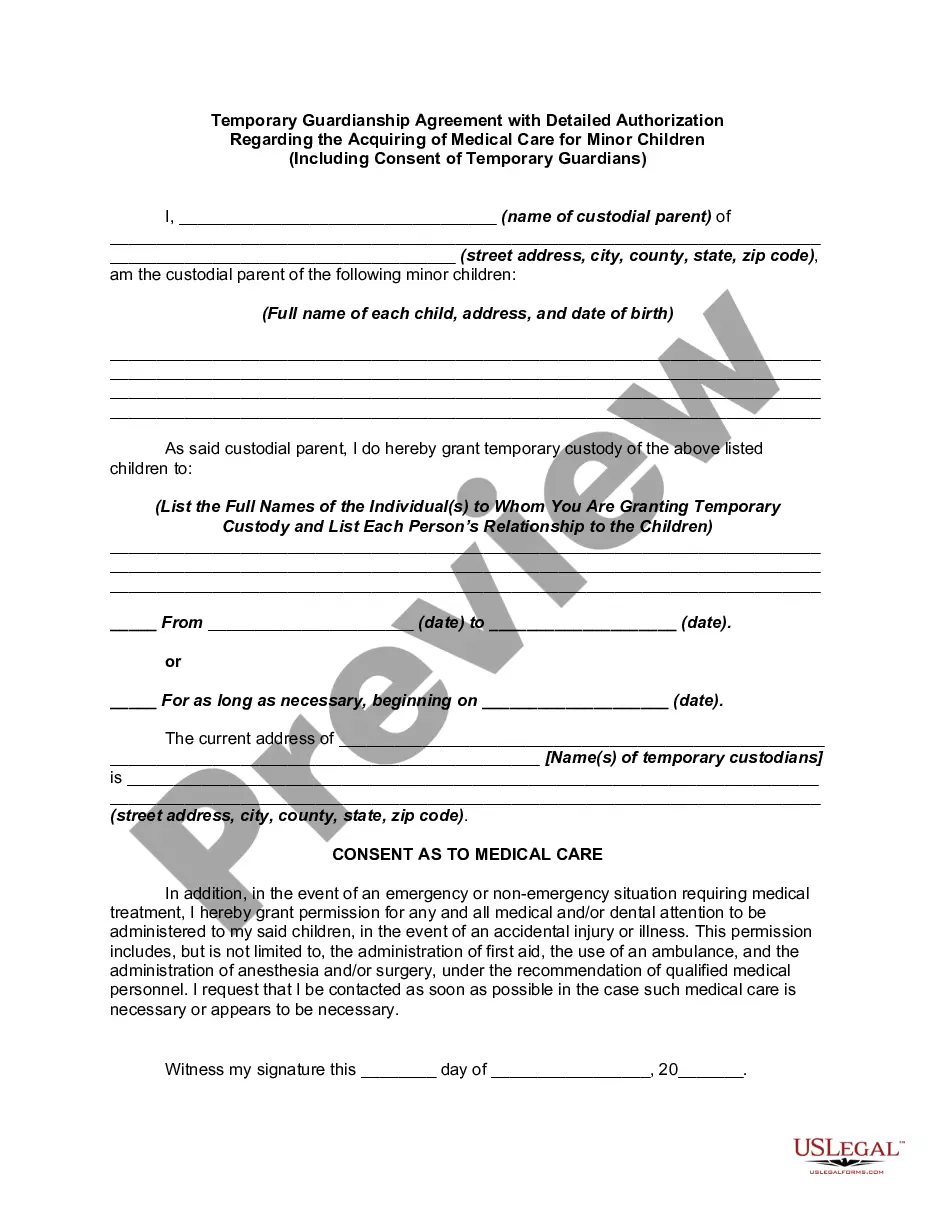
Get your form ready online
Our built-in tools help you complete, sign, share, and store your documents in one place.
Make edits, fill in missing information, and update formatting in US Legal Forms—just like you would in MS Word.
Download a copy, print it, send it by email, or mail it via USPS—whatever works best for your next step.
Sign and collect signatures with our SignNow integration. Send to multiple recipients, set reminders, and more. Go Premium to unlock E-Sign.
If this form requires notarization, complete it online through a secure video call—no need to meet a notary in person or wait for an appointment.
We protect your documents and personal data by following strict security and privacy standards.

Make edits, fill in missing information, and update formatting in US Legal Forms—just like you would in MS Word.

Download a copy, print it, send it by email, or mail it via USPS—whatever works best for your next step.

Sign and collect signatures with our SignNow integration. Send to multiple recipients, set reminders, and more. Go Premium to unlock E-Sign.

If this form requires notarization, complete it online through a secure video call—no need to meet a notary in person or wait for an appointment.

We protect your documents and personal data by following strict security and privacy standards.
Looking for another form?
Form popularity
FAQ
To solve that problem, USCIS uses the 90-day rule, which states that temporary visa holders who marry or apply for a green card within 90 days of arriving in the United States are automatically presumed to have misrepresented their original intentions.
Airbnb introduced the '90-Day Airbnb Rule' in the Greater London area in January 2017. Airbnb doesn't allow properties to be rented out for more than 90 nights per year. If your limit for bookings is reached, Airbnb will automatically close your property until the end of the calendar year.
To continue renting out the property on a short-term basis beyond the 90-day limit, homeowners must obtain planning permission from their local council. However, councils like Camden have policies that resist converting permanent housing into short-term or holiday lets, making such permissions challenging to secure.
How to list your property on Airbnb Step 1: Sign Up and Create an Account. Visit the Airbnb website and sign up for a new account. Step 2: Click “Airbnb your home” ... Step 3: Describe Your Space and Upload Photos. Step 4: Set Your Rates and Add Discounts. Step 5: Review and Publish Your Airbnb Listing.
If you have Chicago apartment listings on Airbnb, each unique address needs to be registered. Individual listings within the same address do not need separate registrations. For example, if you list multiple private rooms at the same address, only one registration number is required.
Adding an Airbnb lease agreement to your booking flow adds a little extra friction to the process, which is something to bear in mind. And it's also worth remembering that the rental agreement is between you and your guest.
Airbnb introduced the '90-Day Airbnb Rule' in the Greater London area in January 2017. Airbnb doesn't allow properties to be rented out for more than 90 nights per year. If your limit for bookings is reached, Airbnb will automatically close your property until the end of the calendar year.
Yes, the 90-day limit usually applies to many listings in the U.S., but it can vary by state and city, so it's always good to double-check local regulations.
How To List Your Property on Airbnb: A Step-by-Step Guide Step One: Select Your Property Type. Step Two: Choose A Specific Type Of Property. Step Three: Choose The Type Of Space. Step Four: Select Your Location. Step Five: Your Bedrooms and Amenities. Step Six: Add Your Photos. Step Seven: Give Your Property Some Detail.
Yes, in most places, you can rent out a property on Airbnb as a tenant. However, it's important to research local laws before becoming a host. Some municipalities, such as Charleston, SC, have regulations stating that only owners can host short-term rentals.
