Employment Work Form With Work
Description






Get your form ready online
Our built-in tools help you complete, sign, share, and store your documents in one place.
Make edits, fill in missing information, and update formatting in US Legal Forms—just like you would in MS Word.
Download a copy, print it, send it by email, or mail it via USPS—whatever works best for your next step.
Sign and collect signatures with our SignNow integration. Send to multiple recipients, set reminders, and more. Go Premium to unlock E-Sign.
If this form requires notarization, complete it online through a secure video call—no need to meet a notary in person or wait for an appointment.
We protect your documents and personal data by following strict security and privacy standards.

Make edits, fill in missing information, and update formatting in US Legal Forms—just like you would in MS Word.

Download a copy, print it, send it by email, or mail it via USPS—whatever works best for your next step.

Sign and collect signatures with our SignNow integration. Send to multiple recipients, set reminders, and more. Go Premium to unlock E-Sign.

If this form requires notarization, complete it online through a secure video call—no need to meet a notary in person or wait for an appointment.

We protect your documents and personal data by following strict security and privacy standards.
Looking for another form?





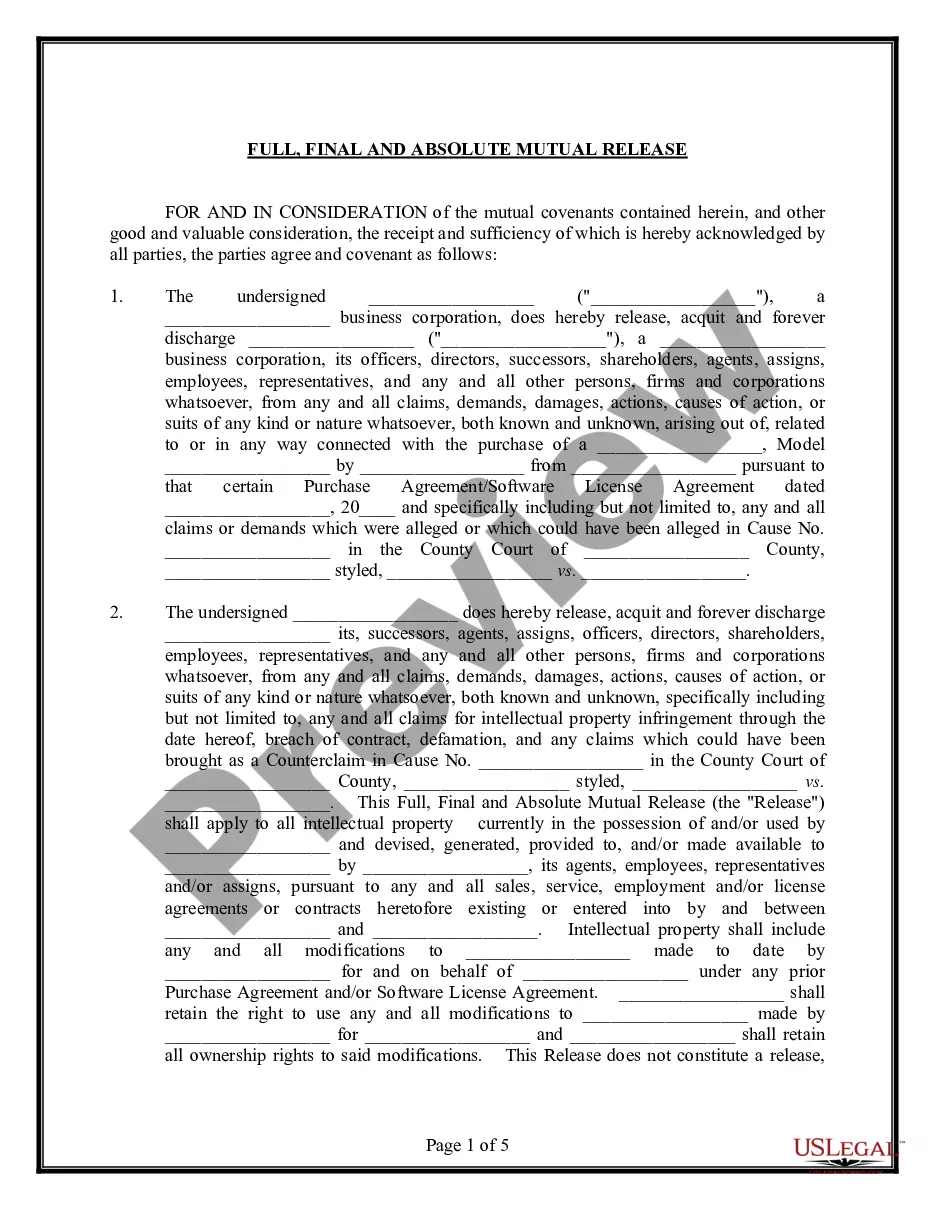


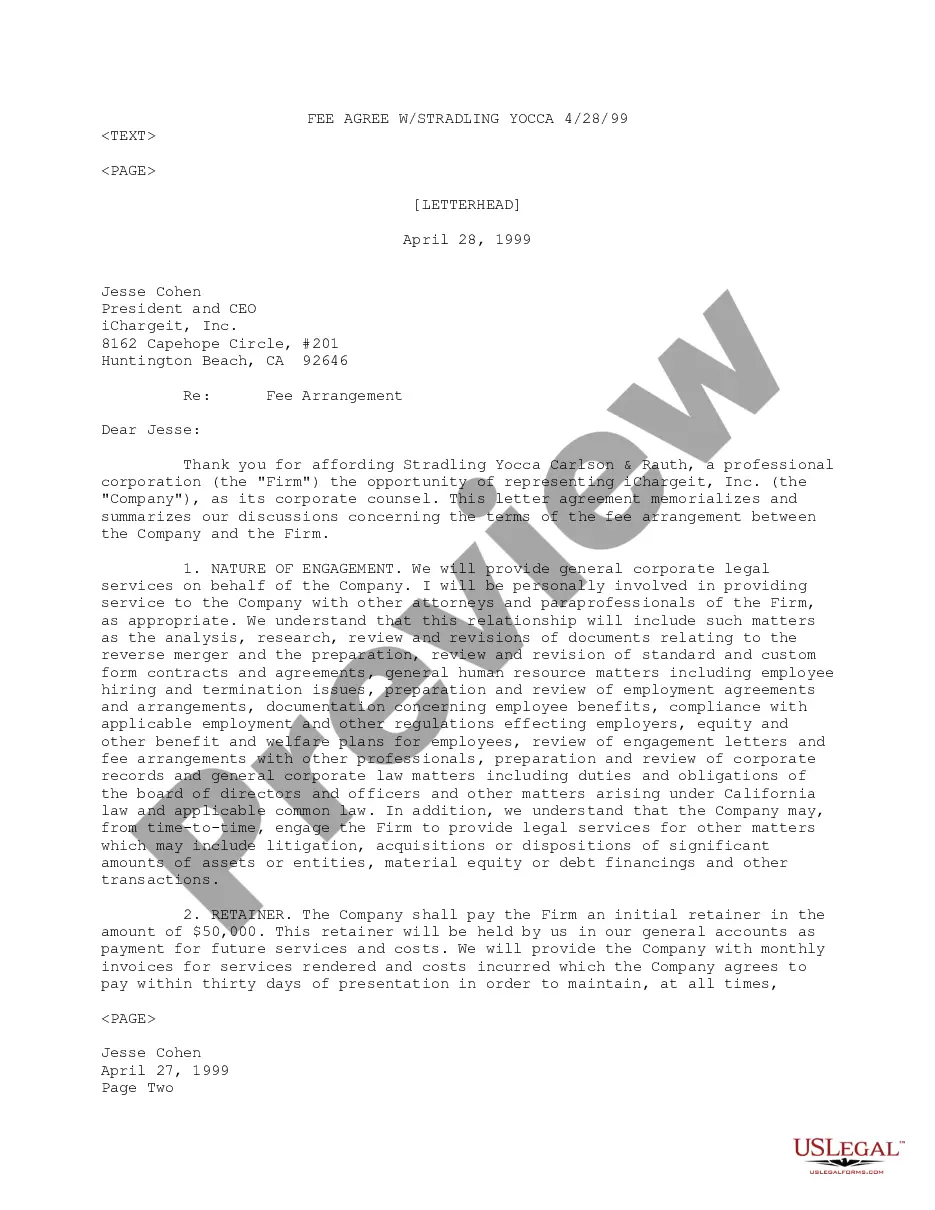

How to fill out Employment Or Work Application - General?
Whether for business purposes or for personal affairs, everybody has to manage legal situations sooner or later in their life. Filling out legal paperwork demands careful attention, beginning from choosing the right form template. For instance, if you select a wrong edition of the Employment Work Form With Work, it will be declined once you send it. It is therefore crucial to have a dependable source of legal papers like US Legal Forms.
If you have to obtain a Employment Work Form With Work template, follow these simple steps:
- Get the template you need using the search field or catalog navigation.
- Look through the form’s description to make sure it fits your case, state, and county.
- Click on the form’s preview to examine it.
- If it is the incorrect document, get back to the search function to locate the Employment Work Form With Work sample you require.
- Download the template when it matches your needs.
- If you already have a US Legal Forms profile, simply click Log in to access previously saved documents in My Forms.
- In the event you do not have an account yet, you can download the form by clicking Buy now.
- Select the correct pricing option.
- Finish the profile registration form.
- Select your transaction method: you can use a bank card or PayPal account.
- Select the file format you want and download the Employment Work Form With Work.
- When it is saved, you are able to fill out the form by using editing applications or print it and finish it manually.
With a substantial US Legal Forms catalog at hand, you don’t have to spend time searching for the appropriate template across the web. Utilize the library’s easy navigation to find the proper template for any occasion.
Form popularity
FAQ
Here are some of the most common pieces of information employers will ask for on job applications ? and why. Work experience. Be prepared to include information about your personal work history. ... Education. ... Proof of eligibility. ... Expression of interest. ... References. ... Find a job that's in demand: ... More tips for writing a resume:
How to Fill out a Job Application - YouTube YouTube Start of suggested clip End of suggested clip Make sure that your printing is neat and legible. Step 2 communicate your education and work historyMoreMake sure that your printing is neat and legible. Step 2 communicate your education and work history accurately. Being sure to explain any gaps.
How to fill out a job application Read the application before filling it out. Take your time. Answer completely and truthfully. Include your resume. Fill out job information chronologically. Put in the extra effort. Research your salary.
While most HR professionals and employment lawyers would reply with an emphatic ?YES?, there are some organizations ? both government contracting companies and non-government contracting companies ? that are not requiring candidates to fill out an employment application during the interview or new hire process.
Form W-4, Employee's Withholding Certificate, is generally completed at the start of any new job. This form tells your employer how much federal income tax withholding to keep from each paycheck. This form is crucial in determining your balance due or refund each tax season.