Corporate Resolution With Raised Seal In Pima
Description


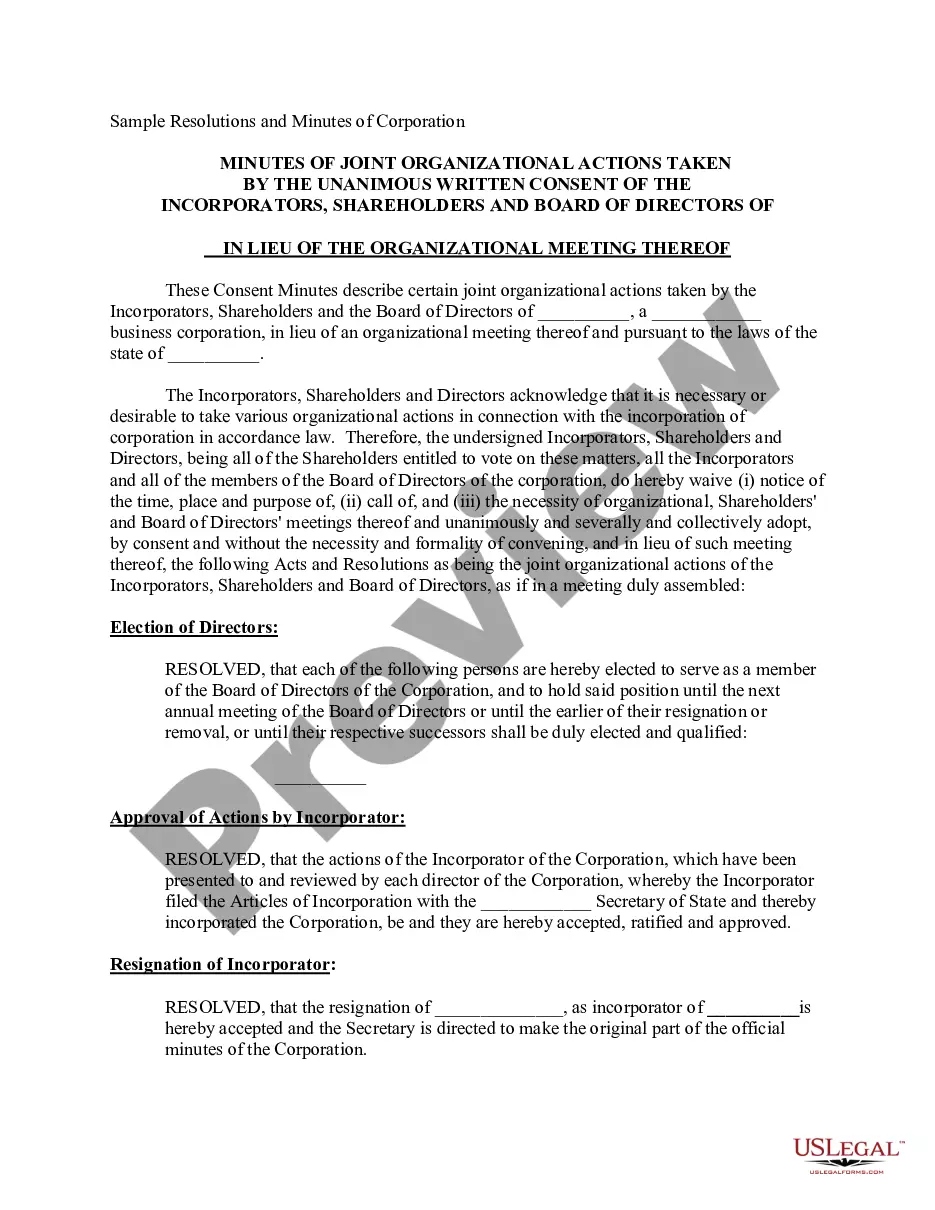

Get your form ready online
Our built-in tools help you complete, sign, share, and store your documents in one place.
Make edits, fill in missing information, and update formatting in US Legal Forms—just like you would in MS Word.
Download a copy, print it, send it by email, or mail it via USPS—whatever works best for your next step.
Sign and collect signatures with our SignNow integration. Send to multiple recipients, set reminders, and more. Go Premium to unlock E-Sign.
If this form requires notarization, complete it online through a secure video call—no need to meet a notary in person or wait for an appointment.
We protect your documents and personal data by following strict security and privacy standards.

Make edits, fill in missing information, and update formatting in US Legal Forms—just like you would in MS Word.

Download a copy, print it, send it by email, or mail it via USPS—whatever works best for your next step.

Sign and collect signatures with our SignNow integration. Send to multiple recipients, set reminders, and more. Go Premium to unlock E-Sign.

If this form requires notarization, complete it online through a secure video call—no need to meet a notary in person or wait for an appointment.

We protect your documents and personal data by following strict security and privacy standards.
Looking for another form?








Form popularity
FAQ
The corporate resolution for signing authority is a specific corporate resolution that authorizes specific corporate officers with the legal standing to sign contracts on behalf of the corporation.
Since the legal requirement for seals was abolished in 1989, we don't see them around much anymore. However, some businesses still like to use them, especially if they are conducting business abroad or if they wish to exude an air of old-world authority.
Corporate Resolution Authorizing Filing Select Bankruptcy menu. Select Other. Enter the case number using correct format and ensure case name and number match the document you are filing. Select Document event: Corp Resolution Auth Filing. Select the party filer. Browse, verify and attach the document (PDF file).
In California, the decision to use a corporate seal is entirely optional, as it is not a legal requirement for businesses. ing to California Corporations Code section 207(a), corporations have the flexibility to adopt, use, and even alter a corporate seal as they see fit.
There are alternatives to a corporate seal for official documentation. ing to state corporation laws, authorized signatures, digital signatures, or embossed stamps can be used as substitutes. These alternatives have legal validity and are recognized as acceptable alternatives to a traditional company seal.
State corporation statutes continue to authorize corporations to adopt and use corporate seals. But do you really need one for your company? In California and New York, the answer is clearly “no.”
A corporate resolution document does not need to be notarized, although if it involves other transactions then those might have to be notarized. Once the document has been signed off and dated by the chairperson, vice-chairperson, corporate treasurer, and secretary, it becomes a binding document.
HOA Resolutions and Your Board To put it simply, a resolution is a separate document created by board members constituting an official statement in writing that supports or adds weight to any decision or action made by your board. Resolutions are necessary to legitimize the operations of your board.
A corporate resolution is a document issued by a board of directors, outlining a binding corporate action. Resolutions may authorize routine transactions such as opening corporate accounts, or adopting a fictitious business name.
A board resolution is sometimes called a corporate resolution or directors' resolution. Simply put, a board resolution is a formal document of a board's decision.
