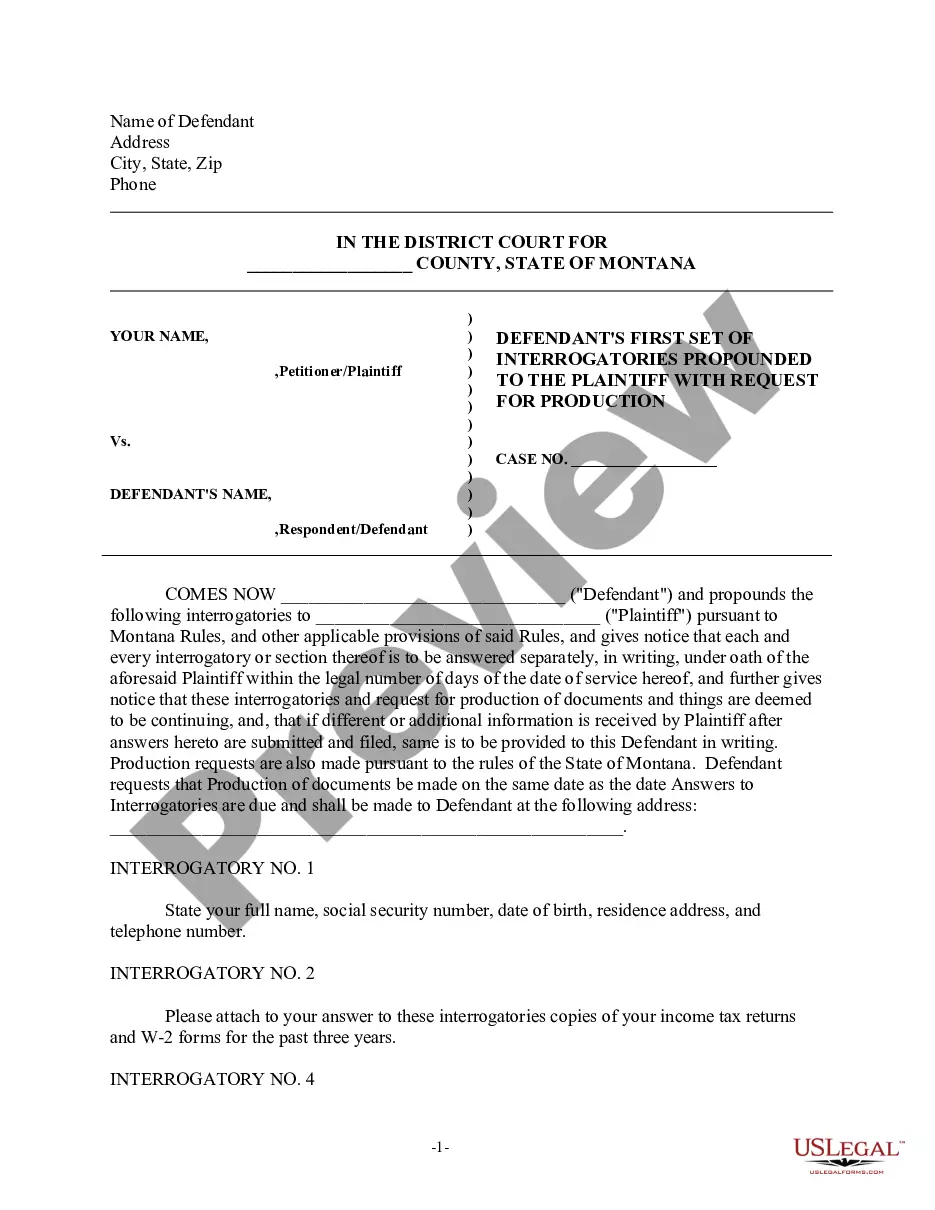
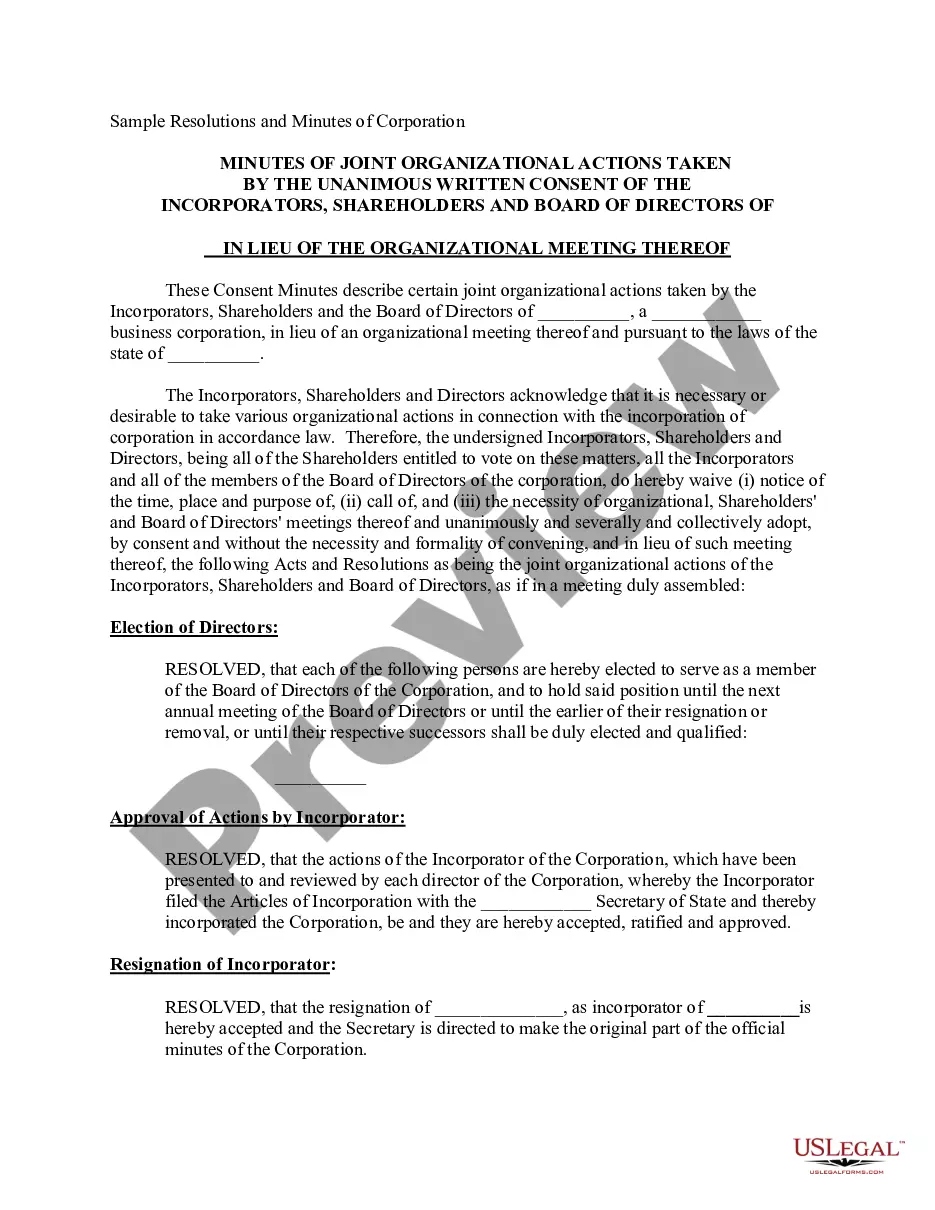
Corporate Resolution Example In Houston
Description



Get your form ready online
Our built-in tools help you complete, sign, share, and store your documents in one place.
Make edits, fill in missing information, and update formatting in US Legal Forms—just like you would in MS Word.
Download a copy, print it, send it by email, or mail it via USPS—whatever works best for your next step.
Sign and collect signatures with our SignNow integration. Send to multiple recipients, set reminders, and more. Go Premium to unlock E-Sign.
If this form requires notarization, complete it online through a secure video call—no need to meet a notary in person or wait for an appointment.
We protect your documents and personal data by following strict security and privacy standards.

Make edits, fill in missing information, and update formatting in US Legal Forms—just like you would in MS Word.

Download a copy, print it, send it by email, or mail it via USPS—whatever works best for your next step.

Sign and collect signatures with our SignNow integration. Send to multiple recipients, set reminders, and more. Go Premium to unlock E-Sign.

If this form requires notarization, complete it online through a secure video call—no need to meet a notary in person or wait for an appointment.

We protect your documents and personal data by following strict security and privacy standards.
Looking for another form?


Form popularity
FAQ
Typically, a board of directors will create corporate resolutions and sign them at a board meeting. Before the meeting, all board members should receive a meeting agenda that includes any decisions or actions to be resolved. Resolutions must follow a format approved by the state where the business is registered.
7 steps for writing a resolution Put the date and resolution number at the top. Give the resolution a title that relates to the decision. Use formal language. Continue writing out each critical statement. Wrap up the heart of the resolution in the last statement.
Unlike corporations, LLCs don't need to file business resolutions with the state. Single-member LLCs (SMLLCs) can also use business resolutions, even though there is no chance of disagreement among the members.
Outlined below is a detailed description of the process to guide you to produce legally binding corporate resolution documents. Write the Company's Name. Indicate Further Legal Identification. Include Location, Date, and Time. List the Board Resolutions. Sign the Document and Write the Document.
Guidelines for Valid Corporate Resolutions. The certification must bear an original signature by an officer of the corporation, (preferably the secretary), and this signature must be someone other than the person who signed the RFP, RFQ, RFI, etc.
Examples of corporate resolutions include the adoption of new bylaws, the approval of changes in the board members, determining what board members have access to certain finances, such as bank accounts, deciding upon mergers and acquisitions, and deciding executive compensation.
The Corporate Resolution Document Has Several Purposes. It can also be used when new officers, directors or members are being added to or replacing current owners. It is a prerequisite to a Certificate of Incumbency. Unless we have a signed and notarized copy we will not be able to prepare this legal document.
A corporate resolution is a written document created by the board of directors of a company detailing a binding corporate action. A board of directors is a group of people that act as a governing body on behalf of the shareholders of a company.
RESOLVED, that the Board of Directors is hereby authorized and approved to authorize and empower the following individual to make, execute, endorse and deliver in the name of and on behalf of the corporation, but shall not be limited to, any and all written instruments, agreements, documents, execution of deeds, powers ...
Must include the specific date and time when the board met to pass the resolution. Must authorize a specific person or persons by name and title. Must include the types of contracts and agreements the specific individual or individuals can execute on behalf of the corporation.