Employee Handbook For Restaurant In Cuyahoga
Description

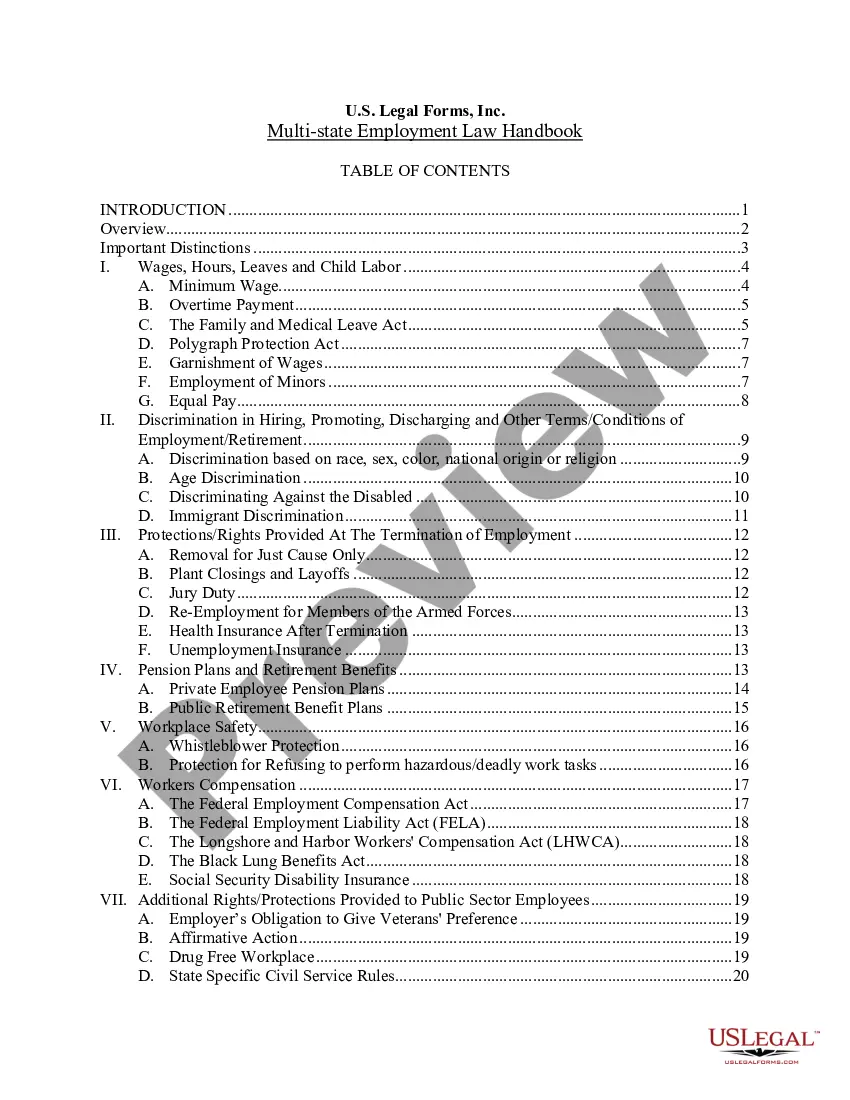
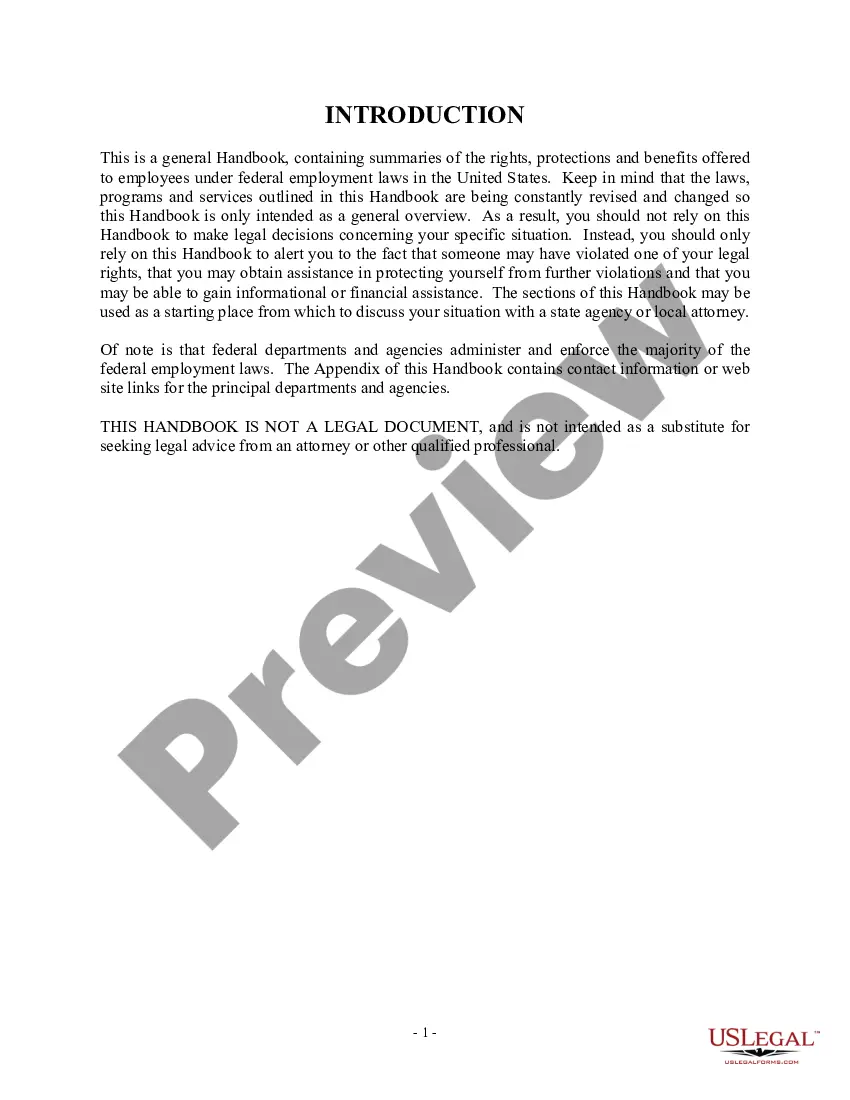
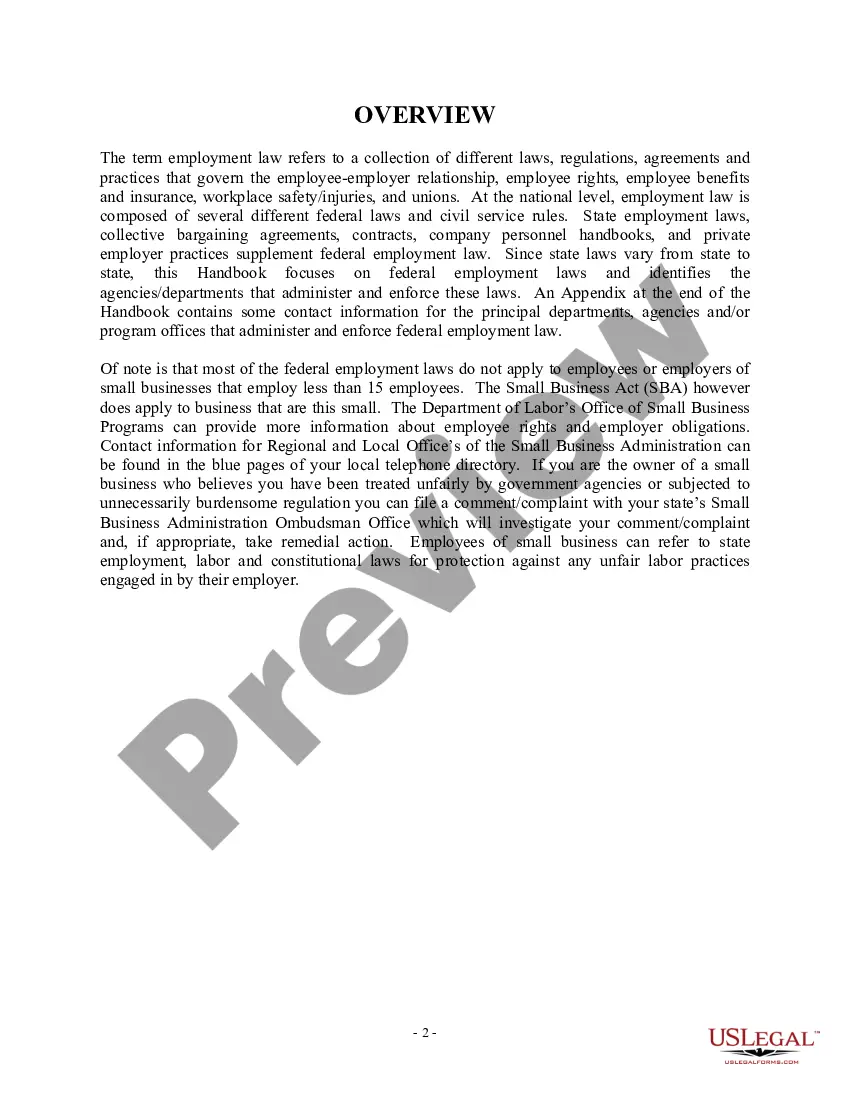



Get your form ready online
Our built-in tools help you complete, sign, share, and store your documents in one place.
Make edits, fill in missing information, and update formatting in US Legal Forms—just like you would in MS Word.
Download a copy, print it, send it by email, or mail it via USPS—whatever works best for your next step.
Sign and collect signatures with our SignNow integration. Send to multiple recipients, set reminders, and more. Go Premium to unlock E-Sign.
If this form requires notarization, complete it online through a secure video call—no need to meet a notary in person or wait for an appointment.
We protect your documents and personal data by following strict security and privacy standards.

Make edits, fill in missing information, and update formatting in US Legal Forms—just like you would in MS Word.

Download a copy, print it, send it by email, or mail it via USPS—whatever works best for your next step.

Sign and collect signatures with our SignNow integration. Send to multiple recipients, set reminders, and more. Go Premium to unlock E-Sign.

If this form requires notarization, complete it online through a secure video call—no need to meet a notary in person or wait for an appointment.

We protect your documents and personal data by following strict security and privacy standards.
Looking for another form?



Form popularity
FAQ
Steps to Create the Perfect Shift Schedule Step 1: Assess Your Needs. Step 2: Involve Your Employees. Step 3: Plan Teams ing to Skillsets. Step 4: Reinforce Communication. Step 5: Plan for Contingencies. Step 6: Select a Work Scheduling Tool. Step 7: Set Up a Feedback Mechanism.
A weekly schedule template should include: Employee names: To identify who is working on what. Date and day: For each day of the week being planned. Tasks and responsibilities: Detailed daily assignments for each team member. Shift times: Start and end times, if applicable, to outline daily work hours.
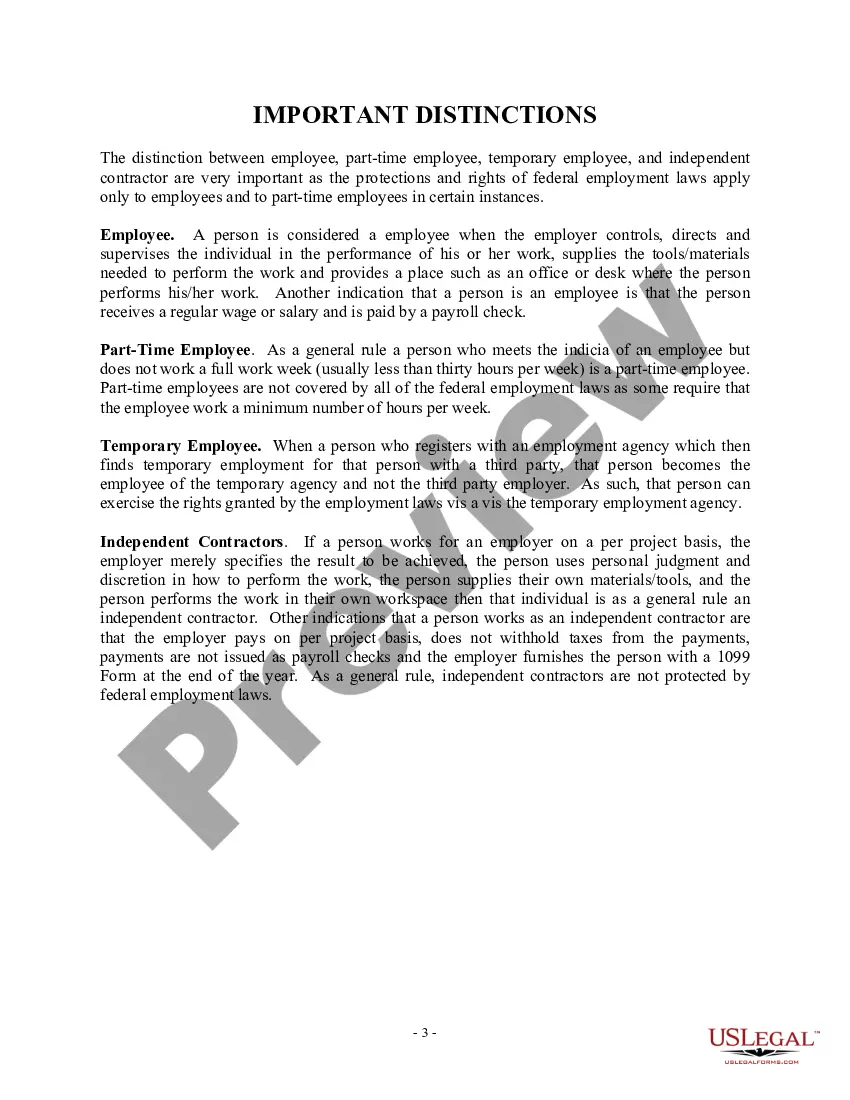
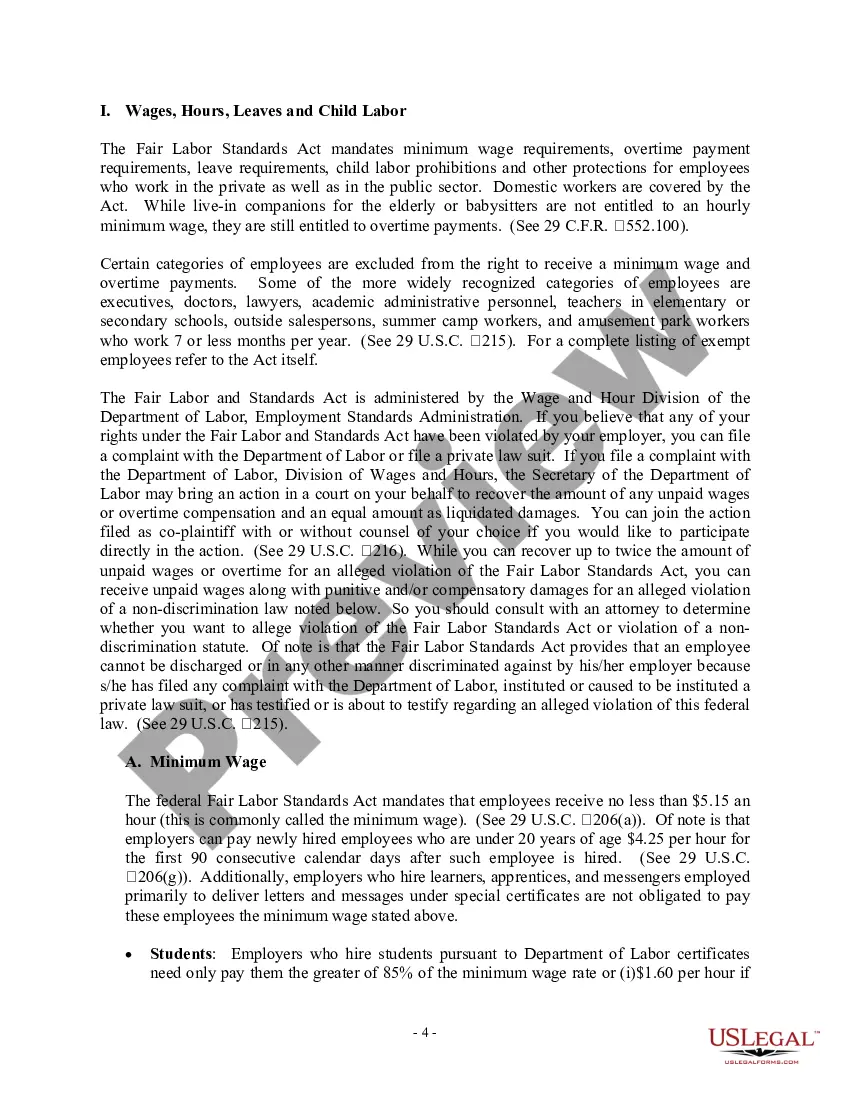
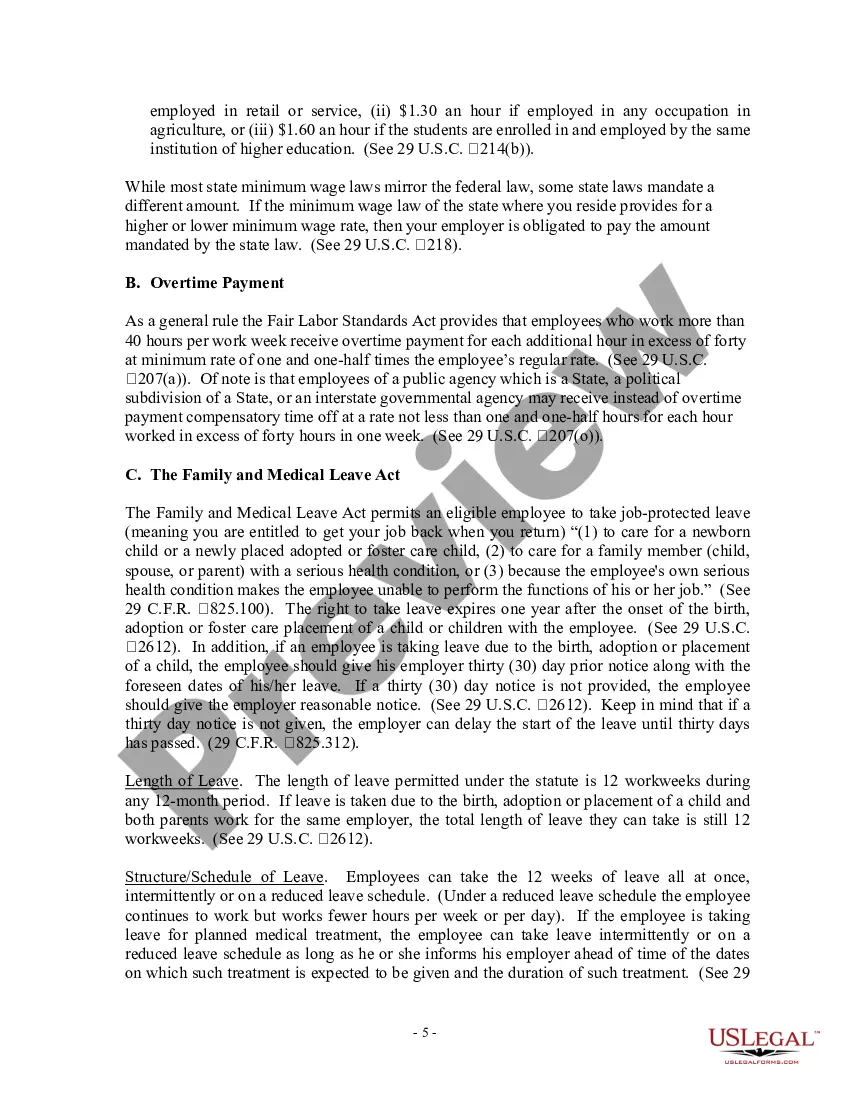
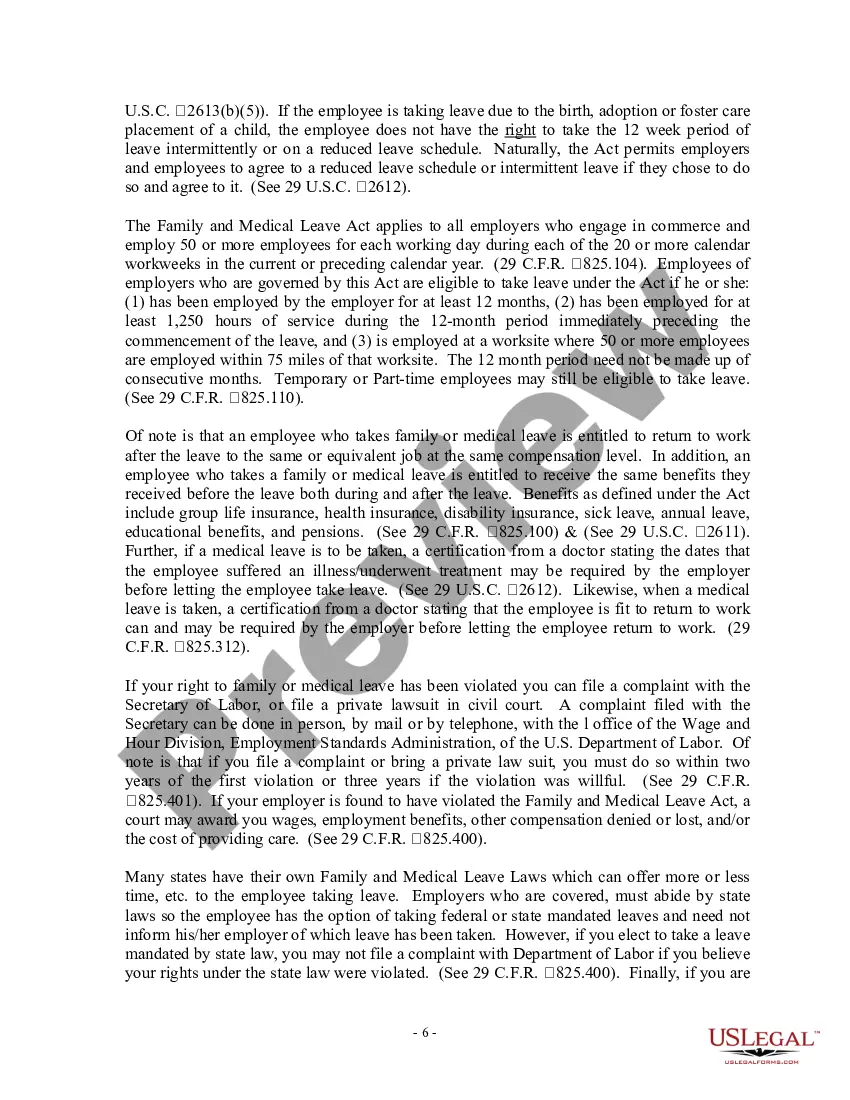
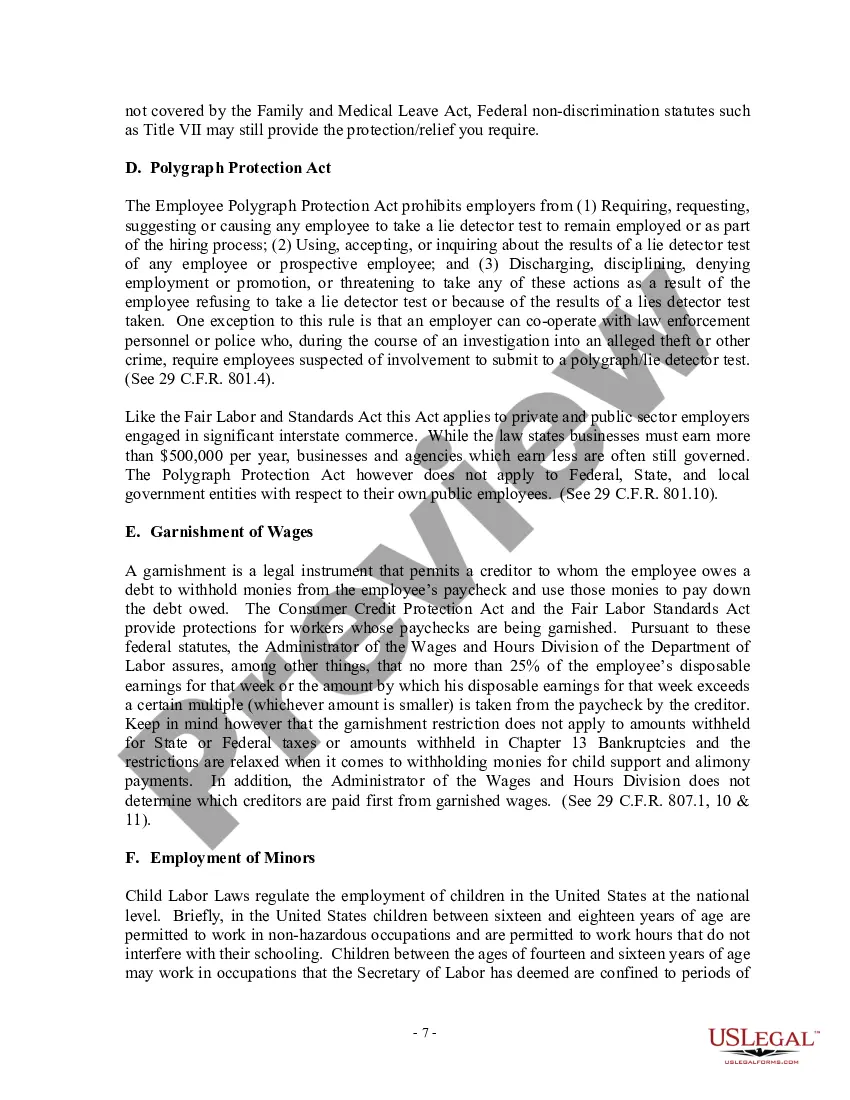
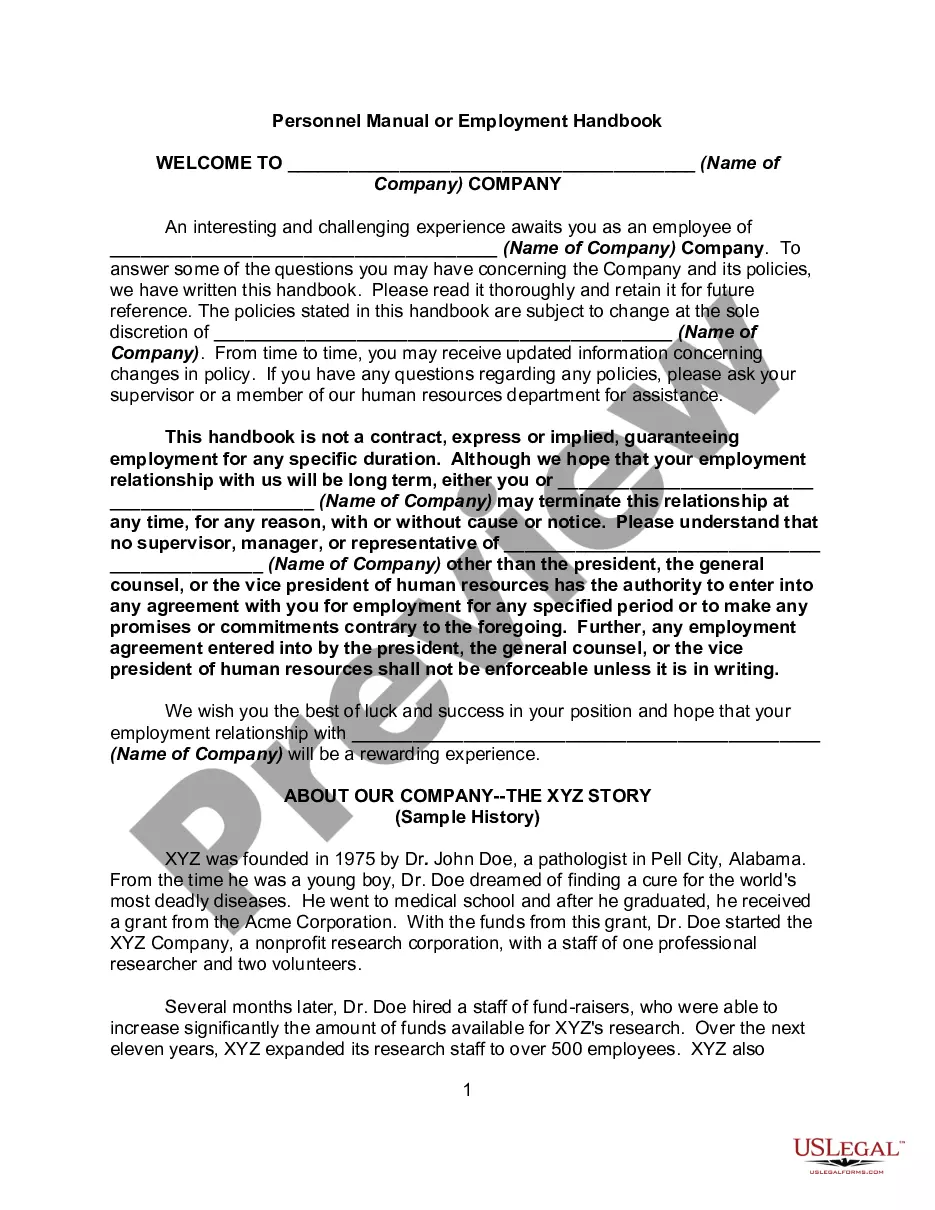
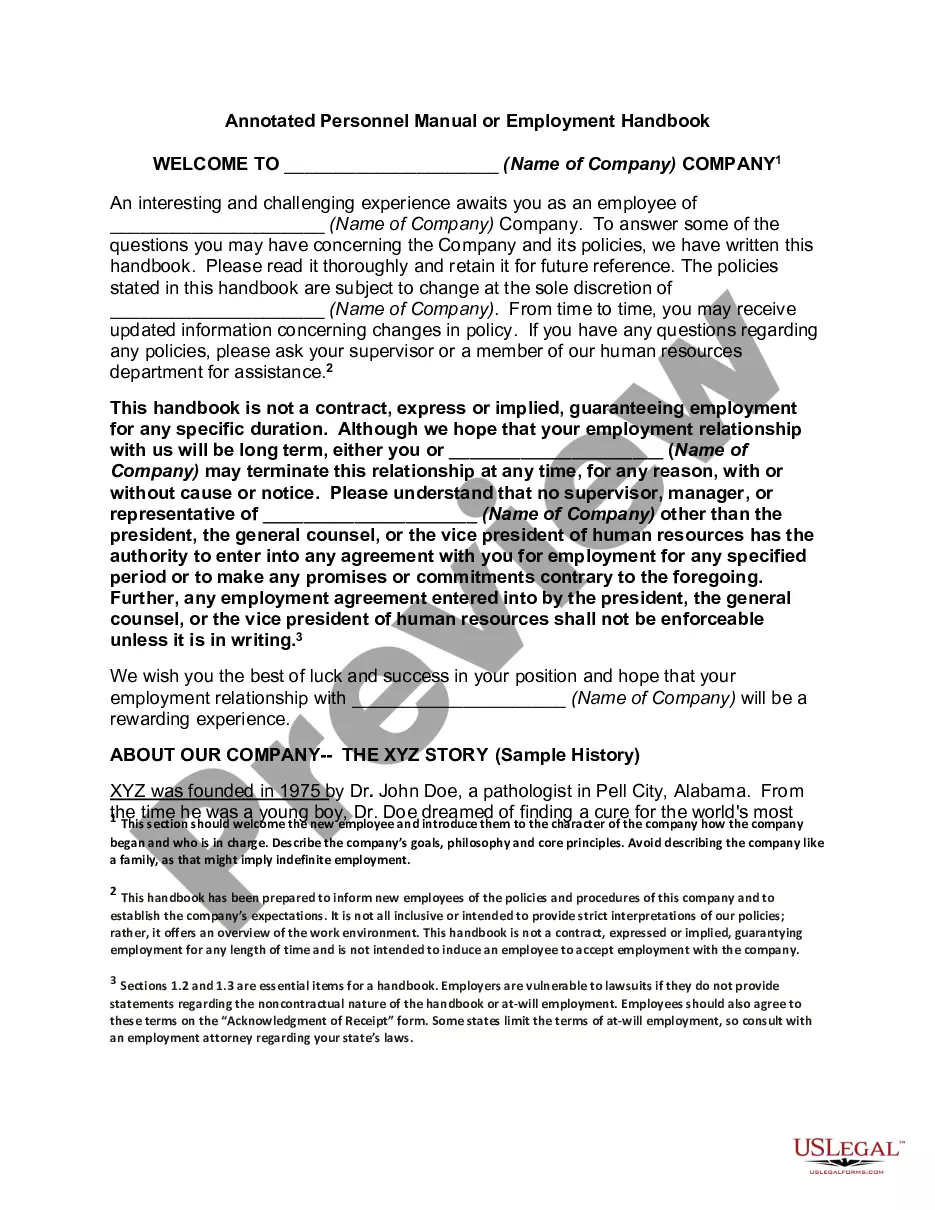
How to write an employee handbook Include your company's mission statement. Write a brief section on company history. State any legal declarations. Explain your dress code. Include details about work hours. Define duties. Include department-specific policies. Describe company benefits.
How to create a daily schedule in 6 steps List to-do items. Note deadlines. Order items by time, priority, or deadline. Stay flexible. Choose the right template. Customize ing to your needs. Prioritize your important tasks. Incorporate breaks.
How to make a restaurant schedule 1) Set up shifts. 2) Establish a schedule for scheduling. 3) Create a restaurant schedule template. 4) Consider business needs and employee strengths. 5) Vary your employees' shifts. 6) Schedule busy shifts first. 7) Avoid back-to-back shifts. 8) Honor time-off requests whenever possible.
9 Sections to Include in Your Employee Handbook Introduction, Disclaimer, and Confidentiality. Company Mission Statement and Core Values. Code of Conduct and Workplace Behavior. Procedures and Emergencies. Employee Compensation and Benefits Overview. Employment Policies. Anti-Harassment and Complaint Procedure.
Staffing Guidelines and Staff to Customer Ratios Self-service restaurant: One server, per shift, for every 12 tables and four back-of-house staff for every 50 customers. Casual dining: One server for every five to six tables per shift and four back-of-house staff per 50 tables.
Generally speaking, an employee handbook is not a legally binding contract unless it explicitly states that it is. However, certain statements in the handbook can be interpreted as contractual promises if they are specific enough and imply mutual obligations between employer and employee.
A valid, legal contract includes: An offer; Mutual acceptance of the terms of the contract; A meeting of the minds on accepted terms; and. Mutual intent that the contract is legally binding.
Can You Fire Someone for Not Signing The Employee Handbook? No, an employee cannot be fired for not signing an employee handbook. However, employers may require employees to sign the handbook as a condition of employment and can take disciplinary action if they refuse to do so.