Vendor Agreement With In Mecklenburg
Description


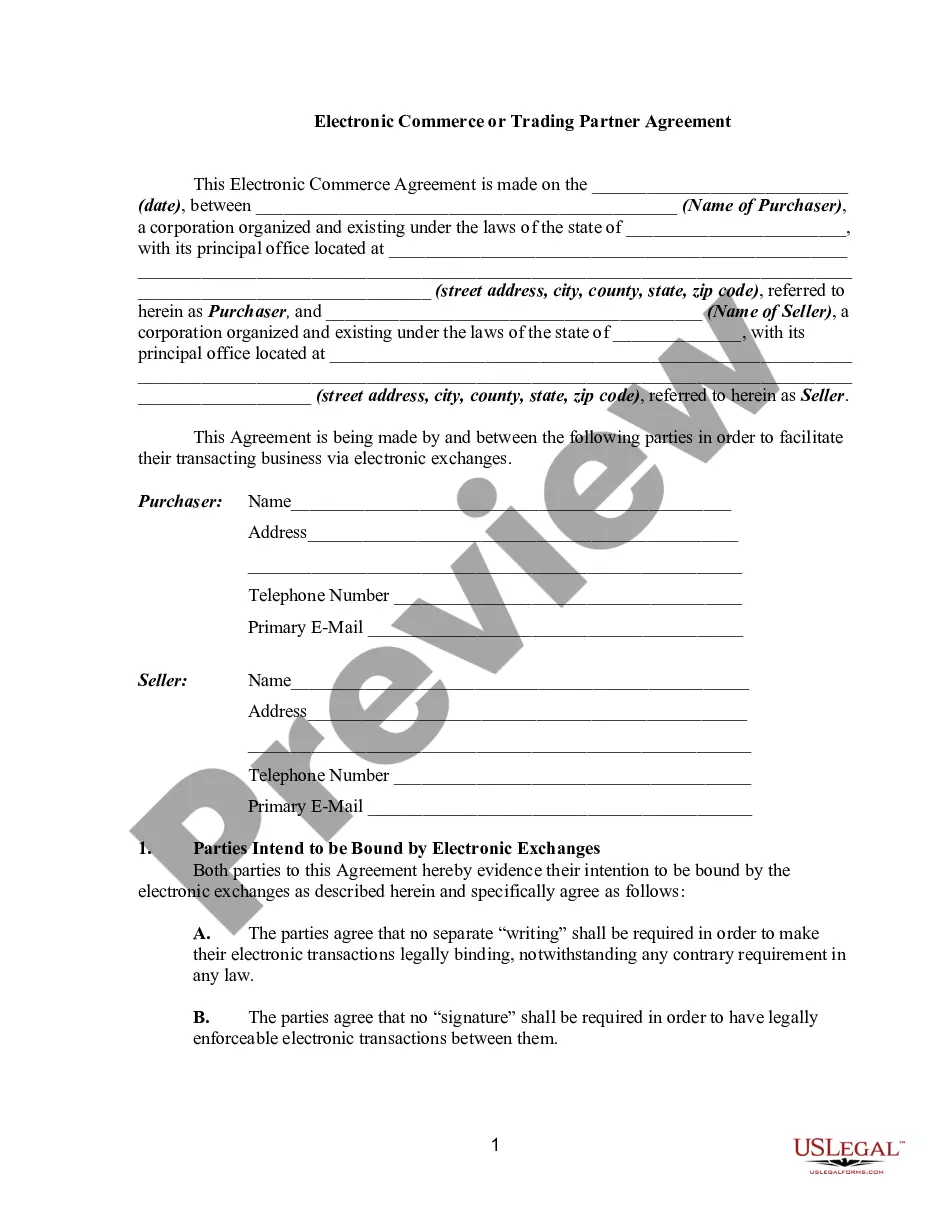
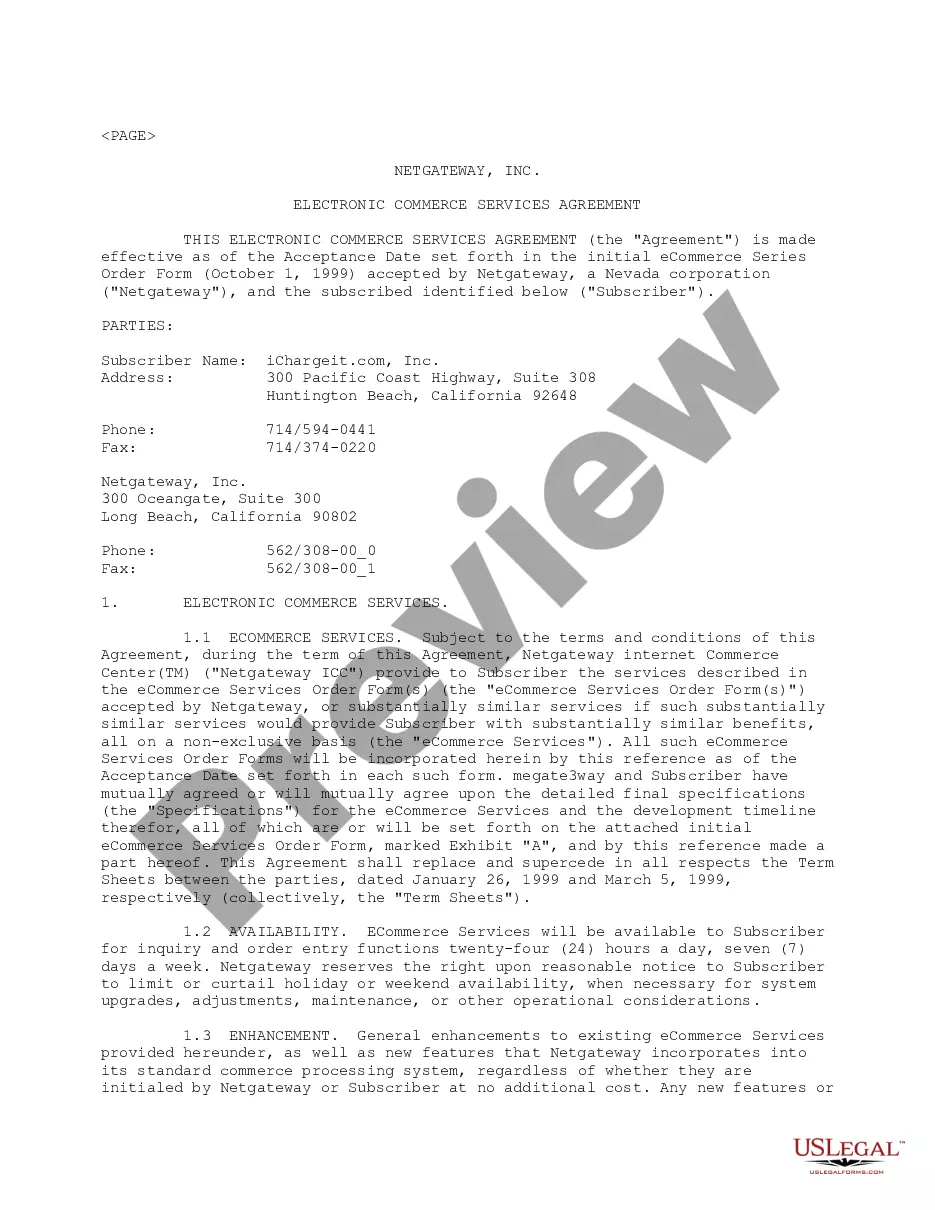
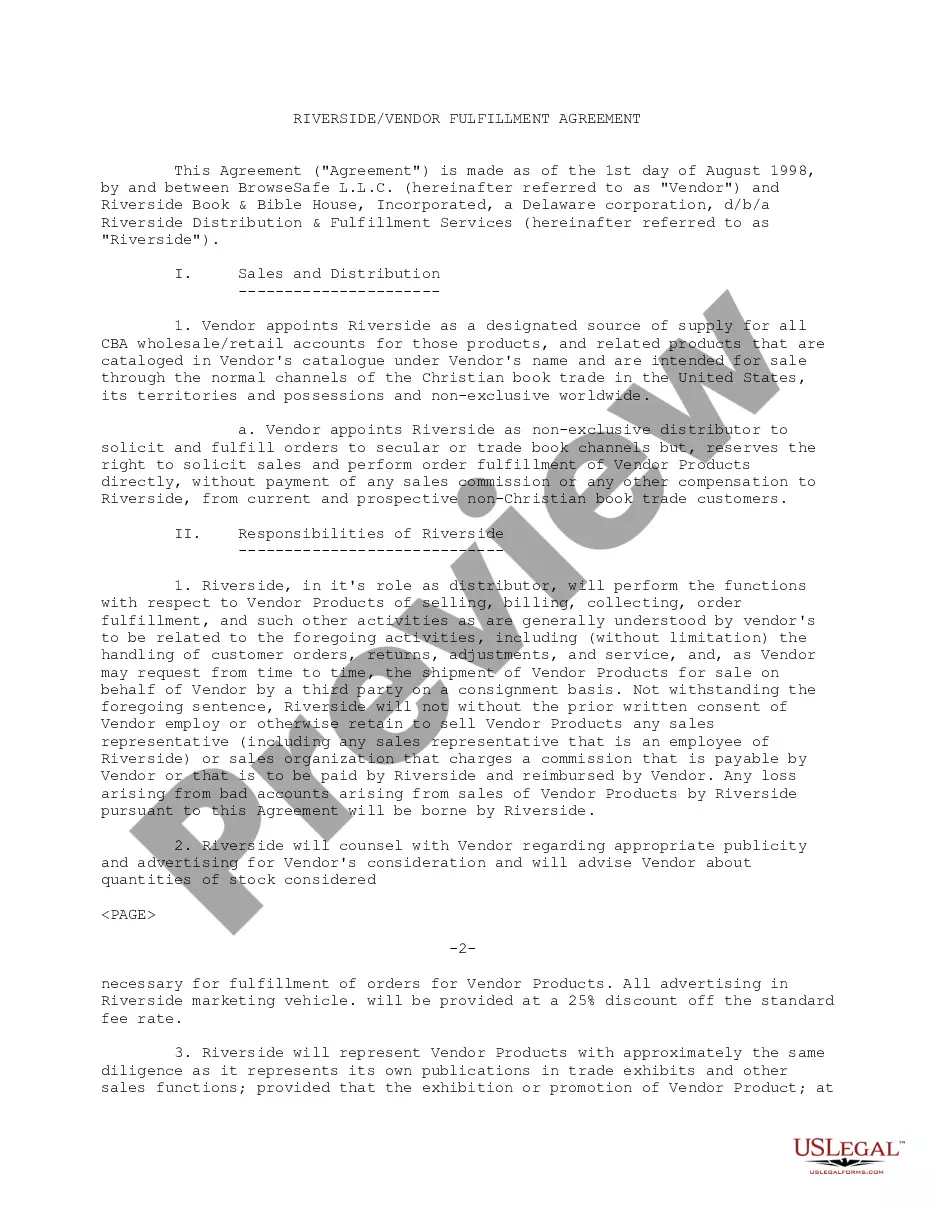
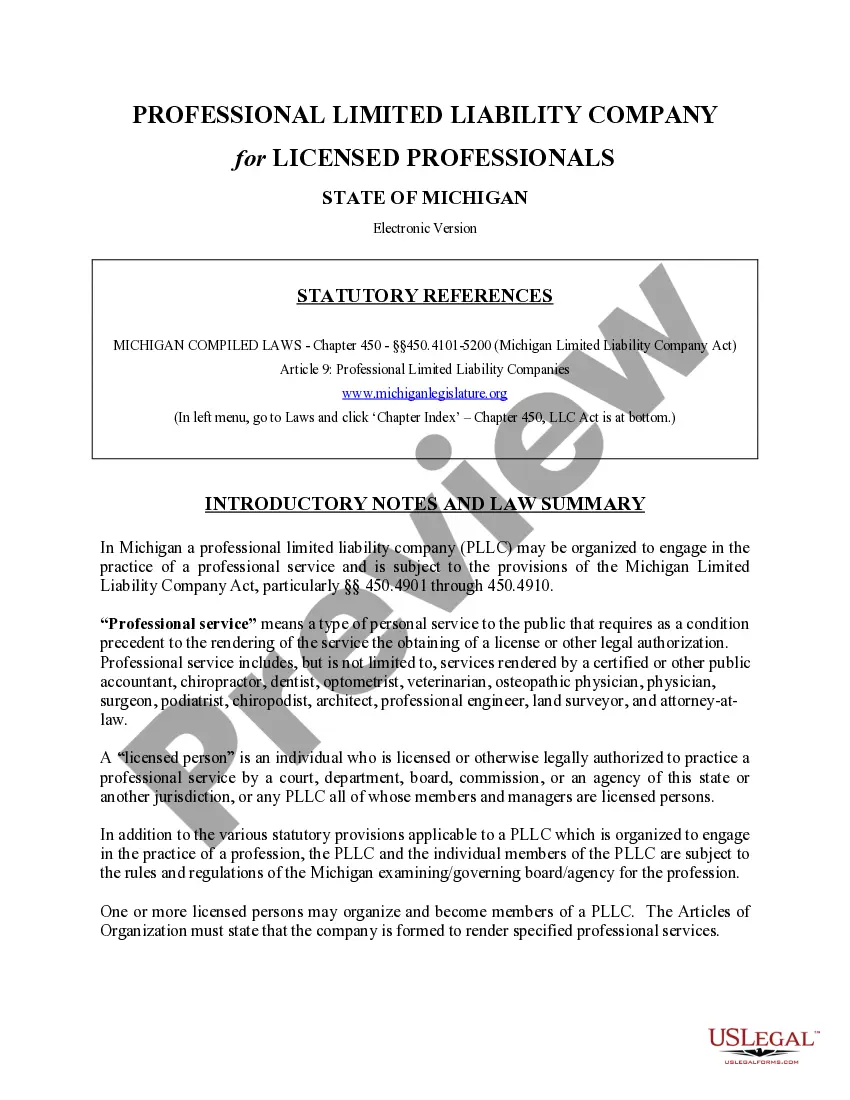
Get your form ready online
Our built-in tools help you complete, sign, share, and store your documents in one place.
Make edits, fill in missing information, and update formatting in US Legal Forms—just like you would in MS Word.
Download a copy, print it, send it by email, or mail it via USPS—whatever works best for your next step.
Sign and collect signatures with our SignNow integration. Send to multiple recipients, set reminders, and more. Go Premium to unlock E-Sign.
If this form requires notarization, complete it online through a secure video call—no need to meet a notary in person or wait for an appointment.
We protect your documents and personal data by following strict security and privacy standards.

Make edits, fill in missing information, and update formatting in US Legal Forms—just like you would in MS Word.

Download a copy, print it, send it by email, or mail it via USPS—whatever works best for your next step.

Sign and collect signatures with our SignNow integration. Send to multiple recipients, set reminders, and more. Go Premium to unlock E-Sign.

If this form requires notarization, complete it online through a secure video call—no need to meet a notary in person or wait for an appointment.

We protect your documents and personal data by following strict security and privacy standards.
Looking for another form?

Form popularity
FAQ
Think of a vendor contract as the blueprint for your entire partnership. It outlines the scope of work, deliverables, payment terms, and legal responsibilities of both parties. It's a comprehensive document that covers everything from the specific services or products to be provided to dispute resolution mechanisms.
Prepare a contract Provide details of the parties. Describe services or results. Set out payment details. Assign intellectual property rights. Explain how to treat confidential information. Identify who is liable – indemnity. Provide insurance obligations. Outline any subcontracting agreements.
Teresa Rausch, - Procurement Director - Mecklenburg County | LinkedIn.
Write the contract in six steps Start with a contract template. Open with the basic information. Describe in detail what you have agreed to. Include a description of how the contract will be ended. Write into the contract which laws apply and how disputes will be resolved. Include space for signatures.
How to write a contract agreement in 7 steps. Determine the type of contract required. Confirm the necessary parties. Choose someone to draft the contract. Write the contract with the proper formatting. Review the written contract with a lawyer. Send the contract agreement for review or revisions.
For further help, please contact the NC eProcurement Help Desk at vendor@nc or 888-211-7440, option 2, M-F a.m. to p.m. EST.
The North Carolina electronic Vendor Portal (NC eVP) is an internet application that allows companies and individuals to register to do business with the state of North Carolina.
Street vendor registration is performed through the Planning Department. Prior to applying, your business will require: an Employer Identification Number (EIN), and. have a current Health Inspection Certificate from Durham County, and/or be registered through the State of North Carolina Tax office.
You can't ensure vendor compliance if you don't track and measure their performance. You should use the KPIs and SLAs that you agreed on in the contract to monitor and evaluate the vendor's performance. You should also use tools and systems that can help you collect, analyze, and report data on vendor performance.
