Certificate Of Discharge Form With Withholding (form It-2104-e) In California
Description
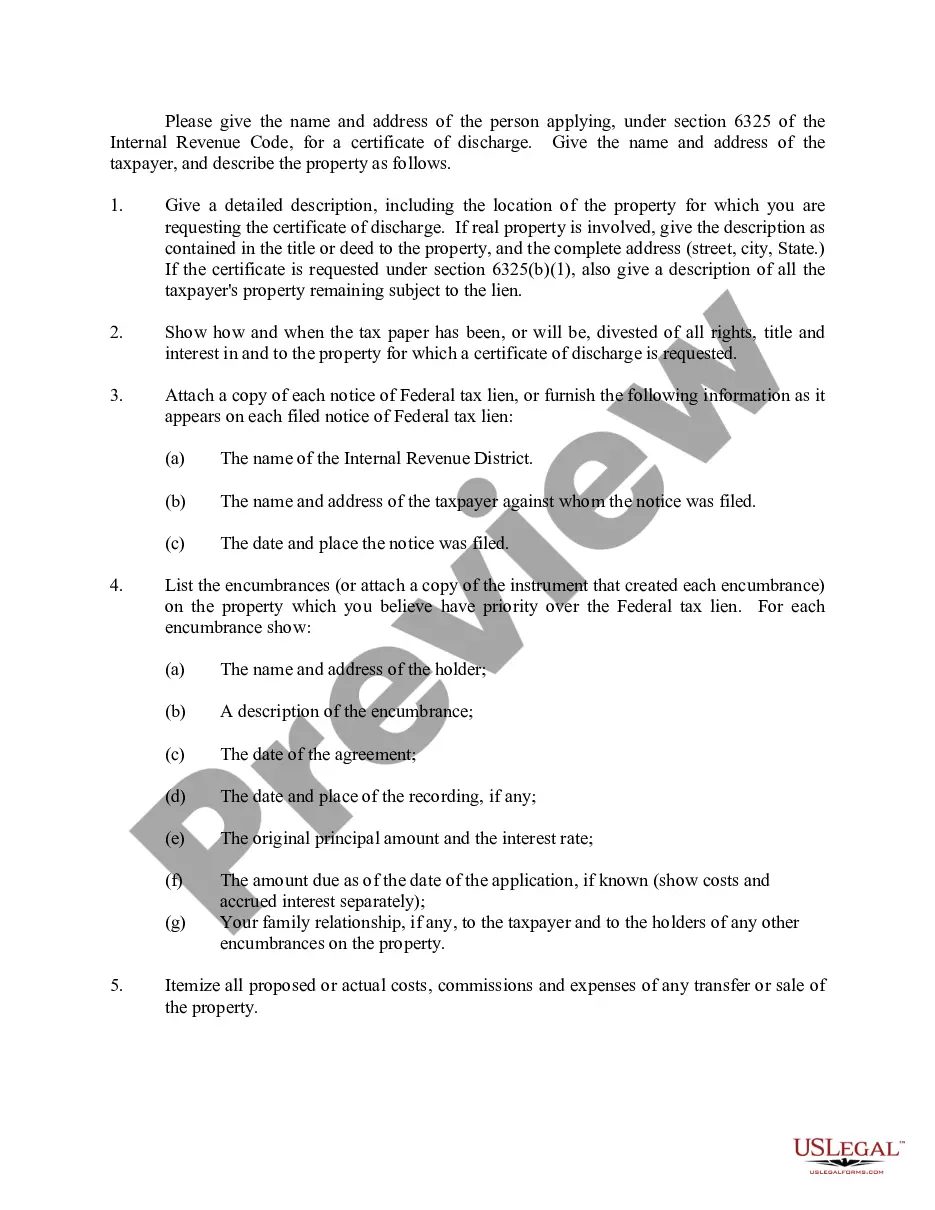
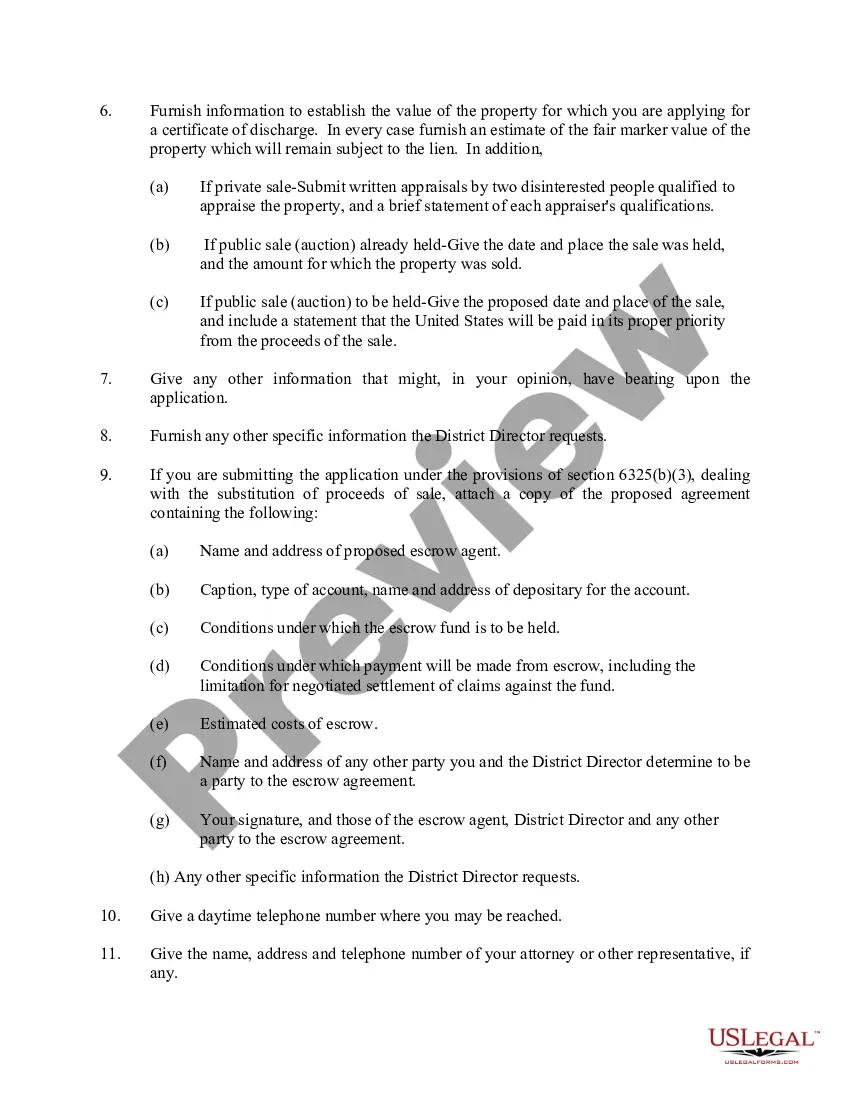
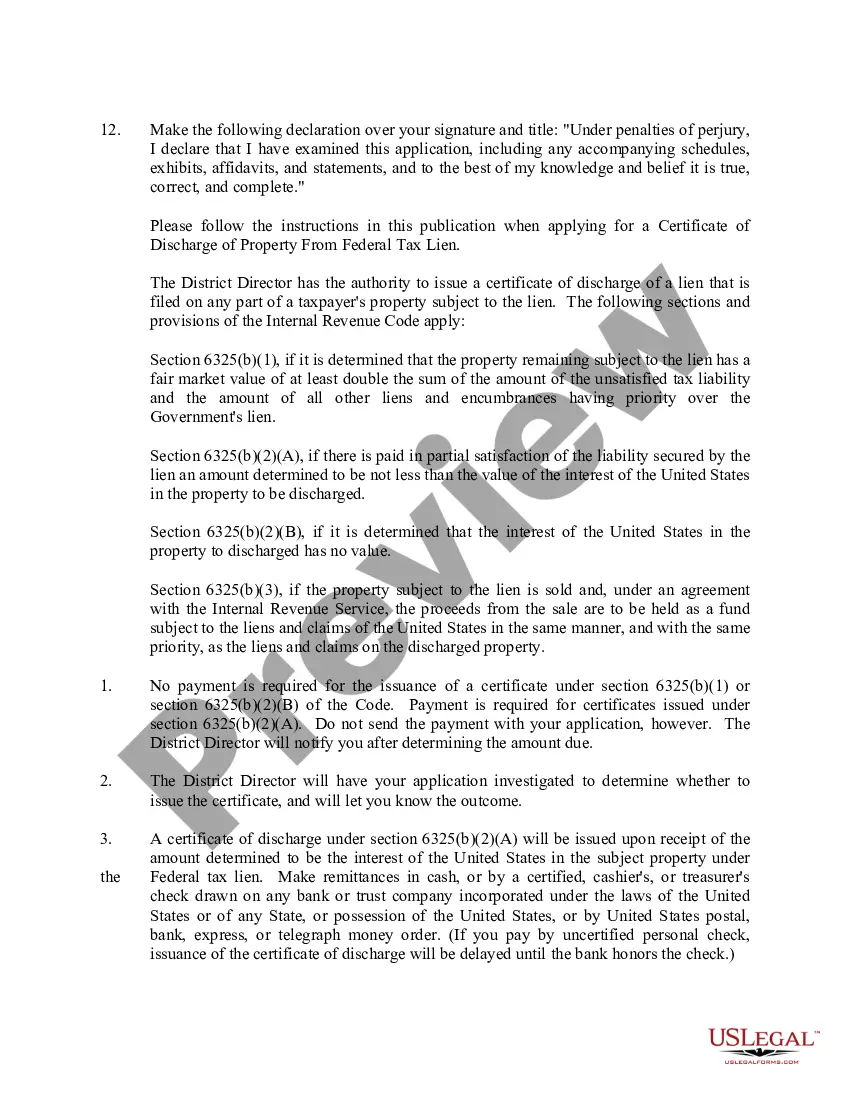
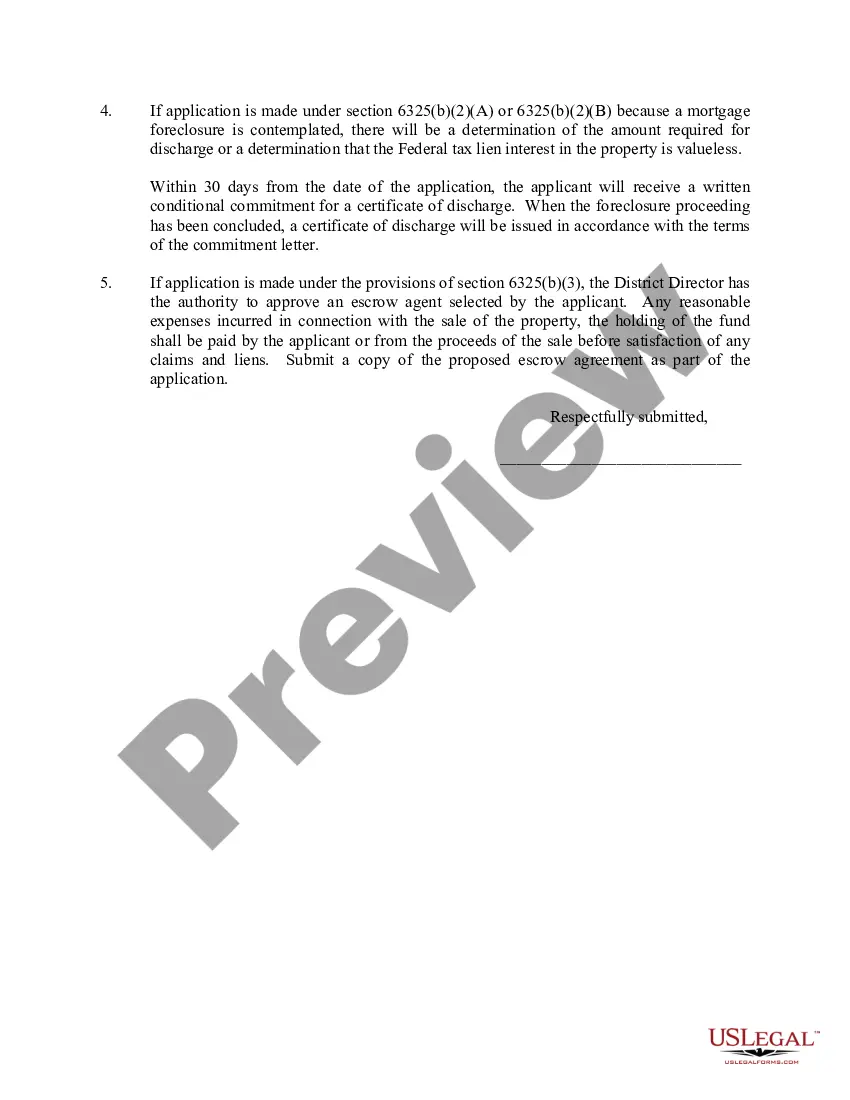
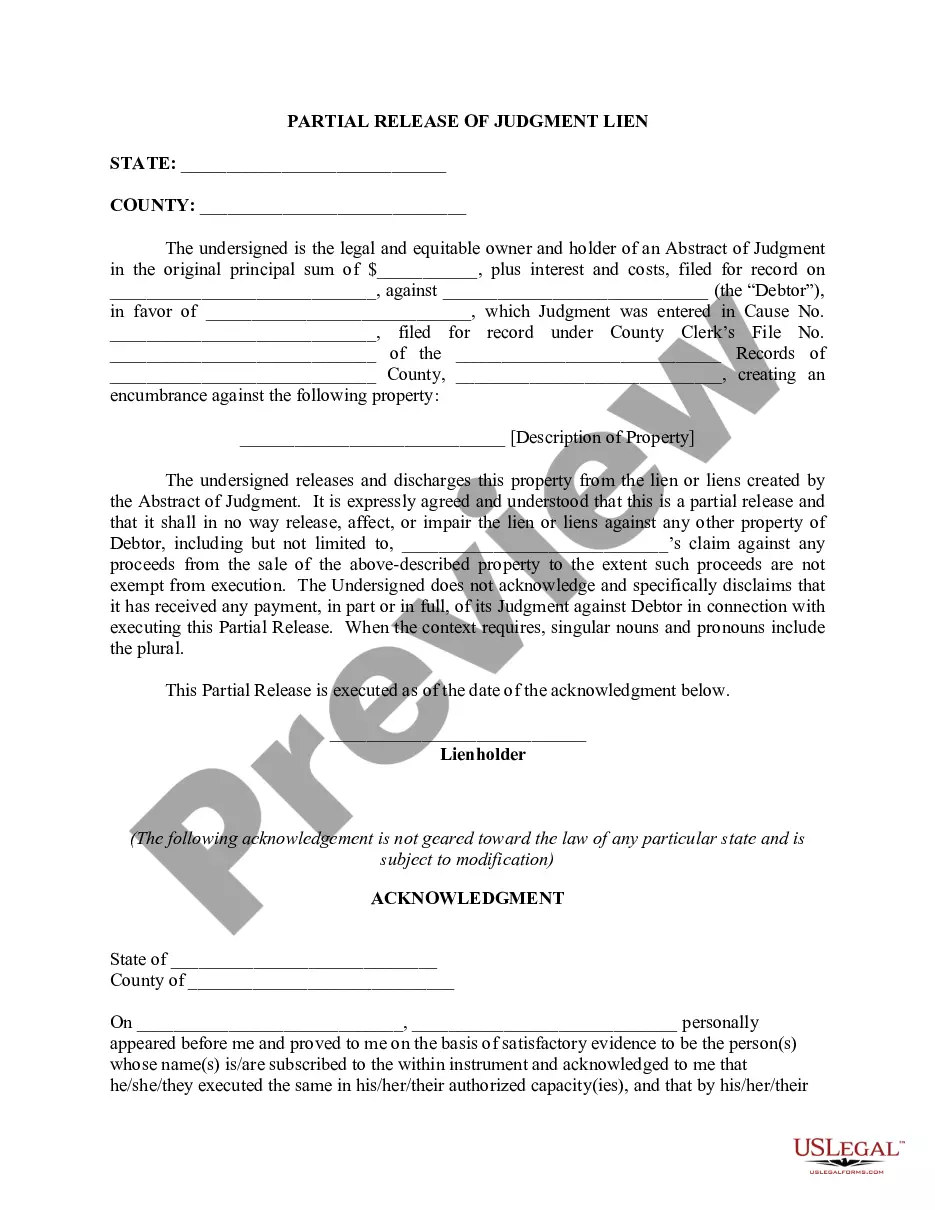
Get your form ready online
Our built-in tools help you complete, sign, share, and store your documents in one place.
Make edits, fill in missing information, and update formatting in US Legal Forms—just like you would in MS Word.
Download a copy, print it, send it by email, or mail it via USPS—whatever works best for your next step.
Sign and collect signatures with our SignNow integration. Send to multiple recipients, set reminders, and more. Go Premium to unlock E-Sign.
If this form requires notarization, complete it online through a secure video call—no need to meet a notary in person or wait for an appointment.
We protect your documents and personal data by following strict security and privacy standards.
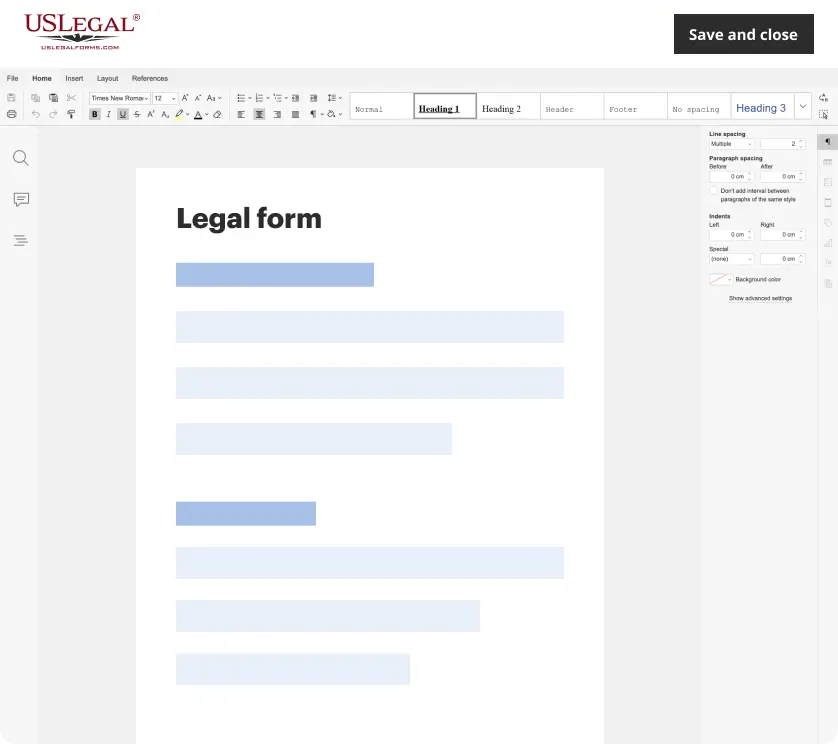
Make edits, fill in missing information, and update formatting in US Legal Forms—just like you would in MS Word.
Download a copy, print it, send it by email, or mail it via USPS—whatever works best for your next step.
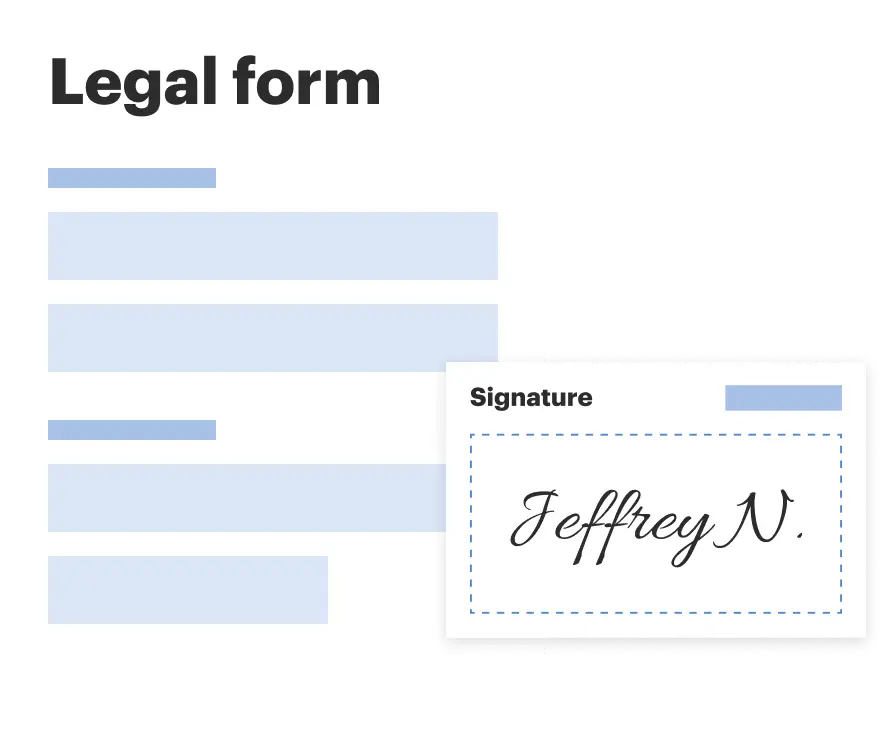
Sign and collect signatures with our SignNow integration. Send to multiple recipients, set reminders, and more. Go Premium to unlock E-Sign.
If this form requires notarization, complete it online through a secure video call—no need to meet a notary in person or wait for an appointment.
We protect your documents and personal data by following strict security and privacy standards.
Looking for another form?

Form popularity
FAQ
New York recently released the 2024 IT-2104 (Employee's Withholding Allowance Certificate) and IT-2104-E (Certificate of Exemption from Withholding). A QR code has been added to the bottom of the IT-2104.
How to fill out a W-4 Step 1: Enter your personal information. Fill in your name, address, Social Security number and tax filing status. Step 2: Account for multiple jobs. Step 3: Claim dependents, including children. Step 4: Refine your withholdings. Step 5: Sign and date your W-4.
To claim exempt, write EXEMPT under line 4c. You may claim EXEMPT from withholding if: o Last year you had a right to a full refund of All federal tax income and o This year you expect a full refund of ALL federal income tax. NOTE: if you claim EXEMPT you must complete a new W-4 annually in February.
Effective January 1, 2024, the annual standard deduction will increase to $5,363 or $10,726 based on the employee's filing status and the number of allowances claimed. The value of a state allowance increases to $158.40 annually.
Complete California State DE-4 Form Select Form DE-4 tab. Review your Full Name and Home Address. Select your Filing Status. Enter the Number of allowances you wish to claim in Section 1. Enter any Additional amount you want withheld from each paycheck in Section 2.
New York recently released the 2024 IT-2104 (Employee's Withholding Allowance Certificate) and IT-2104-E (Certificate of Exemption from Withholding). A QR code has been added to the bottom of the IT-2104.
You cannot use Form IT-2104 to claim exemption from withholding. To claim exemption from income tax withholding, you must file one of the following with your employer: Form IT-2104-E, Certificate of Exemption from Withholding.
Here's a five-step guide on how to fill out your W-4. Step 1: Enter your personal information. Fill in your name, address, Social Security number and tax filing status. Step 2: Account for multiple jobs. Step 3: Claim dependents, including children. Step 4: Refine your withholdings. Step 5: Sign and date your W-4.
This could change in tax year 2025. But you can still claim an exemption if you meet certain criteria. For example, per the IRS, you may claim exemption from withholding for 2024 if you: Had no federal income tax liability in 2023.
Complete California State DE-4 Form Select Form DE-4 tab. Review your Full Name and Home Address. Select your Filing Status. Enter the Number of allowances you wish to claim in Section 1. Enter any Additional amount you want withheld from each paycheck in Section 2.