Board Meeting Corporate Format In Nassau
Description

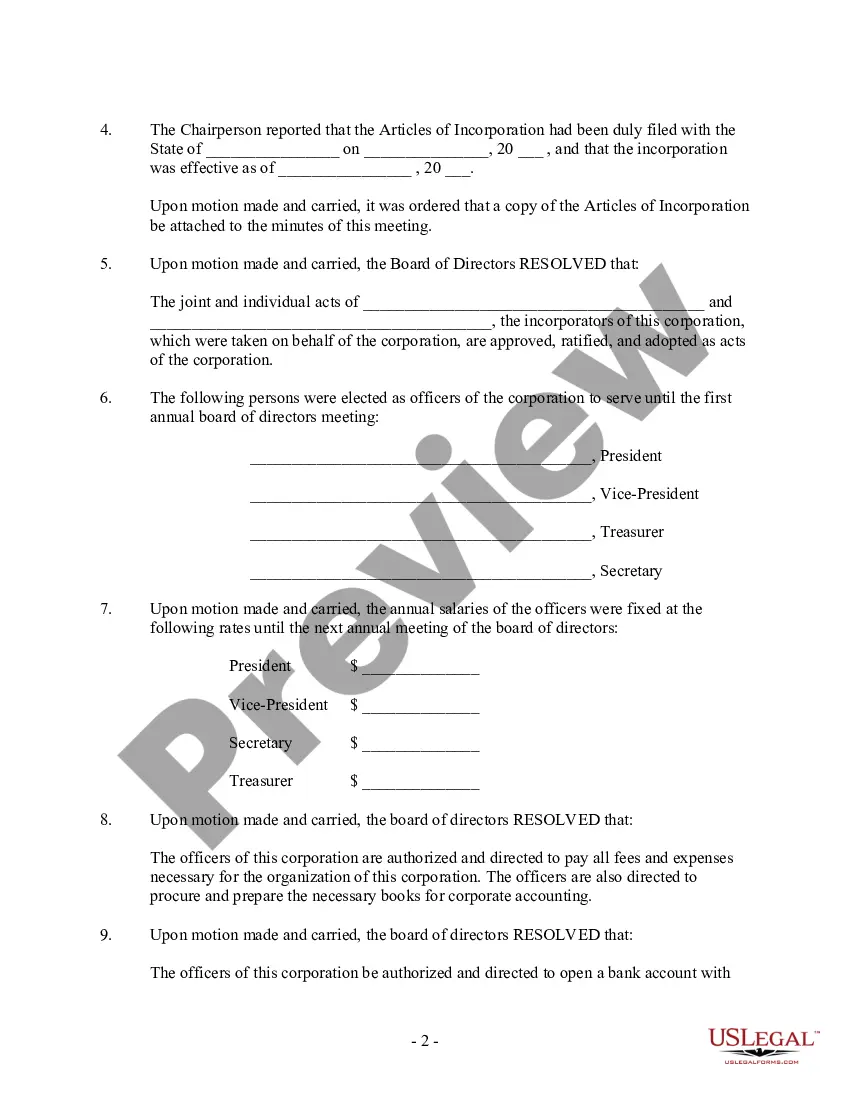
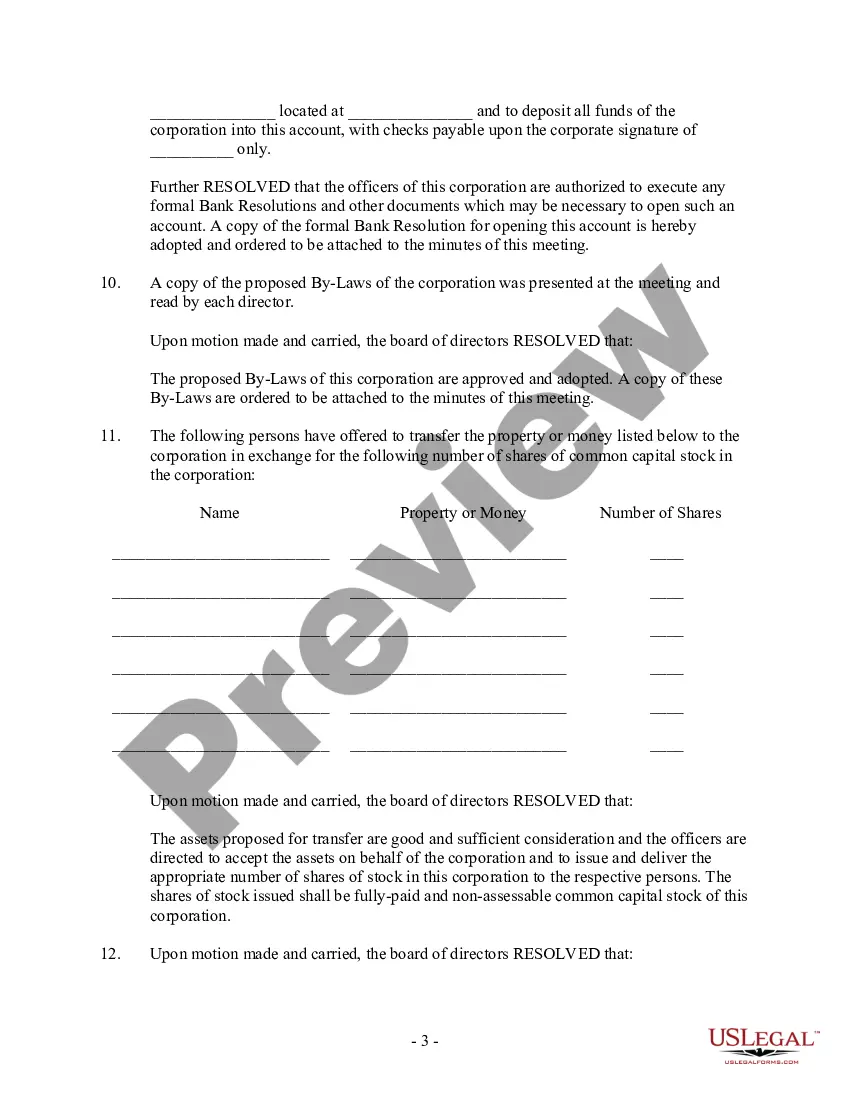
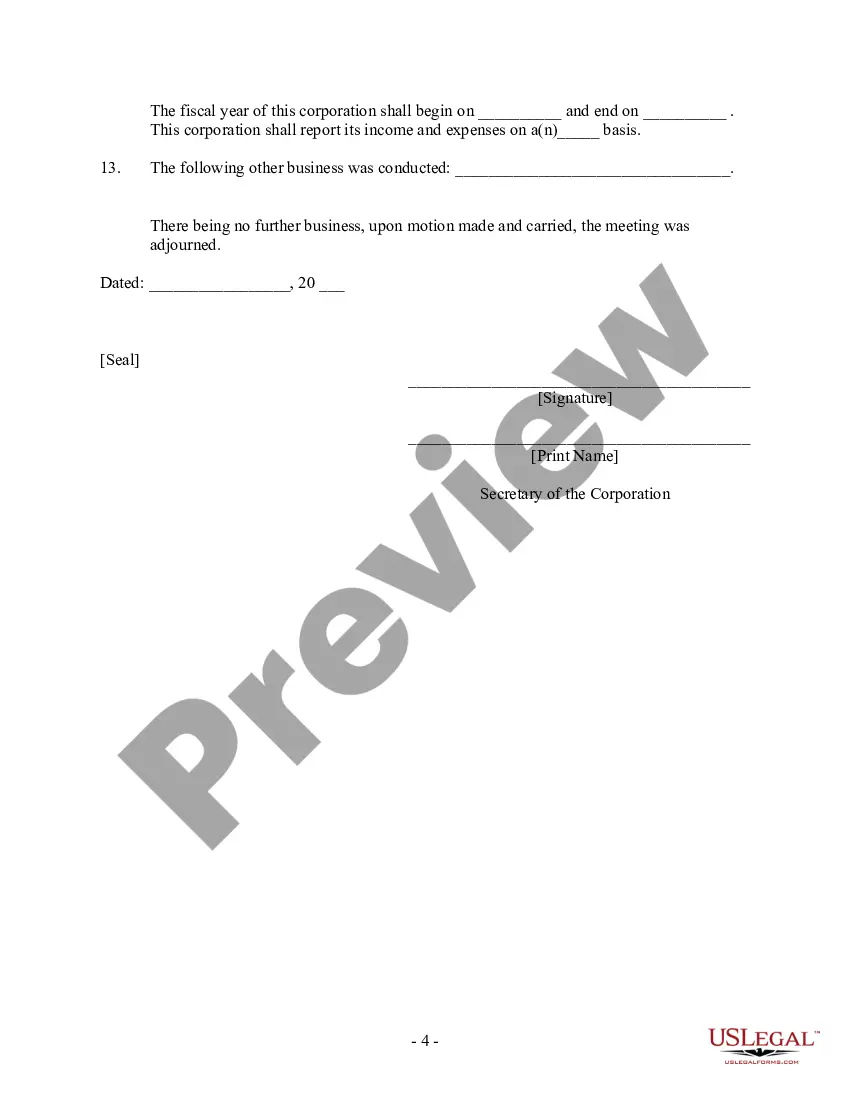




Get your form ready online
Our built-in tools help you complete, sign, share, and store your documents in one place.
Make edits, fill in missing information, and update formatting in US Legal Forms—just like you would in MS Word.
Download a copy, print it, send it by email, or mail it via USPS—whatever works best for your next step.
Sign and collect signatures with our SignNow integration. Send to multiple recipients, set reminders, and more. Go Premium to unlock E-Sign.
If this form requires notarization, complete it online through a secure video call—no need to meet a notary in person or wait for an appointment.
We protect your documents and personal data by following strict security and privacy standards.

Make edits, fill in missing information, and update formatting in US Legal Forms—just like you would in MS Word.

Download a copy, print it, send it by email, or mail it via USPS—whatever works best for your next step.

Sign and collect signatures with our SignNow integration. Send to multiple recipients, set reminders, and more. Go Premium to unlock E-Sign.

If this form requires notarization, complete it online through a secure video call—no need to meet a notary in person or wait for an appointment.

We protect your documents and personal data by following strict security and privacy standards.
Looking for another form?


Form popularity
FAQ
Tips on How to Run a Nonprofit Board Meeting Set clear objectives. Create a focused meeting agenda. Prepare meeting packets. Start and end on time. Set out guidelines or procedures. Encourage input from everyone. Take detailed meeting minutes. Conduct regular post-meeting surveys.
profit looking for a better way to schedule board meetings needs to keep in mind only 3 simple steps. Work within a date range that works for the organization's calendar. Work within days/times that works for board members' calendars. Make the final decision quickly and stick with it.
Most board meeting agendas follow a classic meeting structure: Calling meeting to order – ensure you have quorum. Approve the agenda and prior board meeting minutes. Executive and committee reports – allow 25% of time here for key topic discussion. Old/new/other business. Close the meeting and adjourn.
The following steps to running a board meeting are: Recognizing a quorum. Calling the meeting to order. Approving the agenda and minutes. Allowing for communication and reports. Addressing old/new/other business. Closing the meeting.
Send detailed meeting follow-ups: The best meetings are packed with discussions, debate and decision-making, often accompanied by post-meeting tasks for each board member. Succinct but specific meeting-minute emails keep the contents of each meeting fresh and hold the board accountable for anything they agreed to.
The chair owns the agenda Who prepares the first draft? Usually the company secretary, the CEO or the board secretary. This then needs to be approved or amended by the chair. The agenda and the board papers need to be sent to all directors at least 5 days plus a weekend, prior to the board meeting.
The chair calls the meeting to order with a simple statement. They should say something along the lines of: “Good morning/evening, everyone! It's state the date and time, and I'd like to call the meeting of organization name to order.”
Corporate meeting minutes typically include: The meeting's date, time and location. A list of attendees and absentees, including any present board members or officers. Agenda items. Summaries of all discussion points. Details of all activities completed or agreed upon. Results of any votes or motions.
There are three standard styles of minutes: action, discussion, and verbatim. Each style has a specific use. Action minutes record the decisions reached and the actions to be taken, though not recording the discussion that went into making the decisions. This is the most common form of minutes used.
Board meeting agenda format example Call to order & roll call: A brief welcome and confirmation of quorum. Approval of previous meeting minutes: Review and approve the minutes from the last meeting. Reports: Financial reports, committee updates, and presentations from the executive director.
