Simple Agreement For Future Equity Template
Description

Get your form ready online
Our built-in tools help you complete, sign, share, and store your documents in one place.
Make edits, fill in missing information, and update formatting in US Legal Forms—just like you would in MS Word.
Download a copy, print it, send it by email, or mail it via USPS—whatever works best for your next step.
Sign and collect signatures with our SignNow integration. Send to multiple recipients, set reminders, and more. Go Premium to unlock E-Sign.
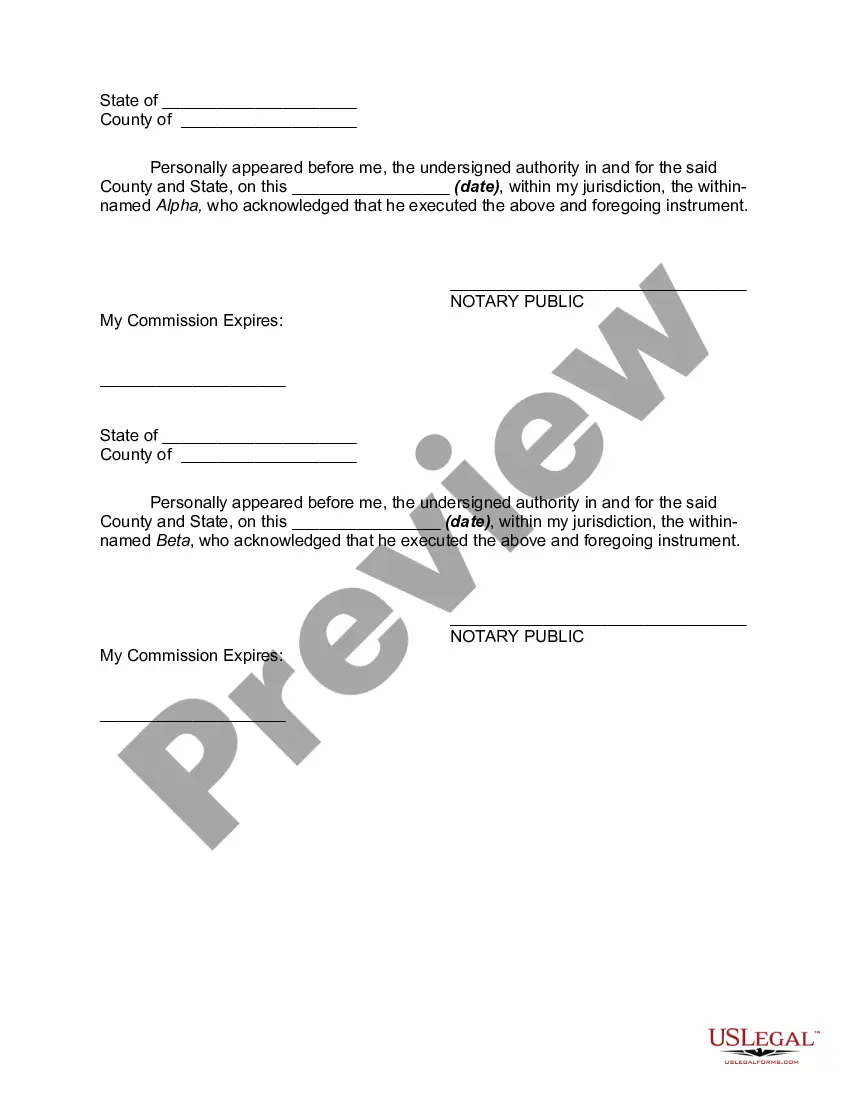
If this form requires notarization, complete it online through a secure video call—no need to meet a notary in person or wait for an appointment.
We protect your documents and personal data by following strict security and privacy standards.

Make edits, fill in missing information, and update formatting in US Legal Forms—just like you would in MS Word.

Download a copy, print it, send it by email, or mail it via USPS—whatever works best for your next step.

Sign and collect signatures with our SignNow integration. Send to multiple recipients, set reminders, and more. Go Premium to unlock E-Sign.

If this form requires notarization, complete it online through a secure video call—no need to meet a notary in person or wait for an appointment.

We protect your documents and personal data by following strict security and privacy standards.
Looking for another form?
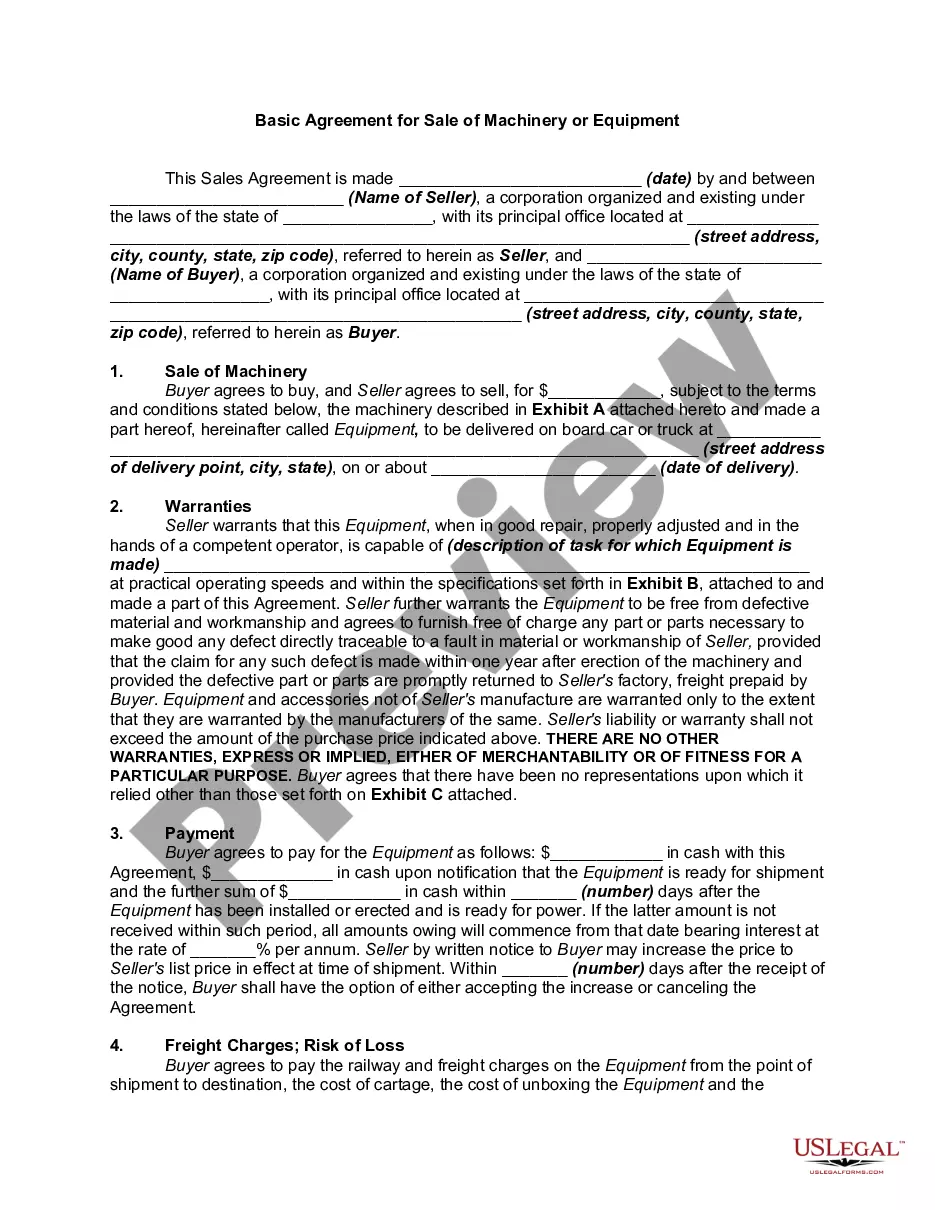
How to fill out Equity Share Agreement?
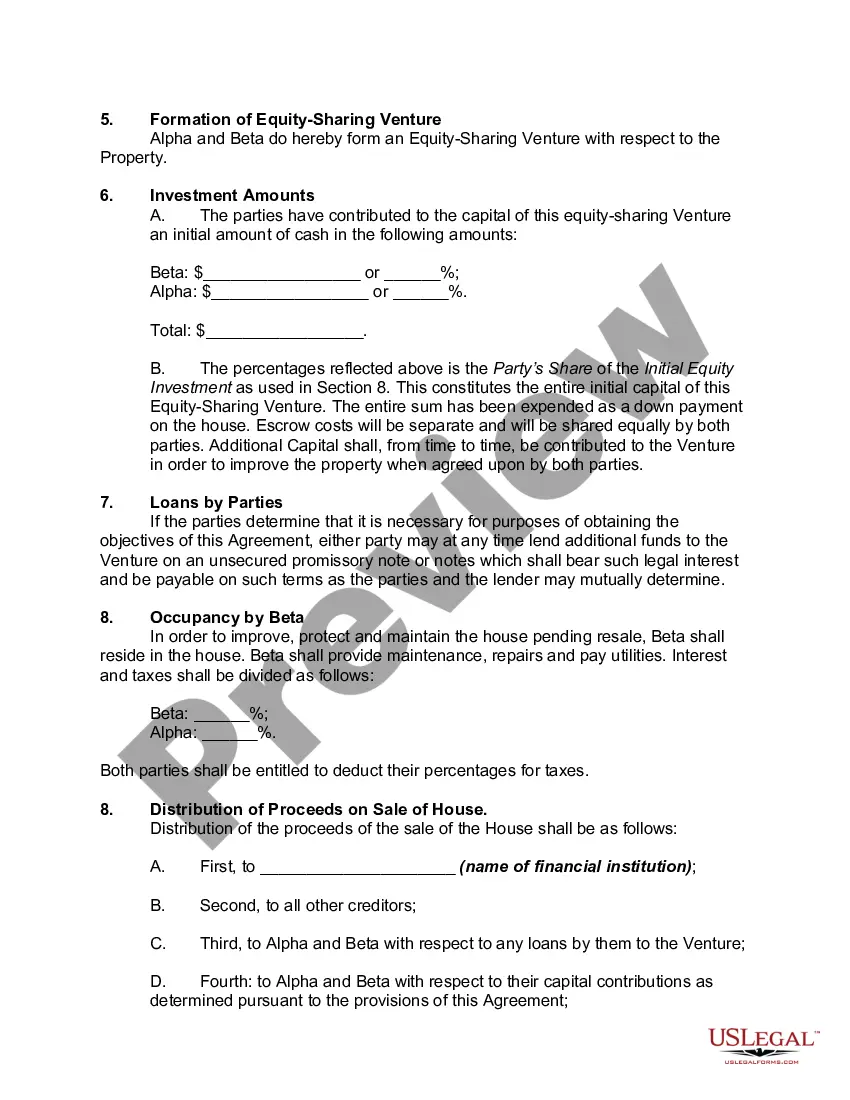
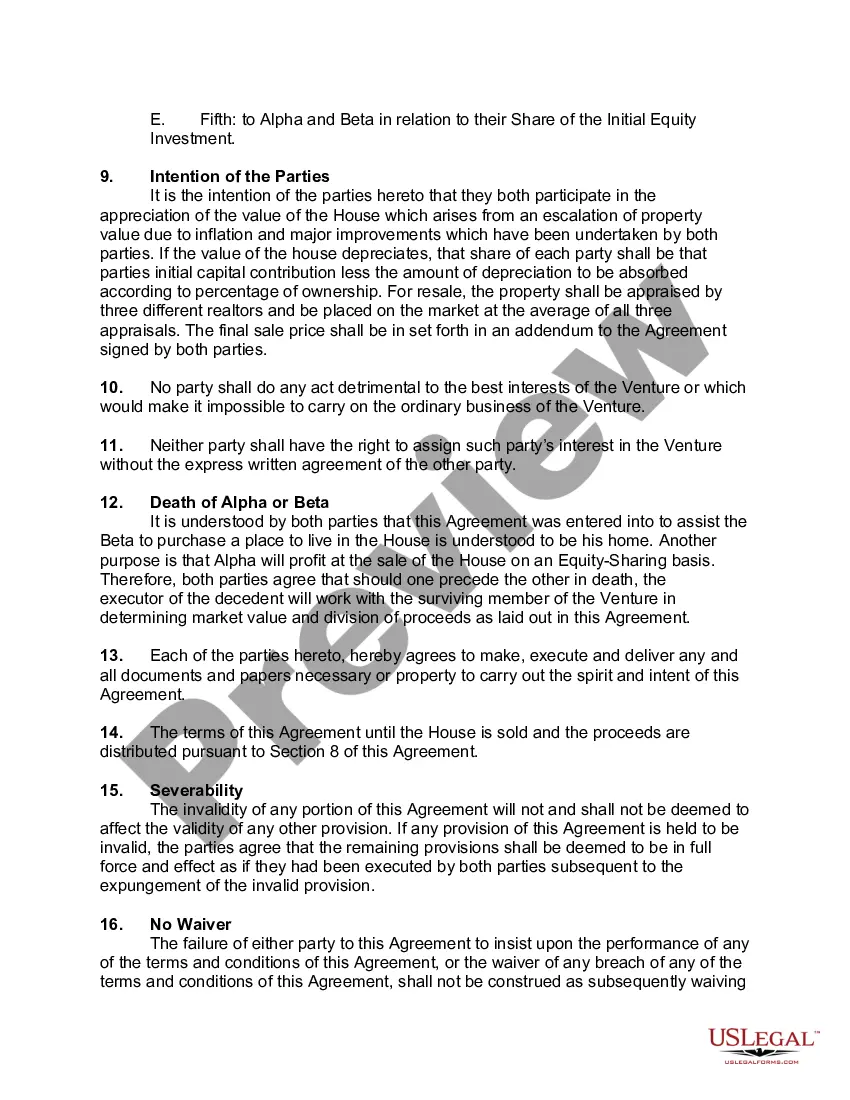
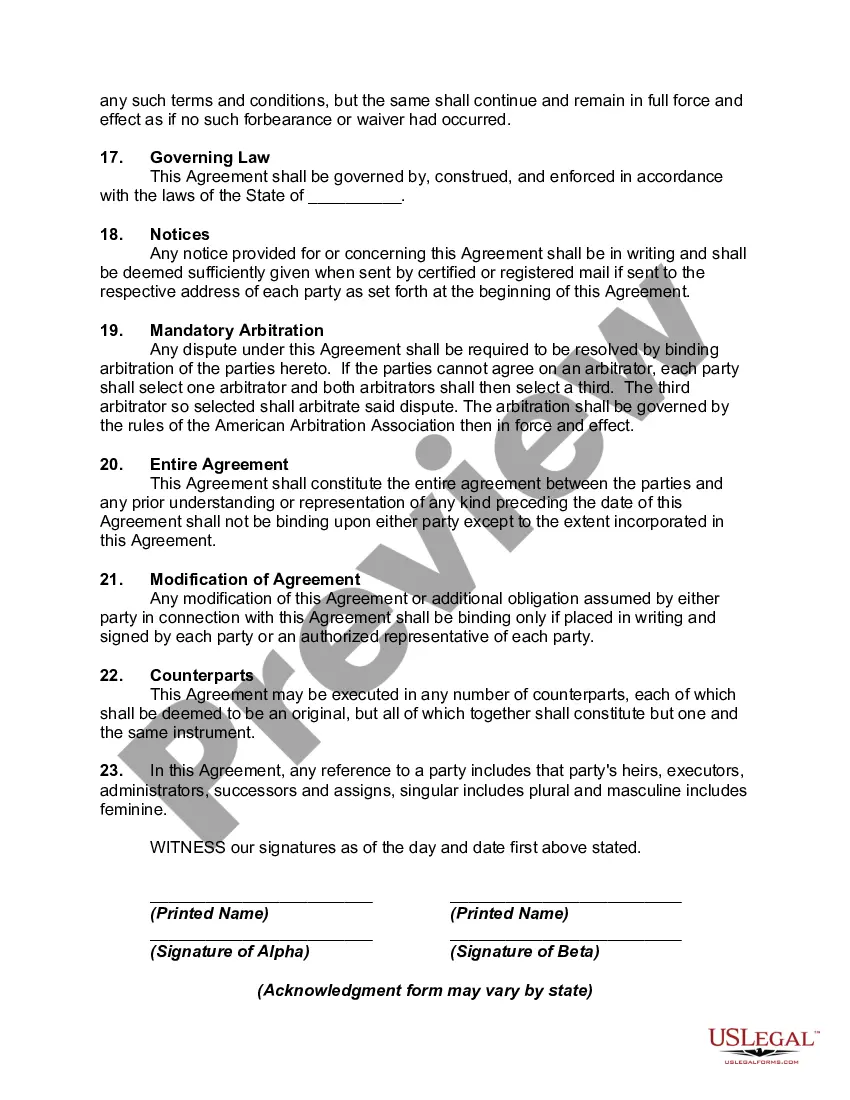
The Basic Agreement For Future Equity Form you see on this page is a versatile legal document created by experienced attorneys in compliance with national and local regulations.
For over 25 years, US Legal Forms has delivered individuals, businesses, and legal experts with more than 85,000 validated, state-specific documents for any commercial and personal situation. It’s the quickest, clearest, and most reliable method to get the documents you require, as the service ensures the utmost level of data privacy and anti-malware safeguards.
Re-download your documents anytime as needed. Access the My documents tab in your profile to retrieve any previously saved forms. Sign up for US Legal Forms to have authenticated legal templates for all of life’s situations readily available.
- Look for the document you need and assess it.
- Examine the file you searched and preview it or review the form details to ensure it meets your needs. If it doesn't, utilize the search bar to find the right one. Click Buy Now when you've identified the template you want.
- Register and Log In.
- Select the pricing plan that fits you and create an account. Use PayPal or a credit card for quick payment. If you already hold an account, Log In and check your subscription to proceed.
- Acquire the editable template.
- Choose the format you prefer for your Basic Agreement For Future Equity Form (PDF, DOCX, RTF) and save the sample on your device.
- Fill out and sign the documents.
- Print the template to fill it out by hand. Alternatively, use an online multi-purpose PDF editor to swiftly and accurately complete and sign your form with a valid signature.
Form popularity
FAQ
Call the IRS at 1-800-829-4933 (the ?business and specialty tax line?). Press option 1 for English. Press option 1 for Employer Identification Numbers. Press option 3 for ?If you already have an EIN, but you can't remember it, etc.?
Check with the Internal Revenue Service (IRS) to update and activate your old Employer Identification Number (EIN) by calling 800-829-4933. Even after a company is dissolved, the EIN remains assigned to the original entity, just as a Social Security number is still the number assigned to a deceased individual.
Unfortunately, you cannot get a copy of the IRS EIN confirmation letter online.
Unfortunately, looking up your EIN on IRS.gov isn't an option, as there's no EIN lookup tool. Still, that doesn't mean you're entirely out of luck. You can find it on the official IRS notice you received when it was issued, call the IRS directly or locate your EIN on business documents.
Identify the information that has changed (LLC name, removal or addition of owners, address/location of the LLC). All other changes should be mailed to the IRS based on the state the entity's principal business, office or agency is located. The IRS will send a letter confirming receipt of your updated information.
Unfortunately, looking up your EIN on IRS.gov isn't an option, as there's no EIN lookup tool. Still, that doesn't mean you're entirely out of luck. You can find it on the official IRS notice you received when it was issued, call the IRS directly or locate your EIN on business documents.
Other places you can find your EIN: Last year's W-2?if you're working for the same employer and kept a copy of your W-2 (Copy C). Your employer's payroll, human resources, or accounting department. Online?if your company is publicly-traded (has a stock symbol). ... Public court documents?if your employer went bankrupt.