Employee File Folders With Dividers
Description
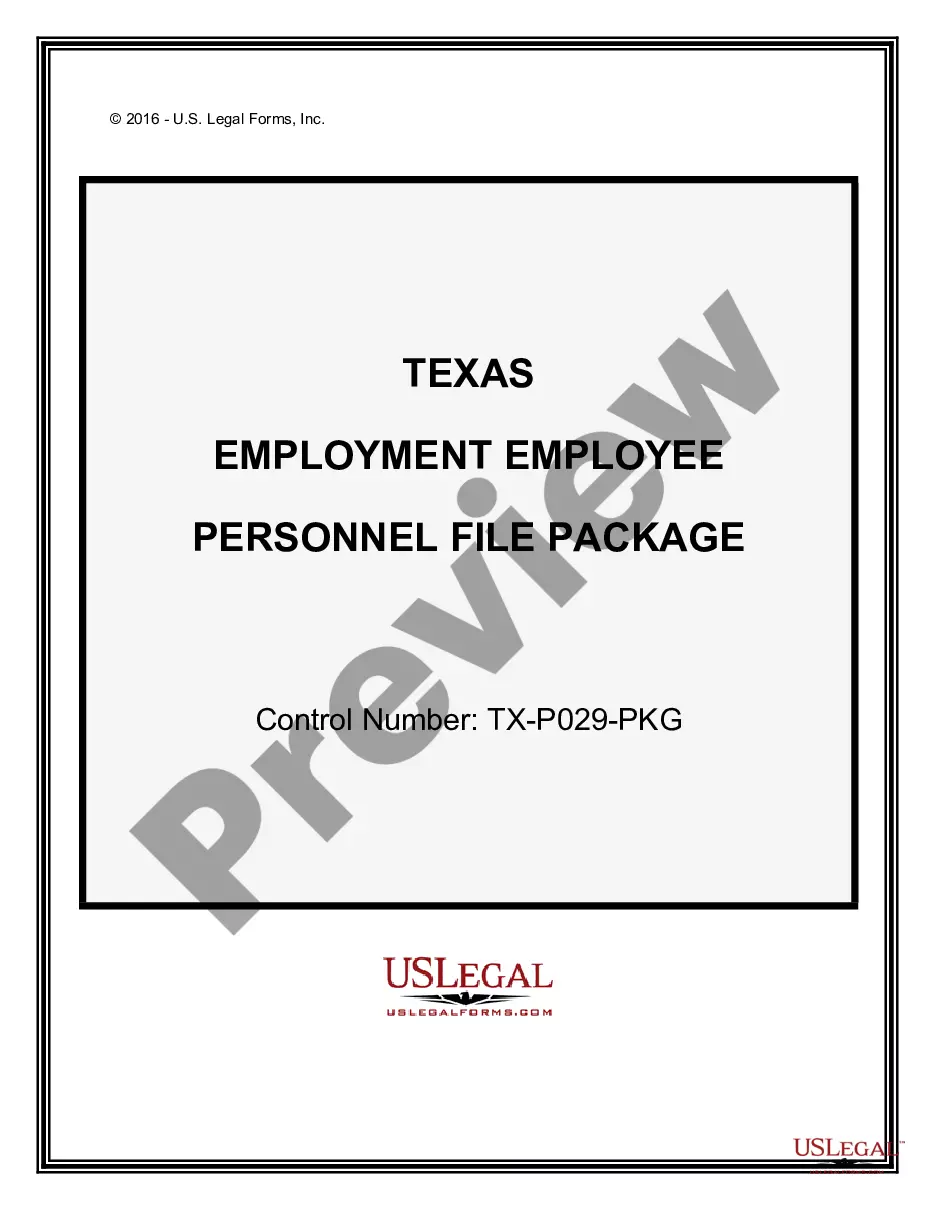
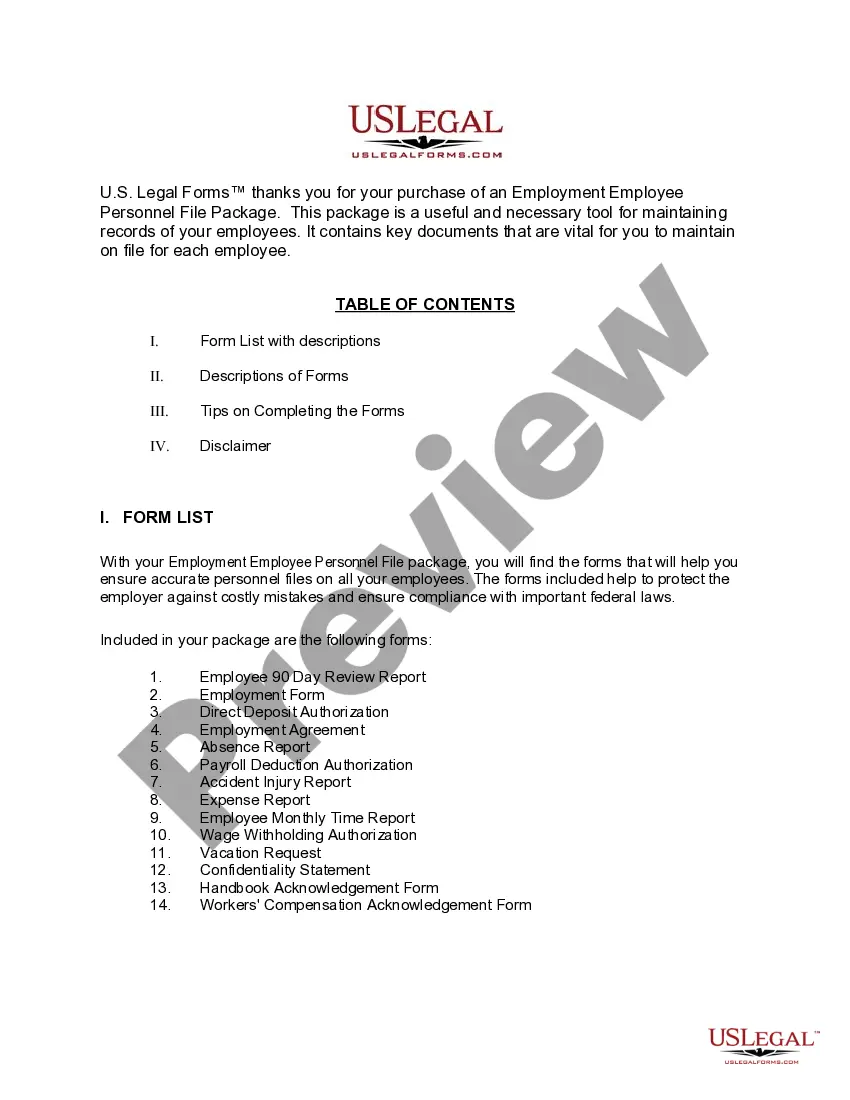
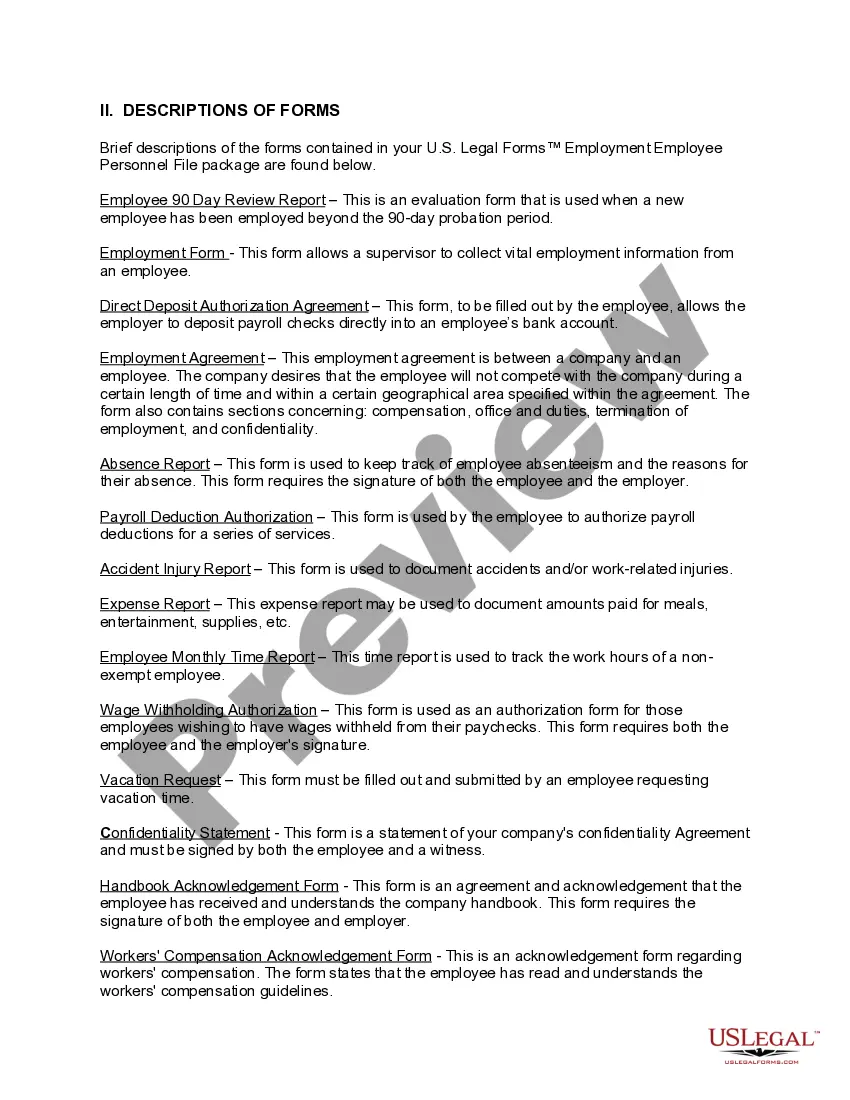
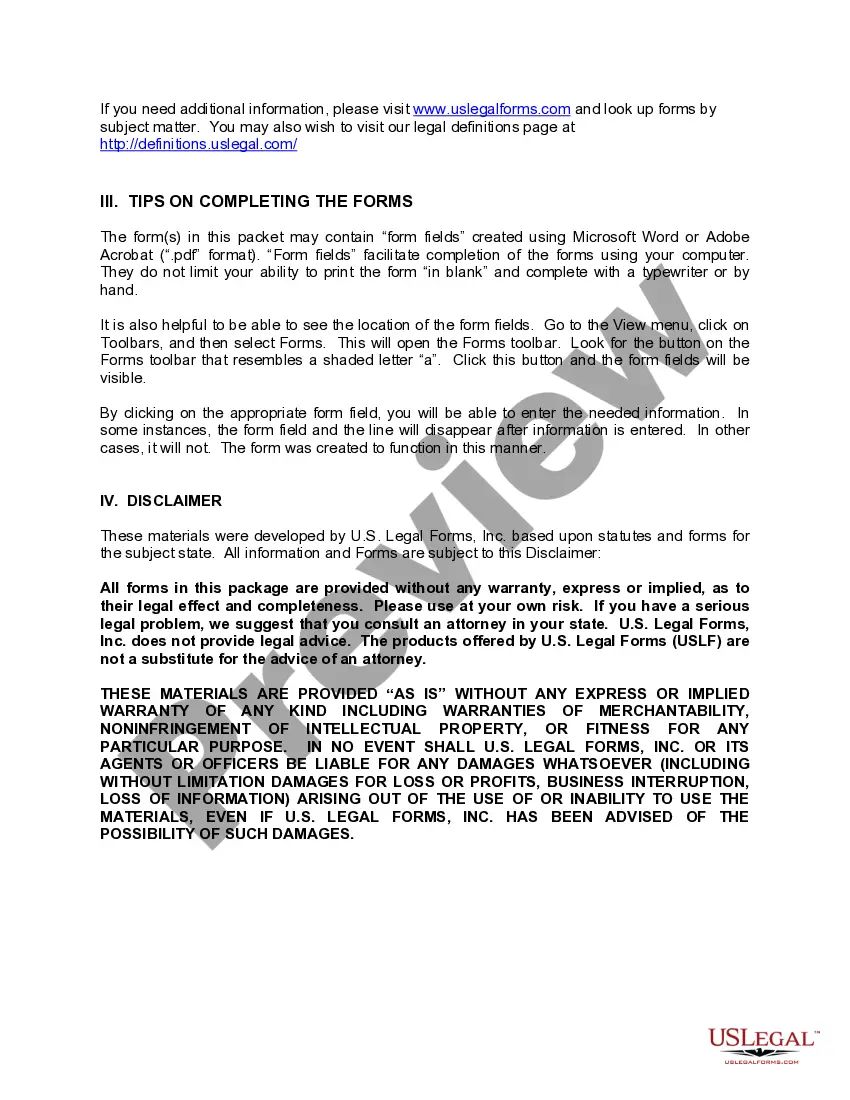

Get your form ready online
Our built-in tools help you complete, sign, share, and store your documents in one place.
Make edits, fill in missing information, and update formatting in US Legal Forms—just like you would in MS Word.
Download a copy, print it, send it by email, or mail it via USPS—whatever works best for your next step.
Sign and collect signatures with our SignNow integration. Send to multiple recipients, set reminders, and more. Go Premium to unlock E-Sign.
If this form requires notarization, complete it online through a secure video call—no need to meet a notary in person or wait for an appointment.
We protect your documents and personal data by following strict security and privacy standards.

Make edits, fill in missing information, and update formatting in US Legal Forms—just like you would in MS Word.

Download a copy, print it, send it by email, or mail it via USPS—whatever works best for your next step.

Sign and collect signatures with our SignNow integration. Send to multiple recipients, set reminders, and more. Go Premium to unlock E-Sign.

If this form requires notarization, complete it online through a secure video call—no need to meet a notary in person or wait for an appointment.

We protect your documents and personal data by following strict security and privacy standards.
Looking for another form?
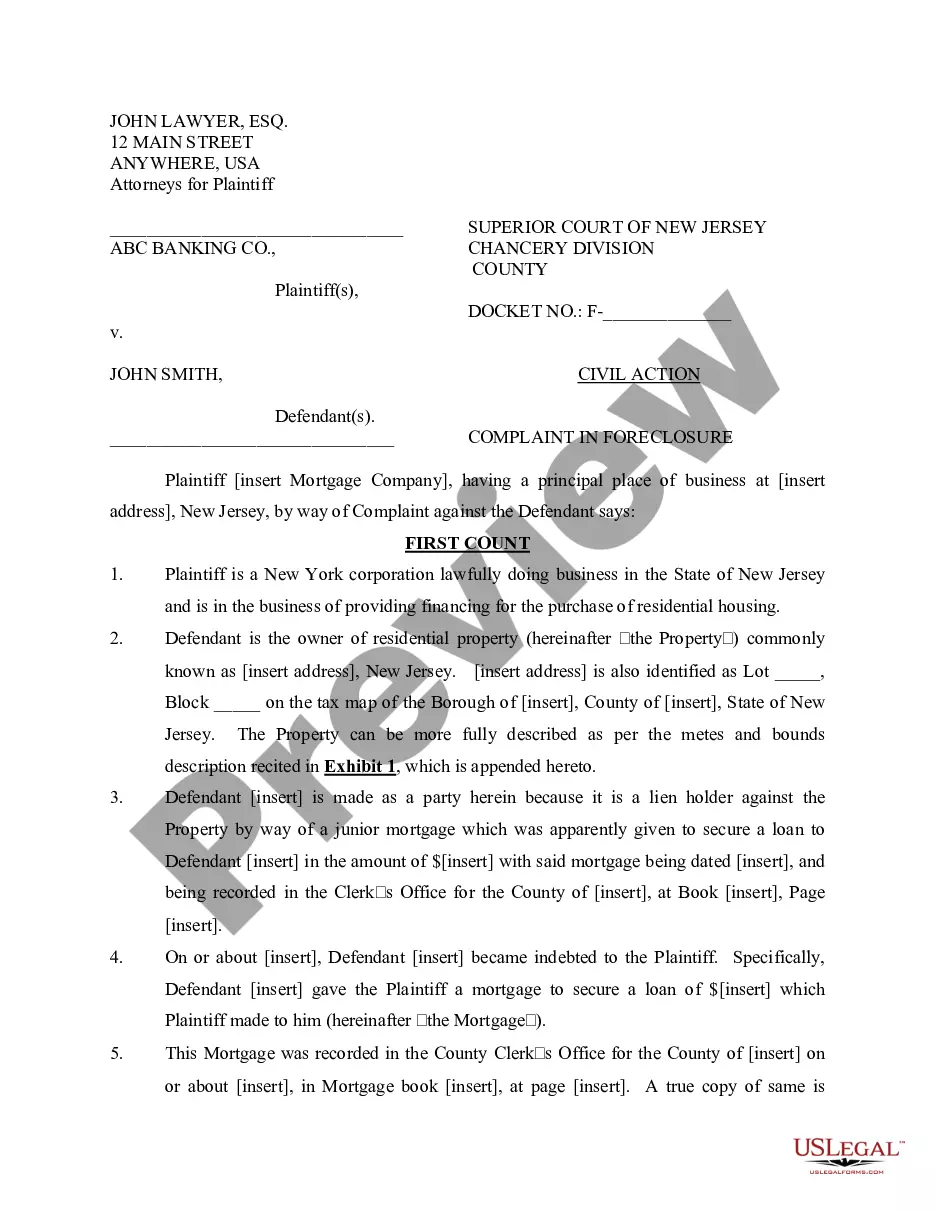
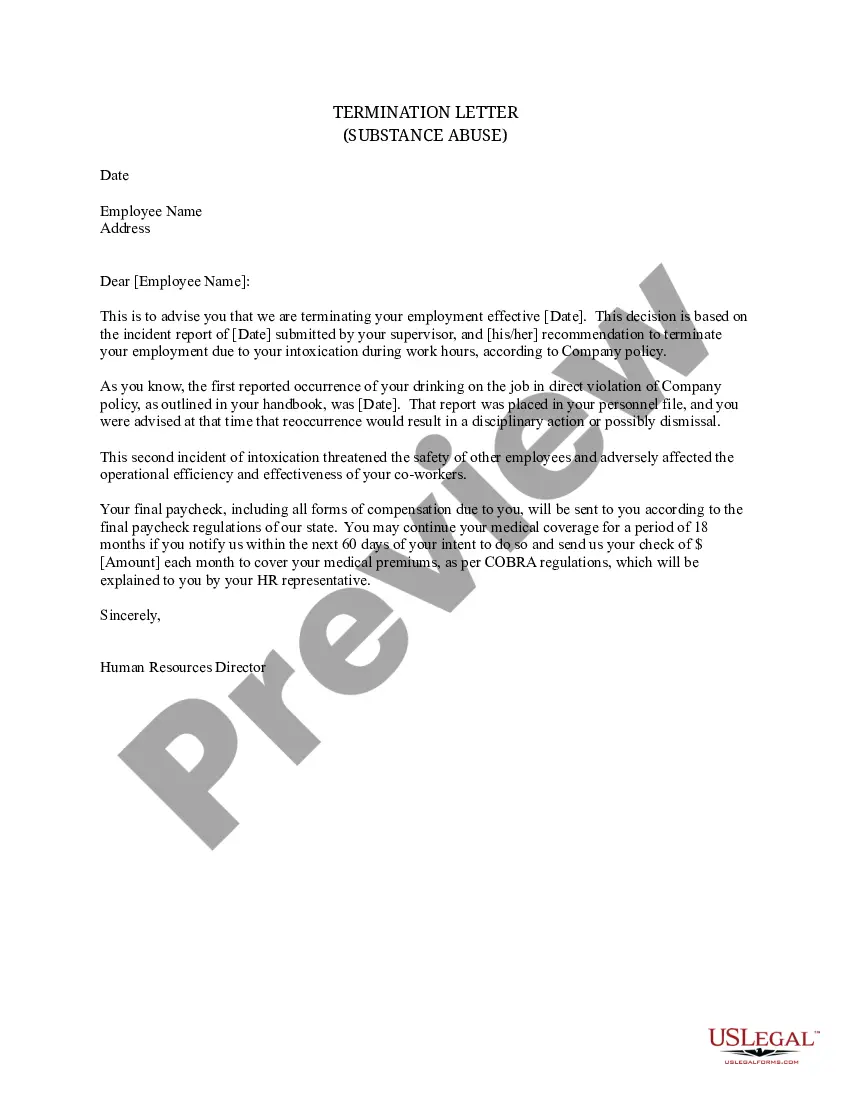
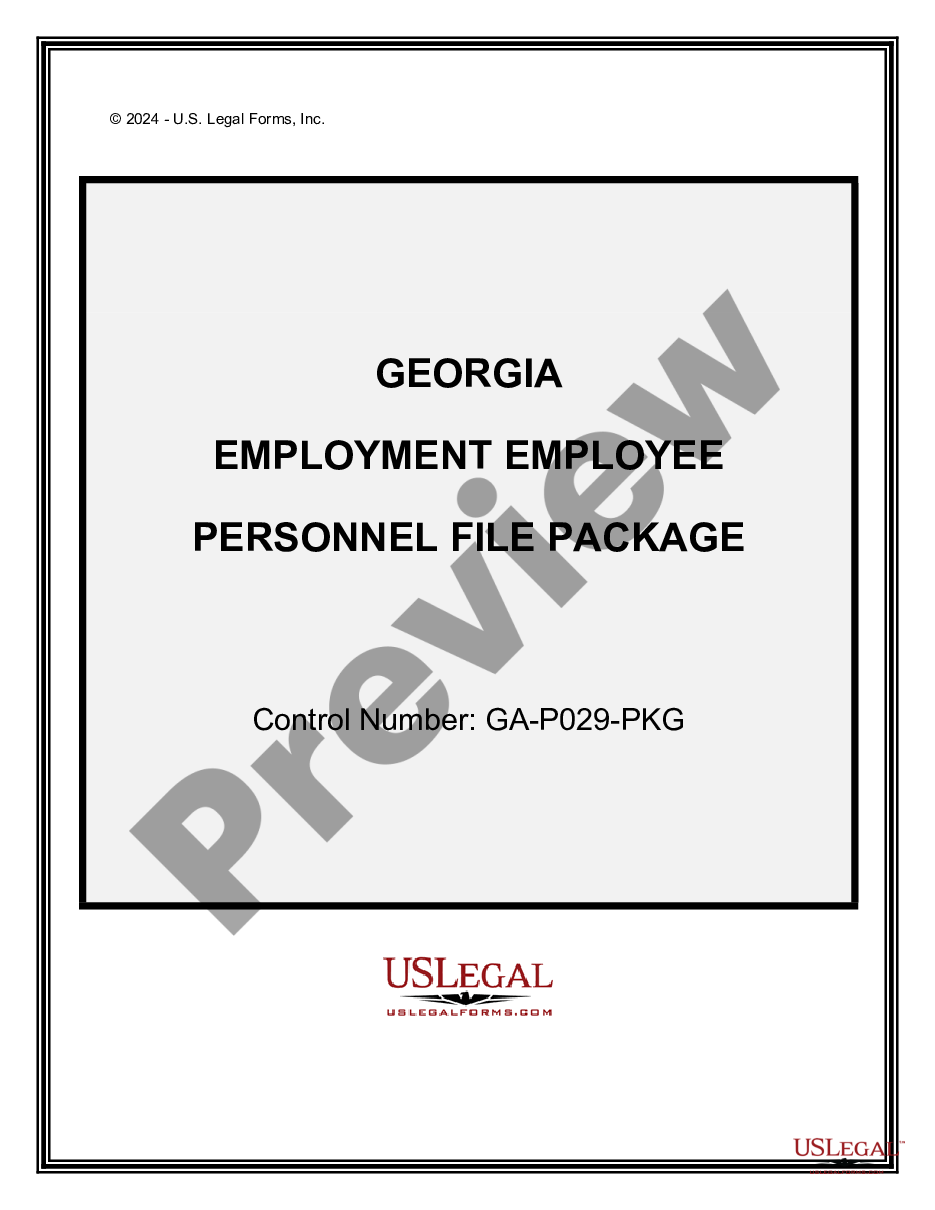
How to fill out Texas Employment Employee Personnel File Package?
- Begin by visiting the US Legal Forms website. If you have an existing account, log in to access your profile.
- In your account, check your subscription status. If it’s active, search for 'employee file folders with dividers.' If you need a new subscription, select a plan that works for you.
- Preview the forms available and ensure you select the right template that meets your needs and local requirements.
- If necessary, use the search feature to find alternative templates that might better suit your needs.
- Once you've found your desired document, click on the 'Buy Now' button and choose your preferred subscription plan, creating an account if you haven’t already.
- Complete your purchase using your credit card or PayPal. Ensure the transaction is processed successfully.
- Download your selected employee file folders with dividers to your device and locate them in the 'My Forms' section of your account for future reference.
By following these straightforward steps, you can efficiently manage your legal documentation with ease.
Enhance your document management further by leveraging the expertise available through US Legal Forms. Start simplifying your legal processes today!
Form popularity
FAQ
An employee may request their personnel file for several reasons, such as reviewing their performance history or verifying personal information. Accessing these documents ensures transparency and promotes trust between the employee and employer. With employee file folders with dividers, organizing these files helps streamline this request process and boosts overall efficiency.
Employee files are often referred to as personnel files. These documents encompass all the important records related to an employee's time with the organization. By utilizing employee file folders with dividers, you can keep these personnel files well-organized, ensuring that you can retrieve necessary information promptly.
A staff folder is an organized collection of documents related to a specific employee. It often includes performance reviews, disciplinary actions, and other essential paperwork. Using employee file folders with dividers within these staff folders can help in decluttering and maintaining clear records that are easily accessible when needed.
A staff directory is a comprehensive listing of all employees within an organization, typically containing their names, job titles, and contact information. It can serve as an essential tool in conjunction with employee file folders with dividers, helping everyone know where to find personnel information. A well-maintained staff directory enhances communication and facilitates collaboration.
To organize employee folders effectively, consider structuring them by document type or employee department. Utilizing employee file folders with dividers can simplify this process, as you can create sections for performance reviews, tax documents, and training records. This method not only fosters easier access but also maintains a professional appearance.
Folder dividers serve as helpful separators within employee file folders with dividers, making it easier to categorize different documents. Each divider creates distinct sections, allowing you to quickly access specific information. By keeping materials organized this way, you can enhance productivity and ensure that important records are not misplaced.
Filing folders can include manila folders, pocket folders, report covers, and employee file folders with dividers. Each type serves unique purposes, but dividers significantly enhance usability and organization. Investing in the right type of filing folder can drastically improve document handling and accessibility.
An expandable folder with dividers is a flexible storage solution that allows you to organize various documents in one place. This type of folder typically features several sections, helping you categorize documents efficiently. If you frequently need to manage documents, consider employee file folders with dividers, as they provide similar benefits in a streamlined way.
File organizers vary widely, including desktop organizers, portable file boxes, and hanging file systems. Among these, employee file folders with dividers stand out for their versatility. They can keep documents organized and readily available, making them a great asset in any filing system.
The four main types of folders typically include plain folders, expandable folders, file pockets, and employee file folders with dividers. Each type serves a different purpose, but dividers can enhance organization and accessibility. Choosing the right folder type can simplify document management in various environments.