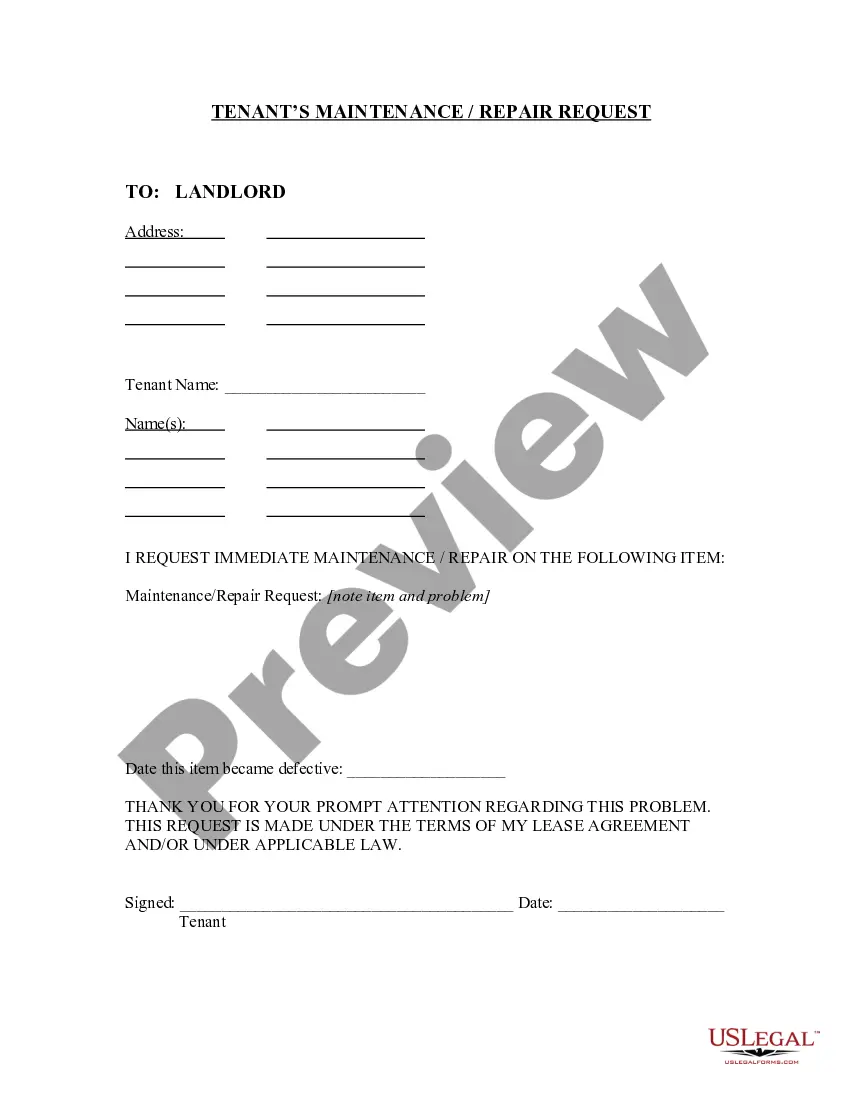
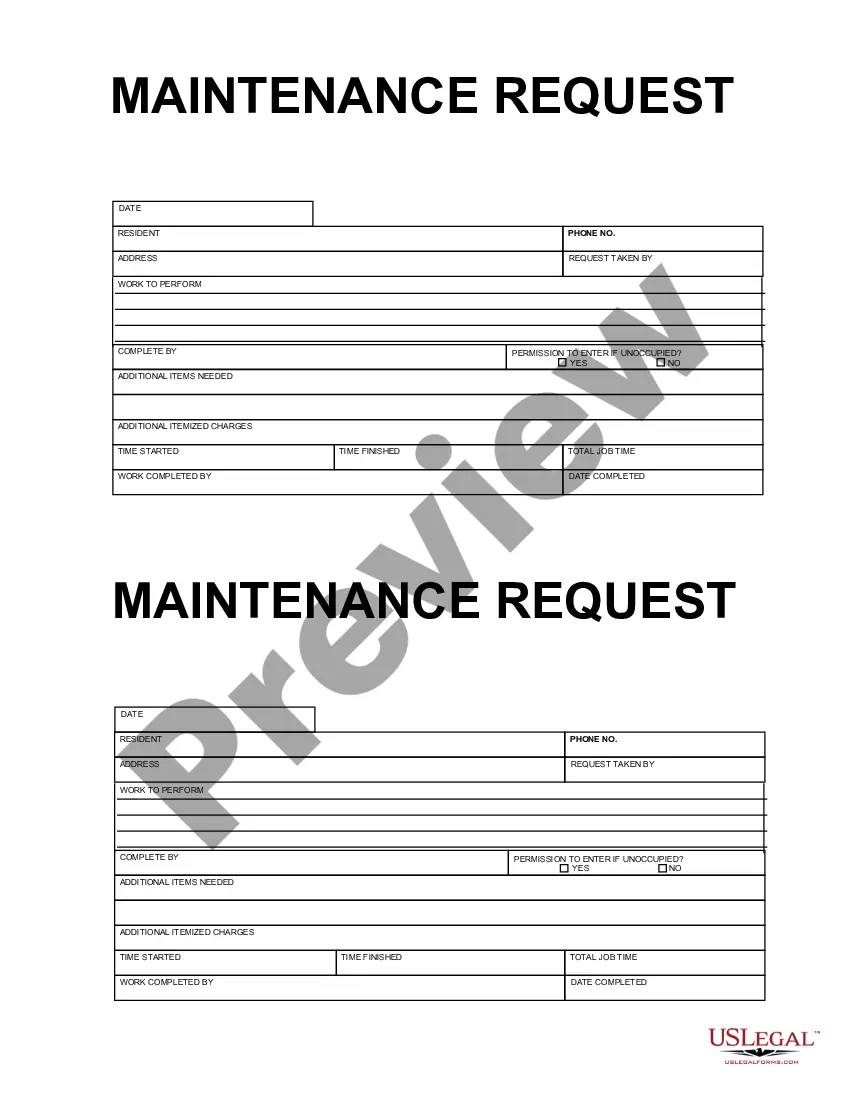
Service Request Form Of Union Bank
Description
Get your form ready online
Our built-in tools help you complete, sign, share, and store your documents in one place.
Make edits, fill in missing information, and update formatting in US Legal Forms—just like you would in MS Word.
Download a copy, print it, send it by email, or mail it via USPS—whatever works best for your next step.
Sign and collect signatures with our SignNow integration. Send to multiple recipients, set reminders, and more. Go Premium to unlock E-Sign.
If this form requires notarization, complete it online through a secure video call—no need to meet a notary in person or wait for an appointment.
We protect your documents and personal data by following strict security and privacy standards.

Make edits, fill in missing information, and update formatting in US Legal Forms—just like you would in MS Word.

Download a copy, print it, send it by email, or mail it via USPS—whatever works best for your next step.

Sign and collect signatures with our SignNow integration. Send to multiple recipients, set reminders, and more. Go Premium to unlock E-Sign.

If this form requires notarization, complete it online through a secure video call—no need to meet a notary in person or wait for an appointment.

We protect your documents and personal data by following strict security and privacy standards.
Looking for another form?
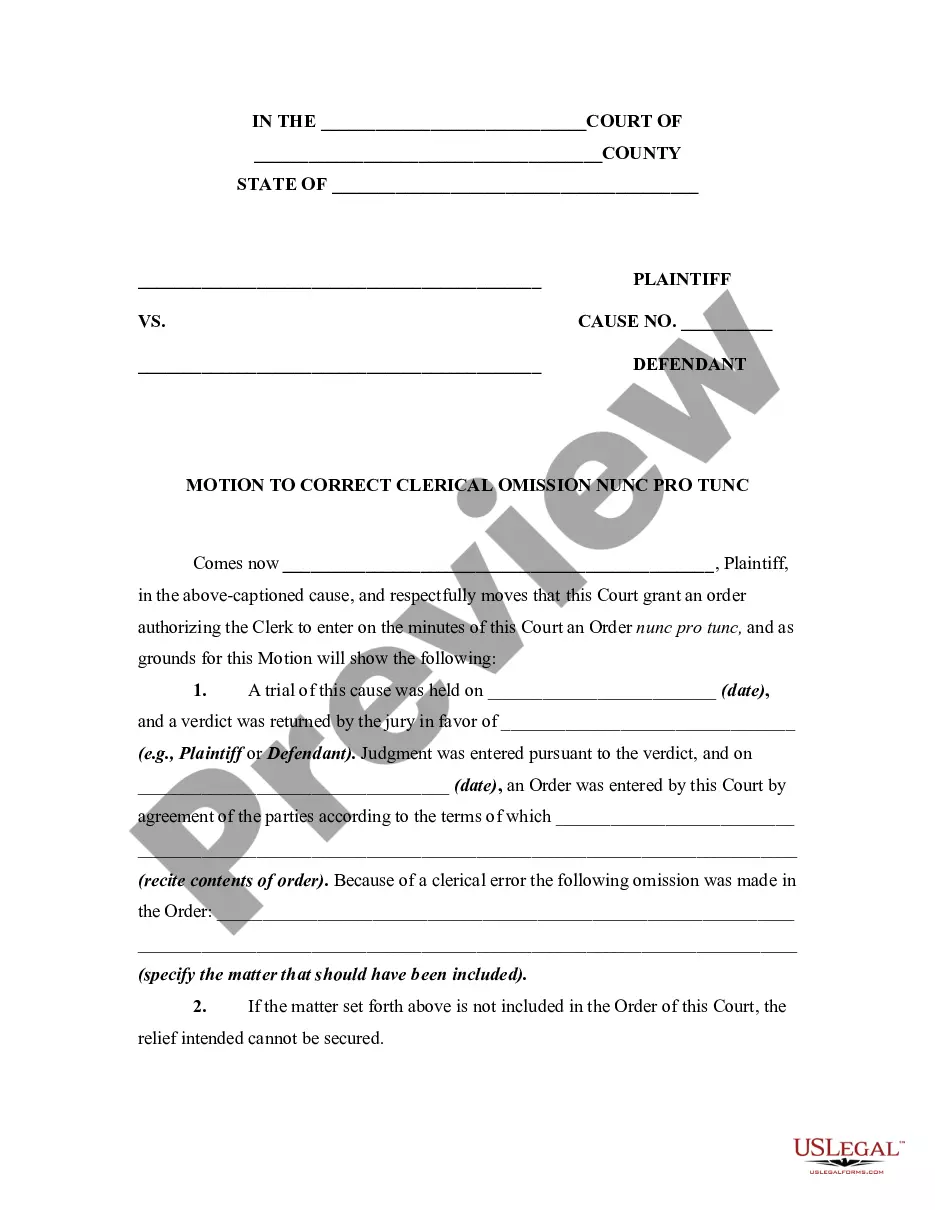


How to fill out Texas Tenant's Maintenance Repair Request Form?
- If you're a returning user, log into your account and download the Service Request Form by clicking the Download button. Ensure your subscription is active; renew if necessary.
- For first-time users, start by previewing the form description to confirm it meets your requirements and local jurisdiction conditions.
- If the desired form isn't suitable, utilize the Search tab to find an alternative that better fits your needs.
- To proceed, select the Buy Now button and choose a subscription plan that works for you. Registration is necessary to access the document library.
- Complete your purchase by entering your payment information, whether via credit card or PayPal.
- Finally, download the form and save it to your device. You can also revisit it later in the My Forms section of your account.
US Legal Forms provides users with not only a diverse selection of over 85,000 editable legal forms but also access to premium experts who can assist in ensuring your documents are completed accurately. This feature sets it apart from competitors.
In conclusion, leveraging the power of US Legal Forms for your legal documentation needs can expedite the process significantly. Start today to ensure your forms are both precise and compliant.
Form popularity
FAQ
To send a formal email to a bank, start with a polite greeting addressing the recipient properly. Clearly outline your purpose in the first few sentences, and make sure to include any important account details clearly. If your inquiry involves specific services, refer to the 'Service request form of union bank' for context. Remember to conclude with a polite closing statement and include your contact information for follow-up.
To write a physical mail to Union Bank, start with your sender's address at the top. Then, write the address of Union Bank below it. In the body of the letter, clearly state your purpose, and if relevant, include the 'Service request form of union bank' to assist with your communication. It is also a good practice to sign the letter formally before mailing it.
You can message Union Bank by using their online messaging service available on their website or mobile app. Log into your account to access the secure messaging feature. When you compose your message, provide all necessary details and your request, possibly referencing the 'Service request form of union bank' to facilitate your inquiry. This ensures that your communication reaches the right department swiftly.
To send an email to Union Bank, draft your message in the body of the email after addressing it to the correct email address. Ensure all essential details are included, such as your account information and any specific requests. If relevant, mention the 'Service request form of union bank' to streamline your request. Lastly, hit the send button and monitor your inbox for a response.
To write an email to Union Bank, start by opening your email client or application. Address the email to the appropriate Union Bank email address, which you can usually find on their official website. In the subject line, include a brief description of your inquiry. For effective communication, mention your purpose clearly and refer to the 'Service request form of union bank' if applicable.
To download your bank account PDF, log into your online banking portal. Search for the relevant section that hosts the documents you need, such as statements or reports. Select the appropriate PDF file format to download it to your device without hassle. In case there are complications, the service request form of Union Bank can be an effective way to resolve your concerns.
To open your Union Bank statement PDF, you need the password that was set when the document was generated. This password is often a combination of your account number or a specific code provided by the bank. If you're unsure or have forgotten the password, consider reaching out through the service request form of Union Bank for guidance and assistance.
To get a mini statement from Union Bank, you can log in to your online banking account or use the mobile app. Locate the Mini Statement option under your account overview for a summary of your recent transactions. This concise view helps you track your spending easily. If you require a formal document, the service request form of Union Bank could assist you in obtaining what you need.
To download your bank statement from Union Bank as a PDF, access your online banking account. Navigate to the Statements section and select the specific statement you need. Choose the PDF format option to download the document directly to your device. If you face any hurdles in this process, filling out the service request form of Union Bank can provide additional support.
To get your Statement of Account (SOA) in UnionBank Online, log in to your online banking platform. Locate the Statements section, where you can request your SOA. You may receive it in PDF format, providing a comprehensive view of your account transactions. In case you have any problems, consider utilizing the service request form of Union Bank for further help.