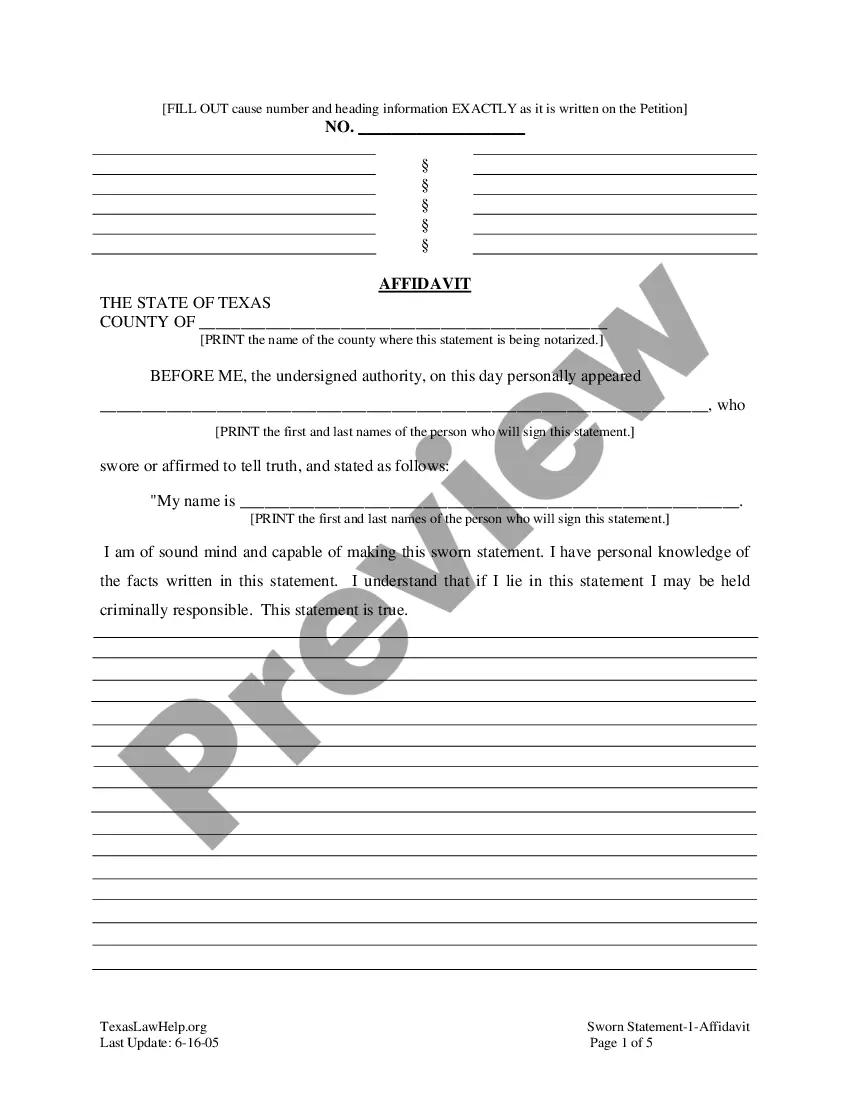
General Affidavit Form Texas For Fact
Description



Get your form ready online
Our built-in tools help you complete, sign, share, and store your documents in one place.
Make edits, fill in missing information, and update formatting in US Legal Forms—just like you would in MS Word.
Download a copy, print it, send it by email, or mail it via USPS—whatever works best for your next step.
Sign and collect signatures with our SignNow integration. Send to multiple recipients, set reminders, and more. Go Premium to unlock E-Sign.
If this form requires notarization, complete it online through a secure video call—no need to meet a notary in person or wait for an appointment.
We protect your documents and personal data by following strict security and privacy standards.

Make edits, fill in missing information, and update formatting in US Legal Forms—just like you would in MS Word.

Download a copy, print it, send it by email, or mail it via USPS—whatever works best for your next step.

Sign and collect signatures with our SignNow integration. Send to multiple recipients, set reminders, and more. Go Premium to unlock E-Sign.

If this form requires notarization, complete it online through a secure video call—no need to meet a notary in person or wait for an appointment.

We protect your documents and personal data by following strict security and privacy standards.
Looking for another form?






How to fill out Texas General Affidavit?
No matter if you handle paperwork consistently or need to submit a legal document from time to time, it is crucial to have a valuable resource where all the samples are interconnected and current.
The first action you should take with a General Affidavit Form Texas For Fact is to ensure that it is the latest version, as it determines whether it can be submitted.
If you wish to simplify your quest for the most recent document samples, look for them on US Legal Forms.
To acquire a form without an account, follow these instructions: 1. Use the search feature to locate the form you need. 2. Review the General Affidavit Form Texas For Fact preview and description to confirm it is the specific document you are looking for. 3. After verifying the form, click Buy Now. 4. Select a subscription plan that suits you. 5. Create an account or Log In to your existing one. 6. Use your credit card details or PayPal account to complete the transaction. 7. Choose the file format for download and confirm.
- US Legal Forms is a repository of legal documents that contains nearly any sample document you may seek.
- Search for the templates you need, review their relevance immediately, and learn more about their application.
- With US Legal Forms, you can access over 85,000 form templates across various domains.
- Retrieve the General Affidavit Form Texas For Fact samples in just a few clicks and save them at any time in your profile.
- A US Legal Forms profile will enable you to obtain all the necessary samples with added ease and less complication.
- Simply click Log In in the website header and navigate to the My documents section to have all the forms you need readily available, eliminating the need to spend time searching for the correct template or verifying its authenticity.
Form popularity
FAQ
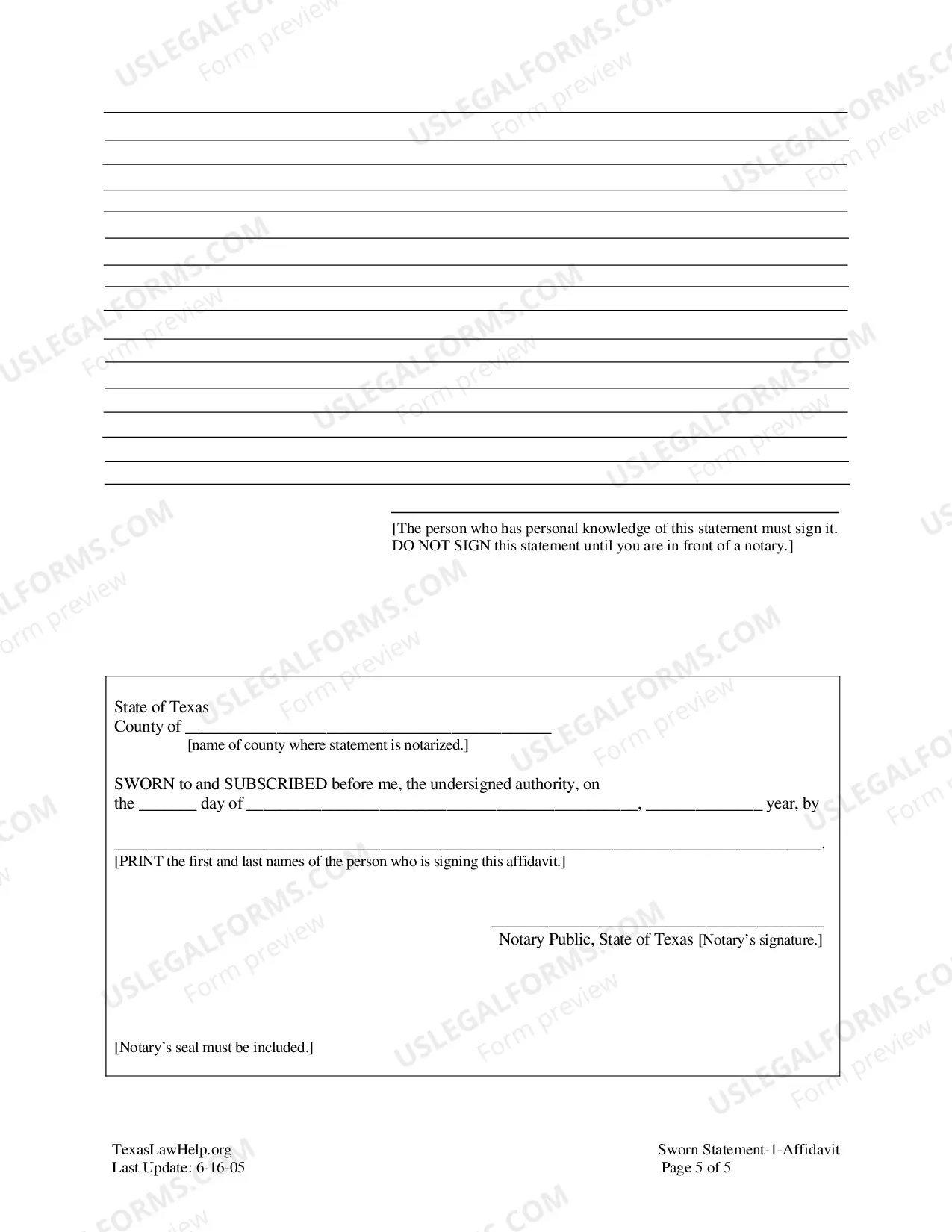
You must also have the document notarized. No matter the reason you need one, a properly completed and notarized general affidavit form can provide you with peace of mind knowing you have a sworn statement supporting your position.
Unlike many other legal documents, a sworn statement does not require the signatures to be notarized. However, a sworn statement includes language confirming that the signer swears the information included is truthful.
Process of drafting an affidavitAt the top, write the name of the court, tribunal in which the affidavit is to be submitted, along with the allotted case/suit no.Mention the names of parties in brief.As a heading/title of the document, mention 'AFFIDAVIT' in the bold and underlined font.More items...?
Here are some tips you can use to complete this section:Stick to the facts. Avoid injecting your personal opinion or observations into your affidavit.Outline your facts clearly. Create an outline of everything you remember about the situation and then determine which facts are relevant to your affidavit.
Full name of the deponent and their signature. Statement indicating whether the affidavit has been sworn or not. Date and place where the affidavit is being signed. Designation and full name of the Notary or Magistrate (person attesting the affidavit)
