Sc Divorced Legal Without Attorney
Description

Get your form ready online
Our built-in tools help you complete, sign, share, and store your documents in one place.
Make edits, fill in missing information, and update formatting in US Legal Forms—just like you would in MS Word.
Download a copy, print it, send it by email, or mail it via USPS—whatever works best for your next step.
Sign and collect signatures with our SignNow integration. Send to multiple recipients, set reminders, and more. Go Premium to unlock E-Sign.
If this form requires notarization, complete it online through a secure video call—no need to meet a notary in person or wait for an appointment.
We protect your documents and personal data by following strict security and privacy standards.

Make edits, fill in missing information, and update formatting in US Legal Forms—just like you would in MS Word.

Download a copy, print it, send it by email, or mail it via USPS—whatever works best for your next step.

Sign and collect signatures with our SignNow integration. Send to multiple recipients, set reminders, and more. Go Premium to unlock E-Sign.

If this form requires notarization, complete it online through a secure video call—no need to meet a notary in person or wait for an appointment.

We protect your documents and personal data by following strict security and privacy standards.
Looking for another form?


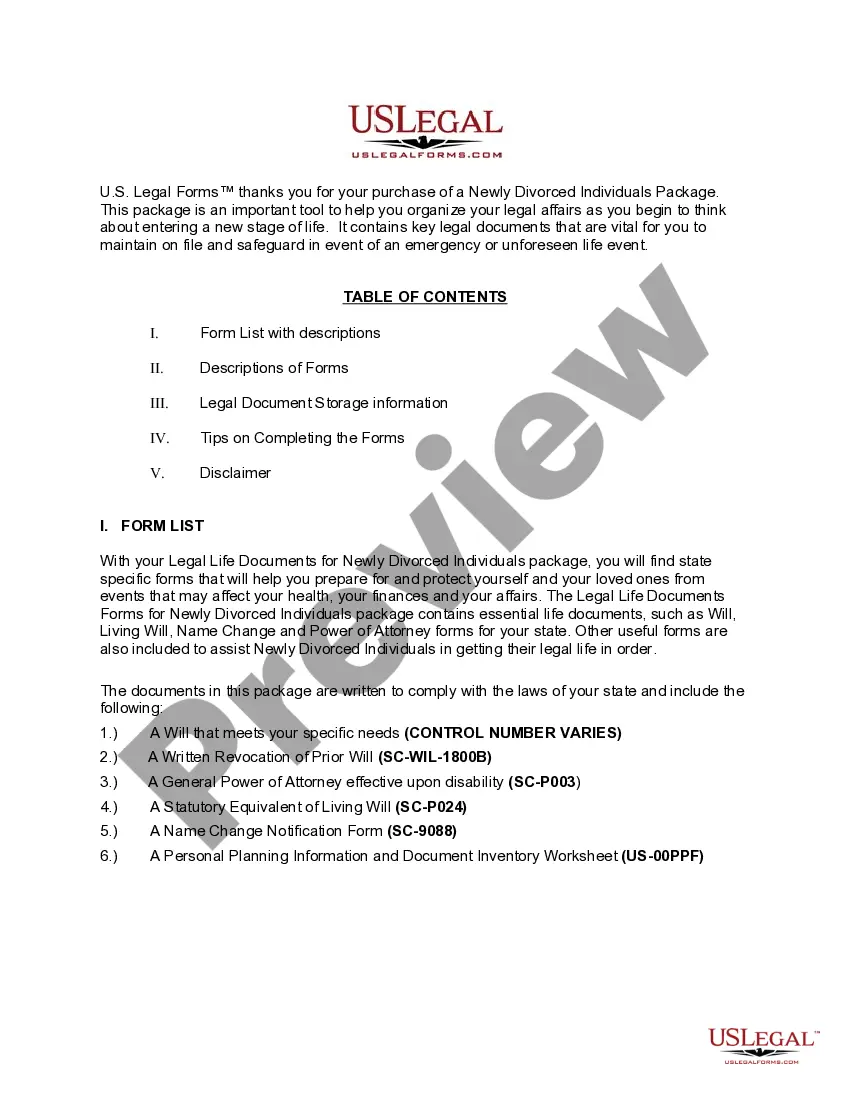
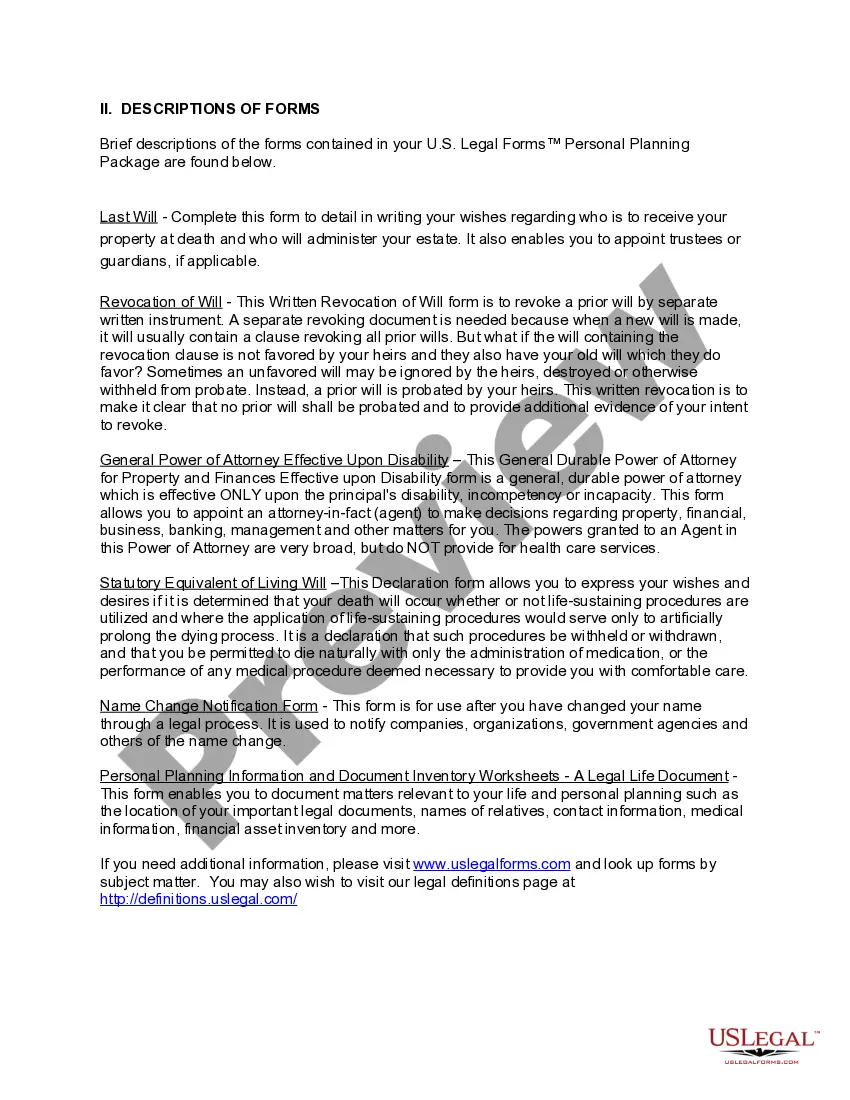
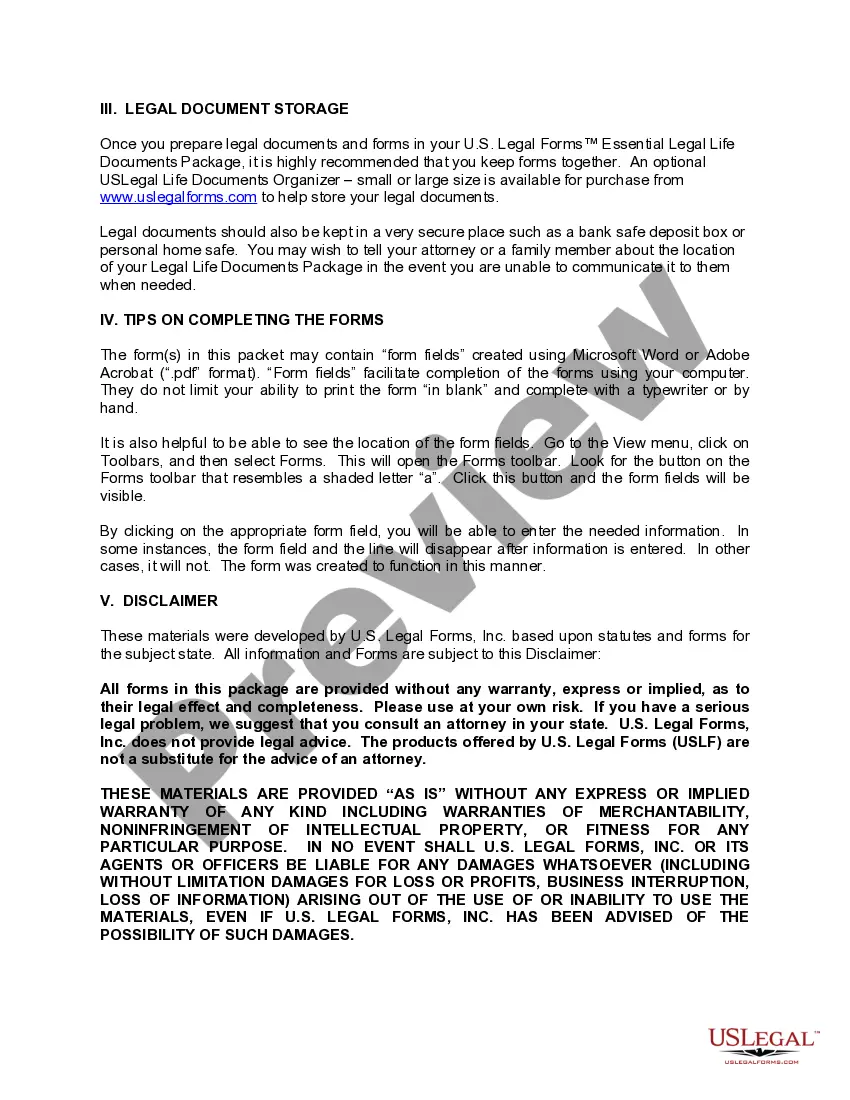
How to fill out South Carolina Newly Divorced Individuals Package?
It’s clear that you cannot become a legal expert instantly, nor can you determine how to swiftly prepare Sc Divorced Legal Without Attorney without the necessity of a specialized skill set.
Assembling legal documents is a lengthy procedure that demands a specific education and expertise. Therefore, why not entrust the development of the Sc Divorced Legal Without Attorney to the professionals.
With US Legal Forms, one of the most extensive legal template libraries, you can discover everything from court documents to templates for internal corporate communications. We understand how vital compliance and adherence to federal and state laws and regulations are. That’s why, on our platform, all forms are location-specific and current.
You can regain access to your documents from the My documents tab at any time. If you’re an existing client, you can simply Log In, and locate and download the template from the same tab.
Regardless of the intent of your paperwork—whether it’s financial and legal, or personal—our platform has you covered. Try US Legal Forms today!
- Locate the document you need using the search bar at the top of the page.
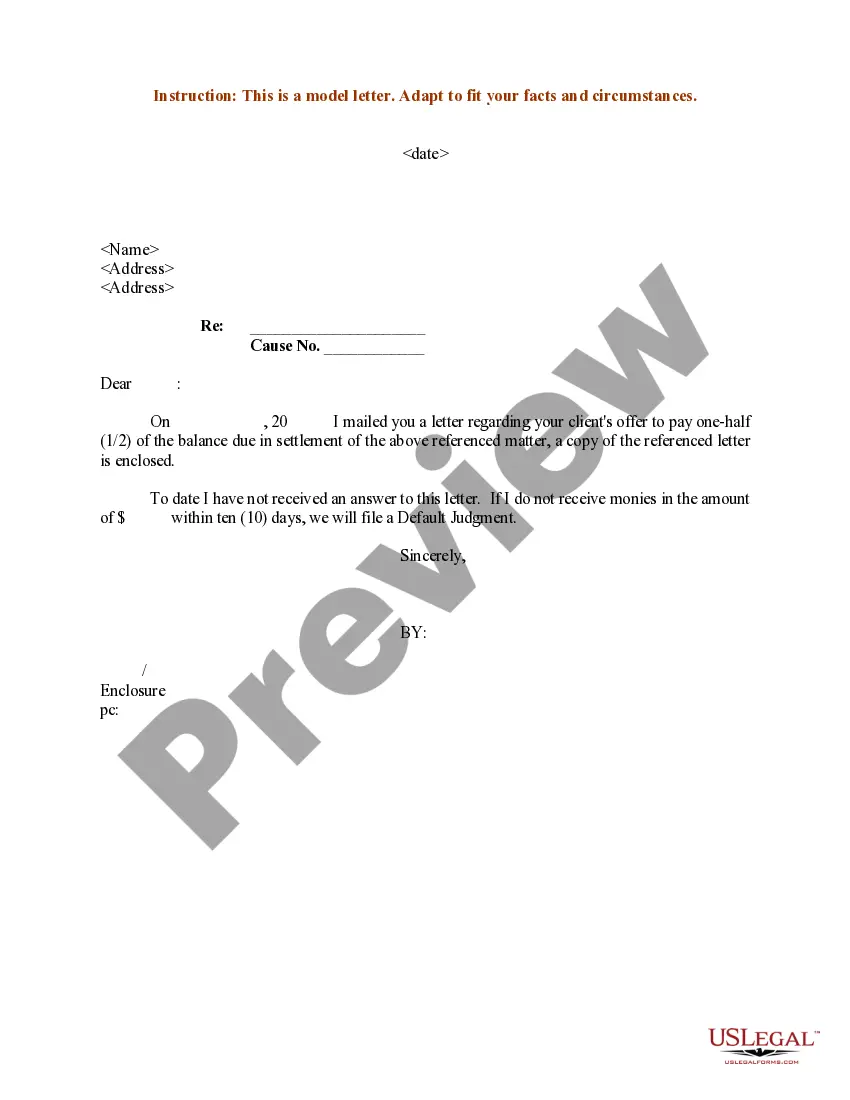
- Preview it (if this option is available) and review the supporting description to see if Sc Divorced Legal Without Attorney is what you are seeking.
- Begin your search again if you require a different form.
- Establish a free account and select a subscription plan to buy the template.
- Click Buy now. Once the payment is processed, you can obtain the Sc Divorced Legal Without Attorney, complete it, print it, and send or mail it to the necessary individuals or entities.
Form popularity
FAQ
In South Carolina, the ways to serve your spouse are: Delivering the documents yourself if your spouse will sign an ?Acceptance of Service? form. Any third party, such as a sheriff or a process server, who is 18 years or older can hand-deliver the divorce forms to your spouse.
It's possible to file for an uncontested divorce in South Carolina without a lawyer, provided you and your spouse meet the general requirements. However, working with an attorney is the better option for most people. Even if you agree on most things, marriage involves many legal and financial rights.
- Serve copies of the five forms on your spouse or spouse's attorney in one of four ways: (1) U.S. Mail; (2) Personal Service; (3) Sheriff's office; or (4) Process server. - Count thirty-five (35) days from the day your spouse was served. Complaint, then your divorce is contested and you should hire an attorney.
Filing for divorce first has no real benefit in most cases ing to attorneys, but occasionally can make a difference. Spouses who plan in advance and select a quality South Carolina Family Court lawyer first have had more time to mentally and emotionally prepare for the divorce process.
South Carolina Divorce Court Forms Affidavit of Default for Divorce. Defendant's Answer. Affidavit of Service. Complaint for Divorce. Acceptance of Service. Summons for Divorce. Report of Divorce or Annulment of Marriage. Motion and Affidavit to Proceed in Forma Pauperis.