Corporations In South Carolina
Description
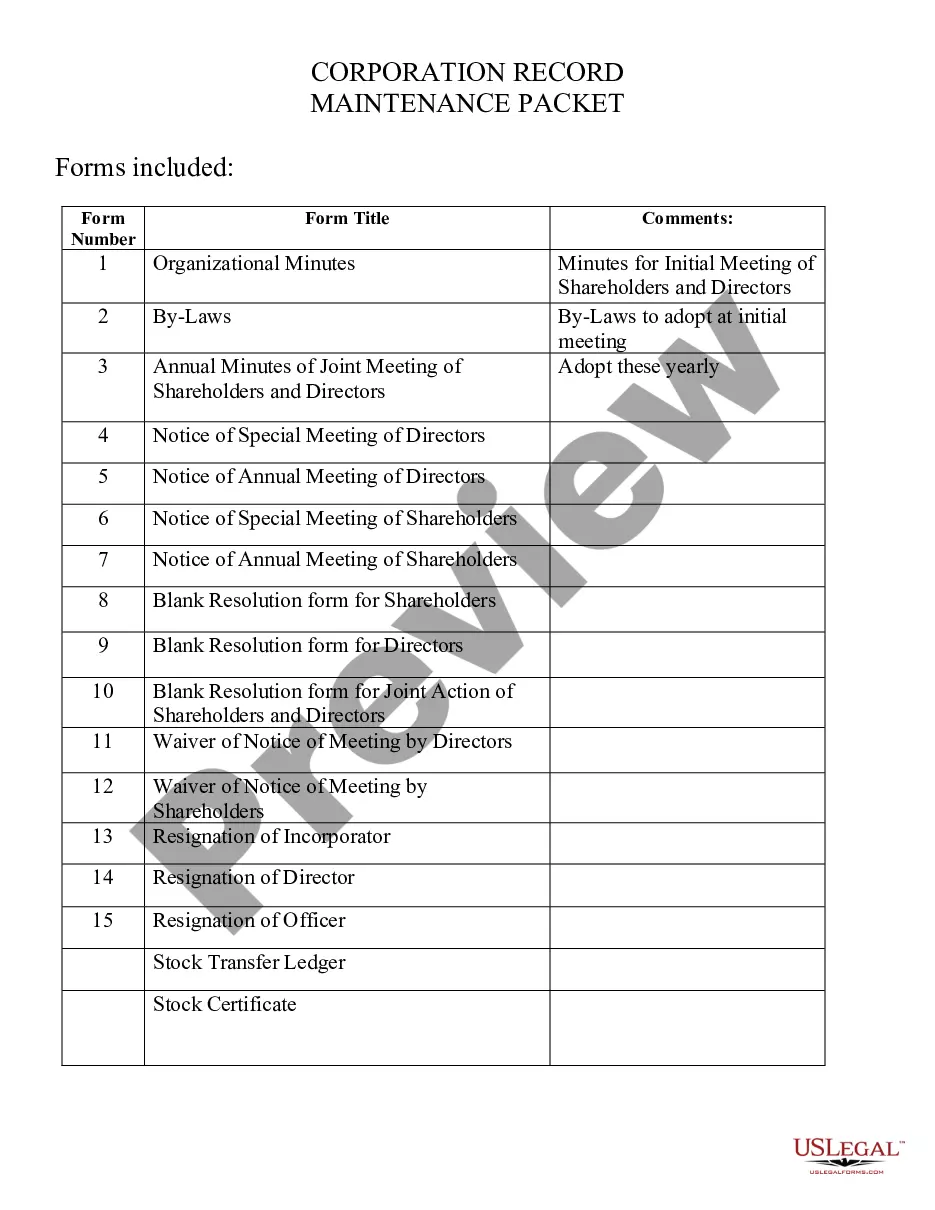

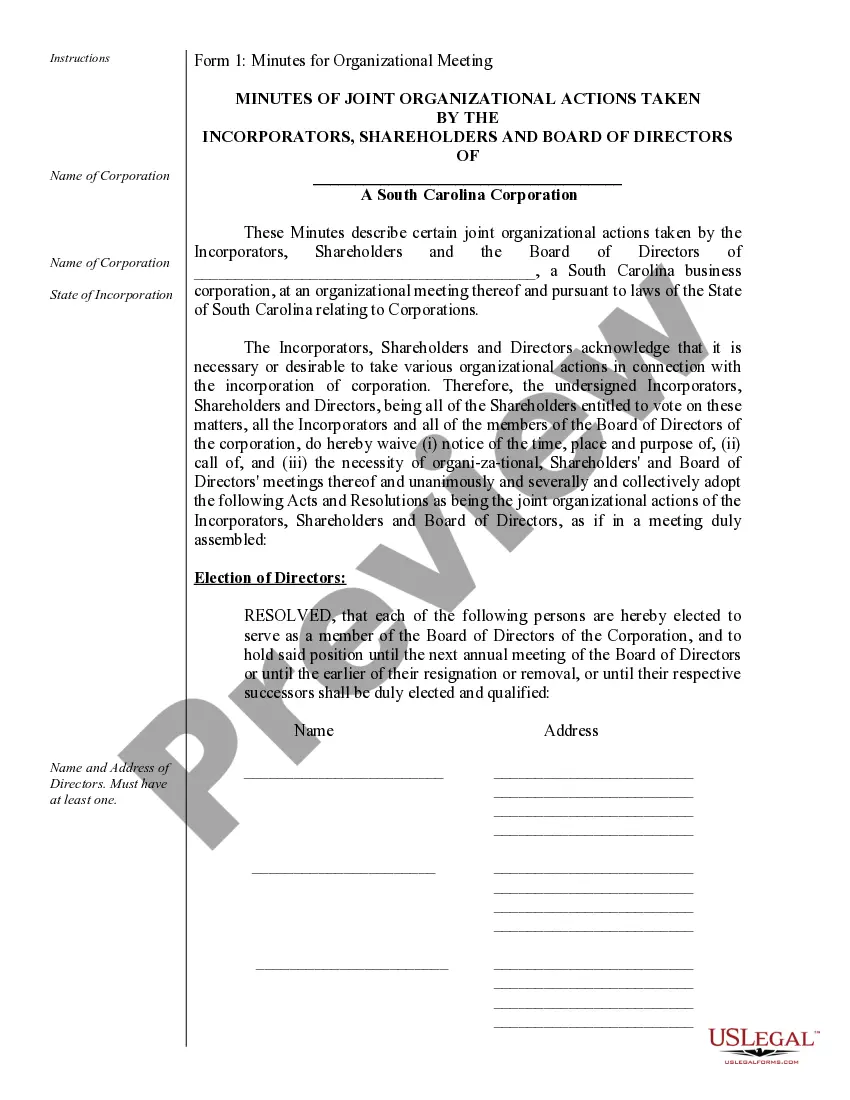
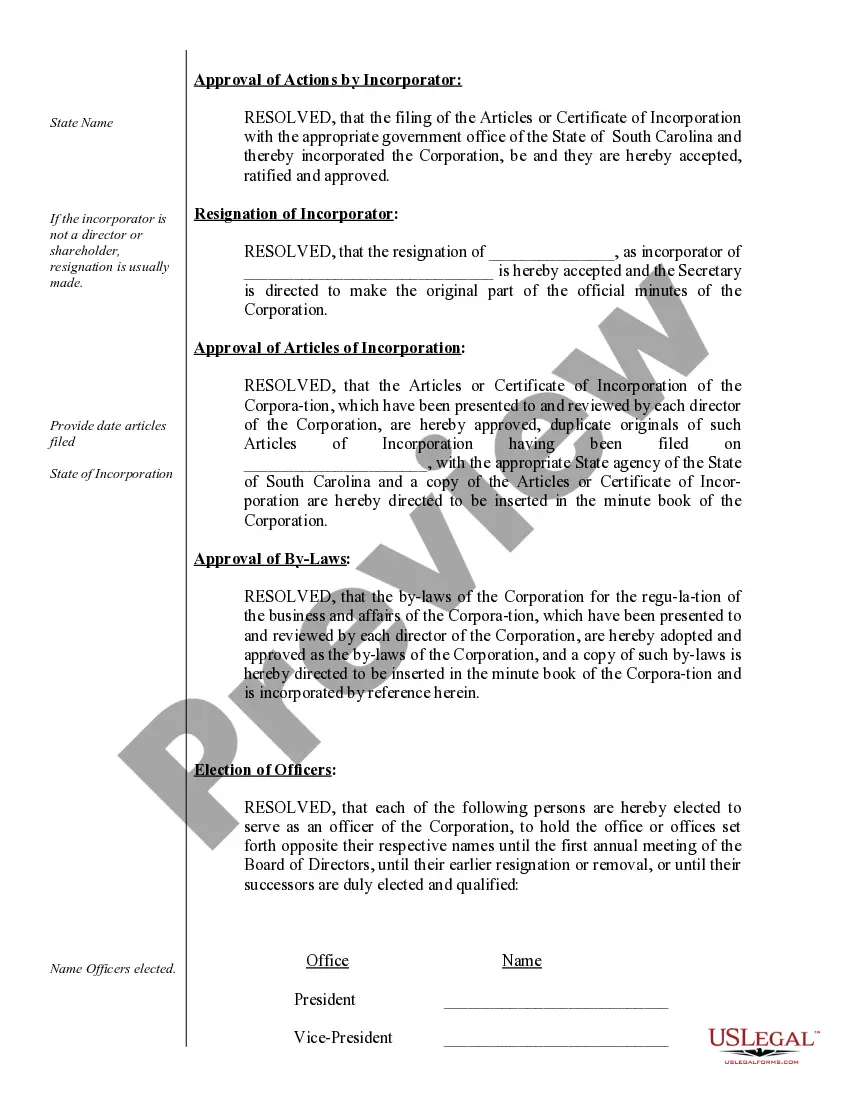
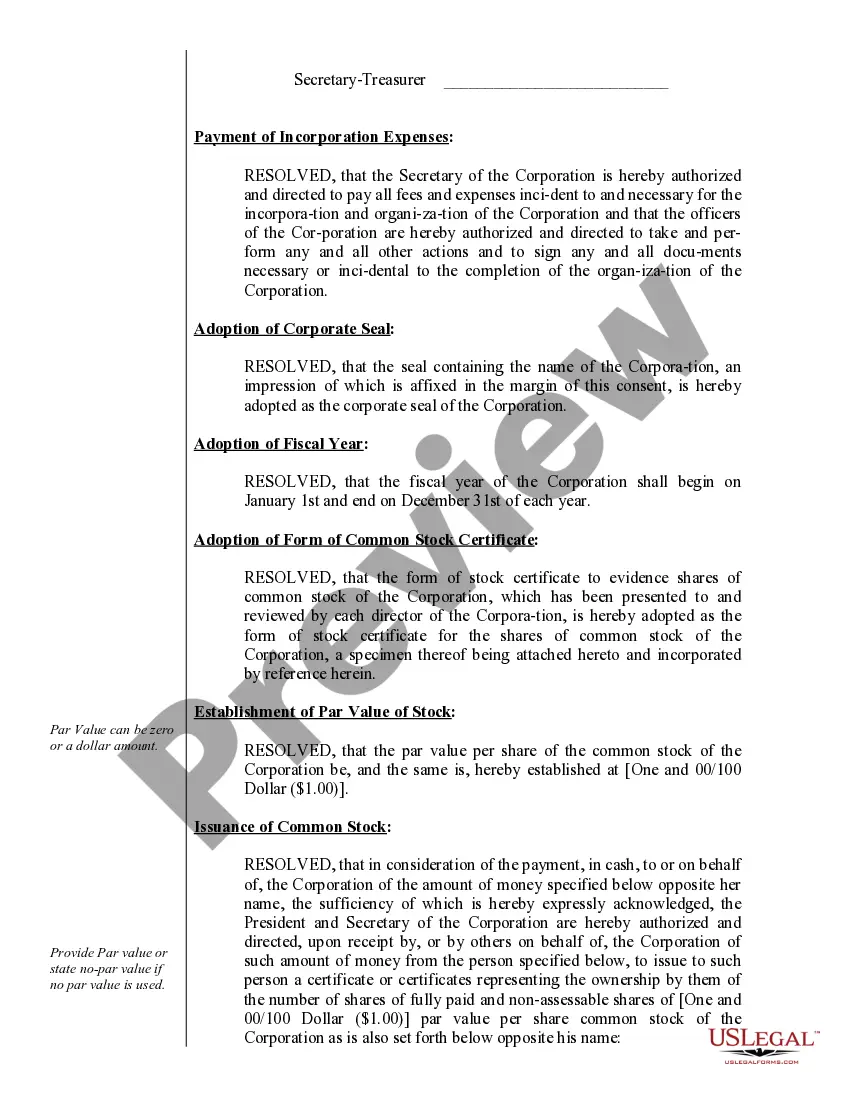



Get your form ready online
Our built-in tools help you complete, sign, share, and store your documents in one place.
Make edits, fill in missing information, and update formatting in US Legal Forms—just like you would in MS Word.
Download a copy, print it, send it by email, or mail it via USPS—whatever works best for your next step.
Sign and collect signatures with our SignNow integration. Send to multiple recipients, set reminders, and more. Go Premium to unlock E-Sign.
If this form requires notarization, complete it online through a secure video call—no need to meet a notary in person or wait for an appointment.
We protect your documents and personal data by following strict security and privacy standards.

Make edits, fill in missing information, and update formatting in US Legal Forms—just like you would in MS Word.

Download a copy, print it, send it by email, or mail it via USPS—whatever works best for your next step.

Sign and collect signatures with our SignNow integration. Send to multiple recipients, set reminders, and more. Go Premium to unlock E-Sign.

If this form requires notarization, complete it online through a secure video call—no need to meet a notary in person or wait for an appointment.

We protect your documents and personal data by following strict security and privacy standards.
Looking for another form?



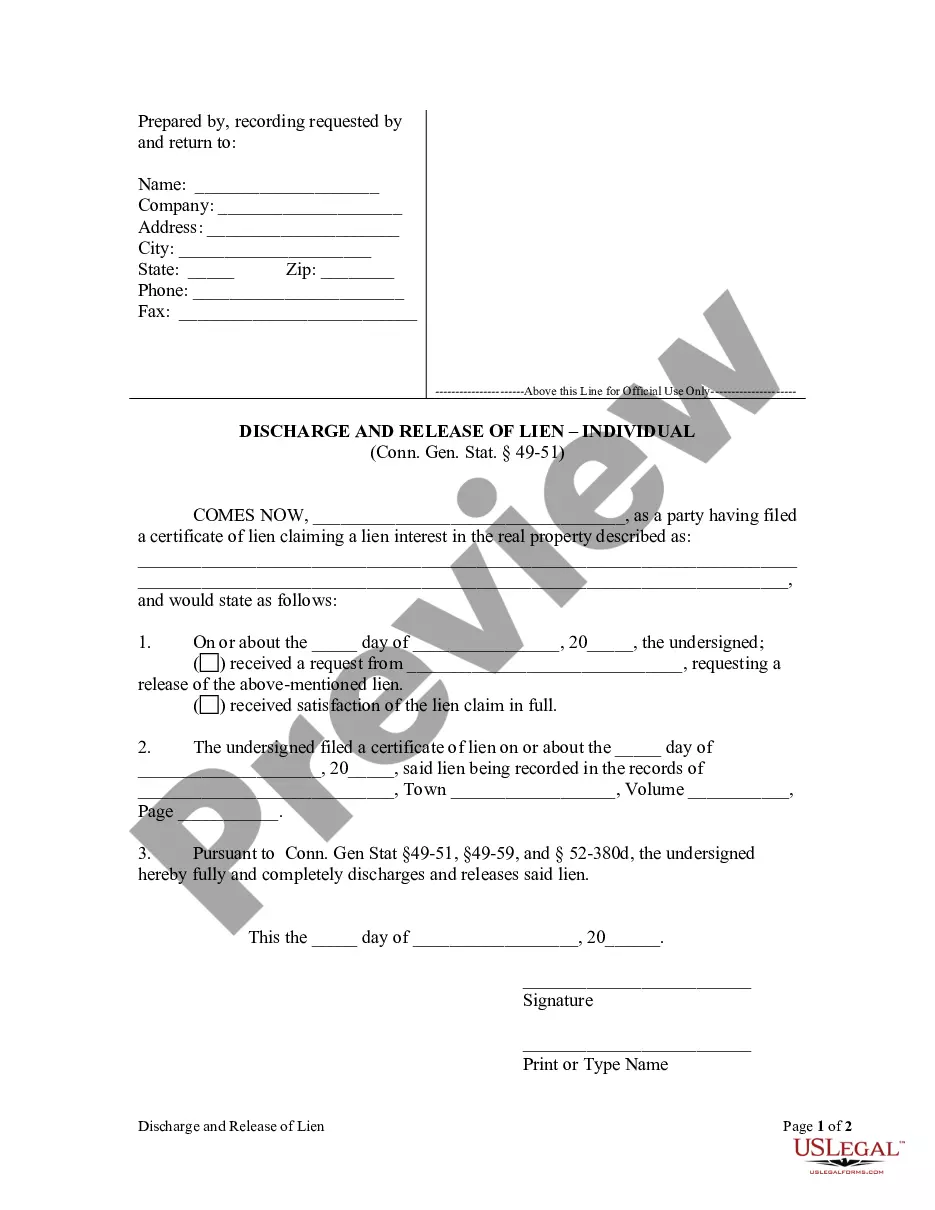
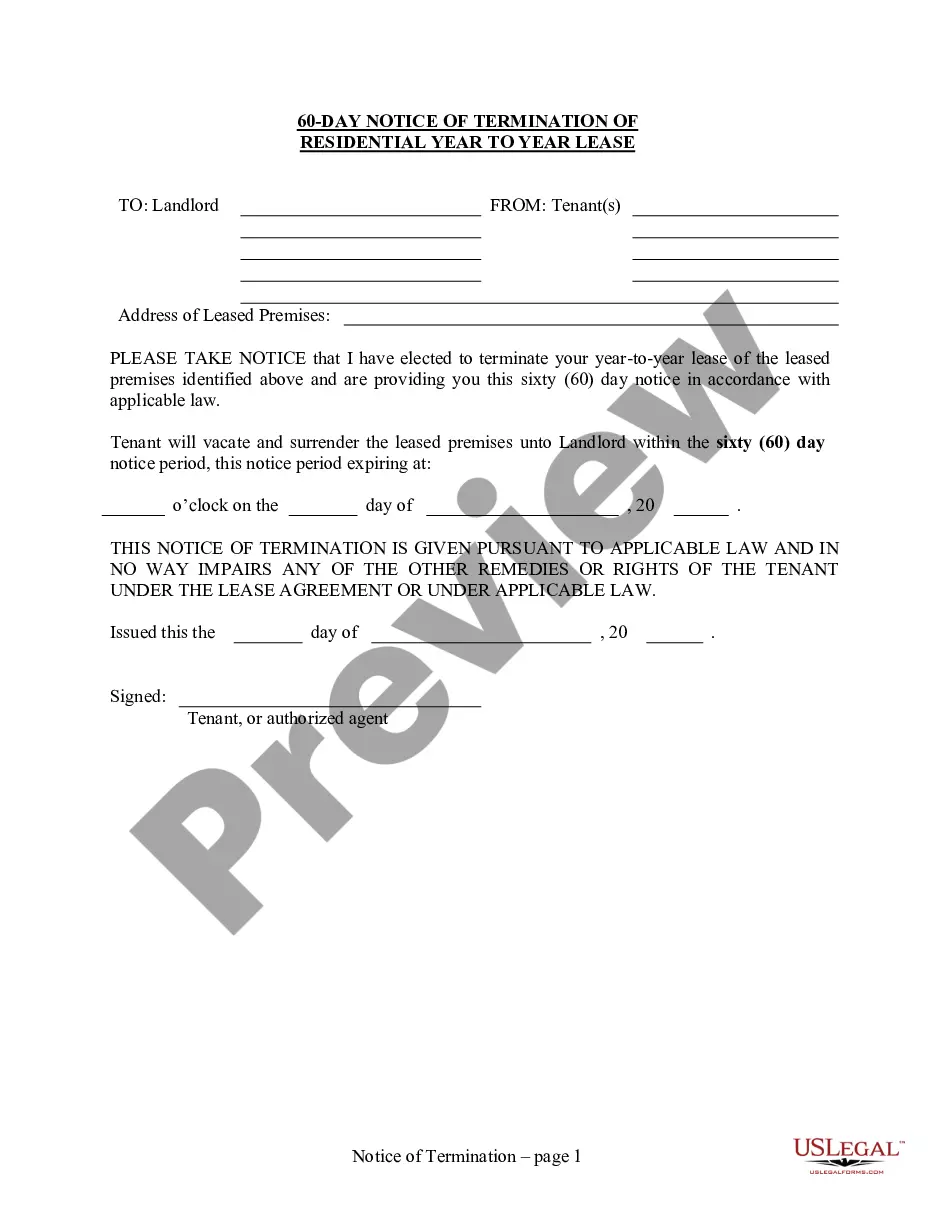
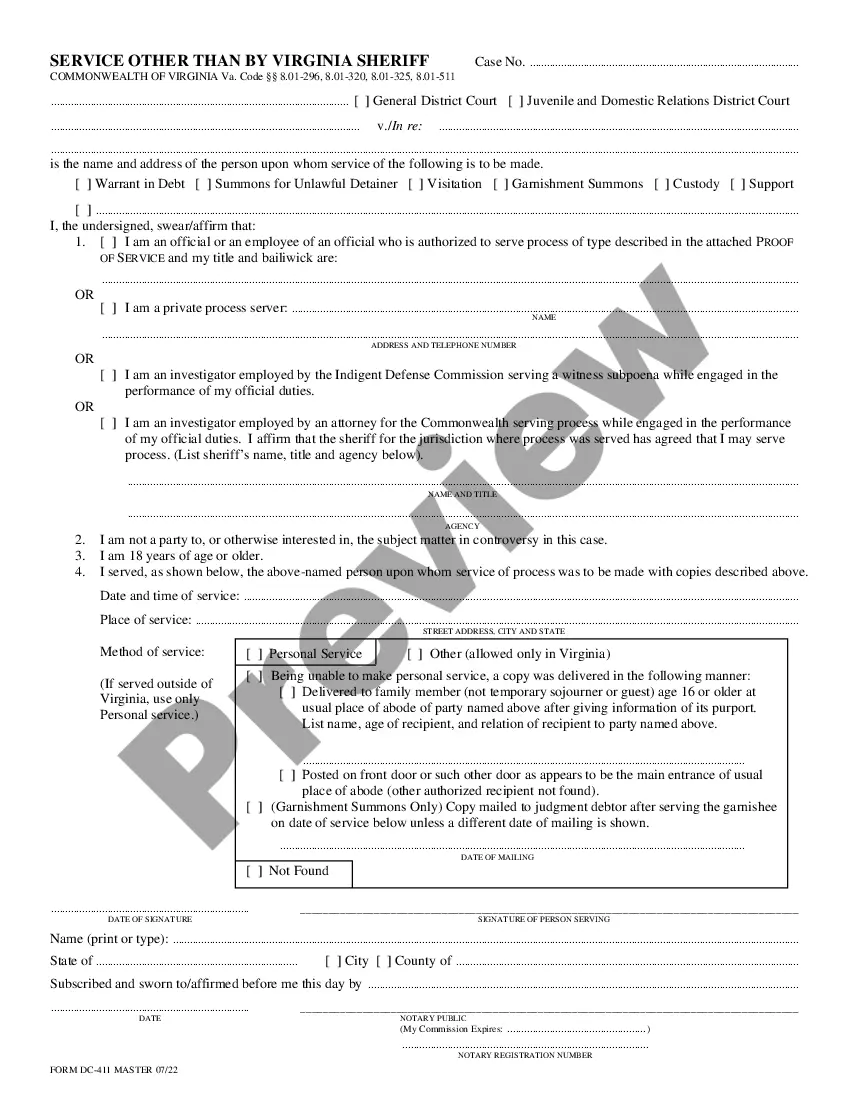
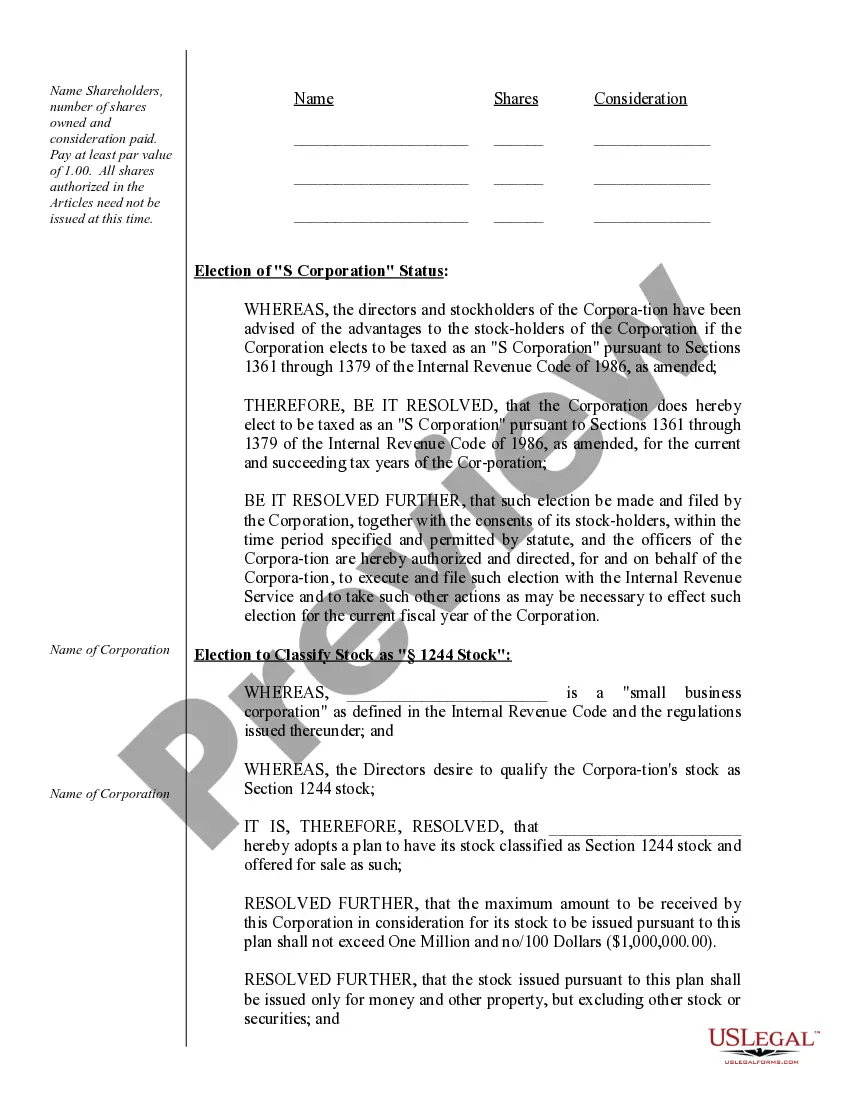
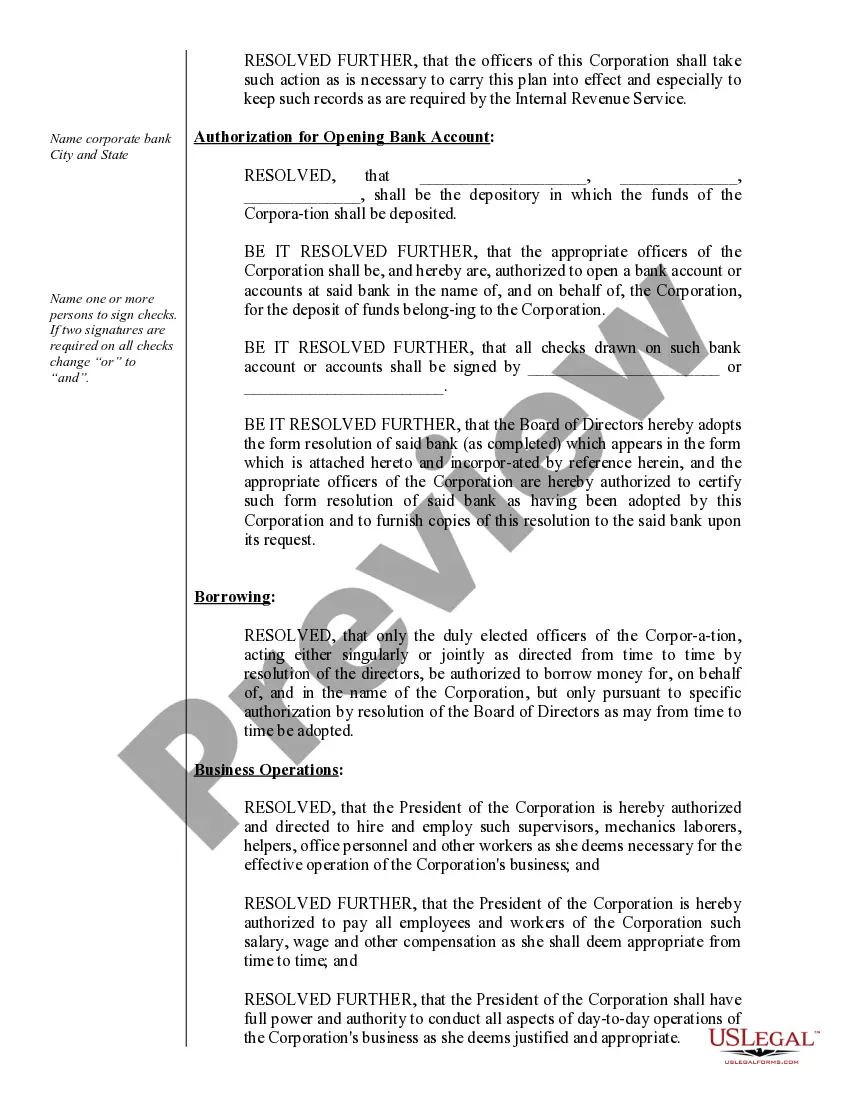
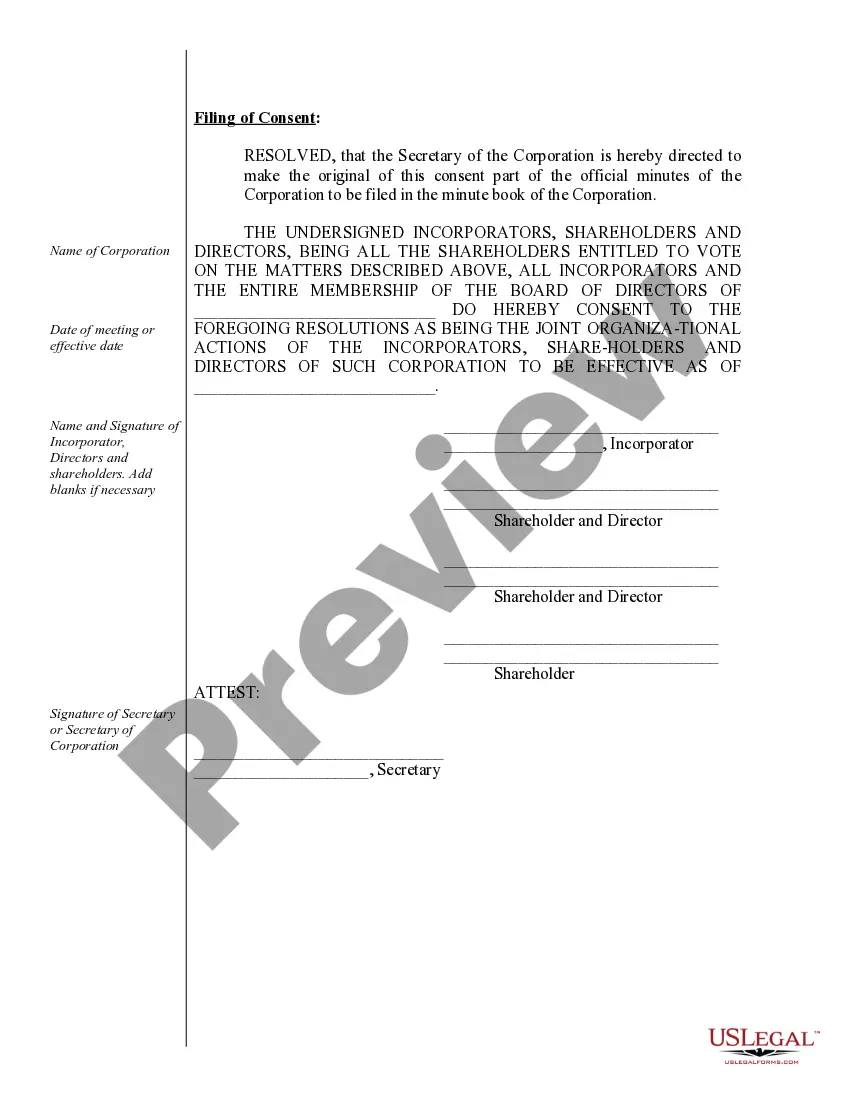
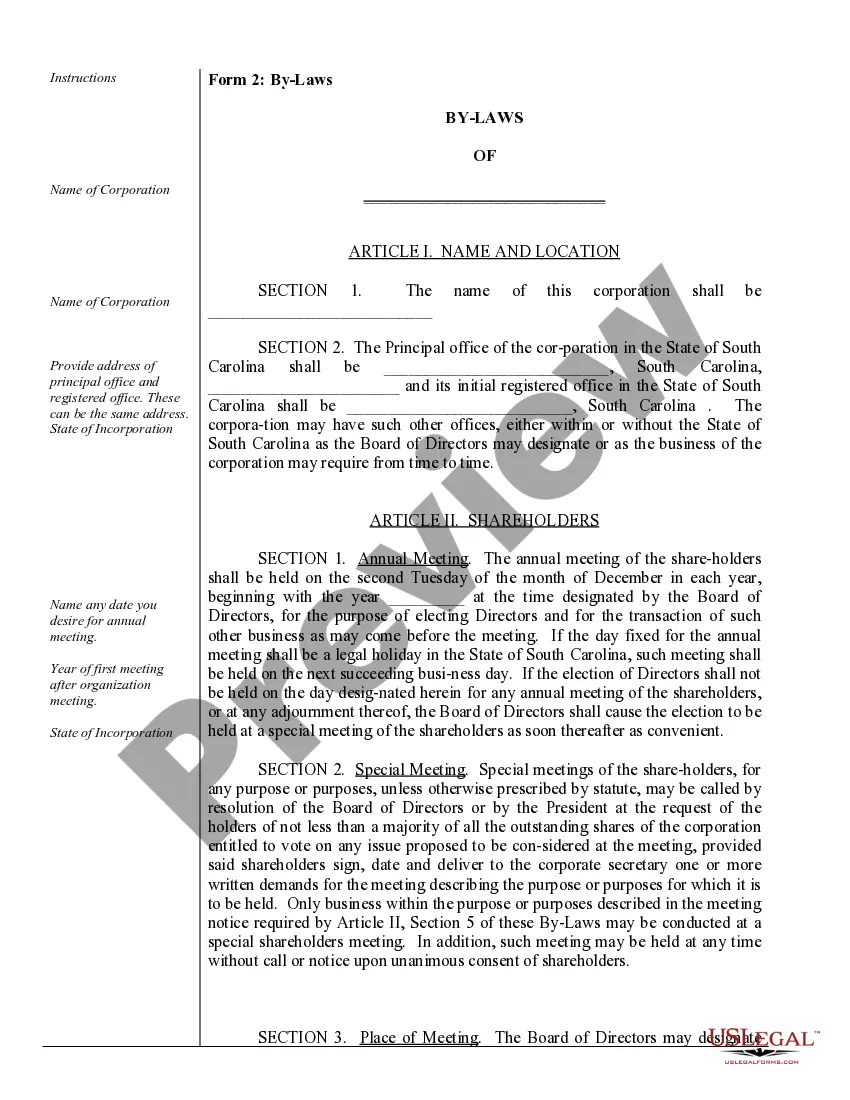
How to fill out South Carolina Corporate Records Maintenance Package For Existing Corporations?
Creating legal documents from the beginning can occasionally be daunting.
Certain situations may require extensive research and significant financial investment.
If you’re seeking a simpler and more economical method of generating Corporations In South Carolina or any other documents without unnecessary complications, US Legal Forms is always accessible.
Our online collection of more than 85,000 current legal papers covers nearly every facet of your financial, legal, and personal affairs.
Review the document preview and descriptions to confirm that you have located the document you need. Ensure that the form you select complies with your state and county's regulations and laws. Choose the most appropriate subscription plan to obtain the Corporations In South Carolina. Download the file, then complete, verify, and print it. US Legal Forms boasts a solid reputation and over 25 years of experience. Join us now and make form completion a straightforward and efficient process!
- With just a few clicks, you can quickly obtain state- and county-compliant documents meticulously prepared by our legal professionals.
- Utilize our website whenever you require dependable and trustworthy services to easily find and download the Corporations In South Carolina.
- If you’re familiar with our website and have previously created an account, simply Log In to your account, find the template, and download it or re-download it at any time via the My documents section.
- Don’t have an account? No worries. It takes minimal time to create it and browse the library.
- However, before diving straight into downloading Corporations In South Carolina, consider these suggestions.
Form popularity
FAQ
The state of South Carolina requires all corporations to file a South Carolina Corporation Income Tax Return ? which includes an annual report. Most LLCs won't need to file a tax return ? unless they're taxed as a C or S corp.
S Corporations are subject to an annual License Fee of . 1% of capital and paid-in-surplus, plus $15. The License Fee cannot be less than $25. Both the Income Tax and License Fee are reported on form SC1120S.
How to Form an S Corporation in South Carolina Step 1: Choose a name. ... Step 2: Appoint a registered agent. ... Step 3: Elect directors or managers. ... Step 4: File Articles of Incorporation/Organization with the South Carolina Secretary of State. ... Step 5: File Form 2553 to turn business into an S Corporation.
LLC's filing as a corporation must submit Form CL-1 to SCDOR within 60 days of conducting business in this state. Corporate returns must be filed as long as the corporation's charter or authority to do business is registered with South Carolina Secretary of State.
All business licenses expire on April 30th of each year. Typically, Business License Renewal Forms are mailed to business owners during April.