Ohio Unemployment File With The State
Description
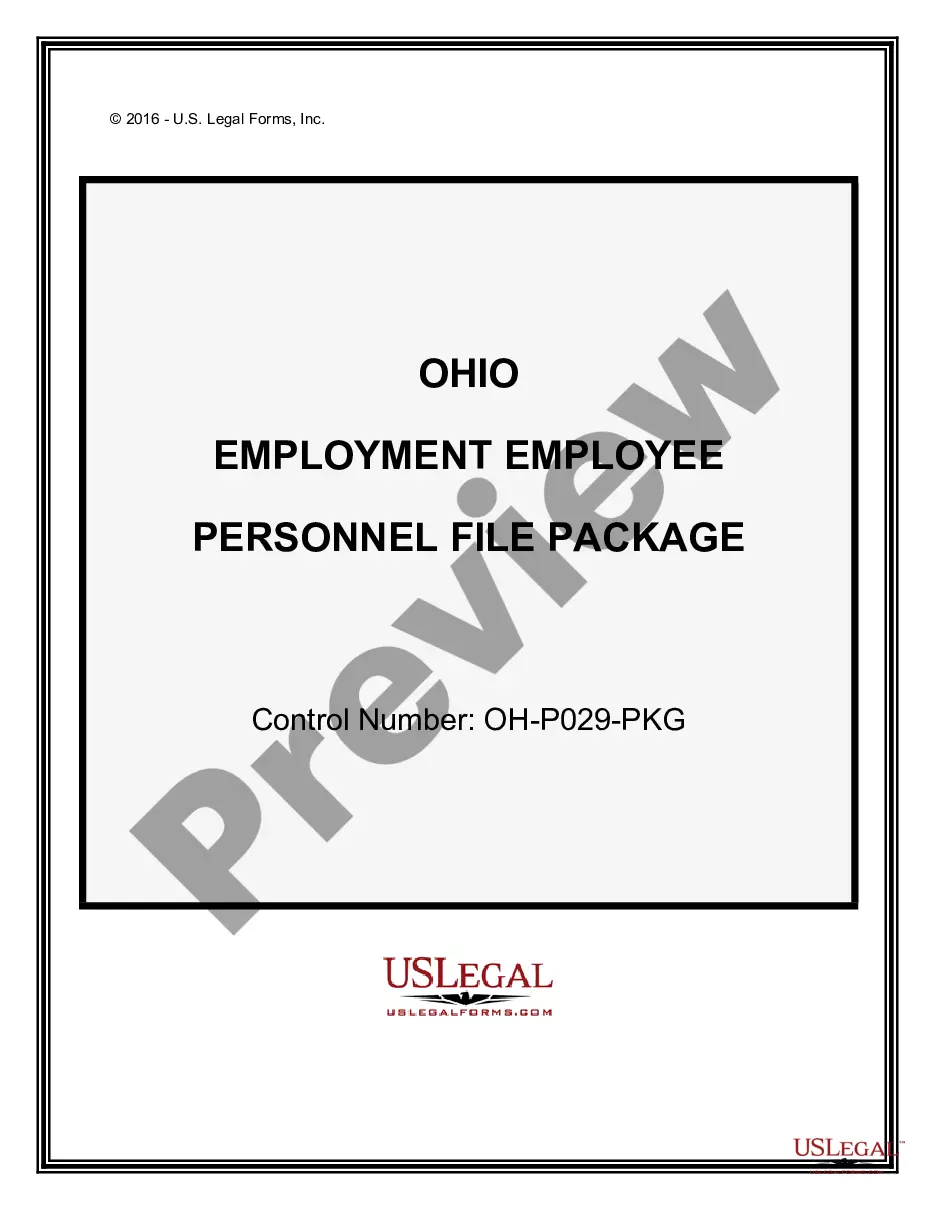
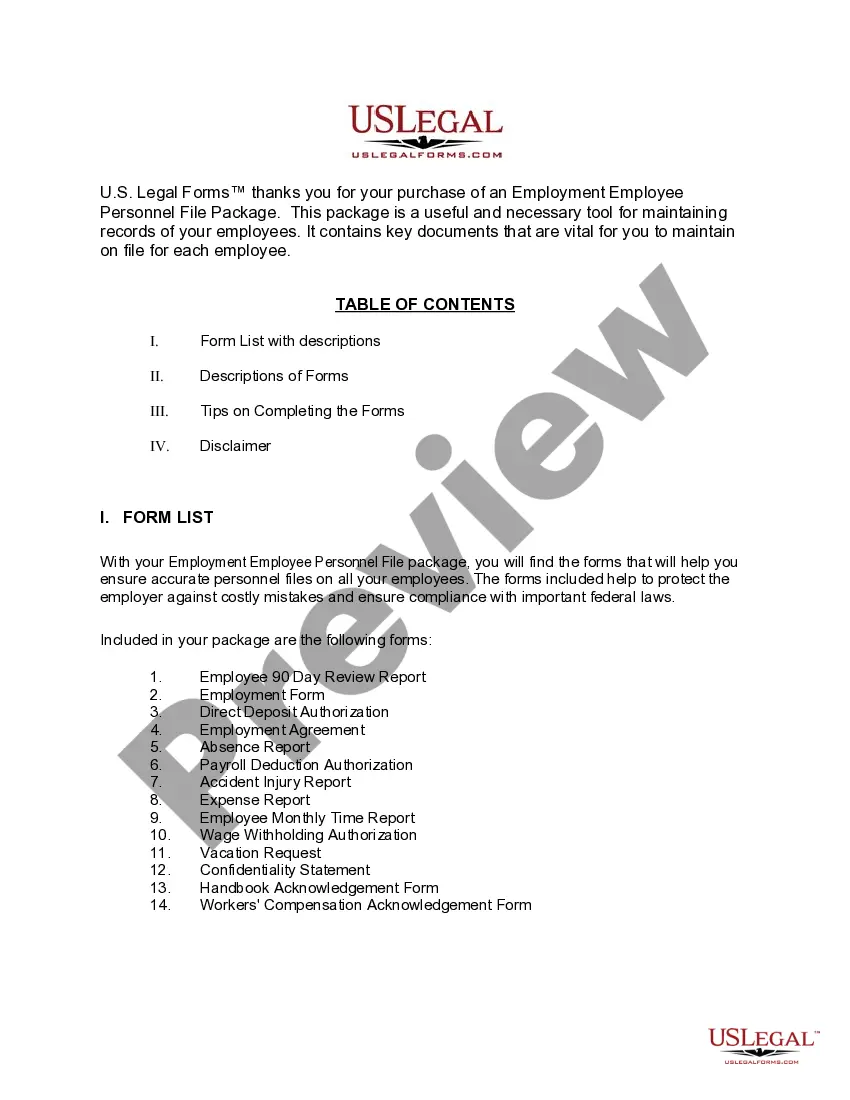
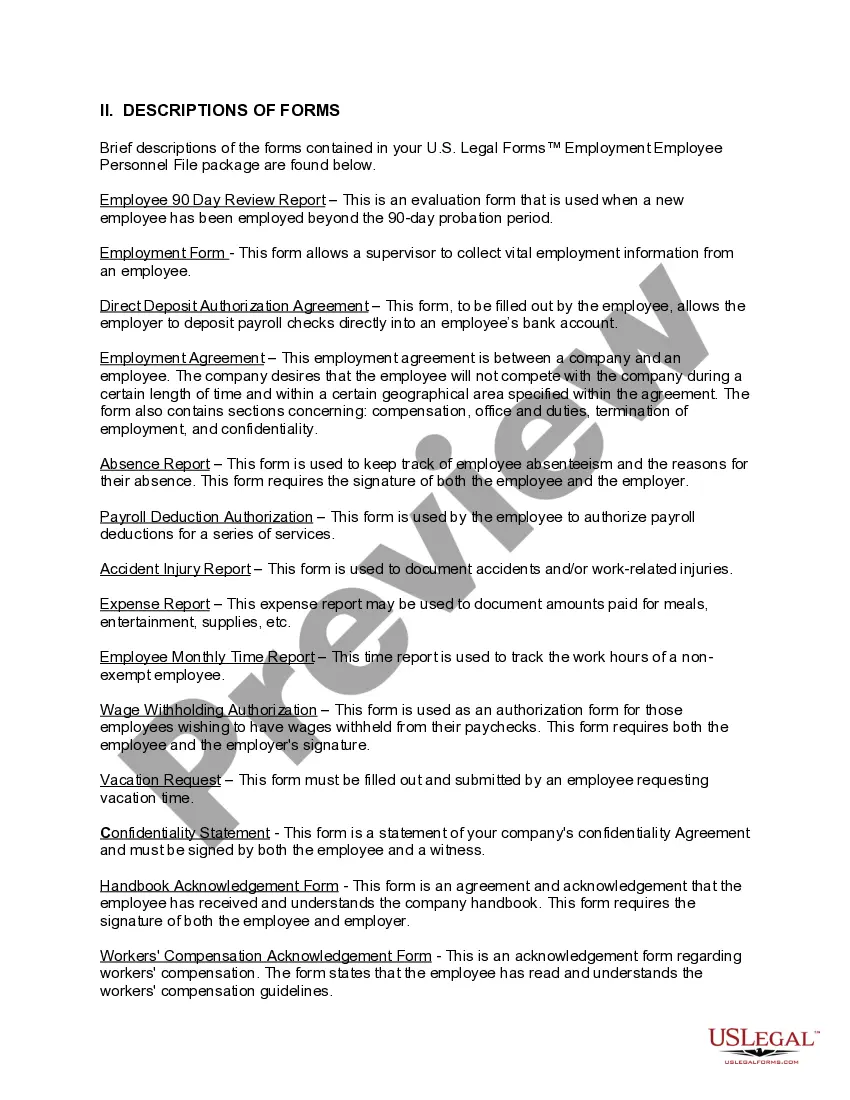
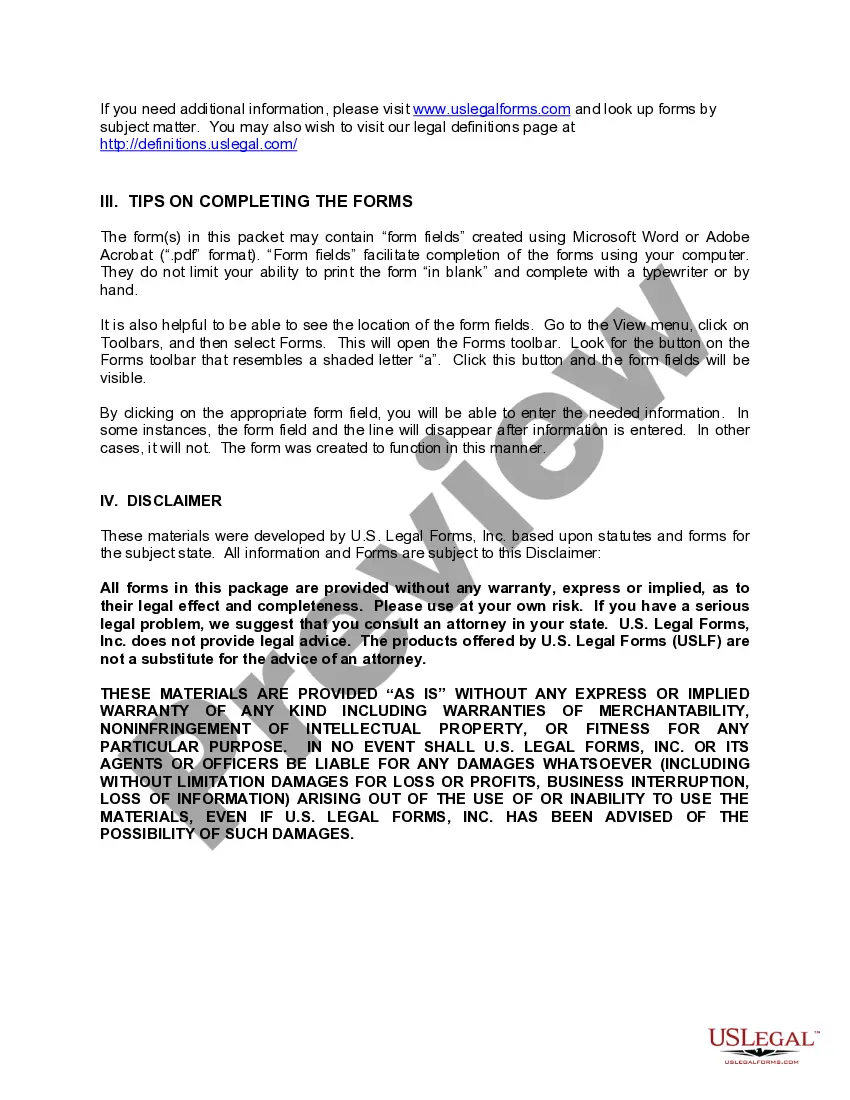


Get your form ready online
Our built-in tools help you complete, sign, share, and store your documents in one place.
Make edits, fill in missing information, and update formatting in US Legal Forms—just like you would in MS Word.
Download a copy, print it, send it by email, or mail it via USPS—whatever works best for your next step.
Sign and collect signatures with our SignNow integration. Send to multiple recipients, set reminders, and more. Go Premium to unlock E-Sign.
If this form requires notarization, complete it online through a secure video call—no need to meet a notary in person or wait for an appointment.
We protect your documents and personal data by following strict security and privacy standards.

Make edits, fill in missing information, and update formatting in US Legal Forms—just like you would in MS Word.

Download a copy, print it, send it by email, or mail it via USPS—whatever works best for your next step.

Sign and collect signatures with our SignNow integration. Send to multiple recipients, set reminders, and more. Go Premium to unlock E-Sign.

If this form requires notarization, complete it online through a secure video call—no need to meet a notary in person or wait for an appointment.

We protect your documents and personal data by following strict security and privacy standards.
Looking for another form?
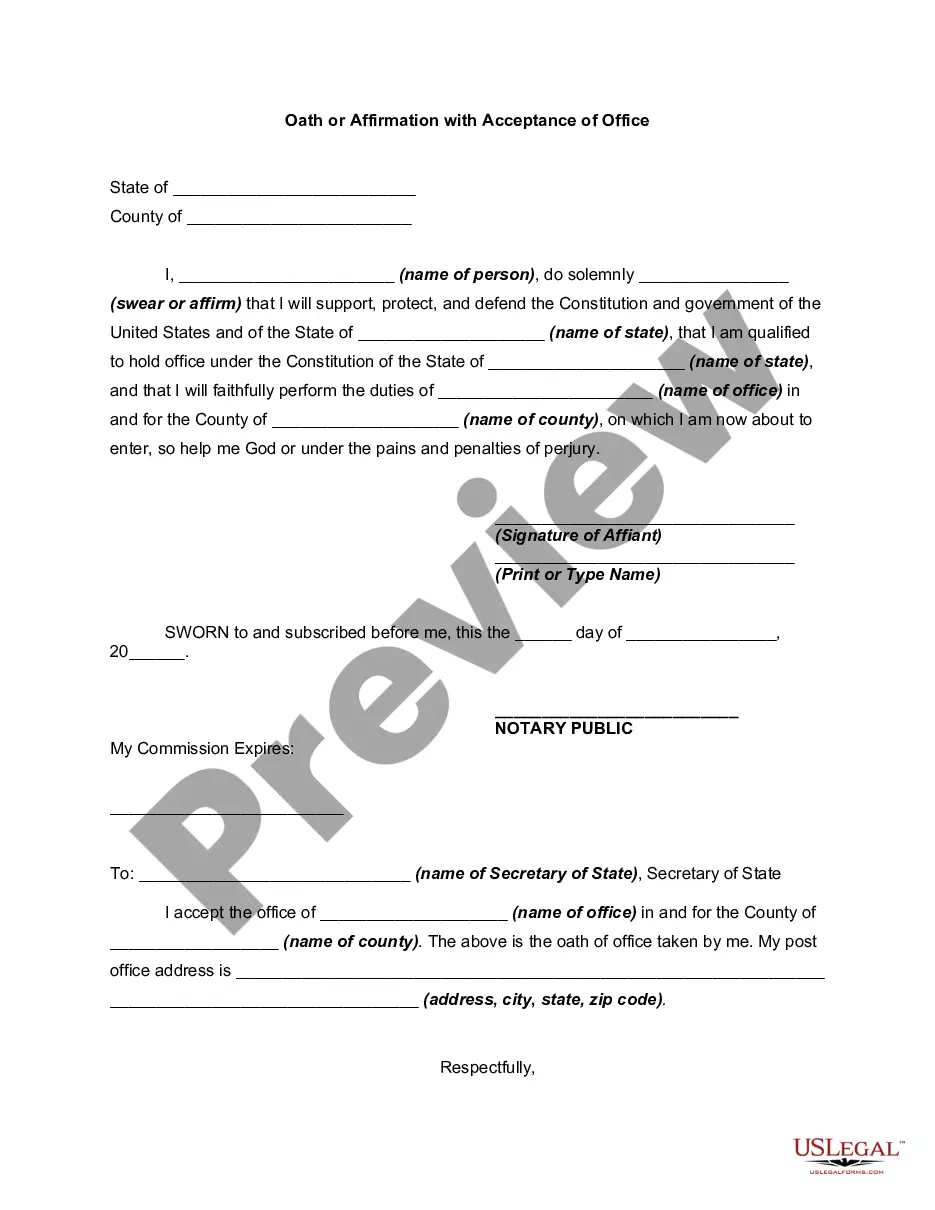
How to fill out Ohio Employment Employee Personnel File Package?
The Ohio Unemployment Document With The State displayed on this page is a versatile legal template crafted by experienced attorneys in accordance with federal and state statutes and regulations.
For over 25 years, US Legal Forms has offered individuals, organizations, and legal experts more than 85,000 validated, state-specific documents for all business and personal situations. It is the quickest, simplest, and most dependable method to acquire the forms you need, as the service ensures bank-level data protection and anti-malware safeguards.
Register for US Legal Forms to have certified legal templates for all of life's situations at your fingertips.
- Search for the document you require and examine it.
- Browse through the sample you found and preview it or read the form description to ensure it meets your needs. If it does not, use the search option to locate the appropriate one. Click Buy Now when you have identified the template you require.
- Subscribe and Log In.
- Select the pricing plan that fits you and create an account. Utilize PayPal or a credit card to make a quick payment. If you already possess an account, Log In and verify your subscription to proceed.
- Obtain the editable template.
- Select the format you prefer for your Ohio Unemployment Document With The State (PDF, Word, RTF) and store the sample on your device.
- Complete and sign the document.
- Print the template to fill it out manually. Alternatively, use an online multifunctional PDF editor to swiftly and accurately complete and sign your form with an electronic signature.
- Re-download your files as needed.
- Utilize the same document again whenever required. Access the My documents tab in your profile to redownload any previously purchased forms.
Form popularity
FAQ
To file for unemployment in Ohio, begin by checking your eligibility on the Ohio Department of Job and Family Services website. Next, collect all necessary documents such as your ID, employment records, and previous earnings. Complete your application online or by phone, paying attention to all instructions provided. For a smoother process, consider utilizing USLegalForms to streamline your Ohio unemployment file with the state, ensuring you follow each step accurately.
When answering weekly claim questions for Ohio unemployment, be truthful and precise about your job search and employment status. Review each question carefully before submitting your answers, as incorrect information can delay your benefits. Make sure you understand what the questions are asking to provide complete responses. Using USLegalForms can help you prepare and organize your answers effectively for your Ohio unemployment file with the state.
To fill out your Ohio unemployment claim, start by gathering your personal information, including your Social Security number and employment history. Visit the official Ohio unemployment website to access the online application. Follow the prompts carefully to ensure you accurately complete all sections. If you encounter any difficulties, consider using USLegalForms as a resource to help guide you through the Ohio unemployment file with the state.
Once you submit your Ohio unemployment file with the state, the approval process usually takes around 21 days. However, if there are any discrepancies or additional information needed, this could extend the timeline. Regularly check the status of your application through the Ohio Department of Job and Family Services website. Staying informed will help you manage your expectations and plan accordingly.
The best way to file for unemployment in Ohio is through the state’s official online portal. Here, you can easily complete your Ohio unemployment file with the state, ensuring that your application is processed quickly. You can also file by phone if internet access is limited, but online filing is generally more efficient. Always check the required documents first to avoid delays.
After you complete the Ohio unemployment file with the state, it typically takes about two to three weeks to receive your benefits. This timeline can vary depending on the volume of applications and any issues that may arise during processing. To ensure a smooth experience, provide all required documentation and information promptly. This will help you get your benefits as soon as possible.
- Log in to your account at unemployment.ohio.gov to file weekly claims. - For a step-by-step guide to filing your weekly claims online, click here. - If you are prompted to enter work?search activities, enter ?COVID?19,? as you are not required to actively seek employment during the pandemic.
If you don't have access to a computer, you can apply by phone by calling 877-644-6562. Call center hours have been extended to Monday through Friday 7 a.m. to 7 p.m., Saturdays 9 a.m. to 5 p.m., and Sundays 9 a.m. to 1 p.m. for both applications and PIN resets.
Your weekly benefit amount is computed at 50% of your average weekly wage during your base period. However, in no case may the weekly benefit amount exceed the state's annually established maximums. The maximum levels are based on the statewide average weekly wage and the number of dependents claimed.
Apply Online Applying online is the quickest way to start receiving unemployment benefits. To apply online, go to unemployment.ohio.gov and follow the steps listed below. If you don't have access to a computer, you can apply by calling 1-877-644-6562. Call center hours are 8 a.m. to 5 p.m. Monday through Friday.