New York Corporate Ny Without
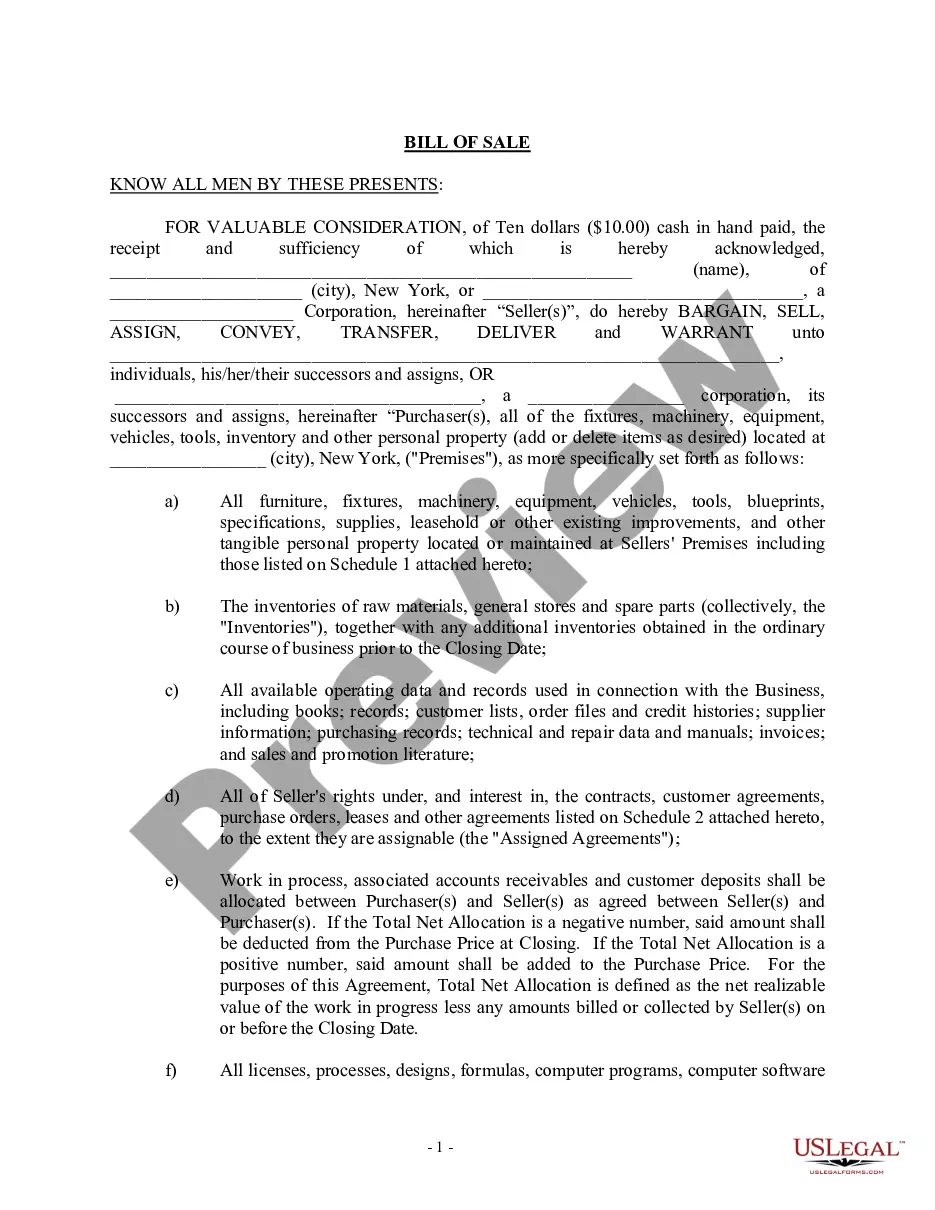
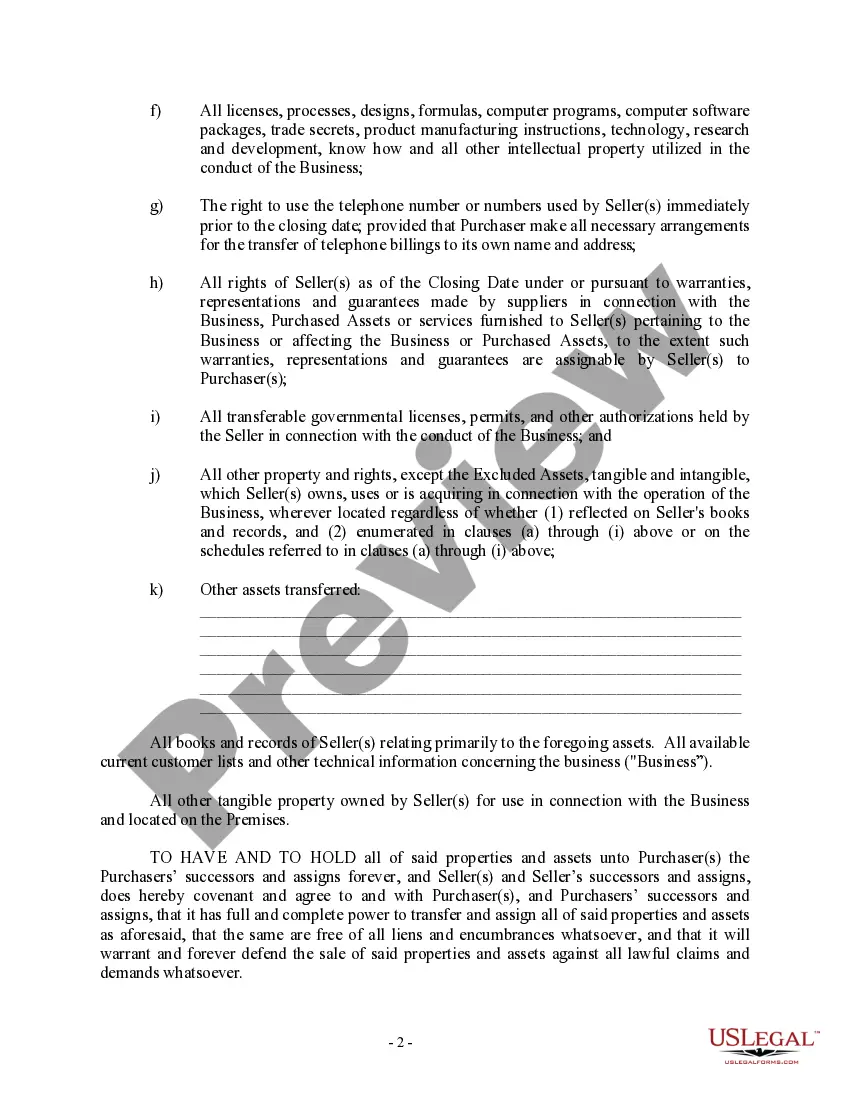
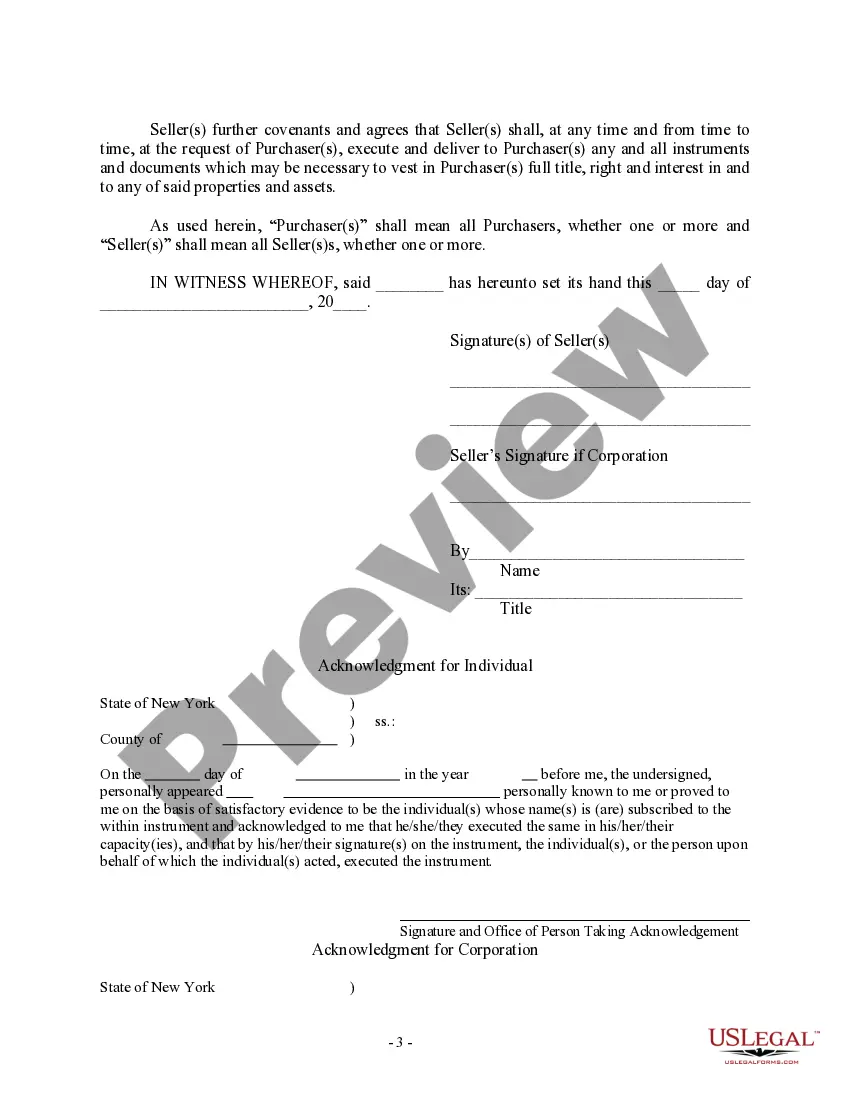
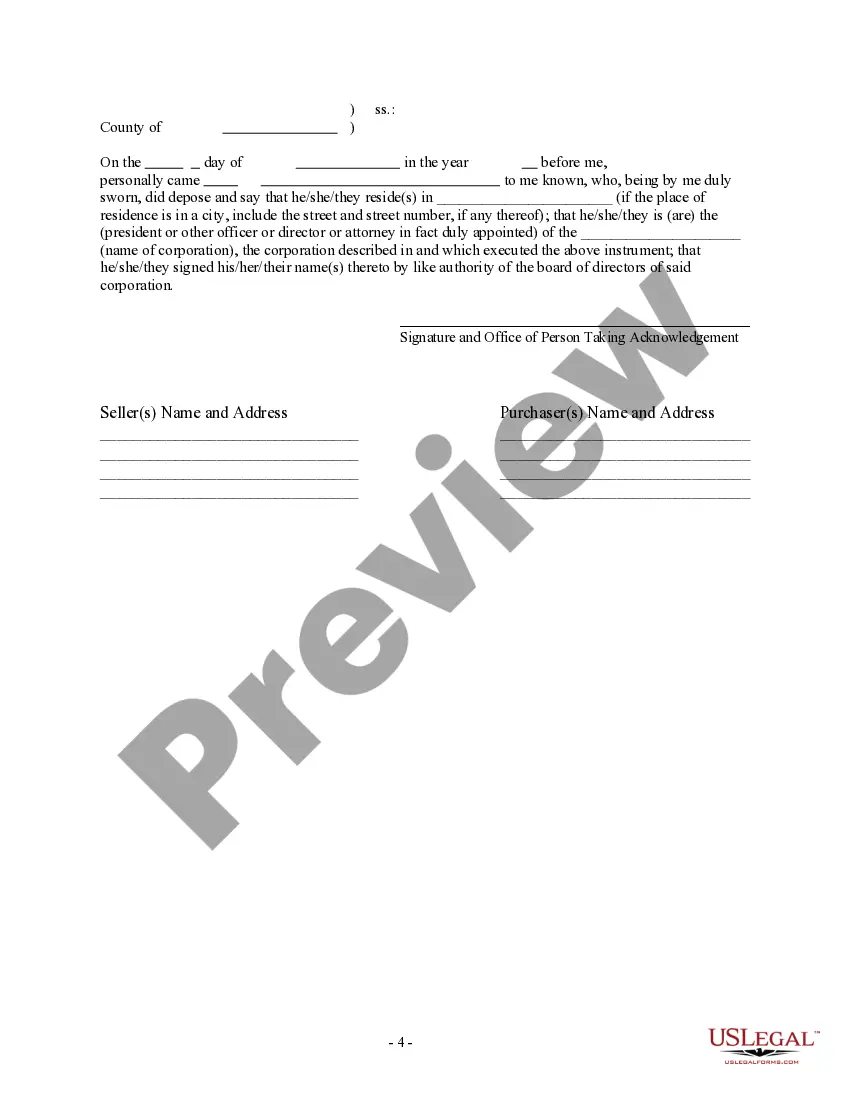
Description

Get your form ready online
Our built-in tools help you complete, sign, share, and store your documents in one place.
Make edits, fill in missing information, and update formatting in US Legal Forms—just like you would in MS Word.
Download a copy, print it, send it by email, or mail it via USPS—whatever works best for your next step.
Sign and collect signatures with our SignNow integration. Send to multiple recipients, set reminders, and more. Go Premium to unlock E-Sign.
If this form requires notarization, complete it online through a secure video call—no need to meet a notary in person or wait for an appointment.
We protect your documents and personal data by following strict security and privacy standards.

Make edits, fill in missing information, and update formatting in US Legal Forms—just like you would in MS Word.

Download a copy, print it, send it by email, or mail it via USPS—whatever works best for your next step.

Sign and collect signatures with our SignNow integration. Send to multiple recipients, set reminders, and more. Go Premium to unlock E-Sign.

If this form requires notarization, complete it online through a secure video call—no need to meet a notary in person or wait for an appointment.

We protect your documents and personal data by following strict security and privacy standards.
Looking for another form?



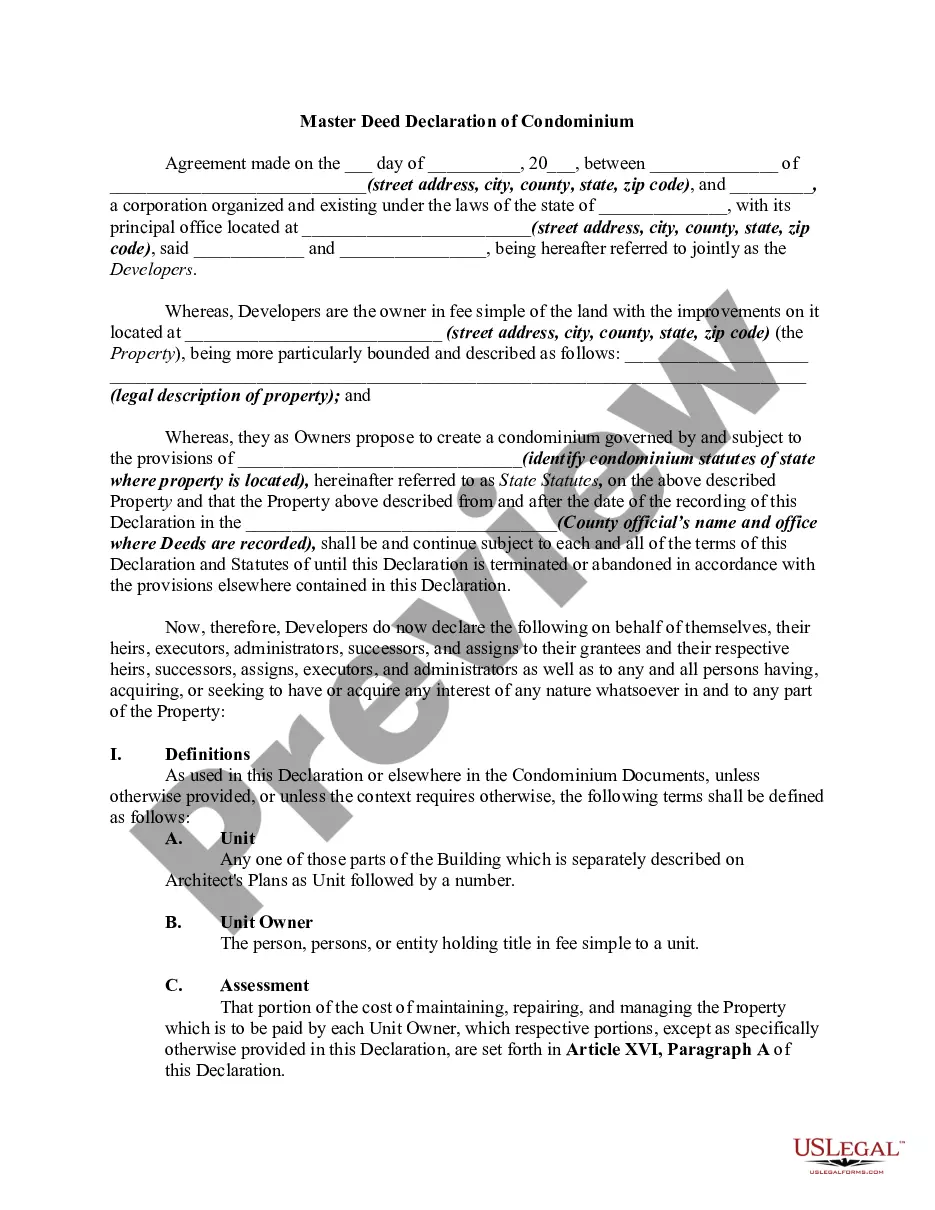

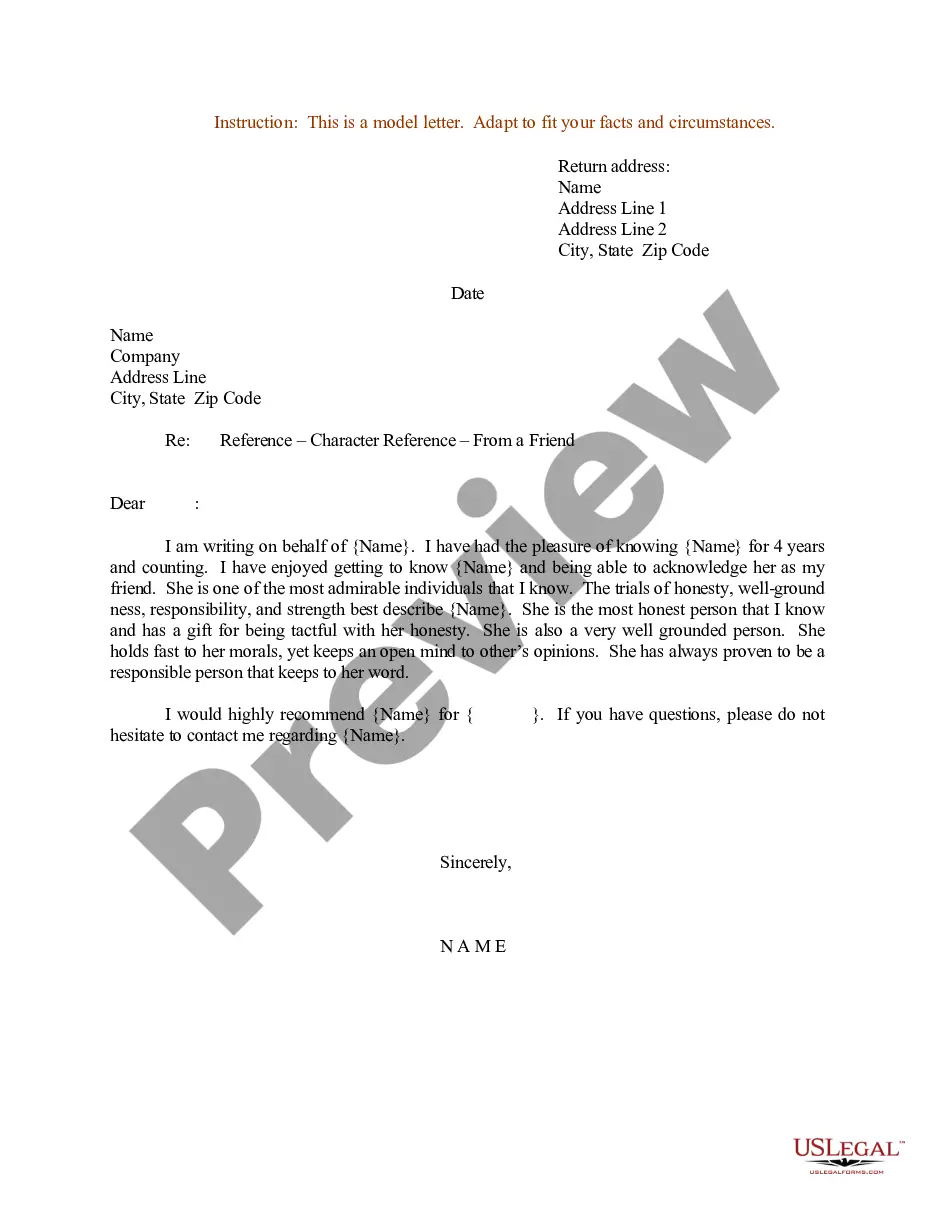
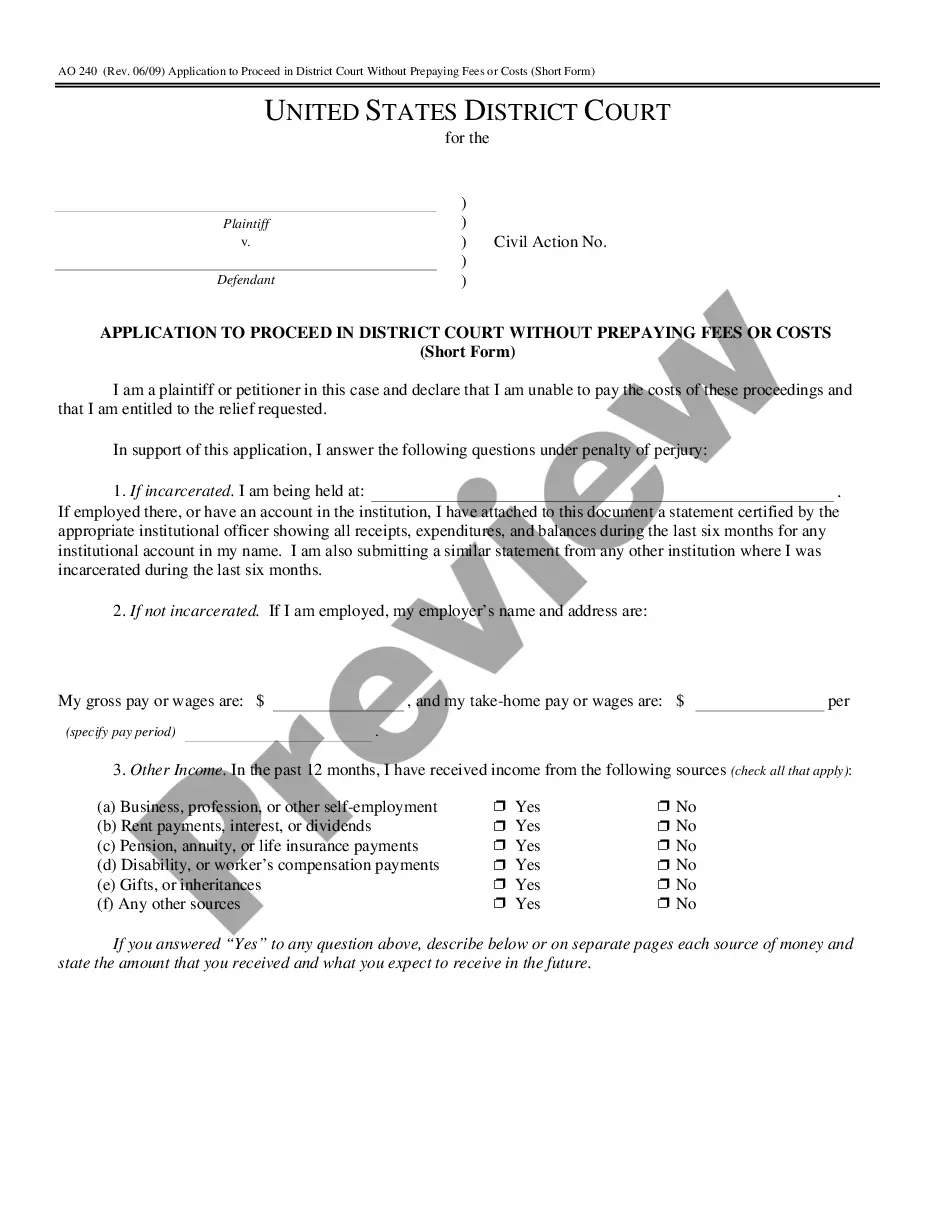
How to fill out New York Bill Of Sale In Connection With Sale Of Business By Individual Or Corporate Seller?
Utilizing legal templates that comply with federal and state regulations is essential, and the internet provides numerous choices to select from.
However, what is the benefit of expending time locating the properly drafted New York Corporate Ny Without template online when the US Legal Forms digital library has already gathered such templates in one location.
US Legal Forms is the largest online legal repository with over 85,000 fillable templates created by attorneys for any business and personal situation.
Review the template using the Preview feature or through the text outline to ensure it meets your requirements. 2. Search for another sample using the search tool at the top of the page if necessary. 3. Click Buy Now when you’ve located the correct form and select a subscription plan. 4. Create an account or Log In and process a payment using PayPal or a credit card. 5. Choose the preferred format for your New York Corporate Ny Without and download it. All documents you discover through US Legal Forms are reusable. To re-download and complete previously acquired forms, access the My documents section in your account. Take advantage of the most comprehensive and user-friendly legal paperwork service!
- They are easy to navigate with all documents categorized by state and intended use.
- Our specialists stay informed on legislative changes, ensuring that you can always trust your form is current and compliant when obtaining a New York Corporate Ny Without from our site.
- Acquiring a New York Corporate Ny Without is straightforward and quick for both existing and new users.
- If you already possess an account with an active subscription, Log In and download the document sample you require in the appropriate format.
- If you are a newcomer to our site, follow the guidelines below.
Form popularity
FAQ
Corporations that do business, employ capital, or own or lease property, or maintain an office in the city in a corporate or organized capacity must pay this tax.
Name Availability Search The County Clerk's office will conduct a search on its system at the time of the filing to check the availability of the name. You can also search all New York businesses to see if your intended name is already in use by searching the State's Corporation and Business Entity Database.
How to Form a Corporation in New York Choose a Corporate Name. ... File Certificate of Incorporation. ... Appoint a Registered Agent. ... Prepare Corporate Bylaws. ... Appoint Directors and Hold First Board Meeting. ... Issue Stock. ... File New York Biennial Statement. ... Comply With Other Tax and Regulatory Requirements.
The filing period for a business corporation or LLC is the calendar month in which its original Certificate of Incorporation, Articles of Organization or Application for Authority was filed with the New York Department of State. The Biennial Statement must be filed every two years.
Domestic and foreign business corporations are required by Section 408 of the Business Corporation Law to file a Biennial Statement every two years with the New York Department of State.