Mi Estate Individual For Mac
Description

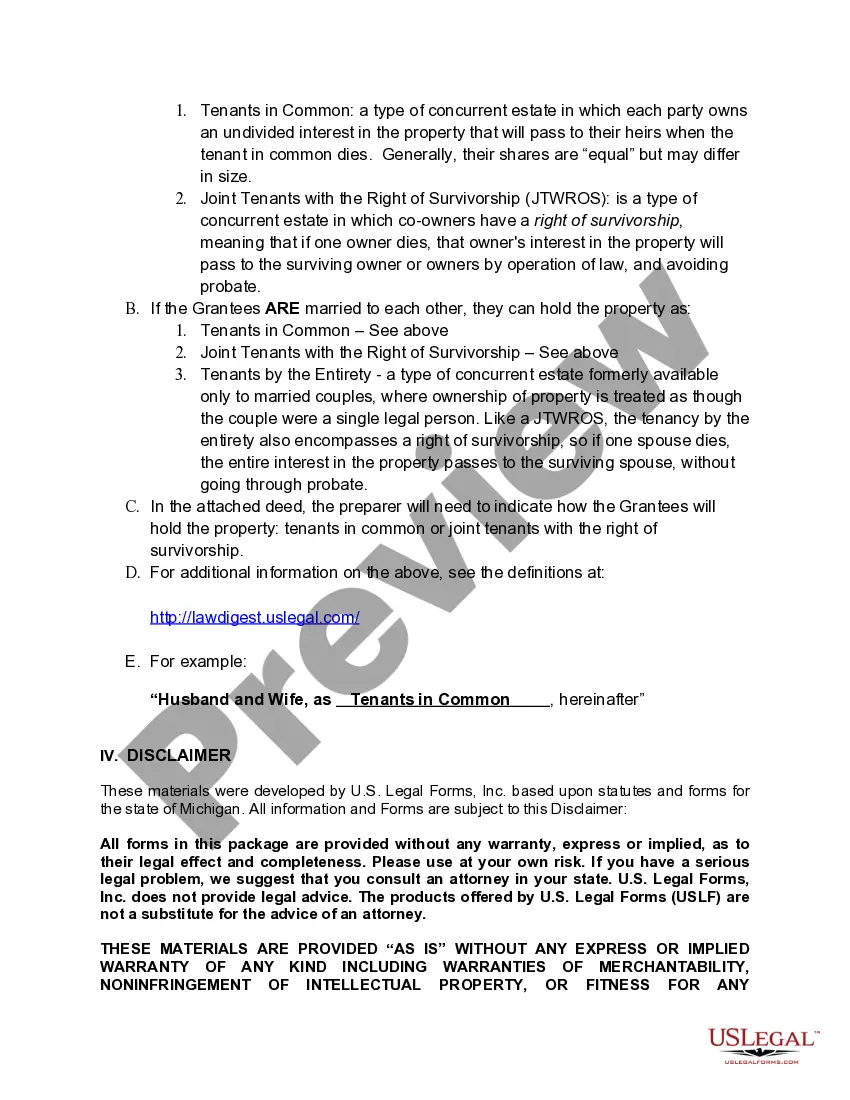

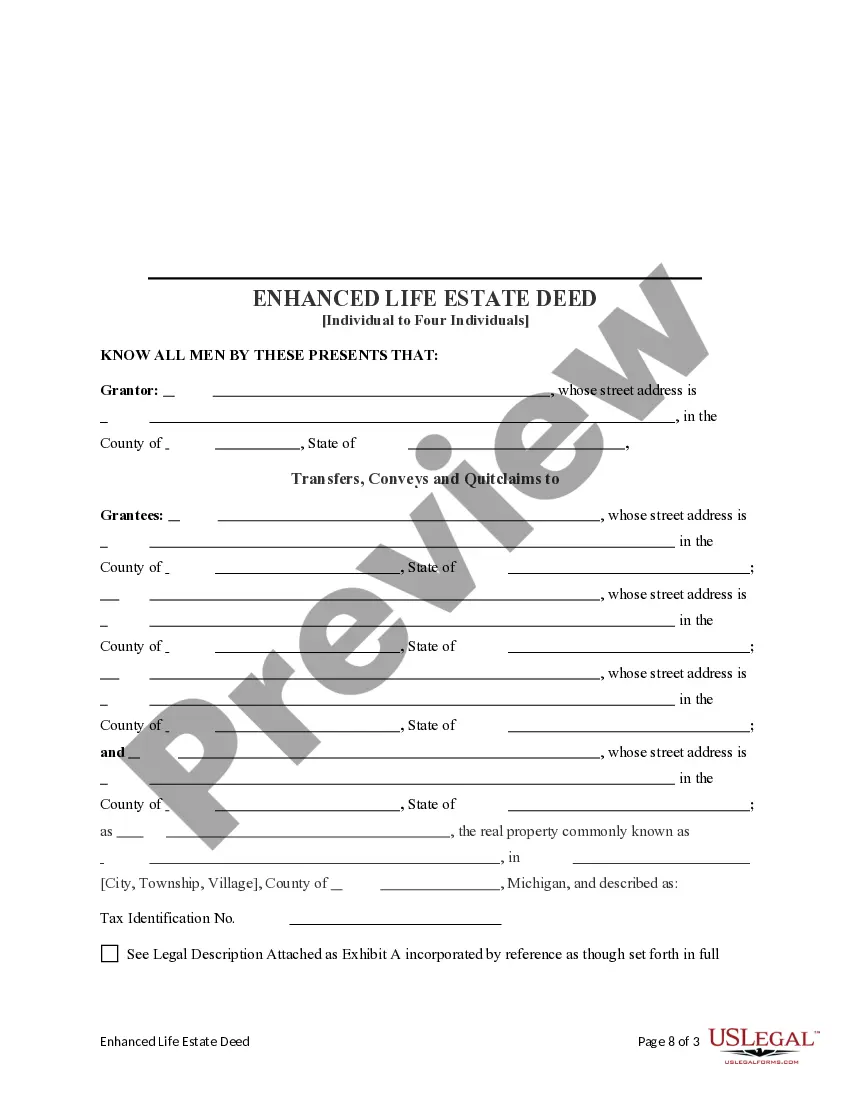
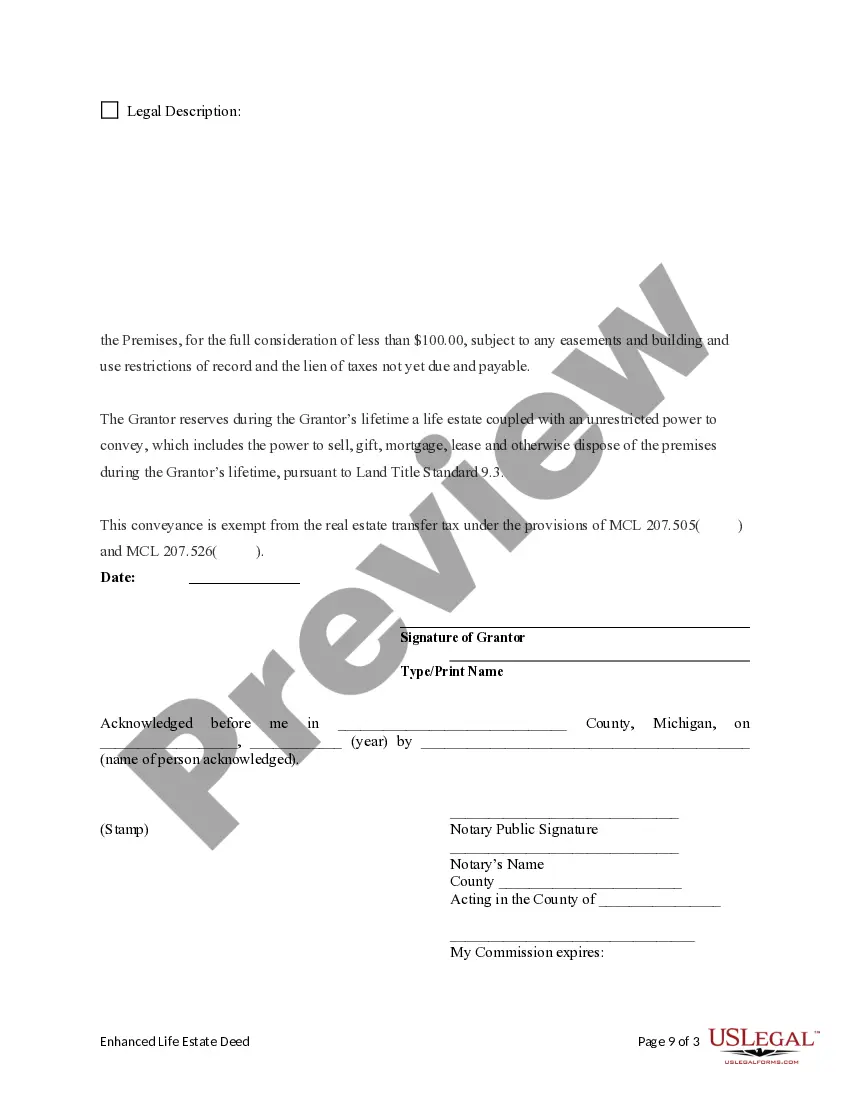
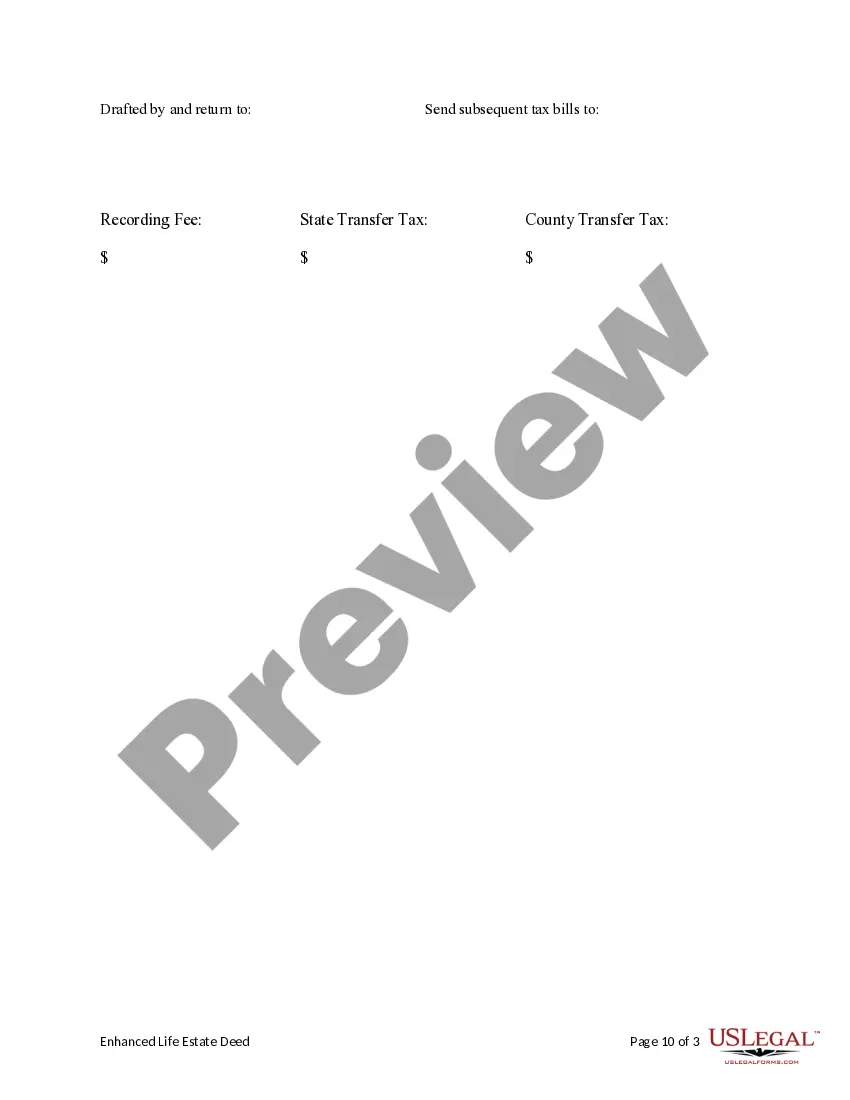



Get your form ready online
Our built-in tools help you complete, sign, share, and store your documents in one place.
Make edits, fill in missing information, and update formatting in US Legal Forms—just like you would in MS Word.
Download a copy, print it, send it by email, or mail it via USPS—whatever works best for your next step.
Sign and collect signatures with our SignNow integration. Send to multiple recipients, set reminders, and more. Go Premium to unlock E-Sign.
If this form requires notarization, complete it online through a secure video call—no need to meet a notary in person or wait for an appointment.
We protect your documents and personal data by following strict security and privacy standards.

Make edits, fill in missing information, and update formatting in US Legal Forms—just like you would in MS Word.

Download a copy, print it, send it by email, or mail it via USPS—whatever works best for your next step.

Sign and collect signatures with our SignNow integration. Send to multiple recipients, set reminders, and more. Go Premium to unlock E-Sign.

If this form requires notarization, complete it online through a secure video call—no need to meet a notary in person or wait for an appointment.

We protect your documents and personal data by following strict security and privacy standards.
Looking for another form?







How to fill out Michigan Enhanced Life Estate Or Lady Bird Deed - Individual To Four Individuals?
Securing a reliable resource for the latest and pertinent legal templates represents a significant portion of managing bureaucracy.
Identifying the appropriate legal documents requires accuracy and meticulousness, underscoring the necessity of sourcing Mi Estate Individual For Mac exclusively from reputable providers, such as US Legal Forms.
Eliminate the hassles associated with your legal paperwork. Navigate the comprehensive US Legal Forms catalog to discover legal templates, assess their suitability for your circumstances, and instantly download them.
- Employ the library navigation or search bar to find your template.
- Access the form’s details to verify if it complies with the standards of your state and locality.
- Preview the form, if an option, to ensure the template meets your expectations.
- Return to the search to locate the correct template if the Mi Estate Individual For Mac does not fulfill your needs.
- Once you are confident about the form’s applicability, download it.
- If you possess a registered account, click Log in to verify your identity and access your selected templates in My documents.
- If you are not yet a user, click Buy now to obtain the form.
- Select the payment plan that aligns with your needs.
- Continue to the registration process to finalize your purchase.
- Complete your transaction by selecting a payment method (credit card or PayPal).
- Choose the document format for downloading Mi Estate Individual For Mac.
- After acquiring the form on your device, you can edit it using the editor or print it out to fill it out by hand.
Form popularity
FAQ
1 Convert User to Administrator Choose Apple menu > System Preferences. Click Users & Groups. Click the lock icon to unlock it, then enter an administrator name and password. Select a standard user or managed user in the list of users, then select ?Allow user to administer this computer.?
You can create a new administrator account by restarting the Setup Assistant: Boot into Single User Mode: Start/restart your Mac. As soon as you hear the startup tone, press and hold ? + S until you see a black screen with white lettering.
To create a new spreadsheet from scratch, double-click the Blank template. Do any of the following: Add your own headers and data to a table: Select a table cell, then type. Add other tables, text boxes, shapes, and images: Click object buttons in the toolbar.
Administrator: An administrator can add and manage other users, apps, and change settings. The new user you create when you first set up your Mac is an administrator. Your Mac can have multiple administrators. You can create new ones, and convert standard users to administrators.
Add a user On your Mac, choose Apple menu > System Settings, then click Users & Groups in the sidebar. ... Click the Add User button below the list of users on the right (you may be asked to enter your password.) Click the New User pop-up menu, then choose a type of user. ... Enter a full name for the new user.