Domestic Scheduling Order For The Court
Description

Get your form ready online
Our built-in tools help you complete, sign, share, and store your documents in one place.
Make edits, fill in missing information, and update formatting in US Legal Forms—just like you would in MS Word.
Download a copy, print it, send it by email, or mail it via USPS—whatever works best for your next step.
Sign and collect signatures with our SignNow integration. Send to multiple recipients, set reminders, and more. Go Premium to unlock E-Sign.
If this form requires notarization, complete it online through a secure video call—no need to meet a notary in person or wait for an appointment.
We protect your documents and personal data by following strict security and privacy standards.

Make edits, fill in missing information, and update formatting in US Legal Forms—just like you would in MS Word.

Download a copy, print it, send it by email, or mail it via USPS—whatever works best for your next step.

Sign and collect signatures with our SignNow integration. Send to multiple recipients, set reminders, and more. Go Premium to unlock E-Sign.

If this form requires notarization, complete it online through a secure video call—no need to meet a notary in person or wait for an appointment.

We protect your documents and personal data by following strict security and privacy standards.
Looking for another form?
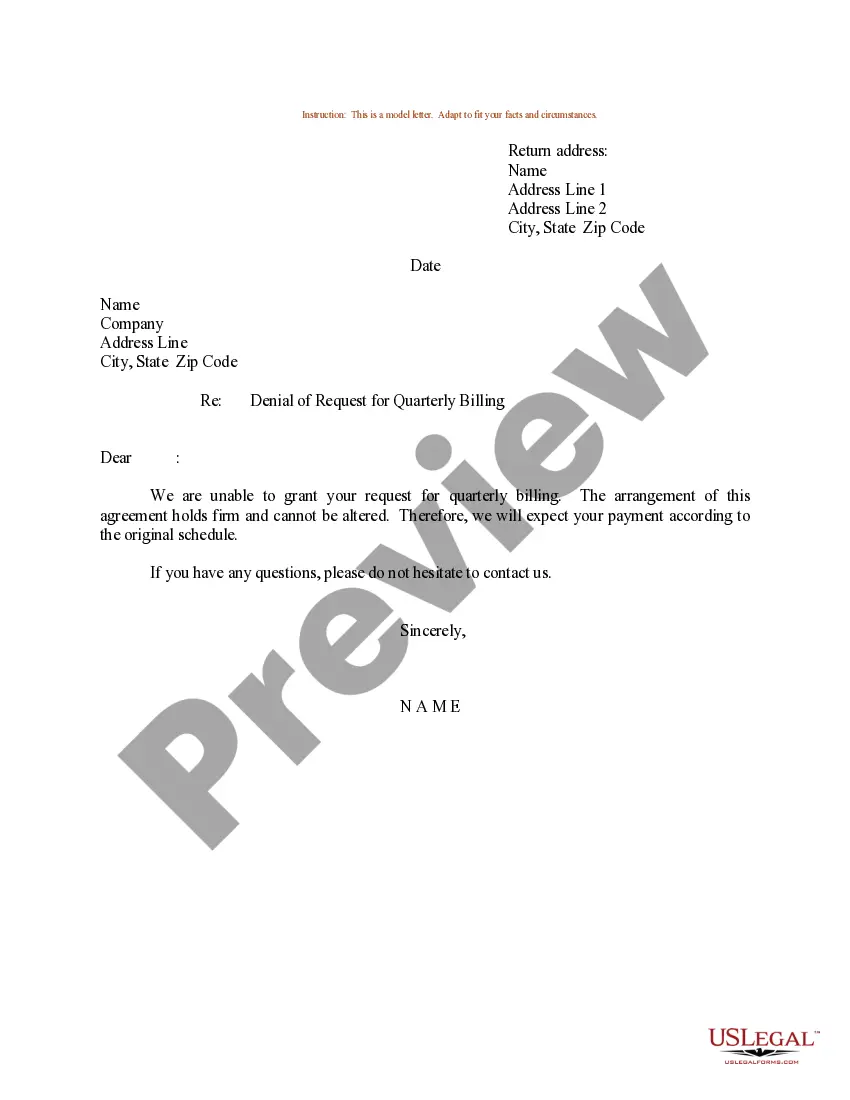

How to fill out Michigan Domestic Relations - Scheduling Conference Order?
Legal papers managing may be overpowering, even for the most knowledgeable specialists. When you are searching for a Domestic Scheduling Order For The Court and don’t get the a chance to commit looking for the right and updated version, the processes could be demanding. A robust online form library might be a gamechanger for everyone who wants to manage these situations efficiently. US Legal Forms is a market leader in online legal forms, with more than 85,000 state-specific legal forms available to you at any time.
With US Legal Forms, you are able to:
- Access state- or county-specific legal and organization forms. US Legal Forms covers any requirements you may have, from individual to business papers, in one location.
- Make use of innovative resources to accomplish and manage your Domestic Scheduling Order For The Court
- Access a useful resource base of articles, instructions and handbooks and resources relevant to your situation and requirements
Save time and effort looking for the papers you need, and make use of US Legal Forms’ advanced search and Review feature to discover Domestic Scheduling Order For The Court and acquire it. In case you have a subscription, log in to the US Legal Forms account, search for the form, and acquire it. Review your My Forms tab to see the papers you previously downloaded as well as manage your folders as you can see fit.
Should it be the first time with US Legal Forms, make a free account and obtain unrestricted usage of all benefits of the platform. Here are the steps to take after getting the form you need:
- Verify it is the correct form by previewing it and reading its information.
- Ensure that the sample is approved in your state or county.
- Choose Buy Now when you are all set.
- Select a monthly subscription plan.
- Find the format you need, and Download, complete, sign, print out and send your papers.
Benefit from the US Legal Forms online library, backed with 25 years of experience and reliability. Transform your everyday papers management in to a easy and intuitive process right now.
Form popularity
FAQ
After you have filed the Joint 26(f) Report, you will receive a document from the Court called a ?Scheduling Order.? This document is extremely important because it lists many deadlines for your case, including discovery deadlines, motion deadlines, and deadlines for required pre-trial documents.
A scheduling order is an order issued by a Judge before trial that sets deadlines on when certain events in a case must occur.
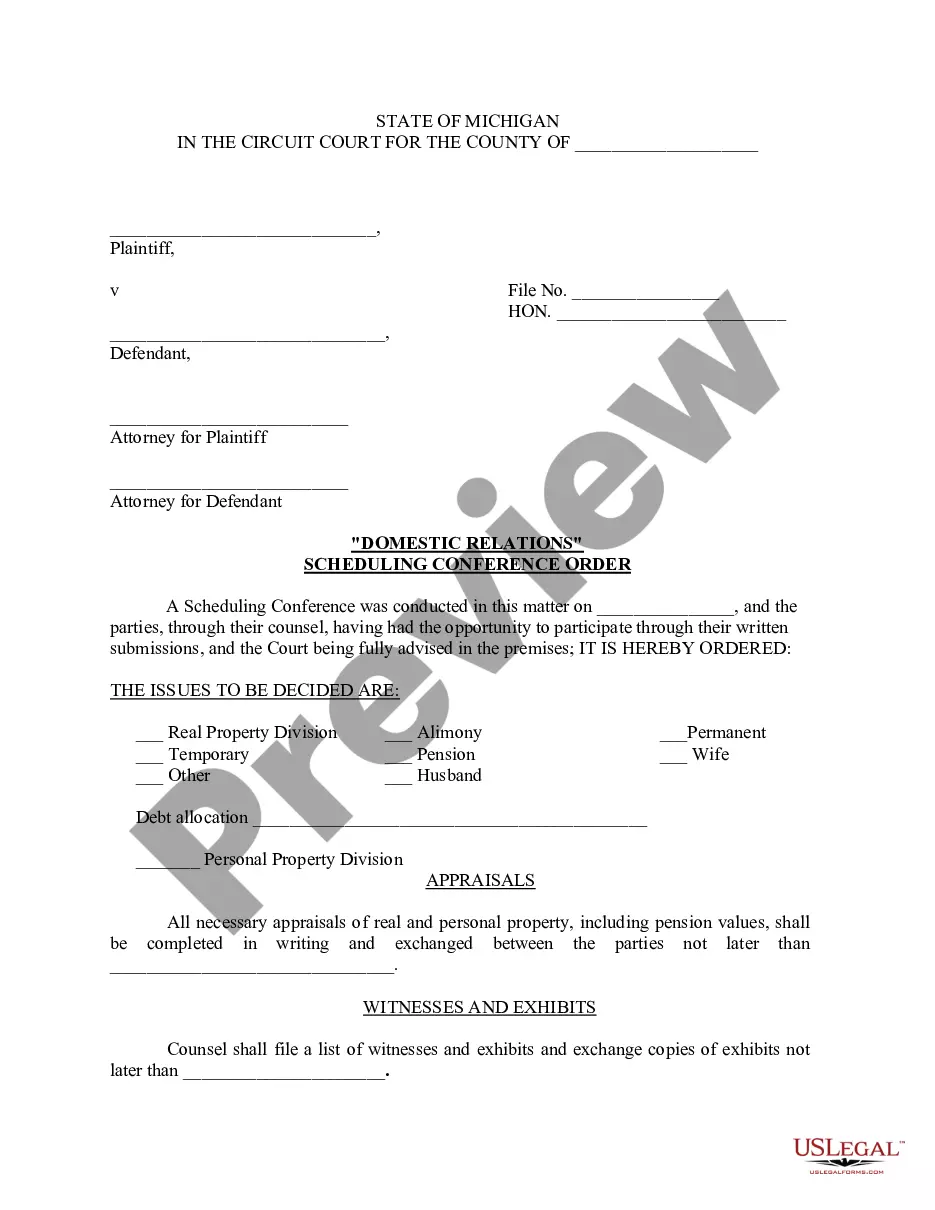
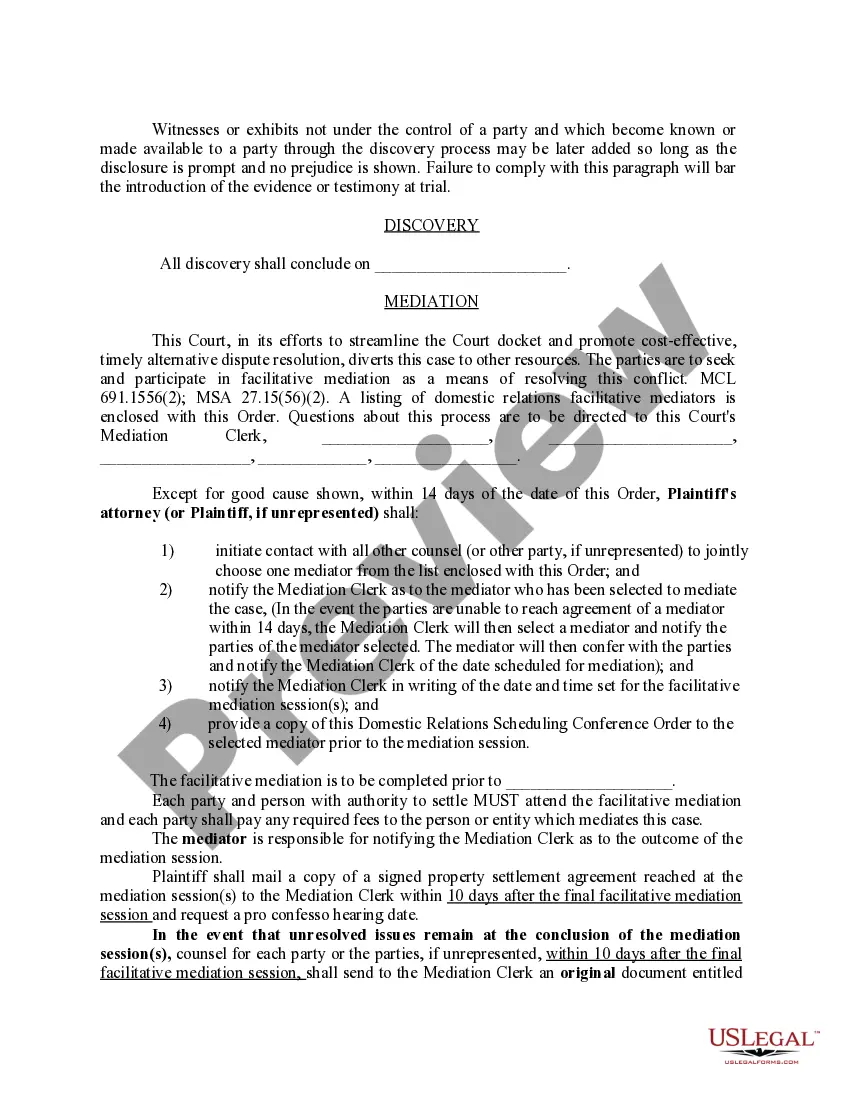
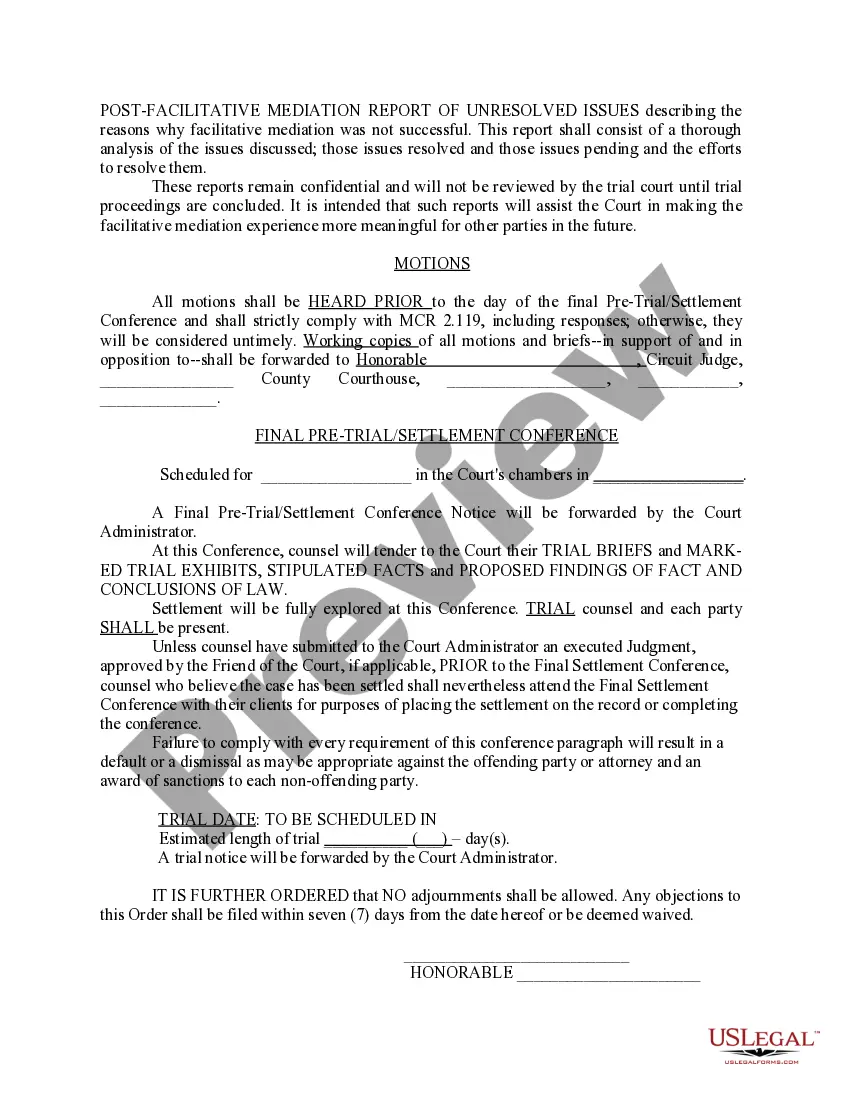
WHAT IS THE SCHEDULING CONFERENCE? The Scheduling Conference may be the first of a number of court dates which you will have before the trial date on your domestic case. It is the court's way to begin tracking your case, and to schedule the steps in your case's development.
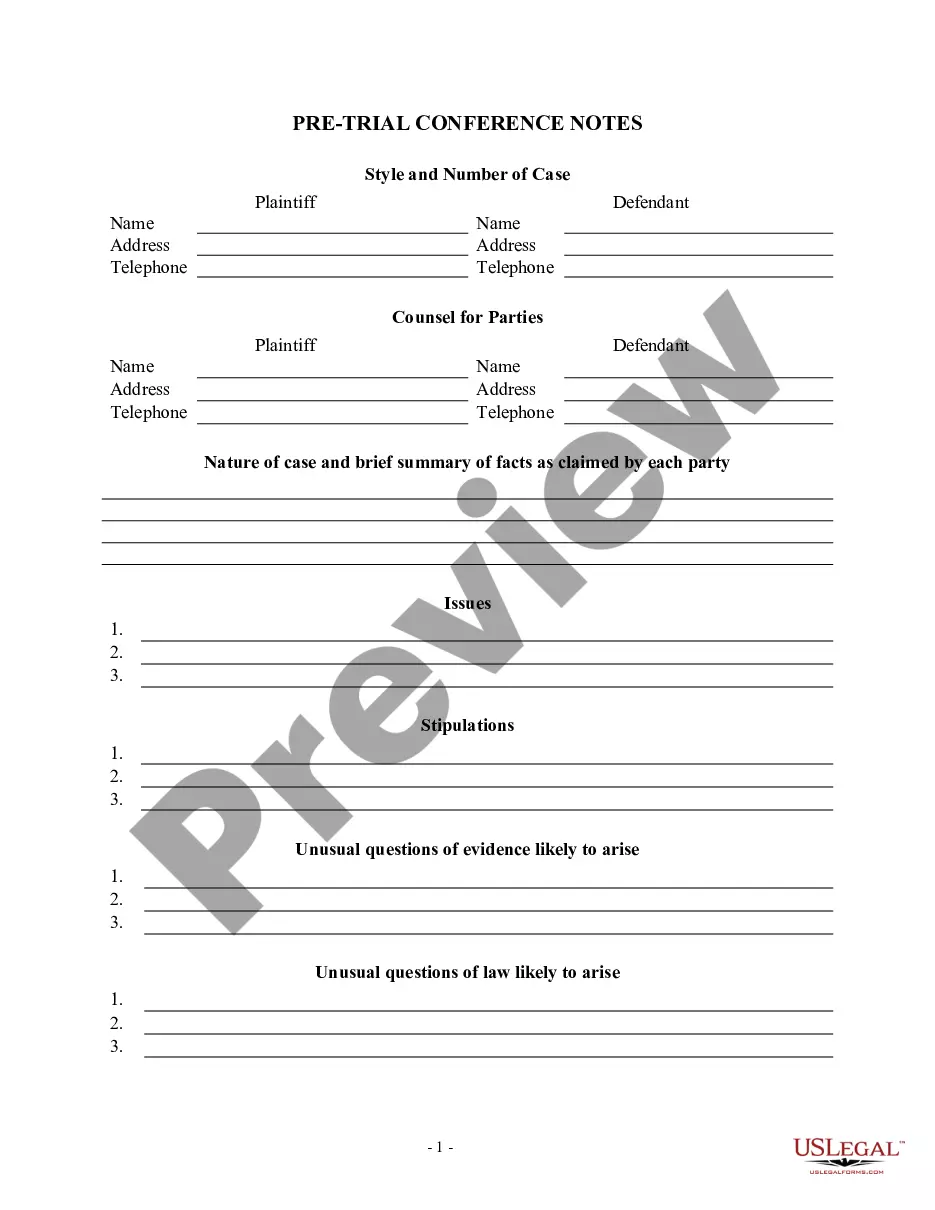
The court, after considering the joint attorney conference report and after reviewing the case file, enters this case specific order which controls disposition of this action pending further order of the court. The following actions shall be completed by the date indicated.
At the Scheduling Conference, the Judge or Master may order you to participate in one or more programs offered by or through the Circuit Court. Each step in the development of your case has been designed to offer information, counseling and support to make your own decisions.