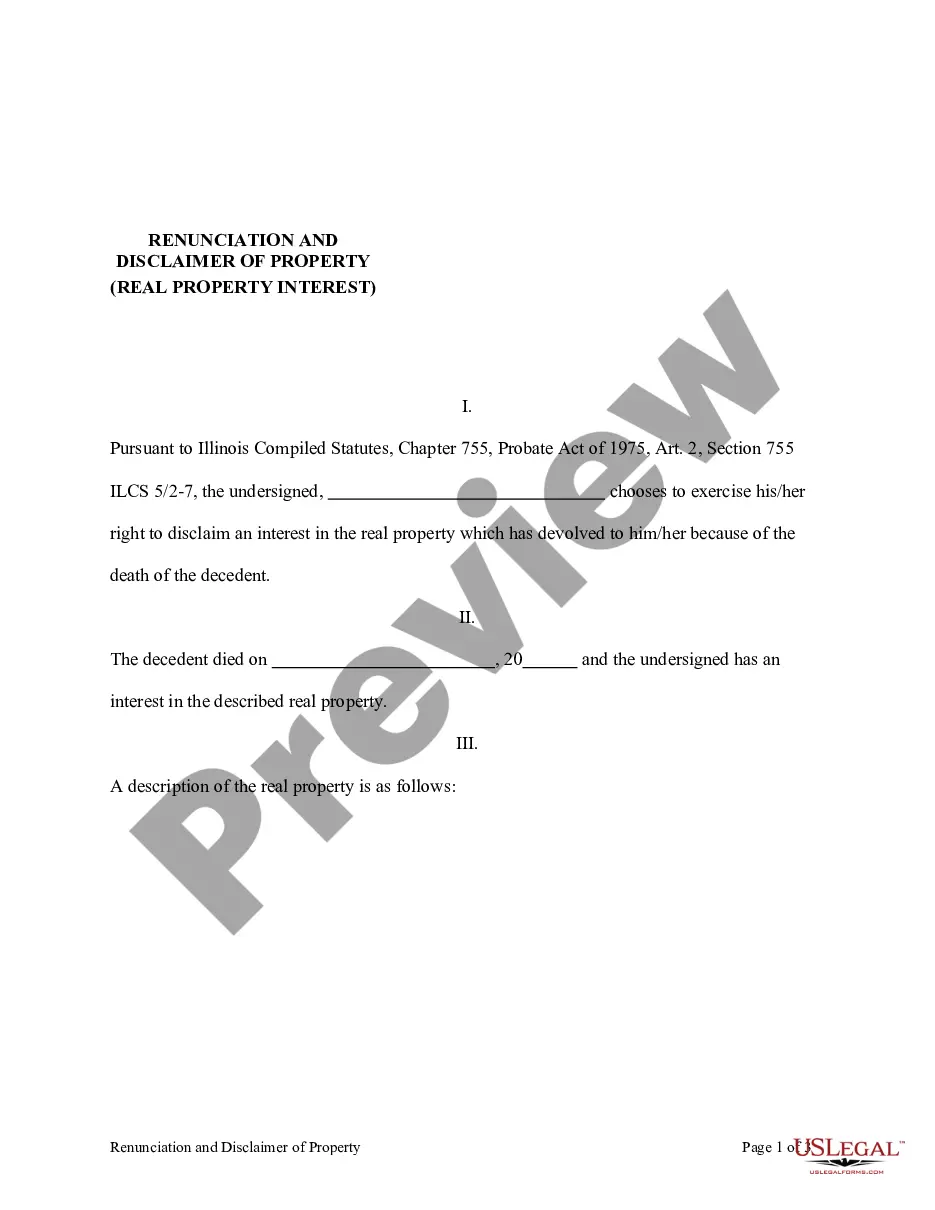
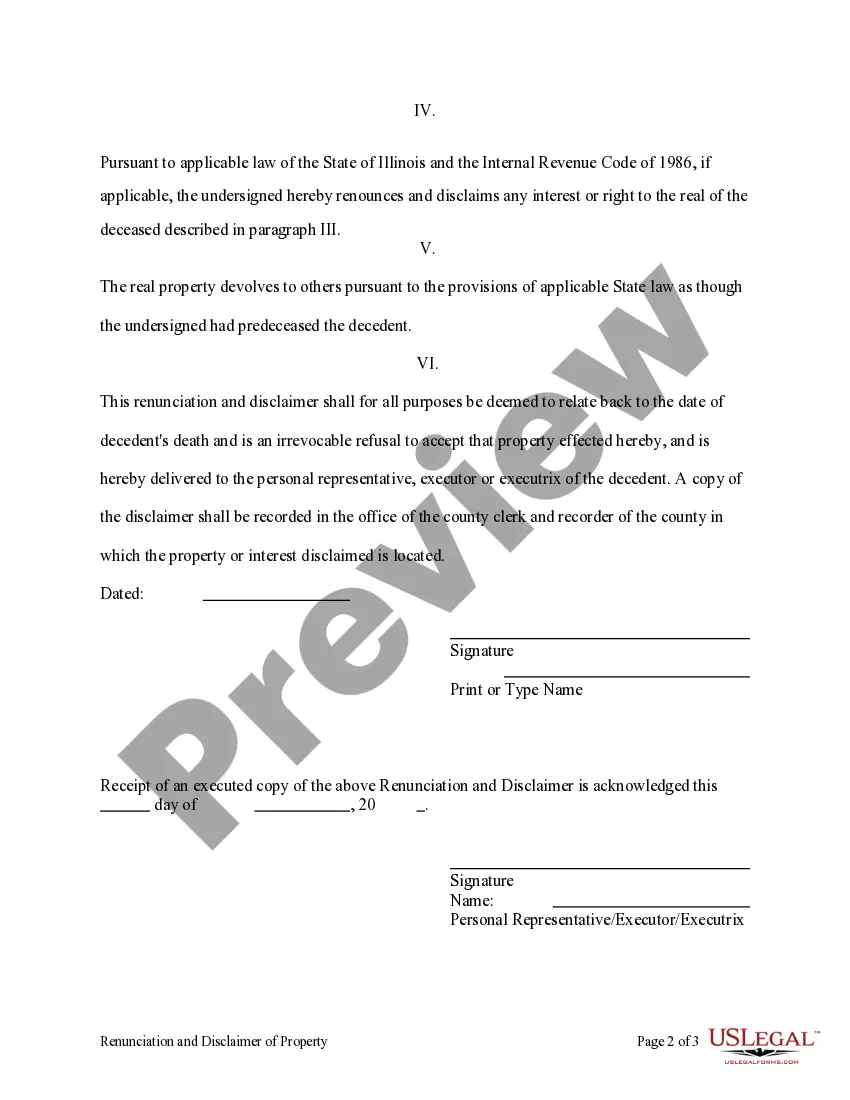
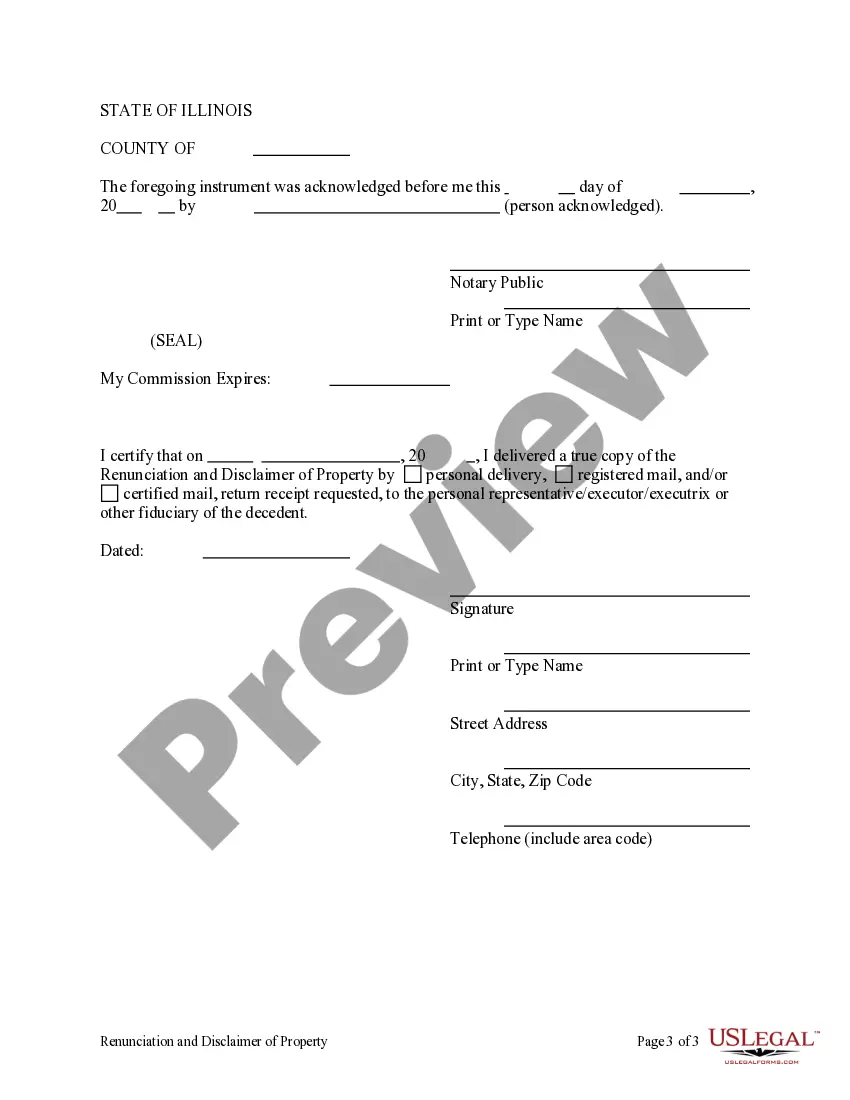
This form is a Renunciation and Disclaimer of a Real Property Interest by the beneficiary. The beneficiary has gained an interest in the described real property due to the death of the decedent. Pursuant to the Illinois Compiled Statutes, Chapter 75, Article 2, the beneficiary has chosen to disclaim his/her interest in the real property. The real property will devolve to others as though the beneficiary predeceased the decedent. The form also contains a state specific acknowledgment and a certificate to verify delivery.
755 Linux
68 downloads
Description
Free preview

Get your form ready online
Our built-in tools help you complete, sign, share, and store your documents in one place.
Built-in online Word editor
Make edits, fill in missing information, and update formatting in US Legal Forms—just like you would in MS Word.
Export easily
Download a copy, print it, send it by email, or mail it via USPS—whatever works best for your next step.
E-sign your document
Sign and collect signatures with our SignNow integration. Send to multiple recipients, set reminders, and more. Go Premium to unlock E-Sign.
Notarize online 24/7
If this form requires notarization, complete it online through a secure video call—no need to meet a notary in person or wait for an appointment.
Store your document securely
We protect your documents and personal data by following strict security and privacy standards.

Make edits, fill in missing information, and update formatting in US Legal Forms—just like you would in MS Word.

Download a copy, print it, send it by email, or mail it via USPS—whatever works best for your next step.

Sign and collect signatures with our SignNow integration. Send to multiple recipients, set reminders, and more. Go Premium to unlock E-Sign.

If this form requires notarization, complete it online through a secure video call—no need to meet a notary in person or wait for an appointment.

We protect your documents and personal data by following strict security and privacy standards.
Looking for another form?



How to fill out Illinois Renunciation And Disclaimer Of Real Property Interest?
- If you’re an existing user, log in to your account and ensure your subscription is active. Click the Download button to save the required form template to your device.
- For new users, begin by checking the Preview mode of the desired form along with its description to confirm it fulfills your specific needs.
- If your initial choice doesn’t meet your requirements, utilize the Search tab to find a more suitable template.
- Once you identify the correct document, click on the Buy Now button and select a subscription plan.
- Complete your purchase by providing your payment details, either through credit card or PayPal.
- Download your form and save it on your device. Access it anytime via the My Documents section in your profile.
With a robust collection of legal forms surpassing competitors in both quantity and utility, US Legal Forms makes it easy to execute legal documents accurately and efficiently.
Start simplifying your legal document needs today! Visit US Legal Forms to find your perfect template.
Form popularity
FAQ
The key difference between 755 and 700 permissions is the level of access granted to others. With 755, everyone can read and execute the file, yet only the owner can modify it. On the other hand, 700 permissions restrict access strictly to the owner, ensuring maximum privacy and control. Understanding these nuances is essential for effective file management in your 755 linux environment.
Permission 755 means that the owner has full control over the file, while the group and others can only access and run it. This permission structure enhances security while allowing users to execute necessary tasks without compromising sensitive information. Implementing the 755 permission is a standard practice in configuring access rights in 755 linux.
In Linux, 755 permission denotes a specific access level for files and directories. The owner can read, write, and execute, while the group and others can read and execute but cannot modify the content. This permission setting is commonly used for directories and executable files, making it an important concept in managing access controls in any 755 linux system.
When you encounter 775 permissions, you are looking at a configuration that allows the owner and group to read, write, and execute files, while others can only read and execute. This setting can be particularly useful for collaborative environments, where you want to share access without compromising security. Knowing how to adjust these permissions appropriately is essential for maintaining a secure system in your 755 linux environment.
The difference between chmod 777 and 755 lies in the levels of access each permission grants. The 777 permission allows everyone, including the owner, group, and others, to read, write, and execute files. In contrast, 755 permissions enable the owner to read, write, and execute, while the group and others only get read and execute access. Understanding these distinctions in 755 linux helps you manage file permissions effectively.
To change permissions to 755 in Linux, you can use the command 'chmod 755 filename', replacing 'filename' with the actual name of your file. This changes the file's permission levels, allowing the owner to read, write, and execute, while the group and others can only read and execute. If you need further assistance with managing file permissions effectively, consider exploring the US Legal Forms platform for secure templates and guidance.
The 'chmod 755' command in Linux changes the permissions of a file or directory to allow the owner full access, while granting read and execute permissions to others. This command is essential for securing sensitive files while promoting safe collaboration with other users. Utilizing chmod 755 effectively enables you to manage permissions effortlessly in a 755 Linux setting.
An example of 755 permissions is when the owner of a file can read, write, and execute it, while the group and others can only read and execute it. This setup is commonly used for executable scripts or web server files, as it provides security while allowing users to run the files. In a 755 Linux environment, these permissions help protect your files while granting necessary access.
The command 'chmod rw r -- r --' defines specific file permissions in Linux. The 'rw' stands for read and write permissions for the owner, while 'r--' grants read-only access to the group and others. Understanding these permissions is crucial when managing access control in a 755 Linux environment, ensuring the right users have the appropriate access levels to files.
To apply 775 permissions in Linux, simply use the command 'chmod 775 filename' in your terminal. This setting allows the owner and the group to read, write, and execute the file, while others can only read and execute it. This command effectively manages file access in 755 Linux environments. It provides a balance between usability and security, making it ideal for group projects.