California Corporation Forms For Small Claims Court
Description
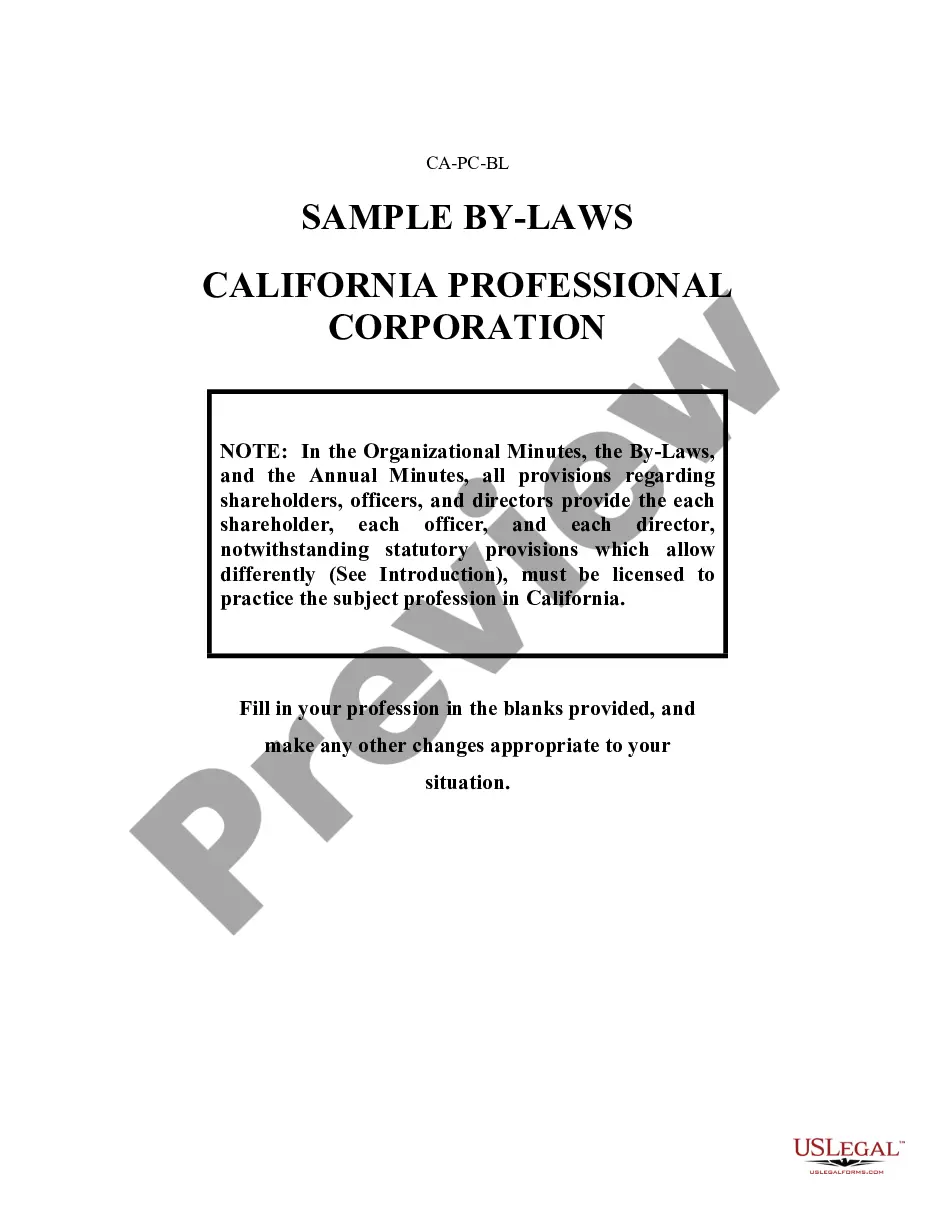
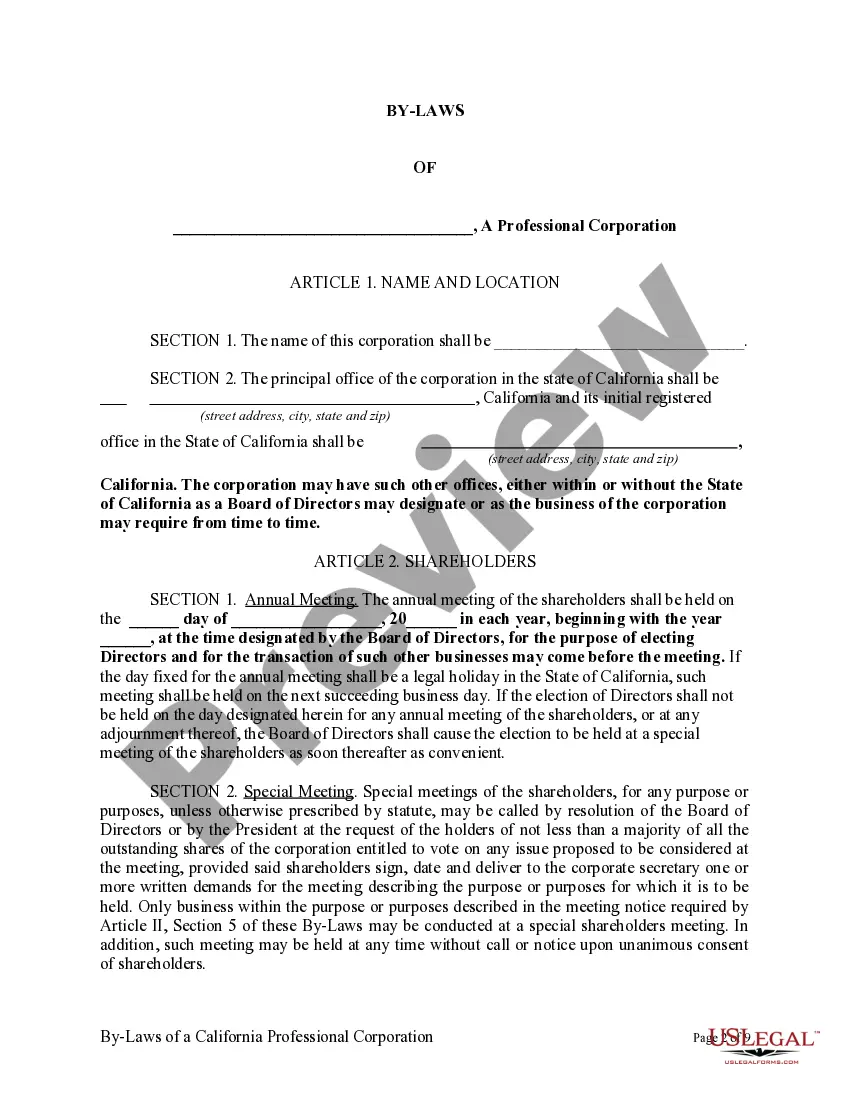
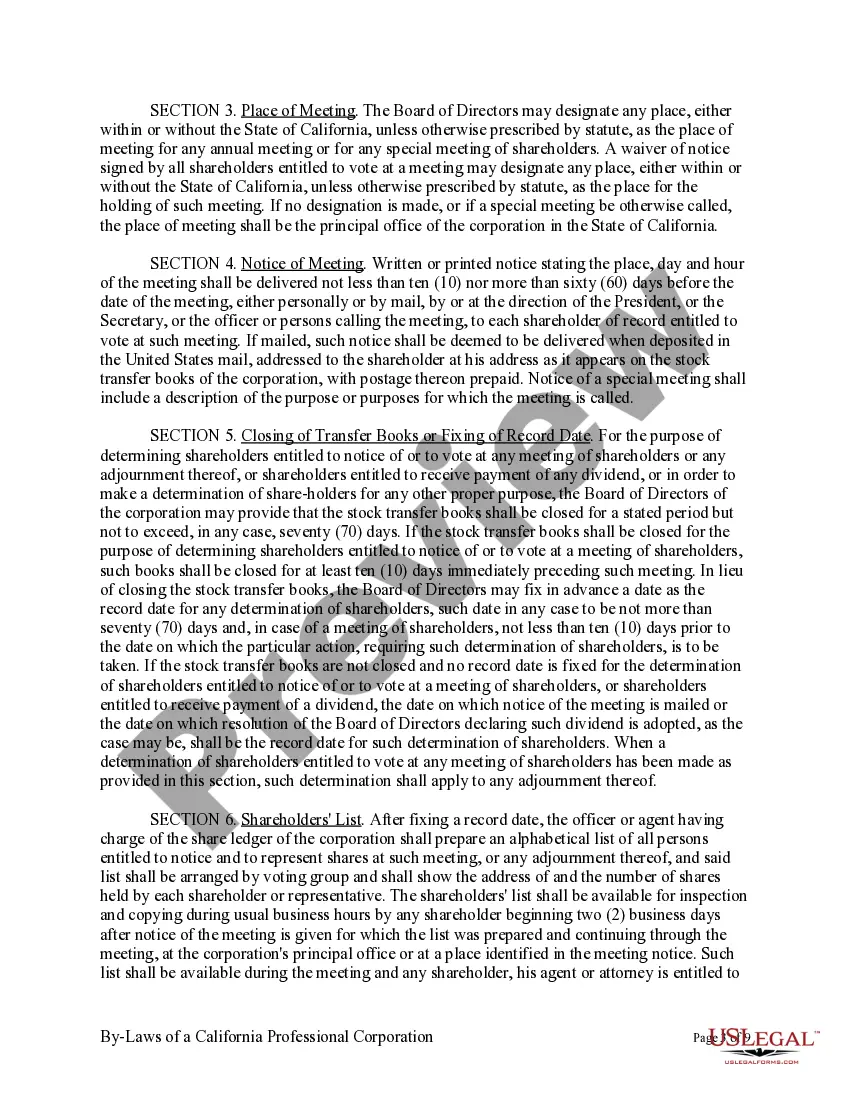
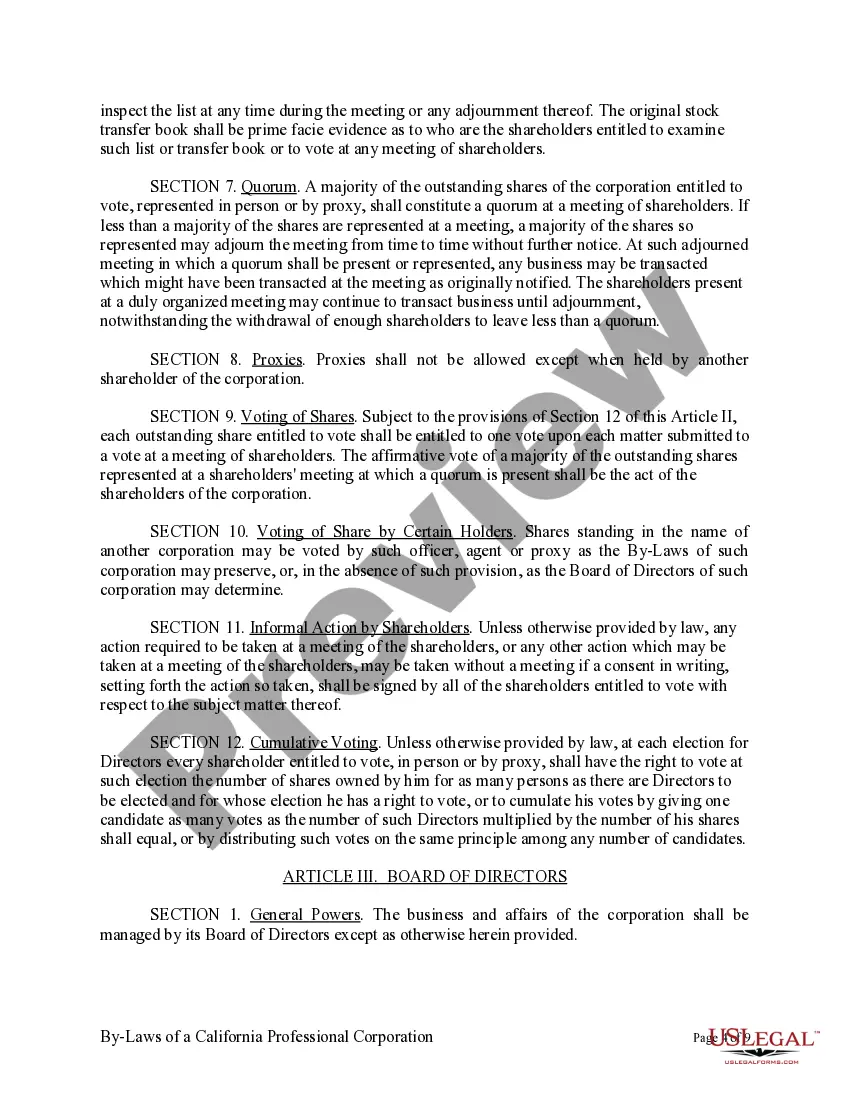
Get your form ready online
Our built-in tools help you complete, sign, share, and store your documents in one place.
Make edits, fill in missing information, and update formatting in US Legal Forms—just like you would in MS Word.
Download a copy, print it, send it by email, or mail it via USPS—whatever works best for your next step.
Sign and collect signatures with our SignNow integration. Send to multiple recipients, set reminders, and more. Go Premium to unlock E-Sign.
If this form requires notarization, complete it online through a secure video call—no need to meet a notary in person or wait for an appointment.
We protect your documents and personal data by following strict security and privacy standards.

Make edits, fill in missing information, and update formatting in US Legal Forms—just like you would in MS Word.

Download a copy, print it, send it by email, or mail it via USPS—whatever works best for your next step.

Sign and collect signatures with our SignNow integration. Send to multiple recipients, set reminders, and more. Go Premium to unlock E-Sign.

If this form requires notarization, complete it online through a secure video call—no need to meet a notary in person or wait for an appointment.

We protect your documents and personal data by following strict security and privacy standards.
Looking for another form?




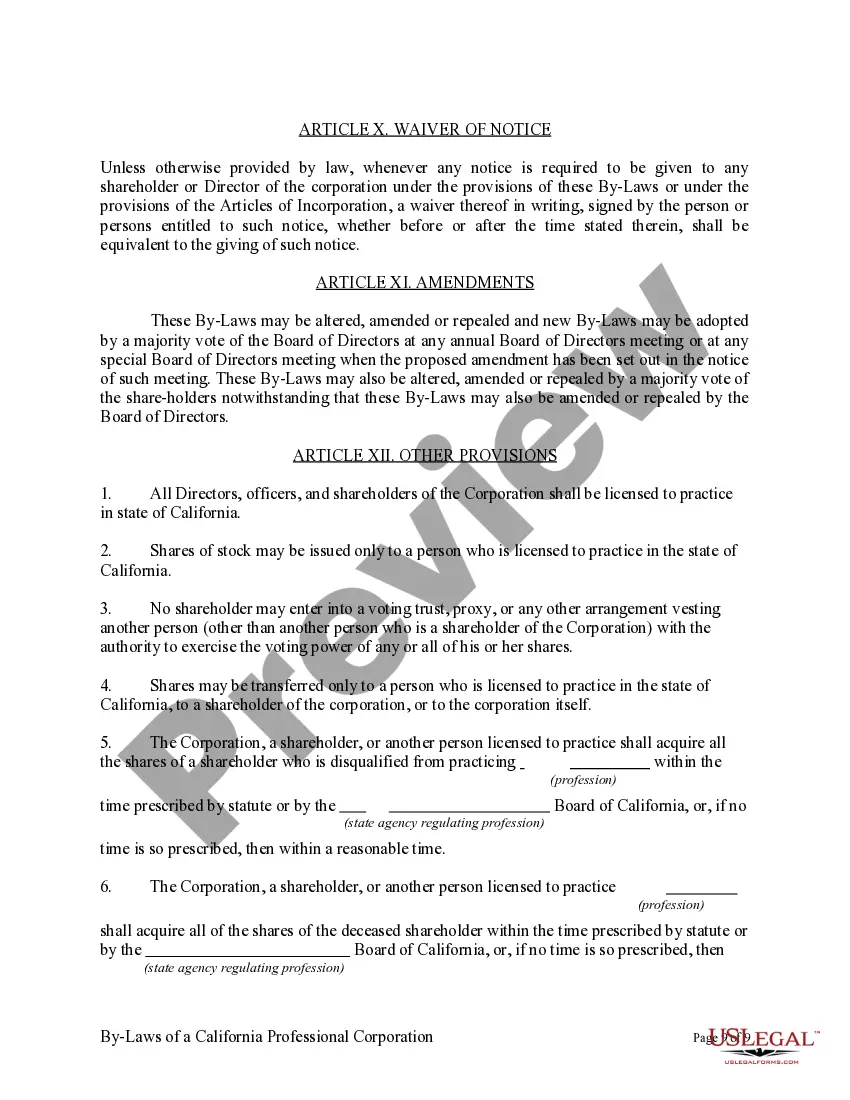
How to fill out Sample Bylaws For A California Professional Corporation?
It’s well-known that you cannot become a specialist in law instantly, nor can you quickly understand how to prepare California Corporation Forms For Small Claims Court without a professional background.
Drafting legal documents is a lengthy endeavor that demands specific education and skills. So why not entrust the preparation of the California Corporation Forms For Small Claims Court to the experts.
With US Legal Forms, one of the most extensive legal template repositories, you can access everything from court documents to templates for internal communication.
You can regain access to your documents from the My documents section at any time. If you’re a current client, you can simply Log In and find and download the template from the same section.
Regardless of the purpose of your documentation—be it financial, legal, or personal—our platform has you covered. Give US Legal Forms a try now!
- Identify the form you need using the search bar at the top of the page.
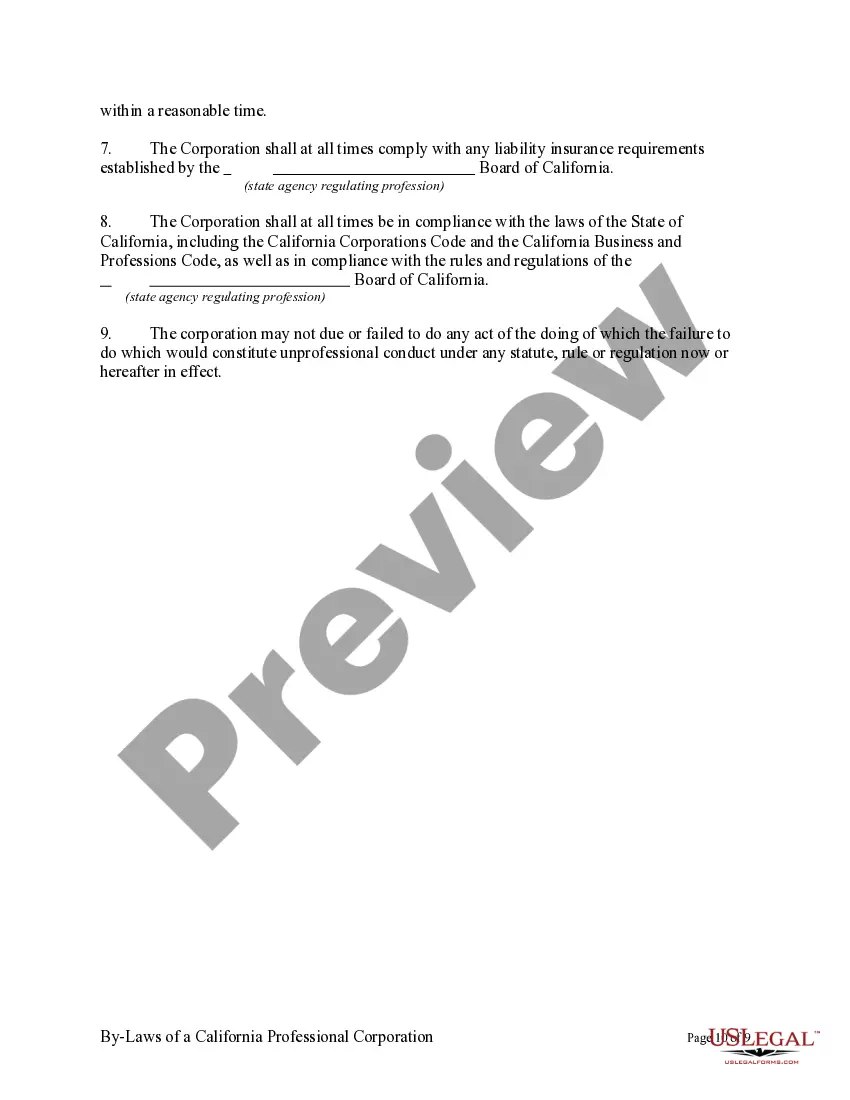
- Preview it (if this option is available) and review the accompanying description to ascertain whether California Corporation Forms For Small Claims Court is what you require.
- Restart your search if you need another template.
- Create a free account and select a subscription plan to purchase the template.
- Click Buy now. Once the payment is completed, you can retrieve the California Corporation Forms For Small Claims Court, fill it out, print it, and send it or mail it to the necessary individuals or organizations.
Form popularity
FAQ
To start a Small Claims suit, you need to file the Plaintiff's Claim and Order to Go to Small Claims Court (Form SC-100). You can get this form for free on the internet, at .courts.ca.gov/forms. San Bernardino County also offers Small Claims eFiling.
Gives you more space to write a declaration that you must sign under penalty of perjury. This is always attached to another form or court paper before it is filed.
With certain exceptions, anyone can sue or be sued in small claims court. Generally, all parties must represent themselves. An individual can sue another individual or a business. A business, in turn, can sue an individual or another business.
To start a Small Claims suit, you need to file the Plaintiff's Claim and Order to Go to Small Claims Court (Form SC-100). You can get this form for free on the internet, at .courts.ca.gov/forms. San Bernardino County also offers Small Claims eFiling.
Start a case Form NameForm NumberGuidePlaintiff's Claim and Order to Go to Small Claims CourtSC-100Fill out forms to start a small claims caseOther Plaintiffs or Defendants (Attachment to Plaintiff's Claim and ORDER to Go to Small Claims Court)SC-100AFictitious Business Name (Small Claims)SC-1033 more rows