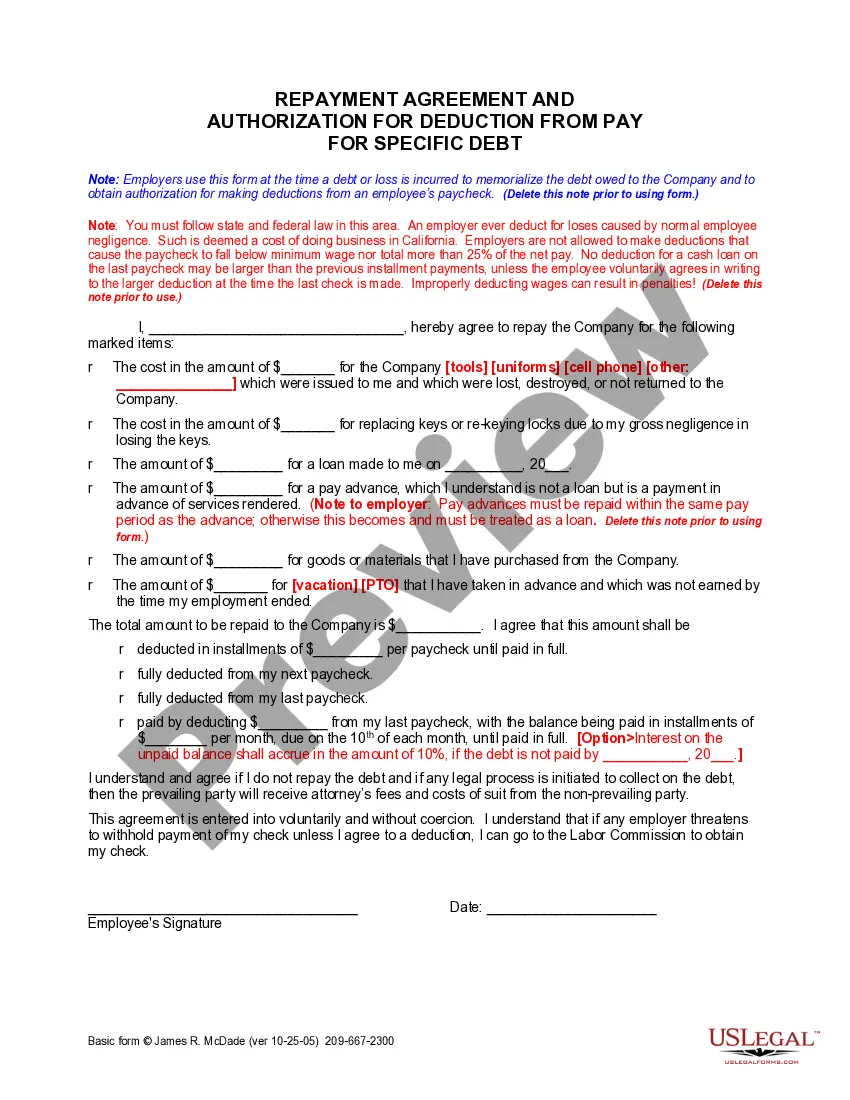
Deduction For Debt Forgiveness
Description
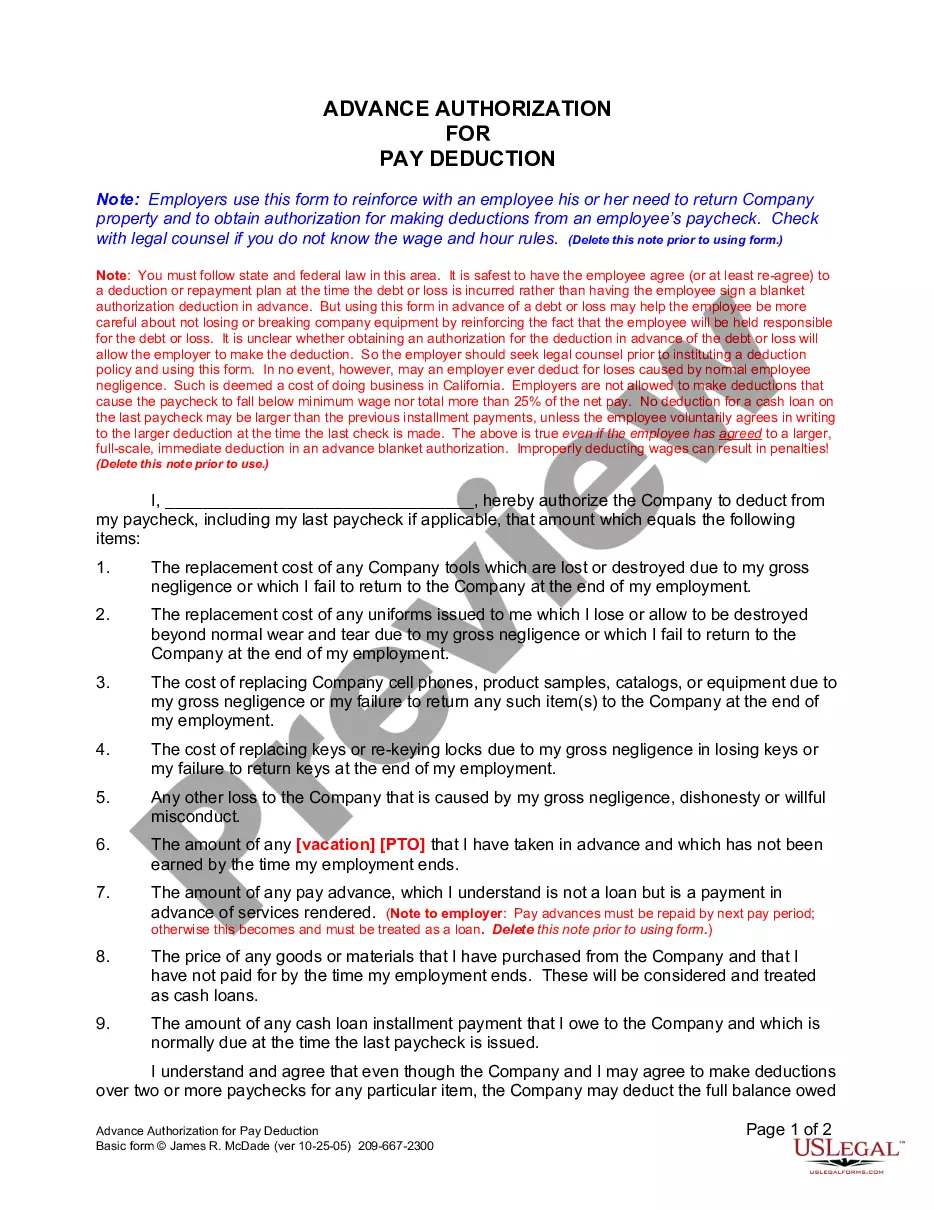
Get your form ready online
Our built-in tools help you complete, sign, share, and store your documents in one place.
Make edits, fill in missing information, and update formatting in US Legal Forms—just like you would in MS Word.
Download a copy, print it, send it by email, or mail it via USPS—whatever works best for your next step.
Sign and collect signatures with our SignNow integration. Send to multiple recipients, set reminders, and more. Go Premium to unlock E-Sign.
If this form requires notarization, complete it online through a secure video call—no need to meet a notary in person or wait for an appointment.
We protect your documents and personal data by following strict security and privacy standards.

Make edits, fill in missing information, and update formatting in US Legal Forms—just like you would in MS Word.

Download a copy, print it, send it by email, or mail it via USPS—whatever works best for your next step.

Sign and collect signatures with our SignNow integration. Send to multiple recipients, set reminders, and more. Go Premium to unlock E-Sign.

If this form requires notarization, complete it online through a secure video call—no need to meet a notary in person or wait for an appointment.

We protect your documents and personal data by following strict security and privacy standards.
Looking for another form?

How to fill out California Authorization For Deduction From Pay For A Specific Debt?
Managing legal documents can be overwhelming, even for the most experienced professionals.
When you seek a Deduction For Debt Forgiveness and lack the opportunity to invest time searching for the correct and current version, the procedures may be challenging.
US Legal Forms addresses all your needs, whether personal or business-related documentation, in a centralized platform.
Employ sophisticated tools to manage and handle your Deduction For Debt Forgiveness.
Here are the steps to follow after accessing the form you need: Ensure it is the correct form by previewing and reviewing its description. Confirm that the sample is valid in your state or county. Click Buy Now when you are prepared. Choose a subscription plan. Select your desired format, and Download, fill out, sign, print, and send your documents. Take advantage of the US Legal Forms online library, backed by 25 years of expertise and trustworthiness. Transform your daily document handling into a seamless and user-friendly experience today.
- Tap into an extensive resource collection of articles, guides, and manuals pertinent to your circumstances and needs.
- Save time and effort by looking for the necessary documents, utilizing US Legal Forms’ advanced search and Review feature to find and obtain your Deduction For Debt Forgiveness.
- If you have a membership, Log Into your US Legal Forms account, search for the desired form, and download it.
- Check your My documents tab to see the documents you have previously saved and organize your files as required.
- If you are new to US Legal Forms, create a free account to gain unlimited access to the full range of library benefits.
- Utilize a robust online form library that could significantly benefit those aiming to navigate these matters efficiently.
- US Legal Forms is a frontrunner in digital legal documentation, offering over 85,000 state-specific legal forms accessible to you at any time.
- With US Legal Forms, you can access legal and business documents tailored to state or county requirements.
Form popularity
FAQ
Even if you can exclude a forgiven debt from your taxable income, you may still get a 1099-C form. If this happens, you'll use Form 982 to report the amount to exclude from your gross income based on your circumstances. Once you know how much canceled debt to include as income, you will put that amount on Form 1040.
In general, if your debt is canceled, forgiven, or discharged for less than the amount owed, the amount of the canceled debt is taxable. If taxable, you must report the canceled debt on your tax return for the year in which the cancellation occurred.
Lenders or creditors are required to issue Form 1099-C, Cancellation of Debt, if they cancel a debt owed to them of $600 or more. Generally, an individual taxpayer must include all canceled amounts (even if less than $600) on the "Other Income" line of Form 1040.
Generally, if you borrow money from a commercial lender and the lender later cancels or forgives the debt, you may have to include the cancelled amount in income for tax purposes. The lender is usually required to report the amount of the canceled debt to you and the IRS on a Form 1099-C, Cancellation of Debt.
If you settle taxes through an offer in compromise, the canceled debt is not taxable. This is an example of a debt that was settled because you were insolvent. The IRS does not require you to report these amounts as income or pay taxes on them.