California Notice Form Ca Withholding Tax
Description

Get your form ready online
Our built-in tools help you complete, sign, share, and store your documents in one place.
Make edits, fill in missing information, and update formatting in US Legal Forms—just like you would in MS Word.
Download a copy, print it, send it by email, or mail it via USPS—whatever works best for your next step.
Sign and collect signatures with our SignNow integration. Send to multiple recipients, set reminders, and more. Go Premium to unlock E-Sign.
If this form requires notarization, complete it online through a secure video call—no need to meet a notary in person or wait for an appointment.
We protect your documents and personal data by following strict security and privacy standards.

Make edits, fill in missing information, and update formatting in US Legal Forms—just like you would in MS Word.

Download a copy, print it, send it by email, or mail it via USPS—whatever works best for your next step.

Sign and collect signatures with our SignNow integration. Send to multiple recipients, set reminders, and more. Go Premium to unlock E-Sign.

If this form requires notarization, complete it online through a secure video call—no need to meet a notary in person or wait for an appointment.

We protect your documents and personal data by following strict security and privacy standards.
Looking for another form?


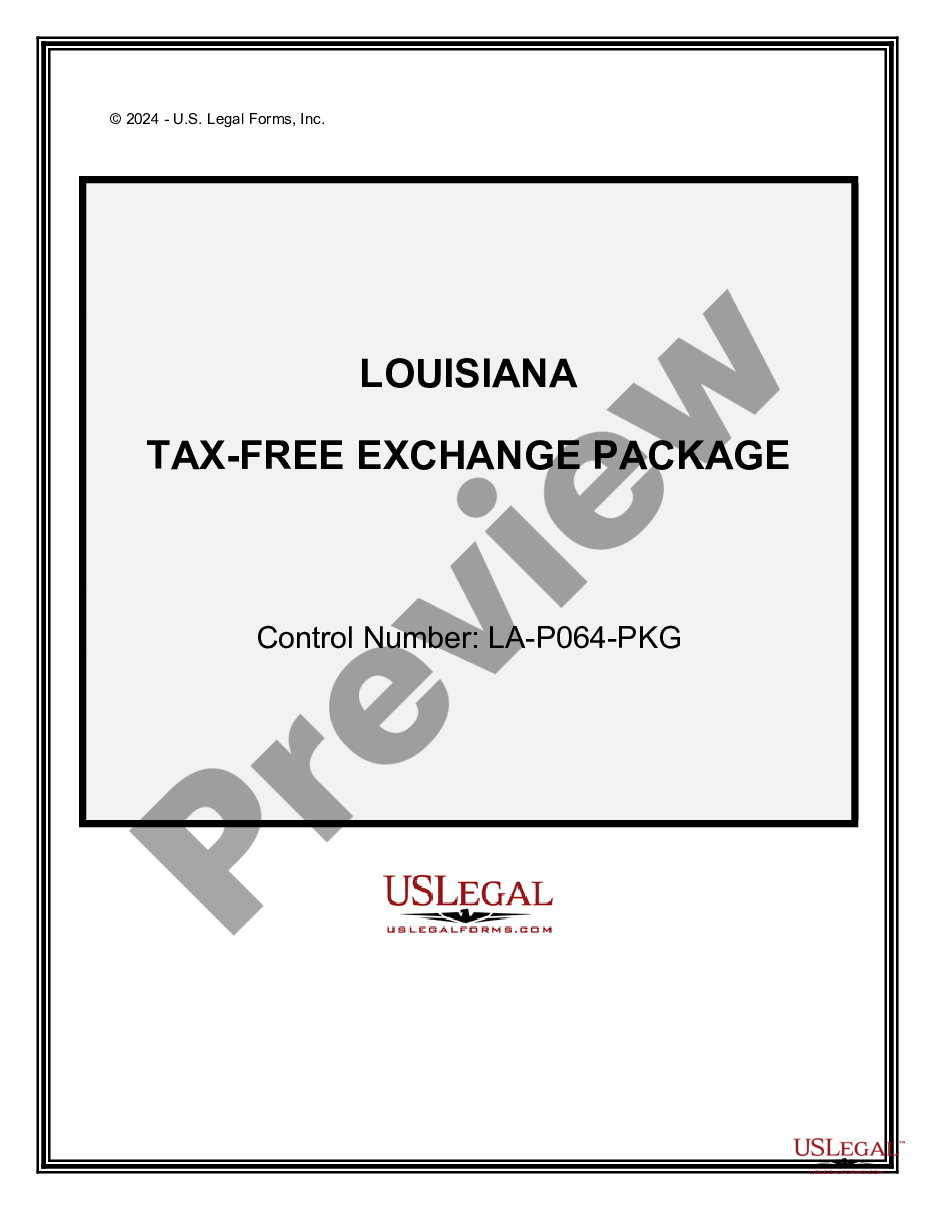

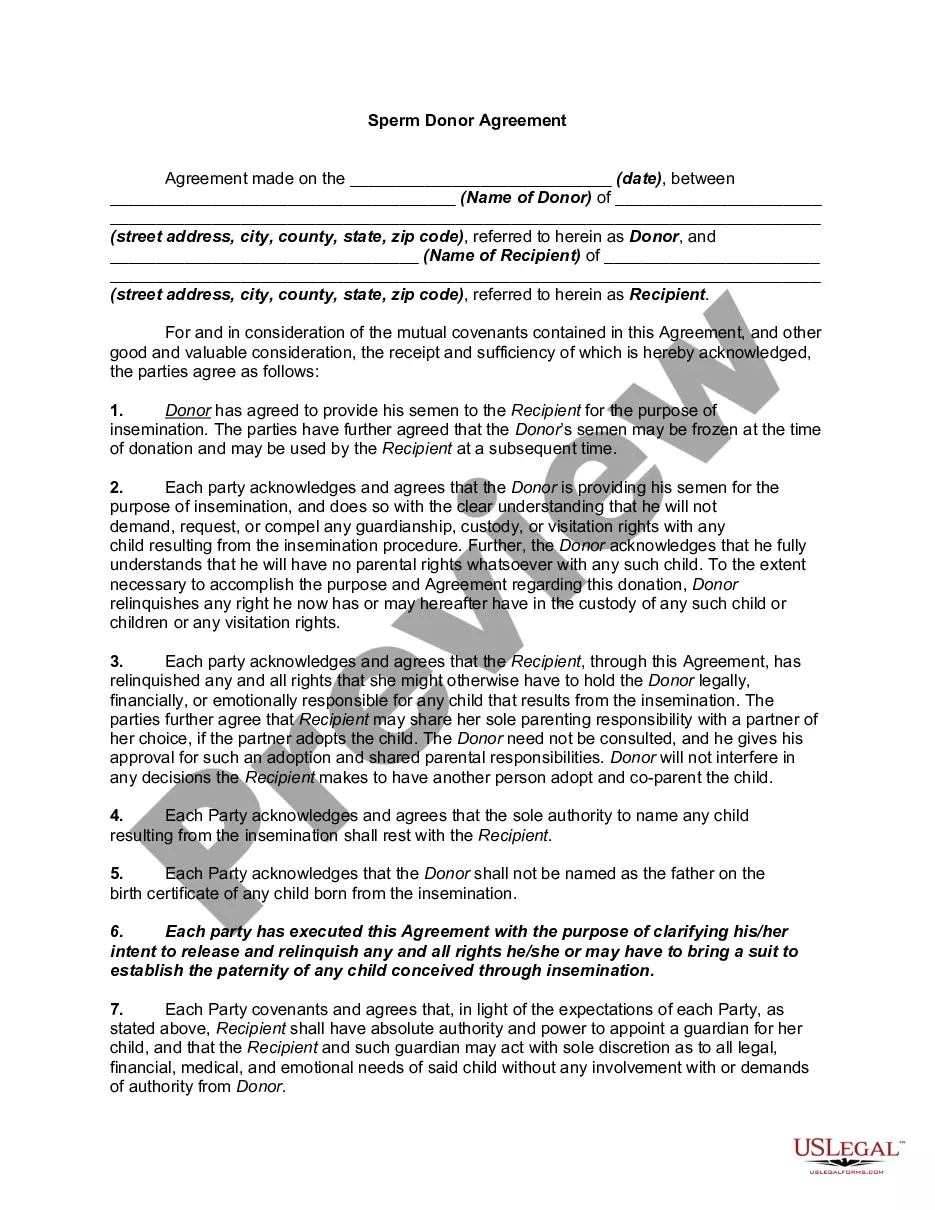
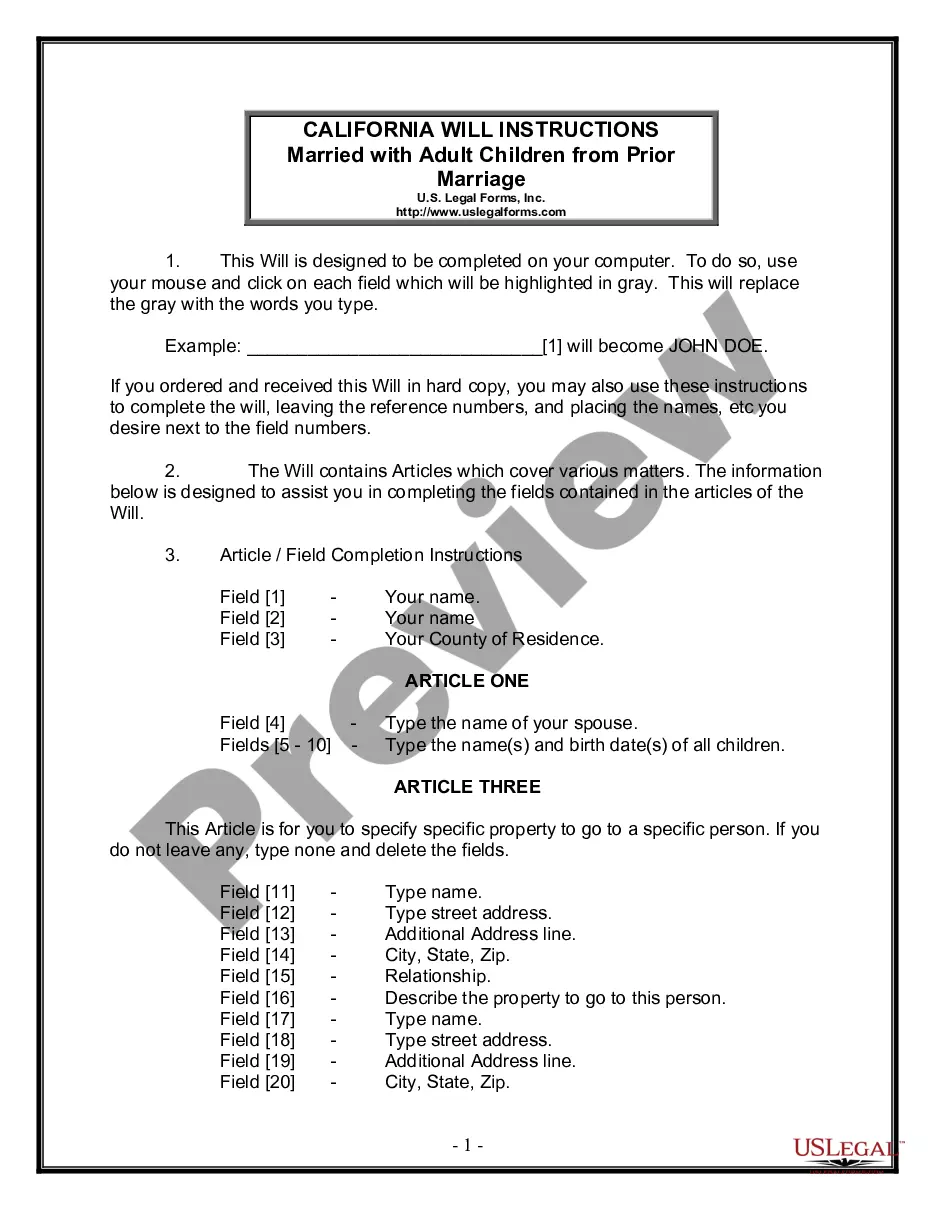
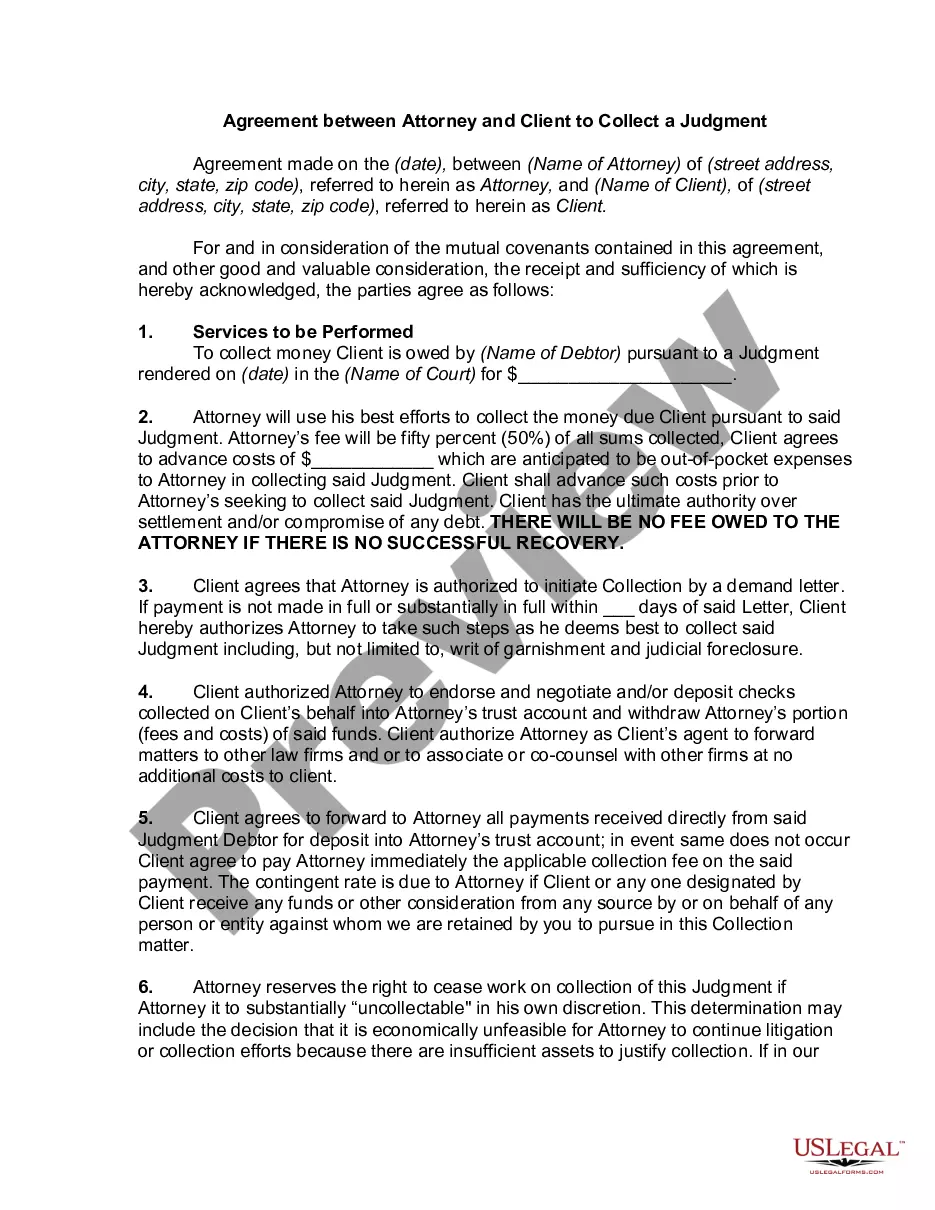
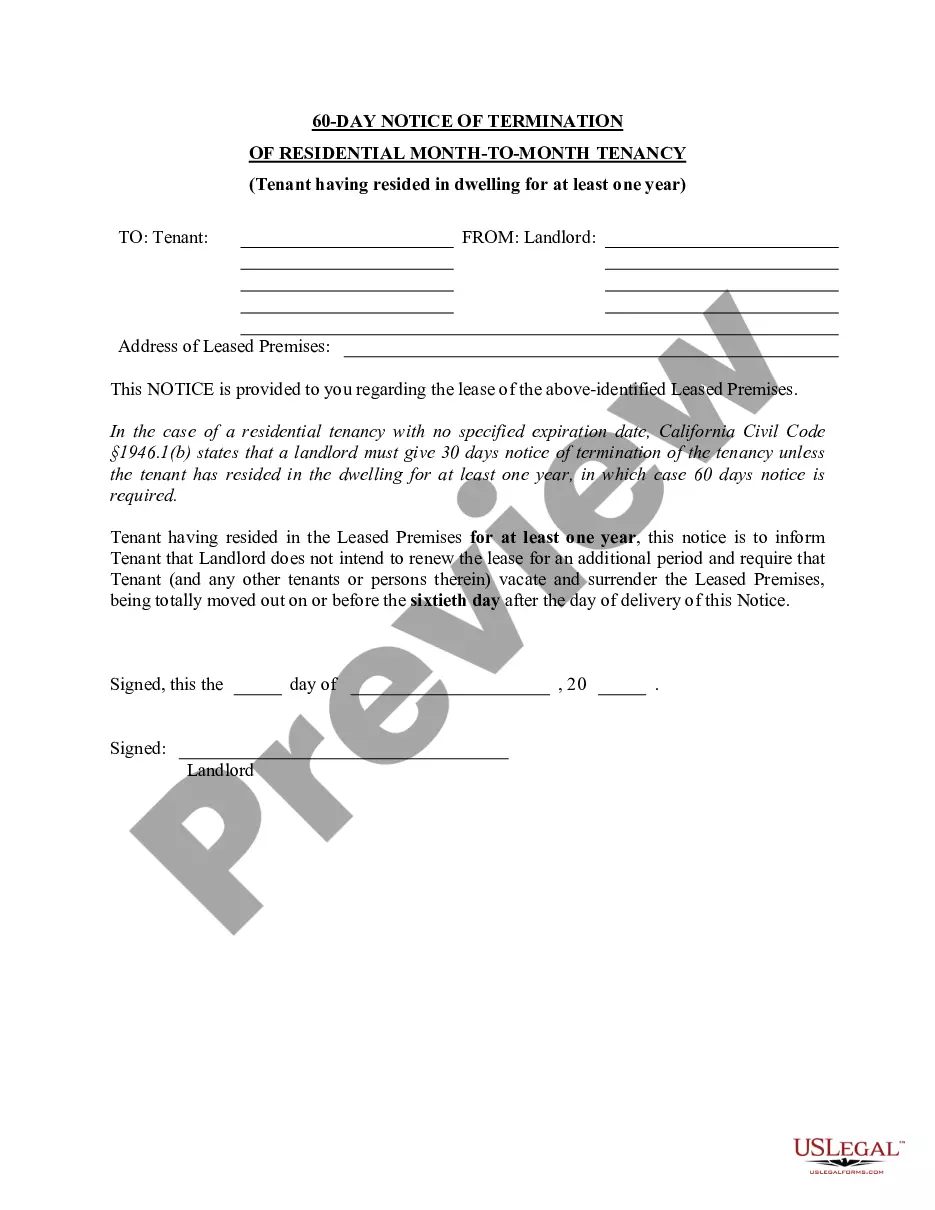
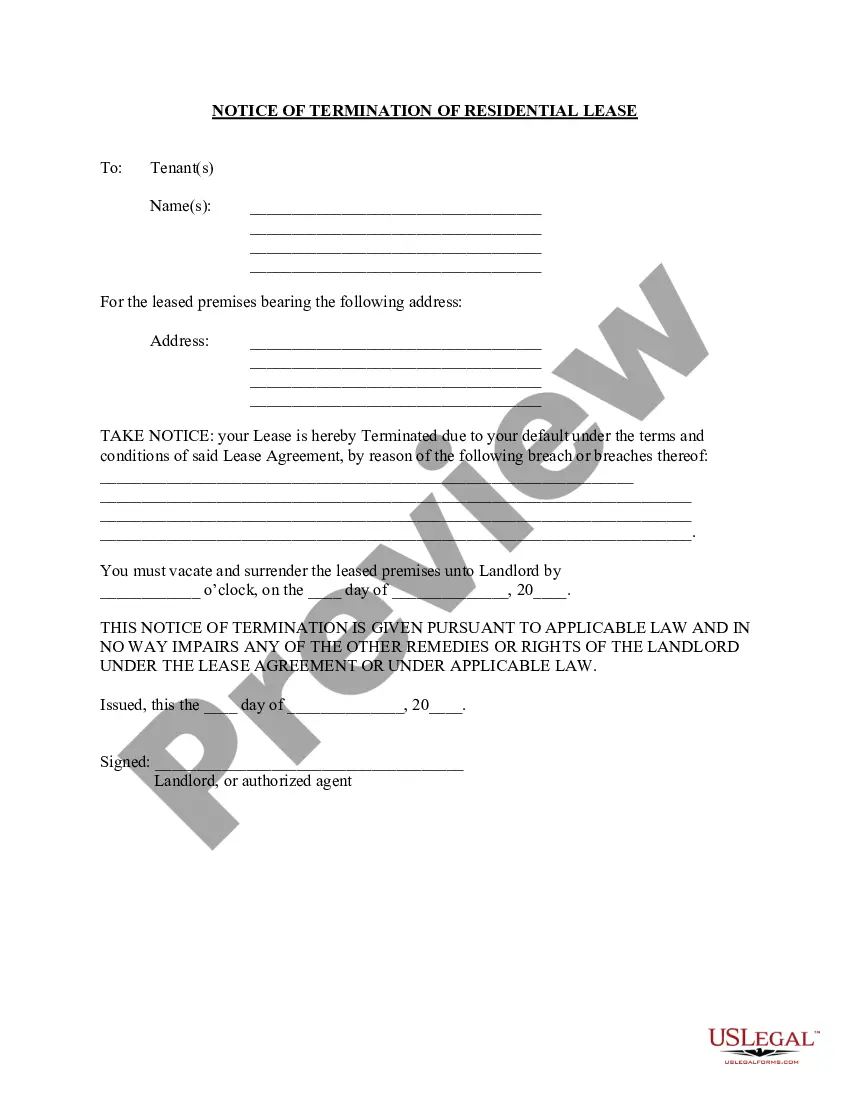
How to fill out California 60 Day Notice Of Termination - Residential Month-to-Month Tenancy?
Whether for business purposes or for personal affairs, everyone has to manage legal situations at some point in their life. Completing legal paperwork demands careful attention, starting with choosing the proper form template. For instance, if you pick a wrong version of the California Notice Form Ca Withholding Tax, it will be rejected once you send it. It is therefore important to have a reliable source of legal documents like US Legal Forms.
If you have to obtain a California Notice Form Ca Withholding Tax template, stick to these easy steps:
- Find the sample you need by using the search field or catalog navigation.
- Examine the form’s description to make sure it suits your case, state, and county.
- Click on the form’s preview to view it.
- If it is the incorrect form, go back to the search function to find the California Notice Form Ca Withholding Tax sample you need.
- Get the template when it meets your needs.
- If you already have a US Legal Forms profile, simply click Log in to gain access to previously saved documents in My Forms.
- In the event you do not have an account yet, you can download the form by clicking Buy now.
- Select the appropriate pricing option.
- Complete the profile registration form.
- Pick your payment method: you can use a bank card or PayPal account.
- Select the file format you want and download the California Notice Form Ca Withholding Tax.
- When it is saved, you are able to fill out the form by using editing software or print it and complete it manually.
With a vast US Legal Forms catalog at hand, you never have to spend time searching for the right sample across the internet. Utilize the library’s simple navigation to get the right template for any situation.
Form popularity
FAQ
Any remitter (individual, business entity, trust, estate, or REEP) who withheld on the sale/transfer of California real property must file Form 593 to report the amount withheld. If this is an installment sale payment after escrow closed, the buyer/transferee is the responsible person.
Who Certifies this Form. Form 590 is certified (completed and signed) by the payee. California residents or entities exempt from the withholding requirement should complete Form 590 and submit it to the withholding agent before payment is made.
How you fill out a W-4 can have a major effect on whether taxes are owed or a refund is given. Step 1: Enter your personal information. Step 2: Account for multiple jobs. Step 3: Claim dependents, including children. Step 4: Refine your withholdings.
Use Form 590, Withholding Exemption Certificate, to certify an exemption from nonresident withholding. Form 590 does not apply to payments of backup withholding. For more information, go to ftb.ca.gov and search for backup withholding.
Determine the additional withholding allowance for itemized deductions (AWAID) by applying the following guideline and subtract this amount from the gross annual wages: AWAID = $1,000 x Number of Itemized Allowances Claimed for Itemized Deductions on DE-4.