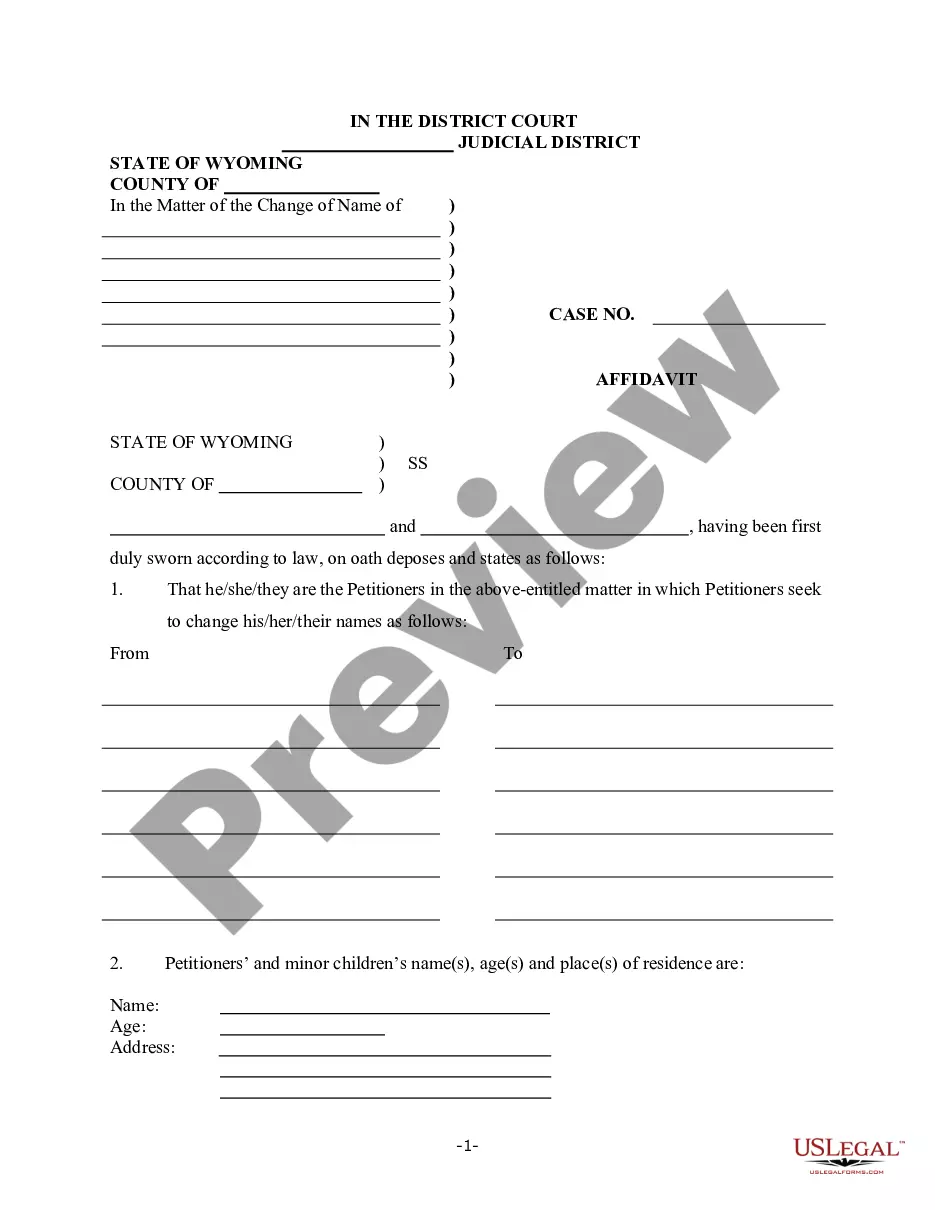
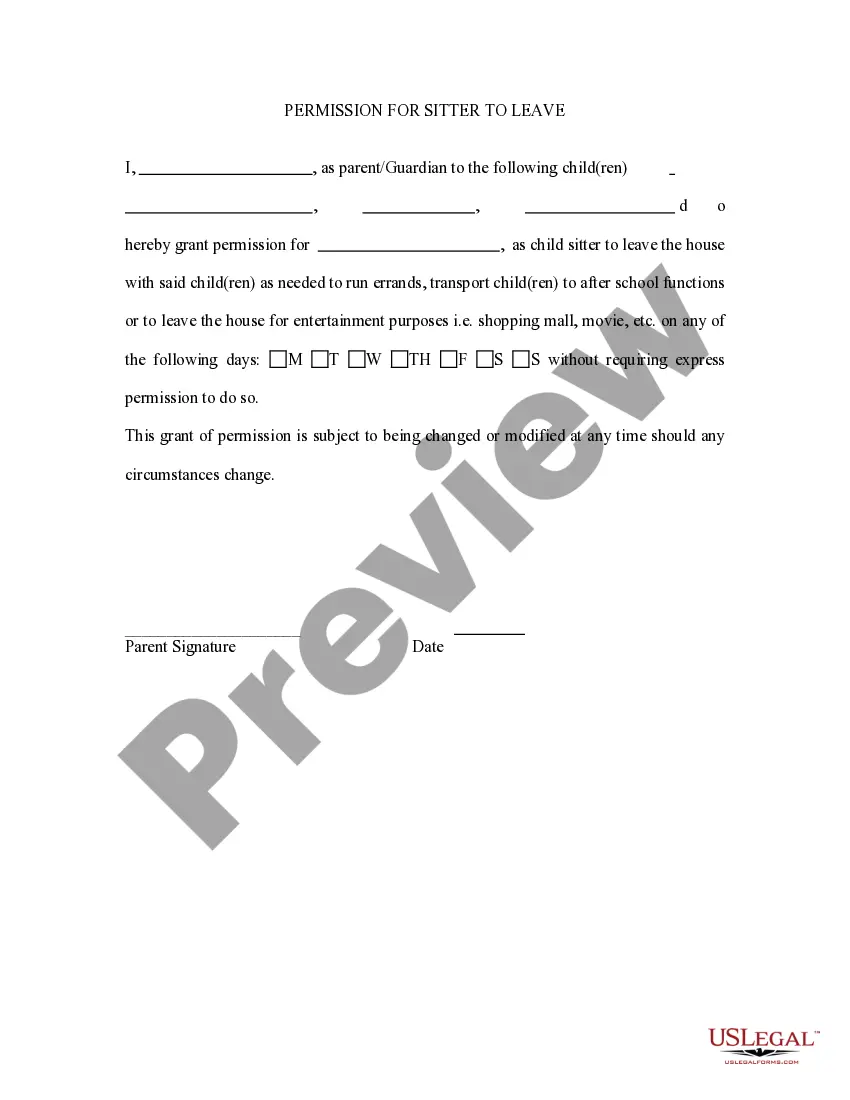
Permission For Sitter To Leave
About this form
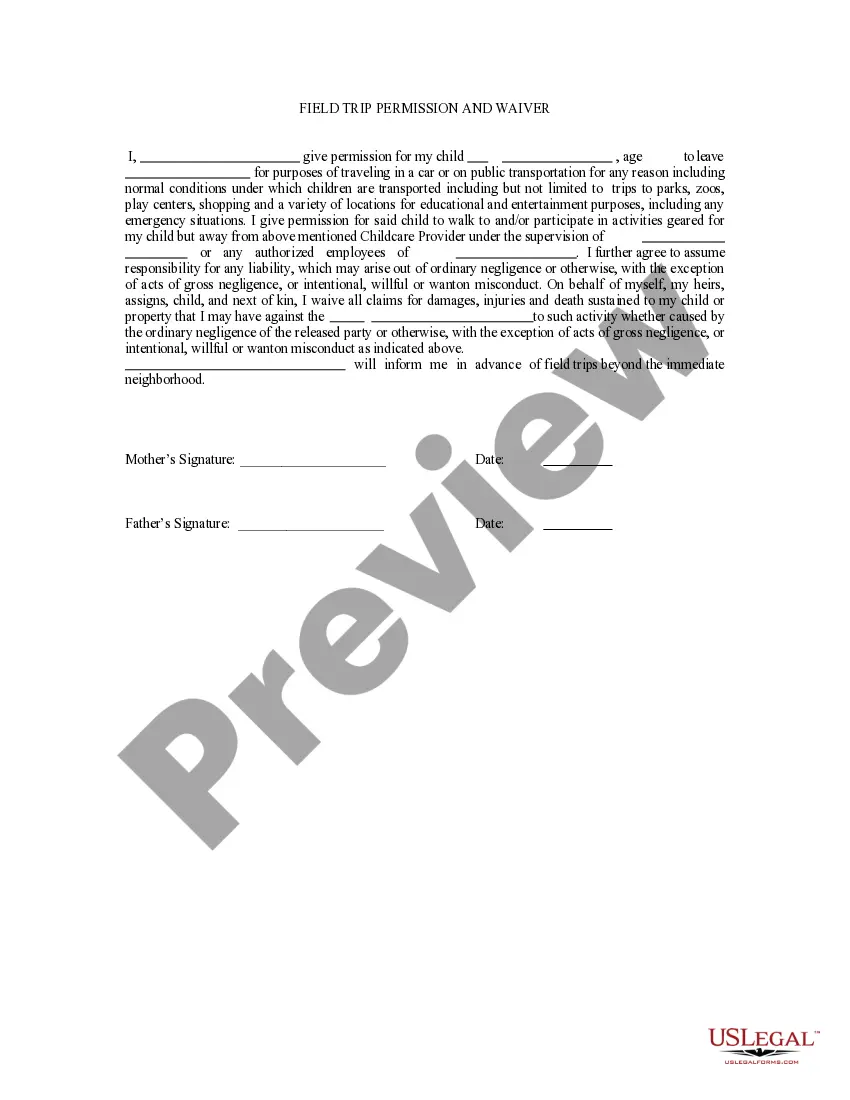
The Permission for Sitter to Leave form is a legal document that allows parents or guardians to authorize a babysitter to take their children off-premises. This form is essential for ensuring both the caregiver's and parent's peace of mind by clearly outlining the boundaries of the sitter's responsibilities. Unlike general consent forms, this specific form addresses the authorization for a sitter to leave the specified property with minors, making it crucial for situations requiring child care outside the home.
What’s included in this form
- Identification of the parents or guardians granting permission.
- Details of the sitter authorized to leave with the children.
- Specific conditions for leaving the premises, if any.
- Signature section for parents or guardians to confirm authorization.
- Effective date for the permission granted.
When this form is needed
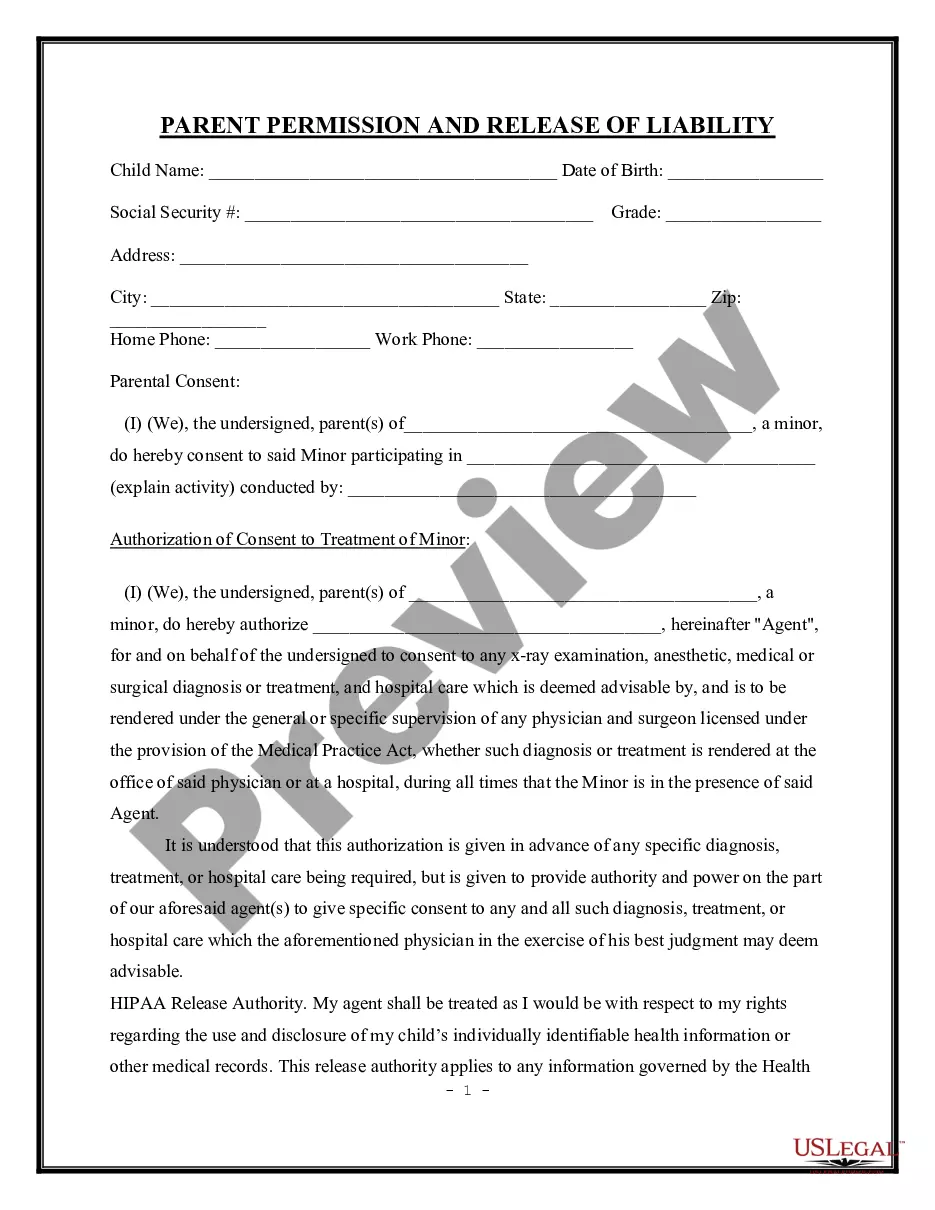
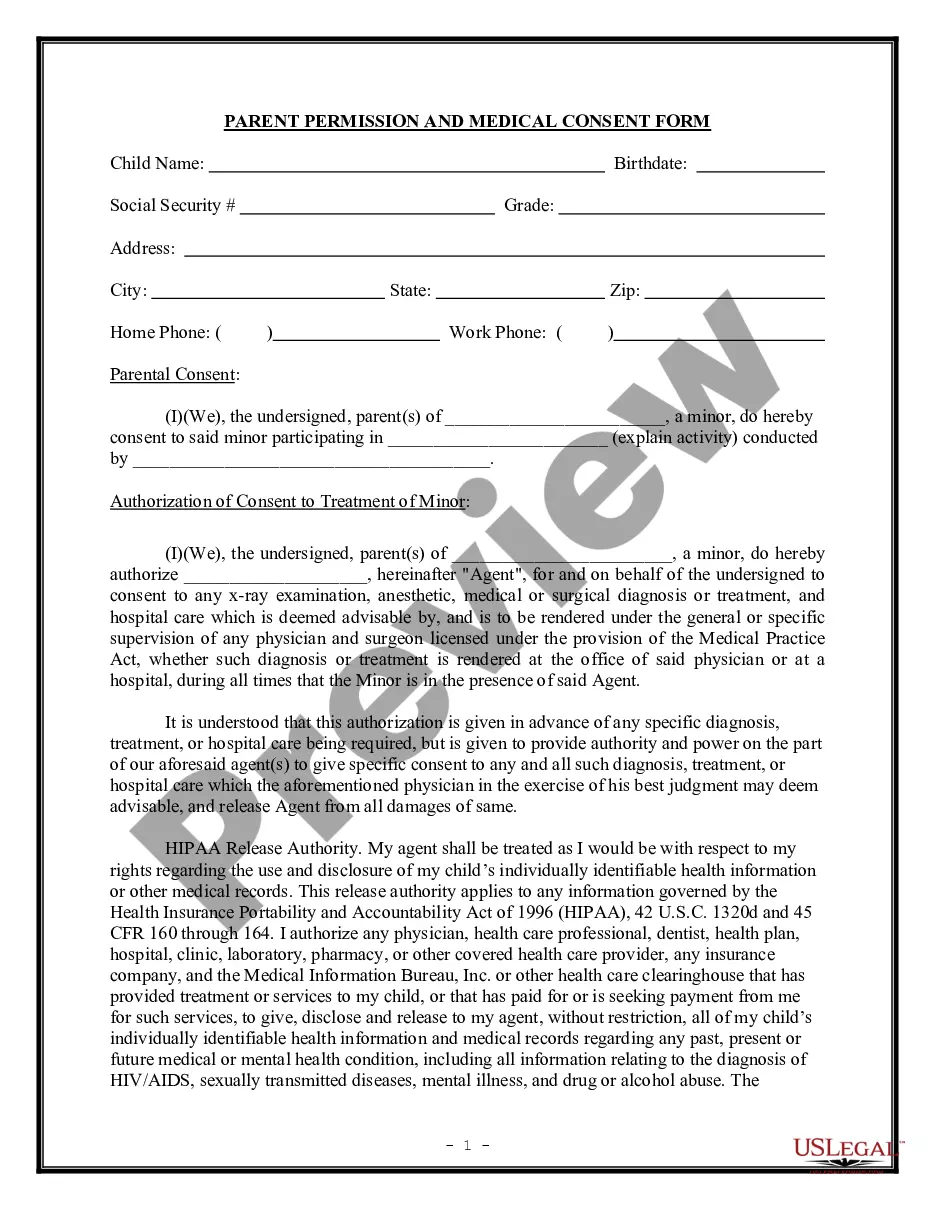
This form is particularly useful in various scenarios such as when a babysitter needs to take children on outings, run errands, or attend events away from the home. It ensures that all parties involved understand the terms of care and authority granted, providing clarity in emergency situations or when parents are unavailable to provide verbal consent.
Who this form is for
- Parents or guardians who require caregivers to take their children off-premises.
- Babysitters or sitters who need documented permission to leave with minors.
- Licensed daycares or childcare providers seeking formal agreements with parents.
How to complete this form
- Identify and enter the names and contact information of the parents or guardians.
- Provide the full name and contact information of the babysitter.
- Outline any specific permissions or conditions under which the sitter may leave the premises.
- Enter the effective date for the authorization.
- Ensure that all parents or guardians sign and date the form to validate it.
Does this document require notarization?
This form does not typically require notarization unless specified by local law. However, having it notarized can add an extra layer of authenticity and may be advisable in situations involving multiple states or legal complexities.
Get your form ready online
Our built-in tools help you complete, sign, share, and store your documents in one place.
Make edits, fill in missing information, and update formatting in US Legal Forms—just like you would in MS Word.
Download a copy, print it, send it by email, or mail it via USPS—whatever works best for your next step.
Sign and collect signatures with our SignNow integration. Send to multiple recipients, set reminders, and more. Go Premium to unlock E-Sign.
If this form requires notarization, complete it online through a secure video call—no need to meet a notary in person or wait for an appointment.
We protect your documents and personal data by following strict security and privacy standards.

Make edits, fill in missing information, and update formatting in US Legal Forms—just like you would in MS Word.

Download a copy, print it, send it by email, or mail it via USPS—whatever works best for your next step.

Sign and collect signatures with our SignNow integration. Send to multiple recipients, set reminders, and more. Go Premium to unlock E-Sign.

If this form requires notarization, complete it online through a secure video call—no need to meet a notary in person or wait for an appointment.

We protect your documents and personal data by following strict security and privacy standards.
Mistakes to watch out for
- Failing to include all parents or guardians' signatures, if applicable.
- Omitting specific conditions or limitations regarding where the sitter may take the children.
- Not indicating an effective date, which may cause confusion about the authorization period.
Advantages of online completion
- Convenient access to downloadable forms, allowing for immediate use.
- Easy to edit and customize to fit specific needs and requirements.
- Reliability, as the forms are drafted by licensed attorneys ensuring legal compliance.
Legal use & context
- The form serves to protect the rights of both the parents and the sitter by documenting the permission granted.
- It also helps in legal situations by providing proof of consent when required.
- Not adhering to the terms outlined in the form may have legal implications for both parties.
What to keep in mind
- The Permission for Sitter to Leave form ensures clear communication and permission between parents and sitters.
- It is vital to fill out the form completely and accurately for it to be effective.
- This form can provide legal protections and clarify the responsibilities expected of the sitter.
Looking for another form?

Form popularity
FAQ
Identify yourself by yourself as accurately as possible. Introduce the person or entity to whom you wish to grant authority. Mention their name, their ID number, and how they relate to you. Specify the scope of the authority, that is the allowed actions. Specify any exclusions if any.
If you share legal custody with your child's other parent or parents, you will want to arrange to have the form notarized together.Once the covered time period is up, a new medical release form will need to be notarized for a caregiver's authority to make medical decisions to continue.
Ensure that the formal letter/ email has a clear heading regarding the consent. Explain the requirements (if any) from the respondents. Mention the duration of the program or participation.
Don't take the kids out of the home without permission. Don't take or post photos of the kids. Don't be on your phone. Don't smoke, drink or do drugs. Don't make the family's business public. Don't watch inappropriate shows or videos. Don't introduce new or controversial discipline.
Include the full names of every party involved. Provide the name of the physician and hospital that can provide the preferred medical attention. Indicate the effective dates of authorization. State the relationship between the writer and the subject.
To Whom It May Concern: I, Name of Legal Guardian, am the lawful guardian of the female child named below. I give permission and consent to Name, Address and Phone Number of Temporary Caregiver to authorize medical treatment for Full Name of Child and date of birth.
Just say you're busy or not feeling well. They don't have to know that the reason you'll be busy is in bed getting some much-needed rest! Feeling sick is an even stronger reason to say no to your babysitting family. They don't want you coming to their house and getting germs on everything, or getting their kids sick.
Contact information for you and your partner. Have your sitter put your and your partner's cell phone numbers in his or her phone. Emergency contact information. Medical information about your baby. Food and drink list. Activity schedule.
Let Them Say Their Goodbyes. Don't Let Goodbyes Last Too Long! Allocate Extra Time Before Parents Leave. Don't Take Separation Anxiety Too Personally. Stay Positive and Calm. Keep the Kids Distracted. Avoid Talking About Mommy or Daddy When They're Gone.