Form - Live and PreRecorded Broadcast Streaming and Hosting Agreement
About this form
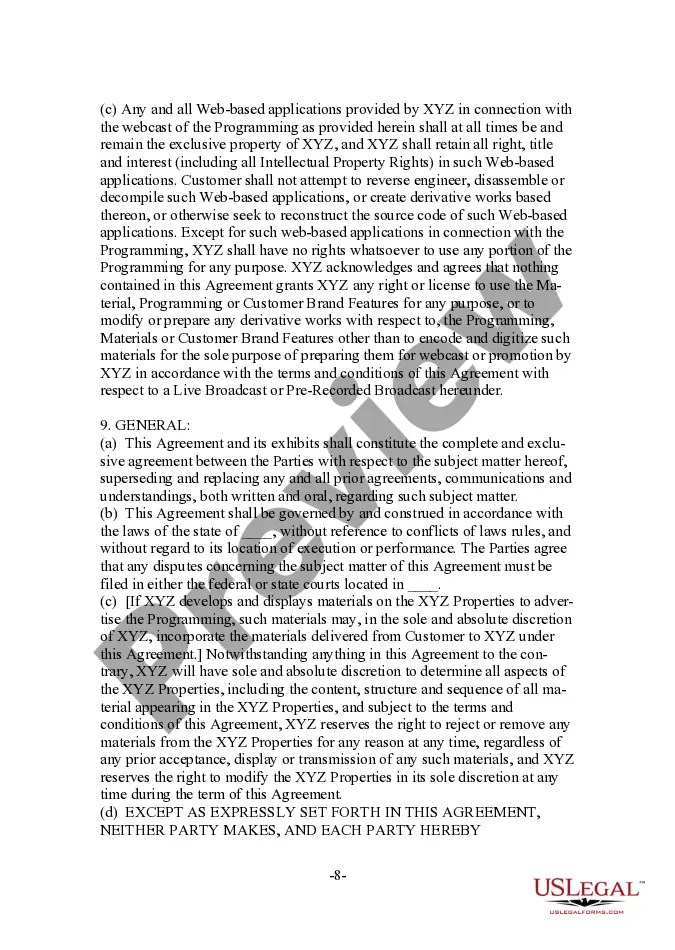
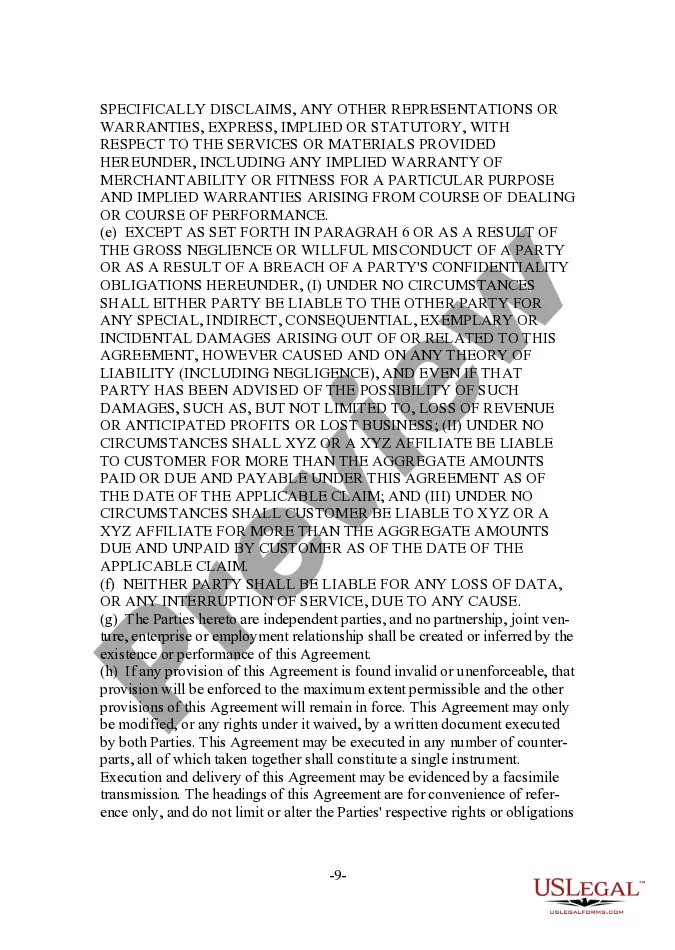
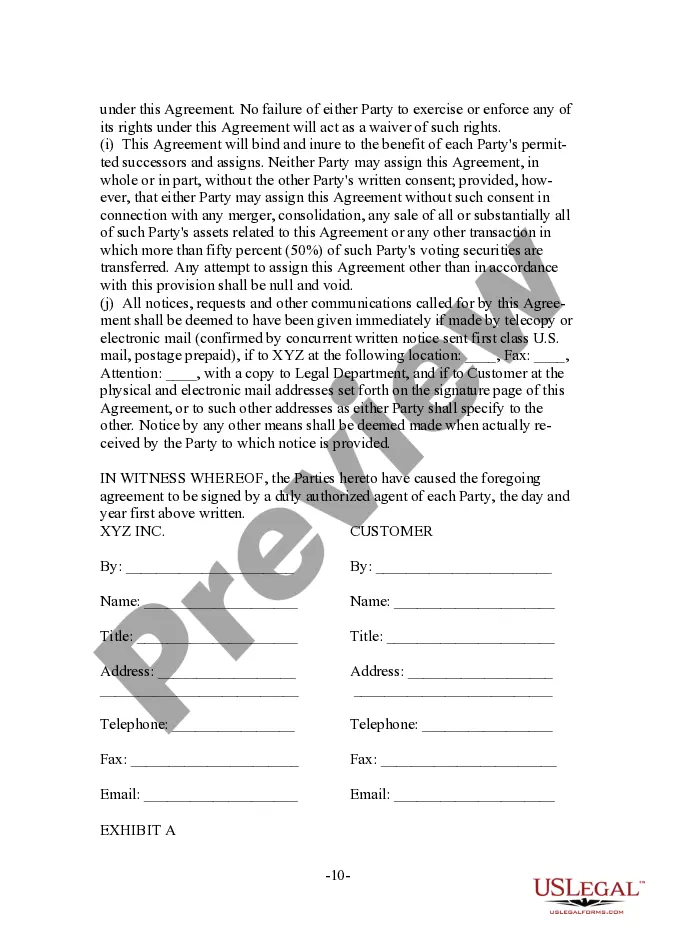
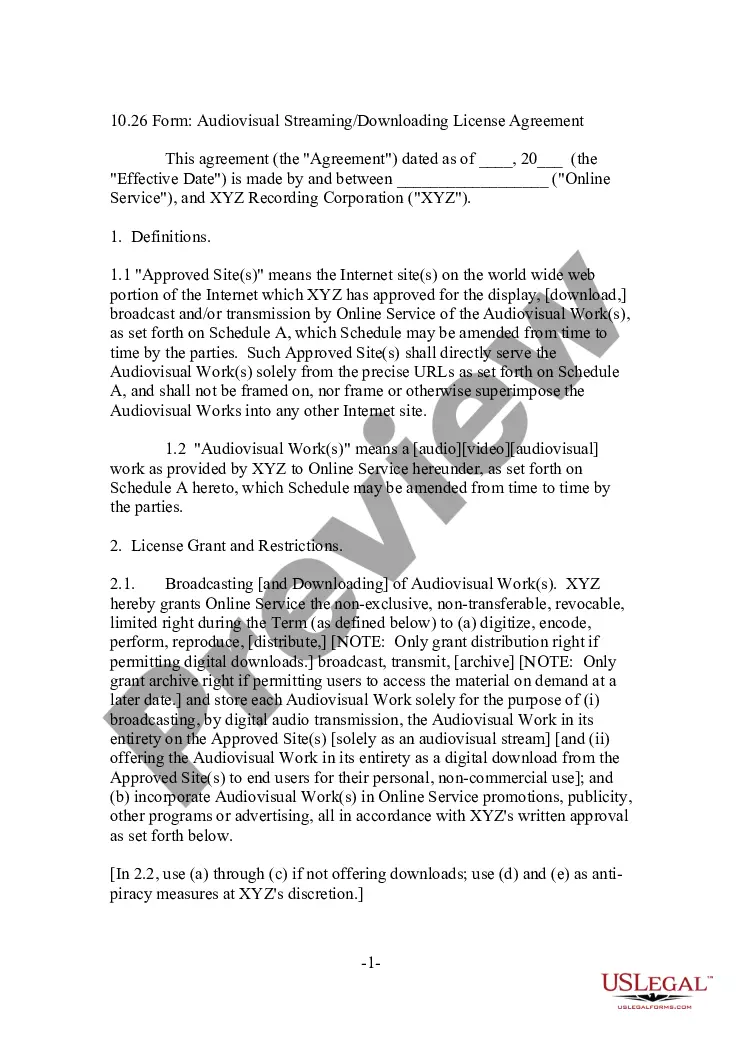
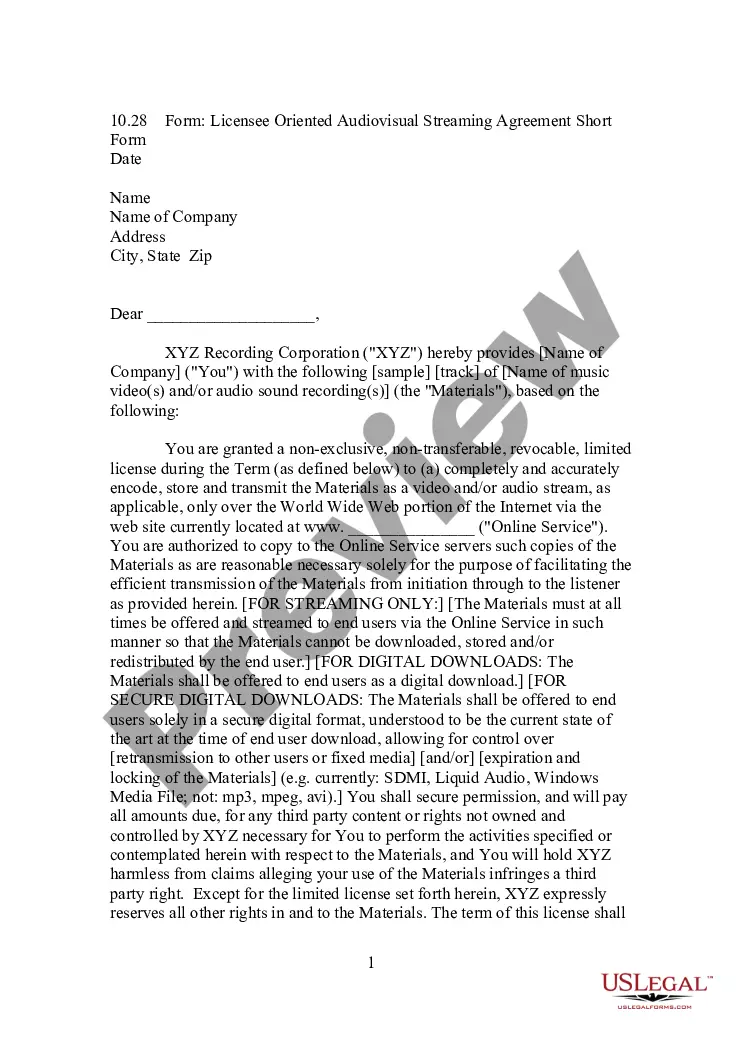
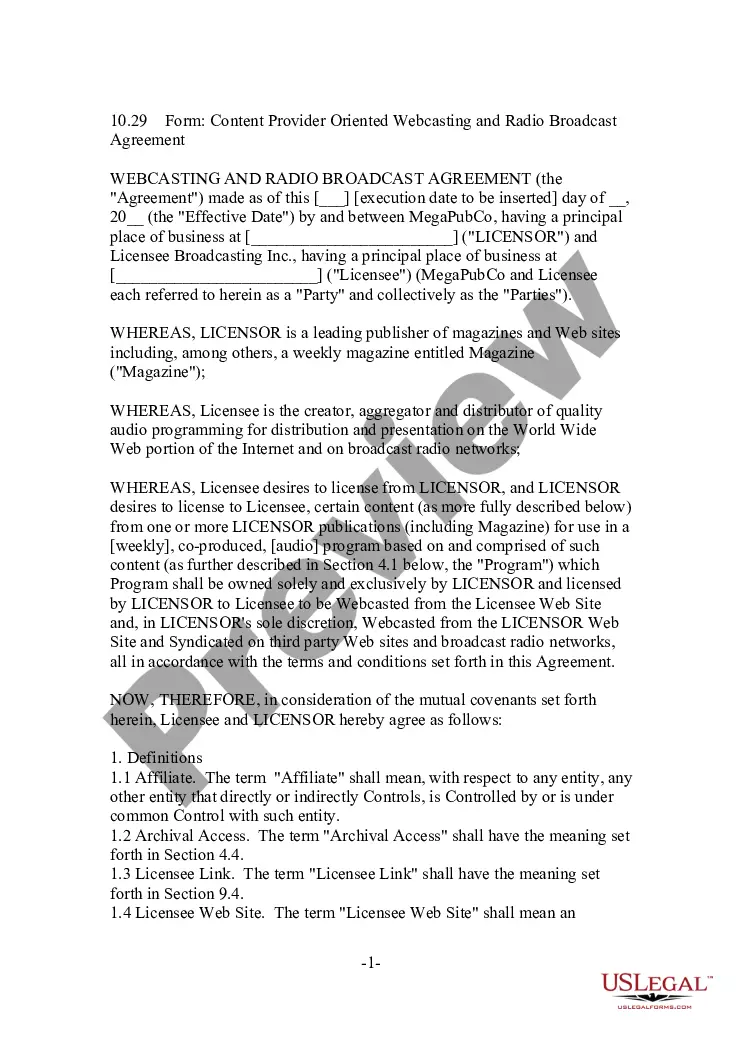
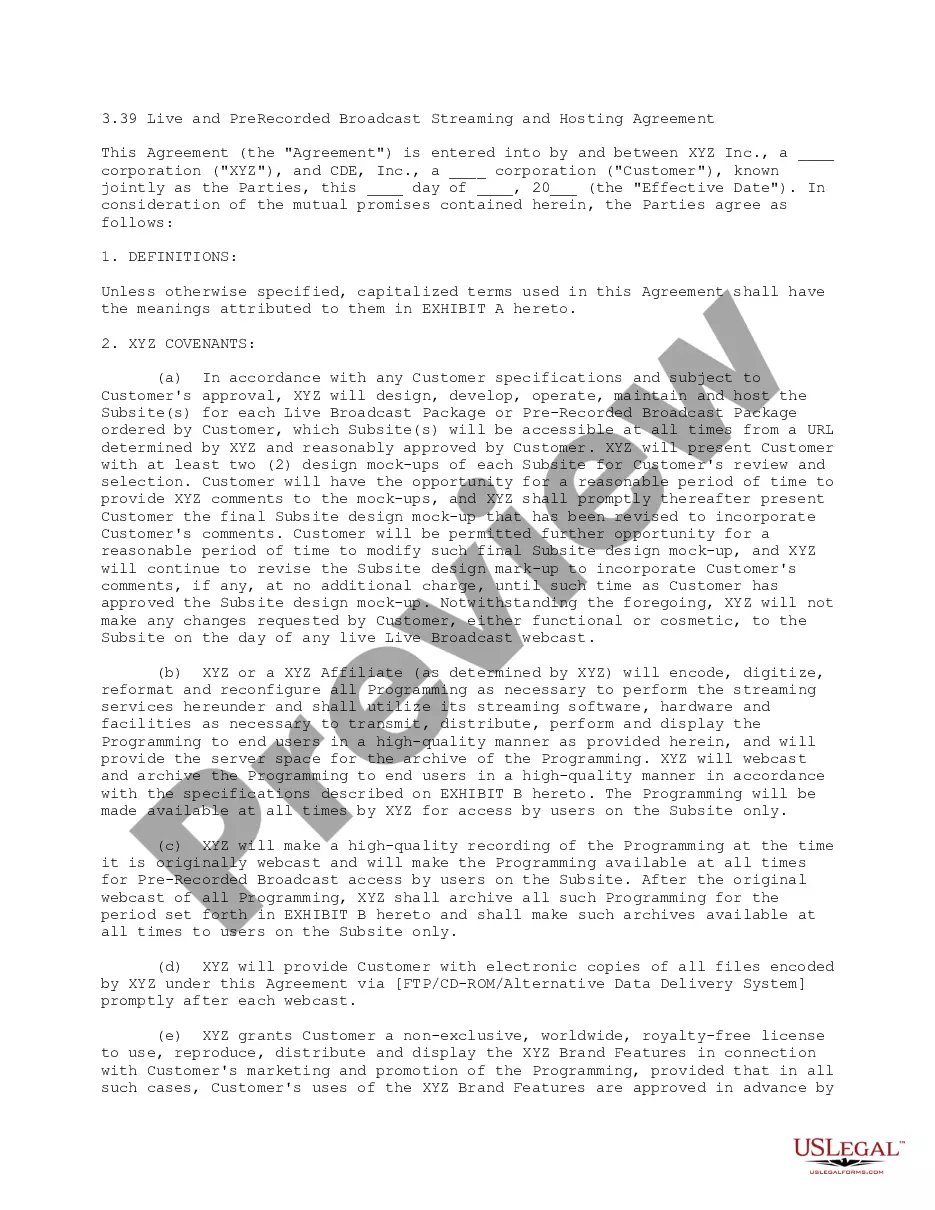
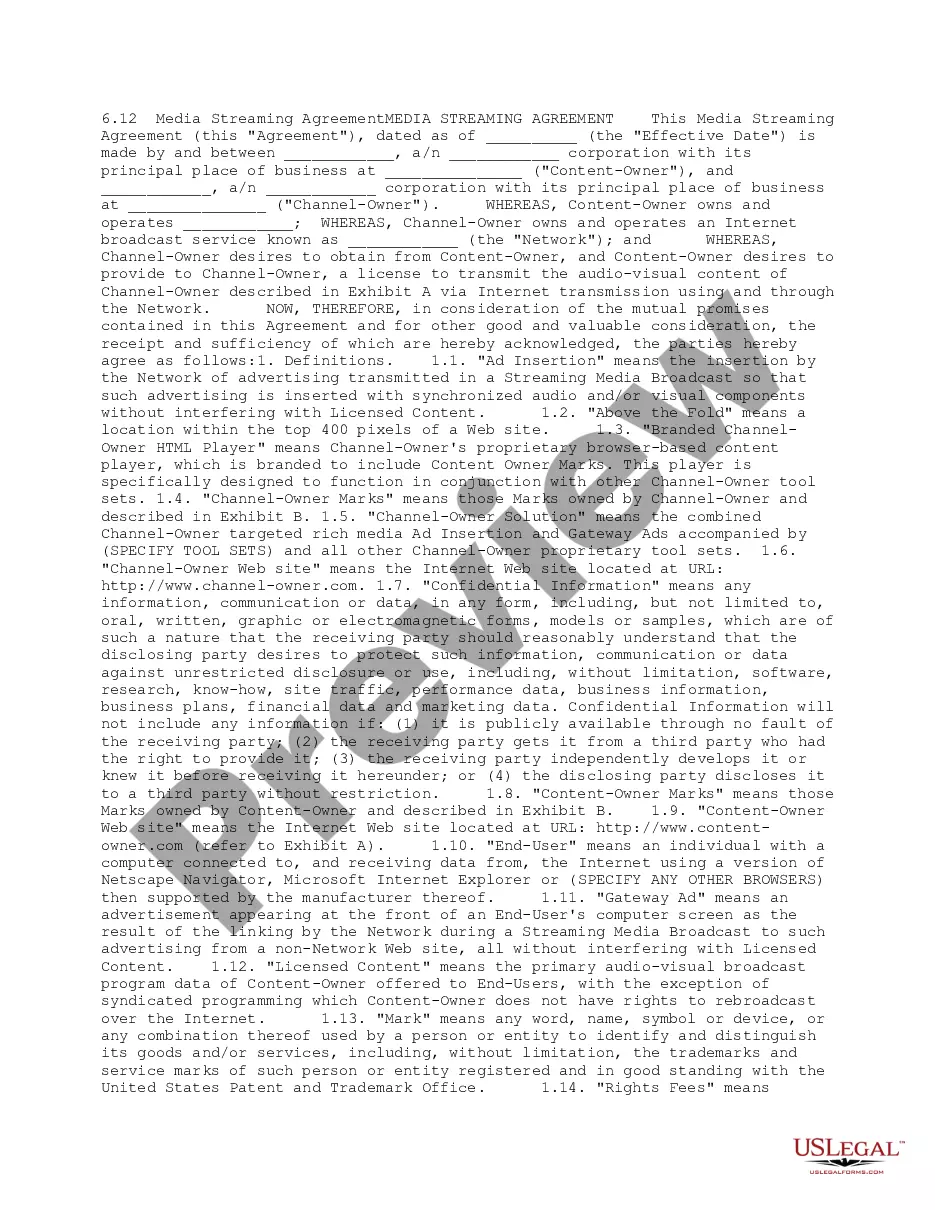
The Live and PreRecorded Broadcast Streaming and Hosting Agreement is a legal document designed for businesses engaged in live or pre-recorded broadcasting. This form outlines the responsibilities and rights of both the broadcasting service provider and the customer in a structured agreement. It ensures that both parties understand their obligations regarding hosting, broadcasting specifications, and intellectual property rights. Unlike other broadcasting agreements, this particular contract is customizable based on individual customer needs and specifications, making it flexible for various broadcasting scenarios.
What’s included in this form
- Definitions: Clarifies key terms used throughout the agreement.
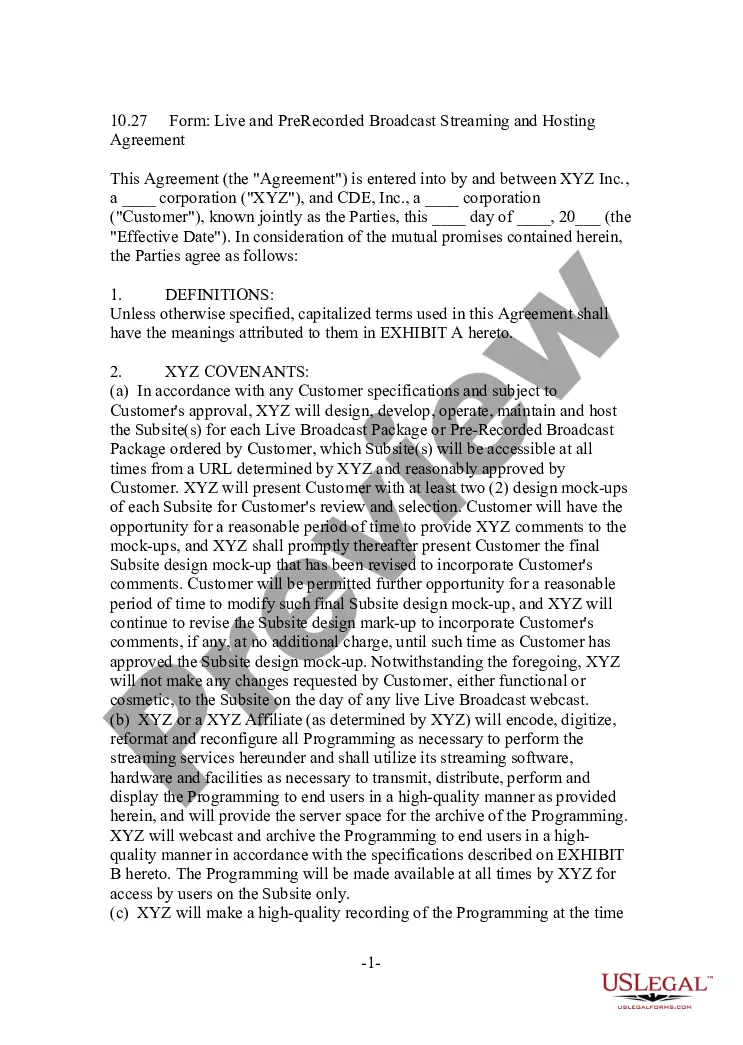
- XYZ Covenants: Outlines the responsibilities of the service provider, including design, hosting, and streaming services.
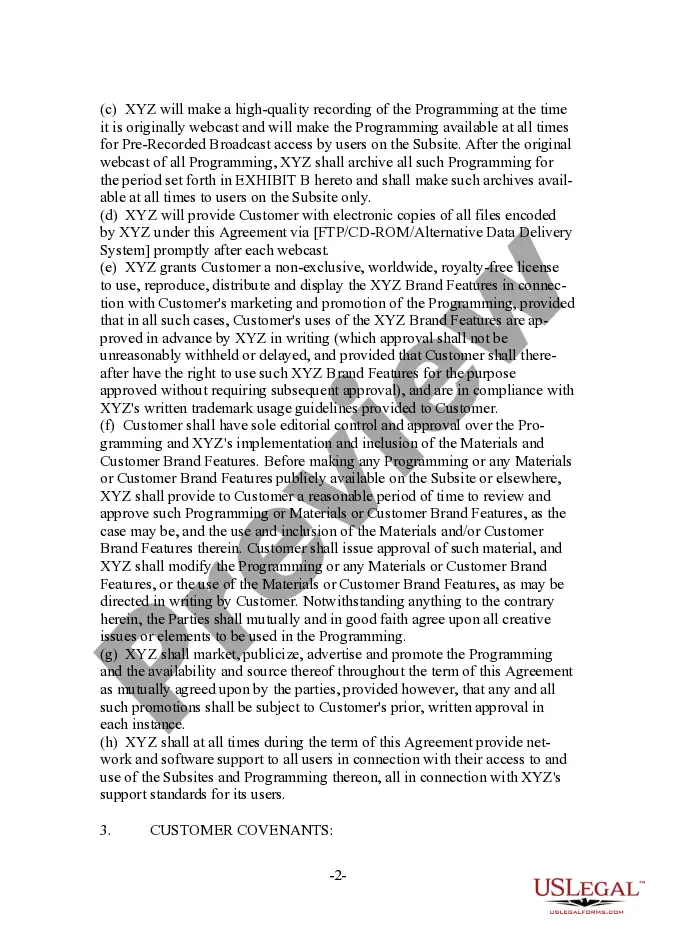
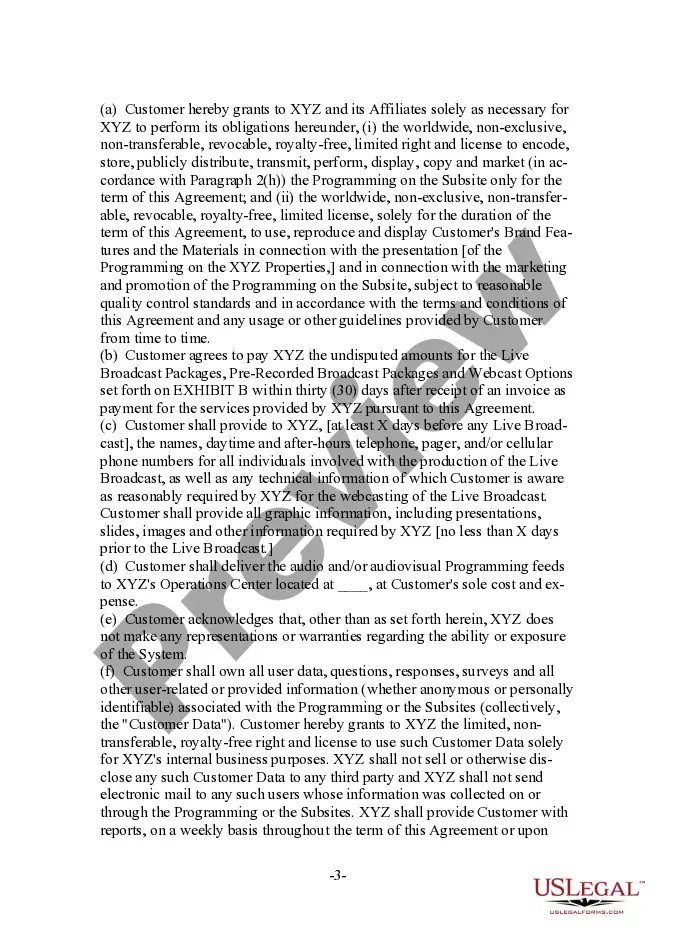
- Customer Covenants: Details the obligations of the customer, including payment terms and provision of necessary materials for the broadcast.
- Confidentiality: Establishes the confidentiality of the agreementâs terms and the protection of sensitive information.
- Indemnification: Specifies the responsibilities of each party to protect the other from claims related to the agreement.
- Termination: Describes the conditions under which the agreement can be terminated by either party.

Common use cases
This form should be used when a business intends to engage in live or pre-recorded broadcasting, especially when hiring a service provider to handle the technical aspects of the broadcast. Scenarios include webinars, virtual events, or any streaming services where both parties want to clearly define responsibilities, ensure quality delivery of content, and protect intellectual property rights.
Who needs this form
- Businesses planning to host live or pre-recorded broadcasts.
- Event organizers needing a contract for broadcasting services.
- Companies seeking to ensure compliance with intellectual property laws.
- Individuals or entities that require clarity in their agreement for streaming services.
Completing this form step by step
- Identify the parties by entering their full legal names and business structures.
- Specify the services to be provided, including details of the live and pre-recorded broadcasts.
- Enter the effective date of the agreement and any deadlines for material submissions.
- Review the clauses related to responsibilities and ensure both parties agree to the terms.
- Both parties sign and date the agreement to enact the contract officially.
Does this form need to be notarized?
This form does not typically require notarization unless specified by local law. However, parties may choose to have the agreement notarized for added legal verification.
Get your form ready online
Our built-in tools help you complete, sign, share, and store your documents in one place.
Make edits, fill in missing information, and update formatting in US Legal Forms—just like you would in MS Word.
Download a copy, print it, send it by email, or mail it via USPS—whatever works best for your next step.
Sign and collect signatures with our SignNow integration. Send to multiple recipients, set reminders, and more. Go Premium to unlock E-Sign.
If this form requires notarization, complete it online through a secure video call—no need to meet a notary in person or wait for an appointment.
We protect your documents and personal data by following strict security and privacy standards.

Make edits, fill in missing information, and update formatting in US Legal Forms—just like you would in MS Word.

Download a copy, print it, send it by email, or mail it via USPS—whatever works best for your next step.

Sign and collect signatures with our SignNow integration. Send to multiple recipients, set reminders, and more. Go Premium to unlock E-Sign.

If this form requires notarization, complete it online through a secure video call—no need to meet a notary in person or wait for an appointment.

We protect your documents and personal data by following strict security and privacy standards.
Common mistakes
- Failing to define specific broadcasting services and expectations clearly.
- Not including payment terms or amounts in the agreement.
- Overlooking the review process for content, which can lead to disputes.
- Neglecting to discuss or clarify copyright and intellectual property rights.
Benefits of completing this form online
- Easy access to a professionally drafted agreement that can be tailored to specific needs.
- Downloadable format allows for easy customization and editing.
- Instant availability ensures timely implementation in broadcasting plans.
This agreement is legally binding once signed by all parties involved. It defines the framework for legal and financial relationships during the streaming service period. Users should retain a copy of the signed document for their records.
What to keep in mind
- This agreement is essential for businesses looking to partner for broadcast streaming services.
- Clarity in roles and responsibilities helps prevent disputes.
- Be aware of any specific state requirements regarding digital agreements for full compliance.
Looking for another form?
Form popularity
FAQ
Live stream is used as a noun (a live stream) and attributively (a live stream event) and as a verb: Its games are live-streamed to hundreds of thousands of fans across the world on the online platform Twitch.
Cloud-based services like LiveReacting and OneStream allow you to upload your pre-recorded videos and schedule them to be posted at a later time to your streaming destination of choice, including Facebook Live.
Live TV Streaming vs.Live TV streaming functions like traditional TV with live channels, guides, DVR function and more. Both Traditional TV and Live Streaming TV air content live at a specific time on a specific channel. WHEREAS... Live TV streaming services deliver entertainment over the internet.
With Castr Pre-Recorded Video Livestreaming, you can schedule and stream pre-recorded videos live to your websites or social media on a specific date and time. You can also choose to let your video run 24x7 with the Infinite Loop feature.
Facebook is making its 'Premieres' feature available to everyone, which allows pages to publish pre-recorded video as live content. This will let pages debut a recorded piece of content with all the perks that come with streaming a live video.
What is live streaming? Live streaming technology lets you watch, create and share videos in real time, a bit like live TV. All you need to be able to live stream is an internet enabled device, like a smart phone or tablet, and a platform (such as a website or app) to live stream from.
The CCLI license allows podcasting and streaming of worship services only. If you plan on streaming just your worship services, the CCLI streaming license has you covered. For streaming worship services, special events, and guest performances, your church will need the WORSHIPcast license.
Yes you can watch it. When you stop streaming, YouTube will automatically upload an archive of your live stream to your channel. You can find it in Creator Studio > Video Manager. YouTube will automatically archive your live stream if it's less than 12 hours and it's applies to all types of live streams.
To most people, live streaming is simply refer as streaming in general terms.Live broadcasting on the other hand is known as live transmission that simply refers to the usage of different types of media that are broadcast without a significant delay and appear to the viewers through video and audio in real time.