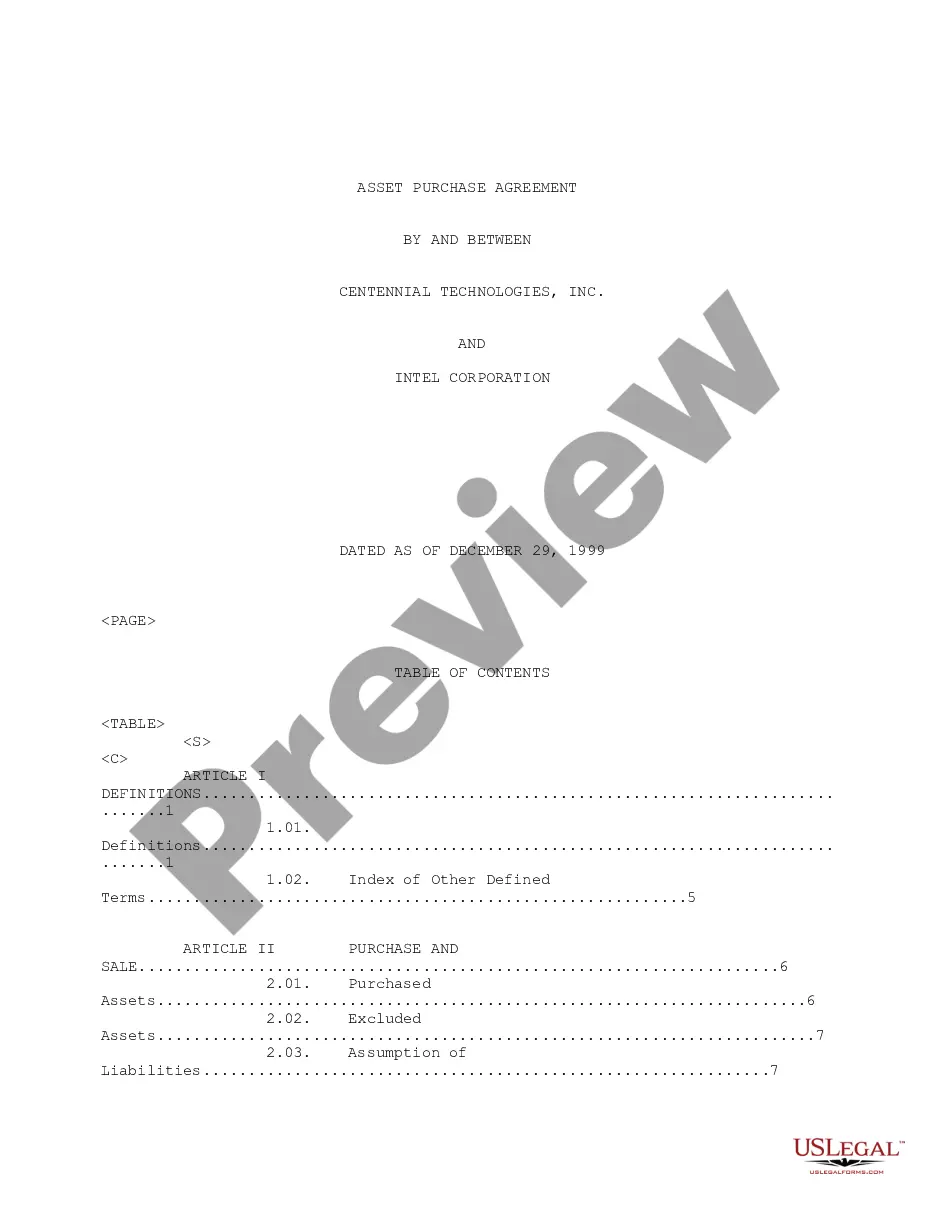
Rights Agreement between Centennial Technologies, Inc. and Intel Corporation
Overview of this form
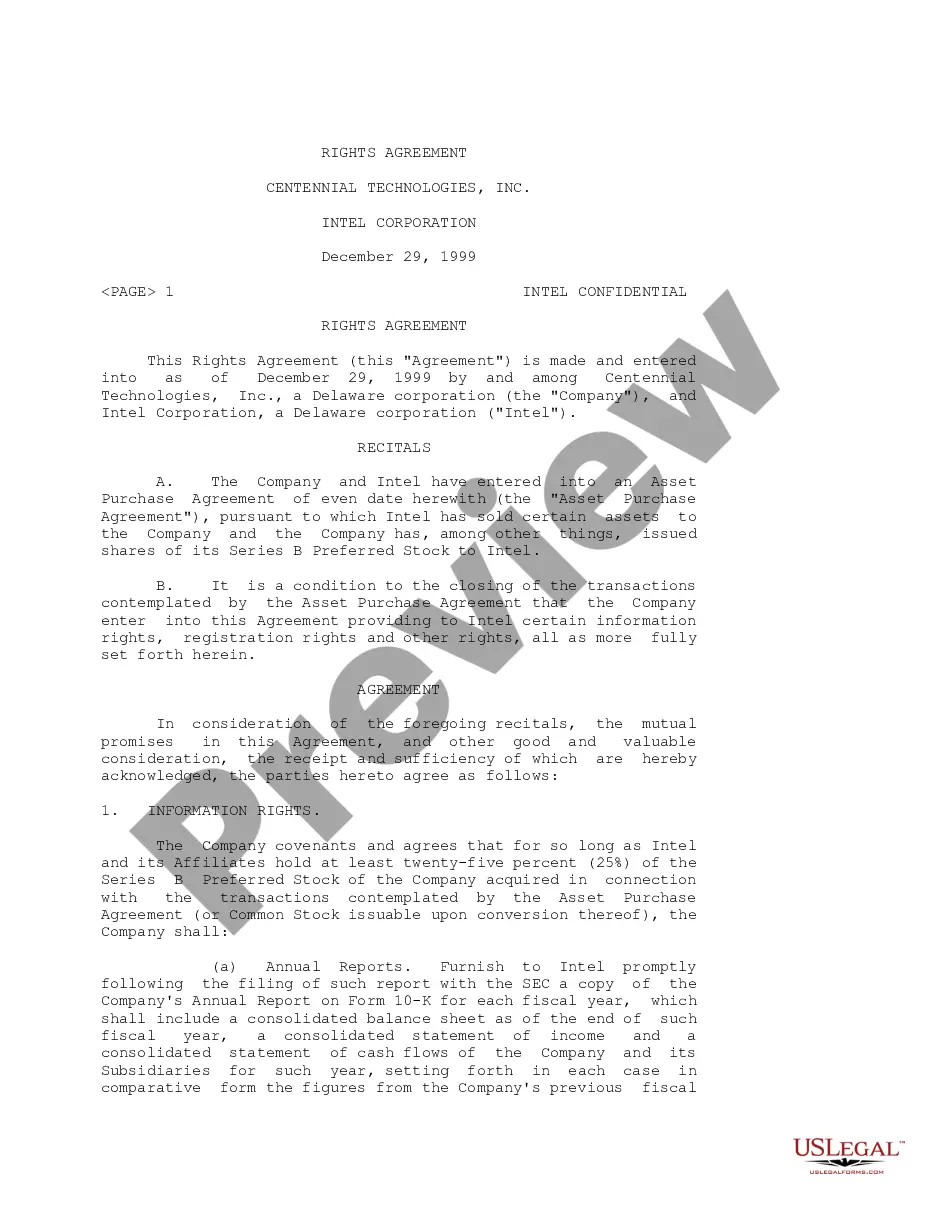
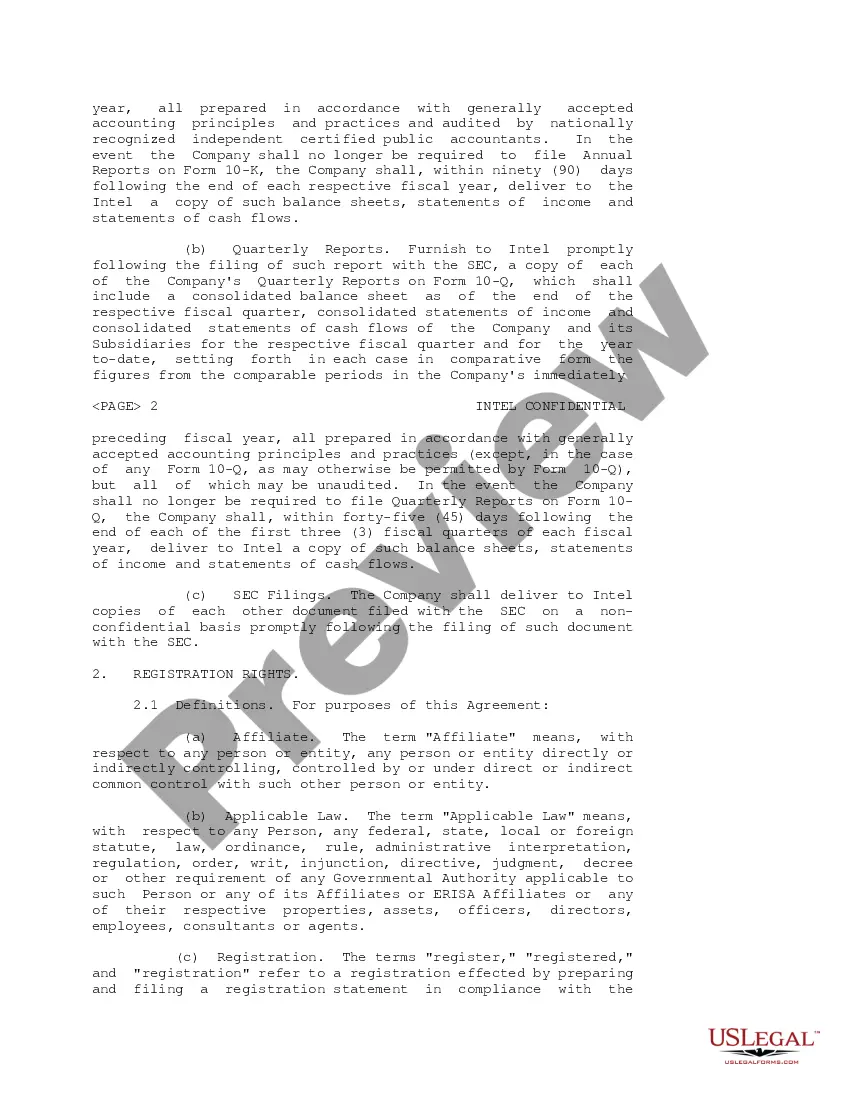
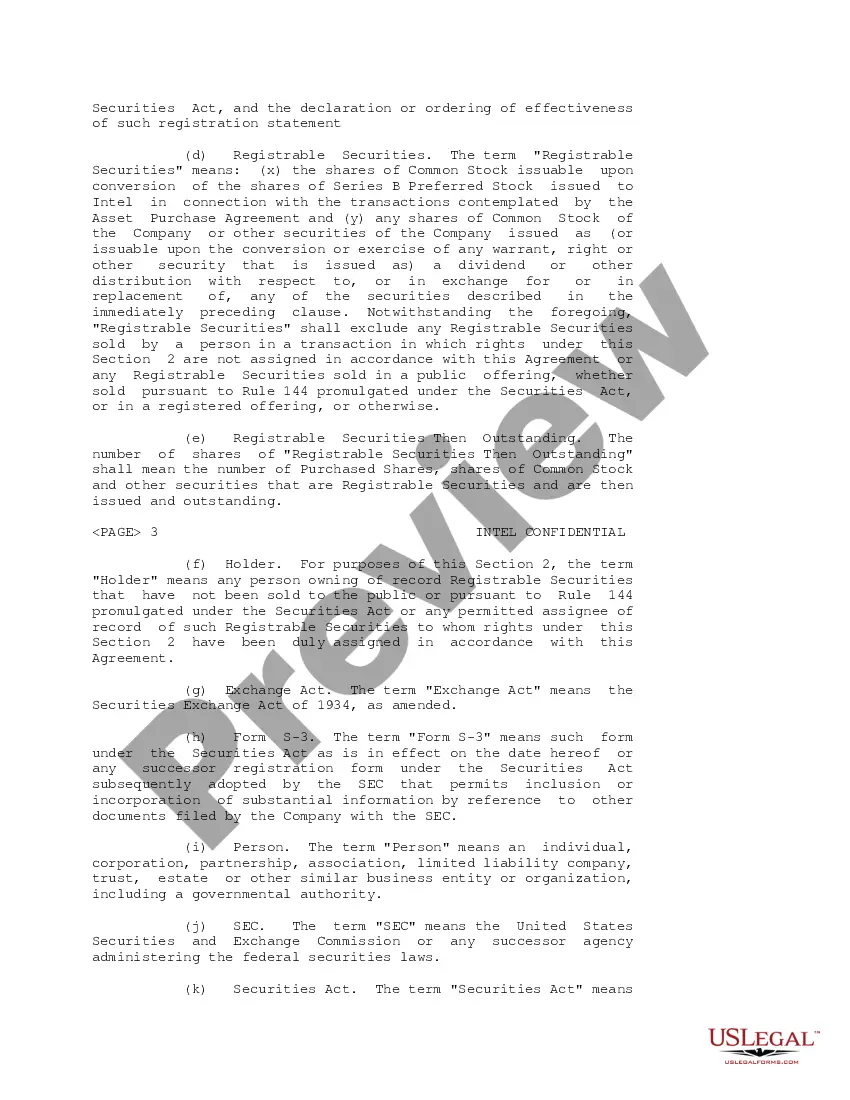
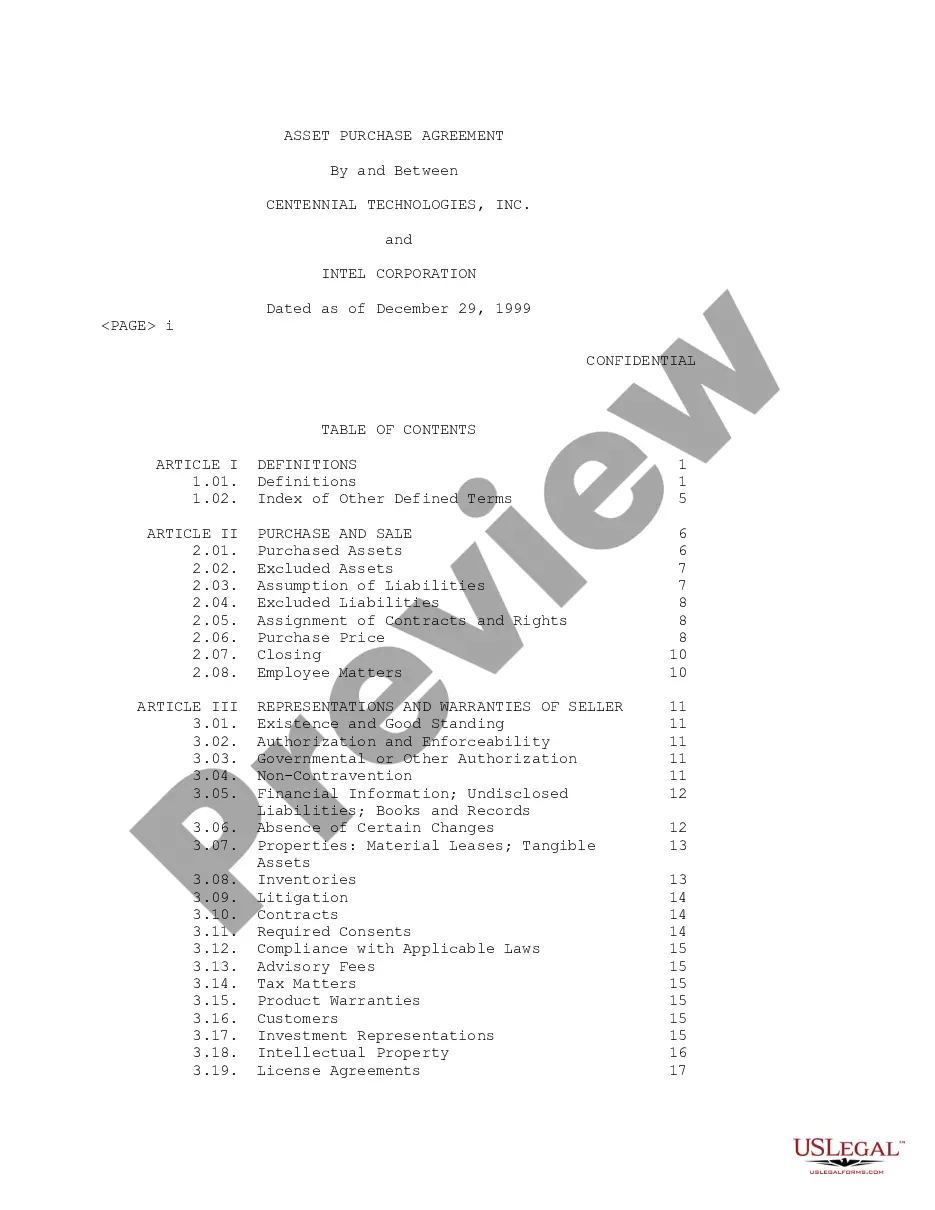
The Rights Agreement between Centennial Technologies, Inc. and Intel Corporation is a legal document that outlines the rights and obligations between the two corporations concerning the exchange of stock and financial disclosures. This agreement specifically details information rights and registration rights that Intel has regarding its investments in Centennial Technologies. This form is essential for clarifying the relationship and protecting the interests of both parties, differentiating it from more general investment agreements by focusing on specific rights related to stock ownership and reporting.
Key parts of this document
- Information Rights: Obligations for Centennial Technologies to provide annual and quarterly reports as well as SEC filings to Intel.
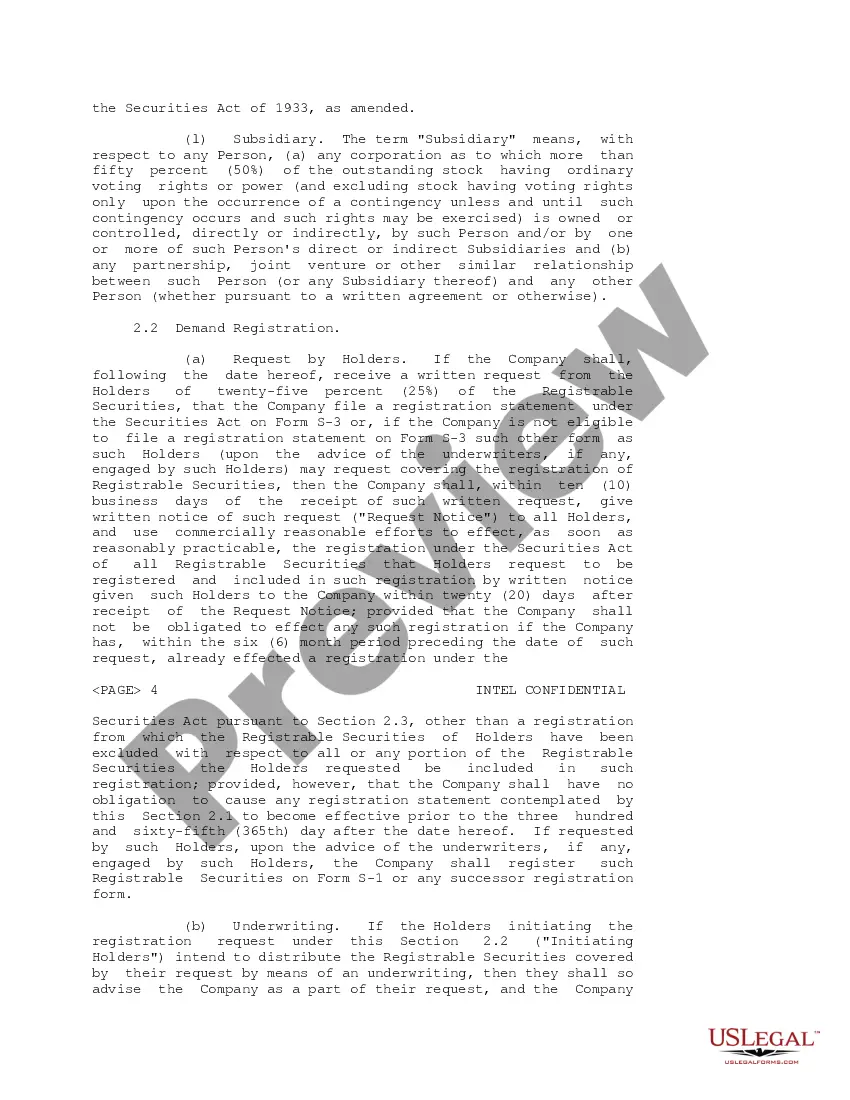
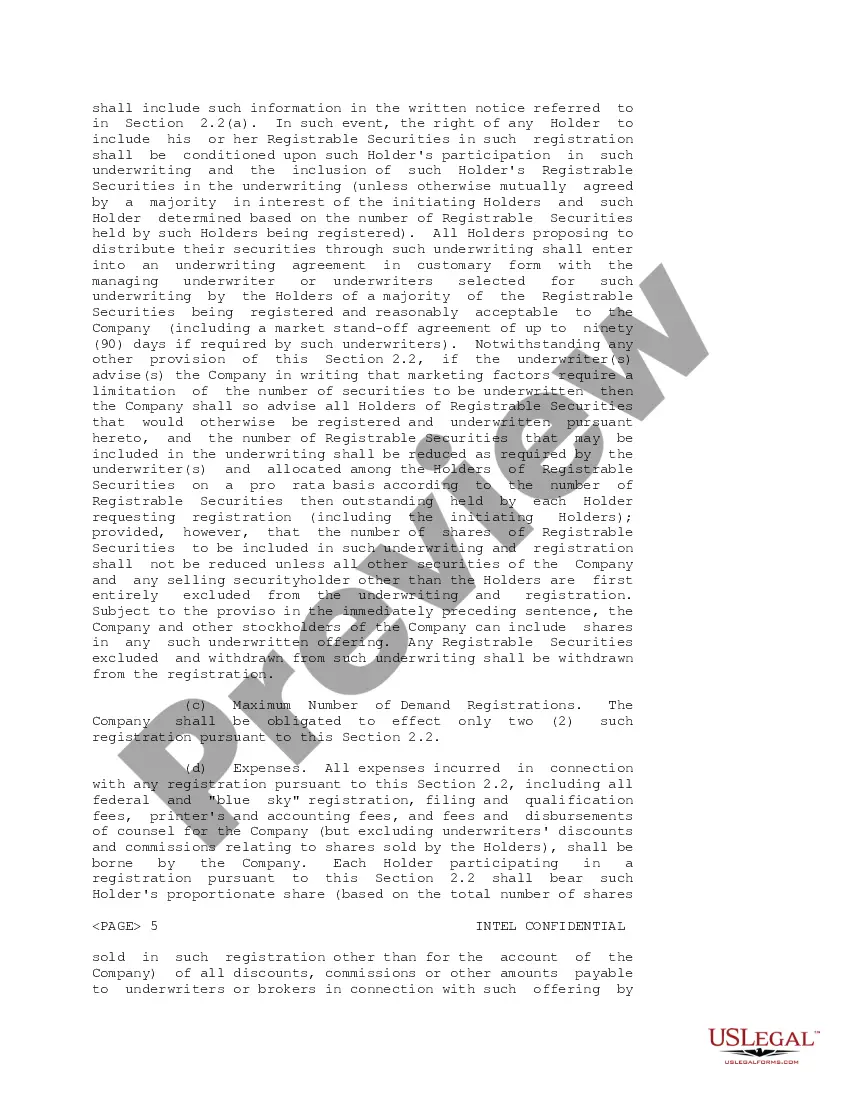
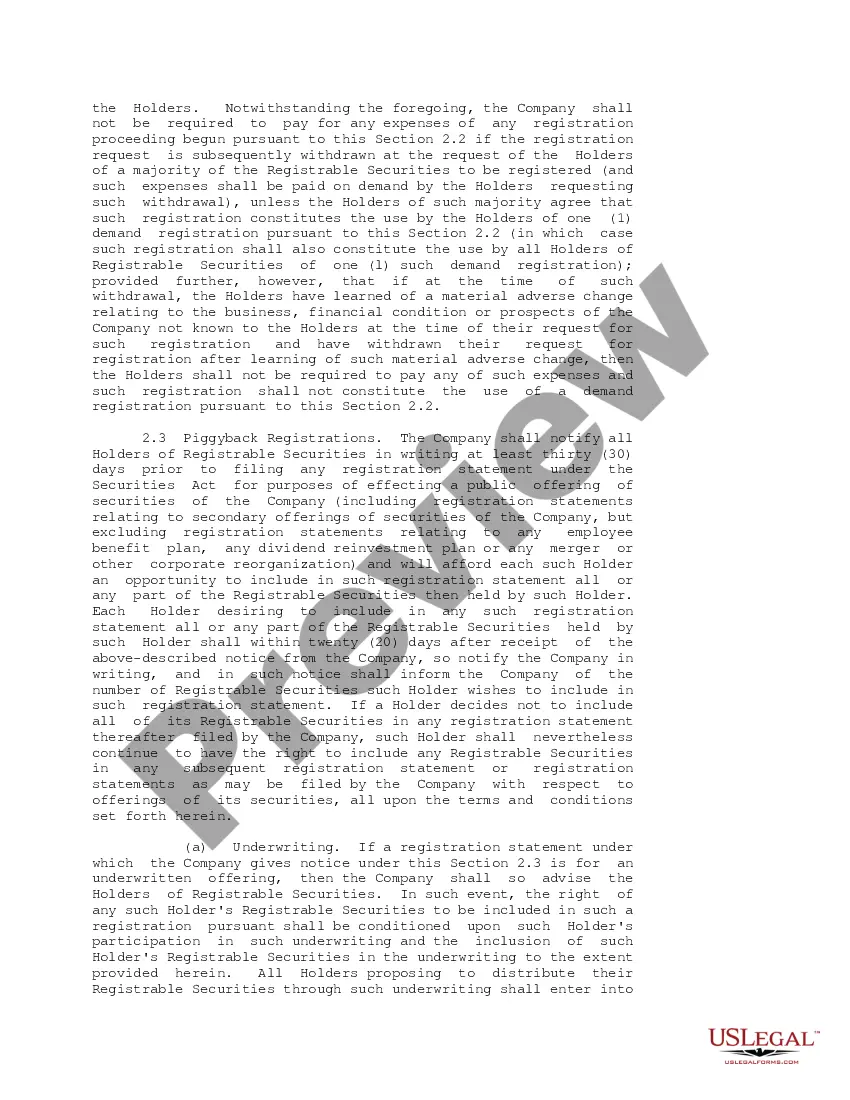
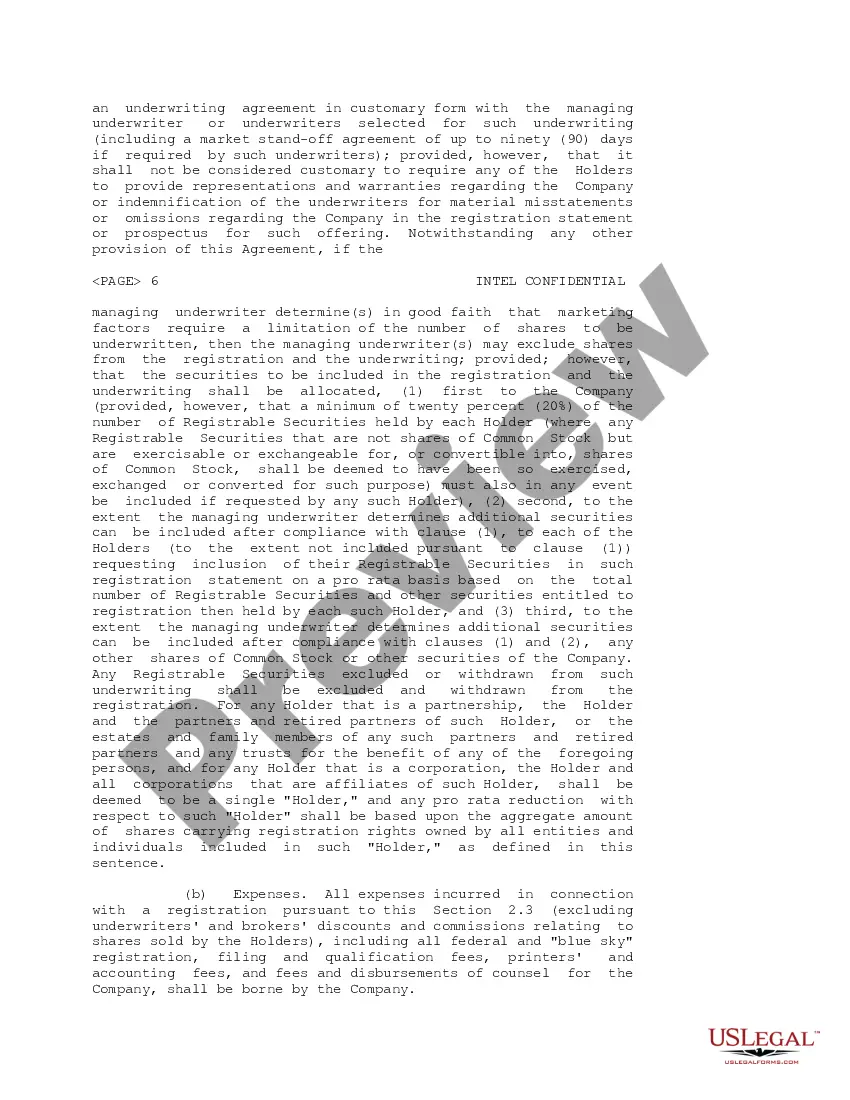
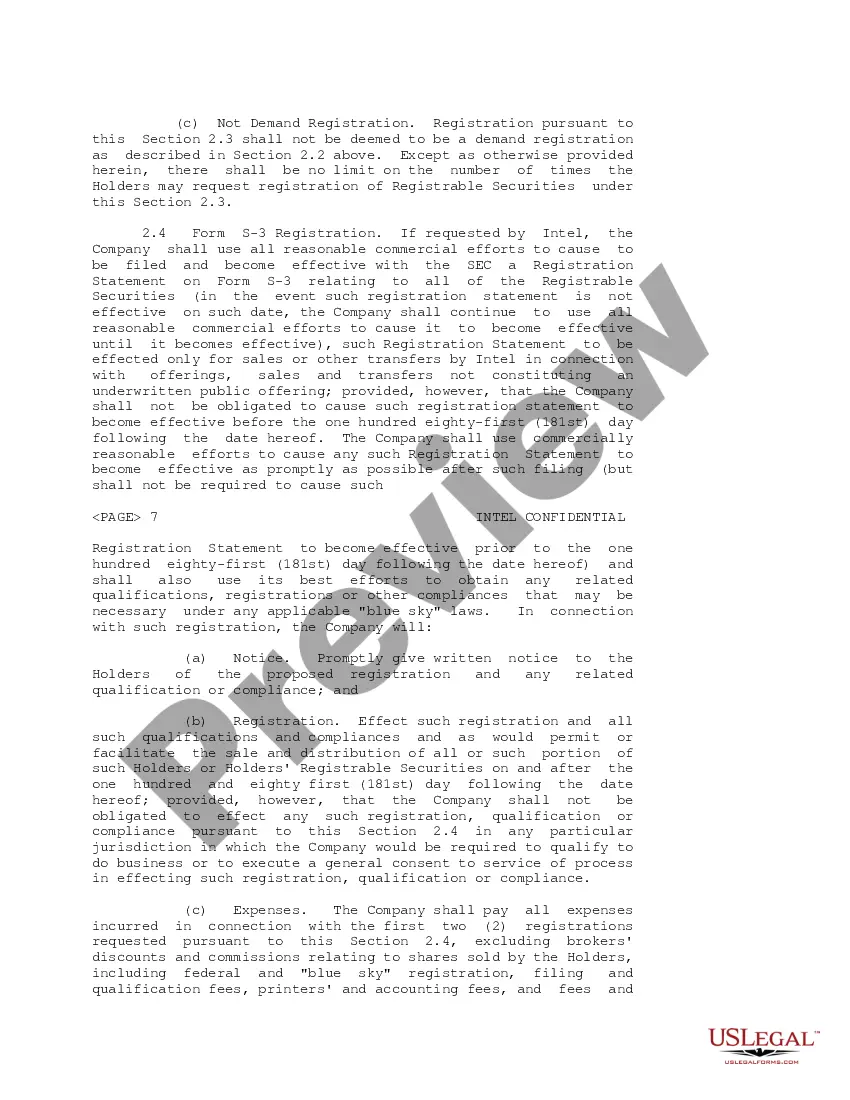
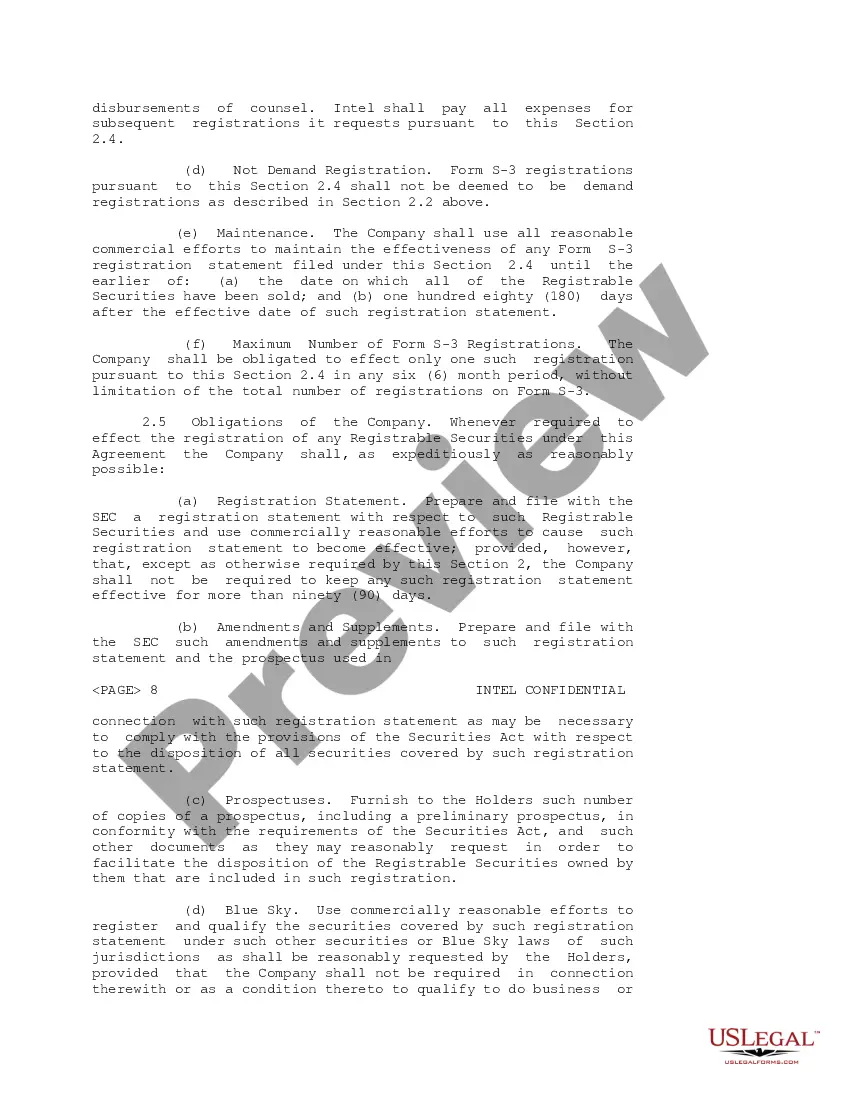
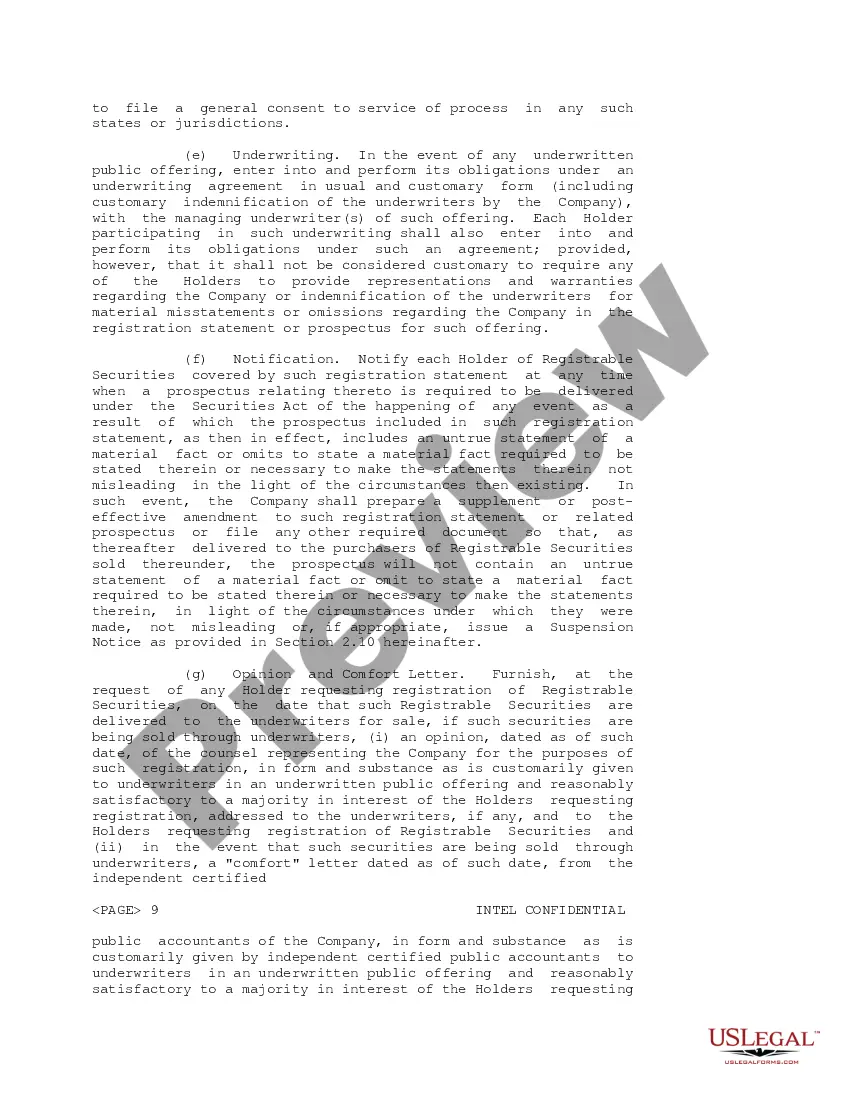
- Registration Rights: Provisions for Intel to register ownership stakes, including Demand Registration and Piggyback Registration rights.
- Obligations Regarding Confidential Information: Ensures confidentiality of sensitive information exchanged between the parties.
- Assignment of Rights: Conditions under which Intel can transfer its rights under the agreement to other parties.
- Right of First Offer: Intel's right to sell shares of Preferred Stock, requiring the company to make an offer first.

When to use this document
This form should be used when two businesses enter into significant financial arrangements involving the transfer of stock and the need for information disclosures. It is particularly useful in scenarios where one entity (like Intel) requires assurances of regular financial updates and rights to sell shares in a structured manner, typically during asset purchase agreements or financial audits. It provides clarity and tracking of investment obligations over time.
Who should use this form
- C-Suite executives and decision-makers at corporations involved in intermediary asset purchases.
- Legal teams responsible for drafting or reviewing corporate investment agreements.
- Investors and stakeholders looking to ensure their rights and benefits in inter-corporate agreements.
Steps to complete this form
- Identify the parties involved by entering the full legal names of Centennial Technologies, Inc. and Intel Corporation.
- Specify the date of the agreement to ensure all parties acknowledge the terms from that date.
- Detail the rights and obligations regarding information disclosures, like the frequency and types of reports to be provided.
- Include terms for registration rights, specifying the processes Intel must follow to initiate such registrations.
- Make provisions for confidentiality, stating what information is protected and the duration of this protection.
Does this form need to be notarized?
This form does not typically require notarization unless specified by local law. However, having a notarized document can enhance its legal standing in certain jurisdictions.
Get your form ready online
Our built-in tools help you complete, sign, share, and store your documents in one place.
Make edits, fill in missing information, and update formatting in US Legal Forms—just like you would in MS Word.
Download a copy, print it, send it by email, or mail it via USPS—whatever works best for your next step.
Sign and collect signatures with our SignNow integration. Send to multiple recipients, set reminders, and more. Go Premium to unlock E-Sign.
If this form requires notarization, complete it online through a secure video call—no need to meet a notary in person or wait for an appointment.
We protect your documents and personal data by following strict security and privacy standards.
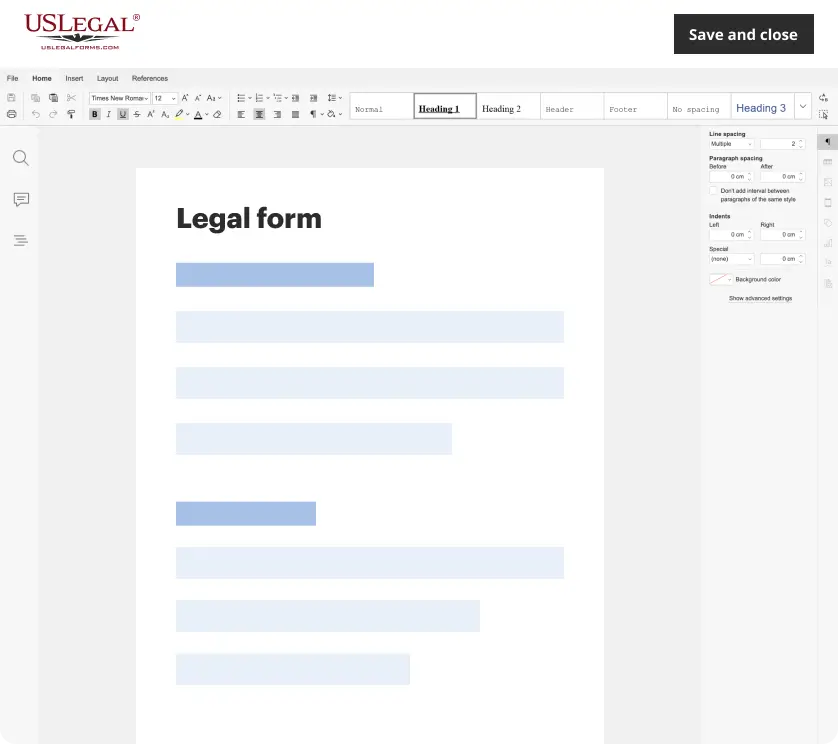
Make edits, fill in missing information, and update formatting in US Legal Forms—just like you would in MS Word.
Download a copy, print it, send it by email, or mail it via USPS—whatever works best for your next step.
Sign and collect signatures with our SignNow integration. Send to multiple recipients, set reminders, and more. Go Premium to unlock E-Sign.

If this form requires notarization, complete it online through a secure video call—no need to meet a notary in person or wait for an appointment.
We protect your documents and personal data by following strict security and privacy standards.
Avoid these common issues
- Failing to properly identify both parties, which can lead to enforcement issues.
- Neglecting specific details regarding the frequency and content of required reports.
- Omitting or improperly drafting the registration rights provision, causing confusion over compliance.
- Overlooking confidentiality clauses that can expose sensitive business information.
Benefits of completing this form online
- Convenience of filling out the form from anywhere without the need for in-person meetings.
- Editability allows for updates and modifications as business needs change.
- Access to legally vetted templates ensures reliability in legal compliance.