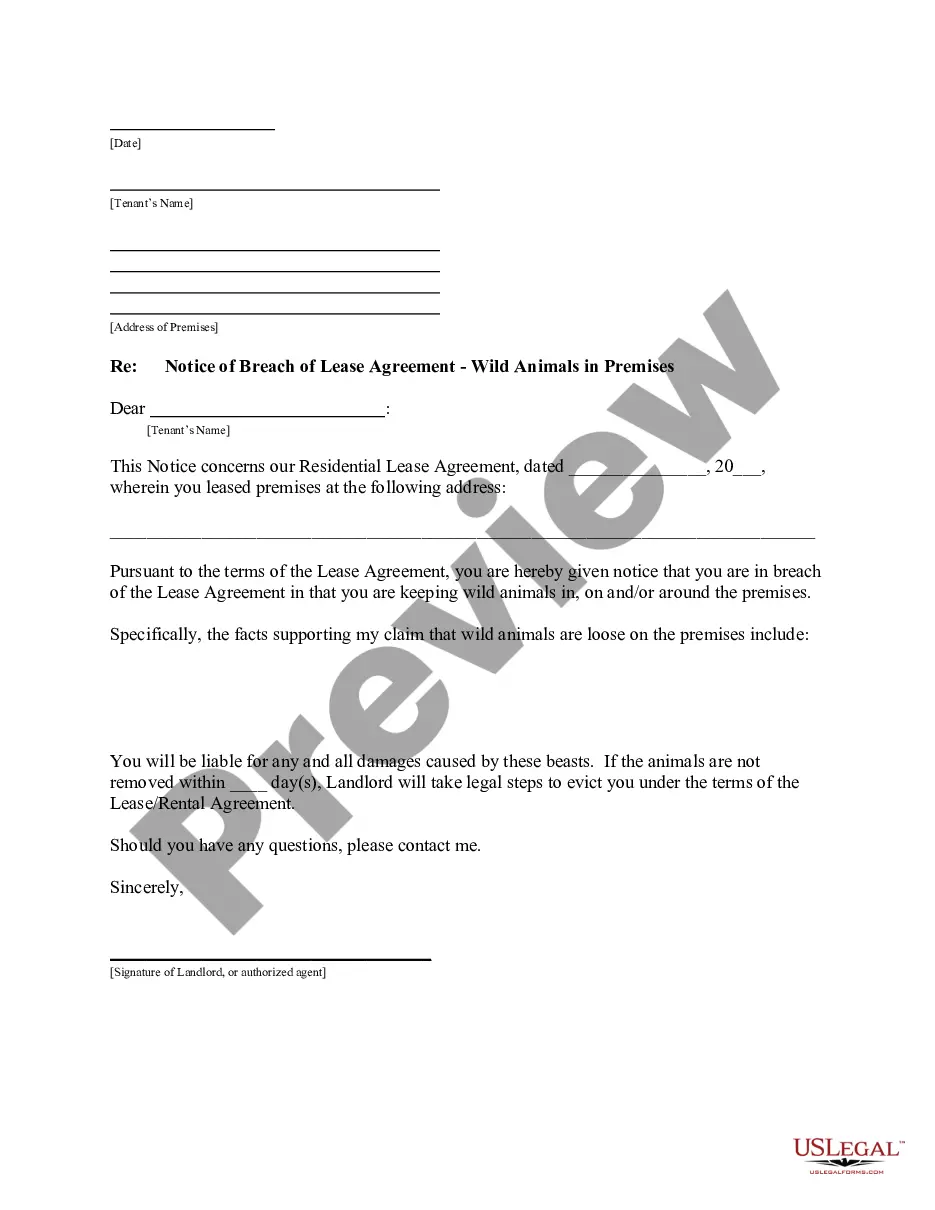
Stockholder proposal of J.C. Penney Co., Inc. regarding ensuring company does not do business with foreign suppliers who use forced, convict, or illegal child labor
About this form
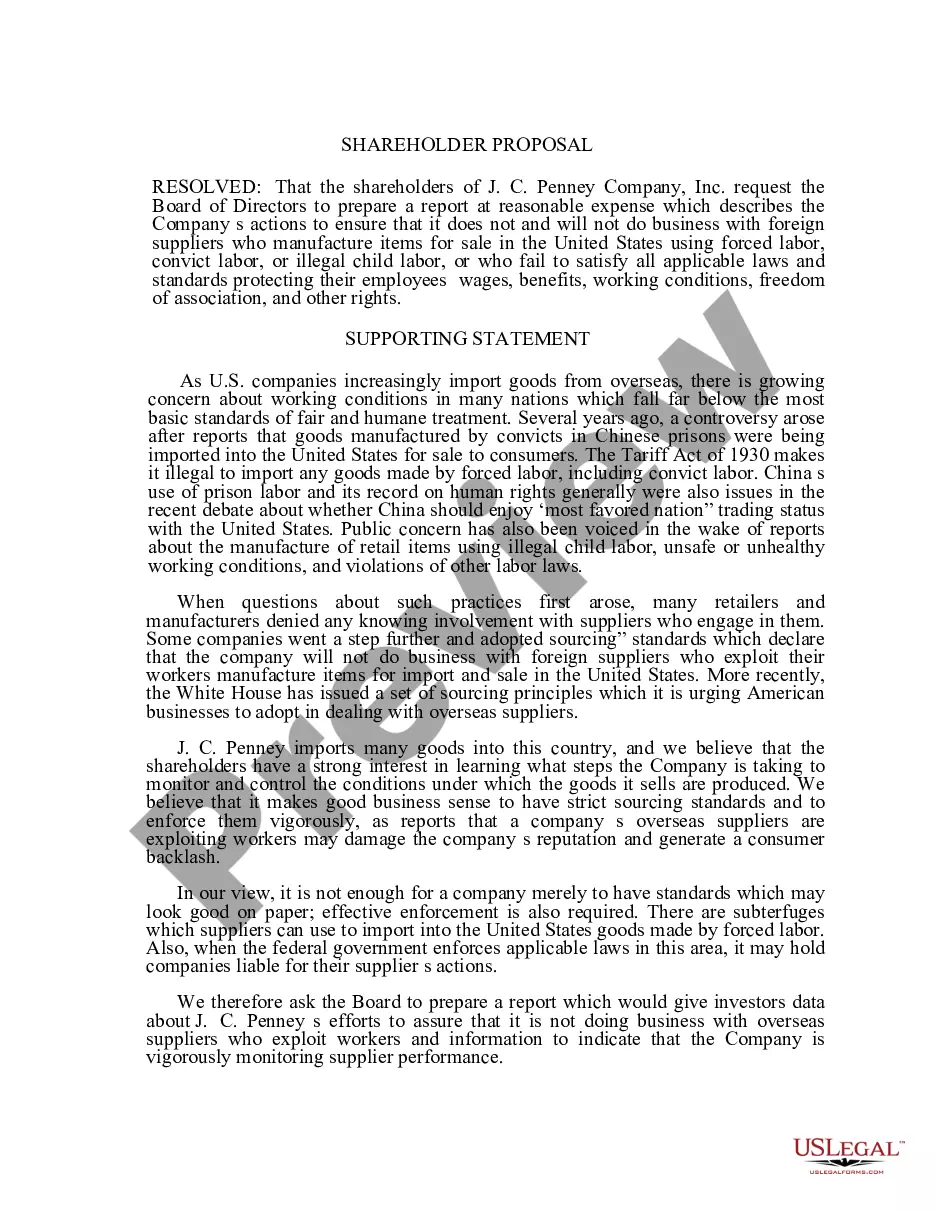
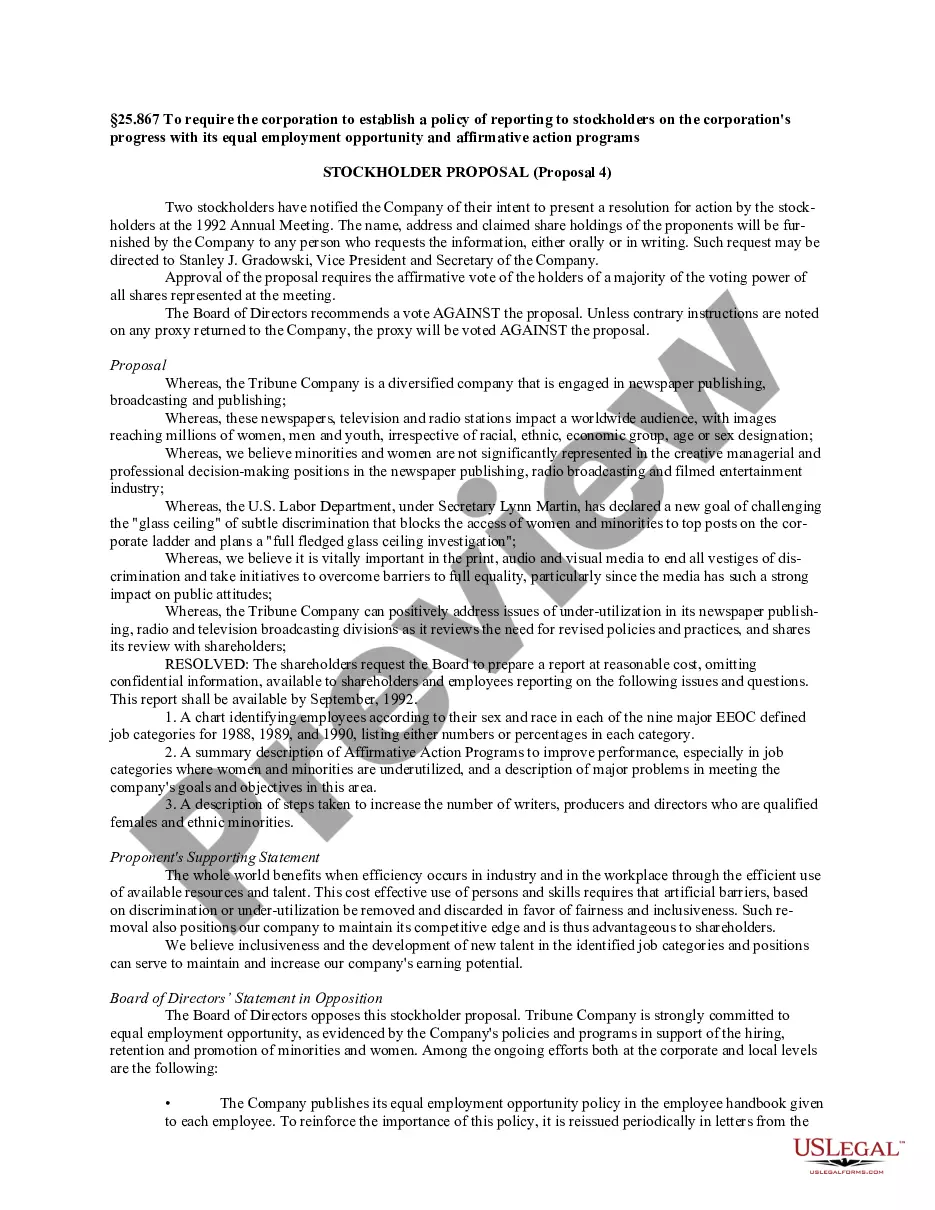
This Stockholder proposal is a formal request by shareholders of J.C. Penney Co., Inc. to the companyâs Board of Directors. Its purpose is to ensure that the company does not engage with foreign suppliers who exploit workers through forced labor, convict labor, or illegal child labor. This proposal is designed to promote ethical sourcing practices and transparency within the company's supply chain. Unlike generic shareholder proposals, this specific document emphasizes compliance with labor laws and the ethical treatment of workers in supplier manufacturing processes.
Key components of this form
- Resolution request for a report on the company's sourcing practices
- Supporting statement detailing the importance of ethical labor standards
- Background information on past controversies regarding labor practices
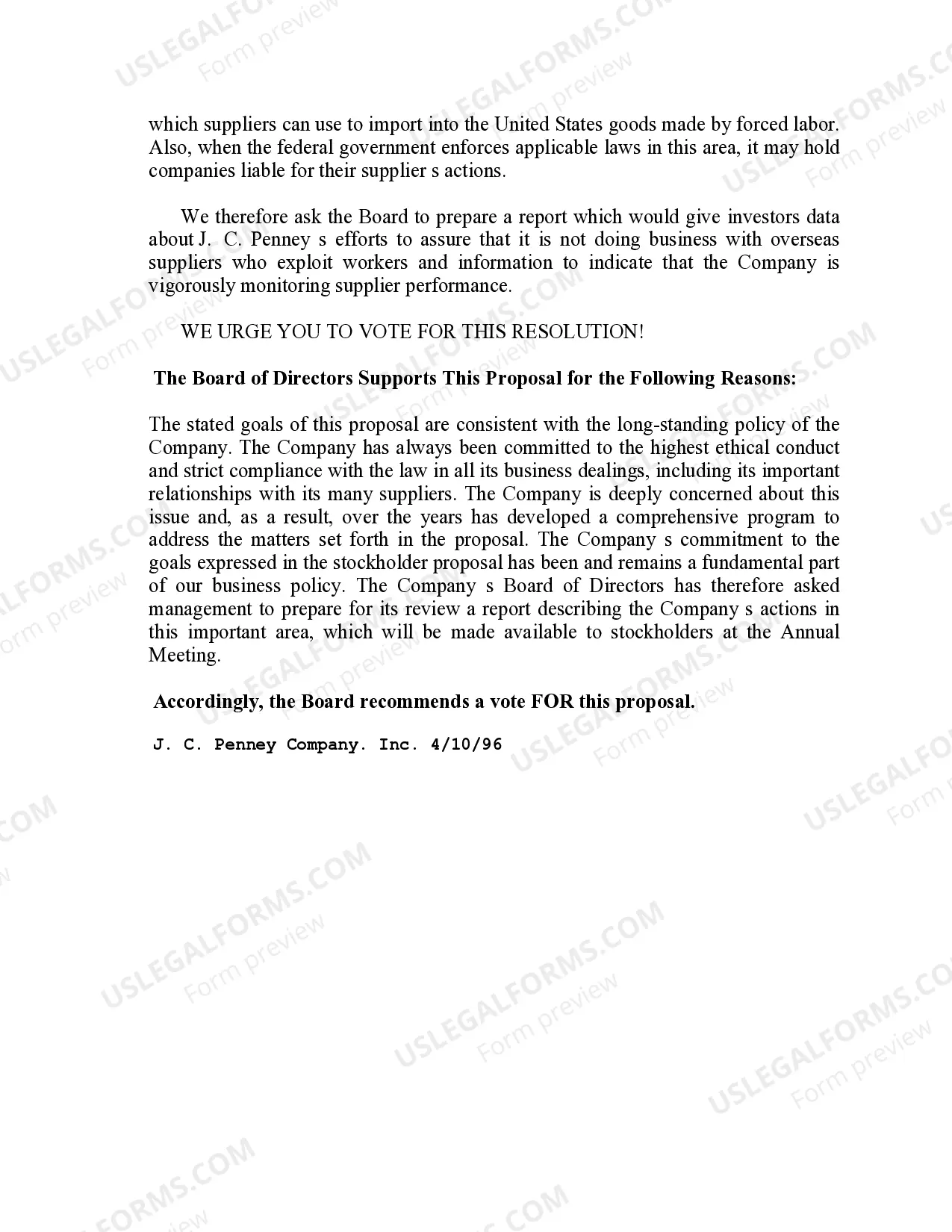
- Commitment to transparency and accountability from the company
- Recommendation from the Board of Directors regarding the proposal
Situations where this form applies
Use this Stockholder proposal form when you, as a shareholder of J.C. Penney Co., Inc., wish to advocate for corporate responsibility in sourcing practices. It is relevant in situations where there are concerns about the company's relationships with foreign suppliers and their adherence to ethical labor standards. This proposal can be utilized during annual meetings or other shareholder gatherings to initiate discussions on labor rights and corporate governance.
Who can use this document
- Shareholders of J.C. Penney Co., Inc.
- Investors concerned about ethical sourcing practices
- Advocates for labor rights and corporate responsibility
- Individuals participating in corporate governance discussions
Completing this form step by step
- Identify and confirm your status as a shareholder of J.C. Penney Co., Inc.
- Fill in the necessary details at the start of the proposal, such as your name and contact information.
- Review and personalize the resolution request to reflect your concerns.
- Include any specific examples or data that support your proposal for transparency in sourcing practices.
- Sign and date the proposal before submitting it to the Board of Directors.
Is notarization required?
In most cases, this form does not require notarization. However, some jurisdictions or signing circumstances might. US Legal Forms offers online notarization powered by Notarize, accessible 24/7 for a quick, remote process.
Get your form ready online
Our built-in tools help you complete, sign, share, and store your documents in one place.
Make edits, fill in missing information, and update formatting in US Legal Forms—just like you would in MS Word.
Download a copy, print it, send it by email, or mail it via USPS—whatever works best for your next step.
Sign and collect signatures with our SignNow integration. Send to multiple recipients, set reminders, and more. Go Premium to unlock E-Sign.
If this form requires notarization, complete it online through a secure video call—no need to meet a notary in person or wait for an appointment.
We protect your documents and personal data by following strict security and privacy standards.

Make edits, fill in missing information, and update formatting in US Legal Forms—just like you would in MS Word.

Download a copy, print it, send it by email, or mail it via USPS—whatever works best for your next step.

Sign and collect signatures with our SignNow integration. Send to multiple recipients, set reminders, and more. Go Premium to unlock E-Sign.

If this form requires notarization, complete it online through a secure video call—no need to meet a notary in person or wait for an appointment.

We protect your documents and personal data by following strict security and privacy standards.
Mistakes to watch out for
- Failing to identify oneself clearly as a shareholder.
- Not providing specific examples or data to support the proposal.
- Overlooking the need for signatures and contact information.
- Submitting the proposal without sufficient time for consideration before the meeting.
Benefits of using this form online
- Convenience of downloading and editing the form from anywhere.
- Access to templates that are legally sound and drafted by licensed attorneys.
- Easy to adapt the language to suit specific needs.
- Time-saving, as the form can be completed and submitted relatively quickly.
Legal use & context
- This proposal encourages ethical corporate governance regarding labor practices.
- It fosters shareholder engagement in monitoring company compliance with labor laws.
- Utilizing this form aligns with enhancing corporate responsibility under federal regulations.
What to keep in mind
- The Stockholder proposal serves as a crucial document for advocating ethical sourcing.
- Completing and submitting this form empowers shareholders to influence company practices.
- Awareness of labor issues in supply chains is essential for advocates and investors.
Looking for another form?
Form popularity
FAQ
The Department of Children and Family Services (DCFS) administers the Supplemental Nutrition Assistance Program (SNAP). To apply for SNAP benefits, visit the DCFS CAFE Self-Service Portal at https://sspweb.ie.dcfs.la.gov/selfservice/.
What is the MDI Form? MDI is short for Multiple Document Interface. MDI applies to three different aspects of the User Interface (UI) of an application. It refers to a form (as in type) of software or app, an MDI design. MDI is also a master (controlling) window in that design, the MDI parent form.
Parents who work or attend school full-time and earn less than 165 percent of the federal poverty level, about $34,300 a year for a family of three, are eligible. The state encourages people to apply online or by phone through Benefind, the state benefit system.
MDI child forms are an essential element of Multiple-Document Interface (MDI) applications, as these forms are the center of user interaction. In the following procedure, you'll use Visual Studio to create an MDI child form that displays a RichTextBox control, similar to most word-processing applications.
Parents who work or attend school full-time and earn less than 165 percent of the federal poverty level, about $34,300 a year for a family of three, are eligible. The state encourages people to apply online or by phone through Benefind, the state benefit system.
A Multiple Document Interface (MDI) programs can display multiple child windows inside them. Visual Studio Environment is an example of Multiple Document Interface (MDI) and notepad is an example of an SDI application.
The foundation of a Multiple-Document Interface (MDI) application is the MDI parent form. This is the form that contains the MDI child windows, which are the sub-windows wherein the user interacts with the MDI application. Creating an MDI parent form is easy, both in the Windows Forms Designer and programmatically.
Multiple-document interface (MDI) applications enable you to display multiple documents at the same time, with each document displayed in its own window. MDI applications often have a Window menu item with submenus for switching between windows or documents.