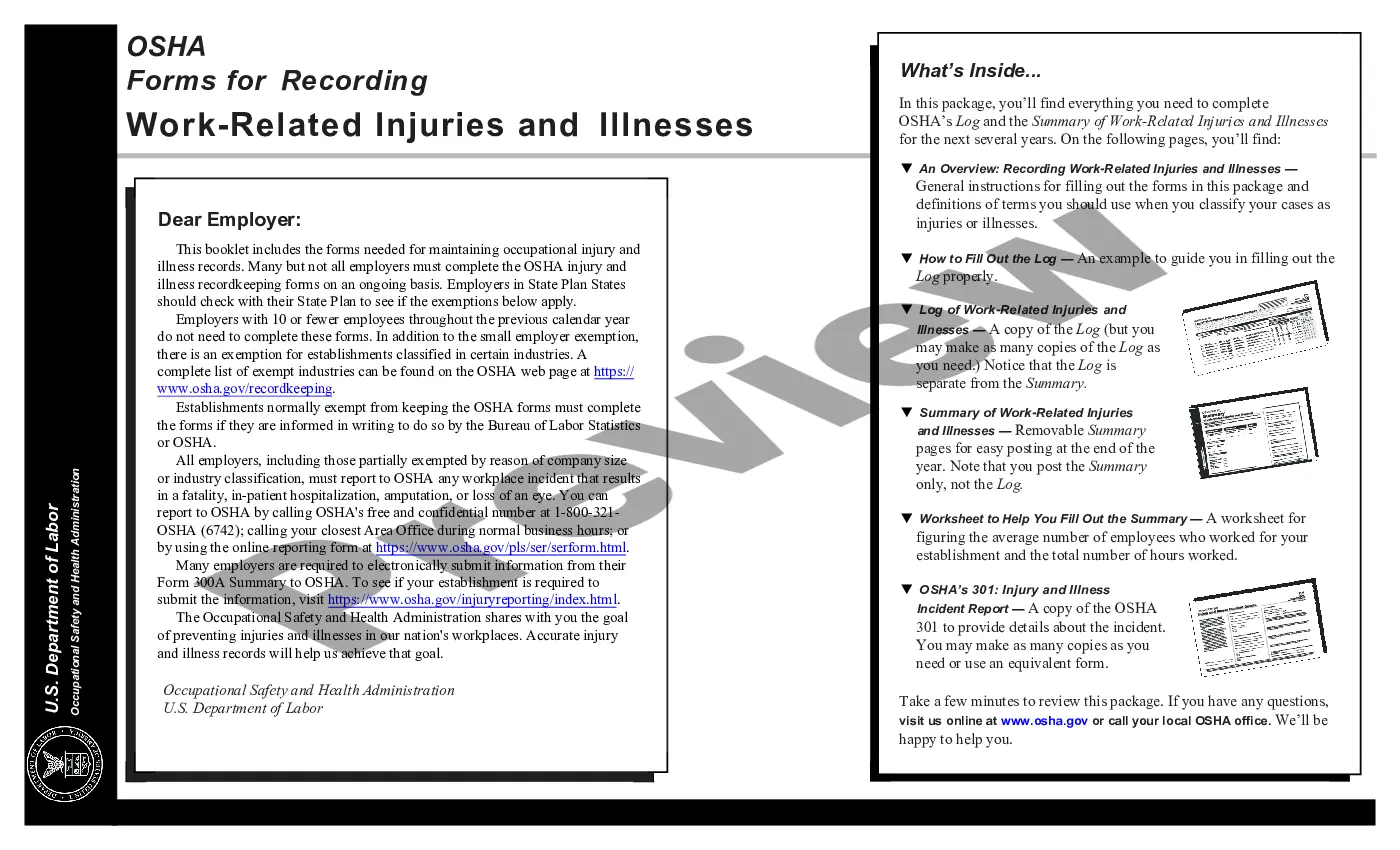
Injury and Illness Incident Record (OSHA 301)
Description
Get your form ready online
Our built-in tools help you complete, sign, share, and store your documents in one place.
Make edits, fill in missing information, and update formatting in US Legal Forms—just like you would in MS Word.
Download a copy, print it, send it by email, or mail it via USPS—whatever works best for your next step.
Sign and collect signatures with our SignNow integration. Send to multiple recipients, set reminders, and more. Go Premium to unlock E-Sign.
If this form requires notarization, complete it online through a secure video call—no need to meet a notary in person or wait for an appointment.
We protect your documents and personal data by following strict security and privacy standards.

Make edits, fill in missing information, and update formatting in US Legal Forms—just like you would in MS Word.

Download a copy, print it, send it by email, or mail it via USPS—whatever works best for your next step.

Sign and collect signatures with our SignNow integration. Send to multiple recipients, set reminders, and more. Go Premium to unlock E-Sign.

If this form requires notarization, complete it online through a secure video call—no need to meet a notary in person or wait for an appointment.

We protect your documents and personal data by following strict security and privacy standards.
Looking for another form?


How to fill out Injury And Illness Incident Record (OSHA 301)?
Use the most extensive legal library of forms. US Legal Forms is the best place for getting updated Injury and Illness Incident Record (OSHA 301) templates. Our platform offers thousands of legal forms drafted by certified lawyers and sorted by state.
To obtain a template from US Legal Forms, users only need to sign up for an account first. If you’re already registered on our platform, log in and select the template you need and purchase it. After buying templates, users can see them in the My Forms section.
To obtain a US Legal Forms subscription online, follow the guidelines listed below:
- Check if the Form name you have found is state-specific and suits your requirements.
- When the template has a Preview function, utilize it to review the sample.
- If the template does not suit you, use the search bar to find a better one.
- Hit Buy Now if the sample corresponds to your expections.
- Choose a pricing plan.
- Create your account.
- Pay via PayPal or with yourr credit/bank card.
- Choose a document format and download the sample.
- As soon as it is downloaded, print it and fill it out.
Save your time and effort using our service to find, download, and complete the Form name. Join a large number of satisfied customers who’re already using US Legal Forms!
Form popularity
FAQ
To Make a Report Call the nearest OSHA office. Call the OSHA 24-hour hotline at 1-800-321-6742 (OSHA).
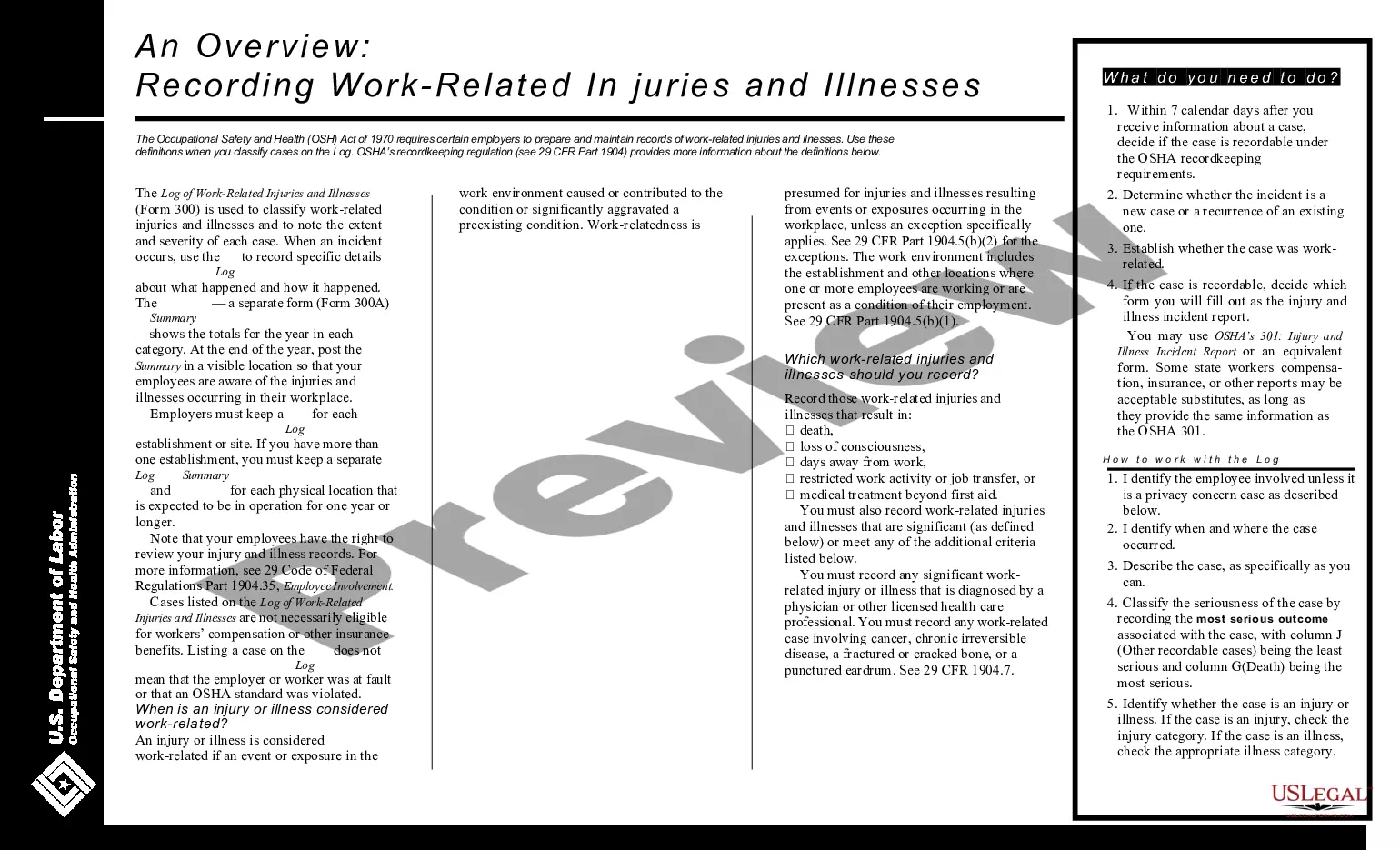
How does OSHA define a recordable injury or illness? Any work-related fatality. Any work-related injury or illness that results in loss of consciousness, days away from work, restricted work, or transfer to another job. Any work-related injury or illness requiring medical treatment beyond first aid.
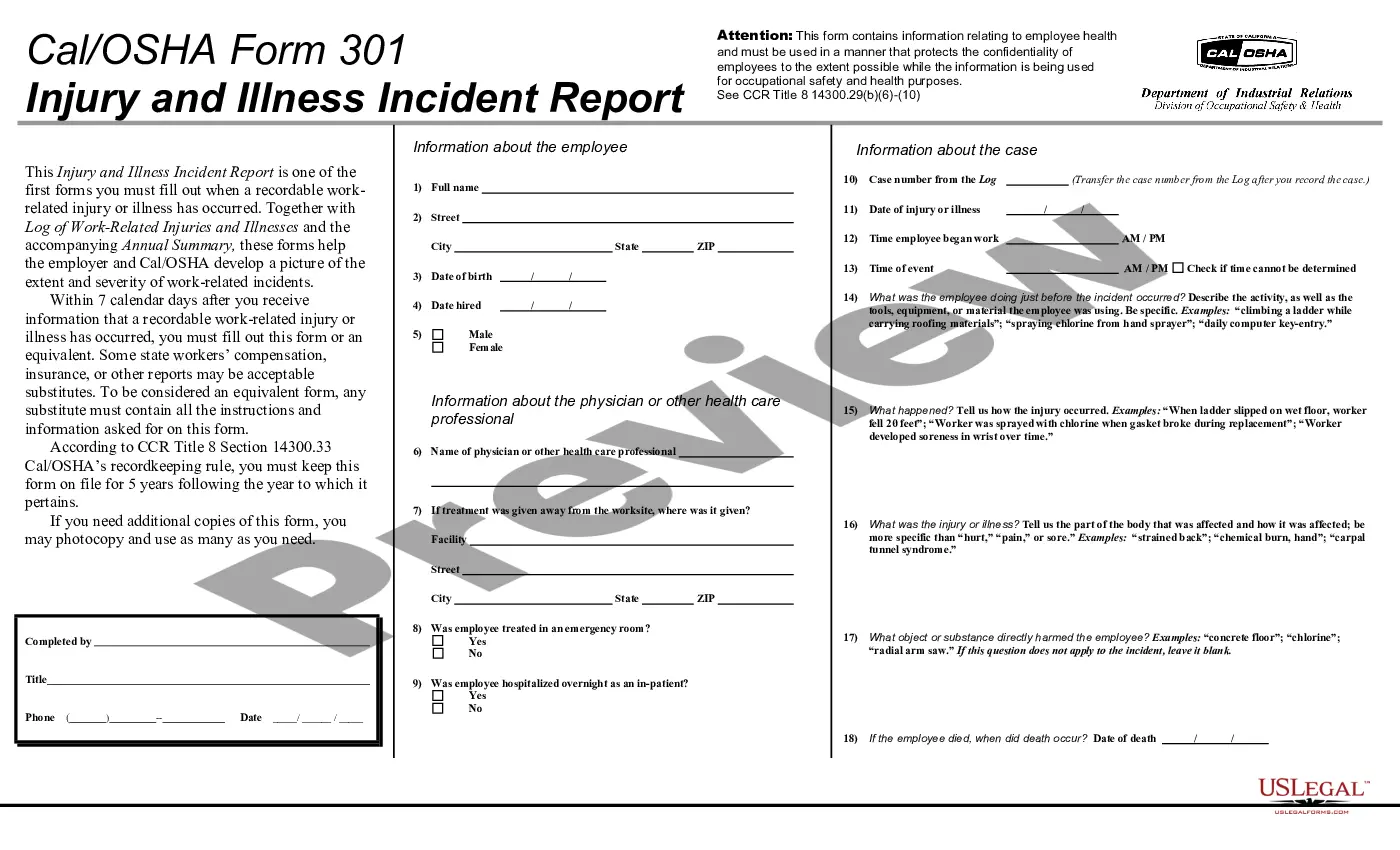
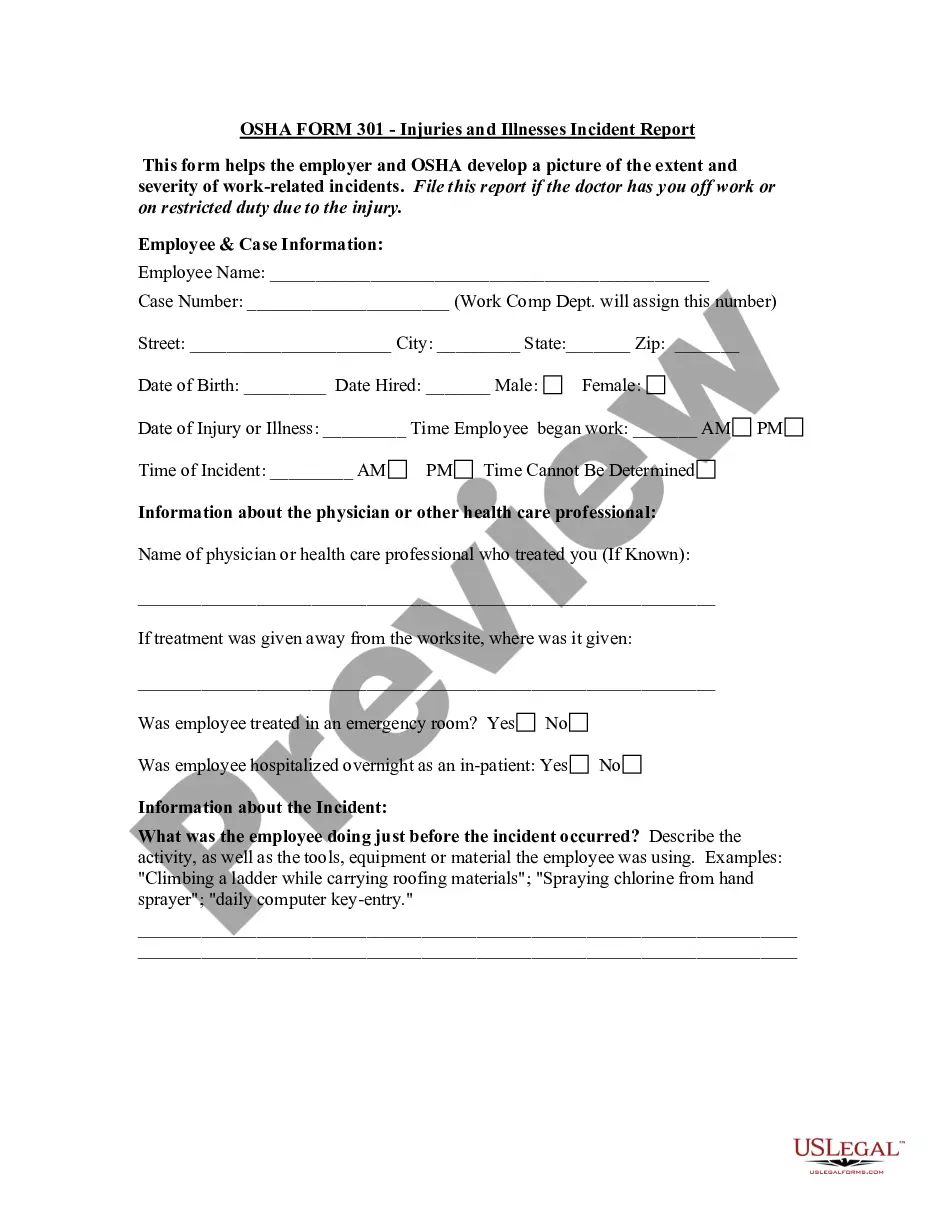
OSHA Form 301 is used by employers to create a detailed record of workplace injuries and illnesses. Employers must save the annual summary of all reports filed. Employers must also save the OSHA 301 Incident Report forms for 5 years after the end of the calendar year that the records cover.
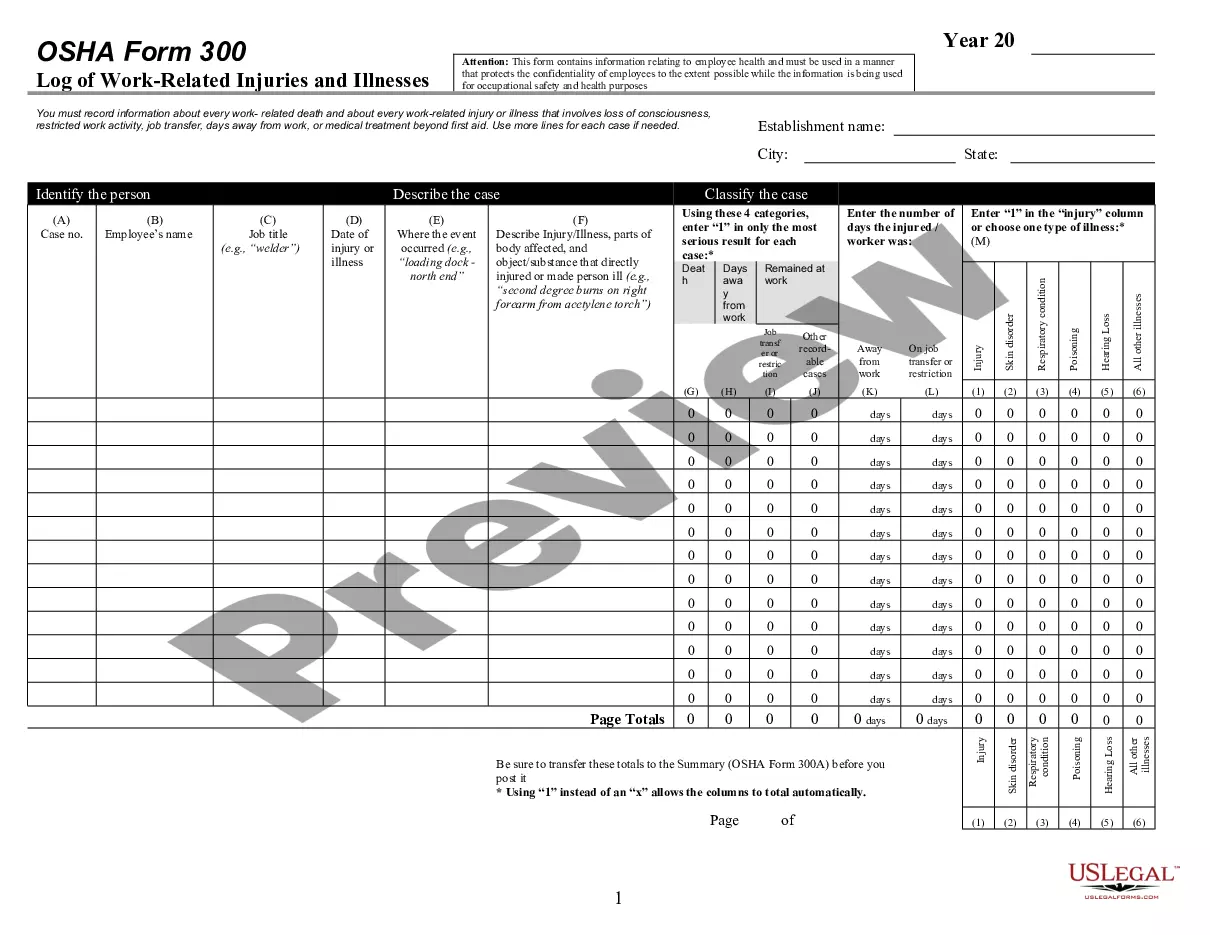
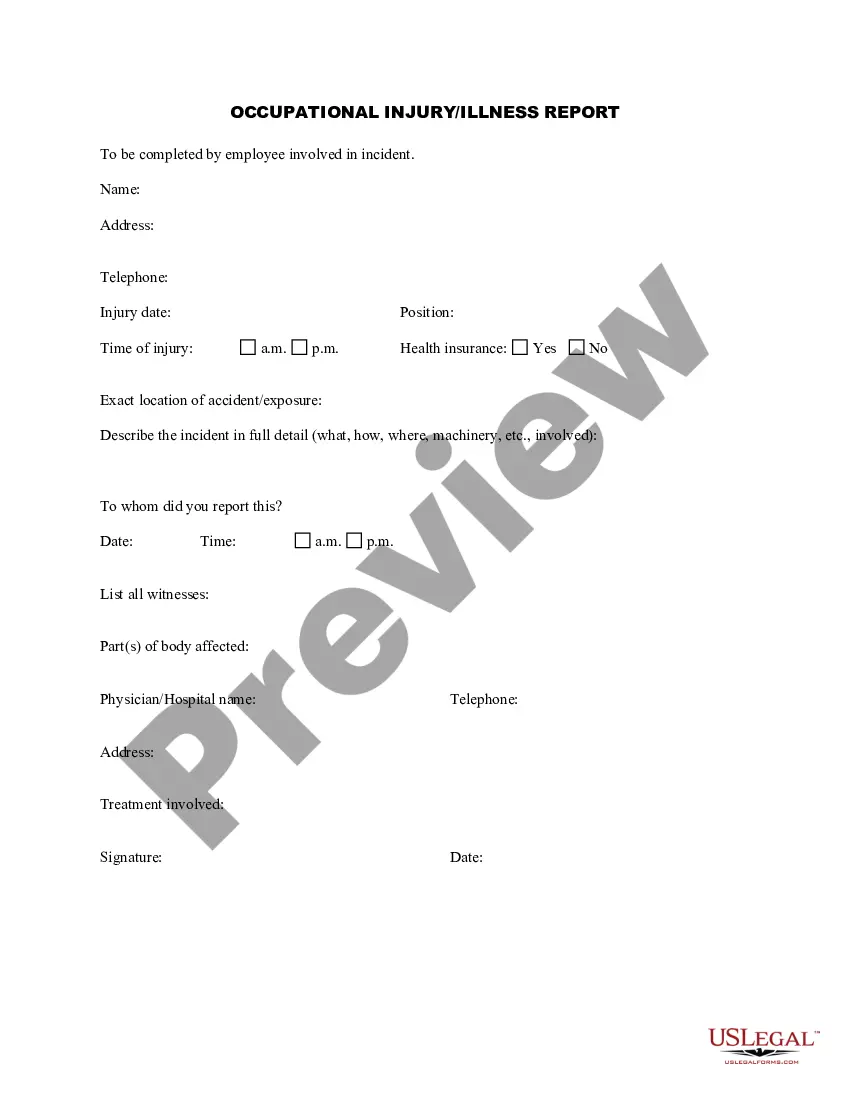
You must complete an OSHA 301 Incident Report form, or an equivalent form, for each recordable injury or illness entered on the OSHA 300 Log.Many employers use an insurance form instead of the OSHA 301 Incident Report, or supplement an insurance form by adding any additional information required by OSHA.
When Should You Complete OSHA Form 301? You must complete the Injury and Illness Incident Report within seven calendar days after you receive information that a recordable work-related injury or illness has occurred at your work place.
OSHA Form 301 is a form employers may use to describe the workplace injury or illness. Each injury or illness that is recorded on OSHA Form 300 or its equivalent must also be recorded on a Form 301 or its equivalent (a form is considered equivalent if it contains all the information asked on Form 301).