Personal Flexibility Skills Test
Understanding this form
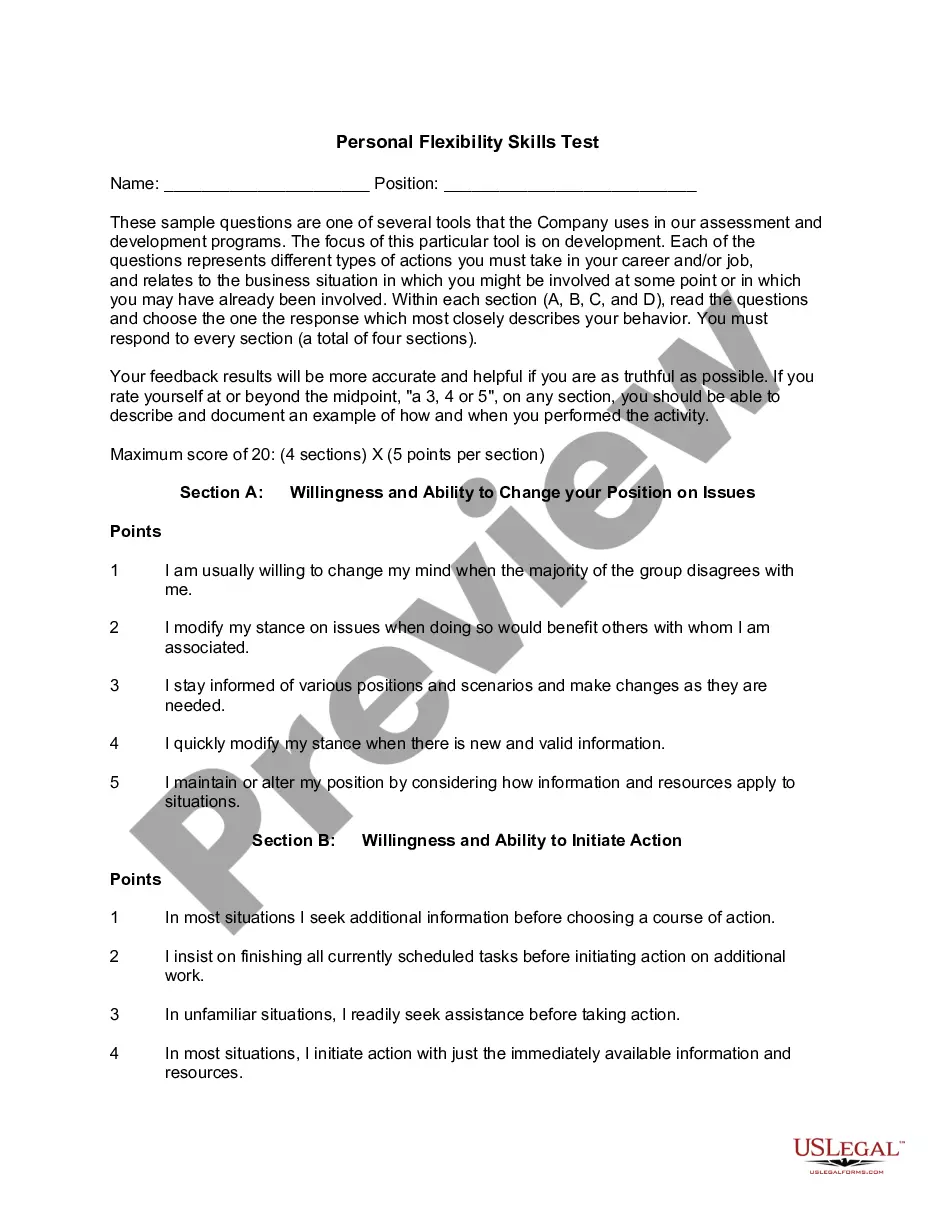
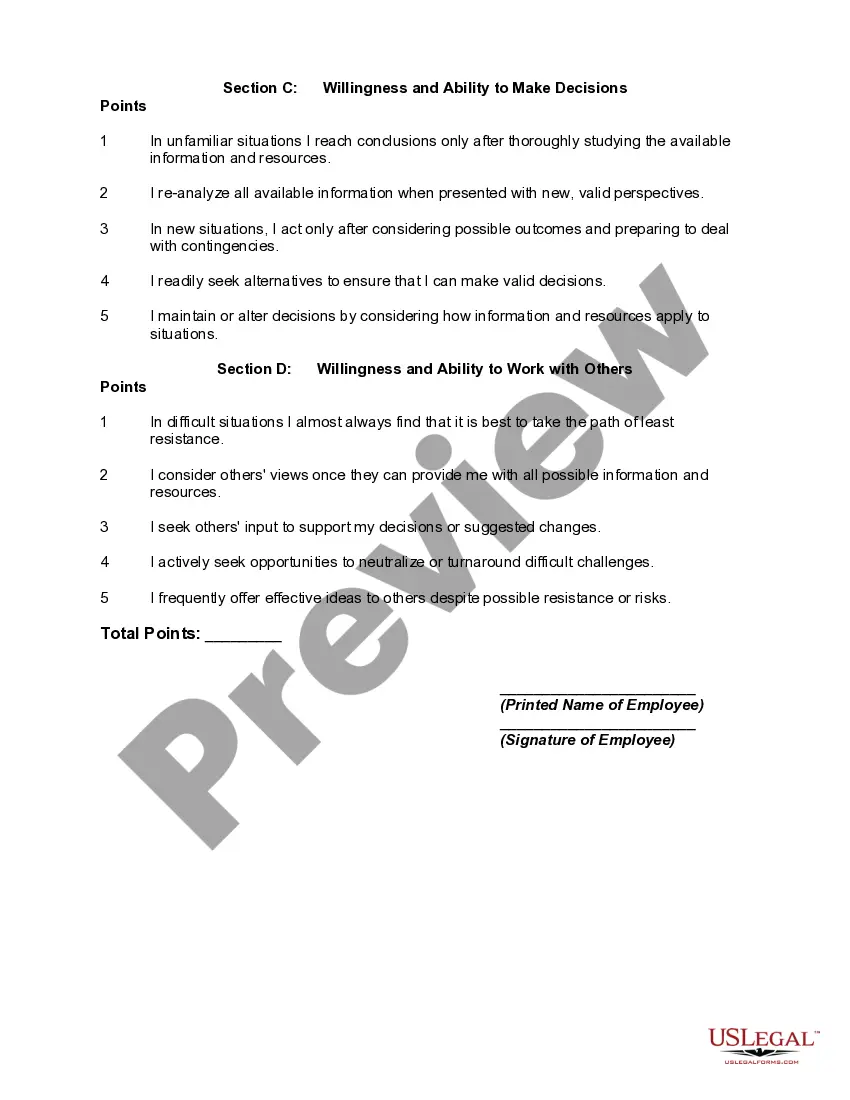
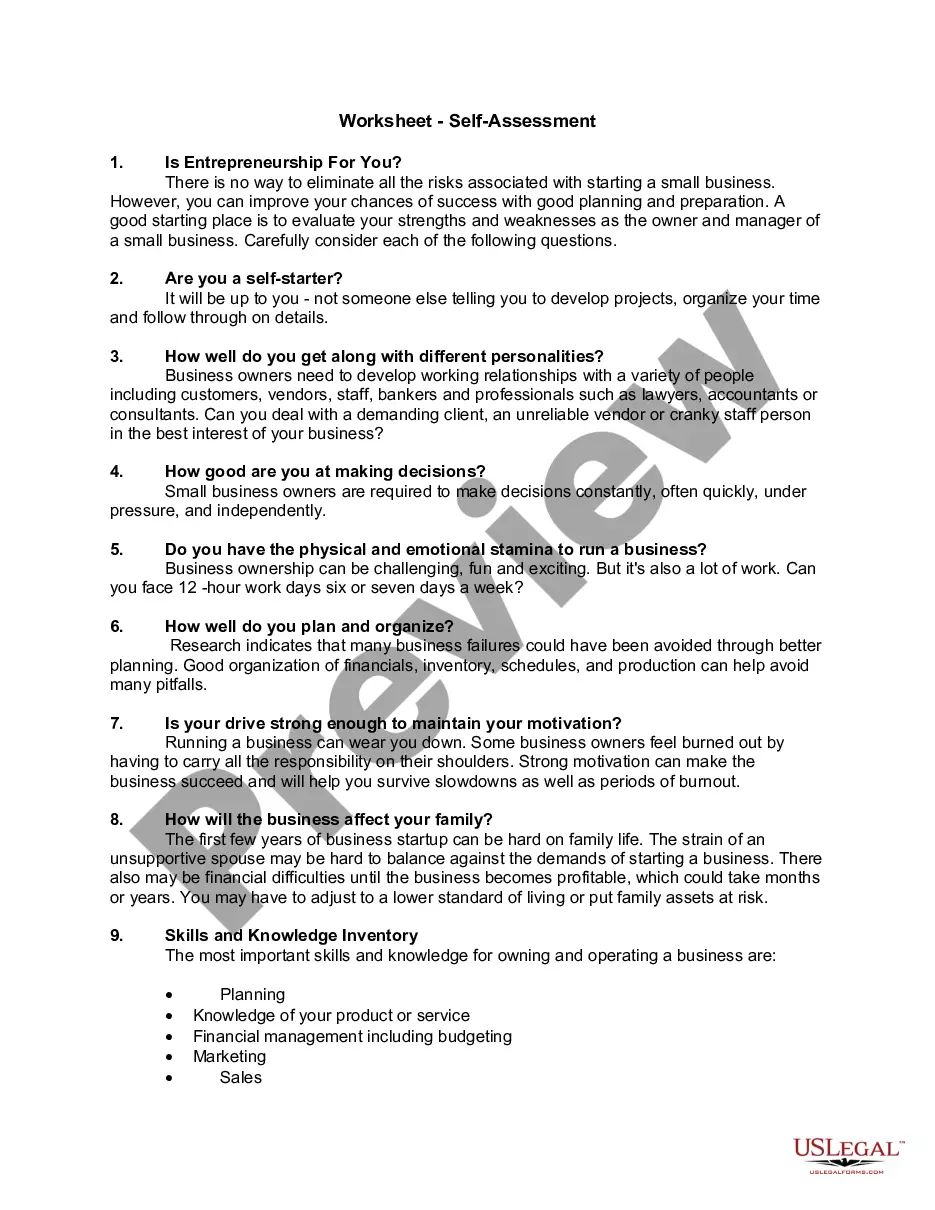
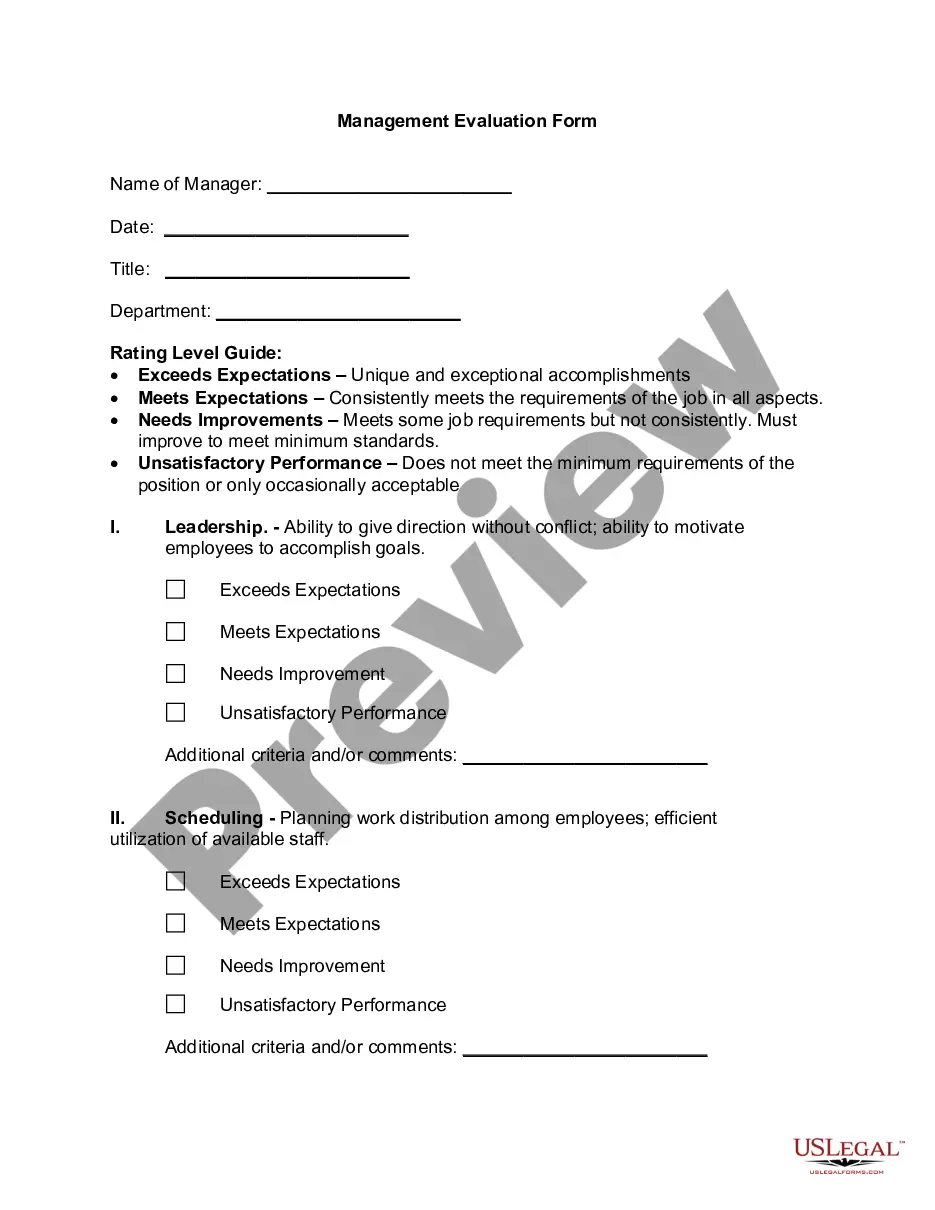
The Personal Flexibility Skills Test is a tool designed to assess an employee's adaptability and decision-making abilities in a workplace setting. This form focuses on personal development and is part of broader assessment programs that companies use to enhance employee skills. Unlike other assessment forms, it specifically evaluates areas like willingness to change, initiate action, make decisions, and collaborate with others, providing insights into an employeeâs approach to work-related challenges.
Main sections of this form
- Employee's name and position for identification.
- Four sections evaluating adaptability, decision-making, and collaboration abilities.
- Rating scale from one to five for each question, allowing nuanced responses.
- Instructions for completing the test honestly for accurate assessment.
- Space for total points and employee signature, confirming their responses.
Common use cases
This form is useful during employee evaluations to assess flexible skills and adaptability in various work situations. It can be implemented in training programs, annual performance reviews, or when identifying potential leaders within an organization. Companies aiming to improve their workforce's ability to cope with change and challenge can benefit from administering the Personal Flexibility Skills Test.
Who should use this form
- Human resources professionals seeking to evaluate employee adaptability.
- Managers and team leaders conducting performance assessments.
- Organizations focused on employee development and training.
- Employees who are interested in self-assessment for career development.
Completing this form step by step
- Enter your name and job position at the top of the form.
- For each section (A, B, C, and D), read the questions carefully.
- Select the response that best reflects your behavior regarding each question.
- Ensure you respond to all sections for an accurate assessment.
- Calculate your total points by adding the scores from each section.
- Sign the form to validate your responses.
Notarization guidance
Notarization is generally not required for this form. However, certain states or situations might demand it. You can complete notarization online through US Legal Forms, powered by Notarize, using a verified video call available anytime.
Get your form ready online
Our built-in tools help you complete, sign, share, and store your documents in one place.
Make edits, fill in missing information, and update formatting in US Legal Forms—just like you would in MS Word.
Download a copy, print it, send it by email, or mail it via USPS—whatever works best for your next step.
Sign and collect signatures with our SignNow integration. Send to multiple recipients, set reminders, and more. Go Premium to unlock E-Sign.
If this form requires notarization, complete it online through a secure video call—no need to meet a notary in person or wait for an appointment.
We protect your documents and personal data by following strict security and privacy standards.

Make edits, fill in missing information, and update formatting in US Legal Forms—just like you would in MS Word.

Download a copy, print it, send it by email, or mail it via USPS—whatever works best for your next step.

Sign and collect signatures with our SignNow integration. Send to multiple recipients, set reminders, and more. Go Premium to unlock E-Sign.

If this form requires notarization, complete it online through a secure video call—no need to meet a notary in person or wait for an appointment.

We protect your documents and personal data by following strict security and privacy standards.
Common mistakes
- Failing to complete all sections of the form.
- Not providing truthful or thoughtful responses.
- Overlooking examples to support higher self-ratings.
- Misinterpreting questions due to a lack of careful reading.
Benefits of using this form online
- Convenience of accessing and filling out the form from anywhere.
- Editability allows for revisions before finalizing responses.
- Reliable format ensures consistent assessments across employees.
- Instant downloads provide a quick solution for immediate needs.
Legal use & context
- This form is a recognized tool for workforce assessment and personal development.
- It does not replace formal performance reviews but complements them by providing insights into employee adaptability and skills.
What to keep in mind
- The Personal Flexibility Skills Test helps assess employees' adaptability and decision-making skills.
- Four main sections evaluate different aspects of flexibility in the workplace.
- Completing the test accurately is crucial for reliable results.
- This form is intended for use in various organizational evaluation settings.