Sample Letter for Confirmation of Telephone Conversation
Understanding this form
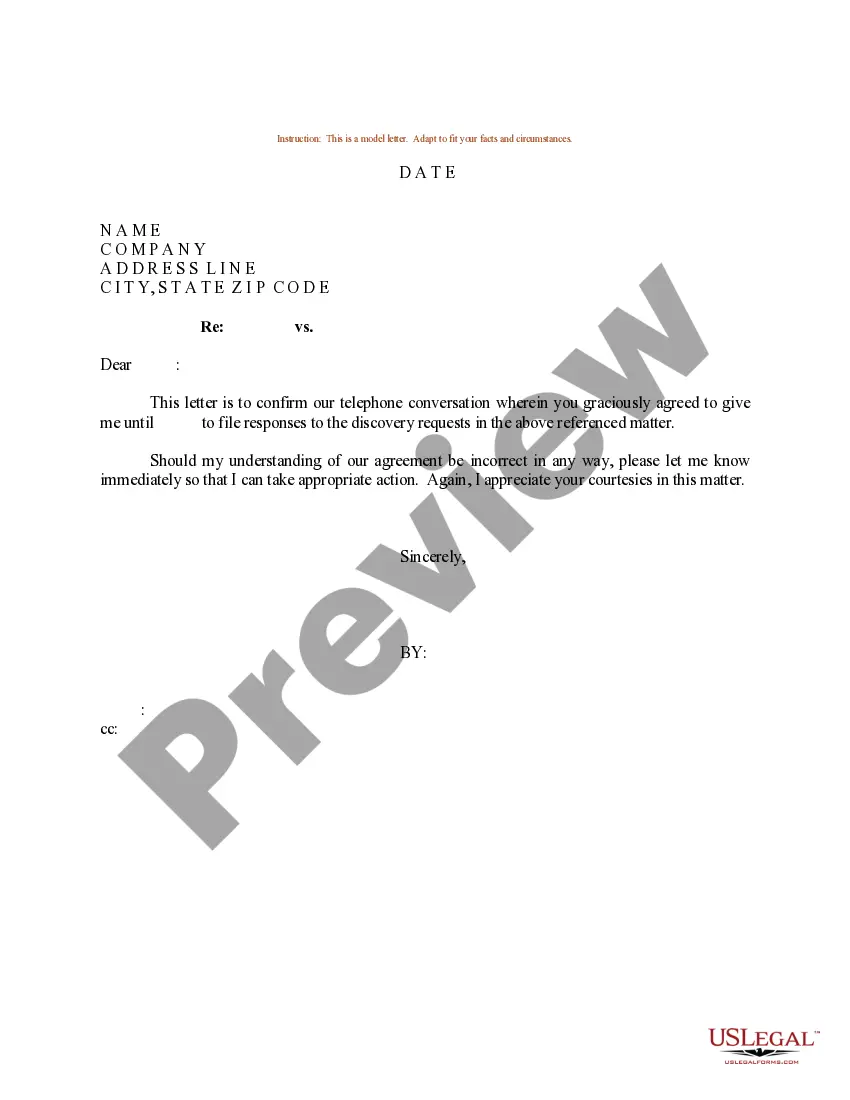
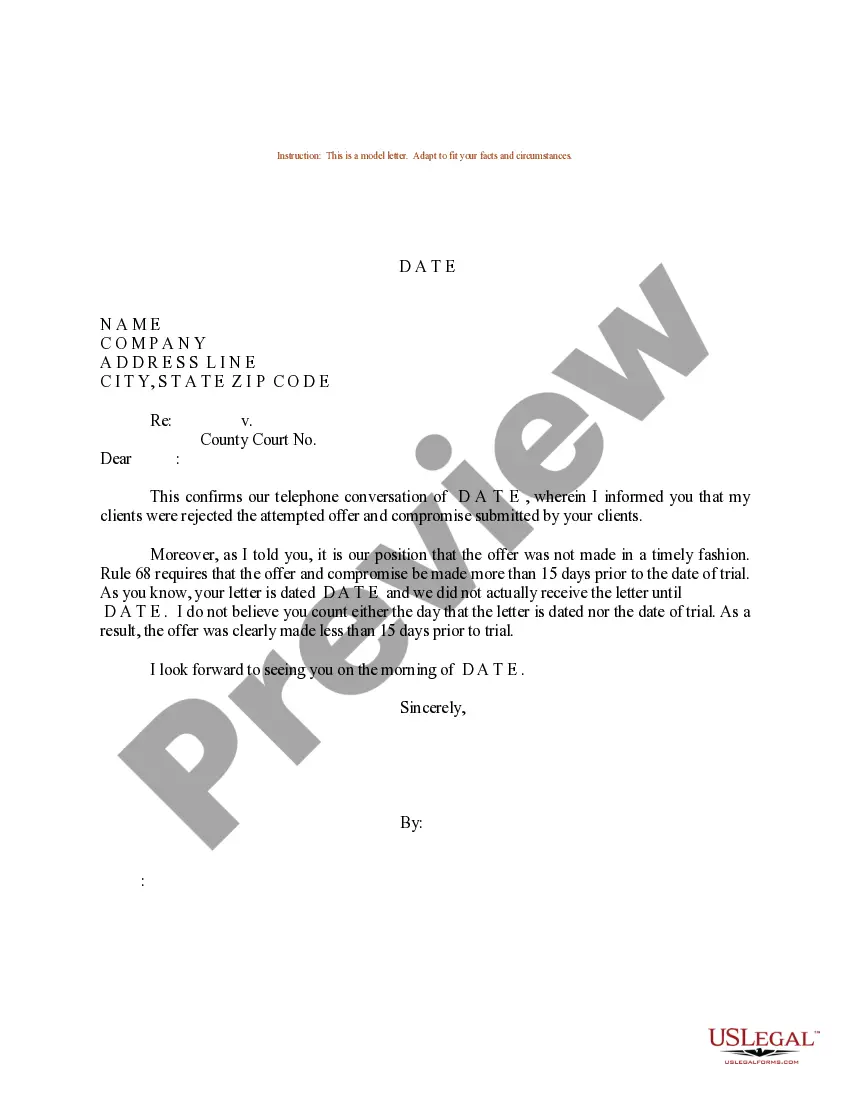
The Sample Letter for Confirmation of Telephone Conversation is a template designed to document a verbal discussion between parties in a written format. This form serves to confirm and clarify points covered during the call, making it an essential tool for maintaining clear communication and avoiding misunderstandings. Unlike other forms that may only summarize discussions, this letter provides a structured way to detail the conversation for future reference.
What’s included in this form
- Date: Section to specify when the conversation took place.
- Recipient's Name: Area to enter the name of the person with whom the conversation occurred.
- Company Name: Field to indicate the organization represented by the recipient.
- Address: Space to provide the recipient's mailing address.
- Content of the conversation: Summary of key points discussed during the call.
When this form is needed
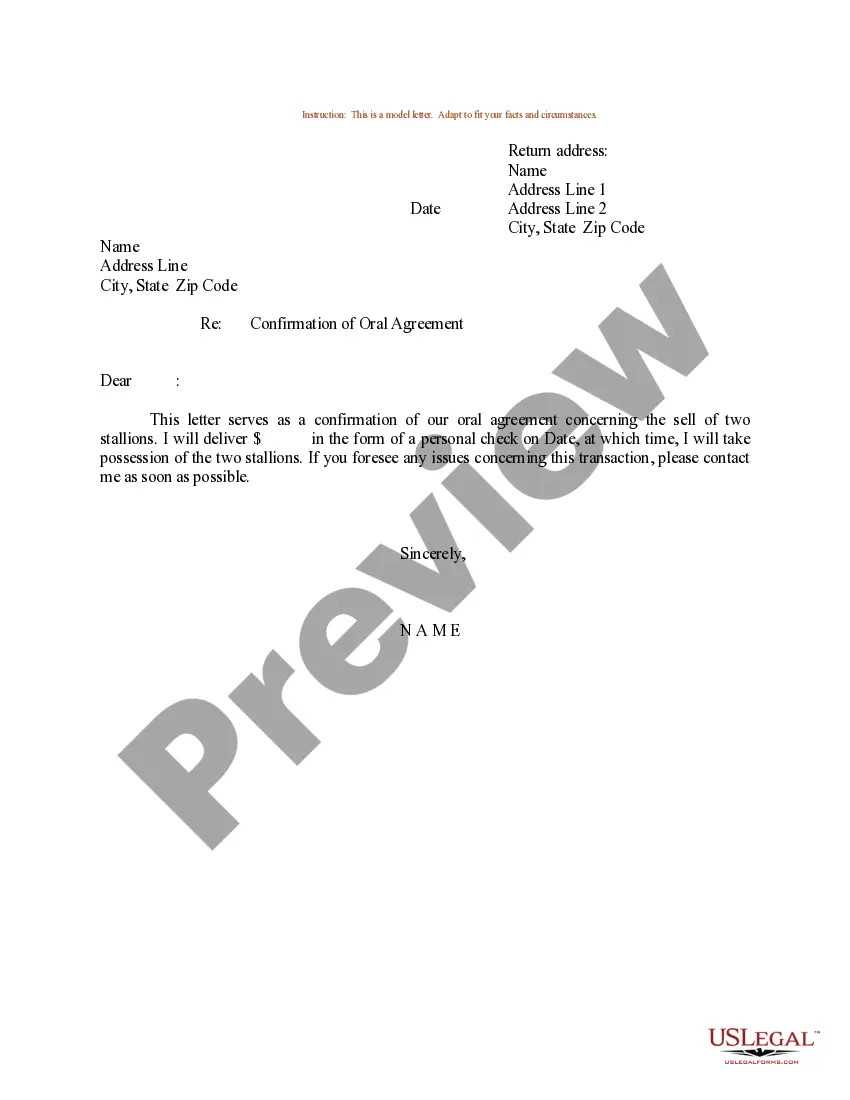
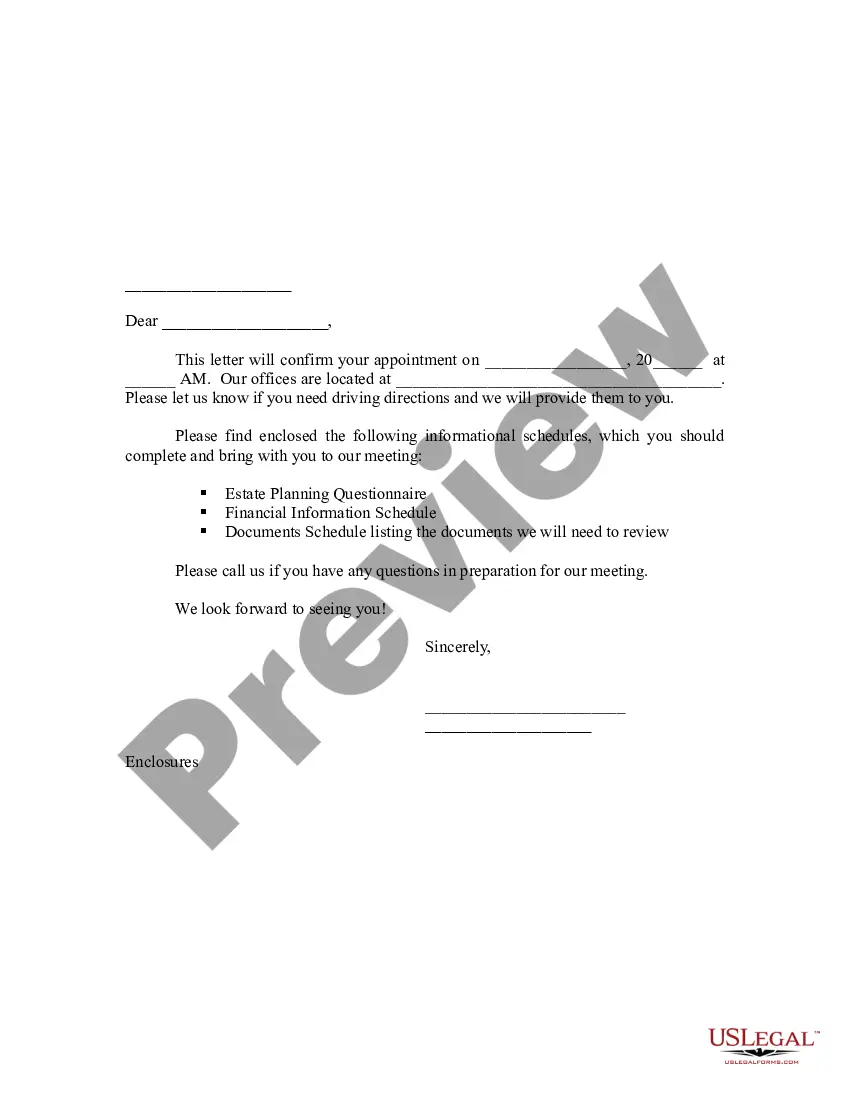
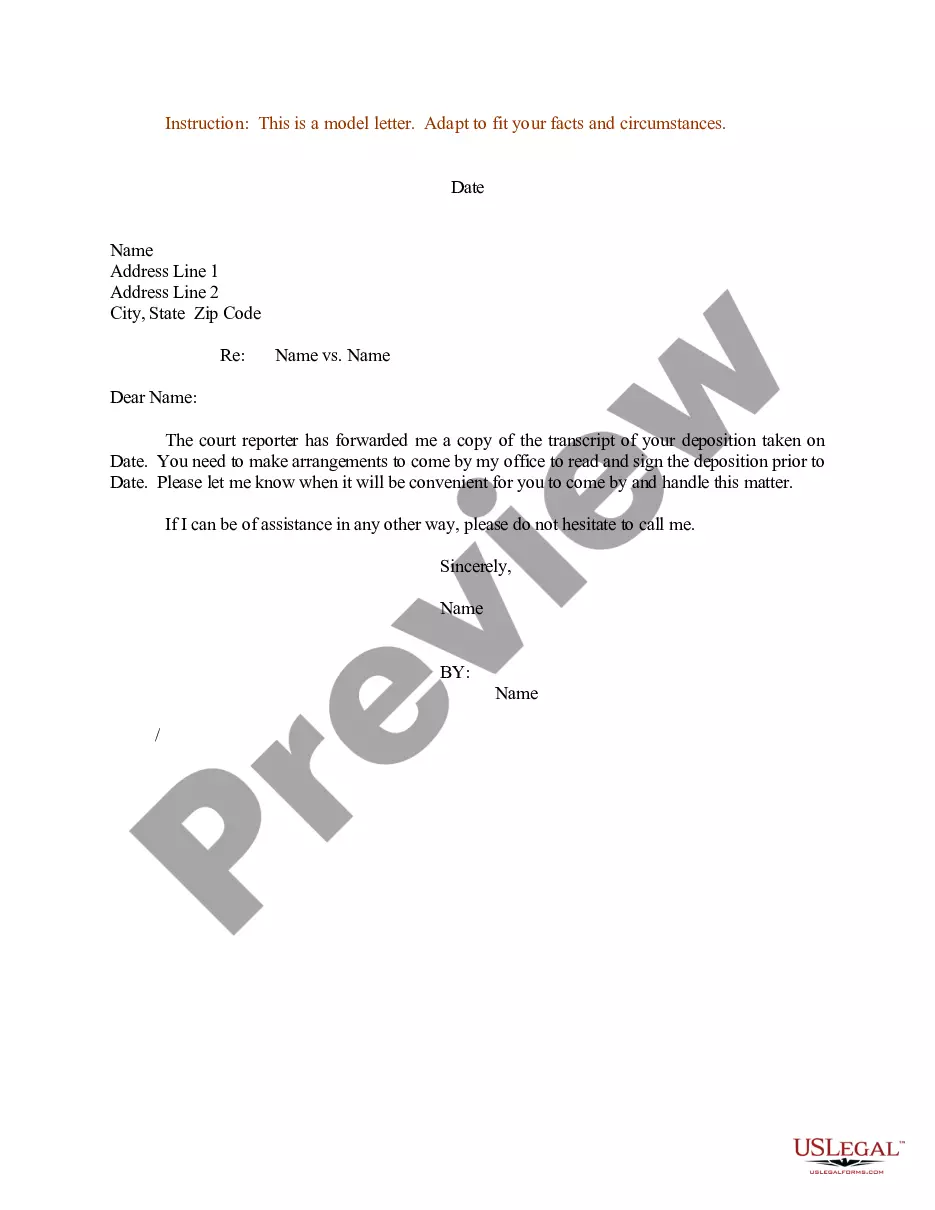
This form is useful in various situations where verbal agreements or important discussions take place. For instance, after a business call regarding contract negotiations, a follow-up letter can confirm the terms discussed. It can also be helpful after customer service interactions, ensuring that both the customer and the representative have a record of the conversation.
Who can use this document
This form is suitable for:
- Business professionals who need to document discussions for future reference.
- Individuals engaging in legal matters requiring written confirmation of verbal agreements.
- Anyone involved in customer service where clarity about interactions is necessary.
Steps to complete this form
Follow these steps to complete the form:
- Enter the current date at the top of the letter.
- Fill in the recipient's name and company details.
- Add the address of the recipient.
- Clearly summarize the key points discussed during the telephone conversation.
- Provide your name and contact information at the end to create a full record.
Is notarization required?
This form does not typically require notarization unless specified by local law. It's advisable to check any requirements specific to your jurisdiction to ensure validity.
Get your form ready online
Our built-in tools help you complete, sign, share, and store your documents in one place.
Make edits, fill in missing information, and update formatting in US Legal Forms—just like you would in MS Word.
Download a copy, print it, send it by email, or mail it via USPS—whatever works best for your next step.
Sign and collect signatures with our SignNow integration. Send to multiple recipients, set reminders, and more. Go Premium to unlock E-Sign.
If this form requires notarization, complete it online through a secure video call—no need to meet a notary in person or wait for an appointment.
We protect your documents and personal data by following strict security and privacy standards.

Make edits, fill in missing information, and update formatting in US Legal Forms—just like you would in MS Word.

Download a copy, print it, send it by email, or mail it via USPS—whatever works best for your next step.

Sign and collect signatures with our SignNow integration. Send to multiple recipients, set reminders, and more. Go Premium to unlock E-Sign.

If this form requires notarization, complete it online through a secure video call—no need to meet a notary in person or wait for an appointment.

We protect your documents and personal data by following strict security and privacy standards.
Common mistakes
- Failing to include the date of the telephone conversation.
- Not providing a clear summary, leading to potential misunderstandings.
- Omitting the recipientâs address or contact information.
Why complete this form online
- Convenience of downloading and editing the form at your own pace.
- Secure access to a legal form drafted by licensed attorneys.
- Ability to maintain important records of verbal agreements easily.
Main things to remember
- The Sample Letter for Confirmation of Telephone Conversation effectively documents discussions for clarity.
- It is easy to complete and can be used across multiple states.
- Clear documentation can help prevent misunderstandings in business and personal interactions.
Looking for another form?
Form popularity
FAQ
Be clear and accurate about what is being confirmed. Make a note of dates, times, places and official titles. A letter of confirmation is not necessarily an agreement or contract, but it can be used to confirm information relating to a prior agreement or contract.
Typically you'll start the salutation line with the word "dear," followed by "Mr." or "Ms." and the first and last name of the recipient of the letter. Place a colon at the end of the person's name to start the letter. If the person is a doctor, use "Dr."
Referring to Previous Verbal Communication Following our phone conversation this morning, I2026.. Further to our meeting last week, I2026.. Regarding the discussion we had on the phone last week, I2026. Further to our telephone conversation this morning, I would like to assure you that2026.
Another way to help prove a verbal agreement is by getting witnesses who were present when the agreement was made, to testify. In addition to having witnesses and written evidence, you can also prove a verbal agreement by the actions of the parties.
Your email should have an introduction that states the purpose of your email; a middle/body detailing the information you want confirmed by the client, and conclude with a call to action that ensures you receive the requested information/reaction. Pay attention to your choice of words when writing your email.
Timing is key when writing an email to confirm verbal agreement(s). Ensure you send the email within minutes of the conversation to ensure that the details are still clear in their mind. Taking notes when having phone conversations is an effective technique to ensure that you capture information accurately.
Call Confirm is free and works wherever Android does. Download it by scanning the QR code at right or by searching the Android Market for "Call Confirm".
Pick a Greeting. First things first, make sure to find an appropriate greeting to start your card. Include Confirmation Congratulations. Pass on Helpful Advice. Include Well-Wishes or a Blessing. Pick a Sign off.
Confirmation email is a kind of a transactional email sent to a customer after a certain condition is triggered. This email can be sent to confirm that a customer has placed an order at an online shop, subscribed to a newsletter, booked tickets, registered for a webinar.