Agreement to Purchase IP Phone System
What this document covers
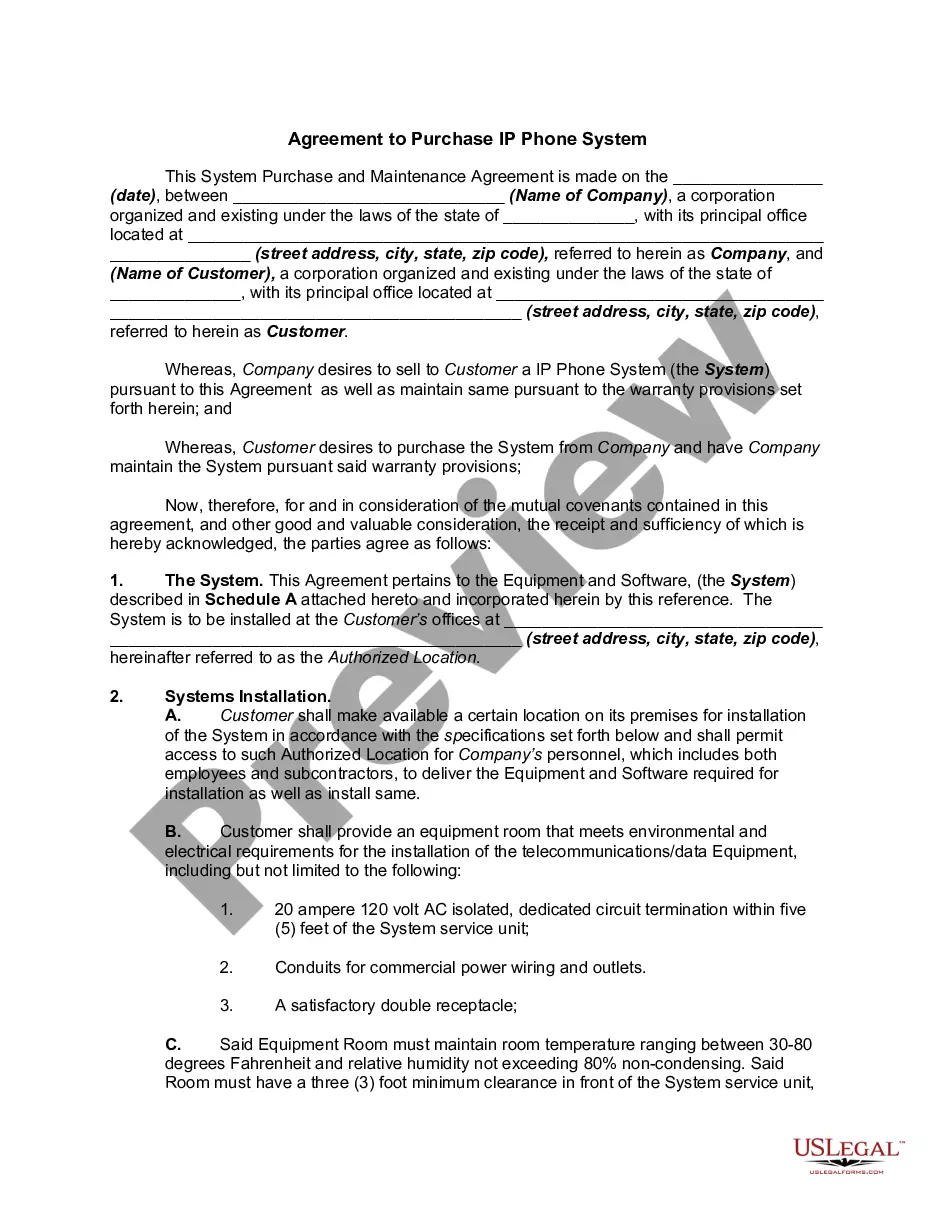
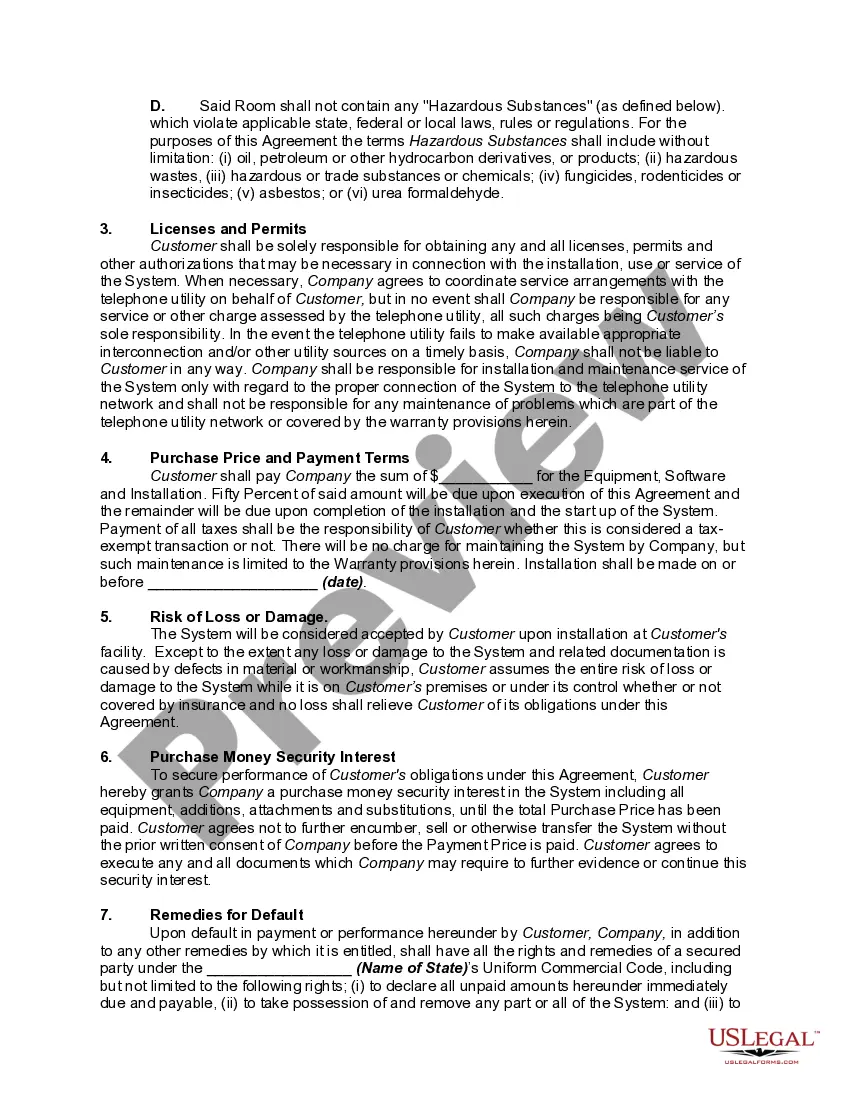
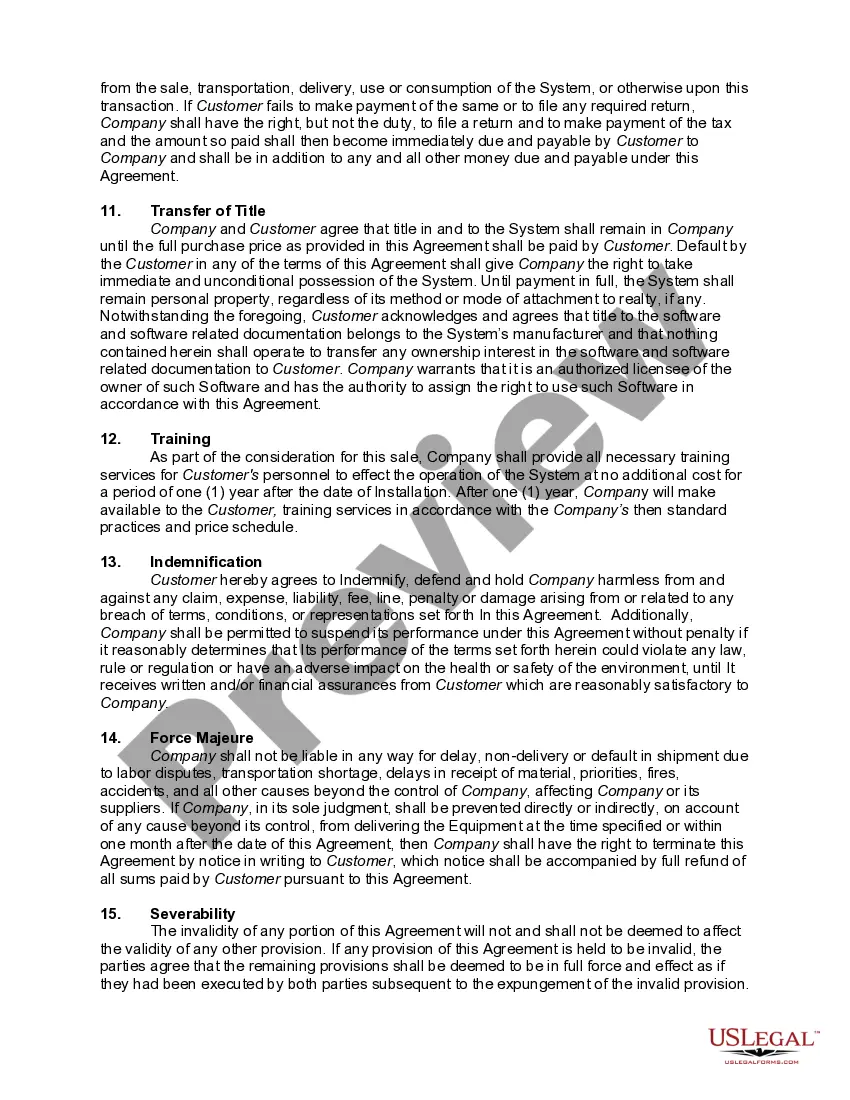
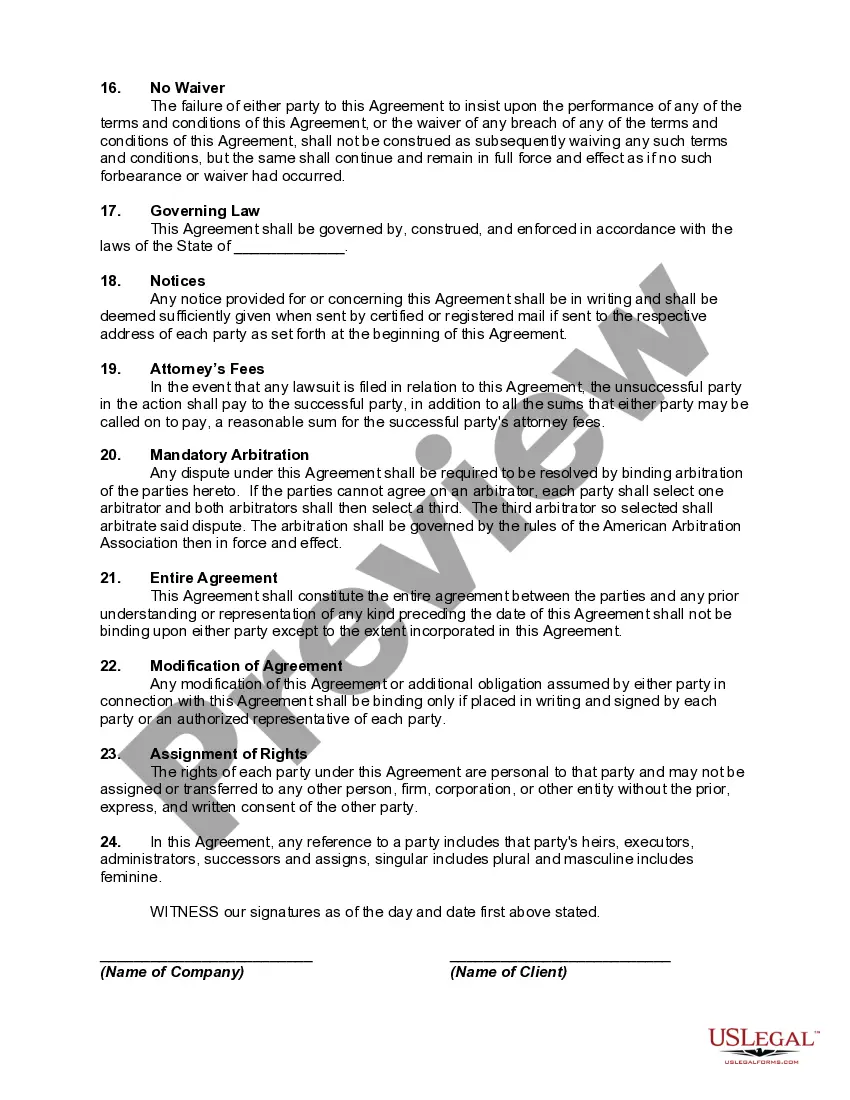
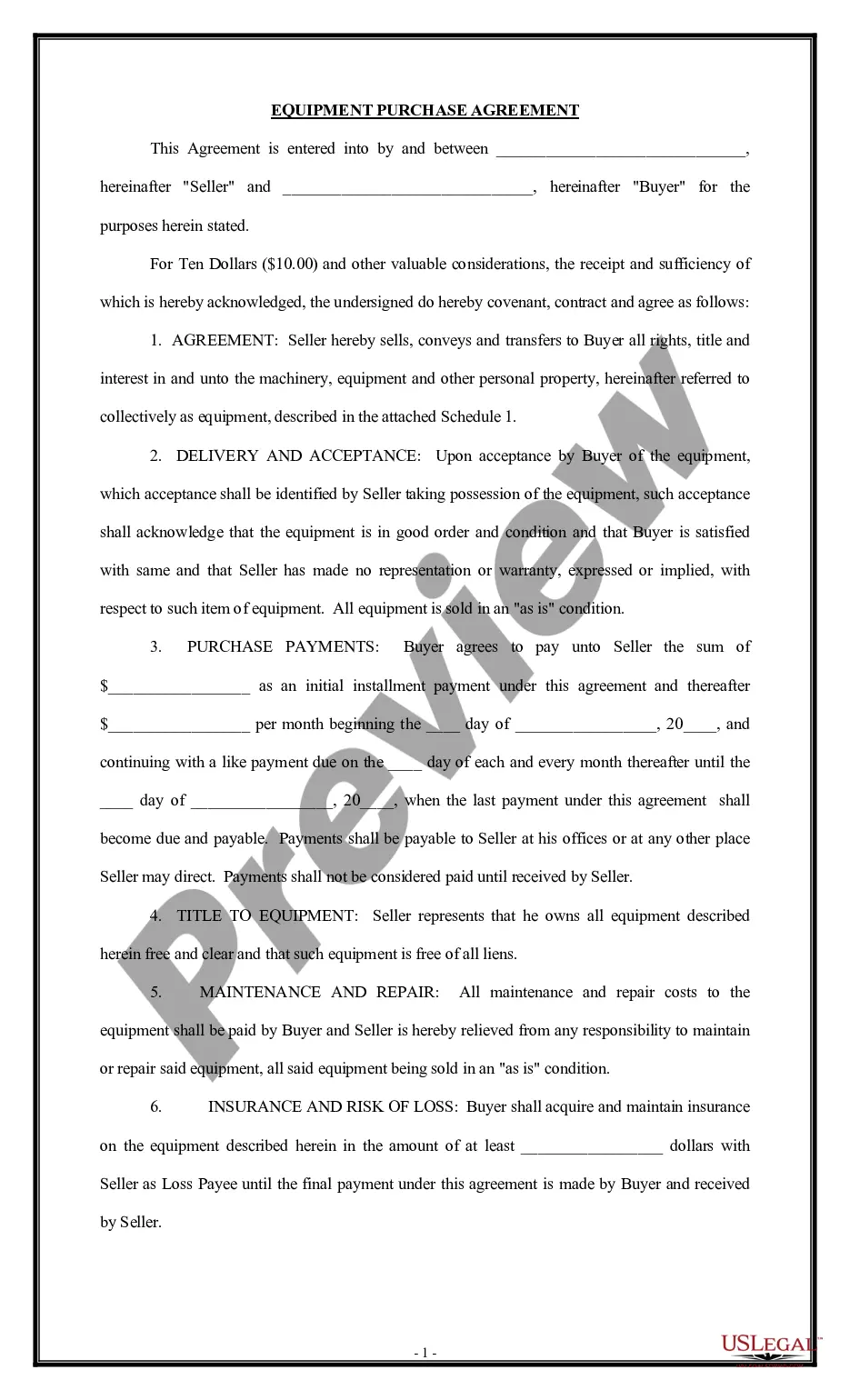
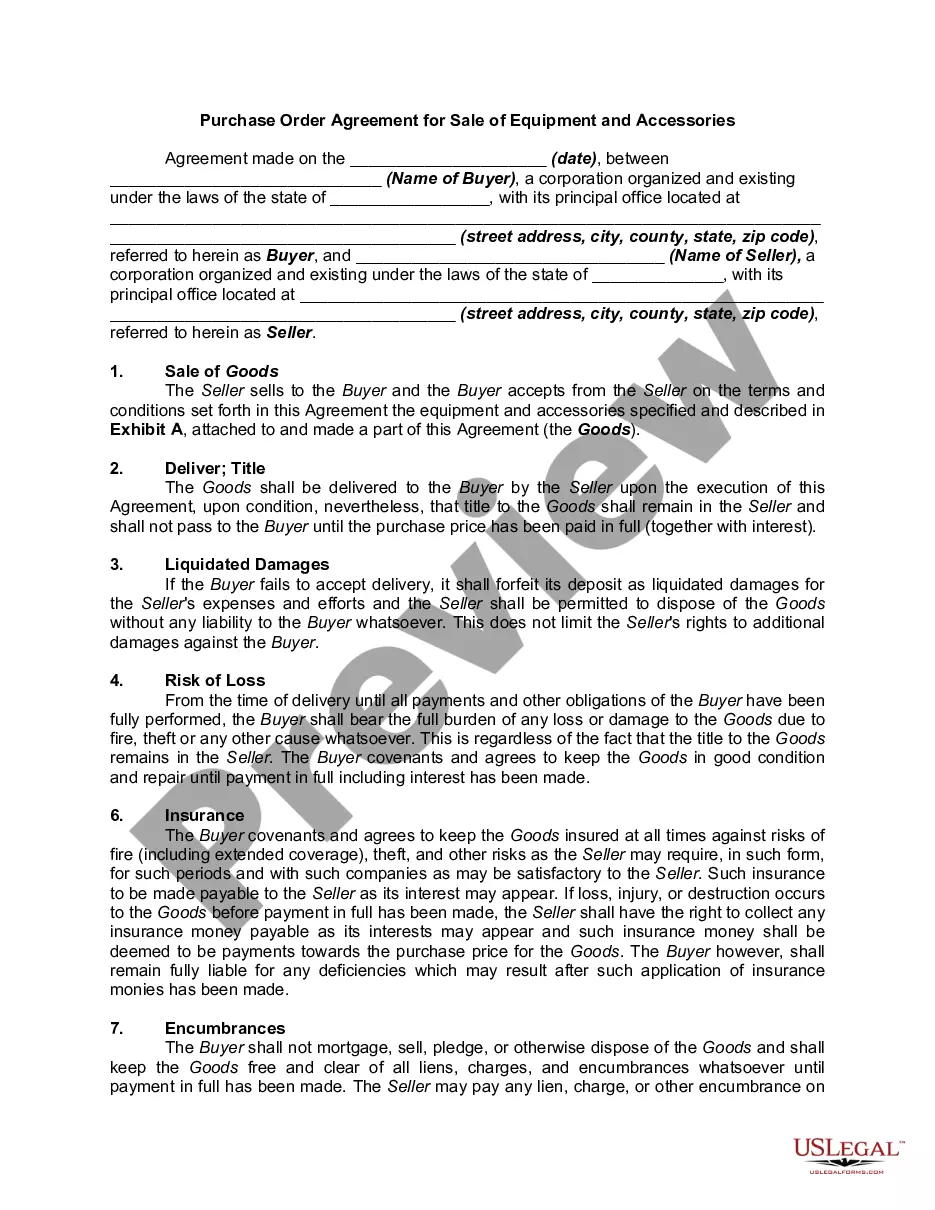
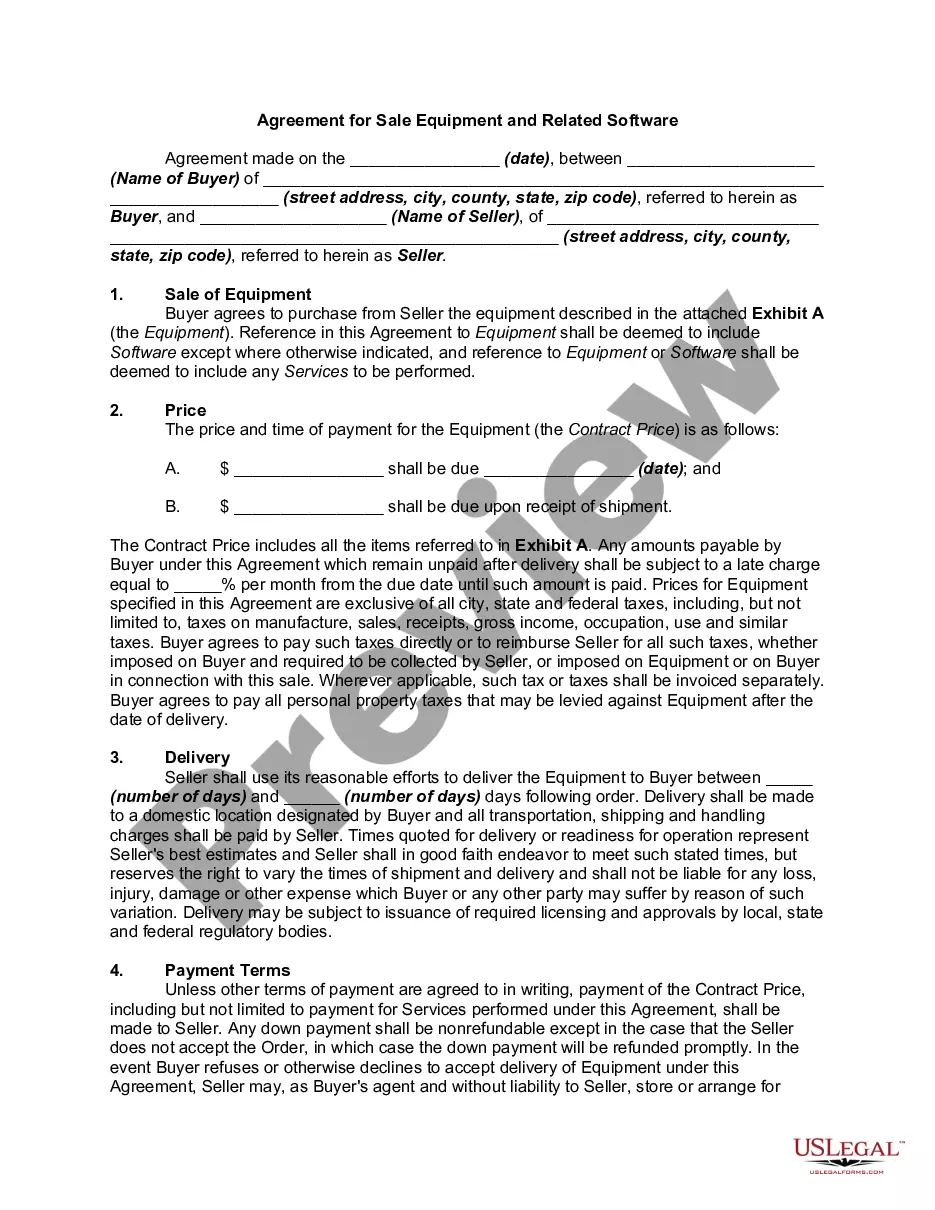
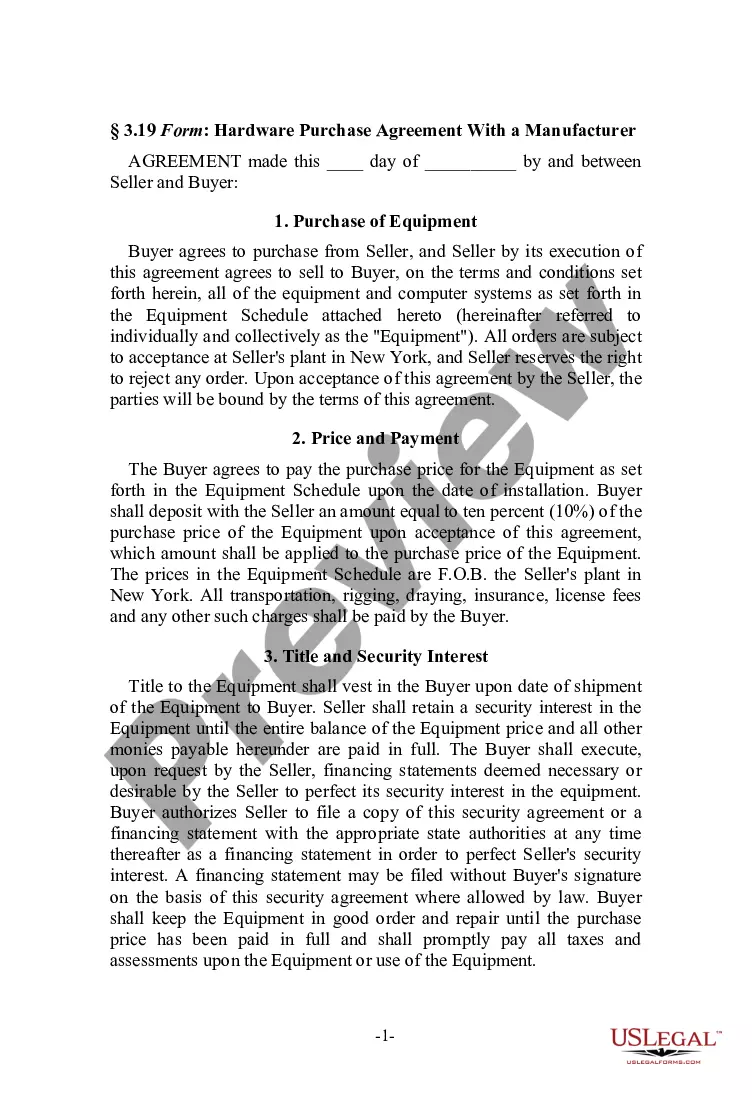
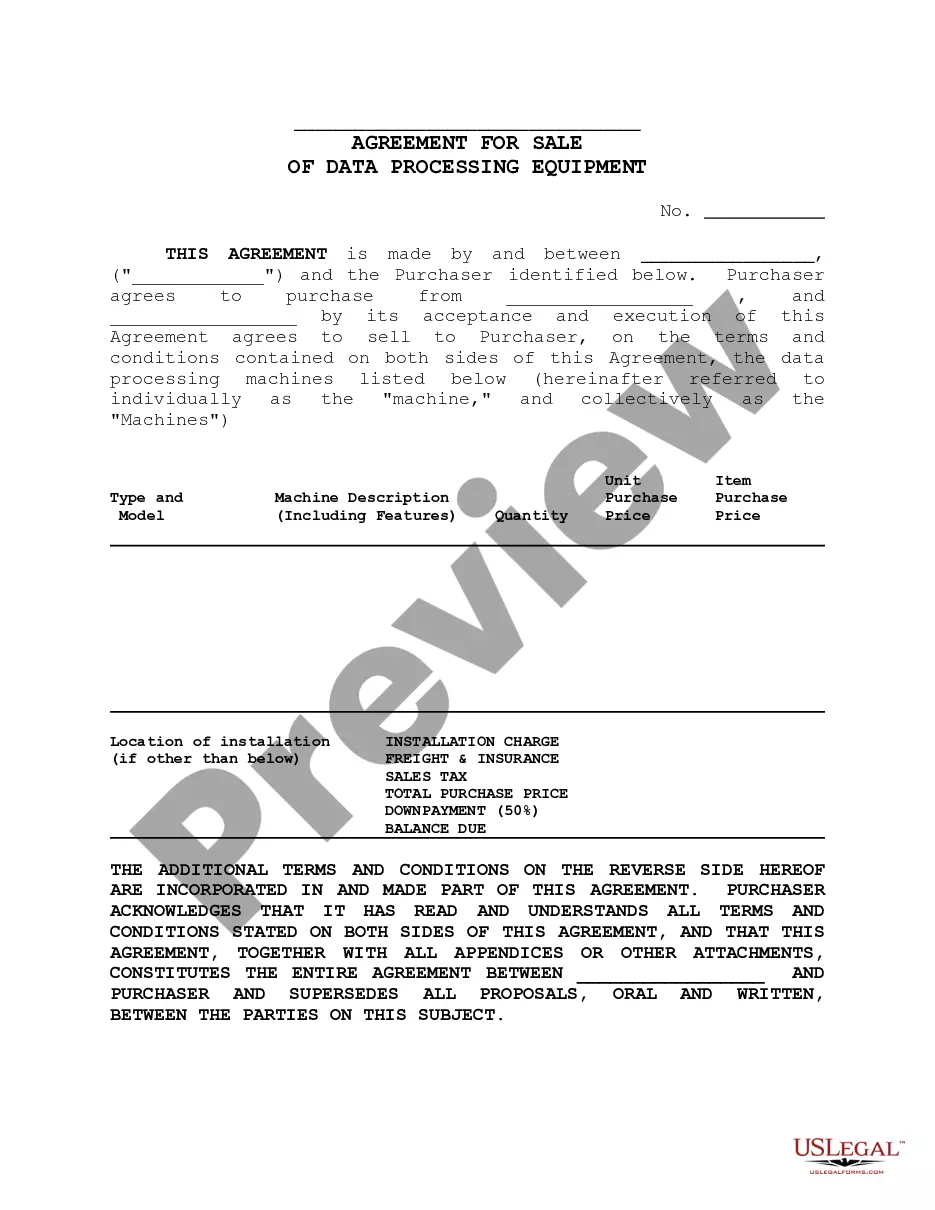
The Agreement to Purchase IP Phone System is a legal document outlining the terms and conditions under which a company (the Seller) agrees to sell an IP phone system to a customer (the Buyer). This agreement encompasses the sale and installation of the system, as well as the maintenance and warranty provisions. It is distinct from other purchase agreements because it specifically addresses the technical and operational requirements related to IP phone technology. The form serves as a binding contract, ensuring both parties are protected and aware of their obligations.
Key parts of this document
- Identification of the parties involved: Seller and Buyer, including company details.
- Description of the IP phone system being purchased, including equipment and software specifications.
- Terms for installation at the Buyerâs premises, detailing the Customer's responsibilities.
- Payment terms including purchase price, due dates, and taxes.
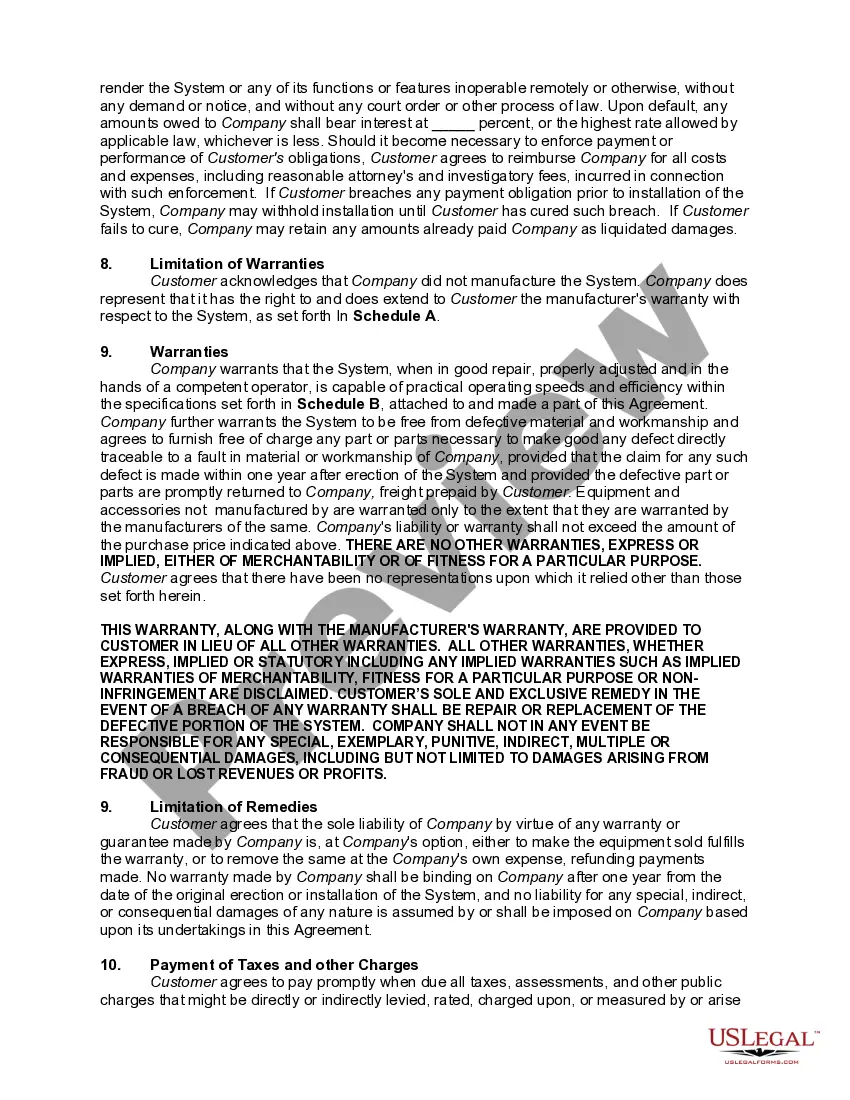
- Warranties provided by the Seller regarding the system's performance and maintenance.
- Remedies for breach of contract and security interests in the system until full payment is made.

When to use this document
This agreement should be used when a business intends to purchase an IP phone system to enhance its communication infrastructure. It is appropriate when a company needs a formal contract to outline the expectations for the purchase, installation, and ongoing maintenance of the phone system. This form ensures that both the Seller and Buyer understand their rights and responsibilities, minimizing potential disputes related to the agreement.
Intended users of this form
This form is ideal for:
- Businesses looking to purchase an IP phone system equipped with specific features for their operations.
- Companies needing clear terms regarding installation and maintenance of the system.
- Organizations that require a legally binding document to outline their agreement with a technology provider.
- Any individual or business aiming to formalize the terms of a digital communication upgrade.
How to prepare this document
- Identify the Seller and Buyer, including their legal names and addresses.
- Describe the IP phone system and attach any relevant specifications in Schedule A.
- Define the installation location and ensure the Buyer meets all environmental requirements.
- Specify the purchase price and payment terms, including any required deposits.
- Enter the relevant dates, including the agreement date and expected installation date.
- Obtain signatures from authorized representatives of both parties to finalize the agreement.
Does this document require notarization?
This form does not typically require notarization unless specified by local law. It is advisable to check the specific regulations of your state to confirm whether notarization is needed for your agreement to be legally binding.
Get your form ready online
Our built-in tools help you complete, sign, share, and store your documents in one place.
Make edits, fill in missing information, and update formatting in US Legal Forms—just like you would in MS Word.
Download a copy, print it, send it by email, or mail it via USPS—whatever works best for your next step.
Sign and collect signatures with our SignNow integration. Send to multiple recipients, set reminders, and more. Go Premium to unlock E-Sign.
If this form requires notarization, complete it online through a secure video call—no need to meet a notary in person or wait for an appointment.
We protect your documents and personal data by following strict security and privacy standards.

Make edits, fill in missing information, and update formatting in US Legal Forms—just like you would in MS Word.

Download a copy, print it, send it by email, or mail it via USPS—whatever works best for your next step.

Sign and collect signatures with our SignNow integration. Send to multiple recipients, set reminders, and more. Go Premium to unlock E-Sign.

If this form requires notarization, complete it online through a secure video call—no need to meet a notary in person or wait for an appointment.

We protect your documents and personal data by following strict security and privacy standards.
Typical mistakes to avoid
- Failing to properly identify the parties involved, which can complicate legal obligations.
- Neglecting to include specific details about the IP phone system, leading to misunderstandings.
- Omitting important installation requirements, which could result in operational issues.
- Not specifying payment terms clearly, which can cause disputes over finances.
- Ignoring warranty terms, potentially leaving the Buyer unprotected for system faults.
Why complete this form online
- Convenience of downloading and completing the form at your own pace.
- Editability, allowing you to customize the agreement as per your specific needs.
- Reliability, with forms vetted by licensed attorneys to ensure legal compliance.
- Accessible anywhere, enabling collaboration between involved parties regardless of location.
Legal use & context
- The agreement sets forth legally binding obligations for both parties regarding the sale and maintenance of the IP phone system.
- It outlines recourse available to each party in the event of a breach of contract.
- Proper completion and execution of this form can help in case of disputes, providing evidence of the agreed-upon terms.
What to keep in mind
- The Agreement to Purchase IP Phone System is essential for formalizing technology purchases.
- Clear terms regarding installation, maintenance, and payment protect both parties.
- Ensure all details about the system are accurately documented to avoid future disputes.
Looking for another form?



Form popularity
FAQ
You'll need a reliable internet connection such as DSL, cable, or fiber from an Internet Service Provider (ISP). The standard bandwidth required for VoIP is 100 Kbps per device. Depending on the type of data and features you'll use, you might need more bandwidth than the standard.
You'll need a reliable internet connection such as DSL, cable, or fiber from an Internet Service Provider (ISP). The standard bandwidth required for VoIP is 100 Kbps per device. Depending on the type of data and features you'll use, you might need more bandwidth than the standard.
VoIP hardware consists of a router, modem, and either an ATA or IP phone. When it comes to VoIP, there is a minimal amount of hardware required to get you connected to your new phone system. First and foremost, you need to have an internet connection (and, therefore, a router and a modem).
Make a VoIP Call Using a Computer You can use your computer to make and receive your VoIP calls. All you need is a microphone, speakers, a sound card and a fast Internet connection. You can use a client application installed on your computer or a web-based application.
The good news is, you can definitely use a VoIP phone as a regular phone! Basically, VoIP phones work just like traditional phones. But instead of connecting through a telephone line, they connect through the internet.
Choose a new phone number, or port your existing phone number. Add users to your phone system. Create a Call Flow to route incoming calls. Set up users with IP phones (optional) and/or virtual phones. Integrate with other apps (optional).
Figure out how many users you will need. Make sure your office Internet connection is fast enough. Sit down and set a VoIP budget. Determine which features are most important. Choose a VoIP phone service. Order phones and other hardware. Set up and configure your VoIP system.
Both are free and can be installed together in about 15 minutes by using the AsteriskNow . iso image available at Asterisk.org. VOIP Provider. This is a service that you need to subscribe to, much like a normal phone company, that allows you to actually make and receive calls outside of your office.