Policy Restricting use of Office Computer to Business Purposes
What this document covers
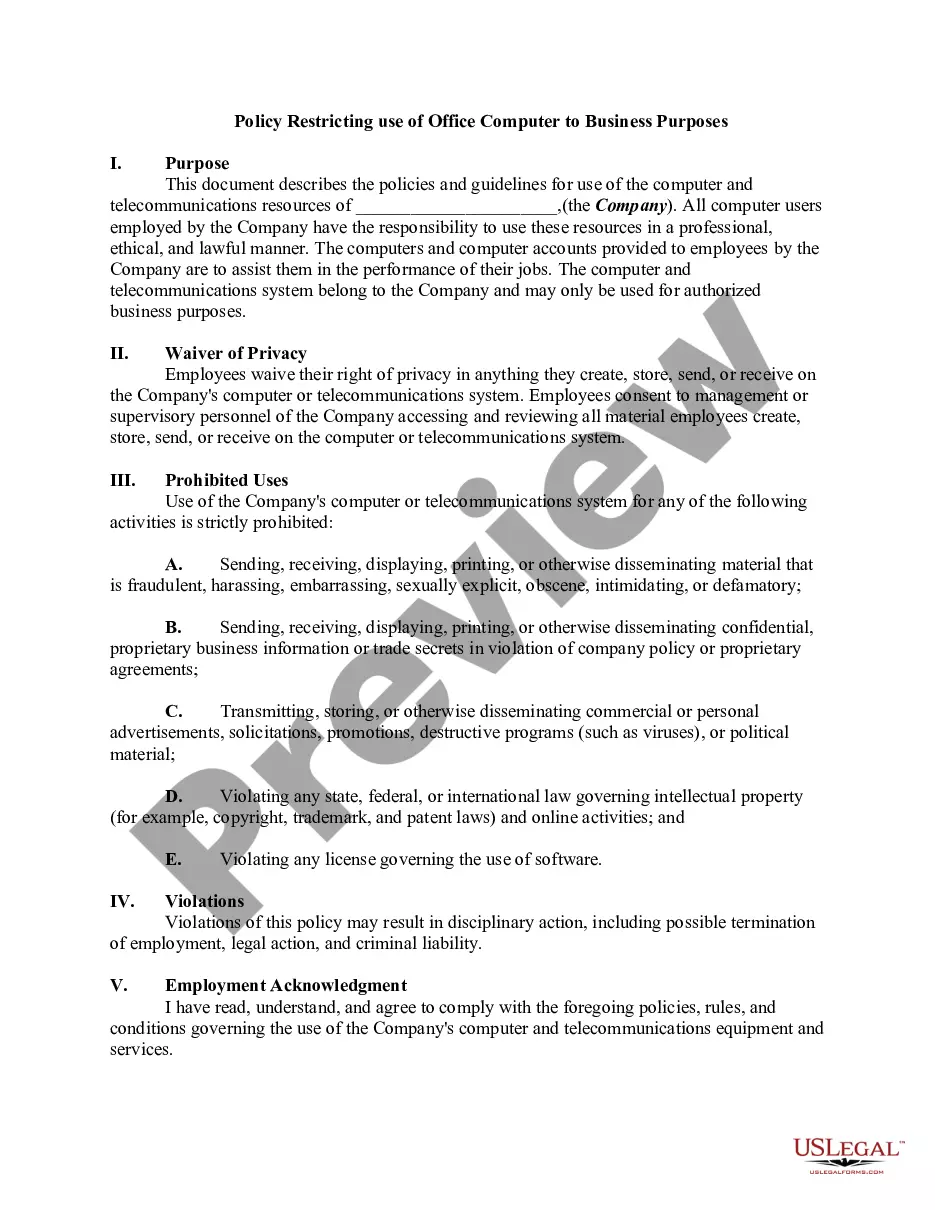
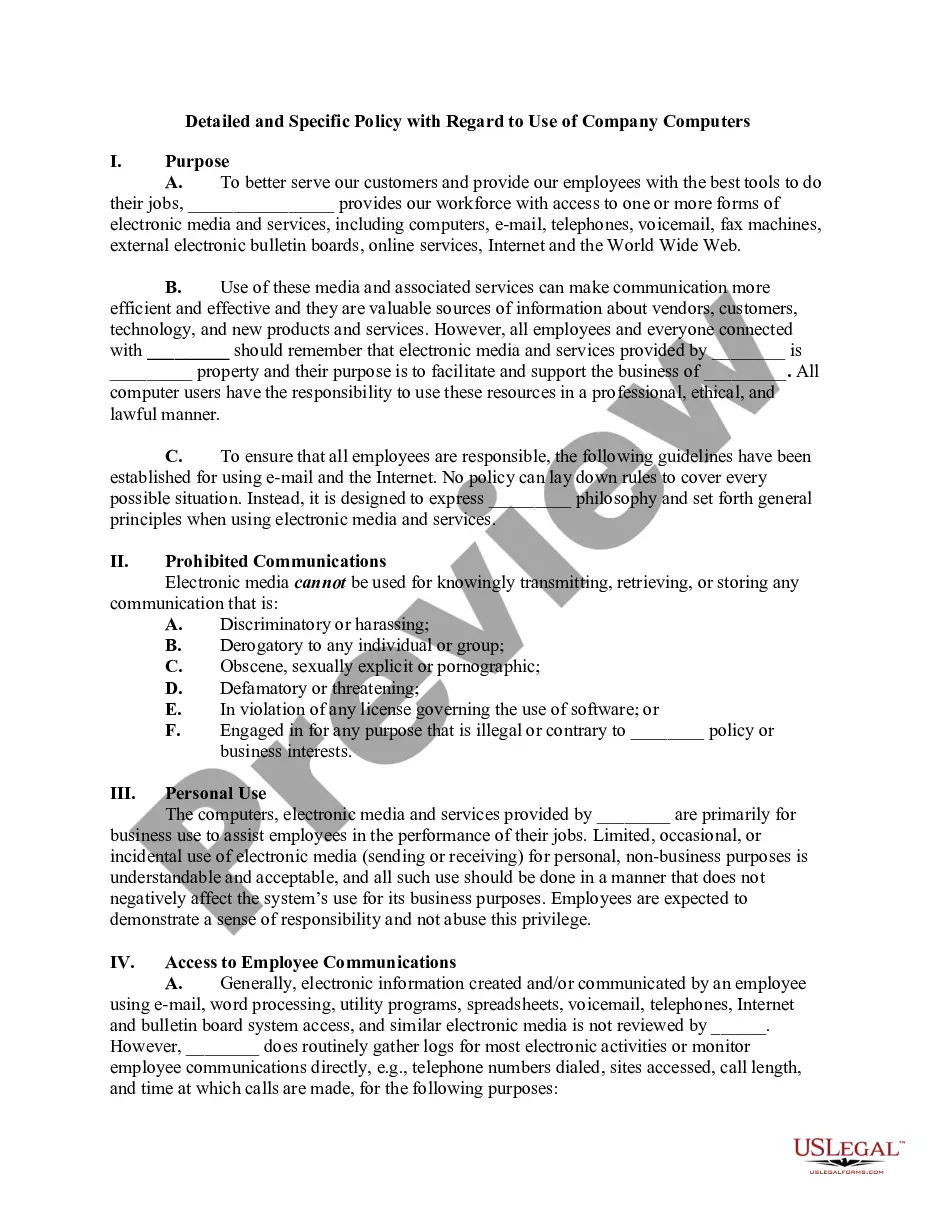
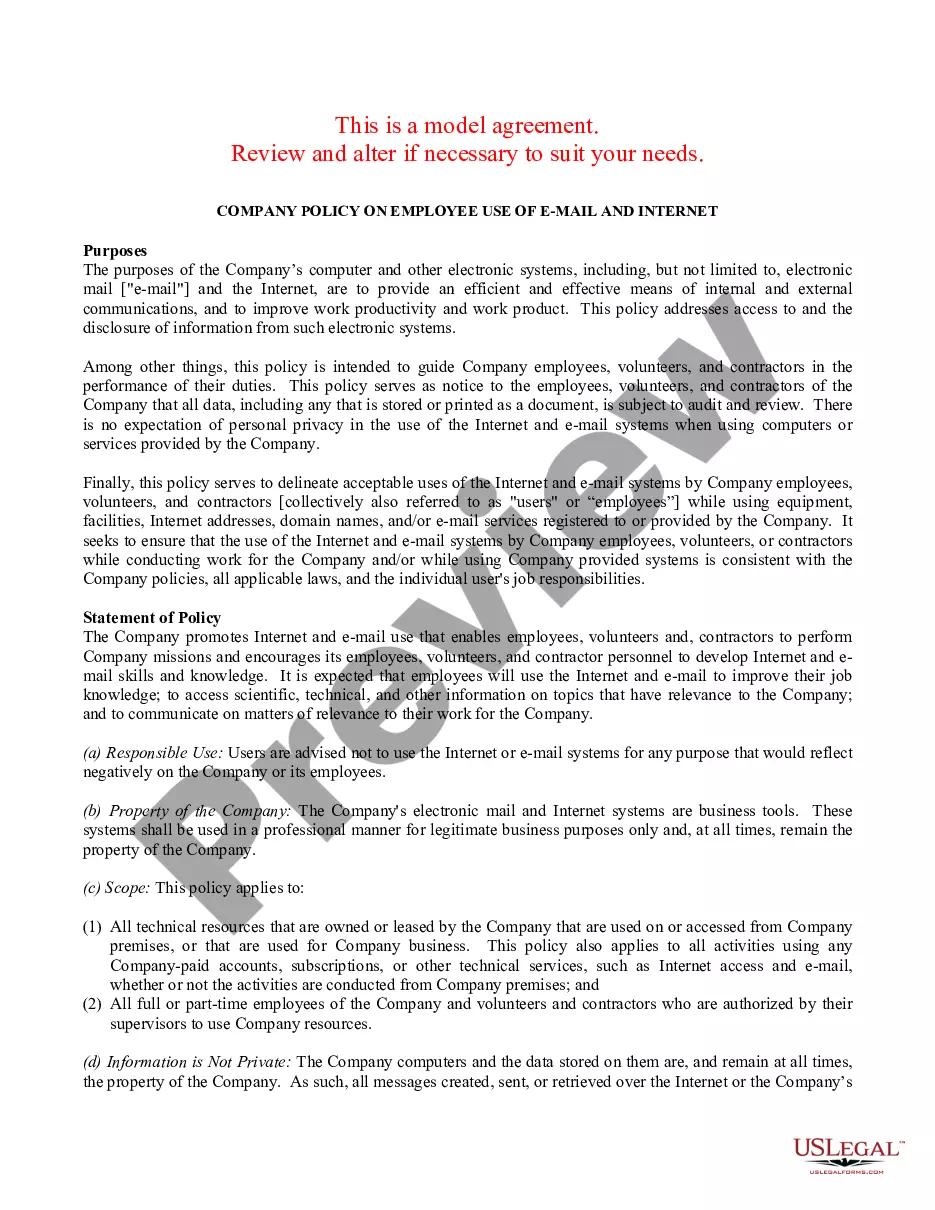
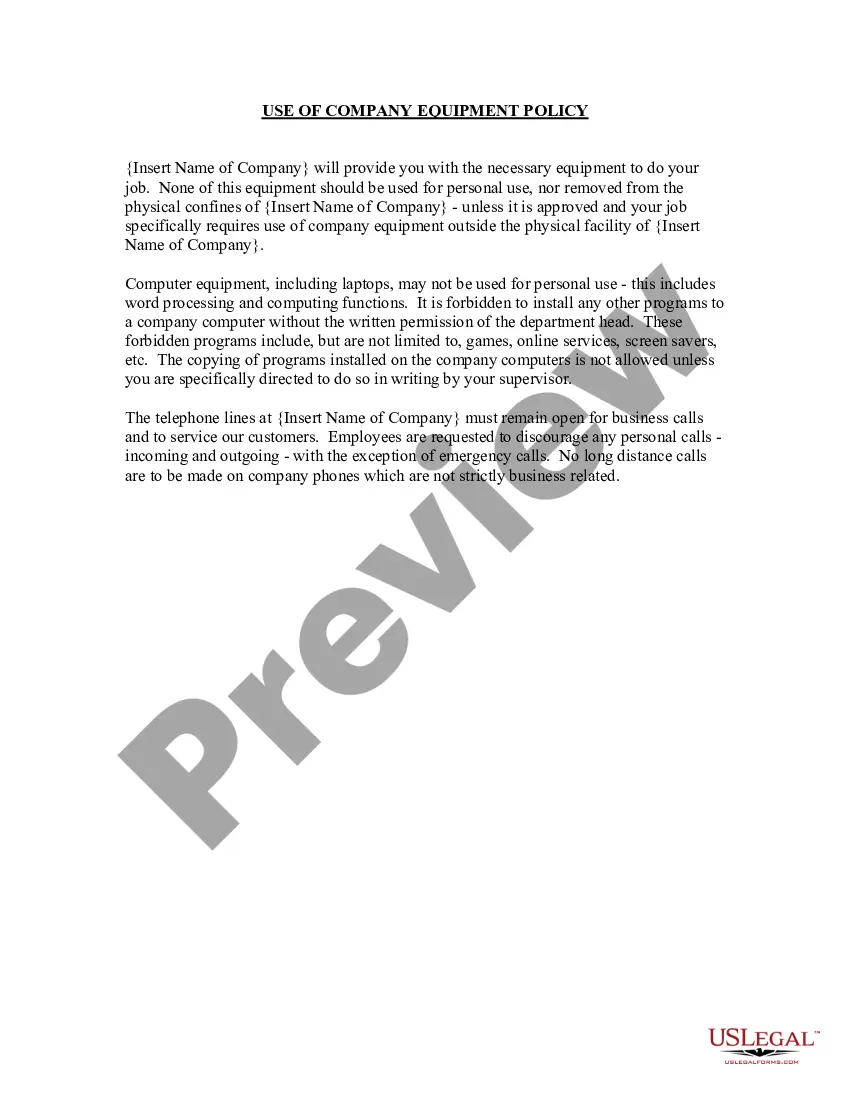
The Policy Restricting Use of Office Computer to Business Purposes is a legal document that outlines the acceptable use of a company's computer and telecommunications resources. This form is essential for establishing a clear policy that mandates employees to use company resources solely for work-related tasks and to promote a professional, ethical work environment. Unlike other forms that may govern more general office behavior, this policy specifically addresses computer usage and associated rights, providing essential safeguards for the companyâs assets and data security.
Form components explained
- Purpose: Outlines the intended use of company computer and telecommunications resources.
- Waiver of Privacy: Employees agree to waive their privacy rights regarding company resources.
- Prohibited Uses: Lists the activities strictly prohibited on company equipment.
- Violations: Specifies the consequences for failing to adhere to the policy.
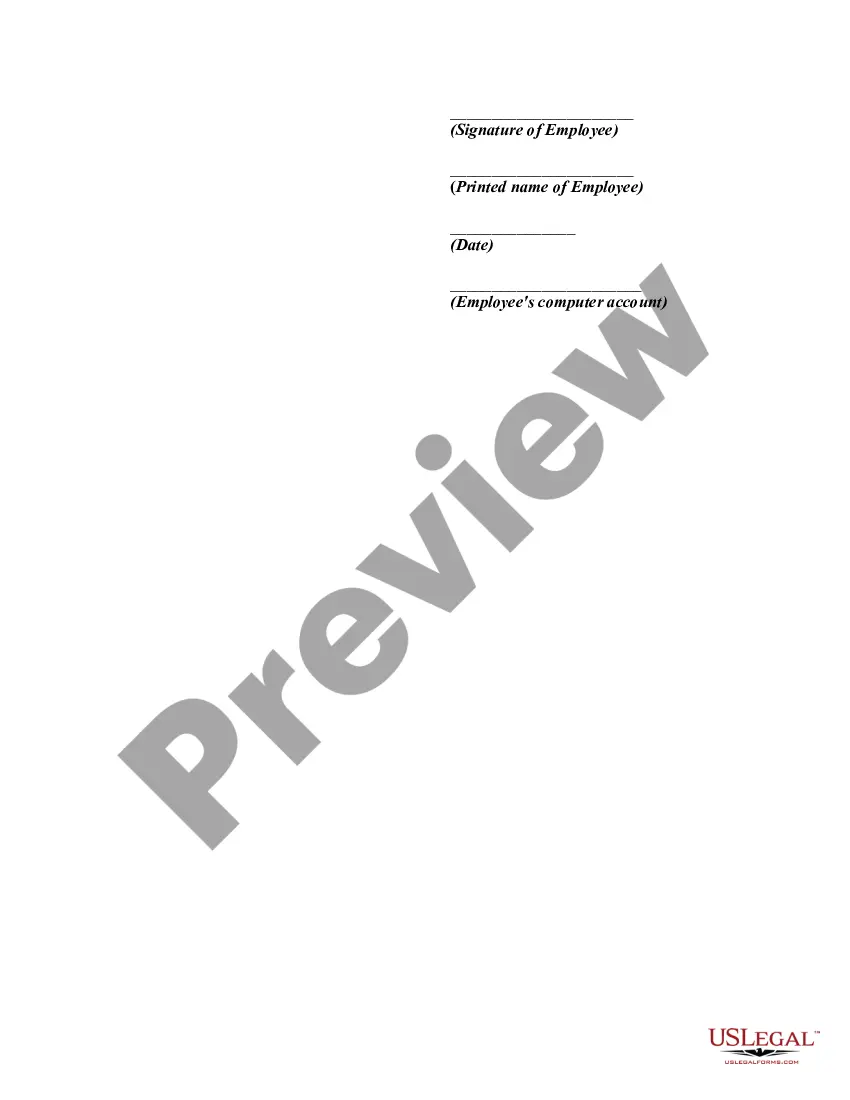
- Employment Acknowledgment: Includes a space for employee signature, indicating their understanding of the policy.


When this form is needed
This form should be utilized when a company is establishing or updating its policy regarding computer and telecommunications resource usage. It is particularly important for organizations that are concerned about data security, potential legal issues, and maintaining a professional work environment. Use this form when onboarding new employees or when current employees need to reaffirm their understanding of the companyâs computer usage policies.
Intended users of this form
- Human Resource Managers setting up computer usage guidelines.
- Employers looking to clarify acceptable use policies for employees.
- Organizations wanting to ensure compliance with data security and privacy laws.
- Businesses aiming to establish a professional work culture involving technology use.
Steps to complete this form
- Identify the company name to be included in the purpose section.
- Review the waiver of privacy section to ensure employees understand their privacy rights.
- Ensure all prohibited uses are detailed clearly to avoid confusion.
- Outline potential violations and the corresponding consequences to enforce compliance.
- Have employees read and sign the document to acknowledge their understanding of the policy.
Is notarization required?
This form does not typically require notarization unless specified by local law. However, it is important to ensure that all employees acknowledge their understanding and compliance with this policy by signing it.
Get your form ready online
Our built-in tools help you complete, sign, share, and store your documents in one place.
Make edits, fill in missing information, and update formatting in US Legal Forms—just like you would in MS Word.
Download a copy, print it, send it by email, or mail it via USPS—whatever works best for your next step.
Sign and collect signatures with our SignNow integration. Send to multiple recipients, set reminders, and more. Go Premium to unlock E-Sign.
If this form requires notarization, complete it online through a secure video call—no need to meet a notary in person or wait for an appointment.
We protect your documents and personal data by following strict security and privacy standards.

Make edits, fill in missing information, and update formatting in US Legal Forms—just like you would in MS Word.

Download a copy, print it, send it by email, or mail it via USPS—whatever works best for your next step.

Sign and collect signatures with our SignNow integration. Send to multiple recipients, set reminders, and more. Go Premium to unlock E-Sign.

If this form requires notarization, complete it online through a secure video call—no need to meet a notary in person or wait for an appointment.

We protect your documents and personal data by following strict security and privacy standards.
Common mistakes to avoid
- Not clearly outlining all prohibited uses of company resources.
- Failing to have employees sign the acknowledgment section, which could lead to misunderstandings.
- Using language that is too complex or legalistic, which may confuse employees.
- Neglecting to update the policy regularly as technology and legal standards evolve.
Advantages of online completion
- Convenience: Employees can easily access and download the form from anywhere, at any time.
- Editability: The template can be customized to fit the specific needs of the organization.
- Reliability: Legal forms provided by licensed attorneys ensure compliance with relevant laws.
Key takeaways
- This form is crucial for establishing clear guidelines for the use of company computer resources.
- All employees must acknowledge their understanding of the policy to ensure compliance.
- Regular updates to the policy may be required to adapt to changing technologies and legal requirements.
Looking for another form?





Form popularity
FAQ
An AUP is an agreement between the student and the district designed to keep students safe online. This agreement allows them to explore the digital world as part of their education, instead of accessing inappropriate or harmful sites, such as bullying, school violence, pornography, etc.
Code of conduct. recruitment policy. internet and email policy. mobile phone policy. non-smoking policy. drug and alcohol policy. health and safety policy. anti-discrimination and harassment policy.
For example, an AUP can cover online activities such as blog comment features to prohibit hate speech and libelous remarks. Acceptable use policies include a general overview of the scope, the general rationale of the policy, privileges, prohibitions, responsibilities, and possible sanctions.
Recognizing the need to be proactive, many organizations are establishing acceptable use policies for workplace technology. An acceptable use policy (AUP) is a document that outlines the rules and restrictions employees must follow in regard to the company's network, software, internet connection and devices.
An acceptable use policy (AUP) is a document stipulating constraints and practices that a user must agree to for access to a corporate network or the Internet. Many businesses and educational facilities require that employees or students sign an acceptable use policy before being granted a network ID.
Consider Impacts Before Establishing Rules. Define What Data Matters and Why. Define Any Compliance or Legal Concerns. Solicit Feedback From Stakeholders and Revisit Policy. Consider Personally Owned Devices That Access Company Data Assets. Social Media. Utilize Existing Policy Tools and Templates.
A computer usage policy is a document that provides employees with guidelines on how to appropriately use company equipment and the internet on your work computer network.This kind of policy can minimize the risk of computer misuse whether in the university library or a business office.
An acceptable use policy (AUP) is a document stipulating constraints and practices that a user must agree to for access to a corporate network or the Internet. Many businesses and educational facilities require that employees or students sign an acceptable use policy before being granted a network ID.
A preamble, a definition section, a policy statement, an acceptable uses section, an unacceptable uses section, and. a violations/sanctions section.