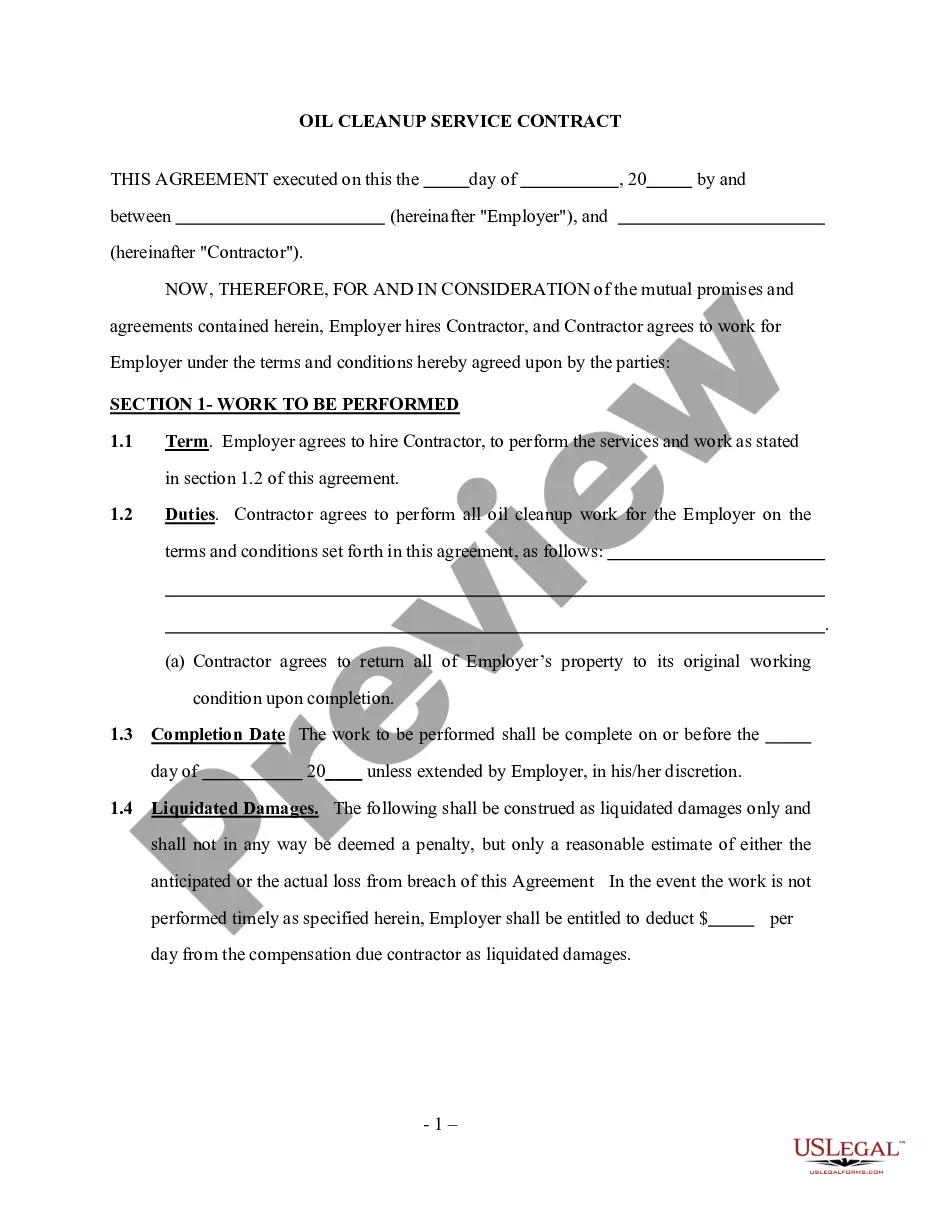
Acceptance of Appointment - Corporate Resolutions
Understanding this form
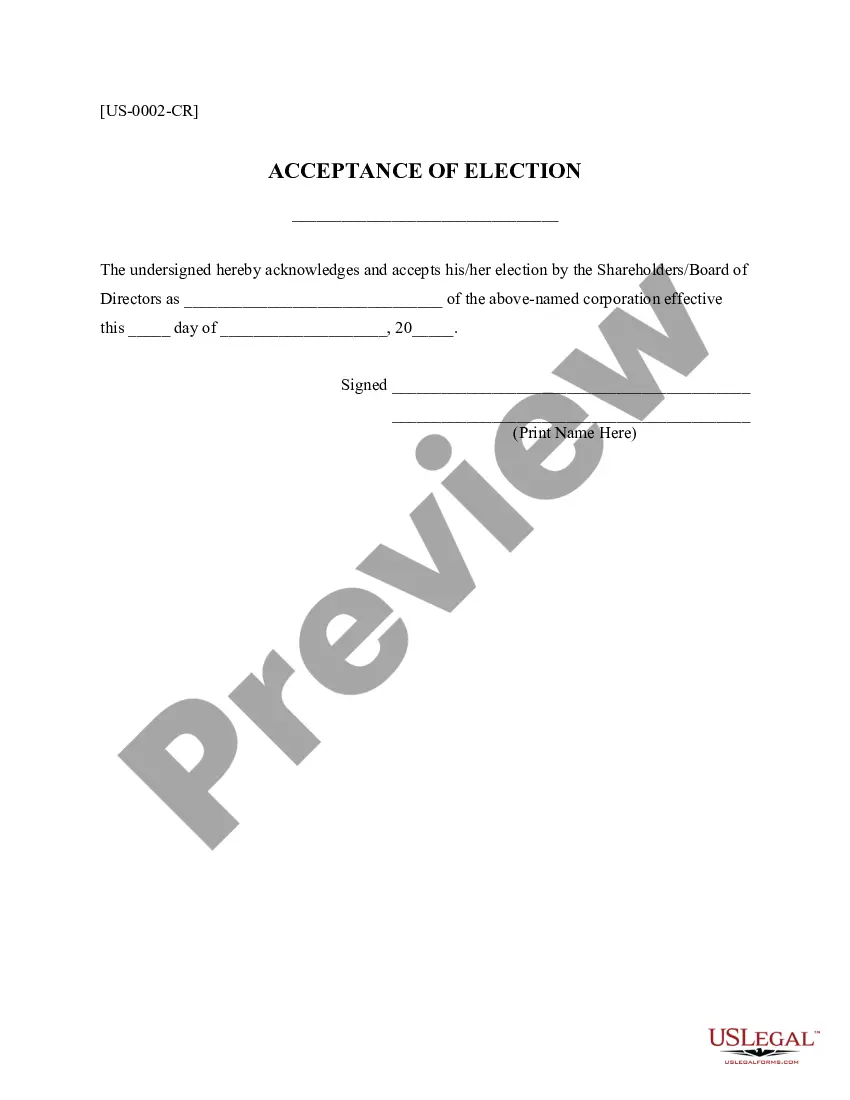
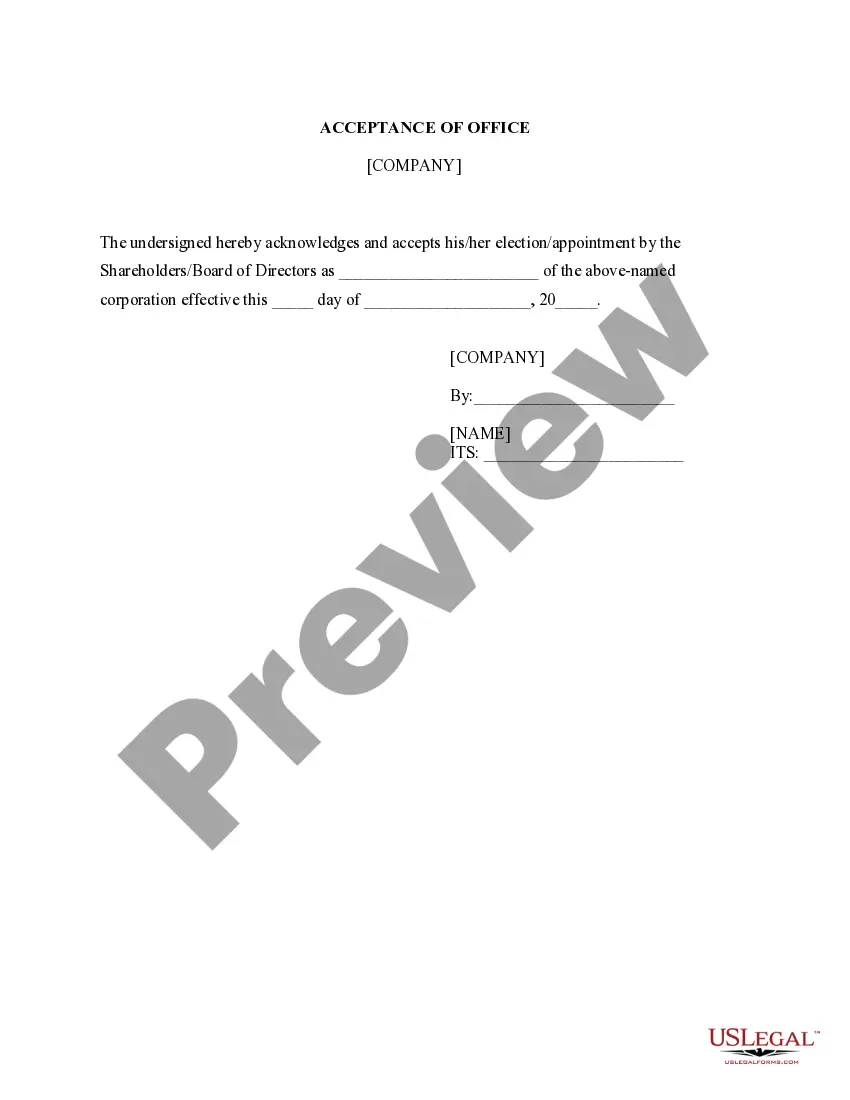
The Acceptance of Appointment - Corporate Resolutions form is a legal document through which an individual formally acknowledges and accepts a designated role as a corporate officer or representative within a corporation. This form is essential for ensuring that the appointment is documented and recognized by the corporation, differentiating it from other corporate resolutions that may not specifically address the acceptance of an officer's role.
Key parts of this document
- Identification of the individual accepting the appointment
- Title of the corporate office being accepted
- Date of acceptance
- Signature of the appointee
- Printed name of the appointee


Common use cases
This form should be used when an individual is formally appointed to a corporate office, such as a president, secretary, or treasurer, and needs to confirm their acceptance of this role. It provides legal clarity and ensures that the appointment process follows corporate governance standards.
Who should use this form
- Individuals appointed to corporate officer positions
- Corporate secretaries or administrators managing appointments
- Members of the board of directors overseeing officer appointments
How to complete this form
- Identify the corporation's name at the top of the form.
- Enter the title of the position being accepted.
- Specify the date of acceptance.
- Sign the form to endorse acceptance of the appointment.
- Print the name of the individual accepting the appointment beneath their signature.
Is notarization required?
This form does not typically require notarization unless specified by local law. It is advisable to consult legal counsel to confirm any specific notarization requirements applicable in your jurisdiction.
Get your form ready online
Our built-in tools help you complete, sign, share, and store your documents in one place.
Make edits, fill in missing information, and update formatting in US Legal Forms—just like you would in MS Word.
Download a copy, print it, send it by email, or mail it via USPS—whatever works best for your next step.
Sign and collect signatures with our SignNow integration. Send to multiple recipients, set reminders, and more. Go Premium to unlock E-Sign.
If this form requires notarization, complete it online through a secure video call—no need to meet a notary in person or wait for an appointment.
We protect your documents and personal data by following strict security and privacy standards.

Make edits, fill in missing information, and update formatting in US Legal Forms—just like you would in MS Word.

Download a copy, print it, send it by email, or mail it via USPS—whatever works best for your next step.

Sign and collect signatures with our SignNow integration. Send to multiple recipients, set reminders, and more. Go Premium to unlock E-Sign.

If this form requires notarization, complete it online through a secure video call—no need to meet a notary in person or wait for an appointment.

We protect your documents and personal data by following strict security and privacy standards.
Common mistakes
- Failing to sign the form before submission.
- Not entering the correct title of the corporate office.
- Omitting the date of acceptance.
- Using the form without confirming appointment processes per state law.
Benefits of completing this form online
- Convenient and immediate access to legal forms from anywhere.
- Forms are easily editable, allowing for customization as necessary.
- Reliable templates drafted by licensed attorneys, improving legal compliance.
Quick recap
- The Acceptance of Appointment - Corporate Resolutions form is crucial for documenting an officer's acceptance of their role.
- Ensure all details, including name and title, are accurately filled and signed.
- Utilize this form to maintain proper corporate governance and record-keeping.
Looking for another form?









Form popularity
FAQ
Step 1: Place a Resolution Number. Step 2: Write a Title for the Resolution. Step 3: Use Formal Language. Step 4: Clearly Indicate the Voted Resolution. Step 5: Include a List of Voting Board Members. Step 6: Have the President Sign the Resolution.
Passing the resolution at a meeting where a quorum has been met. A quorum is the minimum number of members required for the meeting to be valid. Passing the resolution with necessary written consent. Passing the resolution with unanimous written consent.
Format the resolution by putting the date and resolution number at the top. Form a title of the resolution that speaks to the issue that you want to document. Use formal language in the body of the resolution, beginning each new paragraph with the word, whereas.
Format the resolution by putting the date and resolution number at the top. Form a title of the resolution that speaks to the issue that you want to document. Use formal language in the body of the resolution, beginning each new paragraph with the word, whereas.
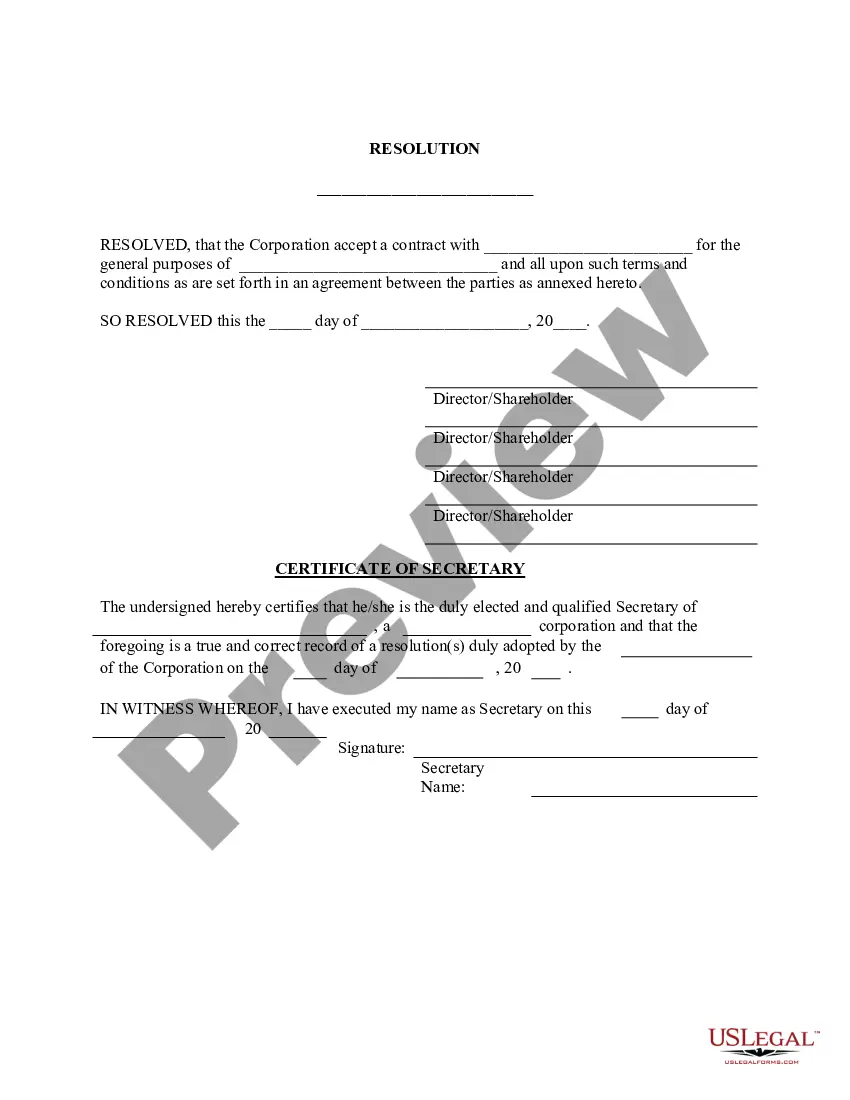
A corporate resolution is a document that formally records the important binding decisions into which a company enters. These decisions are made by such stakeholders as the corporation's managers, directors, officers or owners.
A corporate resolution is a written document created by the board of directors of a company detailing a binding corporate action. A corporate resolution is the legal document that provides the rules and framework as to how the board can act under various circumstances.
How can I book an appointment at the post office / agency? An appointment can be booked through the website of the Israel Postal Company Ltd. (the Postal Company) and through the 171 telephone hotline.
Dear Mr/Ms {Recipient's Name}, I extend my gratitude to you for offering me the position of {Title} in {Company's name}. I am delighted to accept your offer and look forward to commencing work with your company from {Date}.
The applicant is required to open the PSK official website and login. Then clicking on the tab which says Submitted or View Saved Applications and then click on the Schedule Appointment option. After this, two options will appear - either to reschedule the appointment or cancel the same.