Oregon Answer, Affirmative Defenses, And Counterclaims
Description
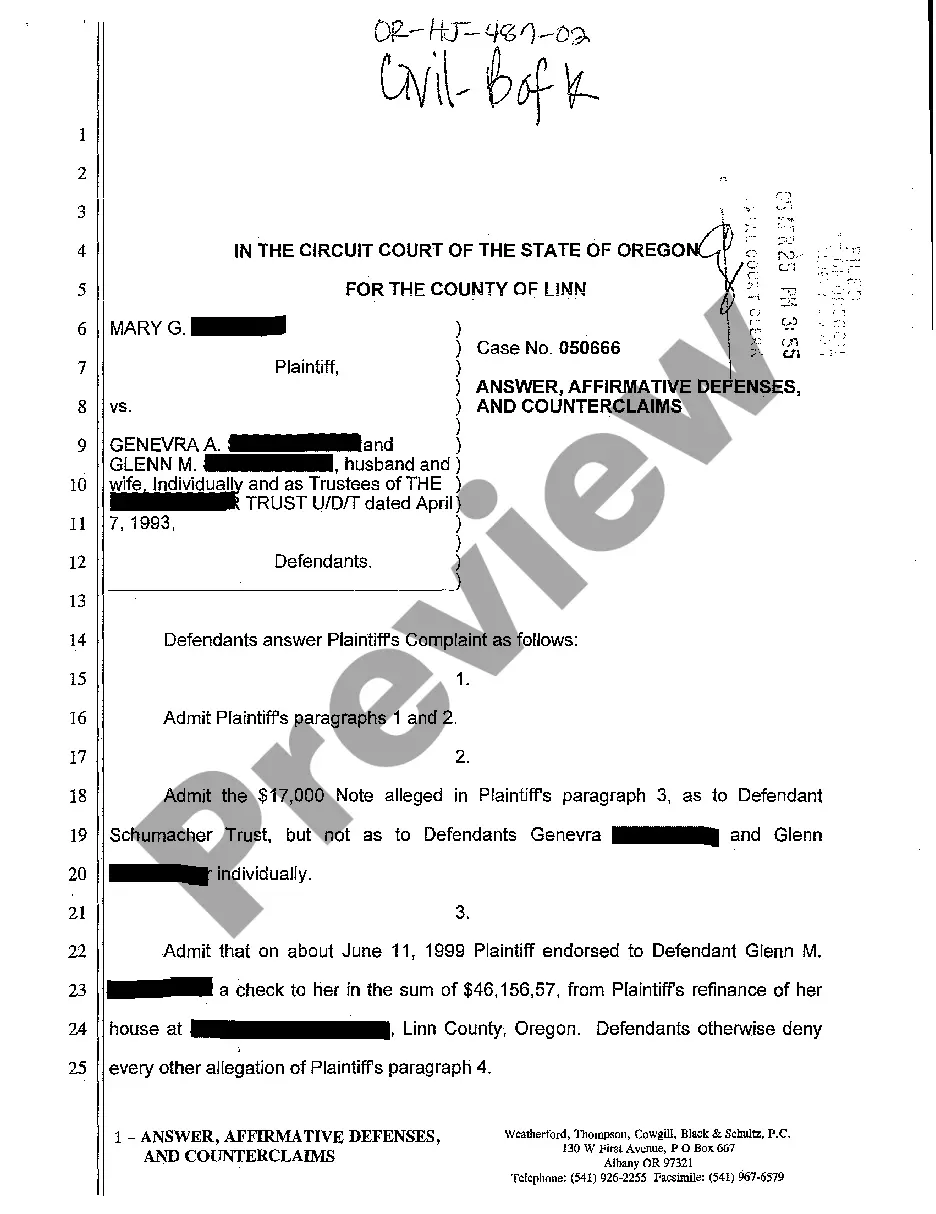
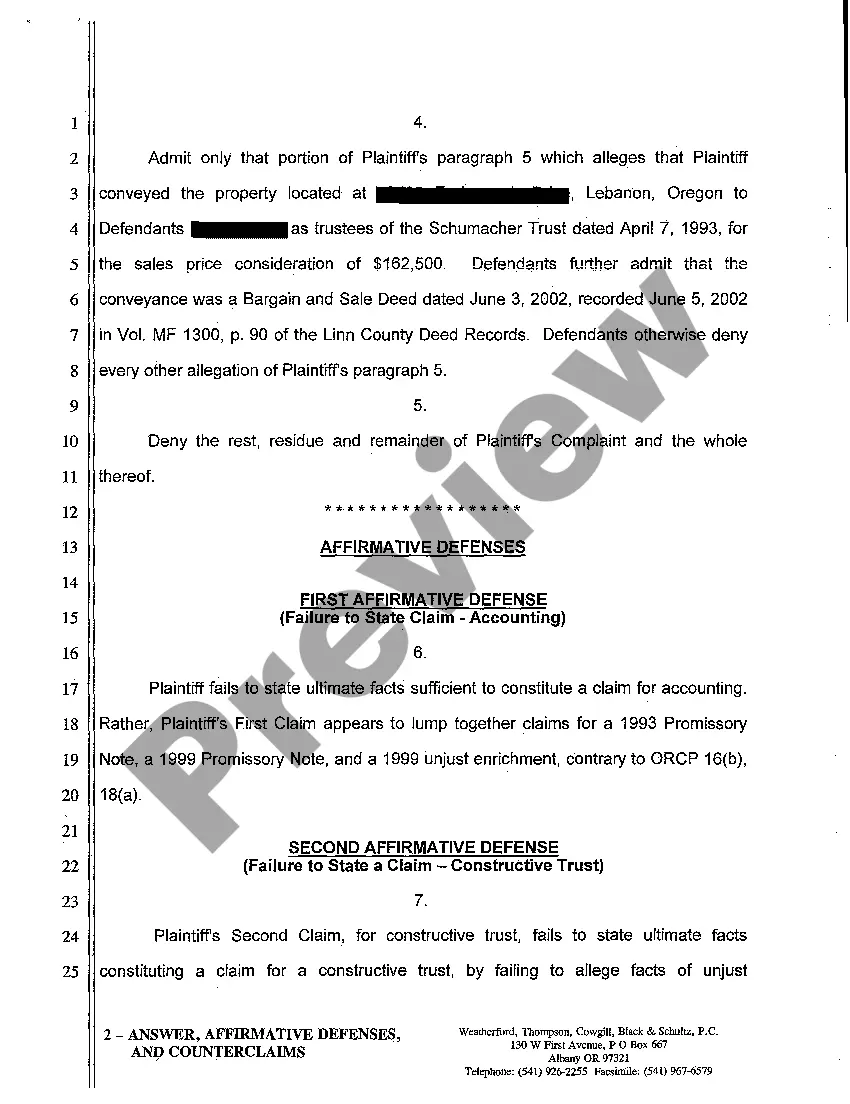
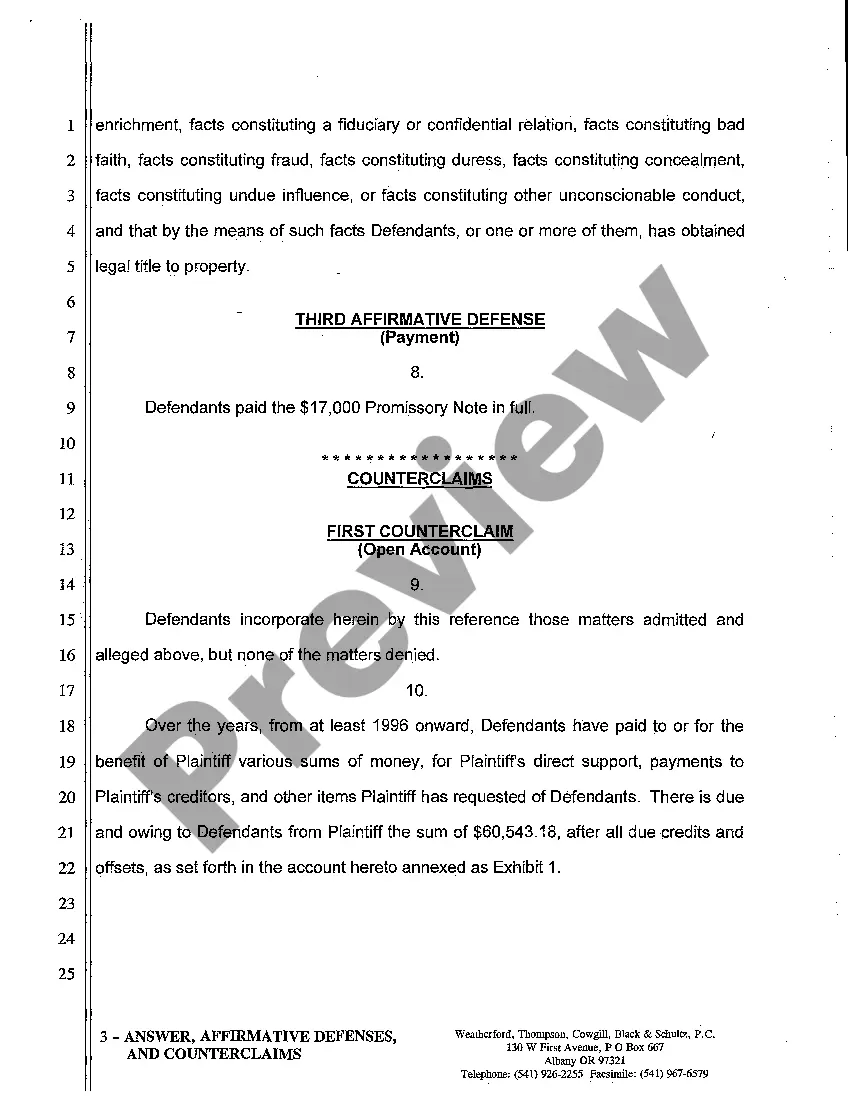
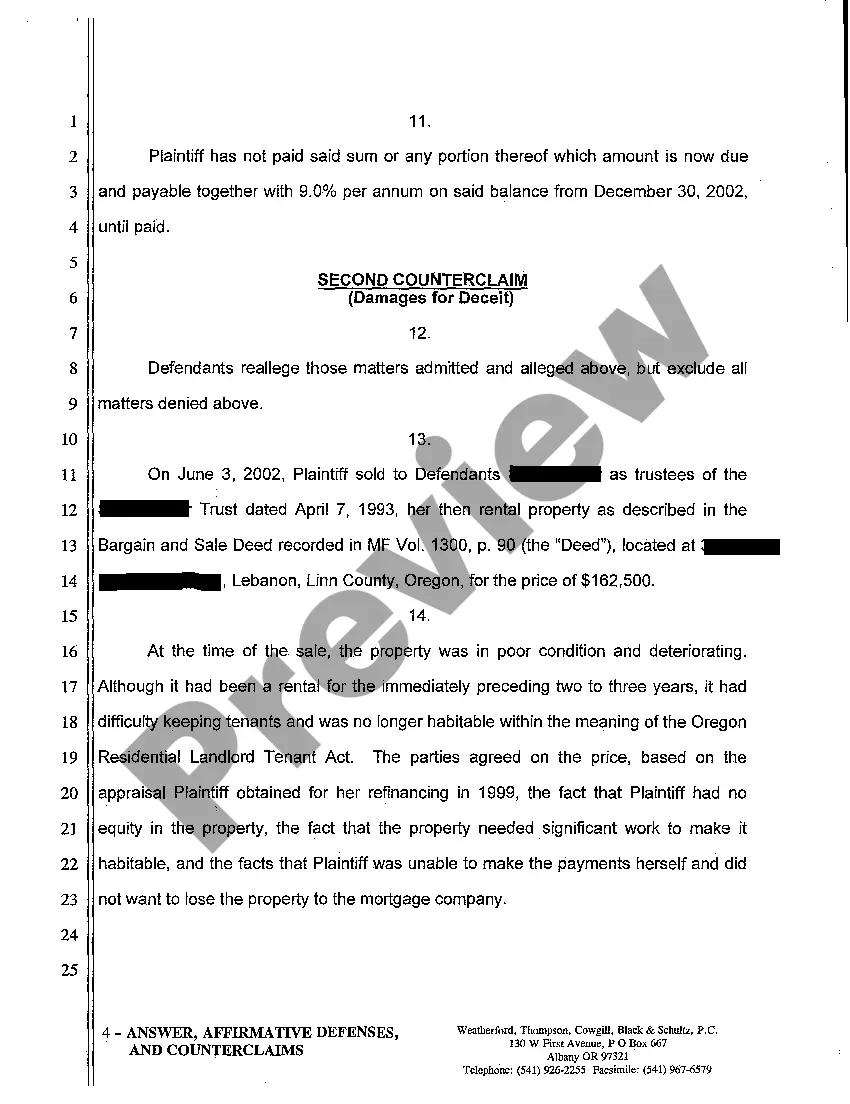
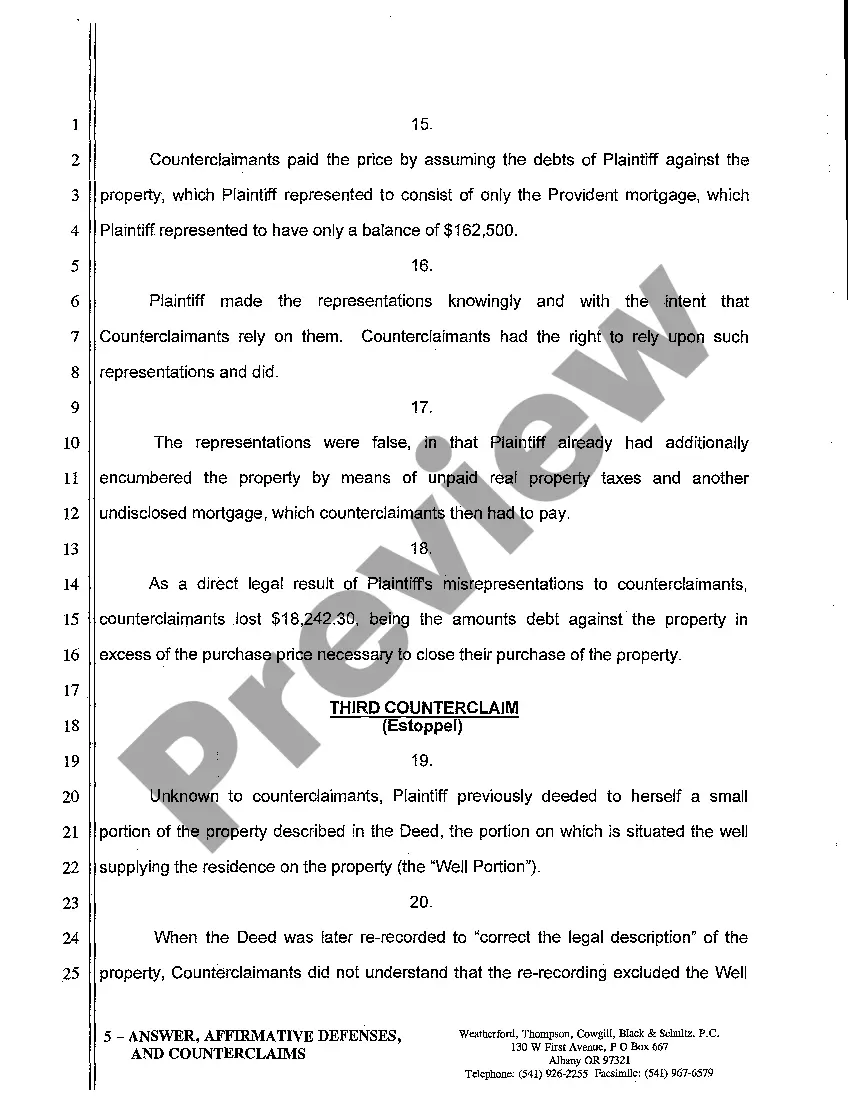
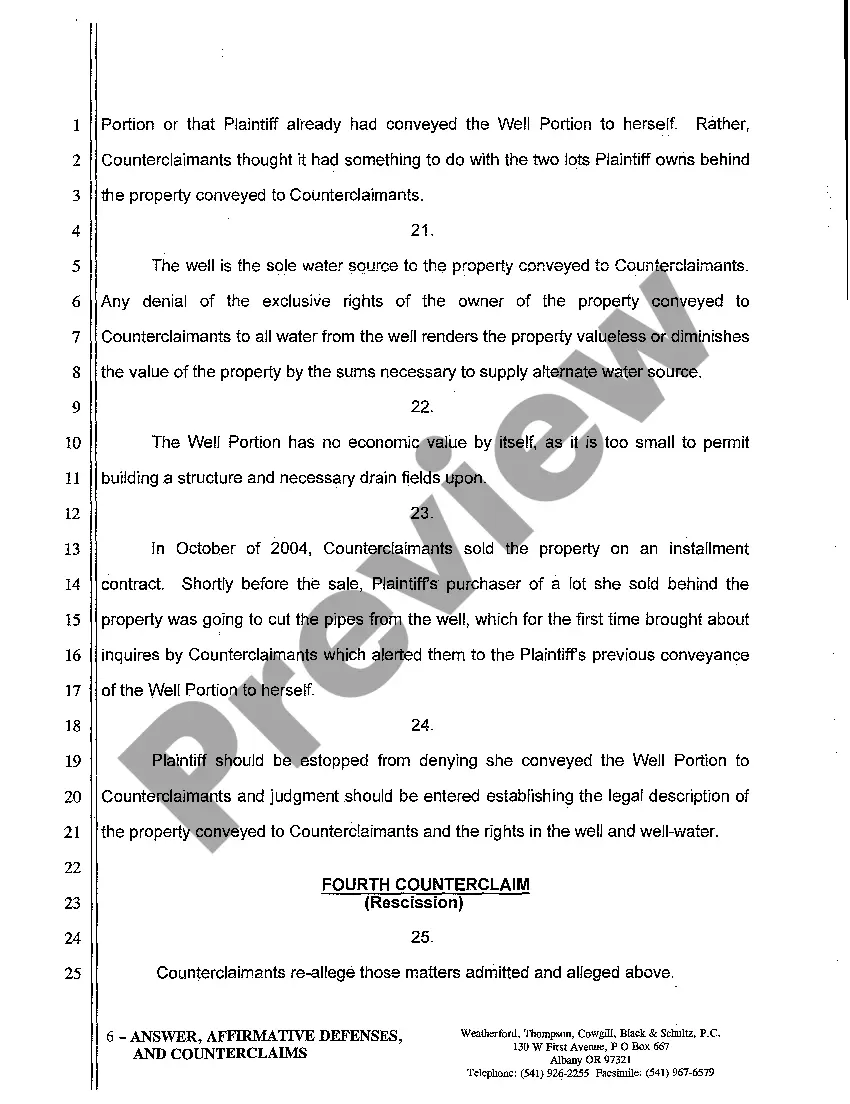
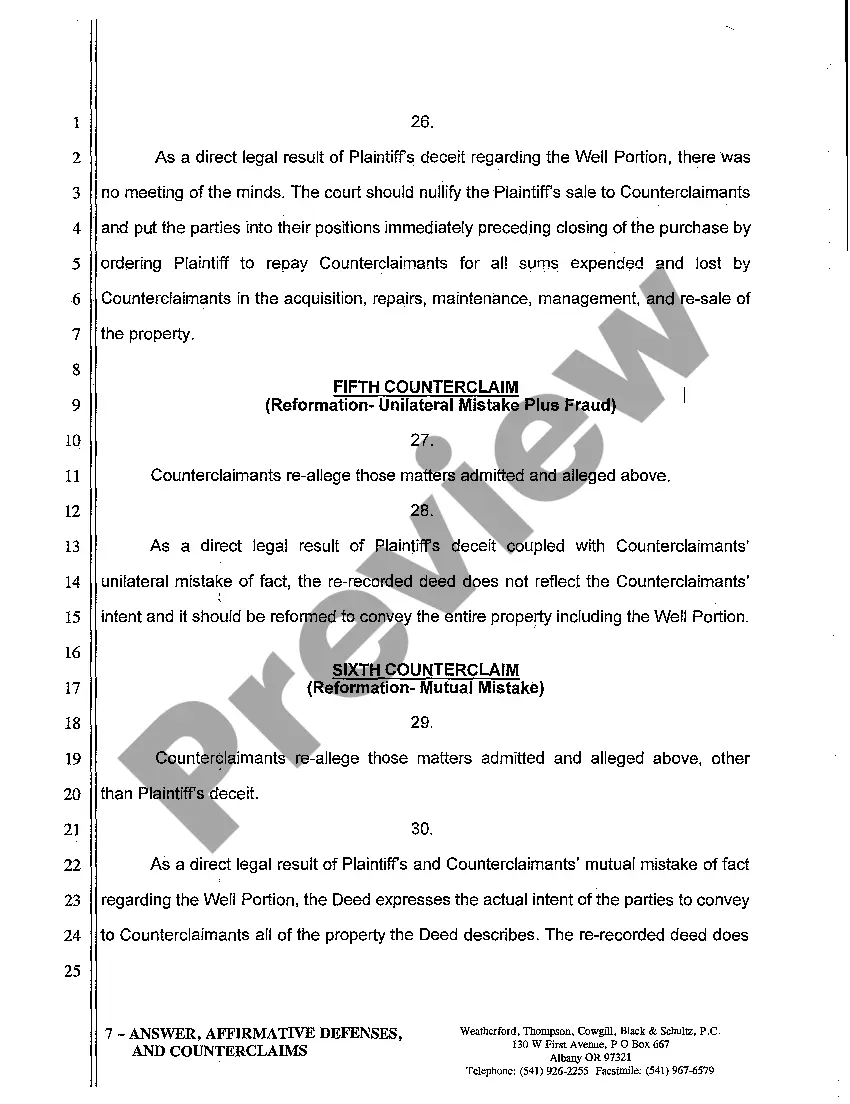
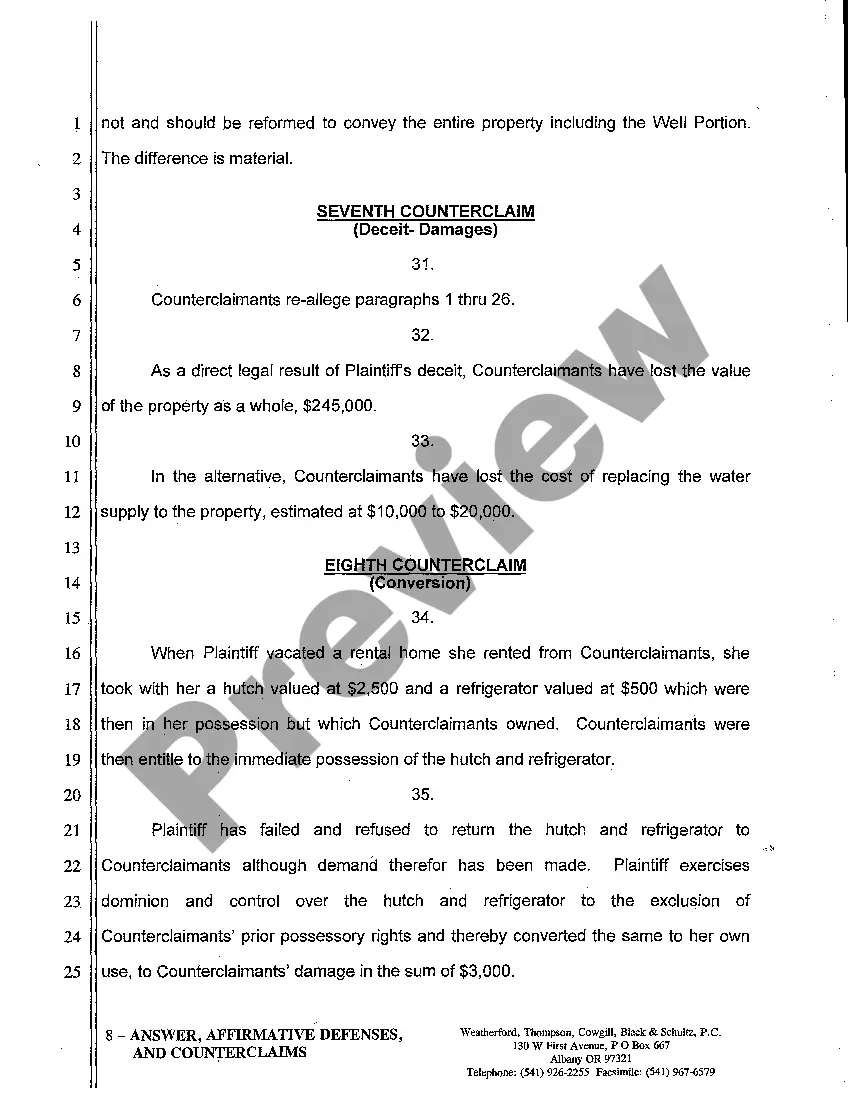
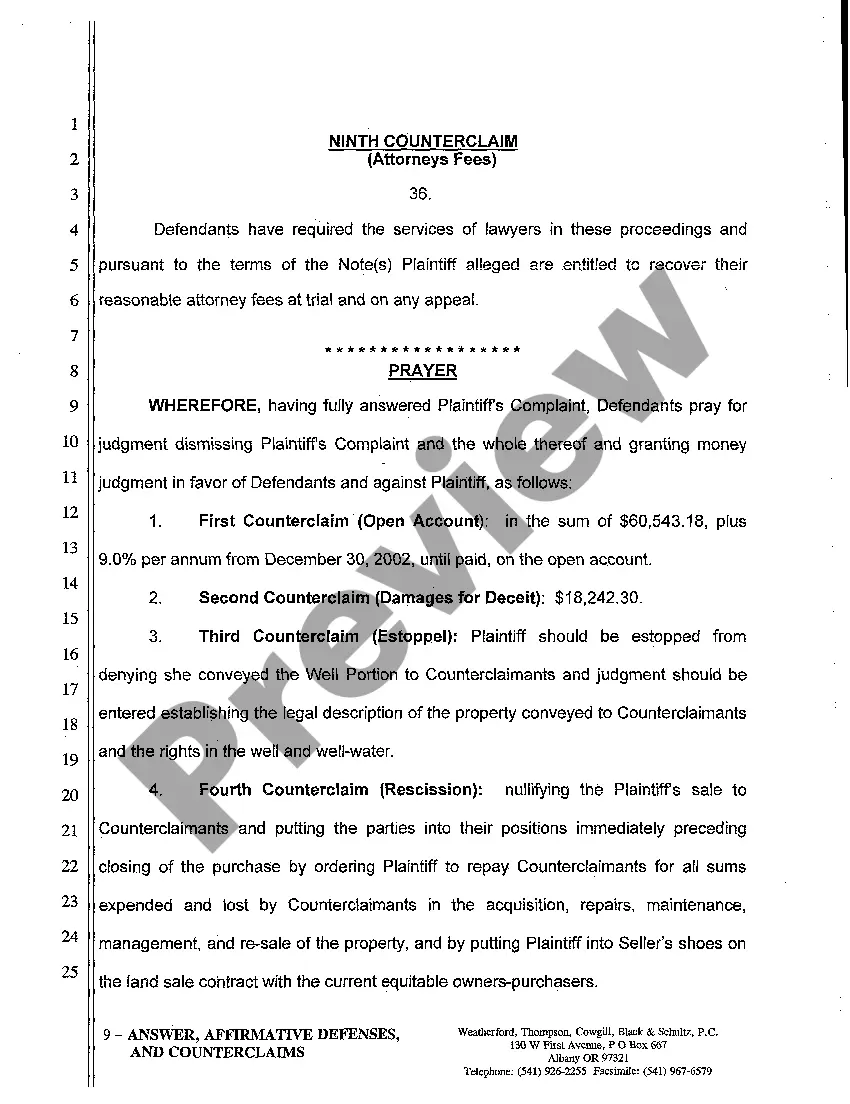
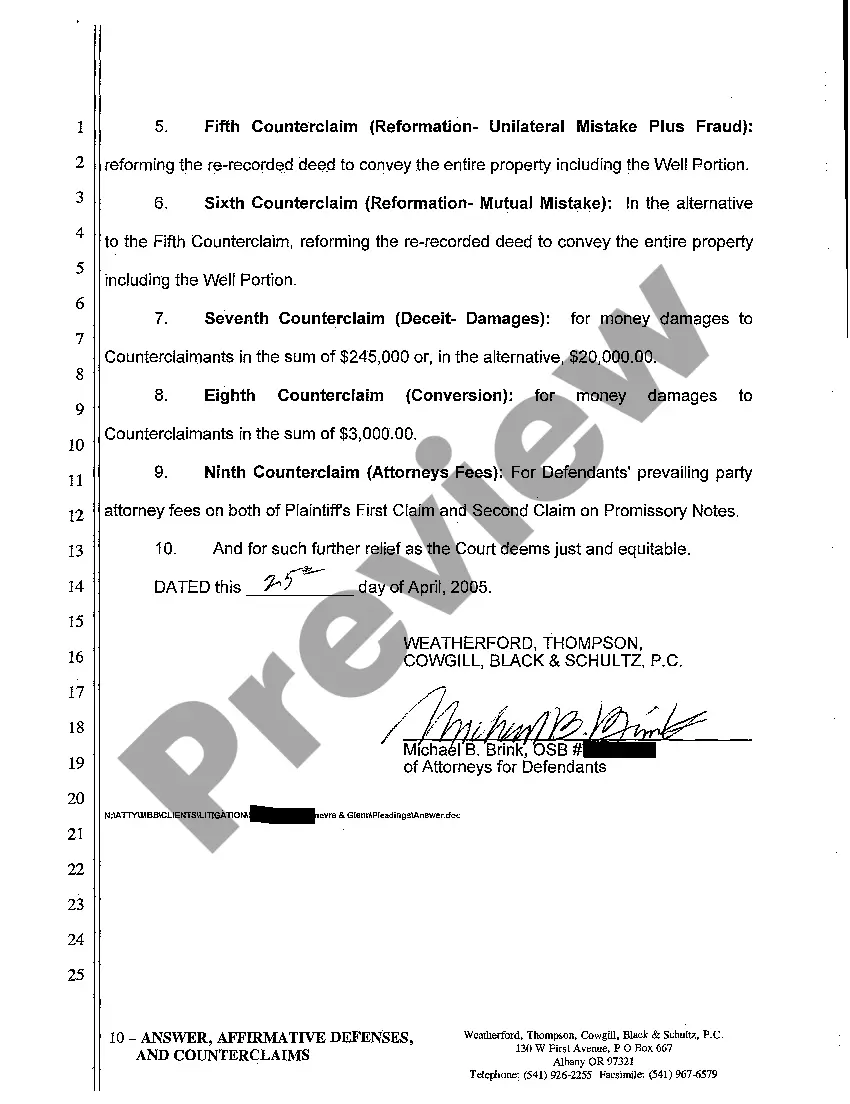
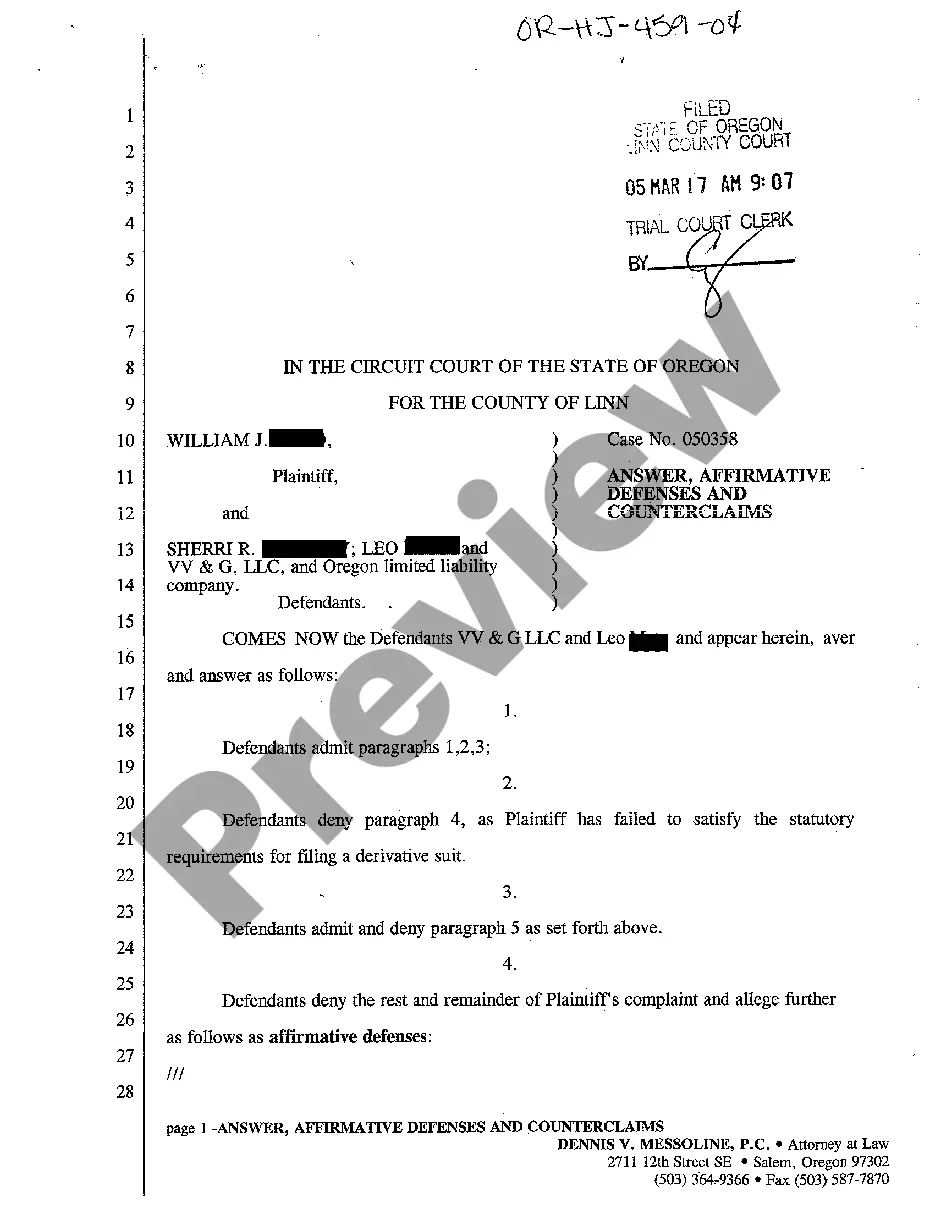
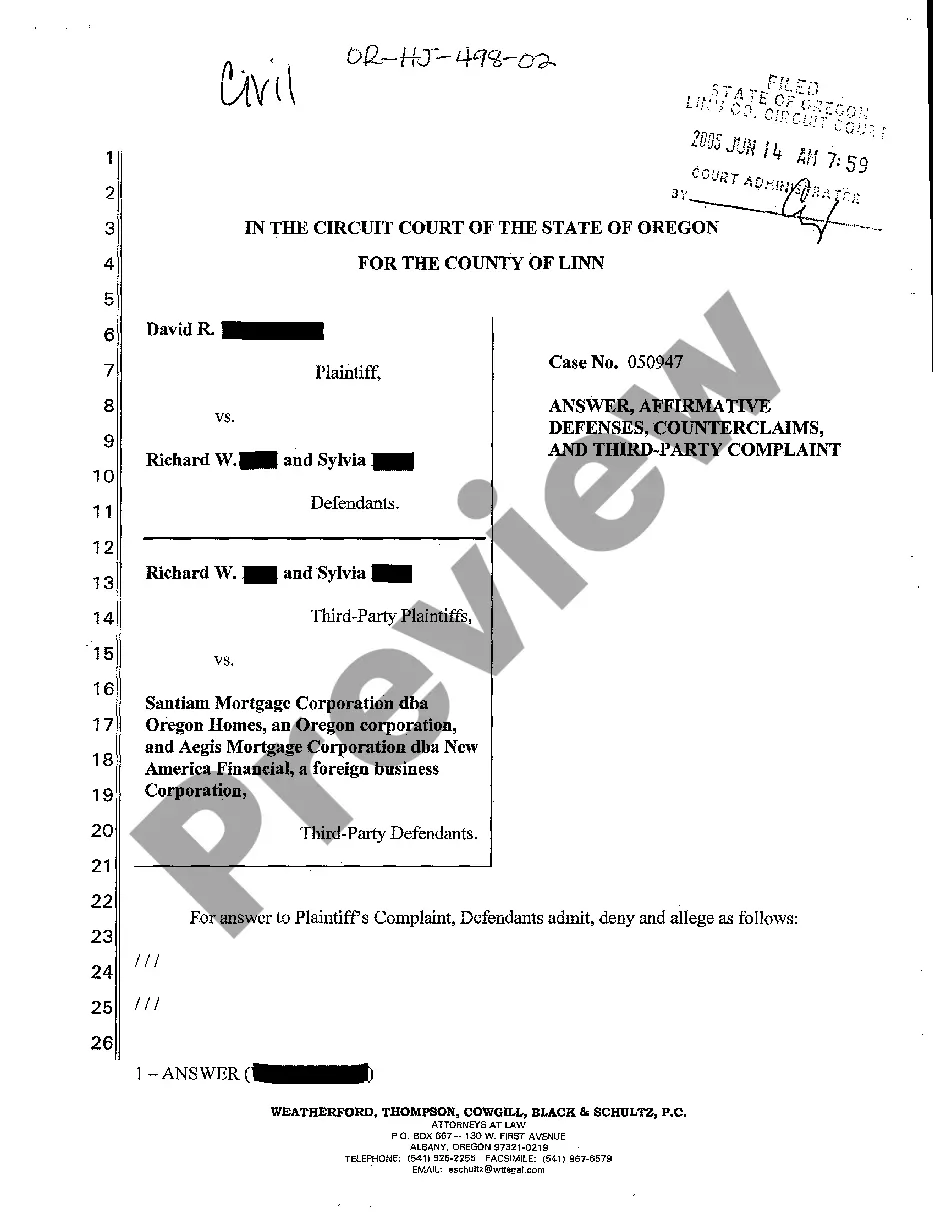
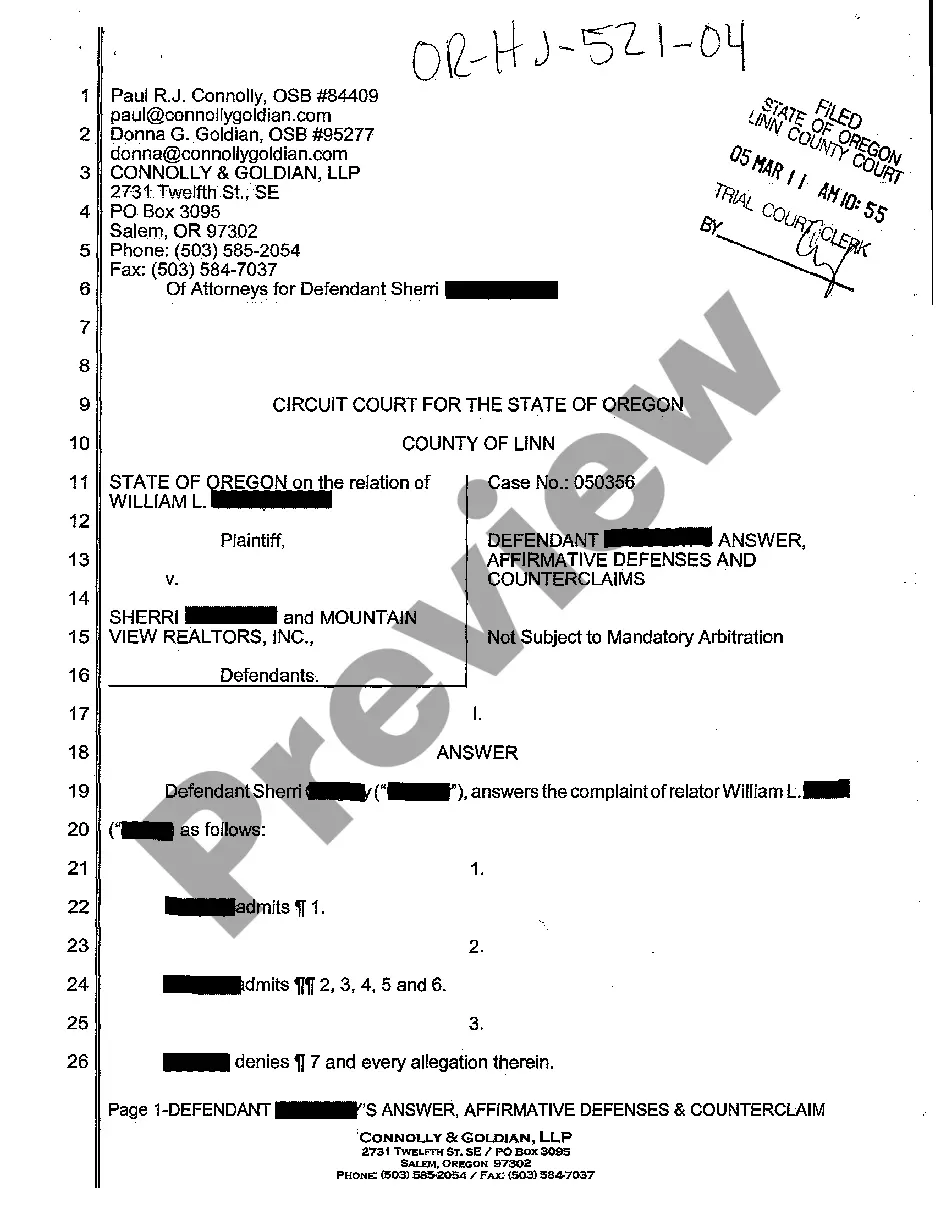

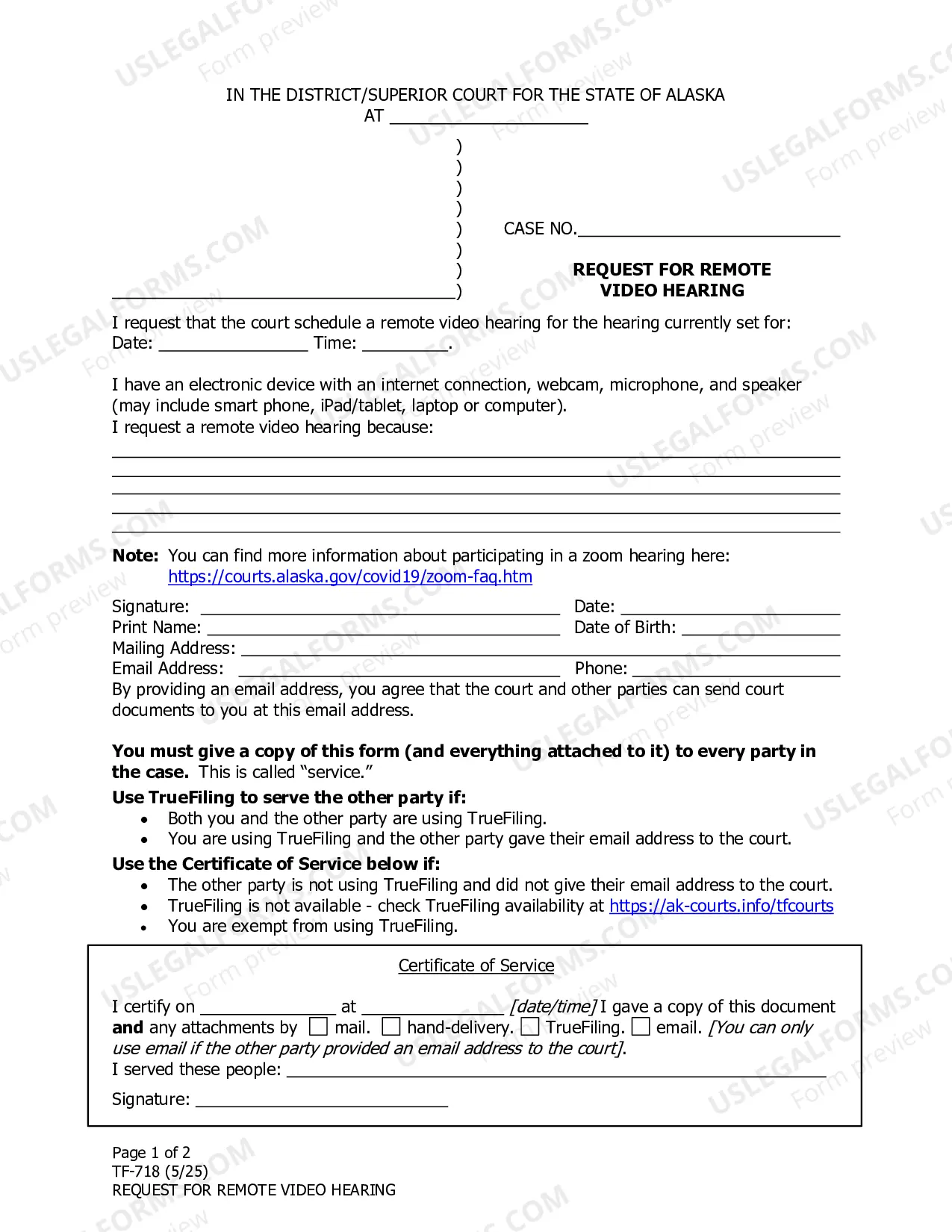
How to fill out Oregon Answer, Affirmative Defenses, And Counterclaims?
Among countless free and paid templates which you get on the internet, you can't be certain about their accuracy and reliability. For example, who made them or if they are qualified enough to take care of what you need these to. Keep relaxed and utilize US Legal Forms! Locate Oregon Answer, Affirmative Defenses, And Counterclaims samples developed by professional legal representatives and prevent the expensive and time-consuming process of looking for an lawyer and then having to pay them to draft a papers for you that you can easily find yourself.
If you already have a subscription, log in to your account and find the Download button next to the file you are looking for. You'll also be able to access all of your previously downloaded templates in the My Forms menu.
If you are making use of our platform for the first time, follow the guidelines listed below to get your Oregon Answer, Affirmative Defenses, And Counterclaims easily:
- Make sure that the file you see applies where you live.
- Look at the template by reading the information for using the Preview function.
- Click Buy Now to start the ordering procedure or find another template utilizing the Search field in the header.
- Choose a pricing plan and create an account.
- Pay for the subscription using your credit/debit/debit/credit card or Paypal.
- Download the form in the wanted format.
As soon as you’ve signed up and paid for your subscription, you can use your Oregon Answer, Affirmative Defenses, And Counterclaims as many times as you need or for as long as it stays valid where you live. Edit it with your favorite editor, fill it out, sign it, and print it. Do far more for less with US Legal Forms!
Form popularity
FAQ
Spelling of Answer is spelled a-n-s-w-e-r. Definition of An answer is a response to a questioneither written or spoken. An answer is also something that is done in response or reaction, and, a solution to a problem.
Create an answer key Fill out your question and answers. In the bottom left of the question, click Answer key. Choose the answer or answers that are correct. In the top right of the question, choose how many points the question is worth.
1. Answer, rejoinder, reply, response, retort all mean words used to meet a question, remark, charge, etc. An answer is a return remark: an answer giving the desired information.
An answer key is a key to the answers (to a test or exercise). It's usually a copy of the test or exercise with the instructor's idea of the best possible answers written in. A key answer is an answer that is key. That is, it's the most important of several possible answers to a question.
If you have one key, then it should be answer key. However, when you have a set of keys, and you are referring to the set, rather than individual keys, you should refer to answer-keys.
Some common synonyms of answer are rejoinder, reply, response, and retort. While all these words mean "something spoken, written, or done in return," answer implies the satisfying of a question, demand, call, or need.
Answer KeysGoogle Forms can only autograde questions that are Multiple choice or Checkbox or Drop-down. After each question, click the Answer Key link below it. This will switch you to answer key mode where you can select the correct answer or answers.
The answer key indicates a correct answer provided by the question, but might not be the only acceptable answer. There are three times when the answer key might be displayed: In tutorial questions, if you skip a step, the answer key is displayed for that step before the due date.