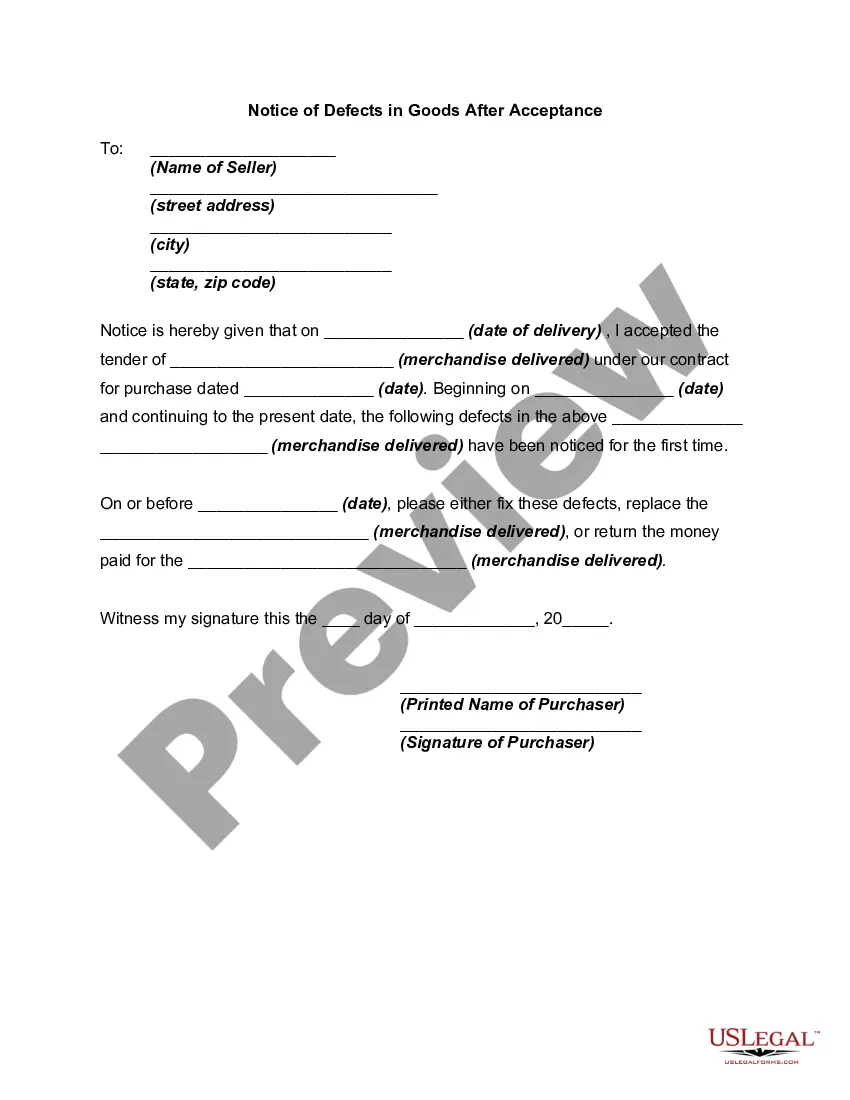
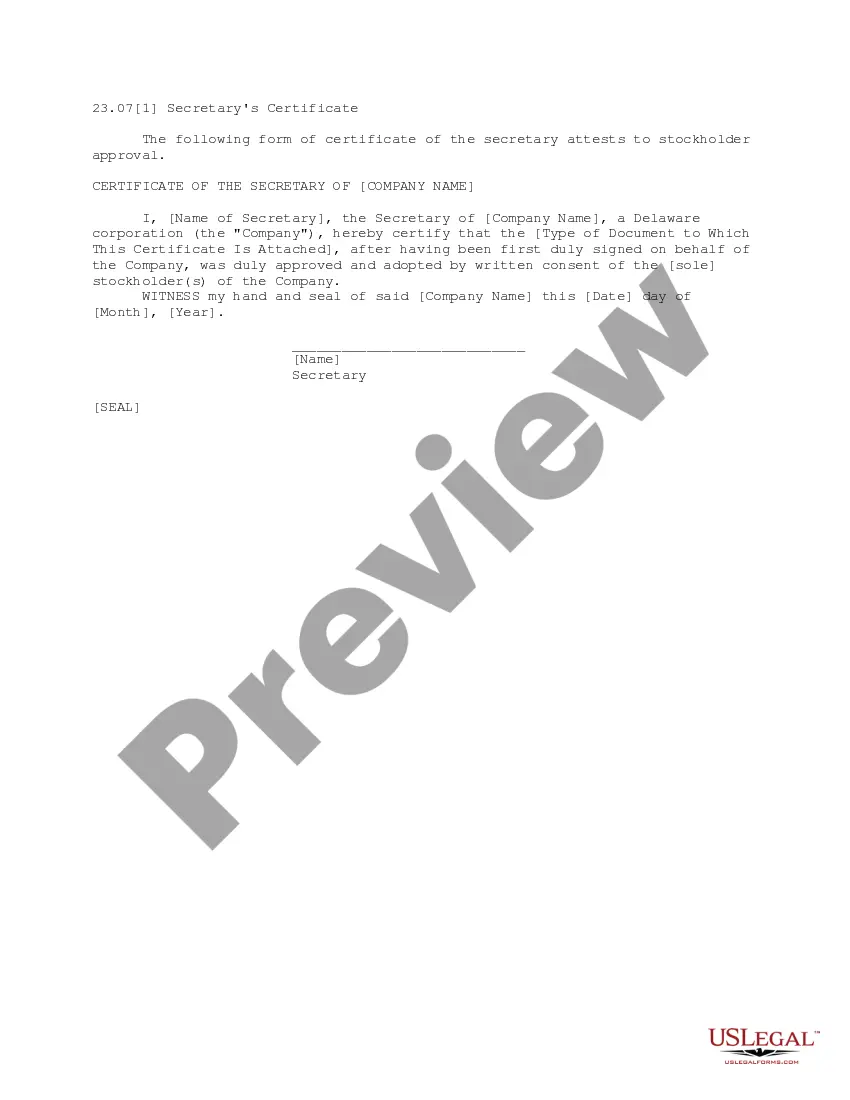
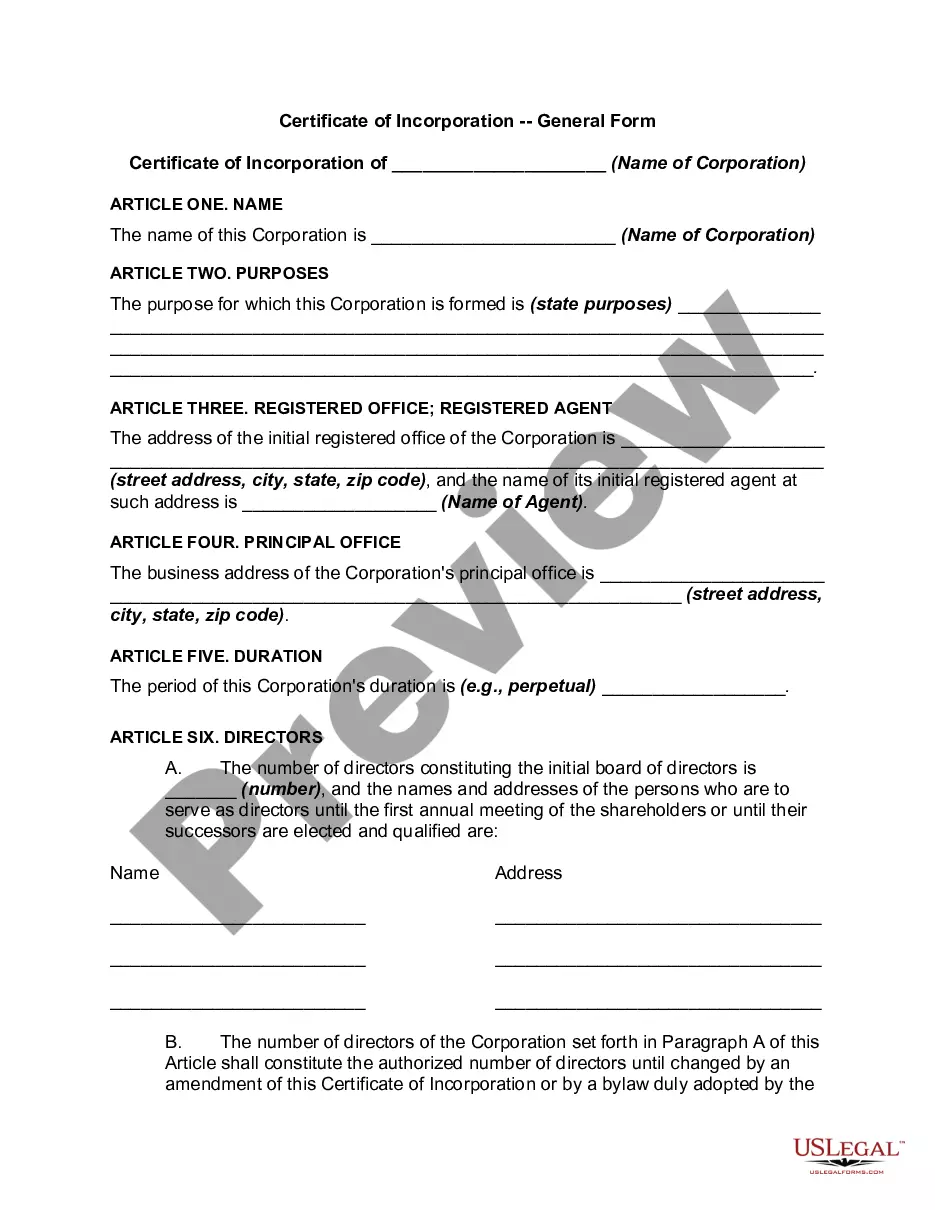
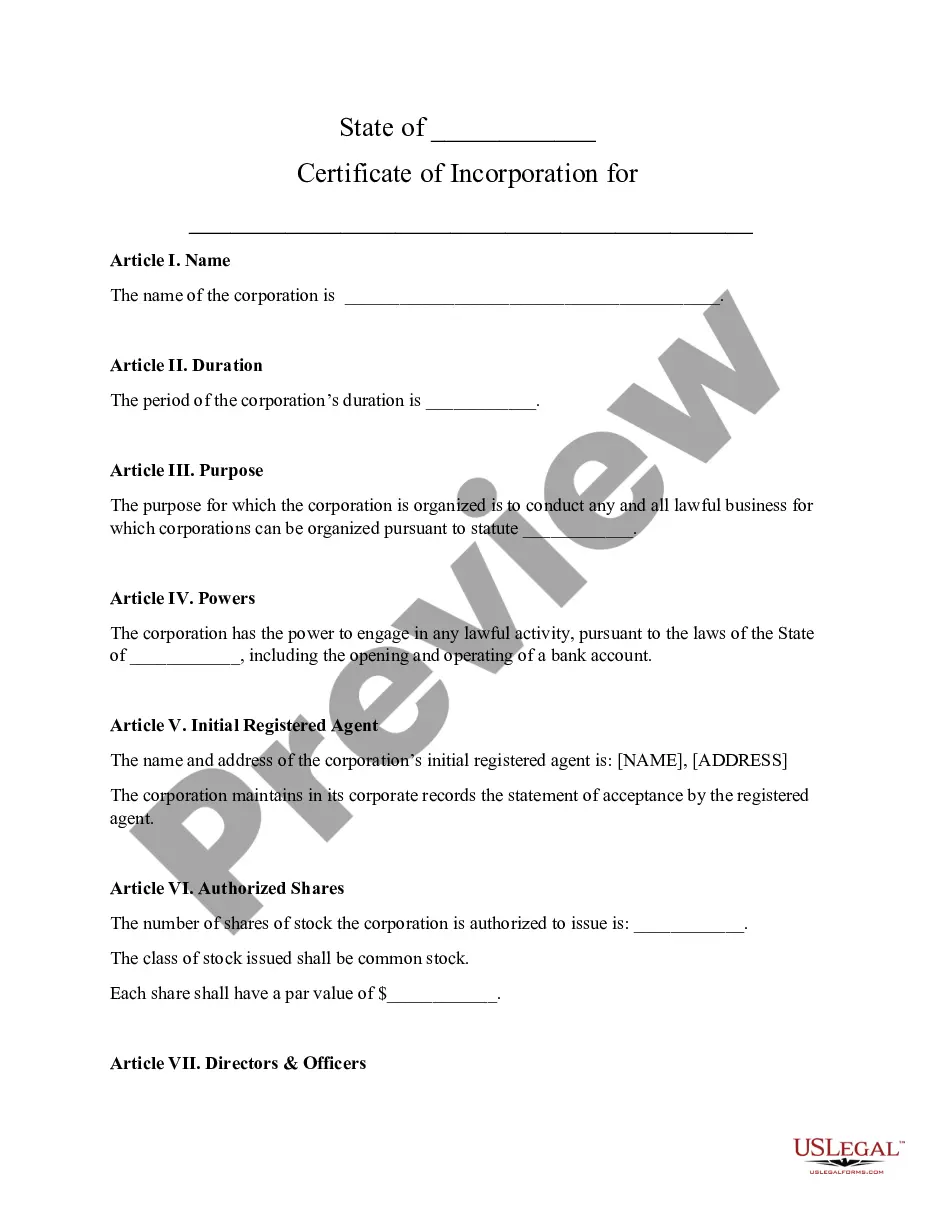
Los Angeles California Secretary's Certificate
Description
Get your form ready online
Our built-in tools help you complete, sign, share, and store your documents in one place.
Make edits, fill in missing information, and update formatting in US Legal Forms—just like you would in MS Word.
Download a copy, print it, send it by email, or mail it via USPS—whatever works best for your next step.
Sign and collect signatures with our SignNow integration. Send to multiple recipients, set reminders, and more. Go Premium to unlock E-Sign.
If this form requires notarization, complete it online through a secure video call—no need to meet a notary in person or wait for an appointment.
We protect your documents and personal data by following strict security and privacy standards.

Make edits, fill in missing information, and update formatting in US Legal Forms—just like you would in MS Word.

Download a copy, print it, send it by email, or mail it via USPS—whatever works best for your next step.

Sign and collect signatures with our SignNow integration. Send to multiple recipients, set reminders, and more. Go Premium to unlock E-Sign.

If this form requires notarization, complete it online through a secure video call—no need to meet a notary in person or wait for an appointment.

We protect your documents and personal data by following strict security and privacy standards.
Looking for another form?
How to fill out Secretary's Certificate?
If you seek to discover a dependable supplier of legal forms for the Los Angeles Secretary's Certificate, consider US Legal Forms. Whether your goal is to establish your LLC enterprise or manage your asset allocation, we have you covered. You don't need to possess expertise in law to identify and download the suitable template.
Simply type in your search for or browse the Los Angeles Secretary's Certificate, using either a keyword or the relevant state/county for the form.
Once you have found the required template, you can Log In to download it or save it in the My documents section.
Not yet registered? It's incredibly straightforward to get started! Just locate the Los Angeles Secretary's Certificate template and review the form's preview and description (if present). If you're comfortable with the terminology used, proceed to select Buy now. Create an account and choose a subscription plan. The template will be ready for download immediately after payment is completed. Now you can execute the form.
Managing your legal matters doesn't need to be expensive or time-consuming. US Legal Forms is here to illustrate this. Our wide selection of legal forms makes these tasks more affordable and less costly. Establish your first company, organize your advance care planning, draft a real estate agreement, or complete the Los Angeles Secretary's Certificate - all from the comfort of your couch. Join US Legal Forms today!
- You can select from over 85,000 forms organized by state/county and case.
- The user-friendly interface, extensive resource materials, and dedicated customer support simplify the process of locating and executing a variety of documents.
- US Legal Forms has been a reliable provider of legal forms to millions of clients since 1997.
Form popularity
FAQ
The California State Archives accepts cash, checks, money orders, and credit cards (VISA and MasterCard). Please make checks payable to the California Secretary of State.
You must submit the Statement of Information whether or not your company has conducted any business. There is a $20 filing fee and a $5 disclosure fee. You may file online. Publicly traded corporations must submit a Corporate Disclosure Statement annually in addition to a Statement of Information.
Penalties for Late Filings Missing the Statement of Information due date results in an automatic penalty. File the California Statement of Information on time or face a late penalty of $250 (Profit entities) or $50 for Non-Profit Corporations.
Phone Number General Information: (916) 653-7715. Reference Desk: (916) 653-2246.
The California Department of Corporations (DOC) was a department within the former California Business, Transportation and Housing Agency in California. The chief officer of the Department was the Commissioner of Corporations.
The completed form along with the applicable fees can be mailed to Secretary of State, Statement of Information Unit, P.O. Box 944230, Sacramento, CA 94244-2300 or delivered in person (drop off) to the Sacramento office, 1500 11th Street, Sacramento, CA 95814.
Phone (800) 952-5210 to reach the Consumer Information Center, where staff members can help find the right government agency to help with a particular problem.
California Secretary of State File Numbers are assigned to all entities in the state of California by the Secretary of State. This can be found in the LLC form that was submitted when applying for a limited liability corporation. The business will either have a seven-digit corporation number or a 12 digit file number.
1500 11th Street, 6th Floor. Sacramento, CA 95814.
The completed form along with the applicable fees can be mailed to Secretary of State, Statement of Information Unit, P.O. Box 944230, Sacramento, CA 94244-2300 or delivered in person (drop off) to the Sacramento office, 1500 11th Street, Sacramento, CA 95814.